Send student updates and manage bookings in an AI-powered portal built with AI that you customize to fit your school's unique workflow.
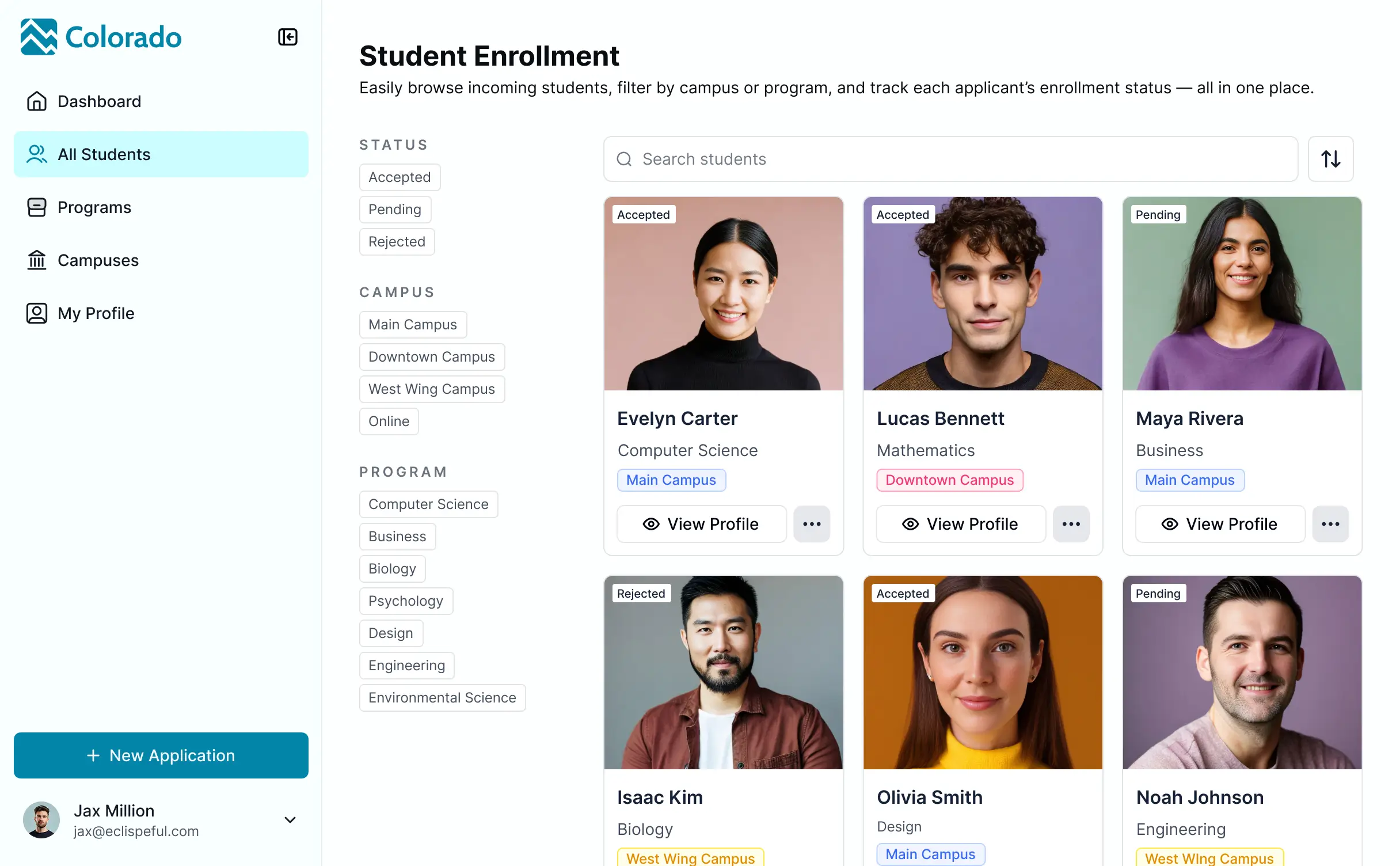
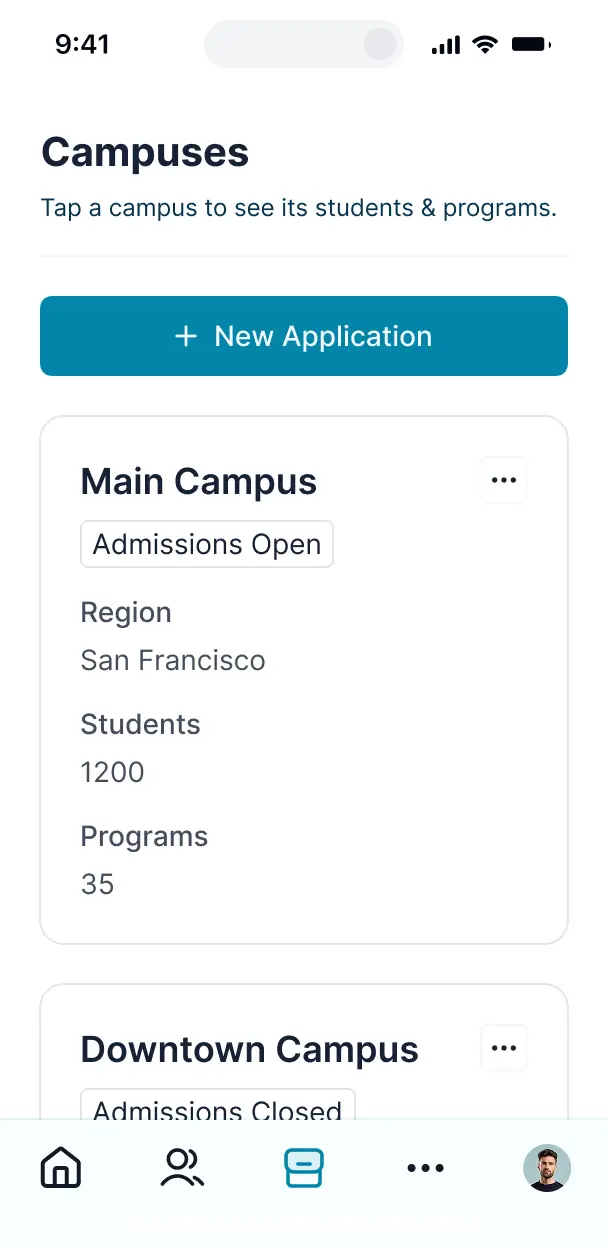

Customize your parent communication hub with the exact views your school needs. Add features like event alerts as your workflows evolve—no code.


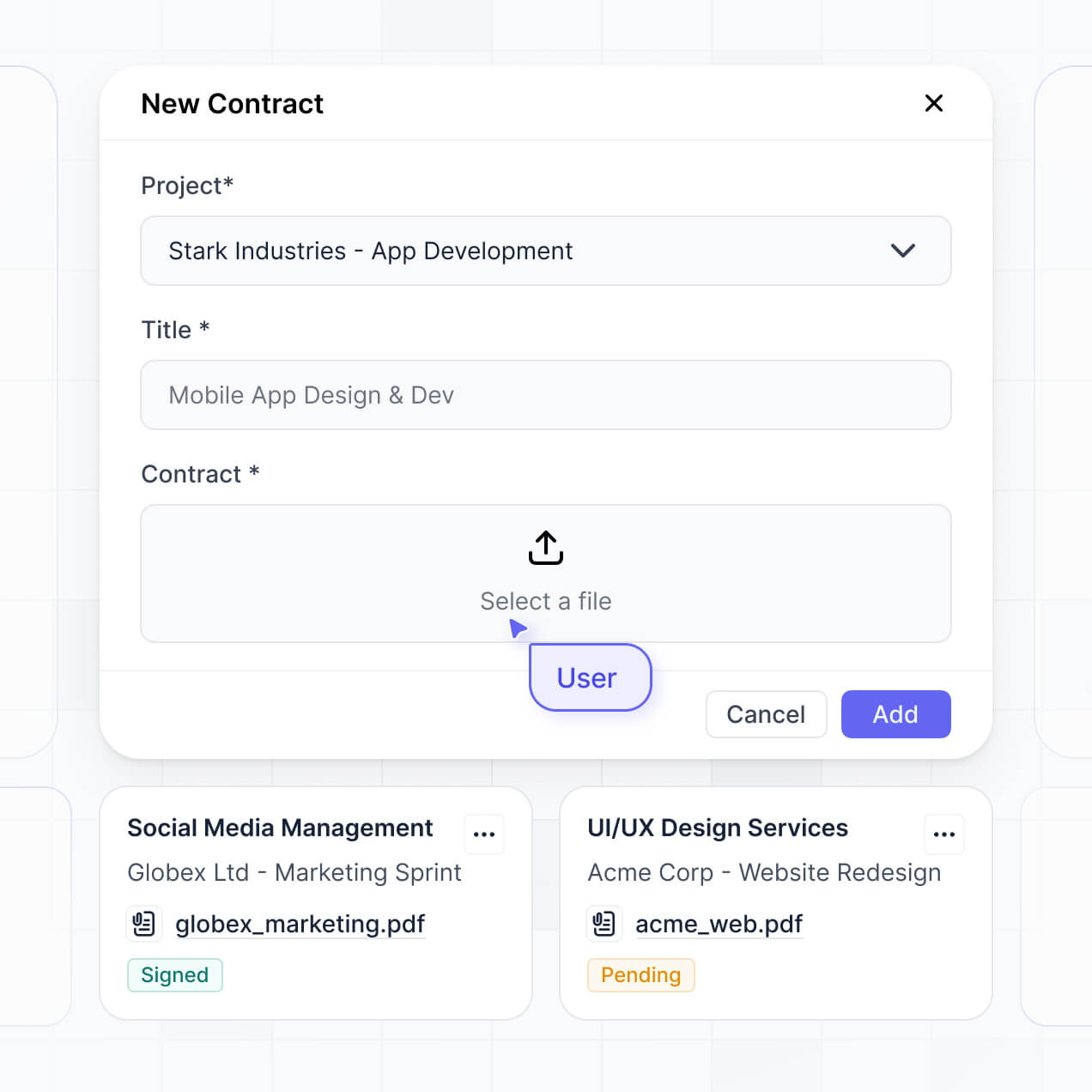
Connect student records, event calendars, and document libraries with real-time sync—or manage everything in Softr Databases. Create a single source of truth for parents.
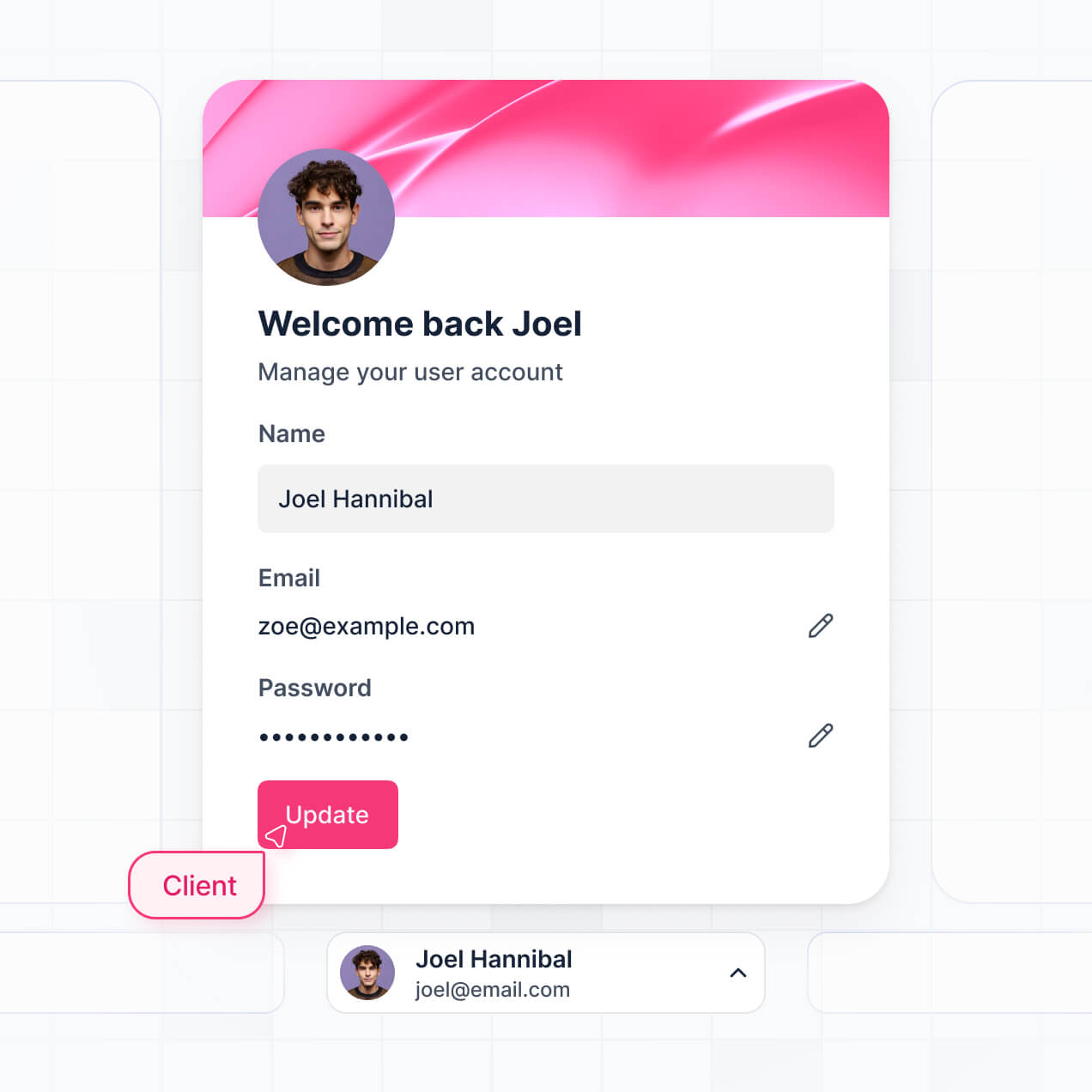
Give each parent the right views and access in a branded school portal. Set up secure logins, parent groups, and permissions in minutes.
Softr apps are mobile-ready by default. Turn the hub into a downloadable app so parents can check school updates from any smartphone.
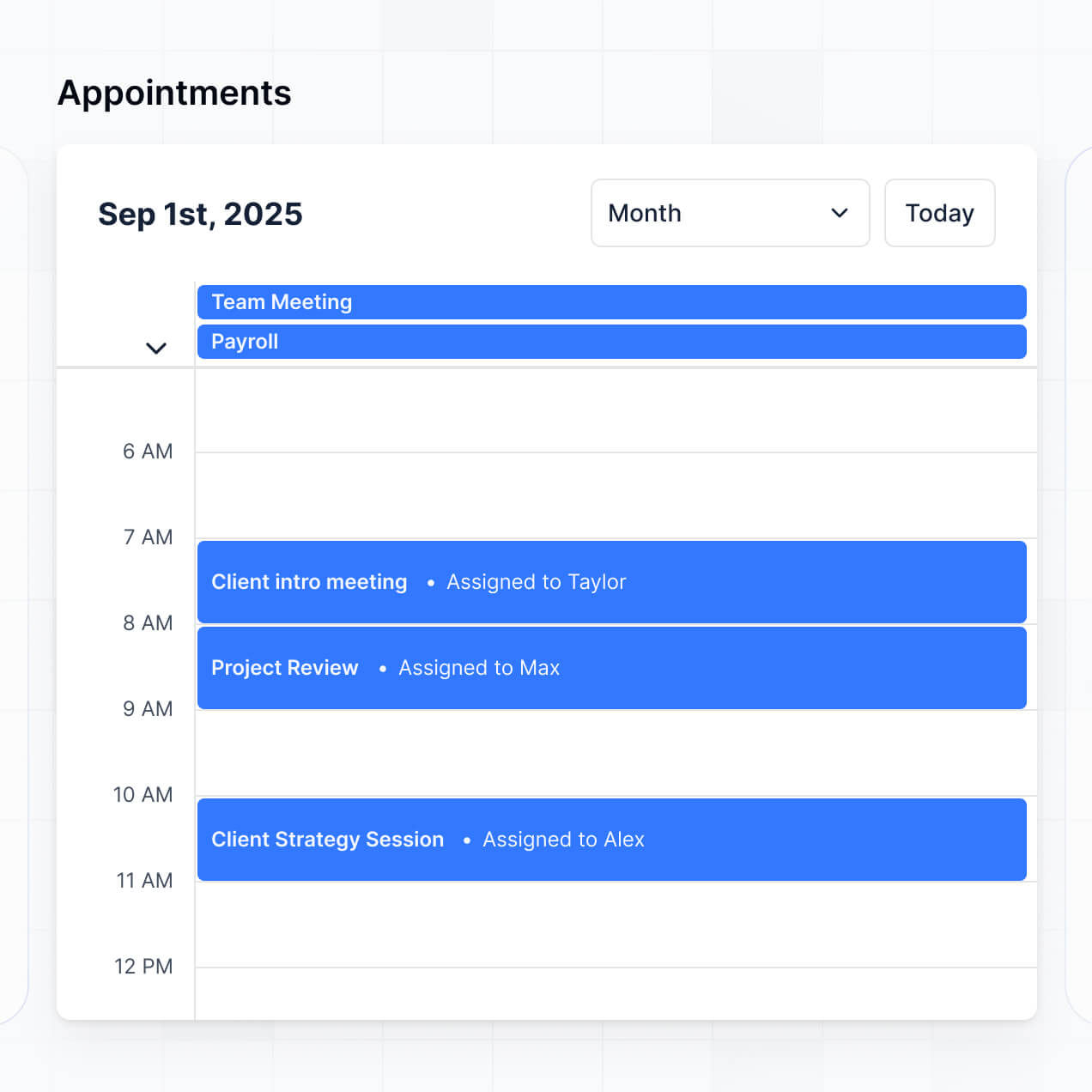
Build native automations to handle school event alerts, attendance notifications, and booking confirmations automatically.
Provide separate logins for parents, teachers, and admins, and create personalized dashboards for each group's specific needs.
Apply rules for different user groups. Customize who can view student reports, edit contact info, or upload feedback at a granular level.
Protect sensitive student and family information from threats. Softr is fully compliant with SOC2 and GDPR regulations.
No more one-size-fits-all tools or costly custom builds. Softr is easy to use and fully customizable, so you can launch faster, adapt as you grow, and skip the complexity of traditional software.

Build your parent communication hub in minutes with AI—no manual setup or complex configuration needed.

Add features like conference booking or performance summaries as your school year evolves—without a rebuild.

Start with a communication hub, then add student portals and staff dashboards—all in one place with Softr.
Co-build with AI
Simply describe what you need. Let Softr handle everything - Interface, database, workflows.
Iterate with AI or visually
Control most critical parts of your app yourself - roles, permissions, security.
Ship the same day
Invite team members or external clients and partners right away. No developer handover.
Use drag-and-drop blocks to build a portal that looks sleek and modern out of the box. Add only the features you need, and iterate as your workflows evolve.




A parent communication hub is a secure digital space where schools, daycares, or extracurricular programs can share critical updates, permissions slips, student progress reports, and event calendars with families. It keeps all school-to-home interactions in one centralized location, eliminating the need for parents to dig through cluttered email inboxes or lose paper flyers. This creates a more organized environment for teachers and a seamless, professional experience for parents.
Softr is the first AI-native platform for building business software, making it uniquely suited to create a parent communication hub that matches your school's specific needs. You can describe your requirements—like grade-level messaging or student-specific document uploads—to the AI Co-Builder to instantly generate your database, secure login pages, and dashboard logic.
You don't need to code anything. You can start by generating with AI, using a school portal template, or building from scratch. Everything runs on Softr Databases, the native relational database, or you can connect external tools like Google Sheets or Airtable. You have full control to brand the hub with your school's colors, manage who sees which student records, and update content in real-time. It’s built to be simple for staff and accessible for parents on any device.
You can include a wide range of features in your hub, depending on how your educational institution interacts with families. A great parent communication hub often combines classic administrative tools with AI-powered intelligence:
- AI-Powered Intelligence – Use Ask AI to let parents query school policies or lunch menus conversationally, or set up Database AI Agents to automatically summarize weekly classroom progress notes.
- Vibe Coding Blocks – Build custom UI elements—like a stylized interactive student behavior chart—using the AI Code block to "vibe code" exactly the visualization you need.
- Softr Workflows – Build native automations, such as an automatic email trigger to a parent whenever a teacher clicks a button to mark a permission slip as 'Missing'.
- Private Parent Portals – Securely manage access so each parent only sees the grades, attendance records, and photos for their specific children.
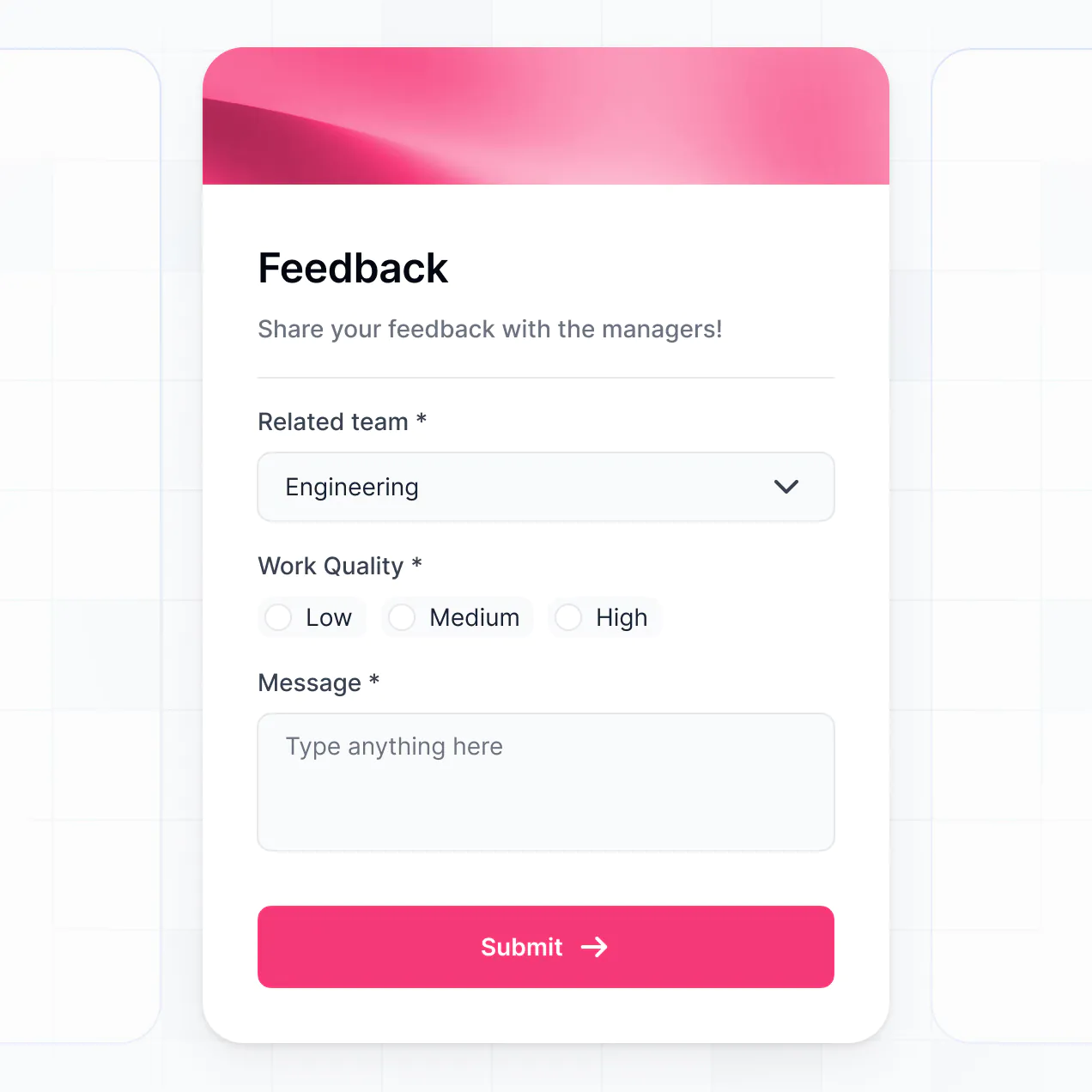
- Digital Forms – Capture emergency contact updates, field trip sign-ups, and health screenings with ease.
- Events & Schedules – Visualize school holidays, PTA meetings, and sports schedules with real-time calendars and map views.
- Group Filtering – Display and manage data using searchable lists that allow parents to filter by their child's grade level or extracurricular group.
Everything is built using Softr's drag-and-drop blocks, plus the Vibe Coding block for any tailored components your specific program requires.
Vibe coding is about moving fast and using AI to build the perfect tool for your school. You can "vibe code" a parent communication hub in Softr by simply describing your requirements—like 'I need a dashboard where parents can view their child's daily report and download tax receipts'—to the AI Co-Builder. Softr then generates a production-ready app on a stable foundation.
Unlike other tools that generate raw code that crashes easily, Softr handles the core logic like parent authentication, secure file storage, and privacy permissions natively. This means you get the agility of vibe coding without the technical burden of managing raw scripts. You describe your school's workflow, Softr builds it, and it’s ready for families to use immediately.
Yes. You can manage multiple classrooms, grade levels, or even entire school districts within a single hub. Each parent only sees the specific information, teacher messages, and student records assigned to their household based on their login. This is ideal for school administrators who need a unified system that still provides a personalized, private experience for every family.
Yes, you can. You don't need an existing database to start building with Softr. If you are starting fresh, you can use Softr Databases, which is built into the platform and allows you to structure student profiles, teacher rosters, and attendance logs effortlessly within the app builder.
However, if you already have parent contact information in tools like Google Sheets, Airtable, or a specialist CRM, you can connect those sources instantly. You can even use the REST API to pull in data from existing student information systems (SIS). You have full control over how rosters are structured and what information is shared with parents.
Softr Databases is the recommended native data source for your hub. It offers high performance and instant triggers for school-wide notifications, providing a fast experience because student and parent records are native to the platform.
If your school stores data elsewhere, Softr connects to 17+ external sources. You can link your hub to Airtable, Google Sheets, HubSpot, or even SQL databases. You can even combine sources—for example, pulling attendance from a Google Sheet while keeping parent-teacher chat logs in Softr Databases. Most sources support real-time sync, ensuring parents see the latest updates instantly.
Yes, Softr gives you complete control over how families interact with the hub. You can customize the layout and navigation to ensure the most important links—like the school calendar—are front and center. Every page or block can be visibility-restricted, ensuring a parent only sees their own child's report cards and not the data of other students.
You can set up varying roles, such as Parent, Teacher, and Administrator, defining exactly what each person can edit. For example, teachers can upload daily photos, while parents have read-only access to those photos but can edit their own contact information. This ensures school data remains secure and organized for everyone involved.
Yes, you can fully white-label your parent communication hub. You can use your school’s official logo, brand colors, and custom domain (e.g., portal.yourschool.com) to make the hub feel like an official part of your educational environment. You can also remove any Softr branding, providing a consistent and professional experience that builds trust with parents.
Yes, you can. Softr provides extensive flexibility to control the design of your hub to make it user-friendly for all ages. You can adjust the colors, fonts, and spacing to match your school’s visual identity and choose how different modules are arranged on the parent dashboard.
You can pull in various blocks to display your information:
- Table blocks – to show structured data like grading scales or school fee history.
- List or Card blocks – to show teacher profiles or upcoming extracurricular activities.
- Detail View – to show a comprehensive view of a single student's profile.
- Forms – for parents to submit absence notifications or volunteer sign-ups.
- Charts – to visualize student performance or attendance trends over time.
- Calendar blocks – to clearly display exam dates, holidays, and school performances.
Updates are simple—if you need to change a layout for the new school year, you can do it instantly in the visual builder.
Softr is built with enterprise-grade security to ensure student privacy. All data is encrypted in transit (TLS) and at rest, and your hub is hosted on reliable infrastructure. You have granular control over data visibility; you can set role-based permissions that strictly separate family data so no parent can ever access another student's records.
For hubs using Softr Databases, data is stored in a secure environment in Germany with SOC 2 Type II compliance. For schools connecting external sources like Google Sheets or SQL, Softr serves as a secure interface and does not store the data itself, merely displaying it based on your strict access rules. Softr also employs standard industry best practices for authentication to keep school records safe.
The hub generated by Softr is fully production-ready. Unlike experimental AI tools that generate unmanaged code, Softr builds your communication hub on top of its robust, business-grade foundation.
We manage the critical technical aspects natively—such as parent login security, hosting, and tiered permissions—so you don't have to worry about the app breaking. This solves the reliability issues common with AI-generated apps; you get the benefit of instant creation without the ongoing technical debt. Your hub is scalable and secure enough for a school or daycare to use on day one.
Softr is the first AI-native platform for building professional software. Unlike basic site builders or complex no-code tools that require weeks of training, Softr’s AI Co-Builder generates school portals in minutes on top of a secure foundation.
The difference lies in the hybrid balance: you use AI to rapidly generate the logic for student records and teacher messaging, then use the visual drag-and-drop editor for precise design tweaks. You get the speed of AI without sacrificing the reliability and security (logins, roles, and permissions) that educational institutions require for sensitive information.
Yes. Softr supports native workflows and deep integrations, allowing your hub to function as the brain of your school's operations. You can automate tasks like sending a confirmation email when a parent submits a form, or integrate with Stripe to collect tuition payments directly through the hub.
You can also sync with Intercom for live parent support or use webhooks to connect with your existing school management software. Whether it's triggering an SMS alert for school closures or syncing classroom files from Google Drive, you can build these automated experiences without writing any code.
Describe what you need. Softr's AI builds your parent communication hub in minutes—no dev needed.