Fill vacancies, track staff credentials, and view analytics in an AI-powered system built with AI to fit your school's unique workflow.
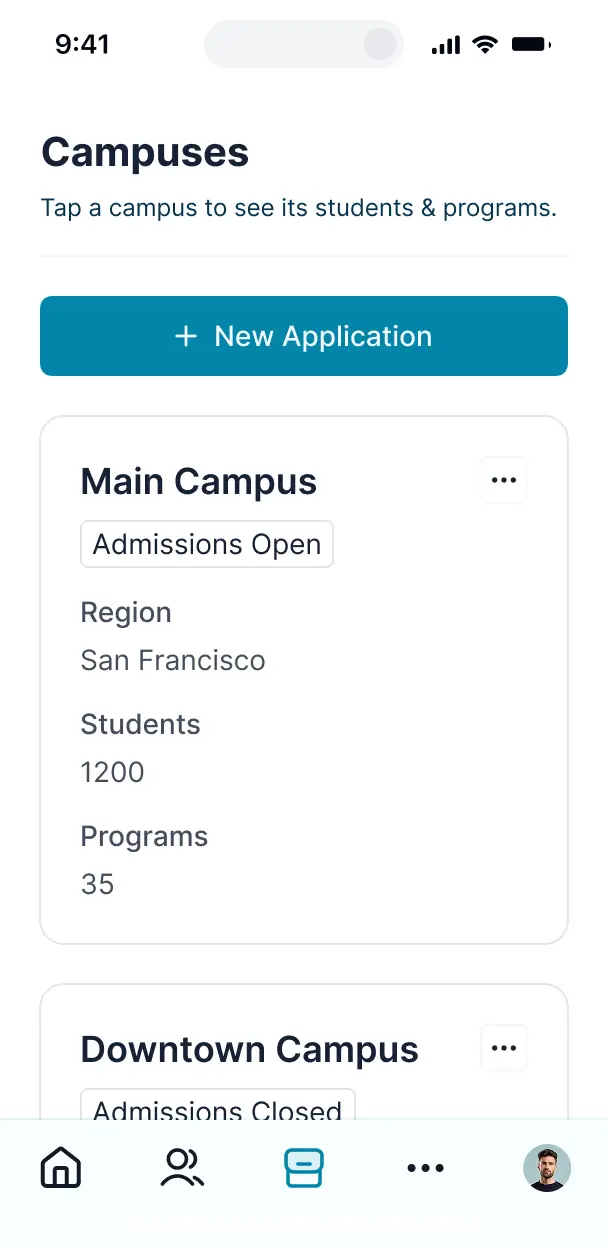

Customize your substitute management system with the exact steps and views your team needs. Add features as processes evolve—no code needed.


Connect staff spreadsheets, credential databases, and schedules with real-time sync—or manage everything in Softr Databases. Create a single source of truth for your school.
Give each administrator the right tools and access. Set up secure logins, user groups, and granular permissions—no IT support or dev work needed.
Give teachers and substitute staff tailored access and dashboards, so each role sees just the schedules and job assignments they need.
Streamline operations with Softr Workflows. Trigger native notifications for job assignments or status updates whenever a vacancy is filled.
Substitutes can claim assignments on the go. All apps are mobile-ready out of the box, ensuring coverage is just a click away for your staff.
Use Google, email, or SSO logins to give your faculty and substitutes fast, secure access to their schedules—no IT tickets needed.
Keep staff data safe with SOC2 and GDPR compliance, plus fine-tuned access control at every level to protect sensitive personnel information.
No more one-size-fits-all tools or costly custom builds. Softr is easy to use and fully customizable, so you can launch faster, adapt as you grow, and skip the complexity of traditional software.

Build your substitute management system in minutes with AI—no manual setup or complex configuration needed.

Add features like credential tracking, vacancy alerts, or reporting as your school’s workflows evolve—no rebuild.

Start with scheduling, then add payroll tools, forms, or training portals—all in one place with no extra tools.
Co-build with AI
Simply describe what you need. Let Softr handle everything - Interface, database, workflows.
Iterate with AI or visually
Control most critical parts of your app yourself - roles, permissions, security.
Ship the same day
Invite team members or external clients and partners right away. No developer handover.
Use drag-and-drop blocks to build a portal that looks sleek and modern out of the box. Add only the features you need, and iterate as your workflows evolve.




A substitute management system is a secure digital environment where educational institutions can coordinate classroom coverage by connecting with eligible substitutes. It centralizes staff absences, lesson plans, and substitute availability in one place, eliminating the need for frantic early-morning phone calls or messy email threads. This ensures schools stay organized and provides a seamless transition for both teachers and students when a staff member is out.
Softr is the first AI-native platform for building business software, making it uniquely equipped to handle the logistical complexities of faculty scheduling. You can describe your specific school staffing needs to the AI Co-Builder to instantly generate your database of substitutes, booking pages, and approval logic—all fully connected and secure.
You don't need to write a single line of code. You can start by generating with AI, using a specialized resource management template, or building from scratch. Everything runs on Softr Databases, or you can sync with existing faculty directories in Airtable, Google Sheets, or HubSpot. You have total control to customize the booking layout, define who can claim shifts, and brand the system with your school's logo. It’s fast to deploy, easy for substitutes to use on mobile, and flexible enough to scale across multiple school districts.
You can include a wide range of features in your substitute management system to streamline the way you manage school coverage. A professional system typically combines these core functional blocks with AI assistance:
- AI-Powered Intelligence – Use Ask AI to allow administrators to query sub availability via natural language, or set up Database AI Agents to automatically verify substitute credentials and background check statuses.
- Vibe Coding Blocks – Create custom UI elements, such as a localized map view of different school campuses, using the AI Code block to "vibe code" exactly what your admins need.
- Softr Workflows – Build native automations (like an automatic SMS notification to available subs) that trigger as soon as a teacher logs an absence.
- User Portals & Logins – Securely manage access so substitutes only see jobs they are qualified for, while principals can see all pending absences in their building.
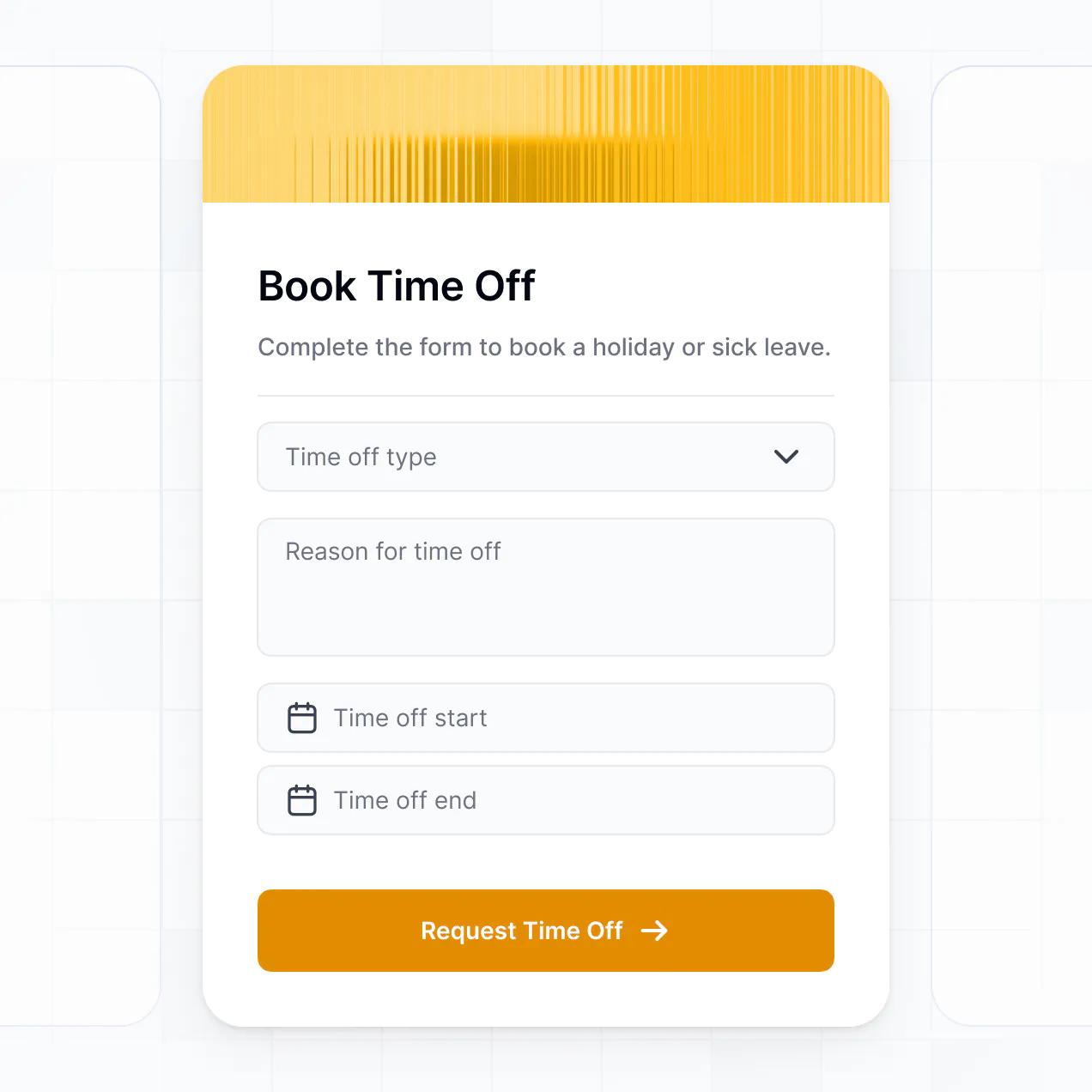
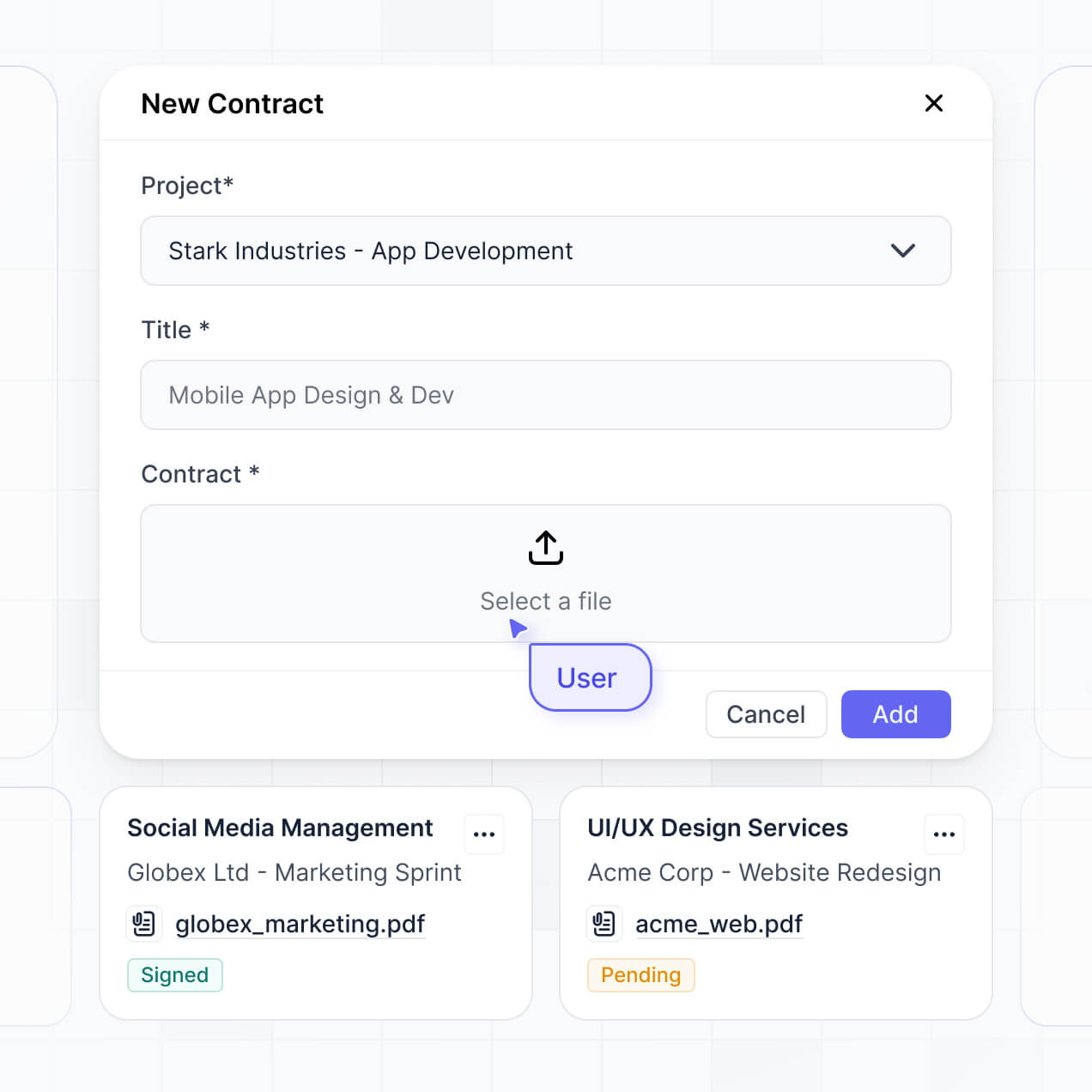
- Forms & Data Collection – Capture absence reasons and lesson plan uploads through custom forms with file attachment capabilities.
- Dashboards & Charts – Visualize fill rates, average time-to-fill, and absence trends with real-time data summaries.
- Lists & Advanced Filtering – Manage your sub pool with searchable tables and calendar views that filter by subject expertise or grade level certification.
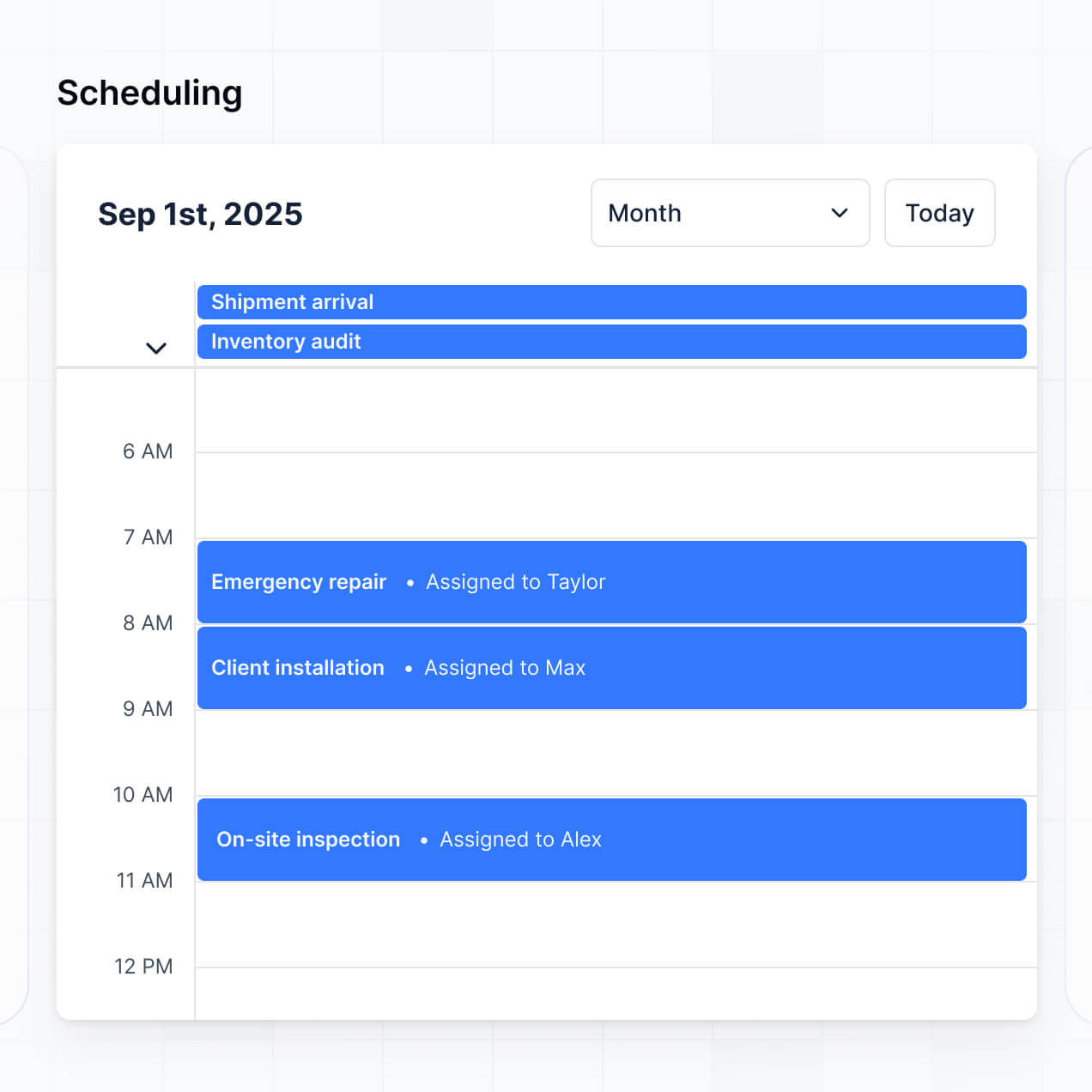
Everything is built using Softr’s drag-and-drop blocks. If you need a unique calendar view for peak absence periods, use the Vibe Coding block to generate it with AI.
Vibe coding allows you to move quickly and use AI to create a specialized substitute management system without technical friction. You simply describe your school's workflow—like 'I need a system where teachers report absences and qualified substitutes get an instant notification'—to the AI Co-Builder. Softr then generates a production-ready application on a secure foundation.
Unlike other tools that generate raw code you have to host and fix, Softr handles the complexities of secure logins for teachers, relational data for school schedules, and permission logic natively. This gives you the speed of rapid AI generation without the risk of managing a fragile custom codebase. You describe the staffing workflow, Softr builds the system, and your faculty is ready to use it immediately.
Yes. You can manage multiple school buildings or academic departments within a single management system. Each coordinator or principal only sees the absences and substitute lists relevant to their specific location, based on their individual login and role. This is ideal for school districts or large private institutions that need to centralize their resource management while maintaining site-specific privacy.
Yes, you can. You don't need an existing staff database to start building with Softr. If you are starting from zero, you can use Softr Databases, which is built directly into the platform, to store your substitute contact info, certifications, and shift history.
However, if you already have staff rosters in tools like Airtable, Google Sheets, or Monday.com, you can connect those seamlessly. You can even use the REST API to pull data from your current HR system. Regardless of your choice, you have full control over how your substitute data is organized and displayed to your team.
Softr Databases is the recommended native data source for substitute management systems. It provides the highest performance for real-time shift claiming and instant notification triggers, ensuring your data is lightning-fast and natively integrated.
If your school district stores data elsewhere, Softr also connects to 17+ external sources including Airtable, Google Sheets, HubSpot, SmartSuite, and SQL databases. You can even combine sources—for instance, keeping teacher profiles in Google Sheets while managing substitute hourly logs in Softr Databases. Most connections support real-time, two-way sync so your vacancy list is always accurate.
Yes, Softr gives you complete control over the user experience. You can design the interface to be mobile-friendly/mobile-first so substitutes can claim jobs on the go. Every page or block can be visibility-controlled; for instance, a 'Math' substitute will only see vacancies for math classes, and an 'Admin' will see a broader oversight dashboard.
You can set up distinct roles—such as Teacher, Substitute, and School Secretary—and define exactly what each can do. Teachers can only edit their own absences, while secretaries can manage the entire building's roster. This ensures your school's operational data remains clean and secure.
Yes, you can fully white-label your substitute management system. You can use your school district's logo, official colors, specific fonts, and a custom domain (e.g., jobs.your-school.edu) to make the tool feel like an official internal resource. You can also remove all Softr branding, providing a professional and consistent experience for your educators and staff.
Yes, Softr provides the flexibility to control the visual layout of your resource management portal. You can adjust the interface to match your institution's branding and optimize the layout for quick navigation.
To manage your staffing effectively, you can choose from various data blocks:
- Table blocks – for high-density views of upcoming vacancies and teacher requests.
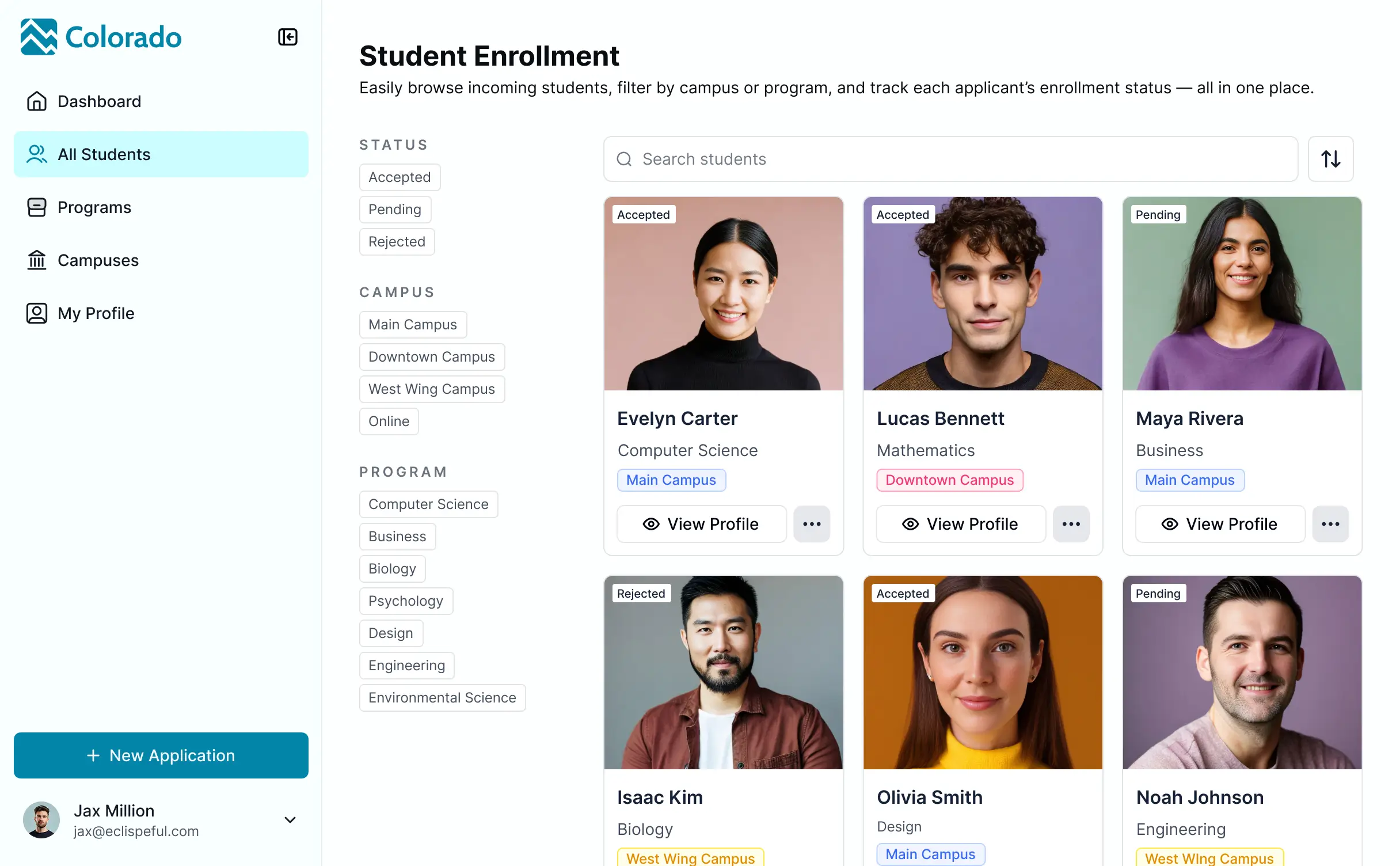
- List or Card blocks – to show detailed substitute profiles including their ratings and background check status.
- Detail View – to display specific lesson plans and classroom instructions for a substitute.
- Forms – for teachers to submit time-off requests or for subs to submit end-of-day reports.
- Charts – to track fill-rate percentages and budget spending.
- Calendar blocks – to visualize the monthly school schedule and holiday breaks.
If your school’s processes change, you can update the layout instantly via the visual builder.
Softr is built with enterprise-grade security to protect sensitive personnel information. All teacher and substitute data is encrypted in transit and at rest. You have granular control over data access through role-based permissions, ensuring that sensitive documents like background checks or performance reviews are only visible to authorized HR staff.
For apps using Softr Databases, data is hosted in a secure environment in Europe (Germany) with SOC 2 Type II compliance. If you connect to external sources like Airtable or SQL, Softr doesn't store your data locally; it simply acts as a secure interface. We follow industry best practices for platform monitoring to ensure your school district's information remains safe and private.
It is fully production-ready. Unlike experimental AI tools that produce fragile code requiring constant maintenance, Softr builds your substitute management system on a stable, scalable architecture designed for business use.
We handle the critical infrastructure like user authentication and row-level security natively. This means you skip the 'Day Two' problem of AI: you get a functioning system for managing your staff immediately without the burden of hiring a developer to maintain raw code. Your system is secure, professional, and ready to handle live classroom coverage requests from day one.
Softr is the first AI-native platform designed specifically for business software. While 'vibe coding' tools often generate unmanaged code and traditional no-code tools require weeks of manual setup, Softr’s AI Co-Builder generates a functional substitute management system in minutes on top of a secure foundation.
This hybrid approach allows you to use AI for the heavy lifting—like building the database schema and vacancy logic—while using visual controls for the final design. You get the speed of modern AI with the reliability of established infrastructure like secure logins and permission sets. It is built for school administrators who need a custom solution without needing a technical degree.
Yes. Softr supports robust native workflows and integrations to connect your substitute management system with your existing school tech stack. You can automate tasks like sending a Slack or Discord message to a pool of subs when a new shift opens, or integrate with Stripe if you need to manage tiered payment or payroll exports.
Softr also supports webhooks and REST API, allowing you to sync with payroll software or student information systems. Whether you need to trigger a calendar invite for a sub or update an attendance record in another system, you can build these automated bridges without writing code.
Describe what you need. Softr's AI builds it in minutes. Get started free. No setup time, no dev needed.