Create interactive courses, automate assessments, and track progress in an AI-powered system built with AI to fit your school's workflow.

Customize your training module builder setup with the exact steps and views your team needs. Add features as processes evolve—no code needed.


Connect learner records, course assets, and scores from multiple tools—or manage everything directly in Softr Databases. Create one integrated system for updates.
Give each learner the right views and access in a fully branded portal. Set up secure logins, user groups, and permissions in minutes.
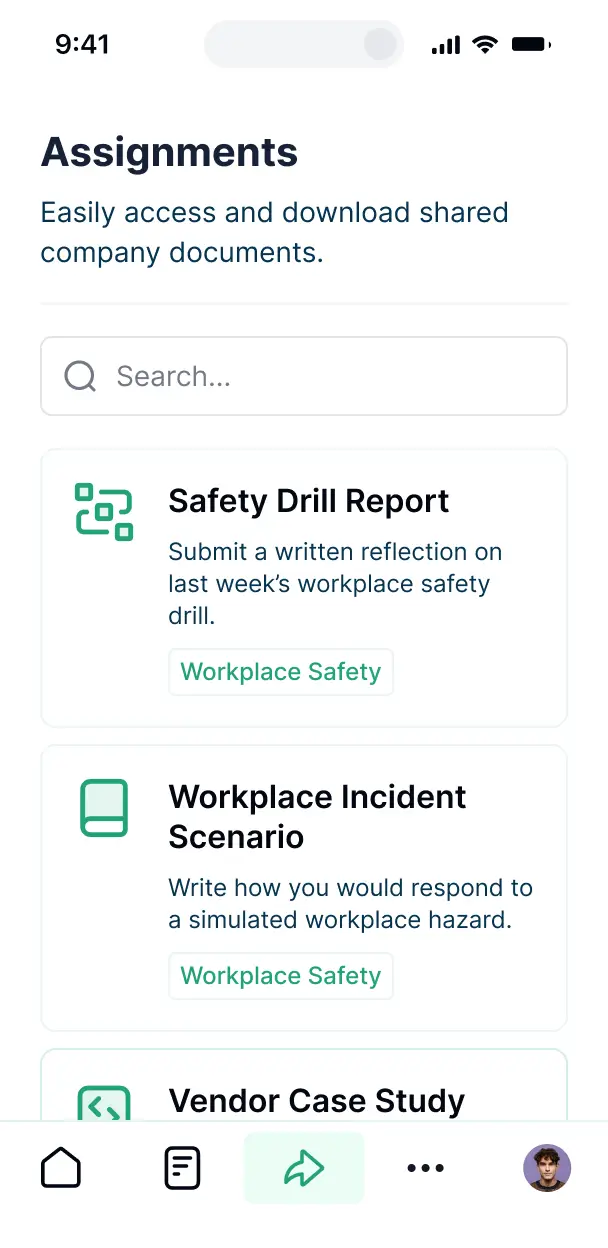
Softr apps are mobile-ready by default. Turn your training platform into a downloadable PWA so employees or students can learn on the go.
Build native workfows to handle module completion alerts, welcome emails, and data sync automatically whenever a course is finished.
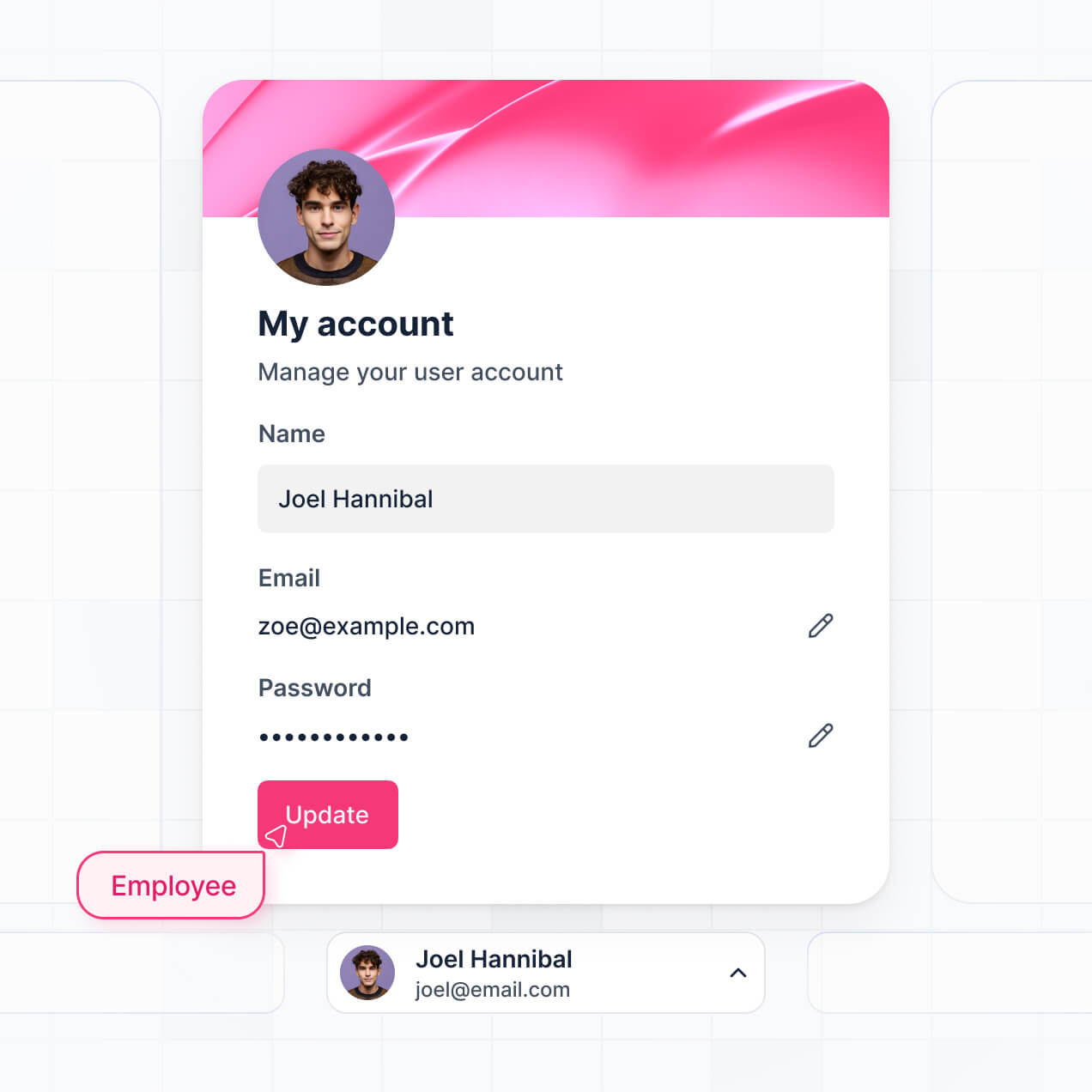
Provide separate logins for instructors and learners, creating personalized dashboards for every role within your training organization.
Apply rules for different student levels. Customize who can view courses, edit content, or export results at a granular level.
Protect student and performance data from security threats. Softr is fully compliant with SOC2 and GDPR regulations for safe learning.
No more one-size-fits-all tools or costly custom builds. Softr is easy to use and fully customizable, so you can launch faster, adapt as you grow, and skip the complexity of traditional software.

Build your training module builder in minutes with AI—no manual setup or complex configuration needed.

Add features like quiz automation, progress tracking, or certifications as your training needs grow.

Start with a module builder, then add student portals and reporting dashboards—all in one place.
Co-build with AI
Simply describe what you need. Let Softr handle everything - Interface, database, workflows.
Iterate with AI or visually
Control most critical parts of your app yourself - roles, permissions, security.
Ship the same day
Invite team members or external clients and partners right away. No developer handover.
Use drag-and-drop blocks to build a portal that looks sleek and modern out of the box. Add only the features you need, and iterate as your workflows evolve.




A training module builder is a secure digital environment where instructors and HR managers can create, organize, and deliver educational content like lessons, quizzes, and videos. It centralizes all learning materials and trackable progress in one place, eliminating the need for scattered document sharing or endless email threads. This ensures a streamlined onboarding or upskilling experience for your employees or students.
Softr is the first AI-native platform for building professional LMS software. It allows you to build a training module builder that matches your specific curriculum and teaching style. By describing your educational goals to the AI Co-Builder, you can instantly generate your course structures, lesson pages, and student tracking logic—all fully secure and connected.
You don't need any technical skills. You can generate your LMS with AI, pick a specialized template, or build from scratch. Your app runs on Softr Databases for native speed, or you can link tools like Airtable or Google Sheets where your course content already lives. You have total creative control to brand the learning experience and define exact permissions for students and instructors, making it easy to scale your educational programs.
You can incorporate a variety of advanced features to enhance the learning experience. A high-performing training module builder typically combines standard educational layouts with AI-driven functionality:
- AI-Powered Intelligence – Use Ask AI to let students query course material via chat, or deploy AI Agents to automatically grade open-ended assignments or summarize long training videos.
- Vibe Coding Blocks – Use the AI Code block to build custom elements like an interactive quiz timer or a progress visualization bar that fits your branding perfectly.
- Softr Workflows – Set up native automations, such as triggering a certificate email or notifying a manager whenever an employee completes a specific certification module.
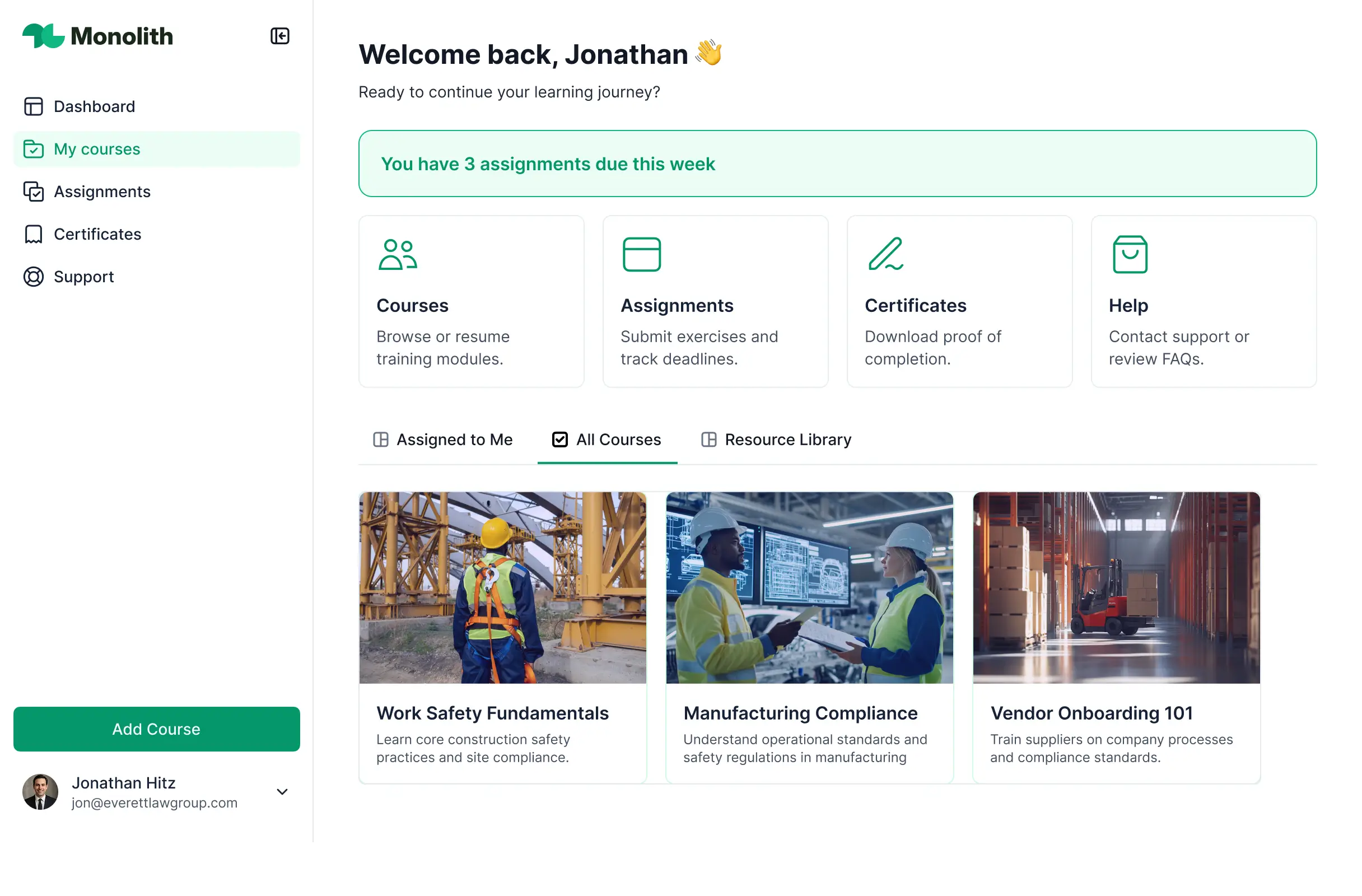
- Student Portals & Logins – Ensure privacy by letting learners log in to see only their assigned modules, grades, and personalized learning paths.
- Forms & Quizzes – Create assessments and feedback forms with file uploads for homework and conditional logic for branching questions.
- Learning Dashboards – Track completion rates and test scores with real-time charts for both individual students and administrative oversight.
- Resource Lists – Organize modules into searchable tables or card-based views with advanced filters for categories like 'Mandatory Compliance' or 'Soft Skills.'
All these are built using intuitive drag-and-drop blocks, and if you need a specialized pedagogical tool, you can 'vibe code' it with AI.
Vibe coding focuses on speed and intent-based building using AI. You can "vibe code" your training module builder by telling the AI Co-Builder exactly how you want your course navigation or student dashboard to function. Softr then translates those instructions into a fully functional LMS on a reliable, secure framework.
While other platforms might give you raw code that breaks easily, Softr handles the complex underlying parts—like student authentication, progress tracking, and data security—natively. This provides the speed of AI generation without the risk of managing unstable custom code. You define the learning journey, Softr builds the infrastructure, and your training program is ready for enrollment immediately.
Yes. You can manage multiple student cohorts, departments, or even different corporate clients within a single training module builder. Each learner only accesses the courses and training materials assigned to their specific role or group. This is ideal for large organizations or training agencies that need to provide distinct curricula to different segments of users simultaneously.
Absolutely. You don't need a pre-existing database to start building your training module builder. If you are starting fresh, you can utilize Softr Databases, which is integrated directly into the platform to store your lesson text, file uploads, and student records seamlessly.
If you happen to already store your curriculum in platforms like Airtable, Google Sheets, or Notion, you can connect those as well. You can even use the REST API to pull content from external asset management systems. Regardless of where your content starts, you have complete control over how it is structured and delivered to your learners.
Softr Databases is the recommended choice for a native, high-performance training module builder. It is optimized for business apps, ensuring that lesson transitions and quiz submissions happen instantly with integrated automation triggers.
If your training data is elsewhere, Softr connects to over 17 external sources including Airtable, Google Sheets, HubSpot, and SQL databases. You can even combine sources—for example, pulling your video links from Airtable while managing student login credentials in Softr Databases. Most connections support real-time, two-way sync, so if you update a lesson in your spreadsheet, it updates in the builder automatically.
Yes, Softr provides deep control over the learner's journey through your training module builder. You can customize the dashboard layout, sidebars, and colors to reflect your internal brand. Most importantly, you can hide or show specific modules based on a student's progress or job title, ensuring they only see content relevant to their level.
Levels of access can be mapped to roles like 'Trainee,' 'Instructor,' and 'Admin.' Instructors might have permissions to edit course content and view all student scores, while trainees only see their own assigned courses and personal progress bars. This granular customization ensures a focused, secure, and professional training environment.
Yes, you can fully white-label your training module builder. You can apply your own logo, specific brand colors, and custom fonts, and host the entire platform on your own domain (e.g., training.yourcompany.com). By removing Softr branding, you provide a seamless, authoritative experience where students only see your company’s identity.
Yes, you have full creative flexibility over the look and feel of your training module builder. You can modify every visual aspect—from button spacing to page hierarchy. You can choose specific block types to display your content effectively:
- Table blocks – for listing available certifications or transcript histories.
- Card blocks – to create a visual 'Netflix-style' library of video training modules.
- Detail Views – to host the specific lesson content, including text and embedded videos.
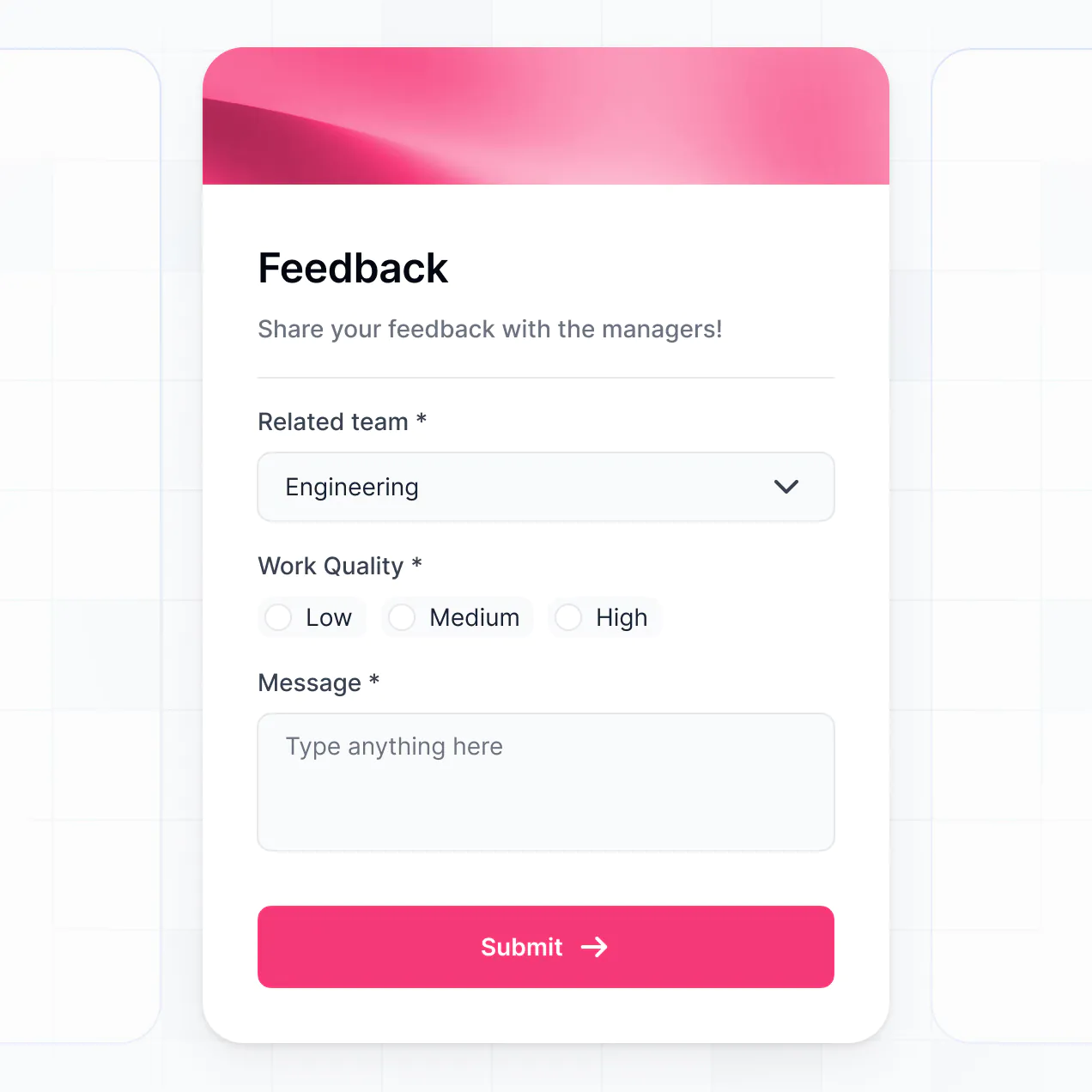
- Forms – to collect quiz answers or training evaluation feedback.
- Charts – to visualize course completion rates across different teams.
- Calendar blocks – to show upcoming live training sessions or assignment deadlines.
If you decide to restructure your curriculum later, the visual builder makes it easy to drag and drop elements into a new order without starting over.
Security is a core priority for Softr. All data used in your training module builder is protected by TLS encryption in transit and at rest. You maintain absolute control over who views sensitive training materials through role-based permissions and visibility rules.
For LMS apps using native Softr Databases, your data is stored in a secure SOC 2 Type II compliant environment based in Germany. If you utilize external sources like Google Sheets or SQL, Softr serves as a secure interface that displays your data in real-time without storing it. This ensures that only authorized learners can access your proprietary training assets and personal employee data.
It is a fully production-ready solution. Unlike experimental AI tools that only output fragile, raw code, Softr generates your training module builder on a battle-tested, professional-grade infrastructure.
We provide the essential 'Day One' features—like secure student logins, permission logic, and reliable hosting—natively. This means your app isn't just a mock-up; it is a scalable, secure learning management system ready for your first cohort to sign up the moment you hit publish.
Softr is unique as the first AI-native platform for business software. While some LMS builders are rigid or require complex manual setup, Softr's AI Co-Builder generates your database and application logic in minutes based on your specific training needs.
It offers a hybrid advantage: you get the speed of AI for initial generation and 'vibe coding,' combined with a visual editor for fine-tuning. Unlike tools that output unmanageable code, Softr provides a secure foundation with enterprise-grade roles and permissions already built-in, making it perfect for teams that need to go from a training concept to a live platform immediately.
Yes. Softr allows you to build powerful automation directly into your training module builder. You can use Softr Workflows to send automated 'congratulations' emails through Mailchimp when a module is finished, or integrate with Stripe if you are selling your training courses.
You can also connect with tools like Intercom for student support or use webhooks to sync completion data with your HRIS. Whether it's automating reminders for overdue training or syncing grades to a master sheet, you can build a fully integrated ecosystem without writing code.
Build and customize your training module builder without code. Go from idea to live LMS in under an hour.