Share files, collect feedback, and track projects in an AI-powered portal built with AI to fit your agency's creative workflows.
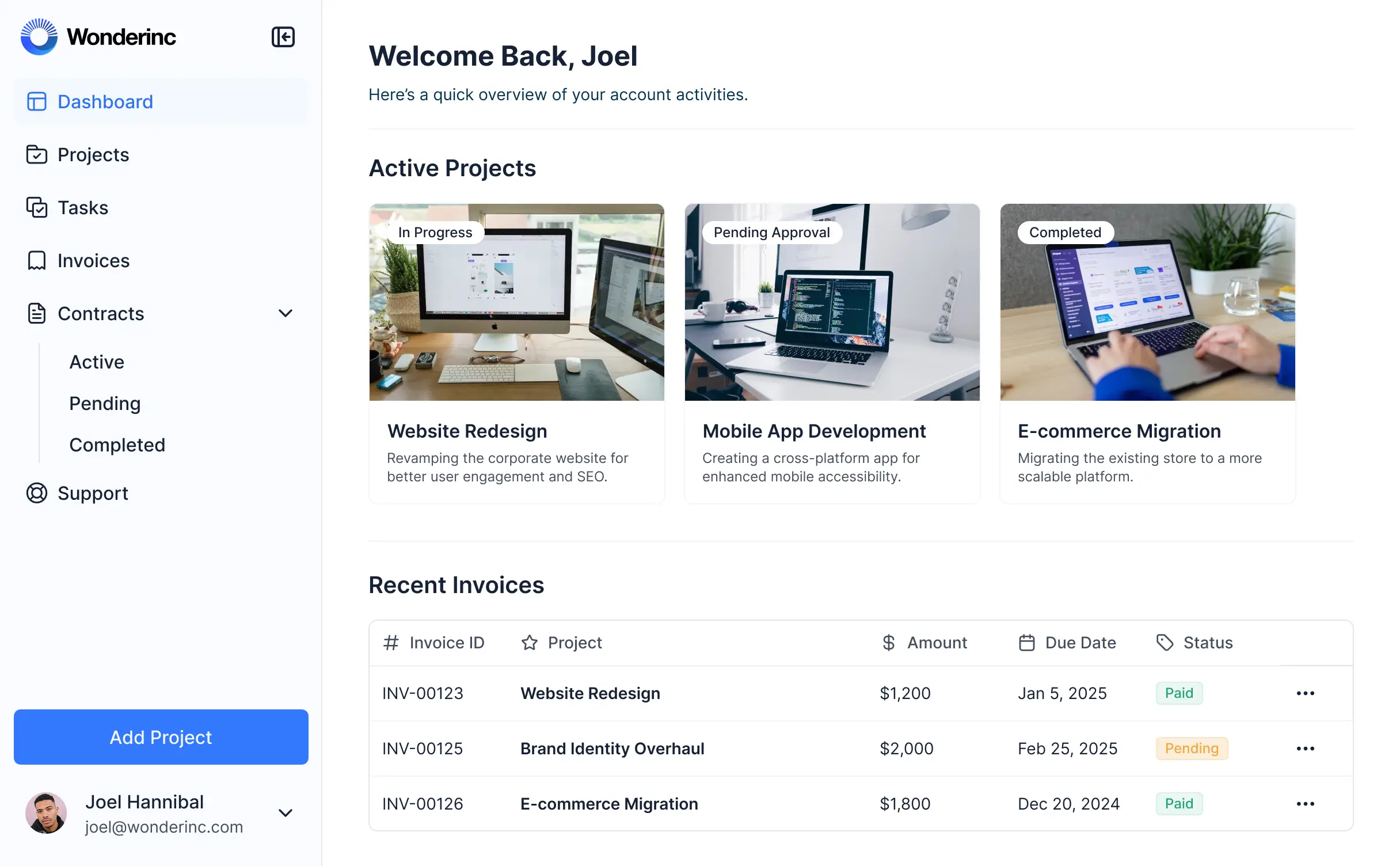
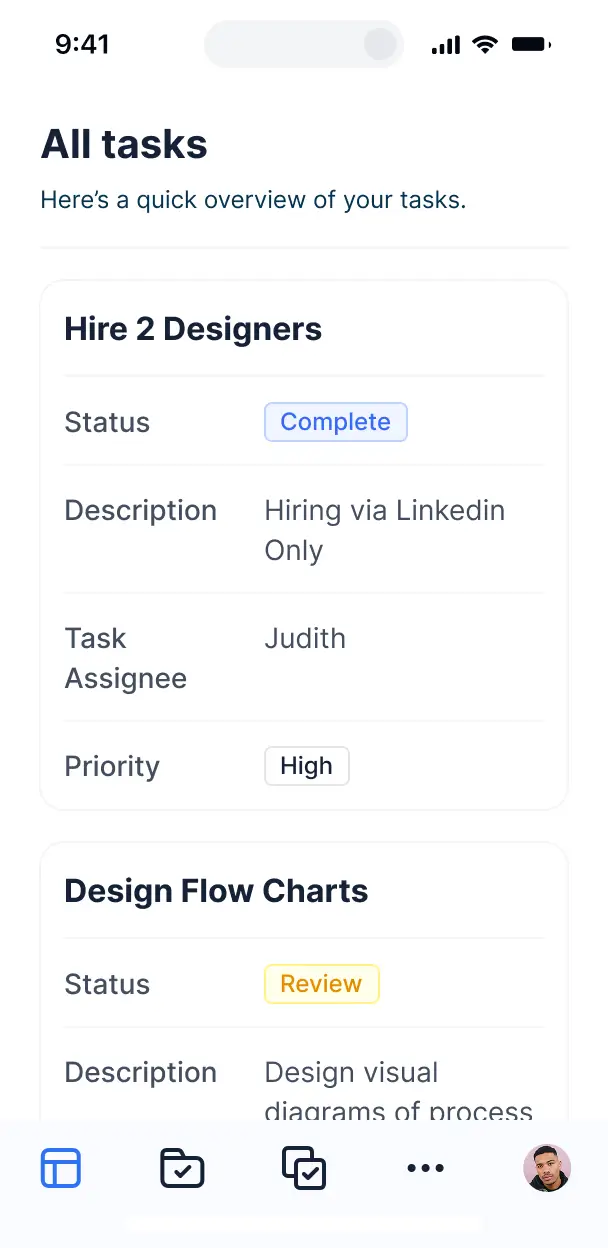



Set up custom views for clients and creative teams. Add blocks like file sharing and visual feedback loops—only when needed for your process.


Connect project trackers, billing tools, and asset folders with real-time sync—or manage everything in Softr Databases. One source of truth for your agency's workflows.
Give each client the right views and access in a fully branded portal. Set up secure logins, user groups, and permissions for assets in minutes.
Softr portals are mobile-ready. Let clients approve designs or view status reports on the go via a downloadable app built in one click.
Build native automations to handle client notifications, status updates, and file sync automatically whenever creative assets are uploaded.
Provide separate logins for different clients and account managers, creating personalized project dashboards for every user.
Apply rules for client and team groups. Customize who sees which project files, and which feedback actions they can take at a granular level.
Protect agency and client intellectual property. Softr is fully compliant with SOC2 and GDPR regulations to keep project data safe.
No more one-size-fits-all tools or costly custom builds. Softr is easy to use and fully customizable, so you can launch faster, adapt as you grow, and skip the complexity of traditional software.

Build your agency portal in minutes with AI—no manual configuration or complex dev work required.

Add features like dashboard reporting or secure billing as your agency scales and client needs evolve.

Start with a client portal, then add internal tools, dashboards, or intake forms—all in one place.
Co-build with AI
Simply describe what you need. Let Softr handle everything - Interface, database, workflows.
Iterate with AI or visually
Control most critical parts of your app yourself - roles, permissions, security.
Ship the same day
Invite team members or external clients and partners right away. No developer handover.
Use drag-and-drop blocks to build a portal that looks sleek and modern out of the box. Add only the features you need, and iterate as your workflows evolve.




A client portal for agencies is a secure, branded space where your clients can log in to access creative assets, project updates, billing info, and shared documents. it centralizes all agency-client communication in one place, eliminating the need to search through endless email threads or messy shared folders. This makes it easier to keep your account managers organized and provide a high-end, professional experience for your high-value clients.
Softr is the first AI-native platform for building business software, making it the fastest way for agencies to build a portal that fits their specific service delivery model. You can describe your agency's workflow—like campaign tracking or asset approvals—to the AI Co-Builder to instantly generate your database, client-facing pages, and permissions logic, all fully connected and secure.
You don't need to code anything. You can start by generating with AI tailored for agency needs, using a template, or building from scratch. Everything runs on Softr Databases, or you can link the tools your agency already uses like Airtable or Google Sheets. You have full control to brand the portal with your agency's logo and colors, ensuring a seamless experience for your clients that grows as you scale your roster.
You can include a wide range of features in your agency portal to streamline client management and service delivery. A great agency portal usually mixes functional blocks with AI-powered efficiency:
- AI-Powered Intelligence – Use Ask AI to let clients query their campaign performance data, or set up Database AI Agents to automatically summarize weekly status reports for them.
- Vibe Coding Blocks – Build custom UI elements—like a media gallery with specific approval toggles—using the AI Code block to "vibe code" exactly what your creative team needs.
- Softr Workflows – Build native automations, such as an automatic email notification when a new design proof is ready for review, triggered by a simple status update.
- User Portals & Logins – Securely manage access so each client only sees their specific project folders and contract details.
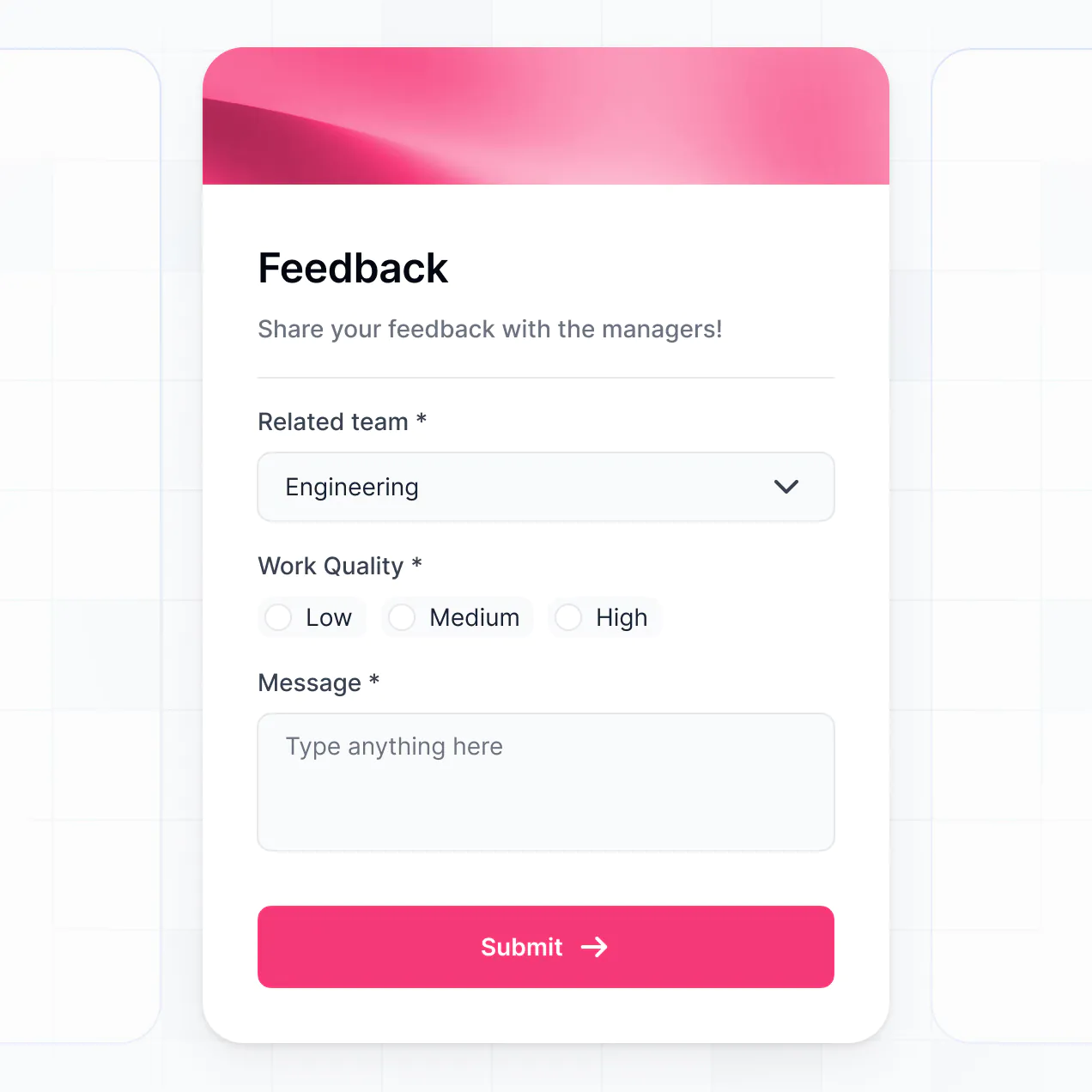
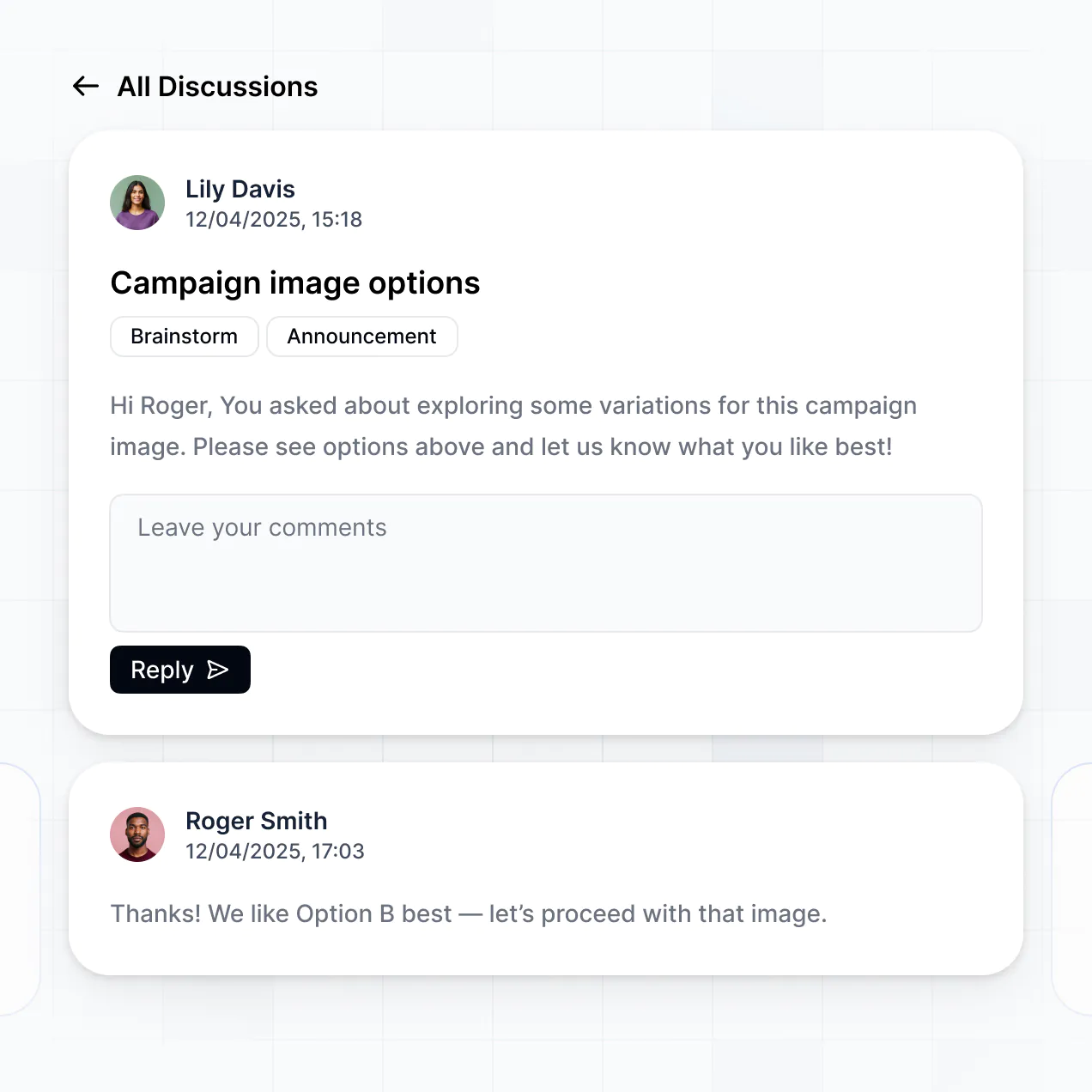
- Forms & Data Collection – Capture project briefs or feedback with custom intake forms and file uploads.
- Dashboards & Charts – Visualize marketing KPIs or budget spend with real-time charts linked to your production data.
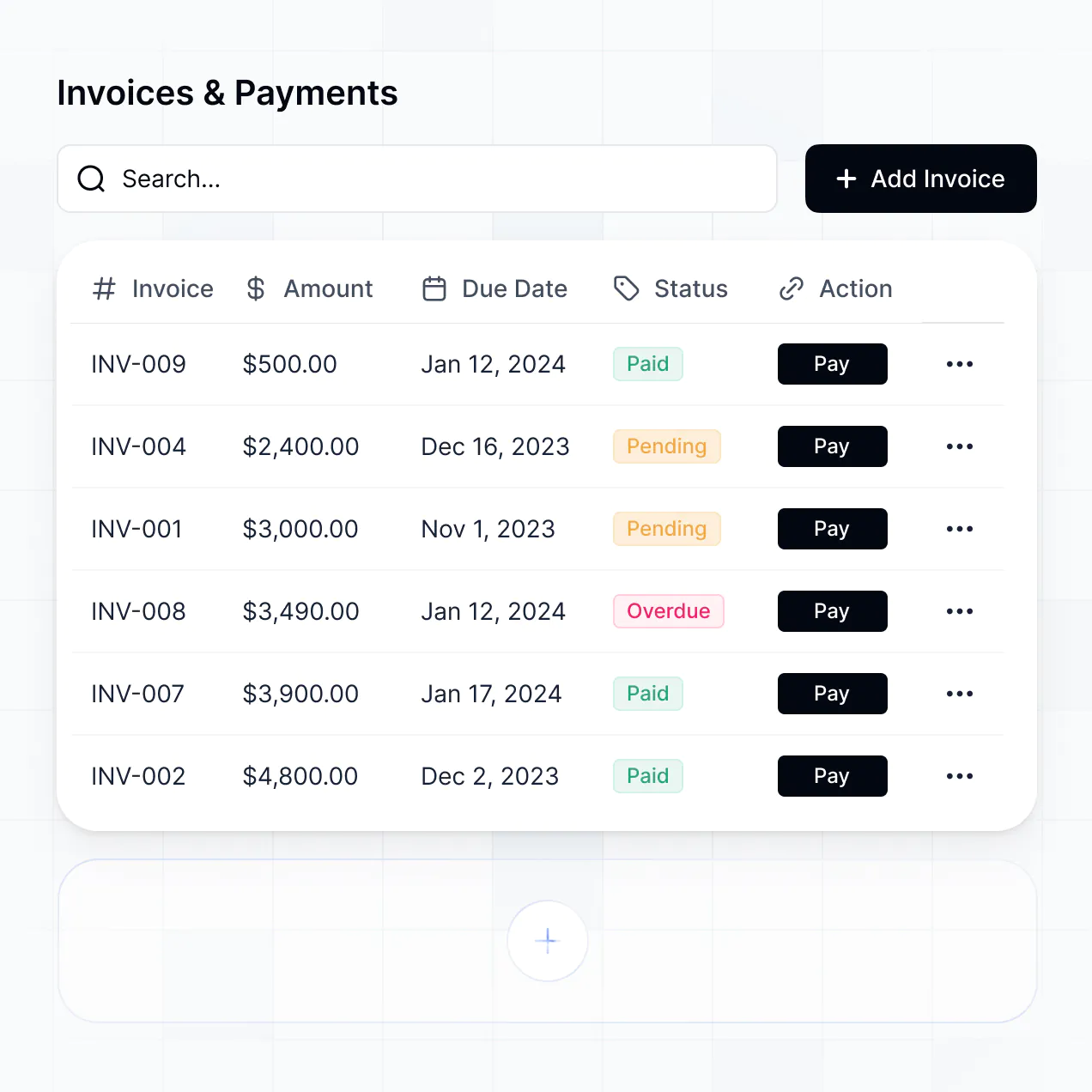
- Lists & Advanced Filtering – Display project timelines with searchable tables or Kanban boards for agile task management.
Everything is built using Softr's drag-and-drop blocks, so you can iterate on your agency's processes without code. If you need a more niche feature, like a custom timer for billable hours, the Vibe Coding block can generate it for you instantly.
Vibe coding is all about moving at agency speed and using AI to build exactly what your clients expect. You can "vibe code" a portal for your agency in Softr by simply describing your service requirements—such as 'I need a portal where social media clients can approve monthly calendars'—to the AI Co-Builder. Softr then generates a production-ready app with a professional interface.
Unlike other tools that just output raw code, Softr handles the core agency requirements natively, such as secure file sharing, client authentication, and sensitive data permissions. This gives you the speed of AI generation without the risk of managing raw code. You describe the agency experience you want, and Softr builds a secure portal ready for client onboarding immediately.
Yes. You can manage dozens of different clients or external partners in a single portal. Each client only sees the campaign data, folders, and invoices assigned to them based on their login and role. This is the gold standard for agencies and consultancies that need to provide a personalized experience while maintaining a single, easy-to-manage backend for their own team.
Yes, you can. Your agency doesn't need to have a pre-existing database to start building with Softr. If you're starting fresh, you can use Softr Databases, which is integrated directly into the platform and built to handle agency-scale record keeping for clients, projects, and tasks.
However, if your agency already uses Airtable to track deliverables or Google Sheets for budgeting, you can connect those instantly. We also support HubSpot and SQL for more data-heavy agencies. You maintain total control over how your agency's internal records are displayed and shared with your clients.
Softr Databases is the recommended native source for agency apps. It is built for business software, offering high performance for loading bulky creative assets and instant automation for client notifications because the data is native to the platform.
For agencies with established stacks, Softr also connects to 17+ external sources including Airtable, Google Sheets, HubSpot, SmartSuite, and BigQuery. You can even combine sources—for example, pulling client CRM data from HubSpot while managing active project tasks in Softr Databases. Most sources support two-way sync, so when a client approves a deliverable in your portal, it updates your source data automatically.
Yes, Softr gives you granular control over how your agency's clients interact with the portal. You can customize the layout and project navigation to align with your specific service phases. Each block of content can be restricted so that Client A never sees Client B’s files, and junior agency staff see different views than senior account directors.
You can set up roles like 'Client Admin,' 'Stakeholder,' or 'Creative Lead' and define what each can edit or view. For instance, a client might only have view access to a budget chart but edit access to a feedback form. This ensures your agency's workflow stays secure and personalized to every account you manage.
Yes, you can fully white-label your client portal. To maintain your agency's professional image, you can use your own logo, custom domain (e.g., portal.youragency.com), and brand-specific typography and colors throughout. You can also remove any mention of Softr so that your clients see a high-end, proprietary software experience that reflects your agency's premium status.
Yes, Softr offers deep flexibility for agency branding and layout. You can adjust colors, fonts, and page structures to create a high-converting, professional look. You decide exactly how your client data is presented across different project stages.
To show your agency's progress and deliverables, you can use:
- Table blocks – for tracking media buys or billing history.
- List or Card blocks – for showcasing creative concepts or team bios.
- Detail View – for deep dives into specific project milestones or reporting.
- Forms – for onboarding new clients or getting creative sign-offs.
- Charts – for reporting ROI and campaign analytics.
- Calendar blocks – for sharing content schedules or meeting dates.
You can update the design at any time in the visual builder as your agency's service offering evolves.
Softr is built for business security. All agency and client data is encrypted in transit (TLS) and at rest, ensuring sensitive campaign strategy and financial data remain safe. You have full control over role-based permissions, allowing you to gate specific pages or even specific records (like contracts) from unauthorized users.
For agencies using Softr Databases, data is hosted in secure, SOC 2 Type II compliant environments in Europe. If your agency prefers external tools like Airtable or SQL, Softr serves as a secure window into that data rather than storing it. We follow industry best practices for platform monitoring and access control to ensure your agency stays compliant and your clients' trust is protected.
It is fully production-ready. While some AI tools output experimental code that breaks easily, Softr builds your agency portal on a robust, business-grade foundation.
We handle the critical infrastructure like client authentication, secure file hosting, and user permissions natively. This solves the reliability problem: you get the speed of an AI-generated prototype with the stability of a custom-built agency platform. Your portal is ready to host real clients and live project data from the moment you hit publish.
Softr is the first AI-native platform designed for business software. Unlike 'vibe coding' tools that generate unmanageable code, or old-school no-code tools that take weeks to configure, Softr’s AI Co-Builder builds agency portals on a secure, pre-set foundation.
This hybrid approach means your agency can use AI to generate the data structure and interface in minutes, then use the visual editor for pixel-perfect branding. It provides the speed of AI with the professional reliability of built-in SSL, user roles, and hosting. It’s built for non-technical agency owners who need sophisticated software that works on day one.
Yes. Softr supports native workflows and deep integrations to connect your portal with your agency's existing toolset. You can automate tasks like client alerts via Softr Workflows, or sync with payment processors like Stripe and help desks like Intercom.
Whether you need to push client files to a cloud drive, trigger Slack notifications for the creative team, or pull in lead data from your CRM via REST API, you can build these automations directly into your portal without writing code. This turns your portal into a true central hub for all agency operations.
Describe what you need. Softr's AI builds it in minutes. Get started free and skip the dev time.