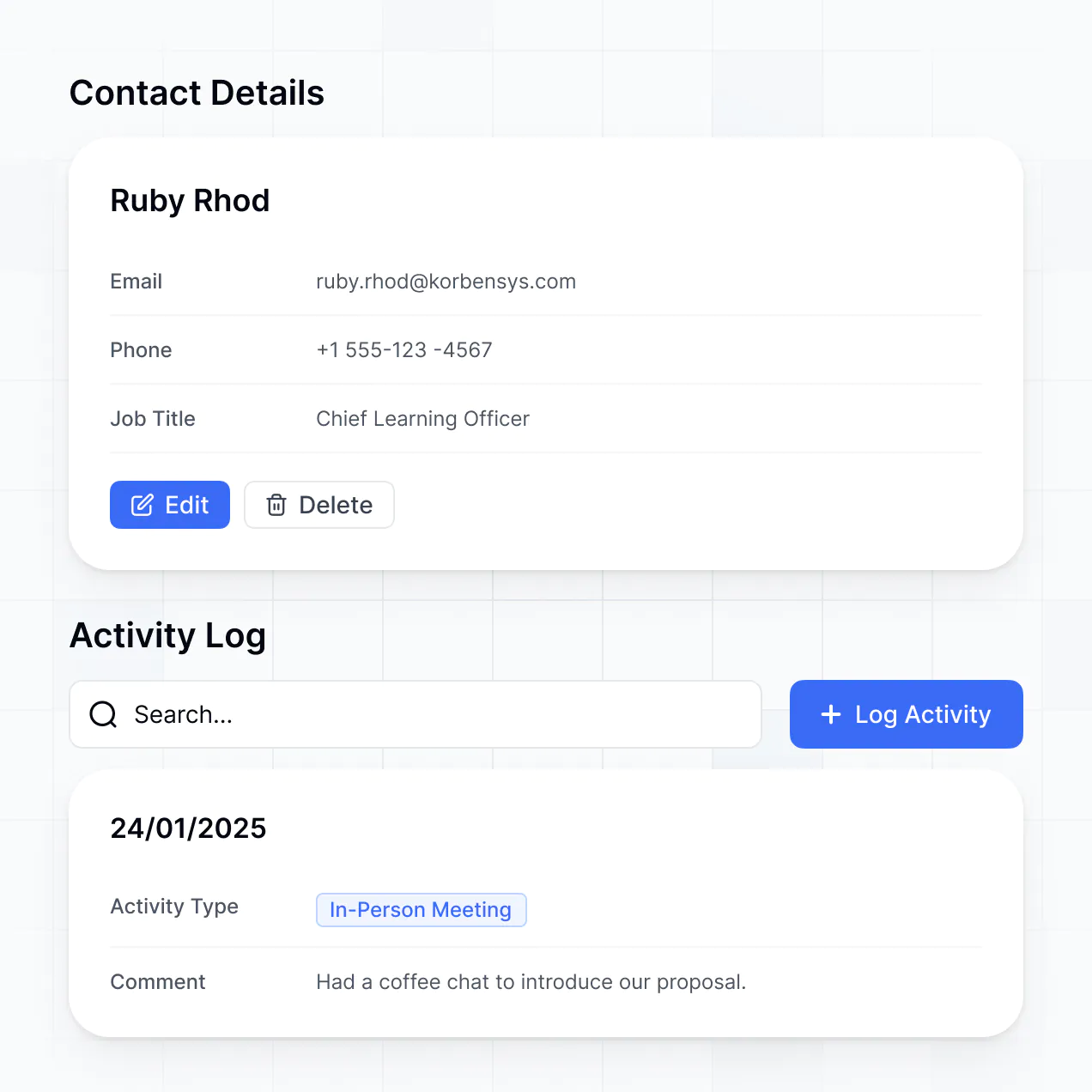
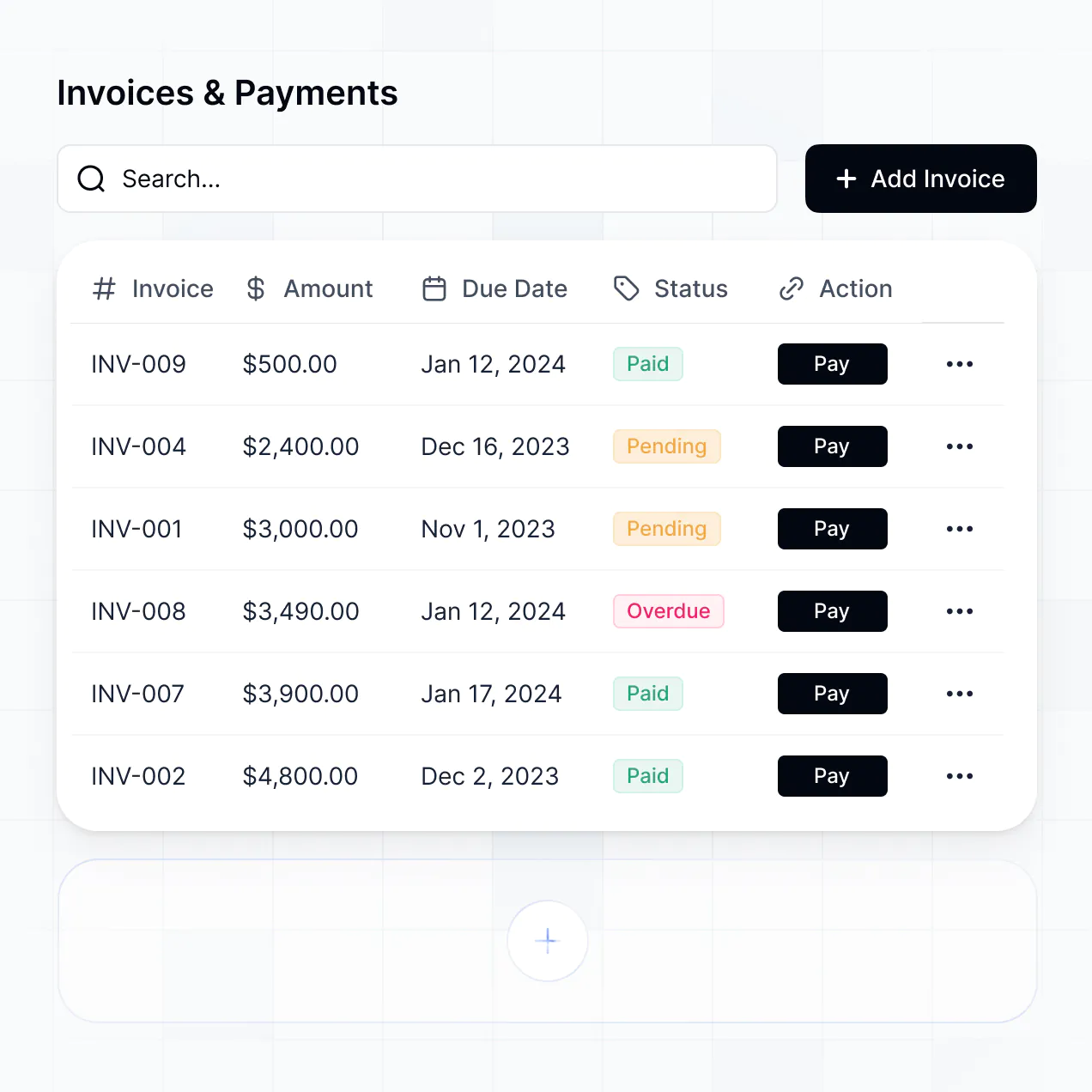
Track enrollments, manage parent contacts, and automate fee alerts in an AI-powered CRM built with AI you customize to fit your school.
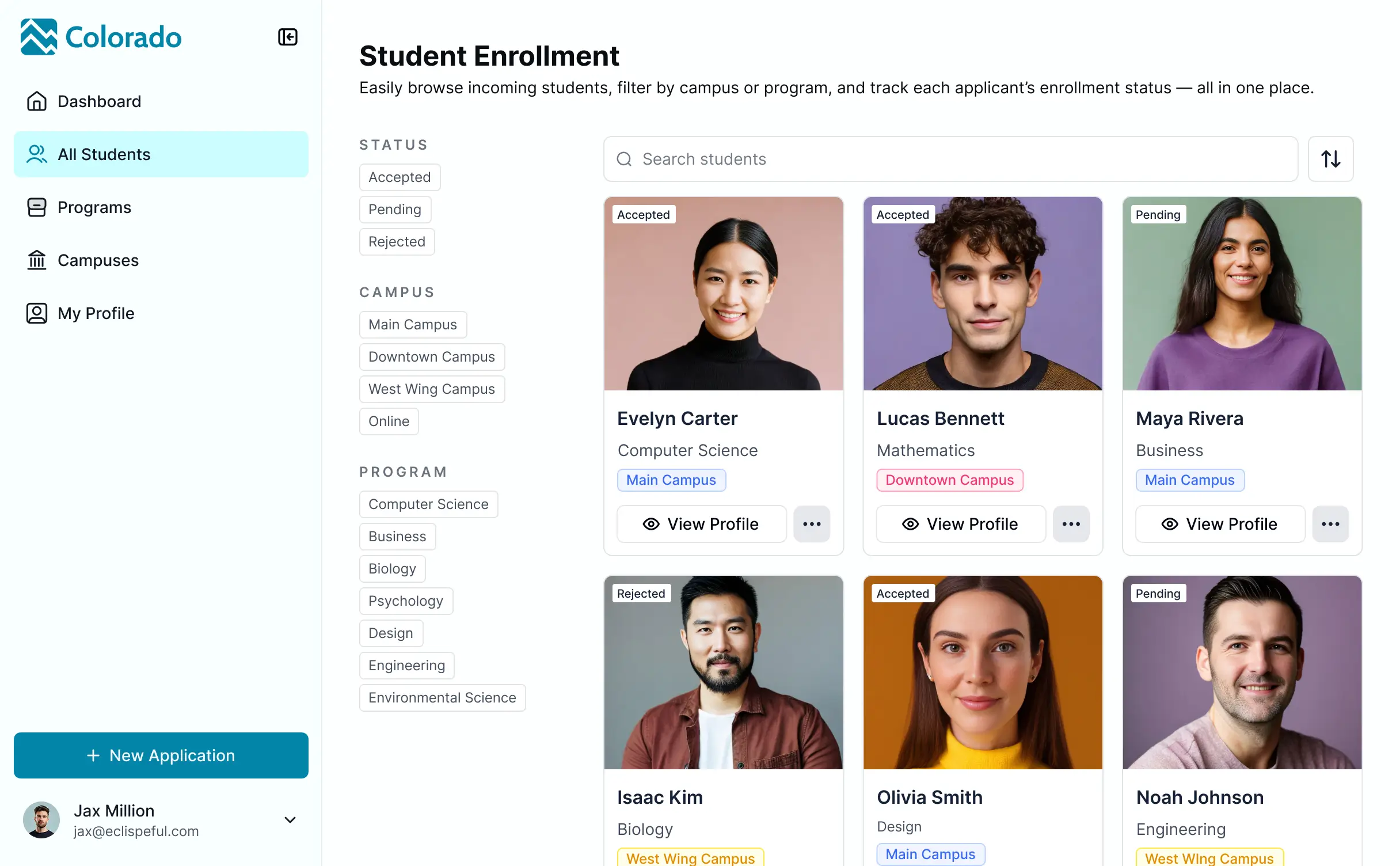
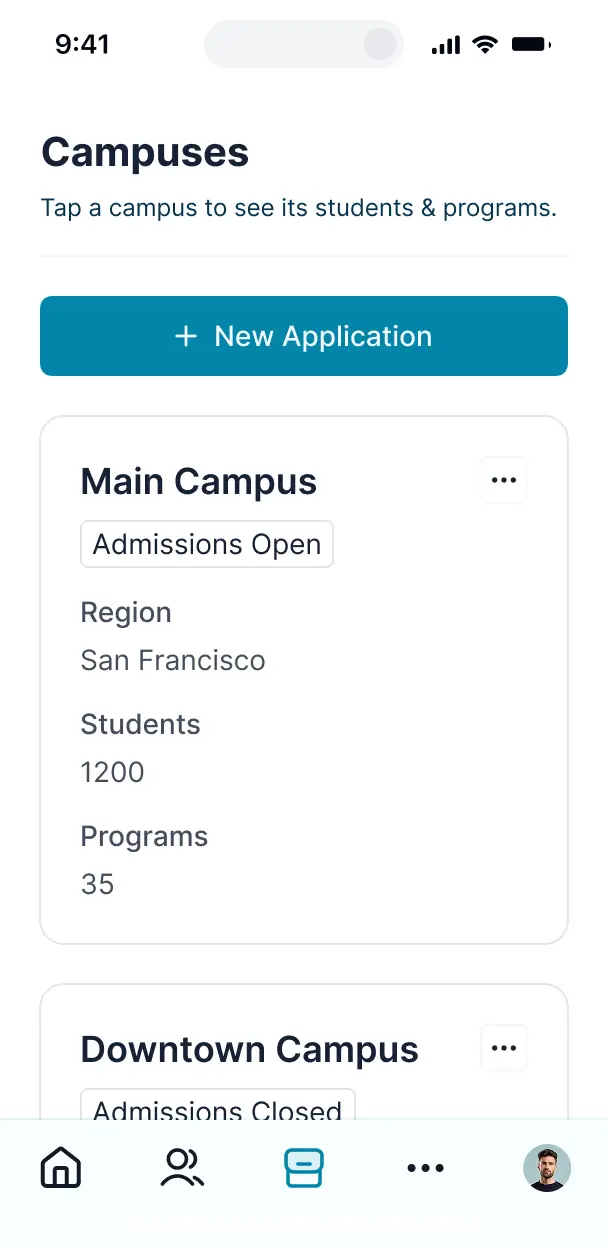

Customize a CRM software for schools that looks sleek out of the box. Add only the enrollment and contact views you need, then iterate later.


Connect spreadsheets, CRMs, and student systems with real-time sync—or manage everything in Softr Databases. Create a single source of truth for your business.
Give each teammate the right tools and access. Set up secure logins, user groups, and granular permissions—no IT support or dev work needed.
Give different staff members tailored access and dashboards, so admissions officers and administrators see just what they need.
Streamline your internal processes with Softr Workflows. Trigger native updates for enrollment stages or fee alerts to keep operations running smoothly.
Access and update your CRM software for schools on the go. All student and parent management apps are mobile-ready out of the box.
Use Google, email, or SSO logins to give your school team fast, secure access—no IT tickets needed.
Keep sensitive student data safe with SOC2 and GDPR compliance, plus fine-tuned access control at every level.
No more one-size-fits-all tools or costly custom builds. Softr is easy to use and fully customizable, so you can launch faster, adapt as you grow, and skip the complexity of traditional software.

Build your CRM software for schools in minutes with AI—no dev time or complex configuration needed.

Add features like fee tracking, document uploads, or admissions pipelines as your school's workflows evolve.

Start with a CRM, then add parent portals, staff dashboards, or forms—all in one place with no extra tools.
Co-build with AI
Simply describe what you need. Let Softr handle everything - Interface, database, workflows.
Iterate with AI or visually
Control most critical parts of your app yourself - roles, permissions, security.
Ship the same day
Invite team members or external clients and partners right away. No developer handover.
Use drag-and-drop blocks to build a portal that looks sleek and modern out of the box. Add only the features you need, and iterate as your workflows evolve.




A CRM software for schools is a secure space where your administrators, admissions officers, or faculty members can log in to access information like student profiles, enrollment files, inquiry forms, and application timelines. It keeps all institutional communication in one place, so you don't have to rely on back-and-forth emails or fragmented spreadsheets. This makes it easier to stay organized and provide a better experience for families and staff.
Softr is the first AI-native platform for building business software. It makes it easy to build a CRM software for schools that fits the way your educational institution works. You can describe your needs to the AI Co-Builder to instantly generate your database, pages, and logic—already connected and secure.
You don't need to code anything. You can start by generating with AI, using a template, or building from scratch. Everything runs on Softr Databases, the native, relational database built into the platform, or you can connect external tools like Airtable, Google Sheets, HubSpot, and more. You have full control to adjust the layout visually, decide who sees what, and brand it to match your school's identity. It's quick to get up and running, simple to update, and flexible enough to grow with your enrollment needs.
You can include a wide range of features in your CRM software for schools, depending on what your admissions or management workflow looks like. A great CRM app usually mixes classic functional blocks with AI-powered intelligence:
- AI-Powered Intelligence – Use Ask AI to let users query their data conversationally, or set up Database AI Agents to summarize teacher feedback or analyze applicant sentiment.
- Vibe Coding Blocks – Build complex, custom UI elements—like a student progress tracker—using the AI Code block to "vibe code" exactly what you need.
- Softr Workflows – Build native automations (like an enrollment approval notification) that trigger emails or sync data whenever a student record is updated or a button is clicked.
- User Portals & Logins – Securely manage access so each department head only sees their specific student data or department views.
- Forms & Data Collection – Capture information with custom inquiry forms, transcript uploads, and conditional logic.
- Dashboards & Charts – Visualize your CRM software for schools performance and enrollment metrics with real-time charts and summaries.
- Lists & Advanced Filtering – Display and manage your data with searchable student tables, kanban boards for applicant pipelines, and detailed profile views.
Everything is built using Softr's drag-and-drop blocks, so you can create these features without writing code. Need something more custom? Use the Vibe Coding block to generate a tailored component with AI. And if your institutional needs change, it's easy to update the CRM later.
Vibe coding is all about moving fast and using AI to build exactly what you need. You can "vibe code" a CRM software for schools in Softr by simply describing your requirements to the AI Co-Builder. Softr then generates a production-ready app on top of a stable, secure foundation.
Unlike other tools that just generate raw, fragile code, Softr handles the "boring 80%"—like authentication, database logic, and security—natively. This means you get the speed of vibe coding without the "Day Two" headaches of managing raw code for student records. You describe it, Softr builds it, and it’s ready for your admissions team or district instantly.
Yes. You can manage multiple departments or schools in a single CRM. Each teacher or administrator only sees the student records and data assigned to them, based on their login and role. This is useful for school districts, multicampus universities, or any institution working with multiple specialized programs.
Yes, you can. You don't need to bring your data from somewhere else to start building with Softr. If you're starting from scratch, you can use Softr Databases, which is built into the platform and integrates perfectly with any CRM software for schools you build.
But if you already have student data in tools like Airtable, Google Sheets, HubSpot, Notion, Coda, monday.com, Supabase, or SQL, you can connect those too. You can also use the REST API connector to bring in data from other SIS platforms. Either way, you have full control over how your information is structured and displayed in your CRM.
Softr Databases is the recommended native, relational data source for Softr. It is built explicitly for business apps like your school CRM, offering the highest performance, instant automation triggers, and a lightning-fast experience because the data is native to the platform.
If you already have your data elsewhere, Softr also connects to 17+ external data sources. You can connect to Airtable, Google Sheets, HubSpot, SmartSuite, BigQuery, and more. You can even integrate multiple data sources into the same app—so your CRM software for schools could pull in records from Softr Databases and alumni data from HubSpot at once. Most sources support real-time, two-way sync, so any changes in your app or data source stay in sync automatically.
Yes, Softr gives you full control over how staff experience your CRM software for schools. You can customize the layout, navigation, and content to match your institution's workflow. Each student record or report block can be shown or hidden based on who's logged in, so every administrator sees only the students relevant to their grade level.
You can also set up different user roles, such as registrar, teacher, or finance officer—and define exactly what each role can view or edit. For example, teachers can see only their own class rosters, while registrars can manage all student records. You can also create personalized views by filtering data based on the logged-in user.
This level of customization is especially useful when you're managing multiple grades, extracurricular teams, or financial aid projects in the same app. It helps keep the experience clean, secure, and tailored to each staff member.
Yes, you can fully white-label your CRM software for schools in Softr. You can use your school logo, institutional colors, fonts, and a custom school domain to make the CRM feel like a natural extension of your official portal. You can also remove all Softr branding, so your staff and stakeholders only see your school's identity throughout the experience.
Yes, you can. Softr gives you a lot of flexibility to control both the design and layout of your CRM software for schools. You can adjust colors, fonts, spacing, and page structure to match your branding. You can also choose how each page is laid out, decide which blocks go where, and set what different staff members see when they log in.
To display your student data, you can add different types of blocks depending on what you need:
- Table blocks – to show structured data like student enrollment lists, tuition invoices, or attendance tracking
- List or Card blocks – to highlight things like teacher profiles, course catalogs, or scholarship resources
- Detail View – to show one record at a time, like a student dashboard
- Forms – for parent data collection
- Charts – to show enrollment insights
- Calendar blocks – to display academic events or deadlines
If your administrative needs change later, it's easy to go back and make updates right in the visual builder.
Softr is built with security in mind, making it suitable for sensitive student information. All data is encrypted in transit (TLS) and at rest, and your apps are hosted on secure, reliable infrastructure. Softr apps also give you full control over who can see and do what in your app. You can set up role-based permissions, manage faculty directly within your data source, set visibility rules, and apply global restrictions to protect records across your entire app.
For apps using Softr Databases, your data is stored in Softr's secure environment, with all data hosted in Europe (Germany) and SOC 2 Type II compliance. For apps connected to external data sources like Airtable, or SQL, Softr doesn't store your data—it just displays it in real time based on your access settings. You're always in control of your student data and who can view or edit it.
Softr also follows industry best practices for authentication, access control, and platform monitoring to help keep your school information safe.
It is fully production-ready. Unlike many AI tools that just "vibe code"—generating fragile, custom code that is hard to maintain or secure—Softr builds your CRM software for schools on top of a stable, business-grade foundation.
We handle the "boring 80%" (like teacher authentication, secure hosting, and granular FERPA-aligned permissions) natively, so you don't have to. This solves the "Day Two" problem of AI: you get the speed of instant generation without the headache of managing raw, unreliable code. Your CRM is secure, scalable, and ready for your school team to use from day one.
Softr is the first AI-native platform for building business software like a CRM for education. Unlike pure "vibe coding" tools that generate fragile code, or traditional school management software that is rigid and hard to customize, Softr's AI Co-Builder creates apps on top of a secure, production-ready foundation.
What sets it apart is the hybrid advantage: you can use AI to generate your student database, app, and logic in minutes, then use visual controls for precise editing. You get the speed of AI with the reliability of business-grade infrastructure (auth, roles, permissions, and hosting) already built-in. It's designed for non-technical educators who want to move from prototype to production on day one.
Yes. Softr supports powerful native workflows and a wide range of integrations so you can connect your CRM software for schools to the rest of your academic stack. You can automate tasks using Softr Workflows, or sync with tools like Google Classroom, Stripe for tuition, and Intercom for parent support. Softr also supports REST API and webhooks for more advanced data sync needs.
Whether you need to send academic data to another system, trigger enrollment automations based on status updates, or display schedules from other apps, you can build it into your CRM software for schools without writing code.
Describe what you need. Softr's AI builds your education CRM in minutes without code.