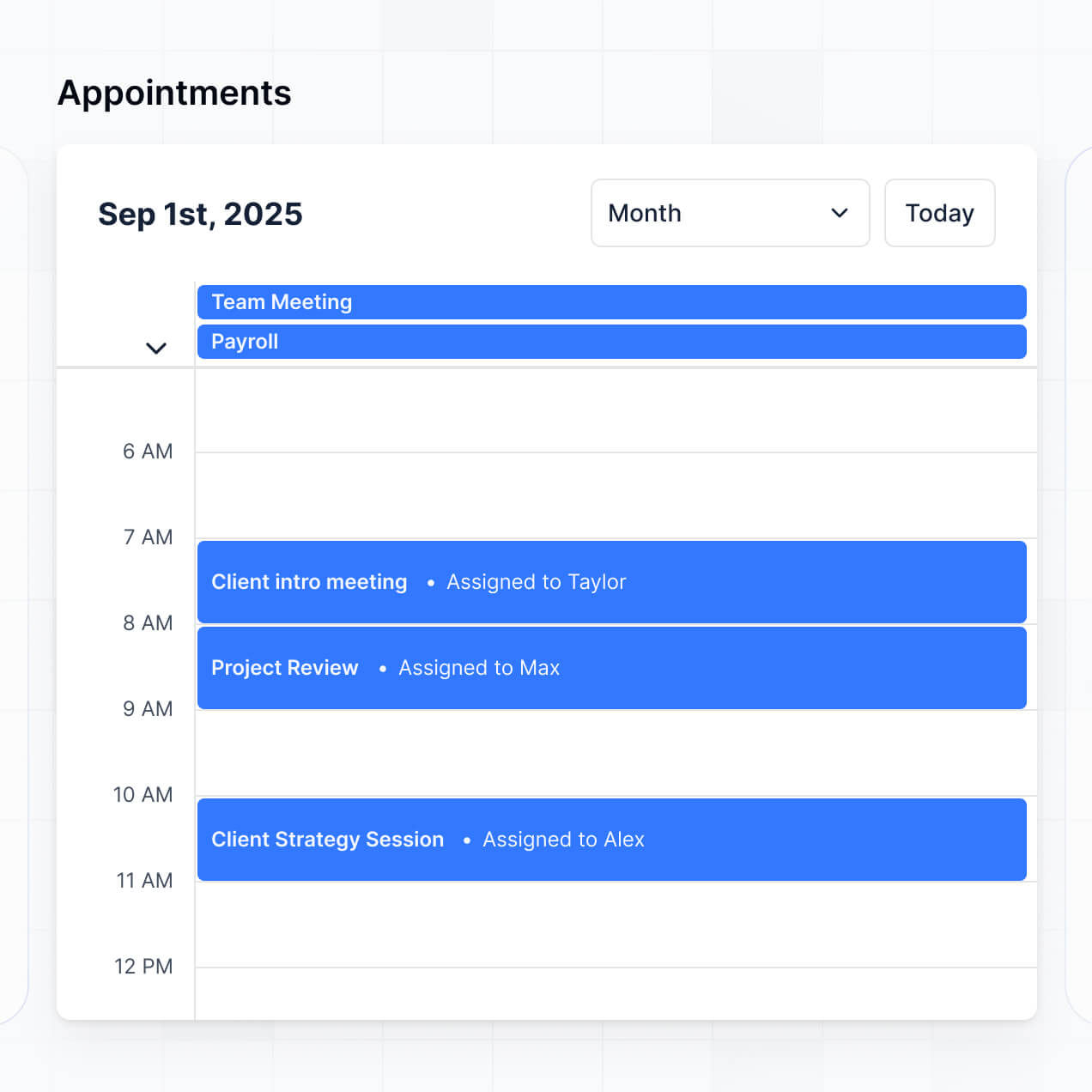
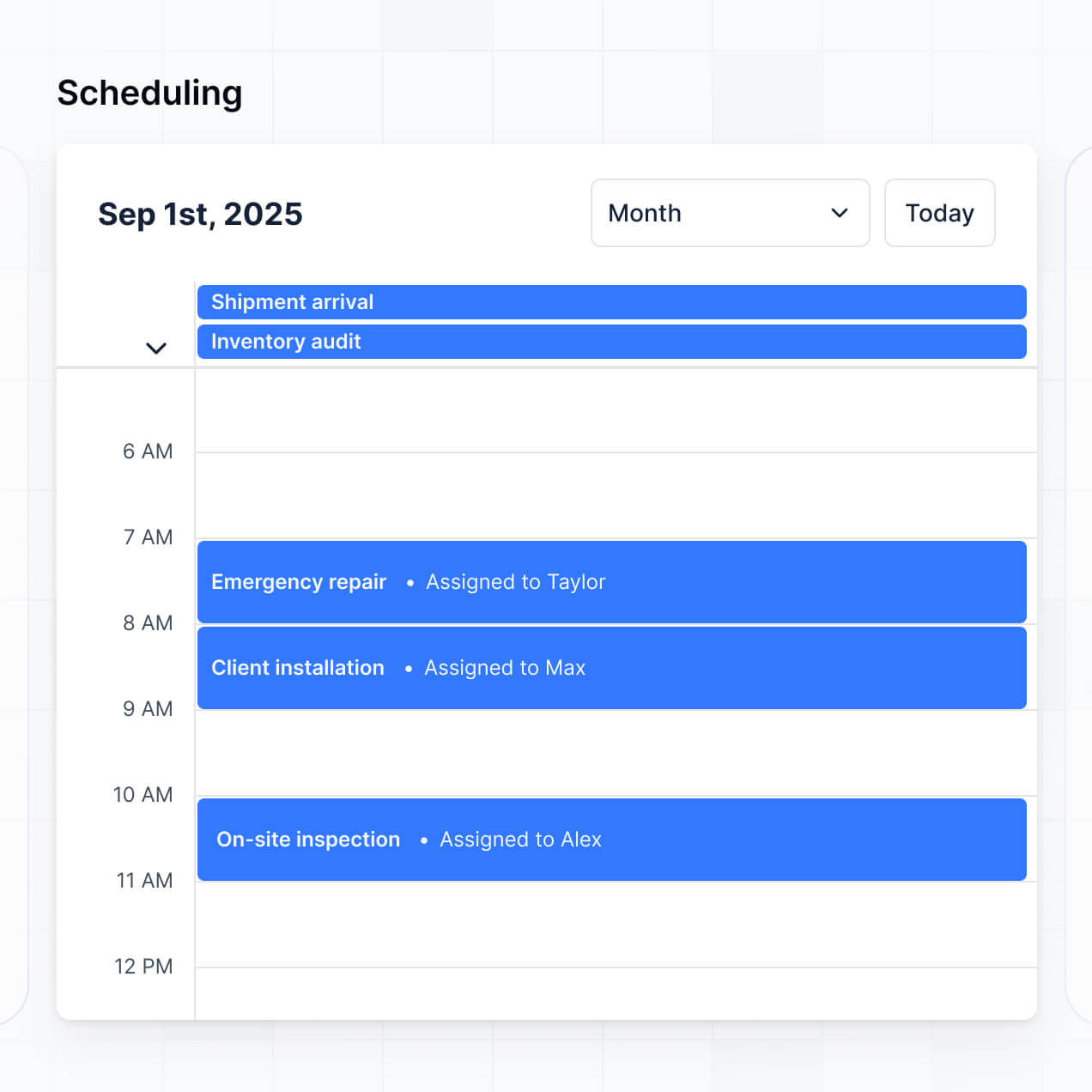
Manage arrivals, track visits, and handle waivers in an AI-powered portal built with AI that you customize to fit your client workflow.
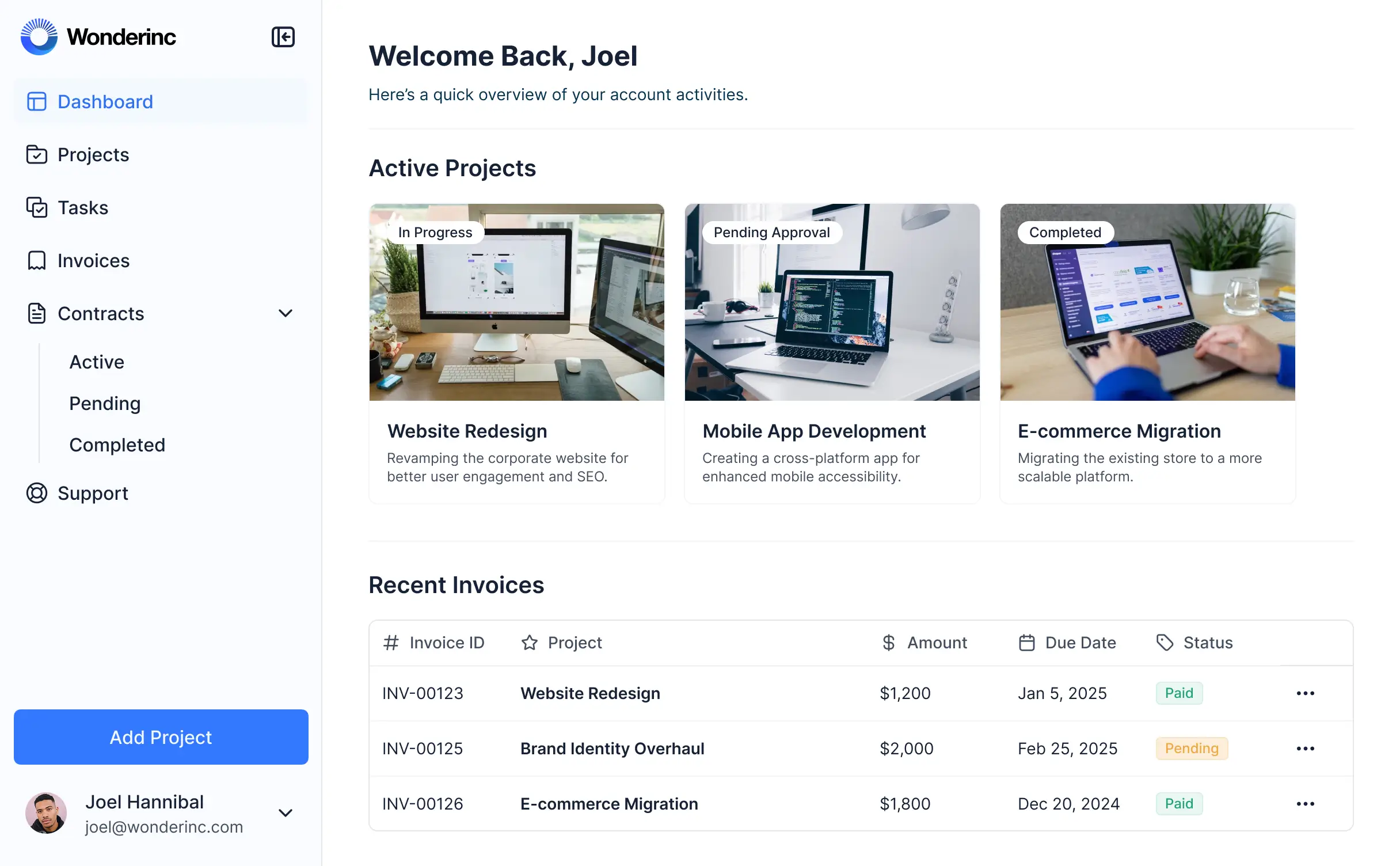



Customize your client check in software setup with the exact digitial forms and tracking views your team needs. Iterate as processes evolve.


Connect spreadsheets, CRMs, and arrival logs with real-time sync—or manage everything in Softr Databases. Create a single source of truth for your business.
Give each user the right views and access in a fully branded portal. Set up secure logins, user groups, and permissions in minutes.
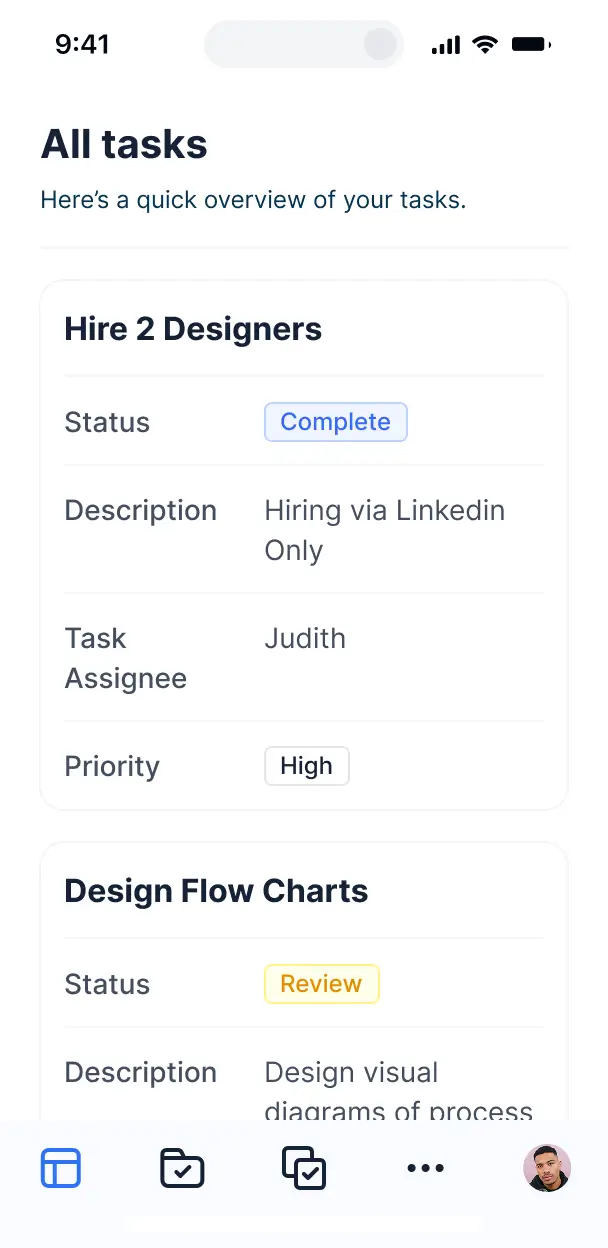
Softr apps are mobile-ready by default. Turn your check-in system into a downloadable tablet app in one click with Softr's PWA for lobby kiosks.
Build native automations to handle staff notifications, visit status updates, and data sync automatically whenever a client checks in.
Provide separate logins for staff and visitors, creating personalized dashboards for arrivals, waivers, and visit history.
Apply rules for different roles. Customize who can view sensitive client logs and which staff members can manage appointment statuses.
Protect sensitive client visit records and personal information. Softr is fully compliant with SOC2 and GDPR regulations.
No more one-size-fits-all tools or costly custom builds. Softr is easy to use and fully customizable, so you can launch faster, adapt as you grow, and skip the complexity of traditional software.

Build your client check in software in minutes with AI—no manual configuration or coding needed.

Add features like automated waivers, visit summaries, or staff notifications as your check-in flows evolve.

Start with check-ins, then add client portals, dashboards, or scheduling tools—all in one place.
Co-build with AI
Simply describe what you need. Let Softr handle everything - Interface, database, workflows.
Iterate with AI or visually
Control most critical parts of your app yourself - roles, permissions, security.
Ship the same day
Invite team members or external clients and partners right away. No developer handover.
Use drag-and-drop blocks to build a portal that looks sleek and modern out of the box. Add only the features you need, and iterate as your workflows evolve.




Client check in software is a secure, digital environment where your clients can provide regular project updates, submit responses to intake forms, and review recent progress. It centralizes all status reports and communication in one place, eliminating the need for scattered email threads or manual spreadsheet updates. This automation ensures your agency or consultancy stays aligned with client expectations while offering a professional, organized touchpoint for every interaction.
Softr is the first AI-native platform for building business software, making it uniquely suited to build client check in software that adapts specifically to your account management workflow. You can describe your specific check-in process to the AI Co-Builder to instantly generate your database, status update pages, and logic—all fully connected and secure from the start.
You don't need to write a single line of code. You can begin by generating with AI, using a pre-built portal template, or starting from scratch. Everything runs on Softr Databases, our native, relational database built into the platform, or you can integrate your existing client lists from Airtable, Google Sheets, HubSpot, and more. You have total control to visually customize the layout, restrict visibility based on client IDs, and brand the interface to match your agency's visual identity. It’s built to be deployed quickly and remains flexible enough to evolve as you add more service tiers.
You can include a wide range of features in your client check in software, tailored to ensure your clients feel supported and informed. A high-quality check-in app generally combines functional blocks with specialized AI intelligence:
- **AI-Powered Intelligence** – Use Ask AI to let clients query their project milestones conversationally, or deploy Database AI Agents to automatically summarize weekly progress reports into executive highlights.
- **Vibe Coding Blocks** – Create custom UI components—like a dynamic project health gauge or a custom mood-tracking slider—using the AI Code block to "vibe code" the exact visual feedback loop you need.
- **Softr Workflows** – Set up native automations that trigger Slack notifications to your team when a client submits a negative check-in or syncs data when a feedback form is completed.
- **User Portals & Logins** – Ensure project managers and clients have secure, private access to only their specific account data and sensitive documents.
- **Forms & Data Collection** – Use custom forms with conditional logic to collect recurring feedback, sentiment scores, or new project requirements.
- **Dashboards & Charts** – Visualize project health, spent hours, or KPI achievement with real-time charts and visual summaries.
- **Lists & Advanced Filtering** – Display task lists, historical check-in logs, and meeting minutes using searchable tables and interactive kanban boards.
Everything is assembled with drag-and-drop blocks, and if you need something truly unique, the Vibe Coding block allows you to generate tailored components via AI. Adjusting the app as your client base grows is simple and instantaneous.
Vibe coding focuses on speed and use-case precision. You can "vibe code" client check in software in Softr by simply describing your desired check-in frequency and data points to the AI Co-Builder. Softr then produces a production-ready application built on a reliable, secure foundation.
While other tools might output raw, hard-to-maintain code, Softr manages the foundational complexities—such as client authentication, secure database links, and role-based access—natively. This provides the agility of vibe coding without the long-term risk of managing unmaintained scripts. You describe the client experience you want, and Softr delivers a secure portal ready for client login immediately.
Yes. You can manage dozens of different clients or project teams within a single portal. By using role-based permissions and linked records, each client only sees the specific check-in history, progress bars, and documents assigned to their individual account login. This is perfect for agencies that need to maintain strict data silos across various stakeholders while using one centralized management dashboard.
Absolutely. You don't need an existing database to start building your client check in software. If you're starting fresh, Softr Databases is built directly into the platform, providing a high-performance home for your client profiles and status reports that integrates perfectly with your portal's frontend.
However, if you already track project health in tools like Airtable, HubSpot, Google Sheets, or SQL, you can connect those seamlessly. The REST API connector also allows for data fetching from other external sources, giving you complete flexibility over how your client feedback is structured and visualized.
Softr Databases is the recommended choice for client check in software. As our native, relational data source, it offers the fastest performance for real-time status updates and instant automation triggers. Since the data lives on the platform, the client experience is incredibly snappy.
If your client data currently resides elsewhere, Softr also integrates with 17+ external sources including Airtable, Google Sheets, HubSpot, SmartSuite, and BigQuery. You can even combine sources—for example, pulling financial data from HubSpot while storing week-to-week project check-ins in Softr Databases. Most connections support real-time, two-way sync, ensuring your portal always reflects the current status of every project.
Yes, Softr provides granular control over the client check-in experience. You can tailor the navigation and layout to reflect different service levels, showing or hiding specific feedback blocks based on the user's subscription or project status. Each user sees only the updates relevant to their specific business goals.
You can define roles like 'Client Admin,' 'Project Stakeholder,' or 'Internal Strategist' to control who can edit status reports versus who can only view them. For instance, a client might fill out a weekly sentiment form, while your internal team sees a dashboard aggregated across all clients. This level of customization ensures a secure, branded, and highly relevant interface for every user.
Yes, you can fully white-label your client check in software in Softr. By adding your agency logo, brand colors, custom font styles, and a custom domain, the portal becomes a professional extension of your existing service offering. You can remove all Softr branding to ensure your clients have a consistent and high-end experience whenever they log in to submit an update.
Yes, Softr offers extensive flexibility for both the design and functional layout of your client check-in pages. You can modify the UI to align with your brand's aesthetics and choose specific layouts for different stages of the client journey. For displaying check-in data, you can utilize diverse block types:
- **Table blocks** – to show historical lists of weekly updates and action items.
- **List or Card blocks** – to highlight project milestones or team bios.
- **Detail View** – to provide a deep dive into a specific project status or monthly report.
- **Forms** – for capturing recurring client feedback and satisfaction scores.
- **Charts** – to visualize progress against KPIs or budget burn rates.
- **Calendar blocks** – to show upcoming check-in meetings or delivery deadlines.
If your reporting requirements evolve, you can quickly update the interface using our visual drag-and-drop editor.
Security is a core priority for Softr. Data is encrypted in transit using TLS and at rest, with apps hosted on secure, industry-leading infrastructure. You maintain absolute control over data visibility; you can set role-based permissions that ensure a client from Company A can never access the data of Company B.
For portals built on Softr Databases, your data is stored in a secure European (German) environment with SOC 2 Type II compliance. For apps utilizing external connectors like Airtable or SQL, Softr serves as a real-time presentation layer and does not store your client data on its servers. We follow rigorous industry standards for authentication and monitoring to ensure your clients' project data remains private.
The AI-generated app is fully production-ready. Unlike many AI tools that merely "vibe code" unmanaged scripts, Softr builds your client check in software on top of a robust, professional framework.
We provide the essential infrastructure—secure logins, client-side permissions, and scalable hosting—natively. This eliminates the standard "Day Two" problem of AI apps; you get the benefit of instant generation without the risk of maintaining fragile code. Your check-in portal is ready for professional use by your clients and team from the moment it is generated.
Softr is distinctive as the first AI-native platform for business software. While some tools focus on raw code generation and others on complex manual configuration, Softr's AI Co-Builder creates functional apps on a secure, production-grade foundation.
The hybrid approach is our greatest asset: use AI to generate your client database and check-in workflows in seconds, then use our visual editor to refine the design. You gain the speed of AI with the stability of a platform that includes built-in authentication, granular user roles, and secure hosting. It's built specifically for business teams who need to move from an idea to a live client tool immediately.
Yes. Softr supports sophisticated native workflows and wide-ranging integrations to connect your client check-in process to your existing tech stack. You can automate tasks like sending email reminders for overdue check-ins using Softr Workflows, or connect to Stripe for billing and Intercom for support.
You can also use webhooks and our REST API to sync check-in data with tools like Jira or Asana. Whether you need to notify your team via Slack when a client flags a concern or update a CRM based on portal activity, you can build these automated bridges without writing any code.
Describe what you need. Softr's AI builds your check-in portal in minutes. Get started for free.