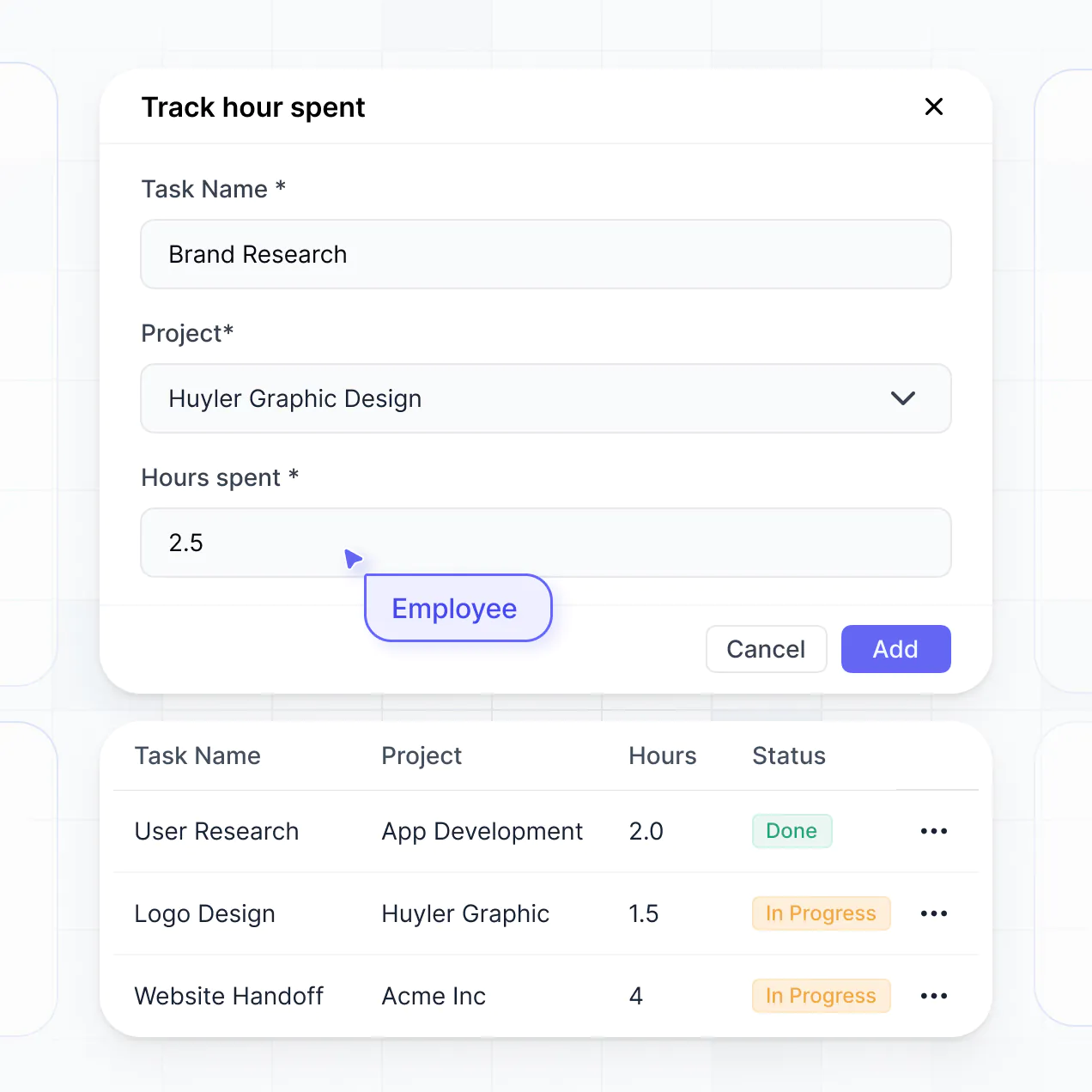
Track expenses, manage grants, and view reports in an AI-powered system built with AI to fit your school district's unique workflow.
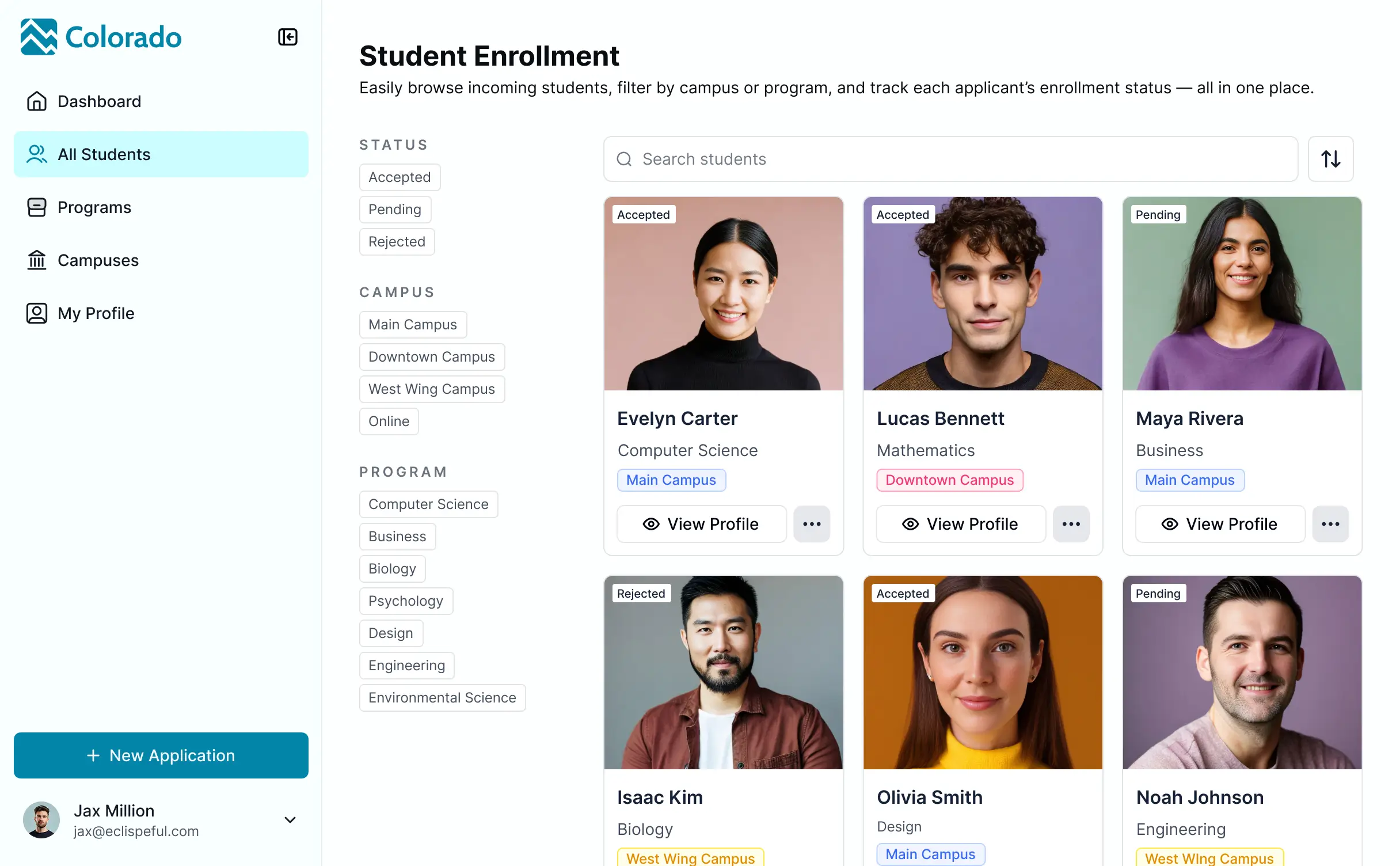

Customize a budgeting dashboard with granular views for department heads. Add blocks like expense trackers and real-time financial summaries.


Connect spreadsheets, grant trackers, and ERP systems with real-time sync—or manage everything in Softr Databases. Create a single source of truth for your school finances.
Give department heads and administrators the right financial tools. Set up secure logins and granular permissions—no IT support or dev work needed.
Give different faculty members tailored dashboards, ensuring each department head sees only the budget and expense data relevant to them.
Streamline financial workflows with Softr Workflows. Trigger native automations for budget approvals or low-fund alerts to keep school operations running smoothly.
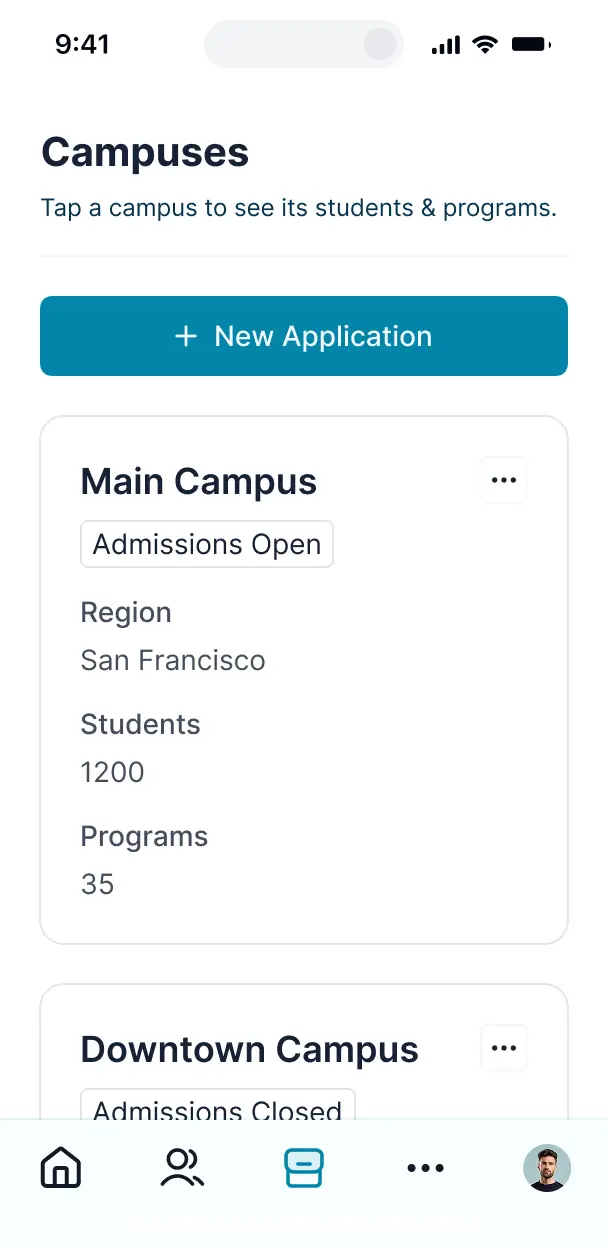
Access and update your school's financial data on the go. All tracking apps and reporting dashboards are mobile-ready out of the box.
Use Google, email, or SSO logins to give your administrative team fast, secure access to financial systems—no IT tickets needed.
Keep sensitive school financial data safe with SOC2 and GDPR compliance, plus fine-tuned access control at every level of the budget.
No more one-size-fits-all tools or costly custom builds. Softr is easy to use and fully customizable, so you can launch faster, adapt as you grow, and skip the complexity of traditional software.

Build your school budgeting software in minutes with AI—no manual setup or complex spreadsheets needed.

Add features like grant dashboards, forecasting, or automated approvals as your district's needs evolve.

Start with a budget dashboard, then add staff portals or tuition trackers—all in one place with no extra tools.
Co-build with AI
Simply describe what you need. Let Softr handle everything - Interface, database, workflows.
Iterate with AI or visually
Control most critical parts of your app yourself - roles, permissions, security.
Ship the same day
Invite team members or external clients and partners right away. No developer handover.
Use drag-and-drop blocks to build a portal that looks sleek and modern out of the box. Add only the features you need, and iterate as your workflows evolve.




School budgeting software is a secure digital hub where educational administrators and finance teams can manage school funds, track departmental spending, and visualize financial forecasts. It centralizes fiscal data like grant allocations, staff payroll, and facility costs in one place, eliminating the chaos of manual spreadsheets. This ensures better financial transparency and helps school boards and principals make data-driven decisions for their students and staff.
Softr is the first AI-native platform for building business software, making it the ideal choice for creating school budgeting software tailored to your district's specific fiscal calendar. You can describe your financial tracking needs to the AI Co-Builder to instantly generate your budget database, expense tracking pages, and approval logic—all fully secured from the start.
You don't need any technical expertise; you can start with an AI-generated foundation, a financial template, or a blank canvas. Your system runs on Softr Databases for native speed, or you can connect external tools like Airtable or Google Sheets where your historical spending data might already live. You maintain total control over the reporting layout, ensuring that bursars and department heads see exactly what they need while branding the dashboard to match your school’s identity.
You can incorporate a variety of advanced features into your school budgeting software to streamline financial reporting and oversight. A professional budgeting app typically combines functional reporting blocks with AI-driven insights:
- AI-Powered Intelligence – Use Ask AI to allow administrators to query budget variances using natural language, or set up Database AI Agents to automatically categorize school expenses based on vendor descriptions.
- Vibe Coding Blocks – Create custom UI components, such as a localized tax-levy calculator or a dynamic fund-transfer widget, using the AI Code block to build precisely what your finance office requires.
- Softr Workflows – Implement native automations like instant email alerts for budget overages or automated approval routing when a department head submits a purchase request.
- User Portals & Logins – Securely manage access so principals only see their school-specific budget while the district CFO maintains a comprehensive view of all accounts.
- Forms & Data Collection – Standardize how your staff submits reimbursement requests or grant applications with custom forms and document uploads.
- Dashboards & Charts – Visualize your school's spending trends, revenue streams, and fund balances with real-time graphs and financial summaries.
- Lists & Advanced Filtering – Efficiently manage line items with searchable audit logs, kanban boards for procurement stages, and detailed views of line-item expenditures.
Every feature is built using Softr's intuitive drag-and-drop interface, and if your district's reporting requirements change, you can update the logic instantly without writing code.
Vibe coding allows school administrators to move at high speed by using AI to build exact financial solutions. You can "vibe code" your school budgeting software by simply telling the AI Co-Builder your requirements—for example, "build a dashboard that tracks Title I funding versus actual spend by department." Softr then generates a robust, secure application tailored to those rules.
Unlike generic tools that output messy code snippets, Softr manages the critical infrastructure like financial data security, user authentication, and relational logic natively. This gives you the rapid development benefits of vibe coding without the risks of managing unstable code. You describe your fiscal requirements, Softr builds the application, and your finance team can begin reporting immediately.
Yes. You can manage multiple schools, departments, or cost centers within a single consolidated dashboard. Through role-based permissions, each department head or principal only sees the specific budget lines and financial data assigned to them, while central office staff can oversee the entire district's fiscal health.
Absolutely. You don't need to have a pre-existing financial database to start building with Softr. If you are starting fresh, you can utilize Softr Databases, which is built directly into the platform to handle relational data like purchase orders and ledger entries seamlessly.
However, if your school already tracks expenses in tools like Airtable, Excel, or SQL databases, you can easily connect and visualize that data. Softr also offers a REST API connector for integrating with more complex legacy accounting systems, ensuring you have total flexibility in how your school’s budget is structured and displayed.
Softr Databases is the recommended native data source for school budgeting software, offering high performance and instant automation for financial records. Because the data is native to the platform, your real-time reporting and spending triggers will be incredibly fast.
Softr also connects to over 17 external data sources if your data is housed elsewhere. You can link to Google Sheets, Airtable, HubSpot, or BigQuery to pull in enrollment numbers or grant data. You can even combine sources—for example, pulling staff records from a SQL database while managing project-based school spending in Softr Databases. Most sources support real-time sync, ensuring your budget reports are always current.
Yes, Softr provides granular control over the user experience within your budgeting dashboard. You can customize the navigation and layouts to fit your district’s specific accounting cycles. Each financial summary or spending card can be restricted so that staff members only see the accounts they are authorized to manage.
You can establish distinct roles—such as Bookkeeper, Principal, or Auditor—and define exactly what each role can view or modify. For instance, a teacher might only be able to view their classroom supply balance, while an administrator can approve high-value procurement requests. This level of customization ensures that sensitive school financial data remains secure while providing a clean, tailored interface for every user.
Yes, you can fully white-label your school budgeting software using Softr. You can apply your school's logo, official colors, and typography, and even host the dashboard on a custom district subdomain. This ensures the budget portal feels like an official and trusted internal platform for all faculty and staff members.
Yes, Softr offers immense flexibility regarding the layout and design of your financial dashboards. You can organize page structures and spacing to prioritize the most critical fiscal metrics. To effectively display your financial data, you can choose from various specialized blocks:
- Table blocks – to display detailed ledger items, vendor lists, or salary grids.
- List or Card blocks – to showcase specific grant categories or departmental budget summaries.
- Detail View – to zoom in on a single line item, such as a specific capital improvement project.
- Forms – for staff to submit budget requests or digital receipts.
- Charts – to visualize spending-to-date versus annual projections.
- Calendar blocks – to track significant fiscal dates like payroll cycles or grant application deadlines.
Changing the layout or adding new reporting modules as the academic year progresses is simple using the visual drag-and-drop editor.
Softr is engineered with enterprise-grade security to protect sensitive school information. All financial data is encrypted in transit and at rest, with hosting on highly secure, compliant infrastructure. You maintain absolute control over visibility using role-based permissions and global restrictions that ensure only authorized personnel can access sensitive financial records.
For apps using Softr Databases, your data is stored in a secure environment hosted within Europe (Germany) and is SOC 2 Type II compliant. If you connect to external sources like a school SQL server or Google Sheets, Softr simply displays that data in real-time based on your permission settings without storing it. We adhere to industry best practices in authentication and monitoring to ensure your district's fiscal data remains private.
It is completely production-ready. While many AI-based tools generate unstable code that is difficult for school IT departments to maintain, Softr builds your budgeting software on a stable, professional foundation.
We provide the essential functionality—such as secure logins for different schools, audit logs, and granular finance-level permissions—natively. This allows you to bypass the technical debt associated with custom-coded prototypes. Your budgeting tool is secure, scalable for the entire school district, and ready to be used for the fiscal year from the moment it is generated.
Softr is the first AI-native platform designed for building specialized business software like school budgeting dashboards. Unlike rigid, expensive ed-tech software or simple spreadsheets that lack security, Softr’s AI Co-Builder creates custom apps on a secure, production-ready foundation.
The key advantage is the hybrid approach: use AI to generate your budget structure and reporting logic in minutes, then use the visual builder for precise adjustments. You get the speed of modern AI generation combined with the reliability of business-grade features like secure authentication and complex user roles, allowing school districts to move from concept to a launched dashboard on day one.
Yes. Softr supports powerful native workflows and numerous integrations to connect your budget software with your existing school tech stack. You can automate procurement processes using Softr Workflows, or integrate with tools like Stripe for activity fee collection or Intercom for staff support. Softr also supports webhooks and a REST API for deeper institutional system integrations.
Whether you need to push expense data to an external accounting system or trigger email notifications when a budget limit is reached, you can build these automated workflows directly into your dashboard without writing any code.
Describe what you need. Softr's AI builds it in minutes. Launch faster with a tool built for your school's workflow.