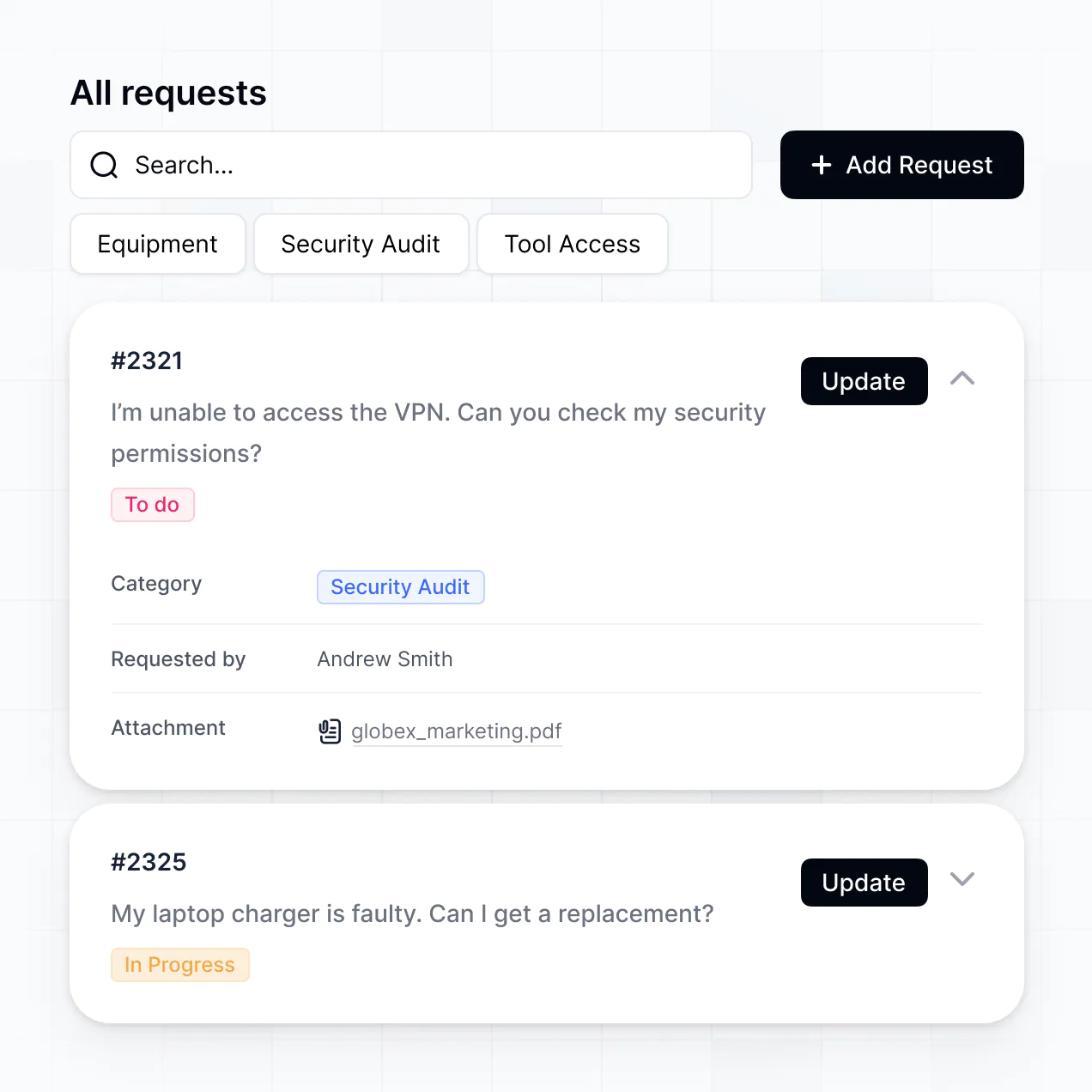
Track recurring tickets, manage fixes, and analyze trends in an AI-powered system built with AI to fit your help desk team's workflow.
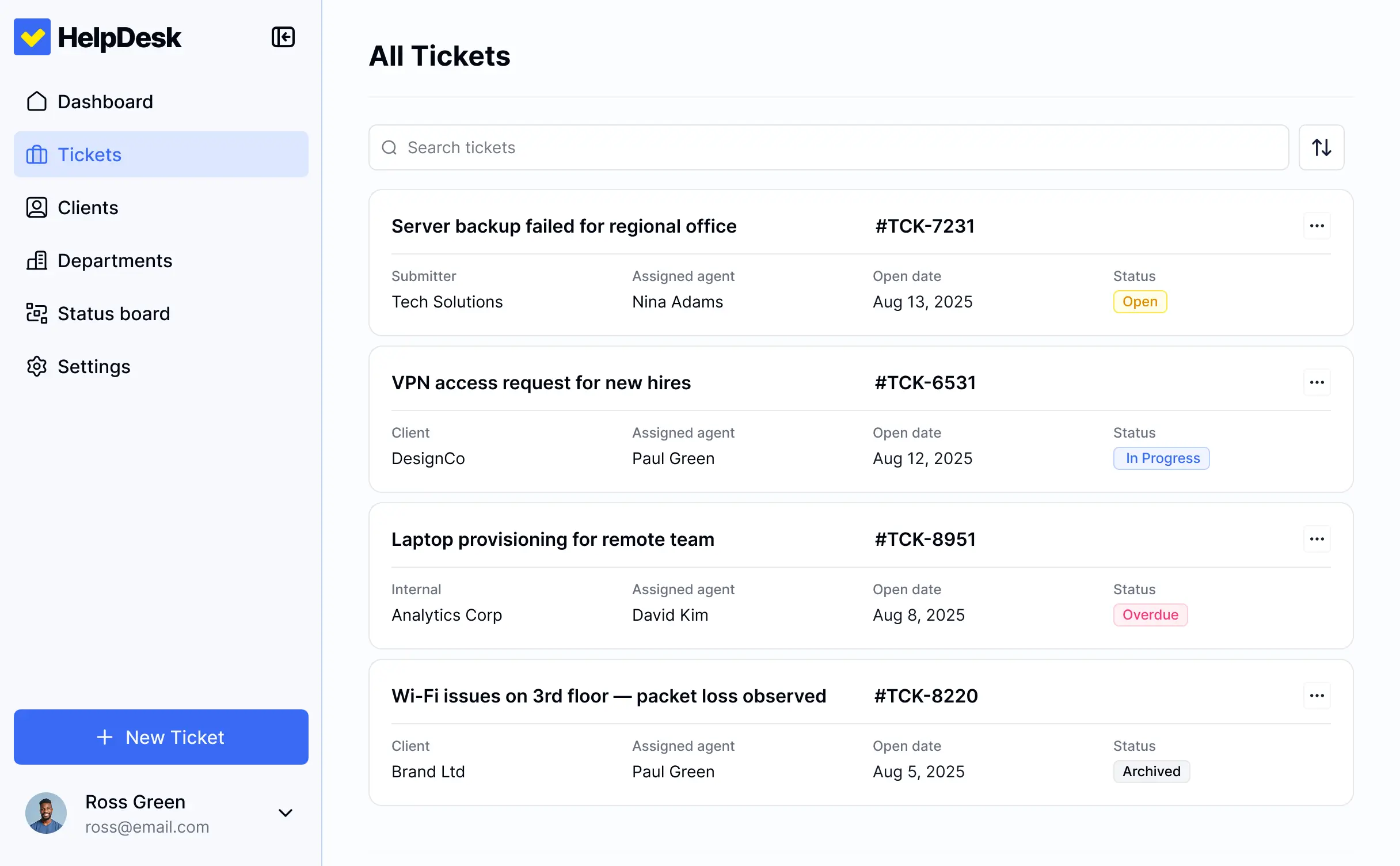



Customize your setup with the exact issue categories and status views your team needs. Add features as support processes evolve—no code needed.


Connect ticket spreadsheets, bug trackers, and history logs with real-time sync—or manage everything in Softr Databases. Create one source of truth for your resolutions.
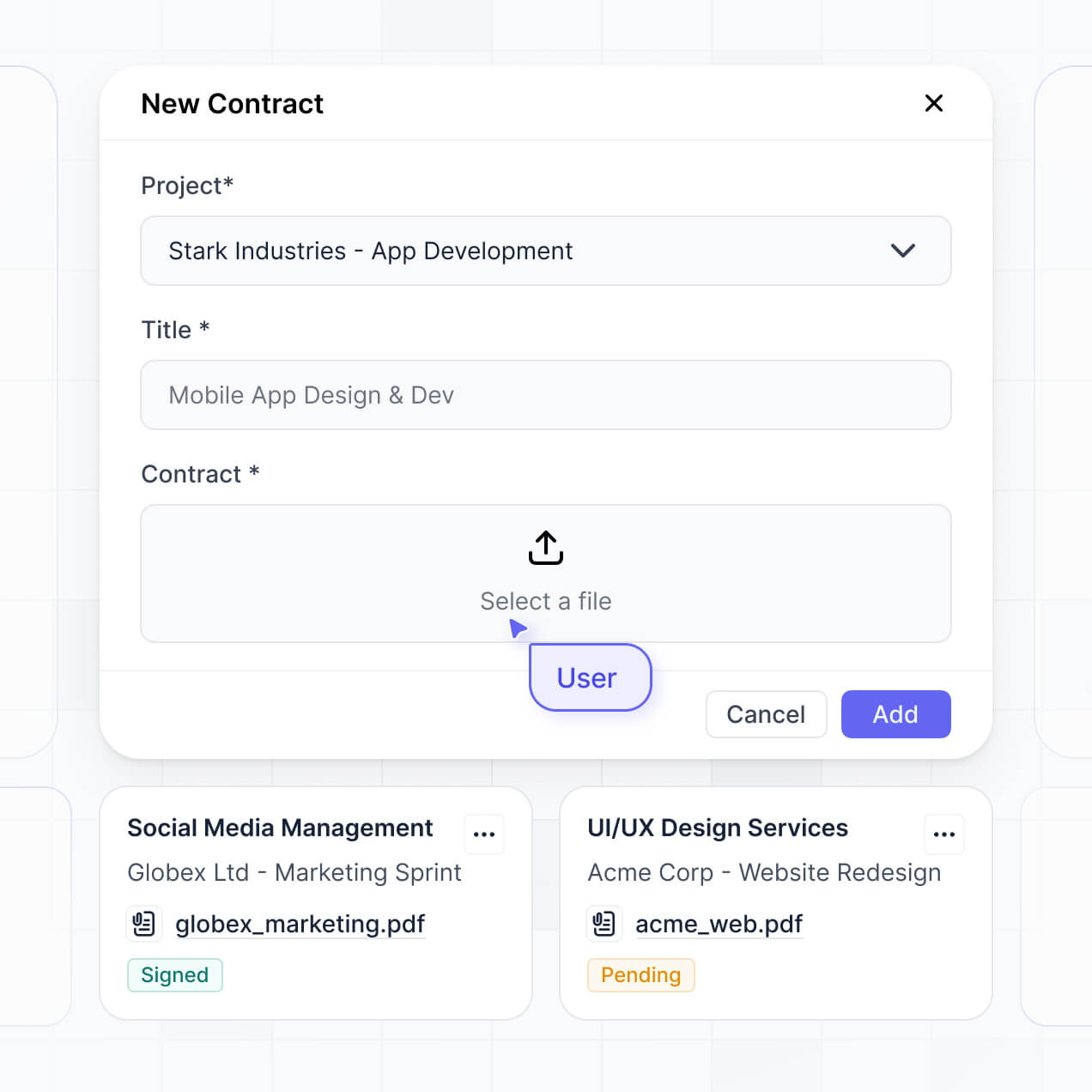
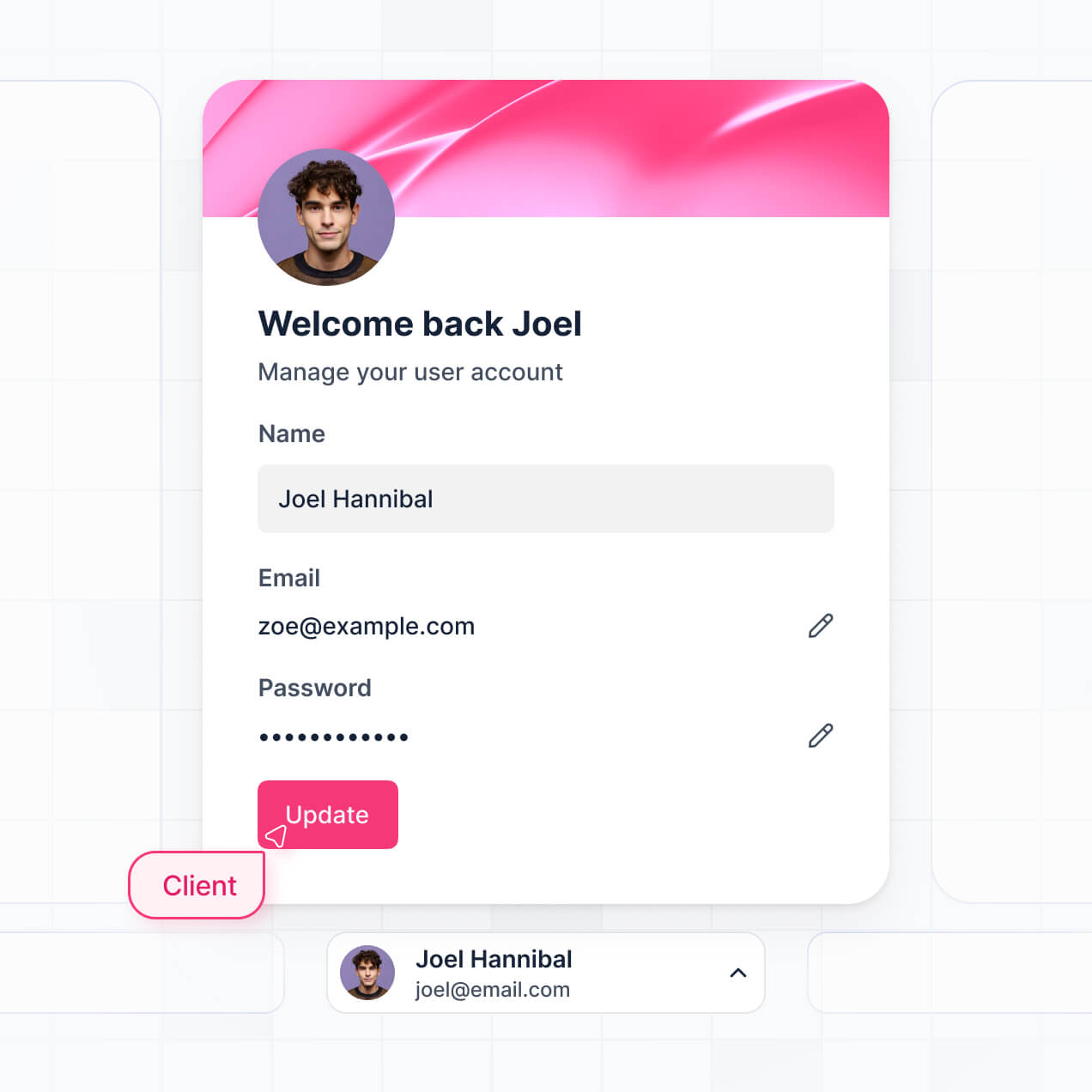
Give each teammate the right tools and access. Set up secure logins, user groups, and granular permissions—no IT support or dev work needed.
Give different team members tailored access and dashboards, so agents see logs and managers see high-level frequency analysis.
Streamline your support logs with Softr Workflows. Trigger native notifications or status changes whenever a resolution is updated.
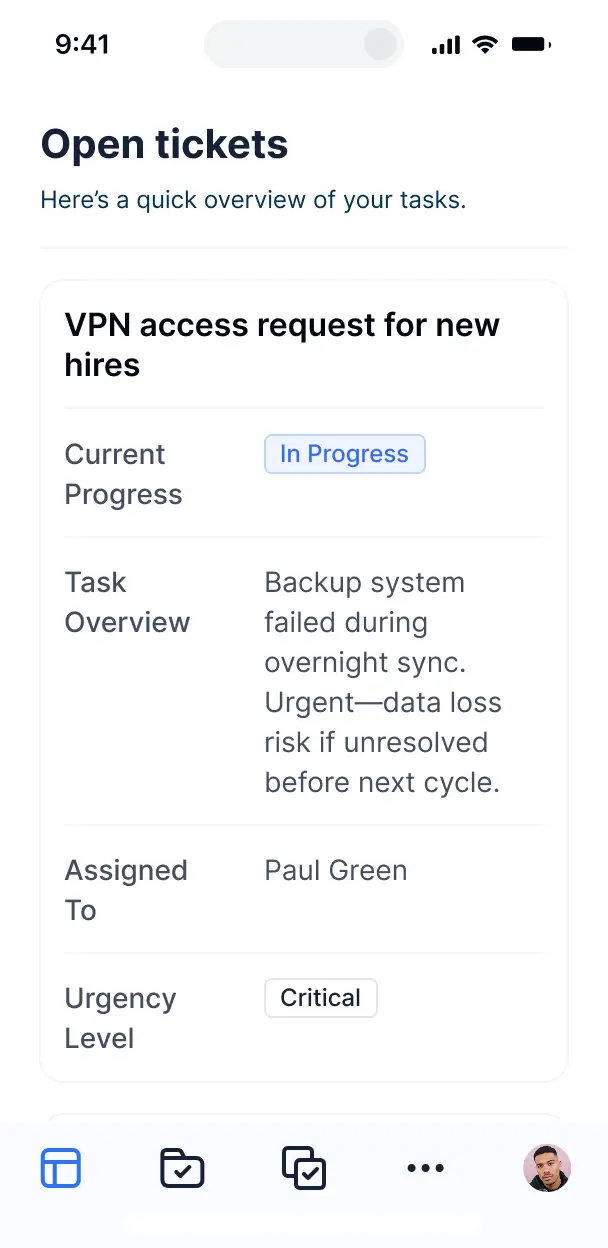
Access and update your resolution log on the go. All apps are mobile-ready out of the box, allowing for updates from any location.
Use Google, email, or SSO logins to give your support team fast, secure access to the log—no IT tickets needed.
Keep internal support data safe with SOC2 and GDPR compliance, plus fine-tuned access control to protect sensitive technical documentation.
No more one-size-fits-all tools or costly custom builds. Softr is easy to use and fully customizable, so you can launch faster, adapt as you grow, and skip the complexity of traditional software.

Build your resolution log in minutes with AI—no manual configuration or complex ticketing setup needed.

Add features like frequency analysis, status tracking, or automated fixes as your volume grows—no rebuild needed.

Start with a resolution log, then add knowledge bases, feedback forms, or internal dashboards—all in one place.
Co-build with AI
Simply describe what you need. Let Softr handle everything - Interface, database, workflows.
Iterate with AI or visually
Control most critical parts of your app yourself - roles, permissions, security.
Ship the same day
Invite team members or external clients and partners right away. No developer handover.
Use drag-and-drop blocks to build a portal that looks sleek and modern out of the box. Add only the features you need, and iterate as your workflows evolve.




A common issue resolution log is a centralized help desk tool where support teams and users can track recurring problems, documented fixes, and status updates. It acts as a single source of truth for troubleshooting, ensuring that instead of searching through scattered emails or chat logs, your staff can quickly find historical solutions. This streamlines the support process and improves service consistency for both your agents and the users they assist.
Softr is the first AI-native platform for building business software, making it the ideal choice for creating a custom help desk solution. You can describe your specific support workflow to the AI Co-Builder to instantly generate a database of tickets, resolution pages, and tracking logic—already pre-configured and secure.
You don't need any technical expertise. You can start by generating with AI, using a pre-built help desk template, or building from scratch. Everything runs on Softr Databases, or you can sync with existing tools like Airtable or Google Sheets. Softr gives you the power to visually customize the interface, implement strict access controls for sensitive user data, and brand the log to match your company's aesthetic. It is fast to deploy, easy to scale as your ticket volume grows, and flexible enough to adapt to new support categories.
You can design a robust feature set tailored to your help desk requirements. A comprehensive resolution log usually combines standard data blocks with AI-driven capabilities:
- AI-Powered Intelligence – Use Ask AI to let support agents query past resolutions via chat, or deploy Database AI Agents to automatically categorize incoming issues or summarize long comment threads.
- Vibe Coding Blocks – Create specialized UI components, such as a custom severity-level gauge or a unique ticket timeline view, using the AI Code block.
- Softr Workflows – Set up native automations that send Slack alerts when a high-priority issue is logged or automatically assign a technician when a status changes.
- User Portals & Logins – Ensure users can only track their own submitted issues while support managers have a bird's-eye view of all resolution progress.
- Forms & Data Collection – Craft detailed submission forms with file uploads for screenshots and conditional logic to route bugs to the right department.
- Dashboards & Charts – Monitor help desk performance with real-time visualizations of resolution times and common issue categories.
- Lists & Advanced Filtering – Use searchable tables and kanban boards to manage the lifecycle of an issue from 'Reported' to 'Resolved'.
All these features are built with drag-and-drop ease, and the Vibe Coding block is available for any bespoke logic or unique design needs.
Vibe coding allows you to build a sophisticated resolution tracking system by simply articulating your needs to our AI. You can 'vibe code' a common issue resolution log by describing how you want to categorize tickets or how the escalation process should work. Softr then generates the functional app on a secure, ready-to-use foundation.
While other tools leave you with unmanaged code that is hard to maintain, Softr handles the core requirements—like user login, secure ticket storage, and permissions—natively. This provides the speed of AI generation without the complexity of managing raw code. You describe the workflow, Softr builds the help desk tool, and your team can start resolving issues immediately.
Yes. You can manage multiple internal departments or external client accounts within a single log. Based on their login credentials and assigned roles, users will only see the issues relevant to their department or organization. This makes Softr perfect for shared service centers or MSPs that need to keep data strictly partitioned between different groups.
Yes, you can. You don't need an existing database to start organizing your help desk. If you are starting fresh, Softr Databases is built into the platform and is designed to handle relational data like linking specific 'Issues' to 'Categories' or 'Users' perfectly.
However, if your resolution history is currently stored in Excel, HubSpot, Airtable, or SQL, you can connect those sources effortlessly. You can even use the REST API to pull data from other legacy software. You have complete control over how your issue database is structured and presented.
Softr Databases is the recommended choice for a common issue resolution log. Because it is native to the platform, it offers high speed, immediate automation triggers, and a seamless experience for agents handling high ticket volumes.
If your data resides elsewhere, Softr connects to over 17 external sources, including Google Sheets, Airtable, SmartSuite, and HubSpot. You can even combine sources—for example, storing historical resolutions in Softr Databases while pulling active customer contact info from HubSpot. Most integrations support a two-way sync, ensuring a status update in your app is instantly reflected in your backend data source.
Yes, Softr offers granular control over the interface and access levels of your resolution log. You can customize the dashboard layout to prioritize urgent tickets for agents while providing a simplified 'Submit a Ticket' view for standard users. Visibility rules allow you to show or hide specific blocks based on the user's role.
You can set up sophisticated permissions: for instance, standard users can only view and comment on their own issues, whereas a 'Lead Engineer' might have permission to edit resolutions or close tickets. This ensures a clean, secure environment where sensitive technical details or internal notes are only visible to authorized personnel.
Yes, you can fully white-label your help desk solution. You can integrate your own logo, set custom brand colors and typography, and map the app to a custom domain (e.g., support.yourcompany.com). This ensures that when users log in to check the status of an issue, the experience feels like a professional, integrated part of your corporate infrastructure.
Yes, Softr provides extensive flexibility to design a resolution log that matches your specific support workflow. You can modify the page hierarchy, colors, and spacing. To effectively manage your issues, you can utilize various functional blocks:
- Table blocks – for high-density views of open tickets and priority levels.
- List or Card blocks – to showcase featured 'How-To' articles or recent resolutions.
- Detail View – to provide a deep dive into a single issue, including logs, attachments, and comments.
- Forms – for standardized bug reporting and intake.
- Charts – to track your team's average time-to-resolution.
- Calendar blocks – to visualize scheduled maintenance or follow-up deadlines.
Updates can be made instantly in the visual builder whenever your help desk processes evolve.
Security is a core priority for Softr. All data is encrypted using TLS in transit and at rest, and apps are hosted on world-class infrastructure. You have complete oversight of who can access specific logs via role-based permissions and visibility rules. For apps using Softr Databases, data is stored in a secure, SOC 2 Type II compliant environment in Germany.
If you connect to an external source like Airtable or SQL, Softr serves as a secure interface that displays your data in real-time without storing it on our servers. This ensures you maintain total ownership of your internal troubleshooting data while benefiting from Softr’s robust authentication and access control systems.
It is a fully production-ready application. Softr isn’t just 'vibe coding' a temporary mockup; it builds your resolution log on a professional foundation that includes authentication, secure hosting, and granular user roles. This allows you to skip the manual setup and go straight to resolving tickets on day one. Your help desk will be scalable, secure, and ready to handle your team's real-world workload immediately.
Softr is the first AI-native platform for business software. Unlike traditional no-code tools that require hours of complex logic mapping, or AI tools that produce unmanageable code, Softr’s AI Co-Builder generates a secure, structured help desk in minutes. It offers a hybrid advantage: use AI for the heavy lifting of building the resolution log and database, then use our visual editor to fine-tune the UI. It’s designed for teams that need reliable, business-grade tools without the technical overhead.
Yes, you can. Softr supports native workflows and many integrations to connect your resolution log to the rest of your tech stack. You can automate email notifications via MailerLite, process support fees via Stripe, or sync ticket data with Intercom. With additional support for REST API and webhooks, you can trigger complex actions—like opening a Jira ticket automatically when a common issue is marked as a 'Bug'—all without writing a single line of code.
Describe what you need. Softr's AI builds your custom support tools in minutes.