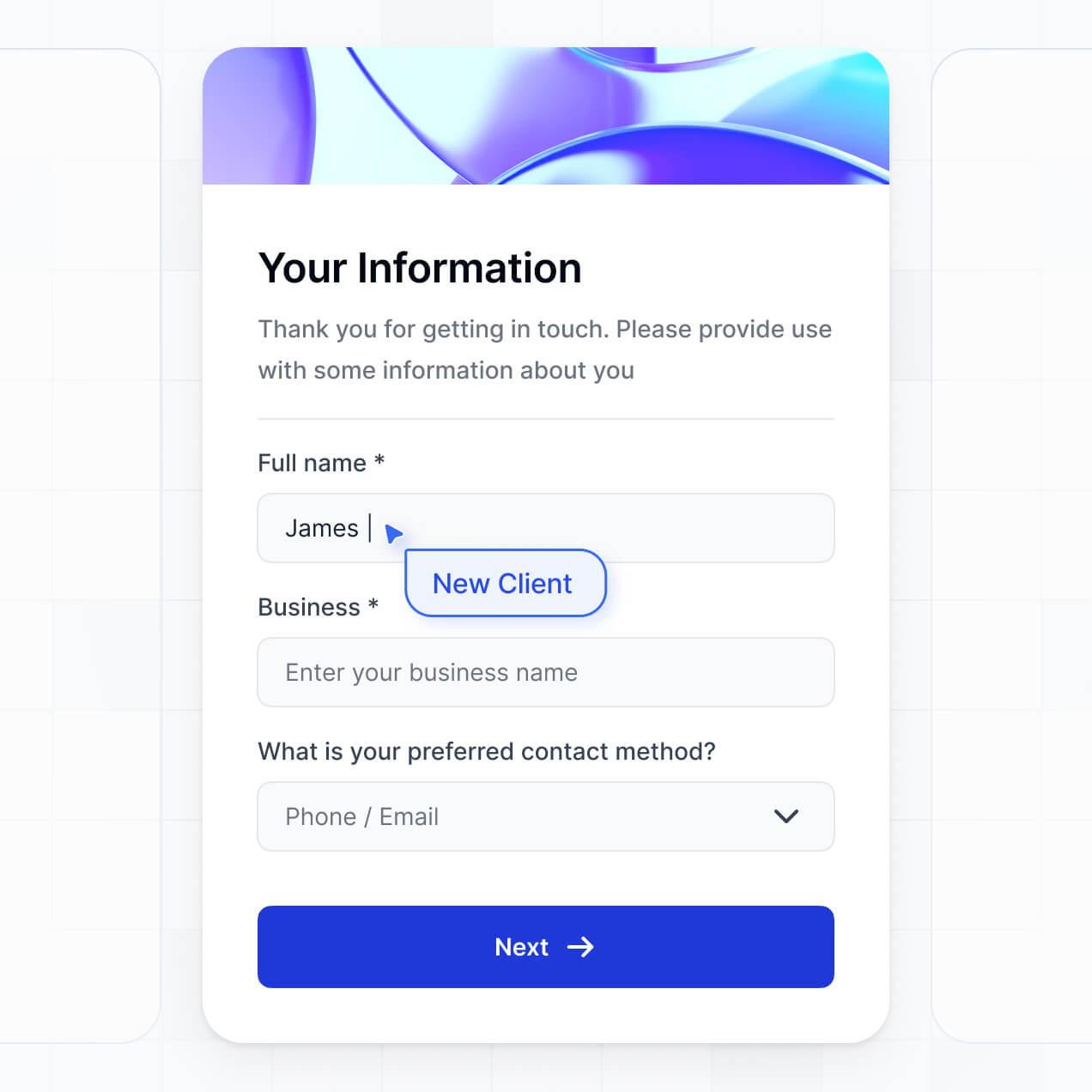
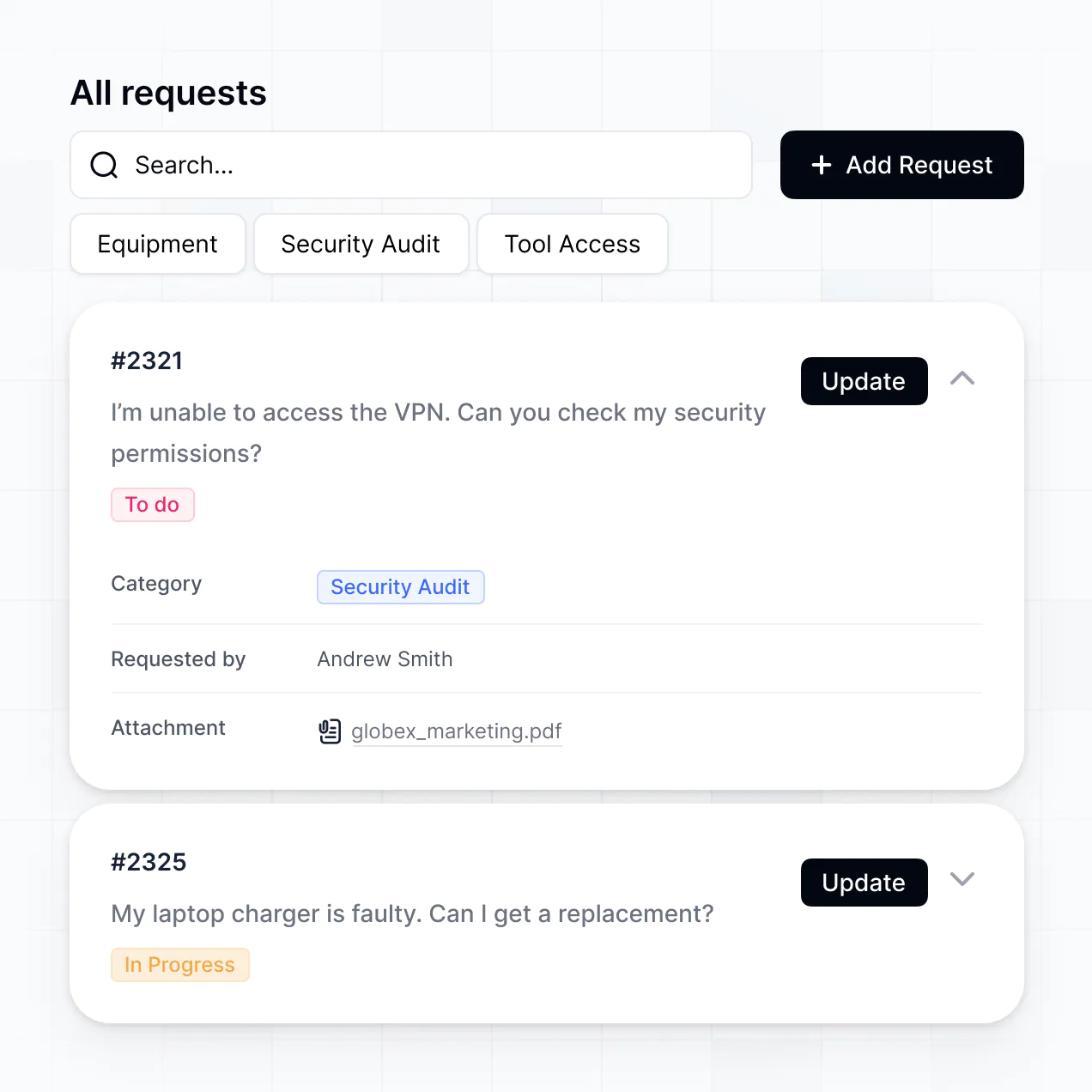
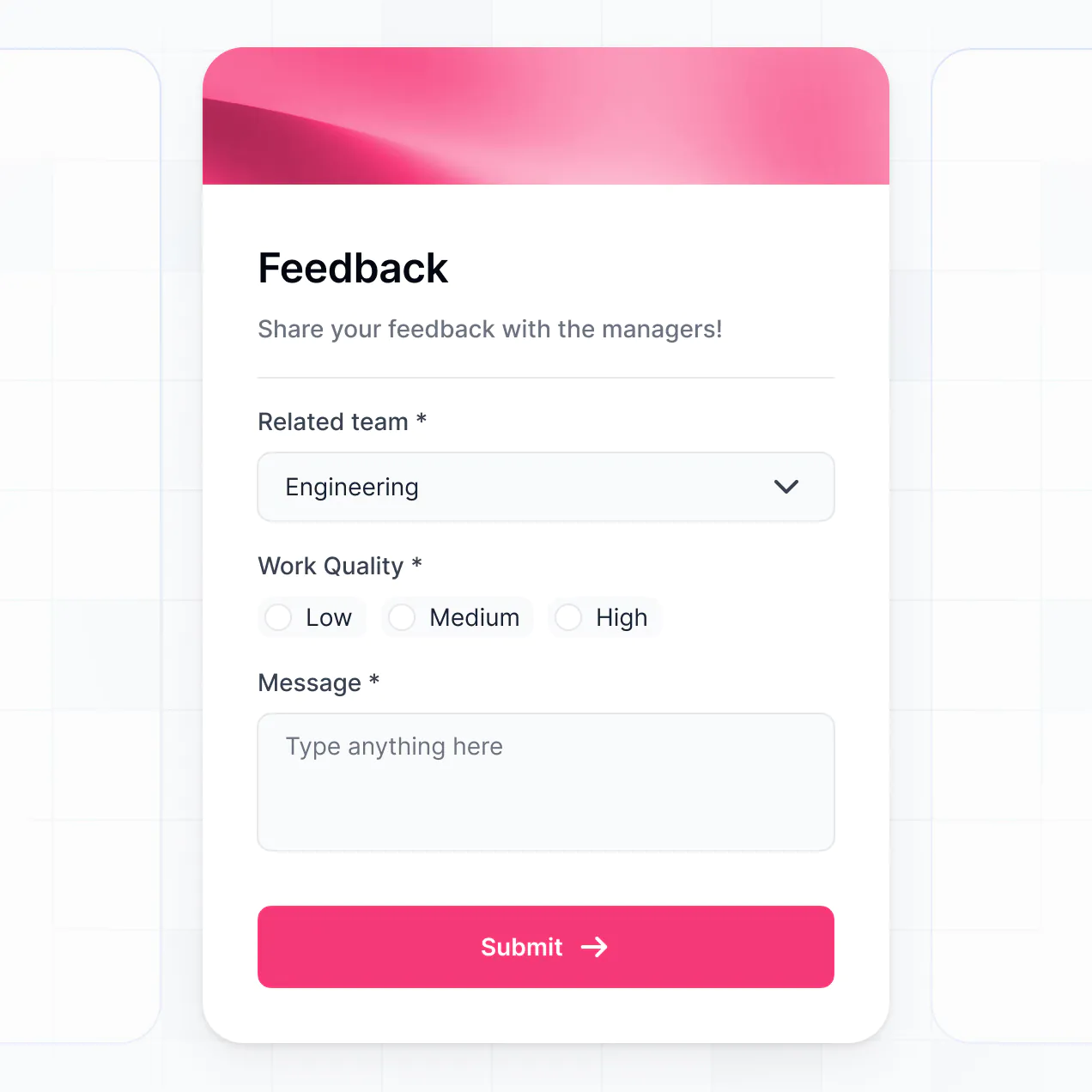
Onboard testers, distribute builds, and collect bug reports in an AI-powered portal built to fit your unique product testing workflow.
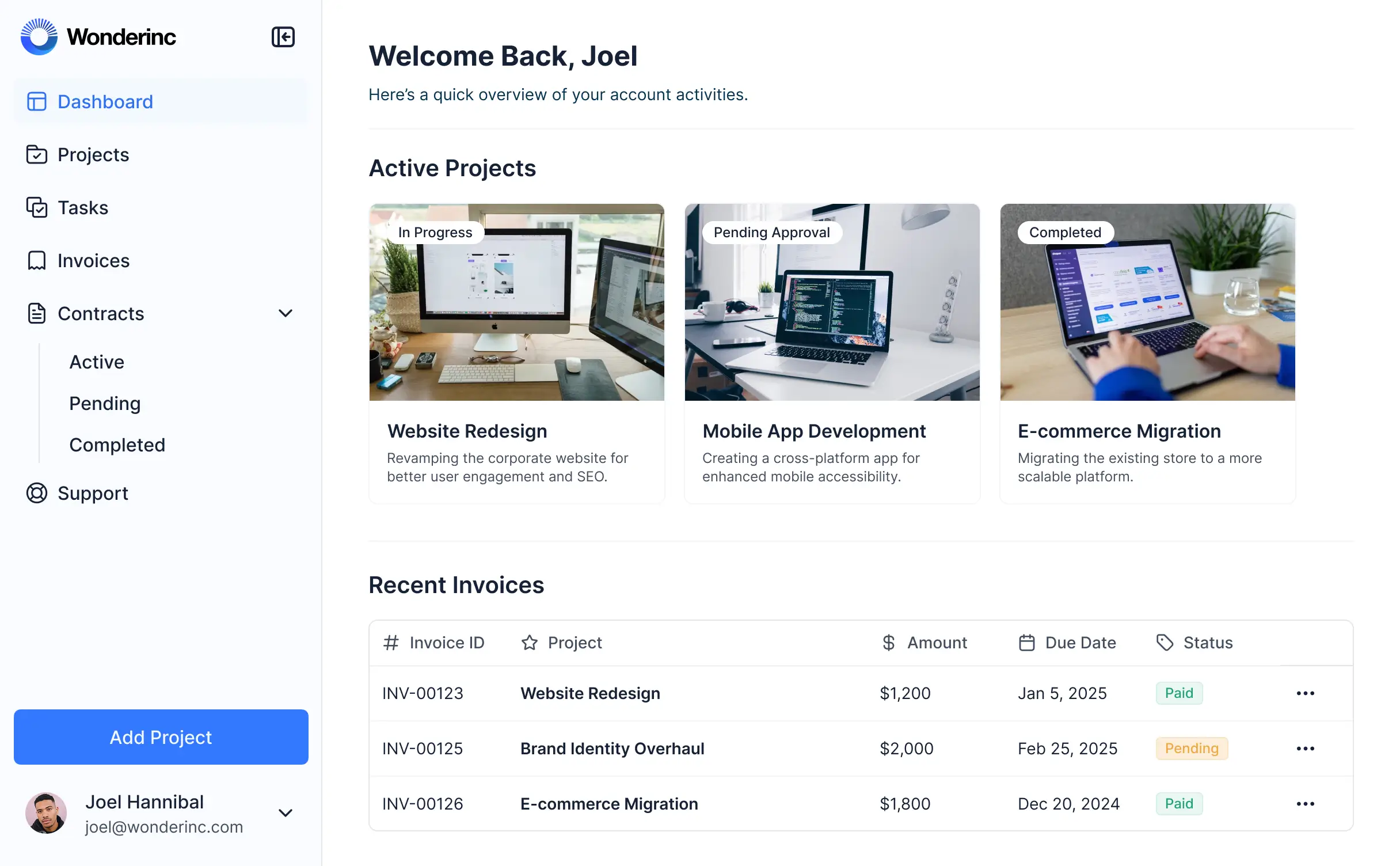
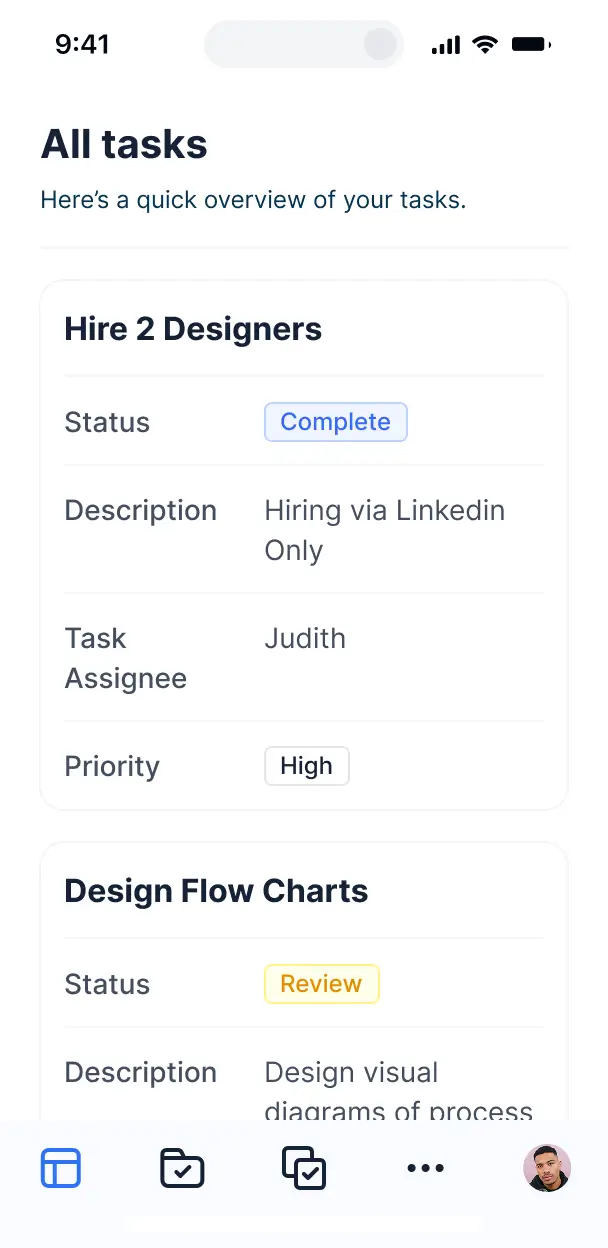



Set up custom views for testers and developers. Add blocks like file uploads, feedback forms, and bug tracking exactly as your process grows.


Connect feedback logs, bug reports, and tester profiles with real-time sync—or manage everything in Softr Databases. Create a single source of truth for your product team.
Give testers and developers the right access in a fully branded portal. Set up secure logins, user groups, and granular permissions in minutes.
Softr apps are mobile-ready by default. Turn your portal into a downloadable app so testers can report bugs directly from their mobile devices while on the go.
Build native automations to handle status updates, reward notifications, and sync feedback automatically whenever a tester submits a new bug report.
Provide separate dashboards for alpha and beta testers, and create private views for developers to manage incoming feedback and build distributions.
Apply rules for different groups. Customize who can download builds and which bug reports they can see, ensuring data privacy across your entire testing pool.
Protect sensitive pre-release information and user data from threats. Softr is fully compliant with SOC2 and GDPR regulations for enterprise-level security.
No more one-size-fits-all tools or costly custom builds. Softr is easy to use and fully customizable, so you can launch faster, adapt as you grow, and skip the complexity of traditional software.

Build your portal in minutes with AI—no manual configuration or complex technical setup required.

Add features like bug tracking, sentiment analysis, or rewards management as your testing phases evolve.

Start with a portal, then add internal dashboards or feedback forms—all in one place, with no extra tools.
Co-build with AI
Simply describe what you need. Let Softr handle everything - Interface, database, workflows.
Iterate with AI or visually
Control most critical parts of your app yourself - roles, permissions, security.
Ship the same day
Invite team members or external clients and partners right away. No developer handover.
Use drag-and-drop blocks to build a portal that looks sleek and modern out of the box. Add only the features you need, and iterate as your workflows evolve.




A beta tester portal is a secure, centralized environment where product teams can manage their external testers during a pre-release phase. It serves as a hub for users to download early builds, report bugs, and submit feedback on specific features. By keeping bug reports and feature requests in one place, you eliminate the chaos of scattered Discord chats or email chains, ensuring your engineering team can prioritize fixes and improve the product before the official launch.
Softr is the first AI-native platform for building business software, making it the ideal choice for creating a beta tester portal that matches your unique QA process. You can describe your specific testing requirements to the AI Co-Builder to instantly generate a database of testers, feedback submission pages, and logic—all fully connected and secure.
You don't need to write a single line of code. Whether you start with AI, use a pre-built template, or build from scratch, your portal runs on Softr Databases or can pull from existing data in Airtable, Google Sheets, or HubSpot. You have complete control to customize the testing interface, manage tester access levels, and brand the portal to look like your own software product. It is fast to deploy in time for your next sprint and flexible enough to scale from ten testers to thousands.
You can design a variety of features into your beta tester portal to streamline the QA cycle, mixing standard functional blocks with advanced AI capabilities:
- AI-Powered Intelligence – Use Ask AI to let testers query release notes conversationally, or use Database AI Agents to automatically categorize bug reports by severity or sentiment.
- Vibe Coding Blocks – Build custom UI components—like an interactive device-info logger—using the AI Code block to "vibe code" the exact technical details you need to capture from testers.
- Softr Workflows – Create native automations, such as sending an instant Slack notification to your dev team whenever a "Critical" bug is submitted.
- User Portals & Logins – Securely manage access so internal QA leads see all reports while beta testers only see their own submitted bugs and rewards.
- Forms & Data Collection – Record logs and reproduction steps with custom forms, screen recording uploads, and conditional logic.
- Dashboards & Charts – Visualize the total number of open bugs versus fixed issues and track tester activity levels with real-time analytics.
- Lists & Advanced Filtering – Organize testing tasks and bug reports with searchable tables, kanban boards for issue tracking, and detailed record views for every ticket.
Everything is built using Softr's drag-and-drop system. If your testing requirements evolve, you can quickly add a Vibe Coding block to generate a tailored component or update the portal hierarchy without downtime.
Vibe coding lets you move at the speed of your product development by using AI to build exactly what you need for your testers. You can "vibe code" a beta tester portal by describing your testing workflow and data requirements to the AI Co-Builder. Softr then generates a production-ready portal on top of a stable, secure foundation.
Unlike other tools that leave you with spaghetti code, Softr manages the infrastructure natively—including tester authentication, data storage, and role-based security. This means you get the rapid generation of vibe coding without the technical debt of managing raw code. You describe the feedback loop you want, Softr builds it, and your testers can start submitting bugs immediately.
Yes. You can manage multiple cohorts—such as Tier 1 external testers, VIP customers, and internal QA teams—within a single portal. Each tester only sees the specific builds and feedback forms assigned to them based on their user group. This is perfect for staged rollouts where you want to gather feedback from different segments without mixing their data or exposing confidential internal roadmaps.
Yes, you can. You don't need an existing spreadsheet of testers to get started. If you are launching your first beta, you can use Softr Databases, which is built into the platform, to store tester profiles, device specs, and feedback records from day one.
If you already have your tester list in tools like Airtable, Google Sheets, or HubSpot, you can connect those sources effortlessly. You can even use the REST API to pull data from your product's actual user database. You have full control over how your testing data is structured and presented to your participants.
Softr Databases is the recommended relational data source for your beta tester portal. It is built for speed and native performance, which is essential when testers are submitting high-priority bug reports that need to be captured and processed instantly.
If your tester data or bug tracking is already hosted elsewhere, Softr connects to 17+ external sources including Airtable, Google Sheets, HubSpot, and SQL databases. You can even combine sources—for example, storing tester profiles in HubSpot while keeping bug reports in Softr Databases. Changes sync in real-time between your portal and your data source, ensuring your developers always see the latest information.
Yes, Softr provides deep control over the tester experience. You can customize the layout, breadcrumbs, and navigation to reflect your product's branding. By using visibility rules, you can show specific blocks—like "Known Issues"—only to certain tester tiers, ensuring every user sees code-relevant tasks.
You can define distinct roles, such as "Standard Tester," "Power User," and "Admin." For instance, standard testers can only create and view their own feedback, while power users can also upvote feature requests, and admins can manage the entire bug backlog. This ensures your portal remains secure, keeping sensitive product secrets hidden while maintaining a clean workflow for every participant.
Yes, you can fully white-label your beta tester portal to ensure it feels like a professional part of your software's ecosystem. You can use your own logo, set the typography and brand colors to match your product's UI, and point the portal to a custom domain (e.g., beta.yourstartup.com). You can also remove all Softr branding so your testers only interact with your company's identity.
Yes, Softr offers extensive flexibility to adjust the design and layout to suit your QA needs. You can control colors, spacing, and page structures to ensure the portal is intuitive for testers. You can choose which functional blocks appear on each page based on the testing phase you are in.
To manage your testing data, you can choose from various blocks:
- Table blocks – for structured bug lists and development sprint progress
- Card blocks – to showcase specific features currently under test or new build releases
- Detail View – to provide an expanded view of a specific bug report including reproduction steps
- Forms – for submitting feedback and bug logs
- Charts – to visualize testing coverage and bug closure rates
- Calendar blocks – to display upcoming testing windows or live feedback sessions
If you need to change your testing focus next week, you can easily drag and drop new components in the visual builder to update the experience instantly.
Softr is built with enterprise-level security to protect your pre-release intellectual property. All data is encrypted with TLS in transit and at rest, and hosted on secure infrastructure. You maintain strict control over data visibility; you can set role-based permissions to ensure that testers cannot see each other's contact info or proprietary internal dev notes.
For portals using Softr Databases, files and data are stored in a secure SOC 2 Type II compliant environment in Germany. If you use external sources like SQL or Airtable, Softr acts as a secure interface that displays data in real-time without storing it. You always define who can view or edit reports, ensuring your product's secrets stay between you and your trusted testers.
It is absolutely production-ready. While some AI tools produce brittle code that breaks during a heavy testing cycle, Softr constructs your beta tester portal on a secure, business-grade foundation.
We provide native handling for user authentication, private data access, and secure hosting. This eliminates the technical overhead of "vibe coding" from scratch; you get the benefit of instant generation without having to debug the infrastructure itself. Your portal is ready to handle real testers and mission-critical feedback from day one.
Softr is the first AI-native platform specifically optimized for business logic and secure portals. Unlike basic website builders or pure code-generation tools, Softr's AI Co-Builder builds apps with pre-integrated security, roles, and relational data capabilities.
It offers the hybrid advantage: use AI to generate the skeleton of your tester portal and bug-reporting logic in minutes, then use the visual drag-and-drop editor to polish the interface. You get the speed of AI combined with the reliability of a platform that already understands authentication and permissions—making it the fastest way for product teams to move from a testing plan to a live portal.
Yes. Softr supports powerful native workflows and integrations to keep your dev cycle moving. You can use Softr Workflows to automate tasks or integrate directly with tools like Stripe for tester incentives and Intercom for live support. For technical teams, Softr supports Webhooks and a REST API to sync bug reports directly to Jira, Linear, or GitHub.
Whether you need to trigger a notification when a new tester signs up or automatically create an issue in your dev backlog when feedback is submitted, you can build these automated connections into your portal without writing code.
Describe what you need. Softr's AI builds it in minutes. Get started for free, no dev time required.