


Build your own custom ERP system with AI
Instead of paying for rigid software and long implementations, create an ERP tailored to your business workflows—no code required.










Connect your business data and tools in one hub
Softr's AI Co-Builder generates a database when it builds your app, or you can connect to 17+ data sources. Whether you have existing data or are building from scratch, you're covered.


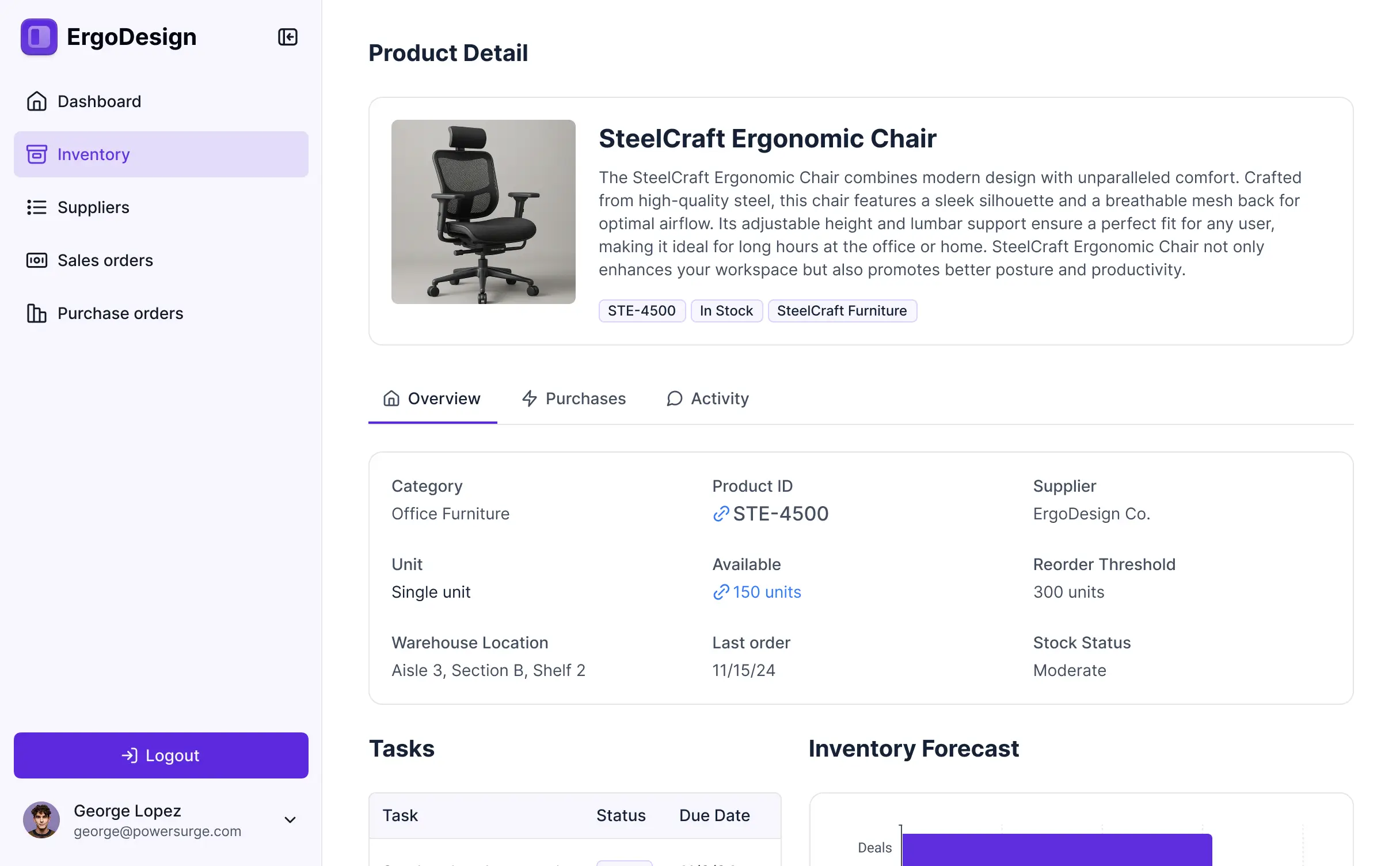
Manage HR, inventory, and finance in one ERP system.
Replace dozens of tools with one ERP built to your specifications. Run every department in your custom setup — no need for separate licenses.



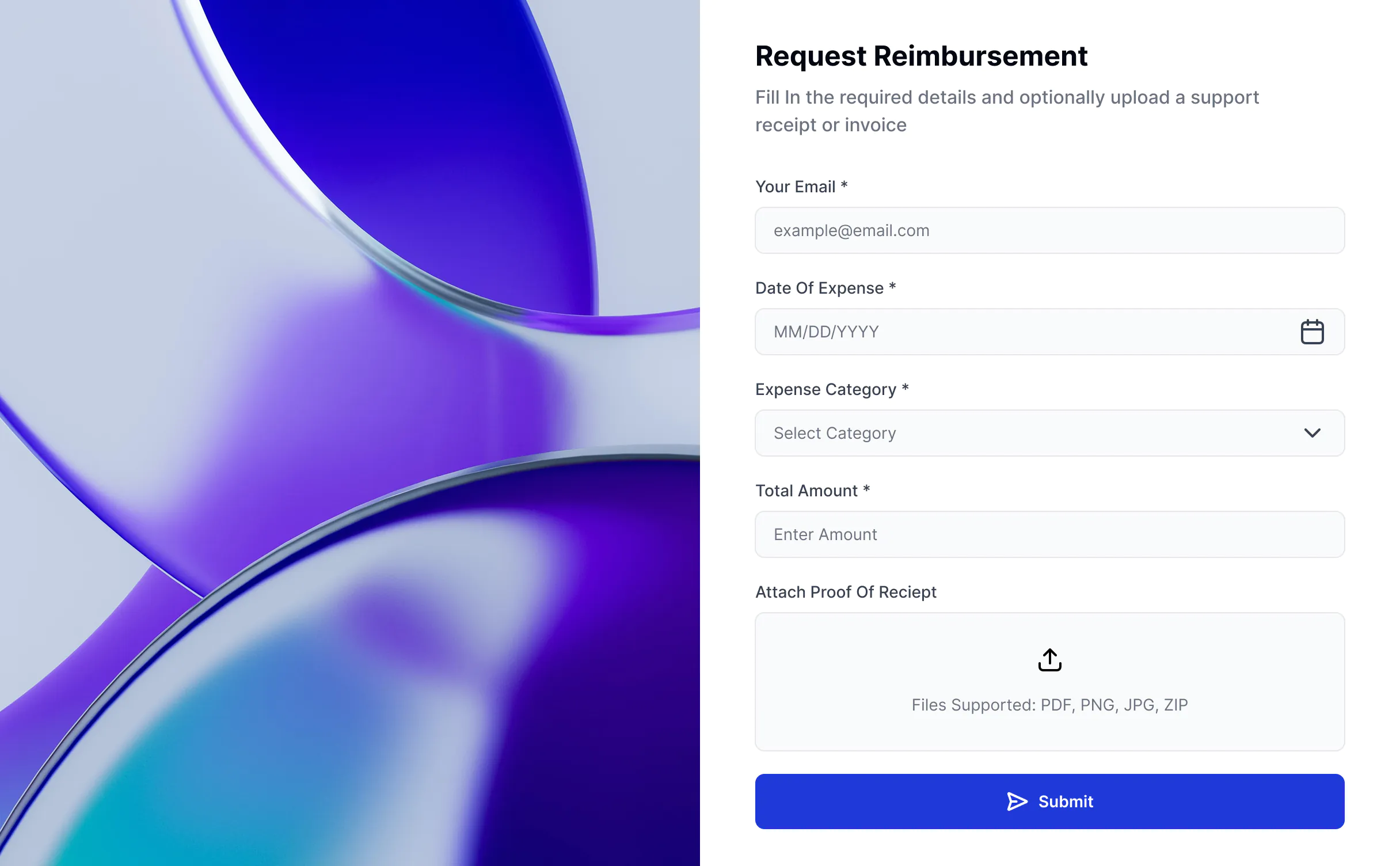


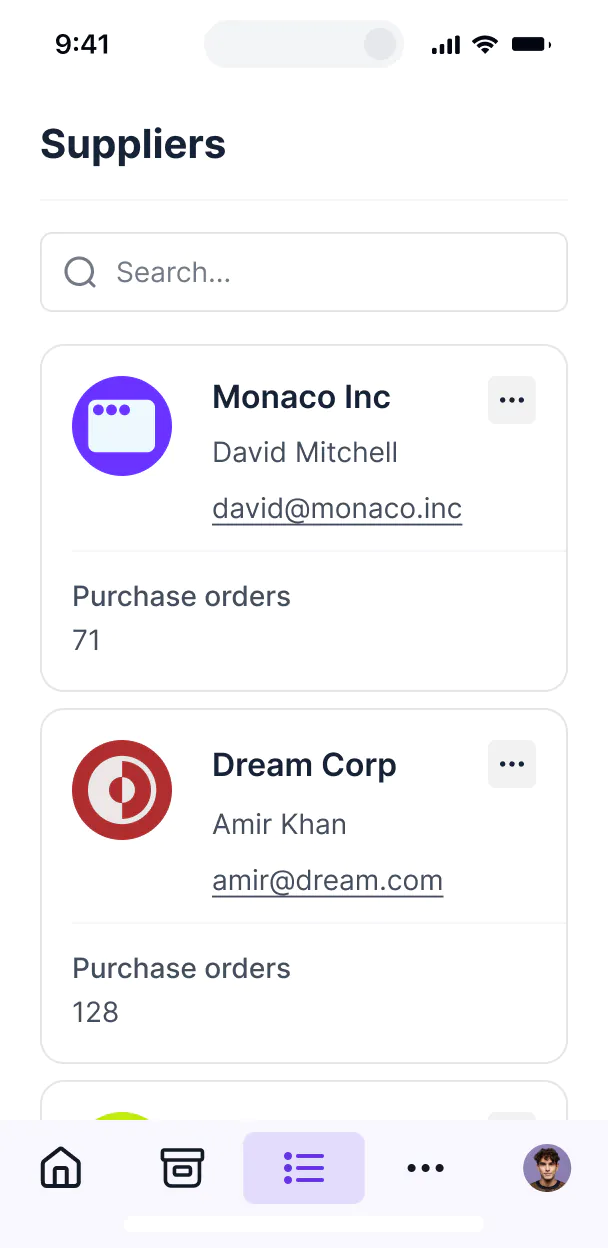
Inventory tracking


HR & employee onboarding

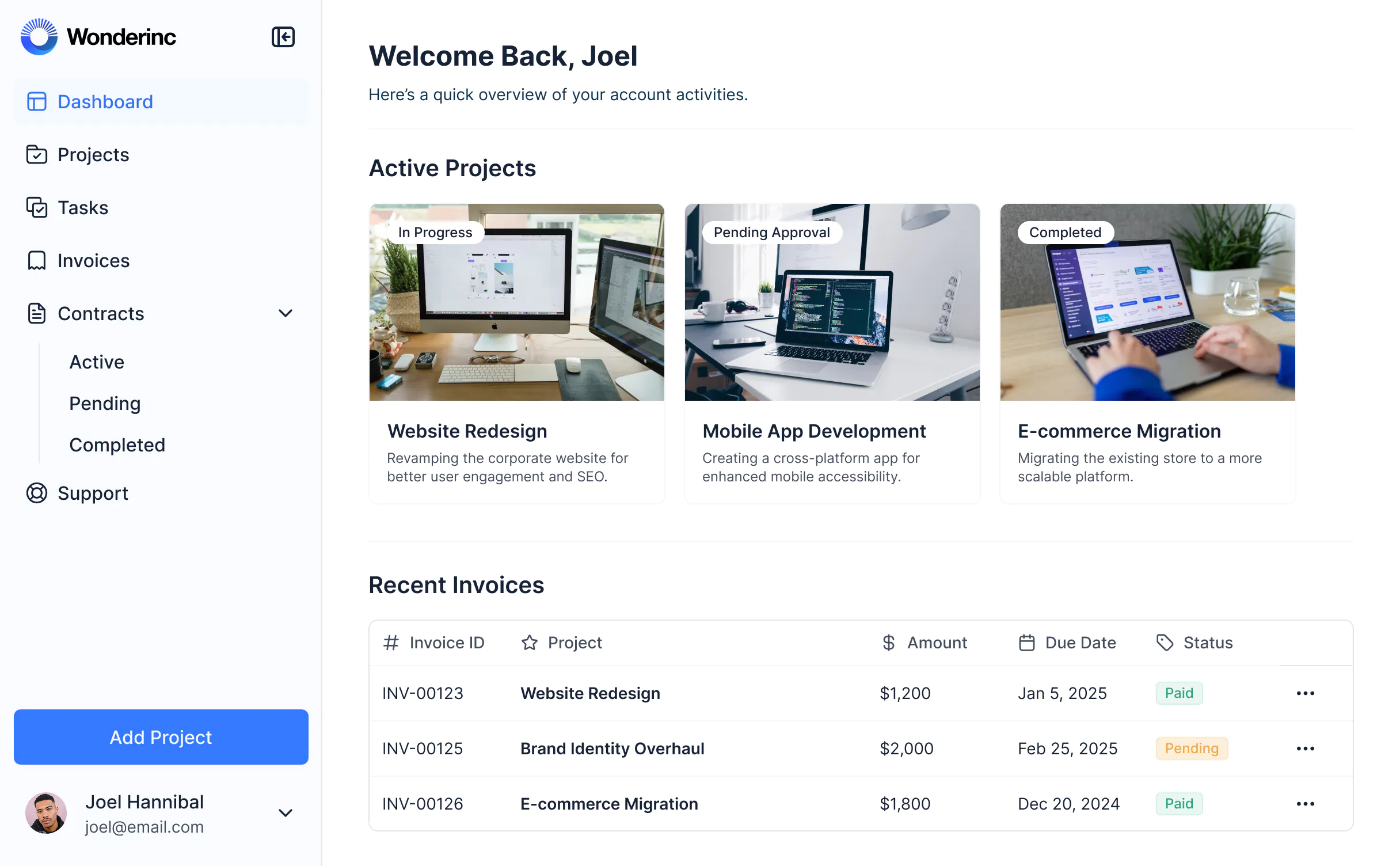
Project management

Finance & accounting

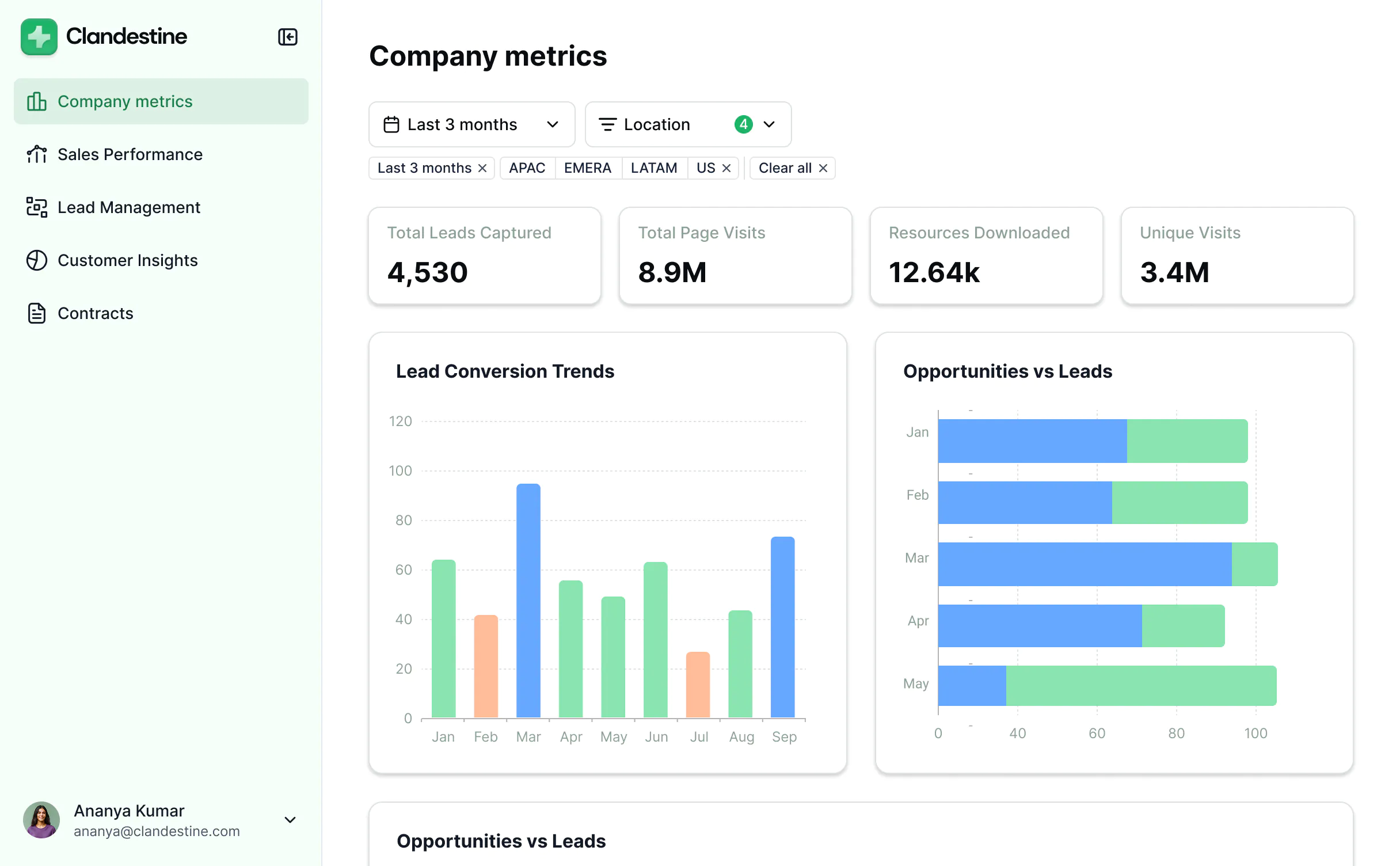
Reporting & dashboards

Knowledge & resources


Secure, enterprise-ready ERP platform.
Everything you need to meet enterprise standards—without the enterprise complexity. Run your ERP with confidence.

Production ready
Logins, user management, hosting, and more — built in and working from the moment you hit publish.

Easy, secure logins
Give employees and partners secure access with password, SSO, or magic link logins— no complicated setup.

Automations
Use Softr Workflows to automate processes across your app — or connect to Make, Zapier, n8n and more.

Works on any device
Turn your ERP into a downloadable mobile app in one click with Softr’s PWA feature — no extra design work needed.

Advanced permissions
Customize who sees what, and which actions they can take, even at the most granular level.

Security
Protect sensitive information from security threats. Softr is fully compliant with SOC2 and GDPR regulations.
.svg)
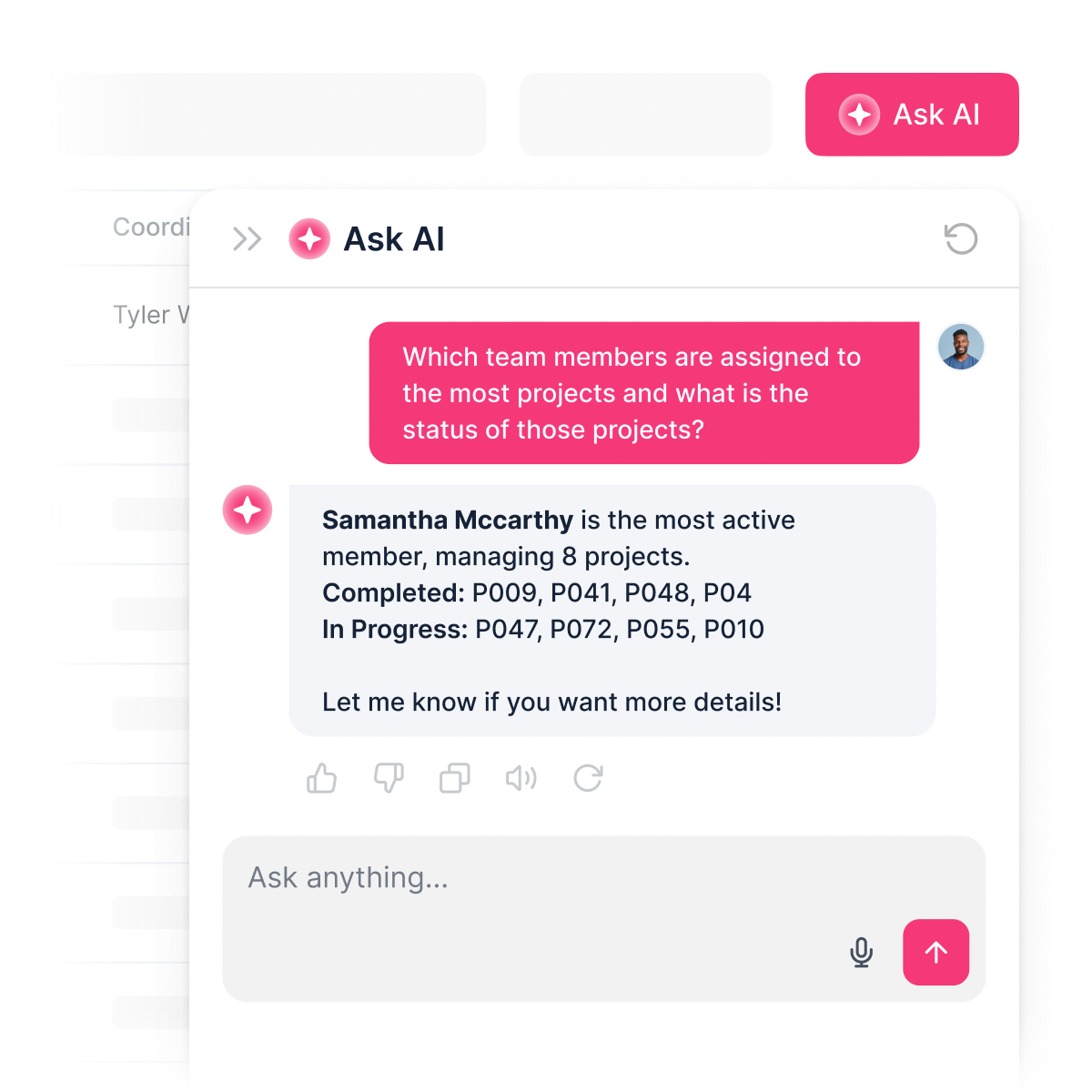
Add an AI assistant to your ERP
Ask AI about projects, inventory, or finances—and get insights directly from your ERP data.





Go from zero to app, incredibly fast
Co-build with AI
Simply describe what you need. Let Softr handle everything - Interface, database, workflows.
Iterate with AI or visually
Control most critical parts of your app yourself, including: roles, permissions, and security.
Ship the same day
Invite team members or external clients and partners right away. Build AI apps with no developer handover.


Frequently asked questions
What is an ERP?
What is an ERP?
A custom ERP is a centralized platform designed specifically for your organization’s workflows, processes, and data management needs.
Team members can log in to manage projects, track inventory, handle invoicing, and access real-time reports—all in one place. By bringing everything together, a custom ERP helps your team stay organized, reduce manual work, and streamline operations.
What are the benefits of a custom ERP?
What are the benefits of a custom ERP?
An ERP (Enterprise Resource Planning) system centralizes your business operations into one platform, helping teams work more efficiently and with fewer errors. Instead of using disconnected tools for finance, HR, inventory, and projects, an ERP brings everything together.
The main benefits include:
- Centralized data: Keep all your business information in one place, reducing duplicate records and making sure everyone works from the same source of truth.
- Efficiency: Automate repetitive tasks, reduce manual data entry, and cut down on back-and-forth between tools.
- Real-time visibility: Track finances, inventory, sales, and HR data in real time, so leaders can make faster and more accurate decisions.
- Improved collaboration: Give different teams — finance, operations, HR, sales — access to the same system with role-based permissions.
- Scalability: Add new modules or features (like payroll, project tracking, or supplier portals) as your business grows, without rebuilding from scratch.
- Compliance & security: Centralized systems make it easier to enforce data security standards and meet compliance requirements.
In short, an ERP helps businesses reduce costs, work smarter, and grow without being slowed down by disconnected systems.
What features should an ERP have?
What features should an ERP have?
A modern ERP (Enterprise Resource Planning) system should include core features that bring together finance, operations, HR, sales, and inventory into one place. The goal is to centralize data, streamline processes, and make information accessible across teams.
Key features of an ERP include:
- Centralized database: One source of truth for all business data, updated in real time.
- User management & permissions: Role-based access so employees, managers, and admins only see what’s relevant to them.
- Finance & accounting: Invoicing, expenses, purchase orders, and financial reporting.
- Inventory & supply chain: Stock tracking, supplier management, purchase workflows, and warehouse visibility.
- CRM & sales: Lead management, pipelines, customer communication, and deal tracking.
- HR & people operations: Employee records, onboarding workflows, time-off requests, and role management.
- Project management: Task assignment, project dashboards, and collaboration tools.
- Automation workflows: Trigger-based actions (e.g., reorder alerts, invoice reminders, approval flows).
- Reporting & analytics: Custom dashboards and drill-down reports to monitor KPIs.
- Security & compliance: Data encryption, secure logins, and audit-ready activity logs.
With Softr, you can use AI to create an ERP that includes all of these features and more, while customizing the look and functionality to match your brand and workflows — all without code.
How do you create an ERP system?
How do you create an ERP system?
Traditionally, building an ERP required coding from scratch or buying expensive enterprise software. Today, you can create a fully functional ERP in minutes with Softr's AI Co-Builder — no coding required.
Here's how it works:
- Generate your app from a prompt: Describe what you need and the AI Co-Builder generates a fully functional app — database, business logic, and utility pages (like login, password reset, and account settings) already included.
- Refine to your needs: Switch between prompting and visual editing to customize logic, control who sees and edits what, add features, and scale as your business evolves — all on your own, no developers needed.
- Customize branding: Add your logo, colors, and domain so the ERP reflects your brand.
- Add workflow automation: Use Softr Workflows to automate tasks like syncing data across departments, alerting finance when purchase orders are approved, or notifying operations when project milestones are reached. You can also add Softr Forms to submit budget requests, log operational data, or escalate issues across teams and trigger workflows automatically.
- Launch and iterate: Publish in minutes, then update or expand your ERP as your business processes and teams grow.
Why should I build a no-code ERP instead of buying off-the-shelf software?
Why should I build a no-code ERP instead of buying off-the-shelf software?
Traditional ERP software is expensive, rigid, and often comes with features you don’t need. A no-code ERP lets you design a system around your own workflows instead of forcing your team to adapt.
With Softr, you can:
- Use the AI Co-Builder to generate a secure, custom ERP with database, logic, and UI.
- Start small with just the views, pages and features you need (like inventory or HR).
- Avoid high license costs for features you’ll never use.
- Customize views, permissions, and workflows for your exact processes.
- Scale over time, adding new functionalities as your business grows.
This flexibility means you save money, speed up adoption, and ensure your ERP actually fits your business.
What data sources can I connect to an ERP system?
What data sources can I connect to an ERP system?
Softr's AI Co-Builder generates a Softr database schema when it builds your ERP, so if you're starting from scratch, your data structure is ready to go. You can add or import data directly — no migration needed.
If you already have data elsewhere, Softr connects to 17+ sources including Airtable, Google Sheets, HubSpot, Notion, MySQL, PostgreSQL, monday.com, ClickUp, and more — or connect any system through the REST API connector.
Either way, your ERP stays in sync with your data in real time
Can I build an ERP with AI features for my end users?
Can I build an ERP with AI features for my end users?
Yes. Softr includes built-in AI features you can add to your ERP without any coding or API setup.
You can add an AI assistant that reads from your live ERP data and answers questions instantly — so your team can ask about stock levels, overdue invoices, or employee records and get accurate answers pulled directly from your data.
You can also customize how the AI responds, set permissions so only the right roles can access sensitive information, and keep responses secure.
This turns your ERP from a static database into an interactive tool — saving your teams time while giving everyone self-service access to the insights they need.
What makes Softr different from other ERP software?
What makes Softr different from other ERP software?
Most ERP systems are either too rigid, too expensive, or fall apart the moment real users and real data are involved. Softr is different because it's built for actual business use from day one.
Describe the ERP you need, and the AI Co-Builder generates a fully functional app — database, logic, and UI already connected. No generated code to debug, no developer needed to make it production-ready.
From there, you stay in control: customize through prompting or visual editing, manage data in Softr Databases or connect to existing tools, set up role-based permissions, and automate processes with Softr Workflows. As your business grows, your ERP grows with it — without starting over or calling in a developer.
Build and launch your custom ERP today—for free.
Launch your ERP in minutes — connected, secure, and ready for users.


