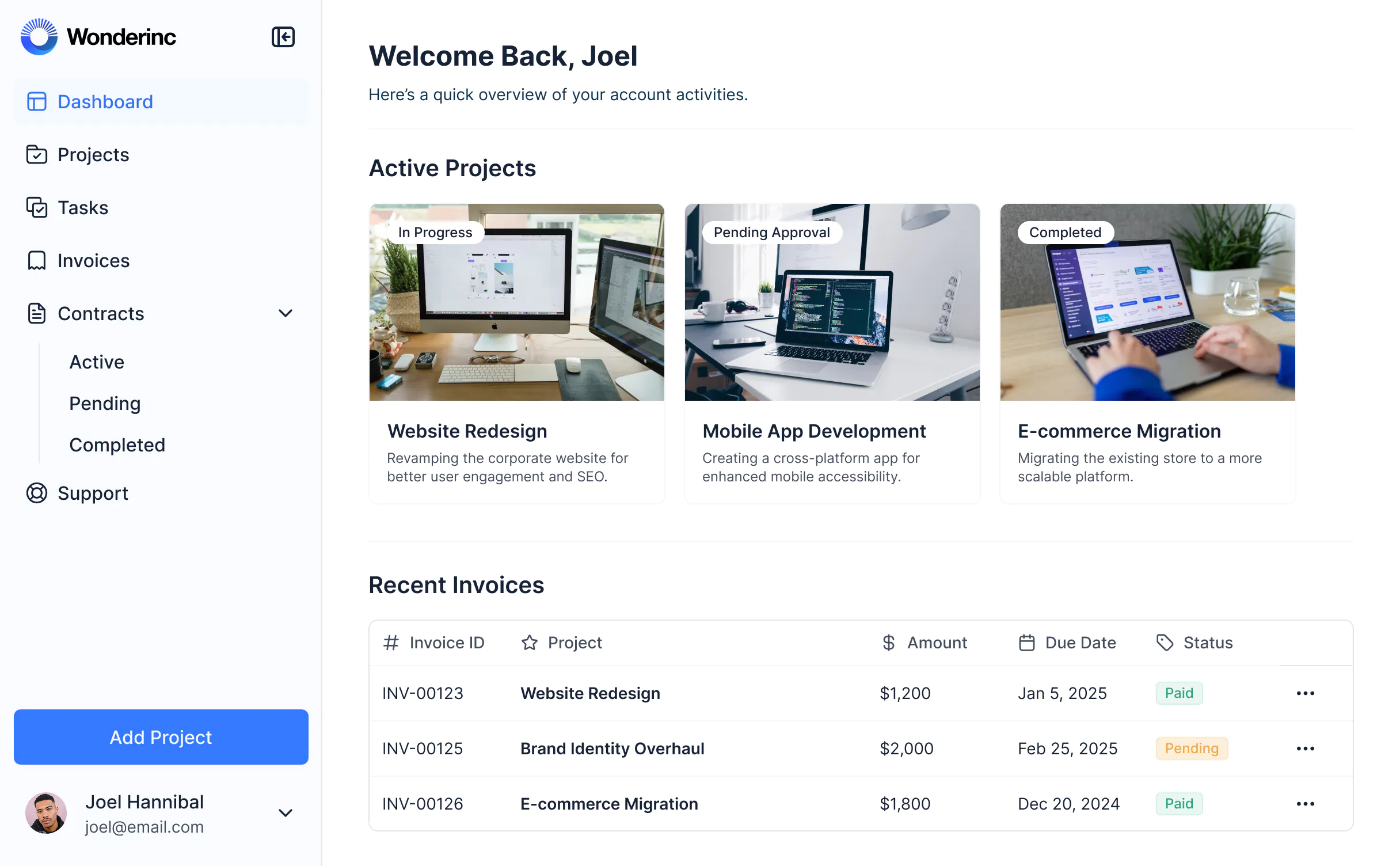
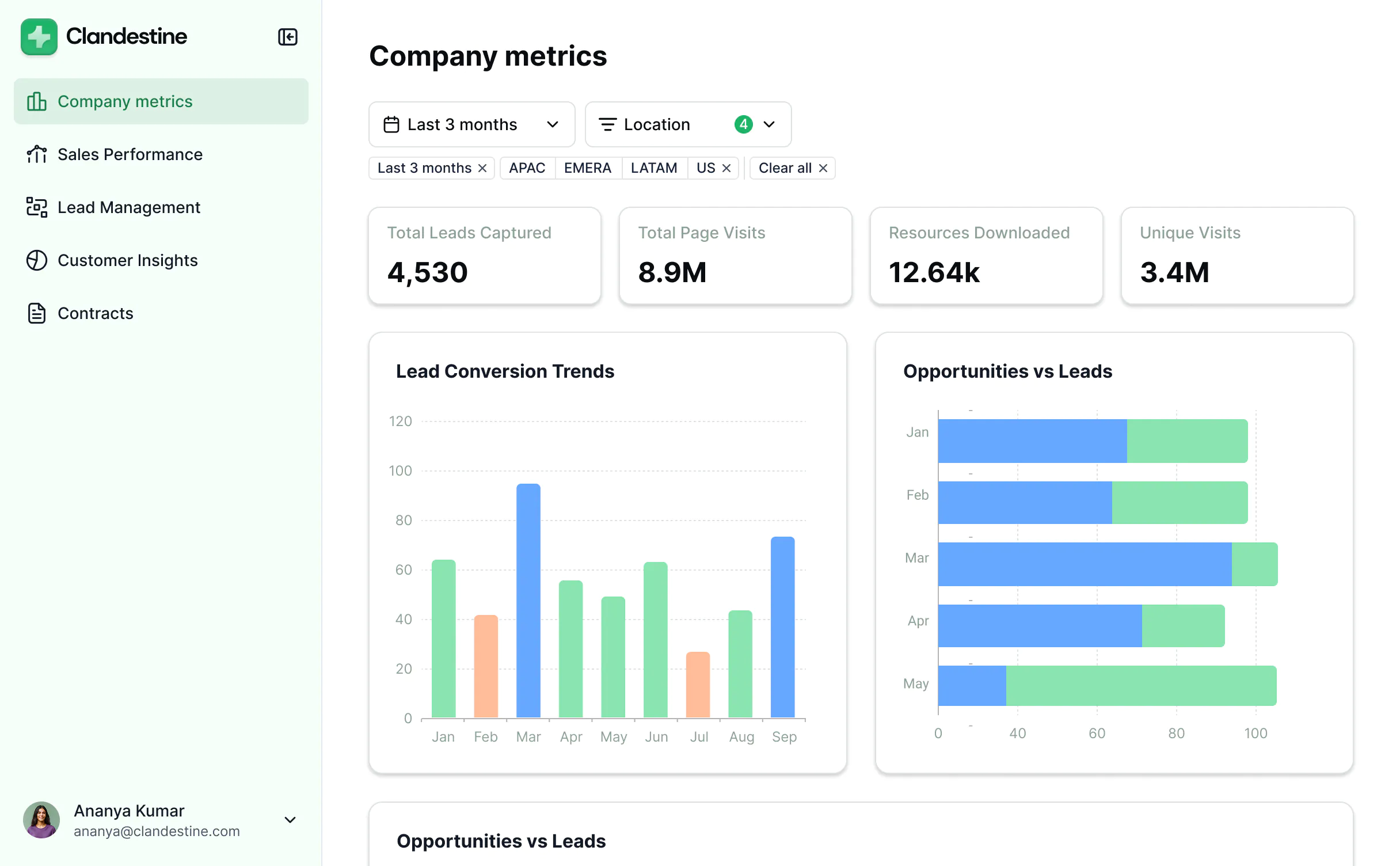
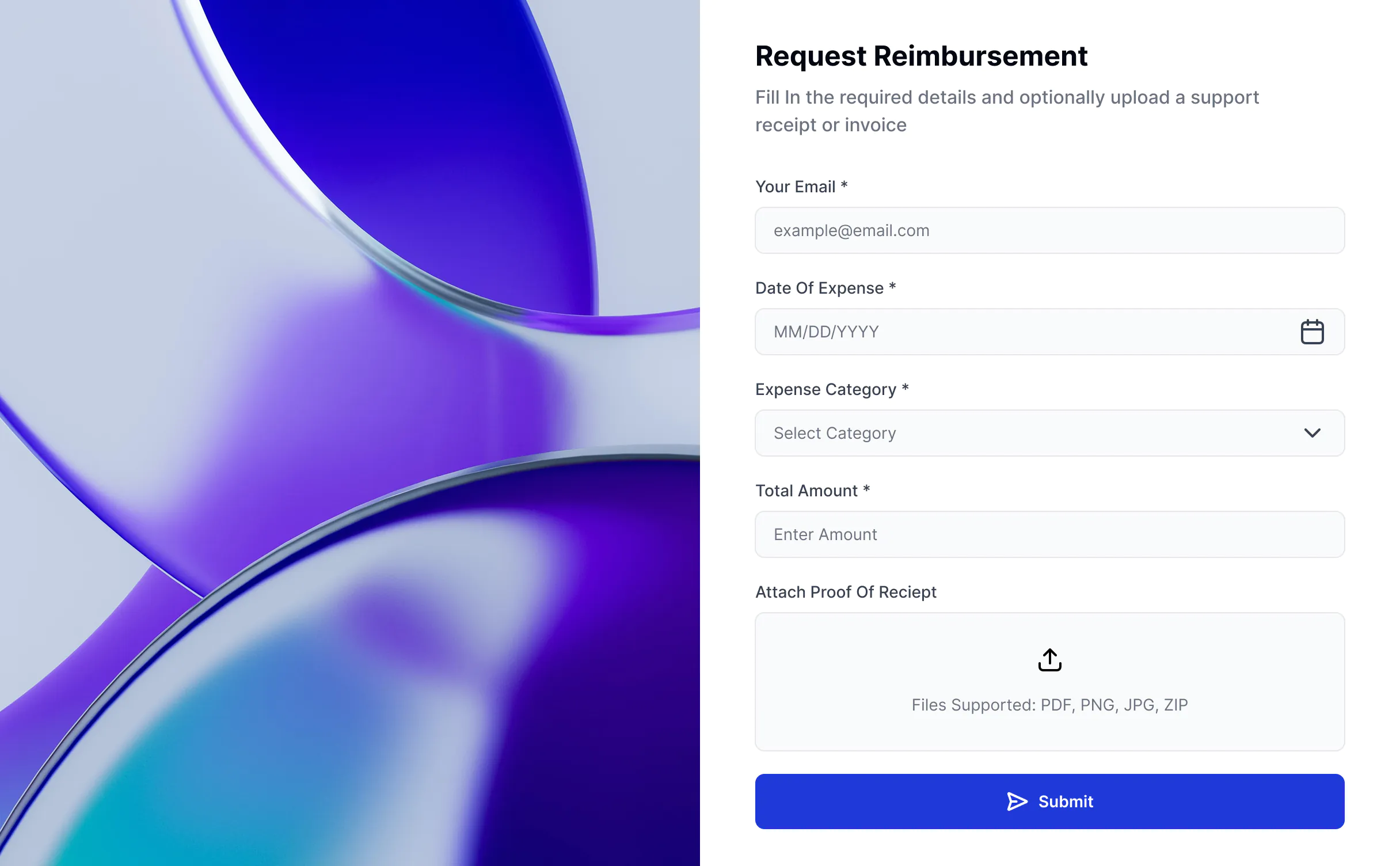
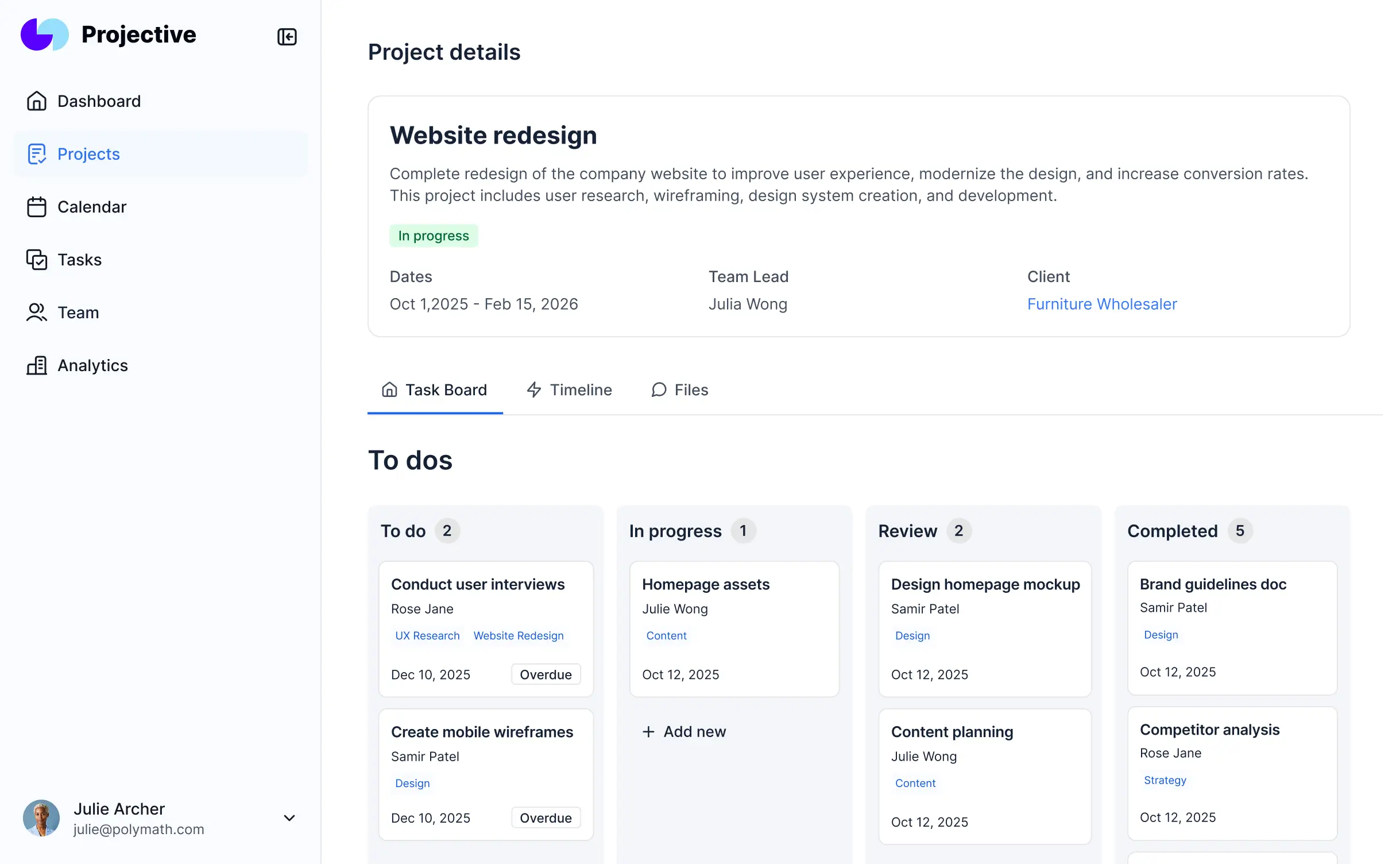
Create a flexible project management app that fits your team and client workflows—no code required.




Softr's AI Co-Builder generates a database when it builds your app, or you can connect to 17+ data sources. Whether you have existing data or are building from scratch, you're covered.
Describe what you need and get a project management system back. Then switch between AI and visual editing to adjust logic, layout, and design.


Create an easy-to-use system that gives your team and clients real-time access to the project information they need.
Logins, user management, hosting, and more — built in and working from the moment you hit publish.
Deliver a professional project management system that reflects the look and feel of your brand (and impresses your end users).
Use Softr Workflows to automate processes across your app — or connect to Make, Zapier, n8n and more.
No more messy guest access. Customize who sees what, and which actions they can take, even at the most granular level.
Turn your project management system into a downloadable mobile app in one click with Softr’s PWA feature.
Protect information from security threats. Softr is fully compliant with SOC2 and GDPR regulations.
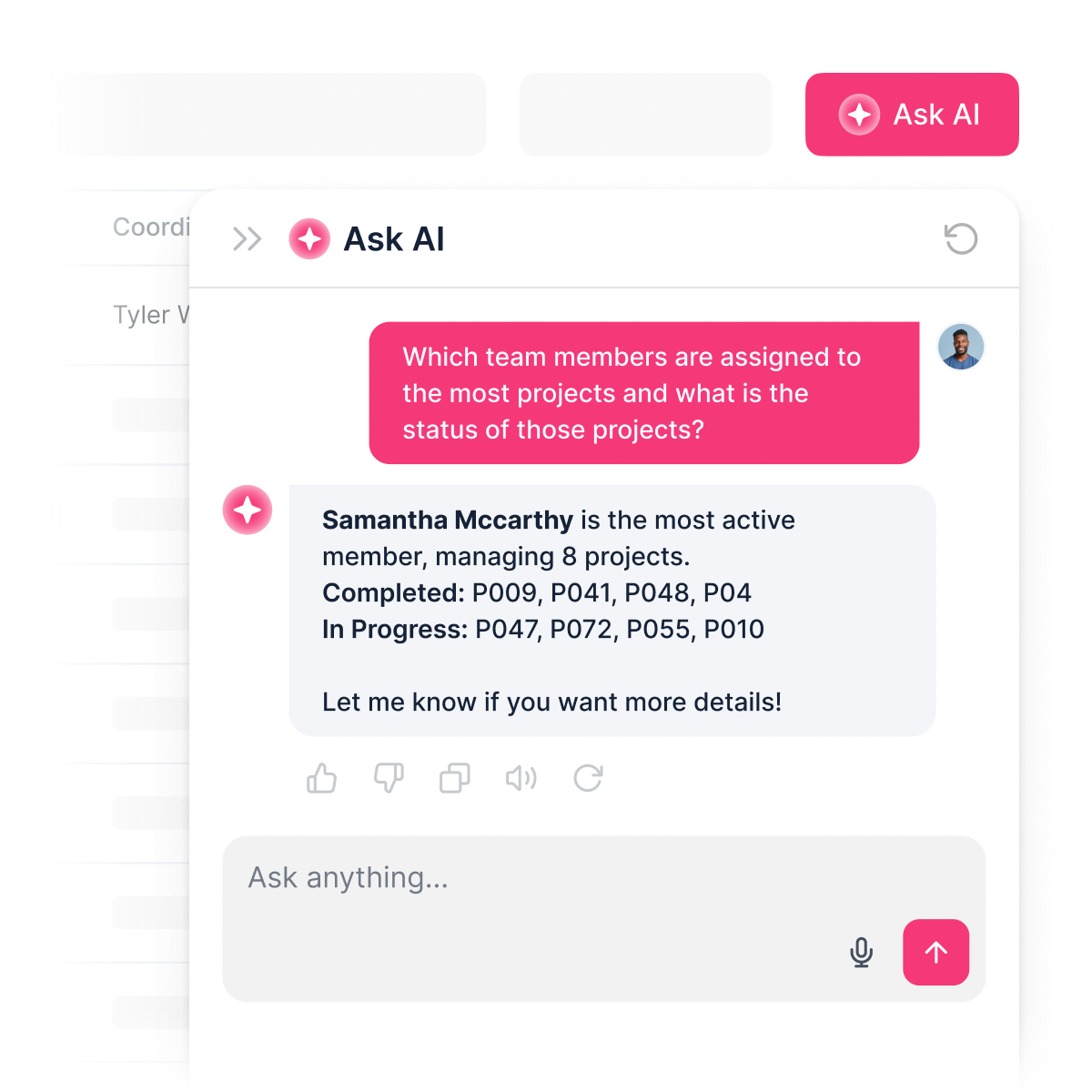
No more chasing updates. Clients and teammates can ask AI about project progress, deadlines, or workloads—and get instant answers from live data.
Start with project management, then add a CRM, dashboard, and portal—without switching platforms or overspending.
Integrate with your spreadsheets and databases, including Airtable, SQL, Hubspot, Google Sheets, Supabase, BigQuery, and more—in just a few clicks. Your data is always secure and in sync.
Drag and drop customizable building blocks with various views and functionalities. Granular permissions allow you to control what data each user can access, and which actions they can take.
Ship applications that your team will love in minutes or hours, instead of days or weeks. Deploy on both desktop and mobile.



A project management app helps teams plan, organize, and complete work. It provides one place to track tasks, schedules, files, and more, so projects run smoothly.
With a project management app, you can:
With everything in one platform, managers can see project status in real time, solve problems early, and keep everyone updated.
A project management system helps businesses finish projects on deadline while keeping everyone in the loop. It makes it easier to see what’s happening, who’s doing what, and how projects are tracking against goals.
Key benefits include:
In short: project management systems brings everything into one place, helping teams work smarter and businesses grow stronger.
A project management platform is built to help teams plan, organize, track, and deliver work efficiently.
Key features usually include:
With Softr, you can use AI to create a project management system that includes all of these features and more, while customizing the look and functionality to match your brand and workflows — all without code.
When deciding whether to build or buy a project management (PM) tool, the choice largely depends on your business needs, budget, timeline, and long-term strategy.
Some teams benefit from the speed of buying an off-the-shelf solution, while others gain more in the long run by building a custom system with no-code.
Buy an off-the-shelf project management tool when:
Build with a no-code, AI-native platform (like Softr) when:
Yes! With Softr, you can create secure portals for clients, contractors, or partners and:
This makes collaboration better while protecting sensitive information. It also lets you build one project management system to use with multiple clients.
Softr offers a free plan to get started, with paid plans that scale based on features and usage — not per-seat pricing like most project management software.
Unlike most PM tools that charge per seat, Softr keeps pricing predictable, so you can grow without worrying about rising costs if you add clients or collaborators.
Traditionally, building a project management system required coding from scratch or buying expensive enterprise software. Today, you can create a fully functional project management app in minutes with Softr's AI Co-Builder — no coding required.
Here's how it works:
Softr's AI Co-Builder generates a Softr database schema when it builds your app, so if you're starting from scratch, your data structure is ready to go. You can add or import data directly, no migration needed.
If you already have data elsewhere, Softr connects to 17+ sources including Airtable, Google Sheets, HubSpot, Notion, MySQL, PostgreSQL, monday.com, ClickUp, and more — or connect any system through the REST API connector.
Either way, your project management system stays in sync with your data in real time.
Yes. Softr includes built-in AI features you can add to your project management app without any coding or API setup.
You can add an AI assistant that reads from your live project data and answers questions instantly — so your team can ask about task status, upcoming deadlines, or project bottlenecks and get accurate answers pulled directly from your data.
You can also customize how the AI responds, set permissions so only the right roles can access sensitive information, and keep responses secure.
This turns your project management app from a static database into an interactive tool — saving your teams time while giving everyone self-service access to the insights they need.
Most project management tools are either too rigid, too expensive, or fall apart the moment real users and real data are involved. Softr is different because it's built for actual business use from day one.
Describe the project management app you need, and the AI Co-Builder generates a fully functional app — database, logic, and UI already connected. No generated code to debug, no developer needed to make it production-ready.
From there, you stay in control: customize through prompting or visual editing, manage data in Softr Databases or connect to existing tools, set up role-based permissions, and automate processes with Softr Workflows. As your business grows, your project management app grows with it — without starting over or calling in a developer.
Launch a new system, fast — connected, secure, and ready for real users.