Visualize retention, track at-risk accounts, and surface insights in an AI-powered dashboard built with AI to fit your team's workflow.
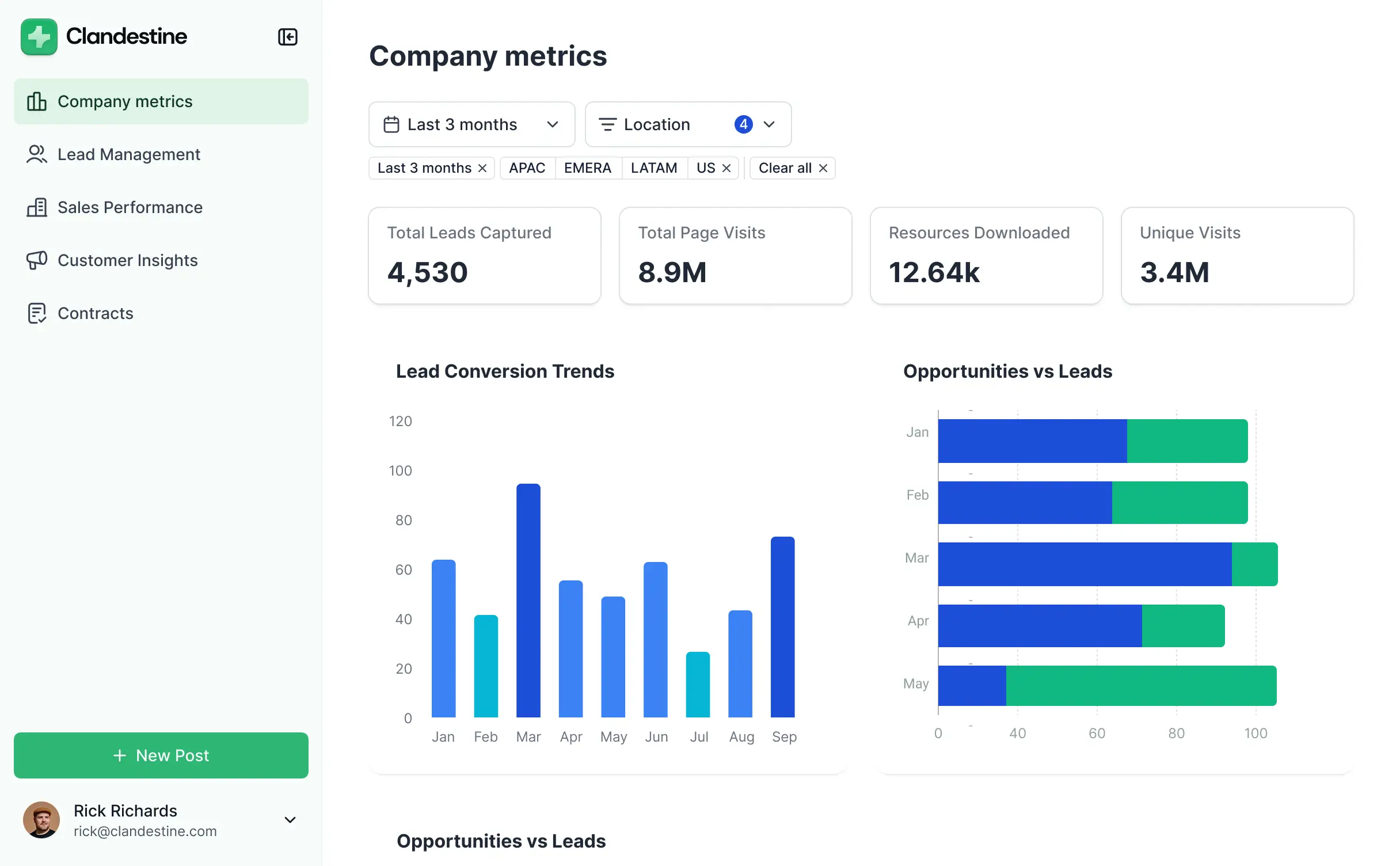

Customize a churn analysis dashboard that looks sleek out of the box. Add only the metrics you need, and iterate as your retention goals evolve.


Connect spreadsheets, CRMs, and payment systems with real-time sync—or manage everything in Softr Databases. Create a single source of truth for your business.
Give each teammate the right tools and access. Set up secure logins, user groups, and granular permissions—no IT support or dev work needed.
Give different team members tailored access and dashboards, so account managers see only their assigned accounts while leaders see the big picture.
Streamline your internal processes with Softr Workflows. Trigger native notifications or recovery tasks based on changes in a customer's churn probability score.
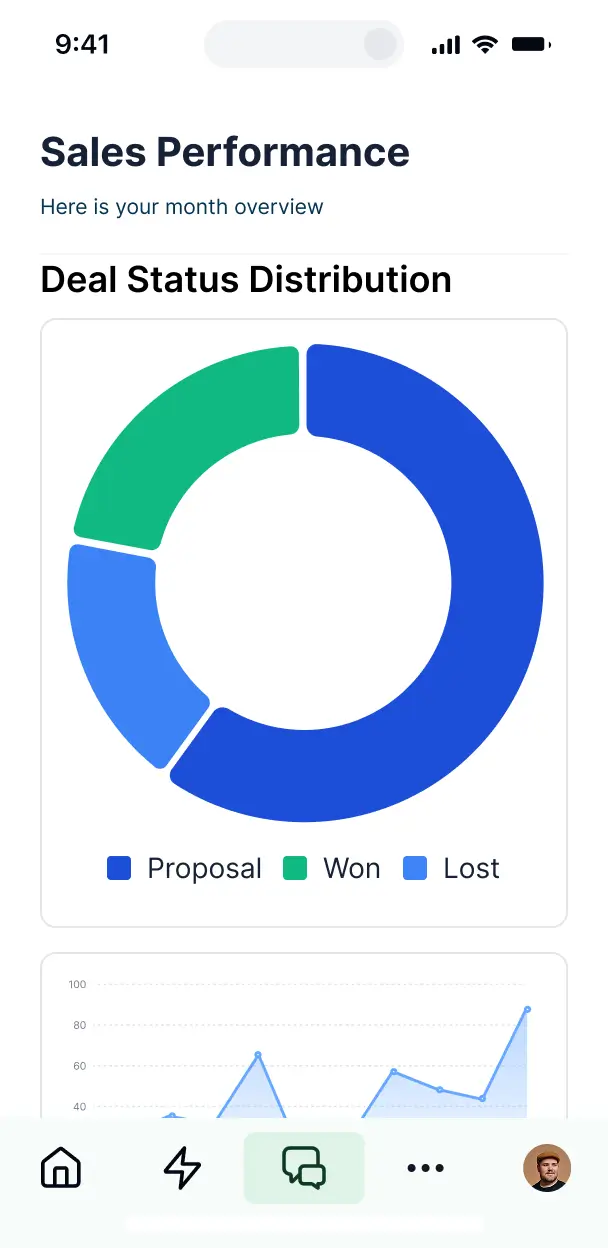
Access and update your churn analysis dashboard on the go. Monitor retention and manage high-priority alerts from any mobile device out of the box.
Use Google, email, or SSO logins to give your team fast, secure access to sensitive retention data—no IT tickets needed.
Keep internal customer data safe with SOC2 and GDPR compliance, plus fine-tuned access control to ensure sensitive information stays protected.
No more one-size-fits-all tools or costly custom builds. Softr is easy to use and fully customizable, so you can launch faster, adapt as you grow, and skip the complexity of traditional software.

Build your churn analysis dashboard in minutes with AI—no manual configuration or manual setup needed.

Add features like recovery task management, reason surveys, or AI scoring as your strategy evolves.

Start with a dashboard, then add internal tools, customer portals, or feedback forms—all in one place.
Co-build with AI
Simply describe what you need. Let Softr handle everything - Interface, database, workflows.
Iterate with AI or visually
Control most critical parts of your app yourself - roles, permissions, security.
Ship the same day
Invite team members or external clients and partners right away. No developer handover.
Use drag-and-drop blocks to build a portal that looks sleek and modern out of the box. Add only the features you need, and iterate as your workflows evolve.




A churn analysis dashboard is a secure, centralized hub where your customer success and product teams can monitor retention metrics, identify at-risk accounts, and track cancellation trends. It consolidates scattered data into one place, eliminating the need to dig through messy spreadsheets or disconnected CRM notes. By having a clear view of health scores and churn reasons, you can proactively intervene and improve the overall customer experience.
Softr is the first AI-native platform for building professional business software, making it the ideal choice for creating a churn analysis dashboard tailored to your unique retention strategy. You can describe your metrics—like MRR loss or expansion revenue—to the AI Co-Builder to instantly generate your database, tracking pages, and logic, all with security already built-in.
You don't need to code anything. You can start with an AI-generated foundation, a specialized template, or build from scratch. Softr integrates natively with Softr Databases or your existing data stack in Airtable, Google Sheets, or HubSpot. This flexibility allows you to visually adjust your layout, set specific permissions for your success managers, and brand the dashboard to match your company’s internal tools. It is fast to deploy and powerful enough to scale as your customer base grows.
You can incorporate a variety of advanced features into your churn analysis dashboard to drive proactive retention. Effective dashboards typically combine data visualization with AI-powered insights:
- AI-Powered Intelligence – Use Ask AI to let your team query retention data using natural language, or deploy Database AI Agents to automatically summarize churn feedback or predict at-risk segments based on usage patterns.
- Vibe Coding Blocks – Create custom UI components, such as a localized retention map or a custom health-score slider, using the AI Code block to "vibe code" specific logic.
- Softr Workflows – Build native automations, like sending an immediate Slack alert to an account manager when a customer's health score drops below a certain threshold.
- User Portals & Logins – Ensure that different team leads only see data for their specific regions or account tiers.
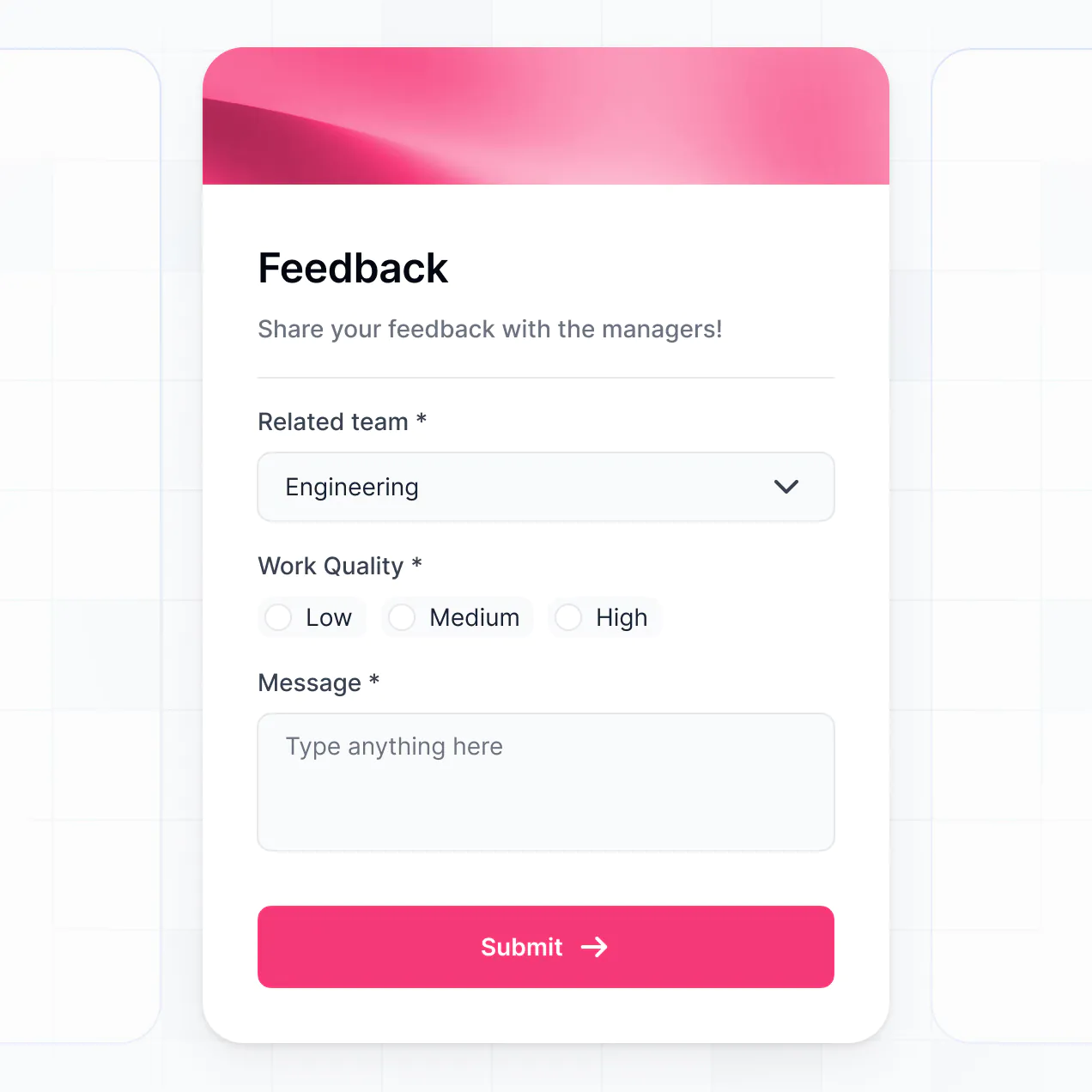
- Forms & Data Collection – Use custom forms to log exit interview notes or update customer sentiment after a check-in call.
- Dashboards & Charts – Visualize your churn rate, LTV, and cohort analysis with real-time charts and summaries.
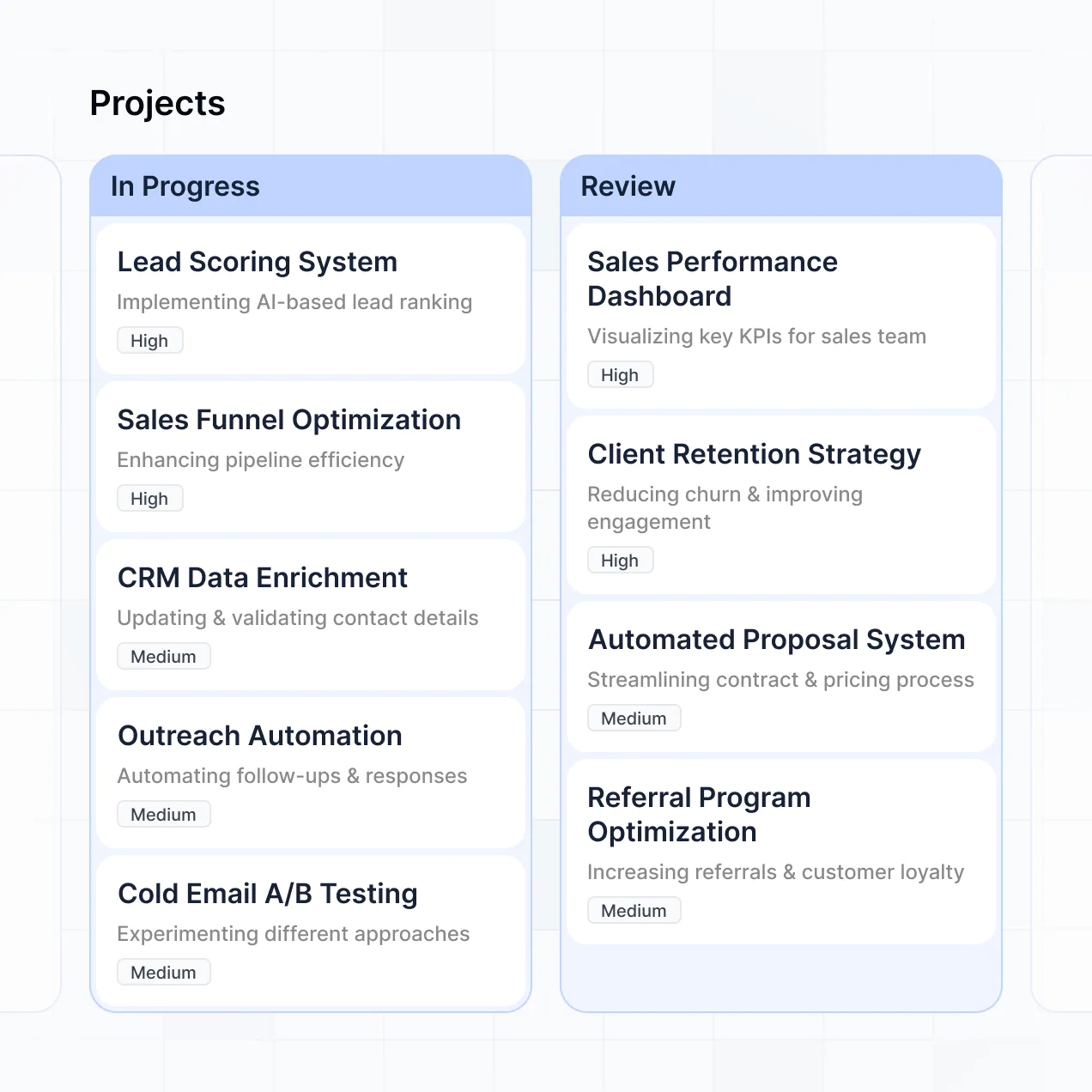
- Lists & Advanced Filtering – Manage your account list with searchable tables, kanban boards for win-back campaigns, and detailed record views for each customer.
Everything is built with drag-and-drop ease, and if you need any niche functionality, the Vibe Coding block allows you to generate exactly what you need with AI.
Vibe coding focuses on speed and using AI to build precise reporting tools. You can "vibe code" a churn analysis dashboard in Softr by describing your specific KPIs and data structure to the AI Co-Builder. Softr then generates a production-ready dashboard on a secure and stable foundation.
Unlike other tools that generate disconnected scripts, Softr manages the complex parts—like secure user access and database relationships—natively. This allows you to experience the speed of vibe coding without the long-term maintenance burden of raw code. You describe the retention metrics you need, Softr builds the dashboard, and your account managers can start analyzing churn immediately.
Yes. You can manage multiple pods or success teams within a single dashboard. Softr’s granular permissions ensure that each team leader or account manager only sees the customer data and retention metrics assigned to them. This is perfect for large organizations where specific teams focus on Enterprise vs. SMB cohorts or specific geographic regions.
Yes, you can. You don't need an existing database to start your churn analysis project. If you are starting fresh, use Softr Databases—which is built directly into the platform—to structure your customer accounts, renewal dates, and churn reasons.
If you do have data residing elsewhere, such as in HubSpot, Airtable, or a SQL database, you can connect those sources just as easily. You also have the option to use the REST API to pull in product usage data from other systems. You maintain complete control over how your retention data is organized and presented.
Softr Databases is the recommended native data source, offering high performance and instant automation triggers for real-time churn tracking. Because it is native to Softr, the dashboard experience is incredibly fast and responsive.
Softr also connects to over 17 external data sources including Airtable, Google Sheets, HubSpot, SmartSuite, and BigQuery. You can even combine data, pulling financial records from Stripe via HubSpot while tracking customer health notes in Softr Databases. Most sources support two-way sync, ensuring your churn metrics remain accurate regardless of where the data is updated.
Yes, Softr gives you total control over the dashboard experience. You can tailor the layout, navigation, and specific reports to match your team’s workflow. Each page or chart block can be shown or hidden based on roles, ensuring junior reps see their assigned accounts while executives see the high-level churn trends.
You can set up multiple roles—such as CS Associate, Head of Success, or Admin—and define specific viewing and editing rights. This level of customization ensures that sensitive financial data stays protected while giving your team the tools they need to engage with customers. Filtering data by the logged-in user makes the experience highly personalized and efficient.
Yes, you can fully white-label your churn analysis dashboard. You can integrate your brand colors, fonts, logo, and a custom domain to ensure the tool feels like an official part of your company's internal software suite. You can even remove all Softr branding, providing a seamless professional experience for your internal stakeholders.
Yes, Softr offers extensive flexibility for designing your dashboard layout. You can adjust the visual theme to match your brand and arrange blocks to prioritize the most critical retention data. You decide exactly which blocks appear when a team member logs in.
To visualize your churn data, you can use several specialized blocks:
- Table blocks – to list at-risk customers with their renewal dates and contract values.
- List or Card blocks – to showcase top customer success stories or high-priority accounts.
- Detail View – to provide a deep dive into a single customer's history, health score, and feedback.
- Forms – for reps to log churn post-mortems or risk assessments.
- Charts – to track monthly churn rates and revenue loss trends visually.
- Calendar blocks – to display upcoming renewal dates or scheduled check-in calls.
If your reporting requirements evolve, you can quickly modify the dashboard using the visual editor without any downtime.
Security is a core priority for Softr. All data is encrypted using TLS in transit and at rest, with hosting on reliable, enterprise-grade infrastructure. You have complete control over permissions, allowing you to manage who can edit account notes or view revenue data directly within your dashboard.
For dashboards using Softr Databases, data is hosted in a secure European (German) environment with SOC 2 Type II compliance. For apps connected to external sources like BigQuery or HubSpot, Softr displays your data in real-time without storing it locally. This ensures you remain the sole owner of your data while maintaining strict access controls through visibility rules and role-based permissions.
The dashboard generated by Softr AI is fully production-ready. While many AI coding tools produce brittle, unmanageable code, Softr builds your churn analysis tool on a stable, managed infrastructure.
We provide native handling for critical infrastructure like secure logins, team permissions, and database sync. This eliminates the common technical debt associated with AI-generated software. Your dashboard is secure, scales with your data volume, and is ready for your success team to use the moment it's generated.
Softr stands out as the first AI-native platform designed for business software. Unlike basic 'vibe coding' tools that lack a structured foundation or legacy no-code platforms that require weeks of manual setup, Softr’s AI Co-Builder creates functional apps with complex logic in minutes.
It offers a unique hybrid advantage: the speed of AI for generating your dashboard and data structures, combined with the precision of a visual editor for fine-tuning. You get a reliable, business-grade reporting tool—complete with authentication and role-based access—without the complexity of traditional development.
Yes. Softr allows you to build powerful workflows and connect your dashboard to your existing tech stack. You can automate tasks using native Softr Workflows—such as triggering an email via Zapier when a customer is marked 'Churned'—or integrate with tools like Stripe for billing data. Softr also supports webhooks and a REST API for advanced data syncs.
Whether you need to sync risk scores to your CRM or pull usage stats from your product database, you can build these integrations directly into your dashboard without writing a single line of code.
Go from data to a live churn analysis dashboard in under an hour. Build and customize it without code for free.