Manage maintenance, assets, and vendors in an AI-powered facilities portal built with AI to fit your facilities management workflow.
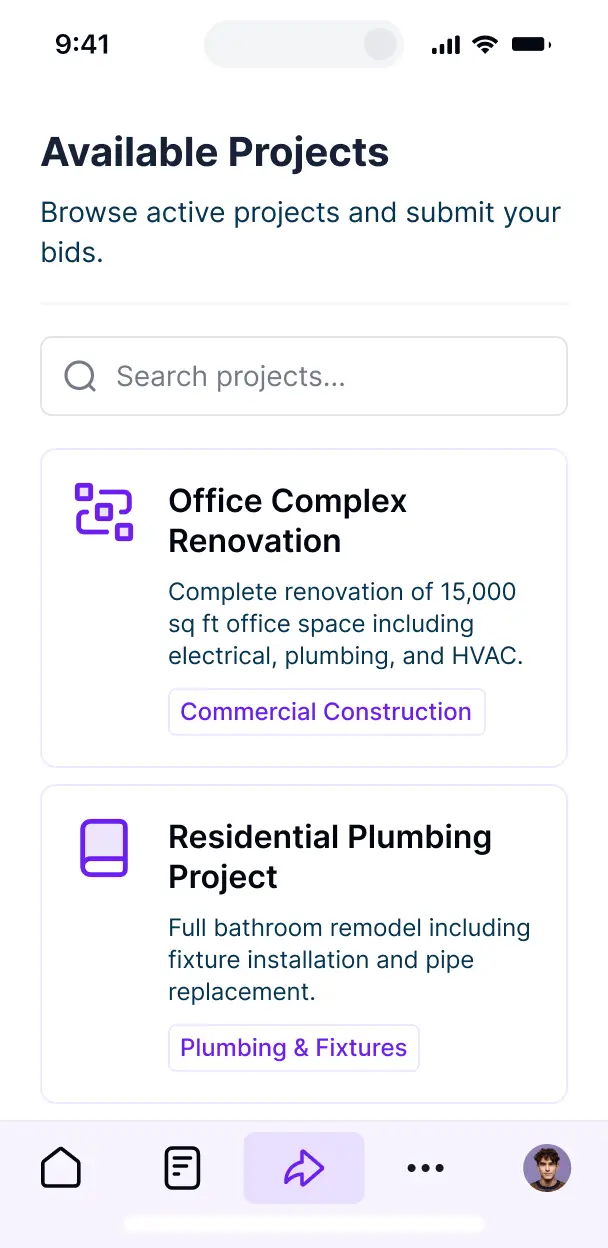



Customize a facilities portal setup with the exact maintenance steps and views your team needs. Add features as processes evolve—no code needed.


Connect work orders, asset tags, and vendor contracts with real-time sync—or manage everything in Softr Databases. Create a single source of truth for your business.
Give staff and vendors the right views and access in a branded portal. Set up secure logins, user groups, and permissions in minutes for your facilities.
Softr apps are mobile-ready. Turn your portal into a downloadable app so technicians can log work orders in the field in one click via a PWA.
Build native automations to handle vendor notifications, status updates for repairs, and auto-scheduling whenever facility records are changed.
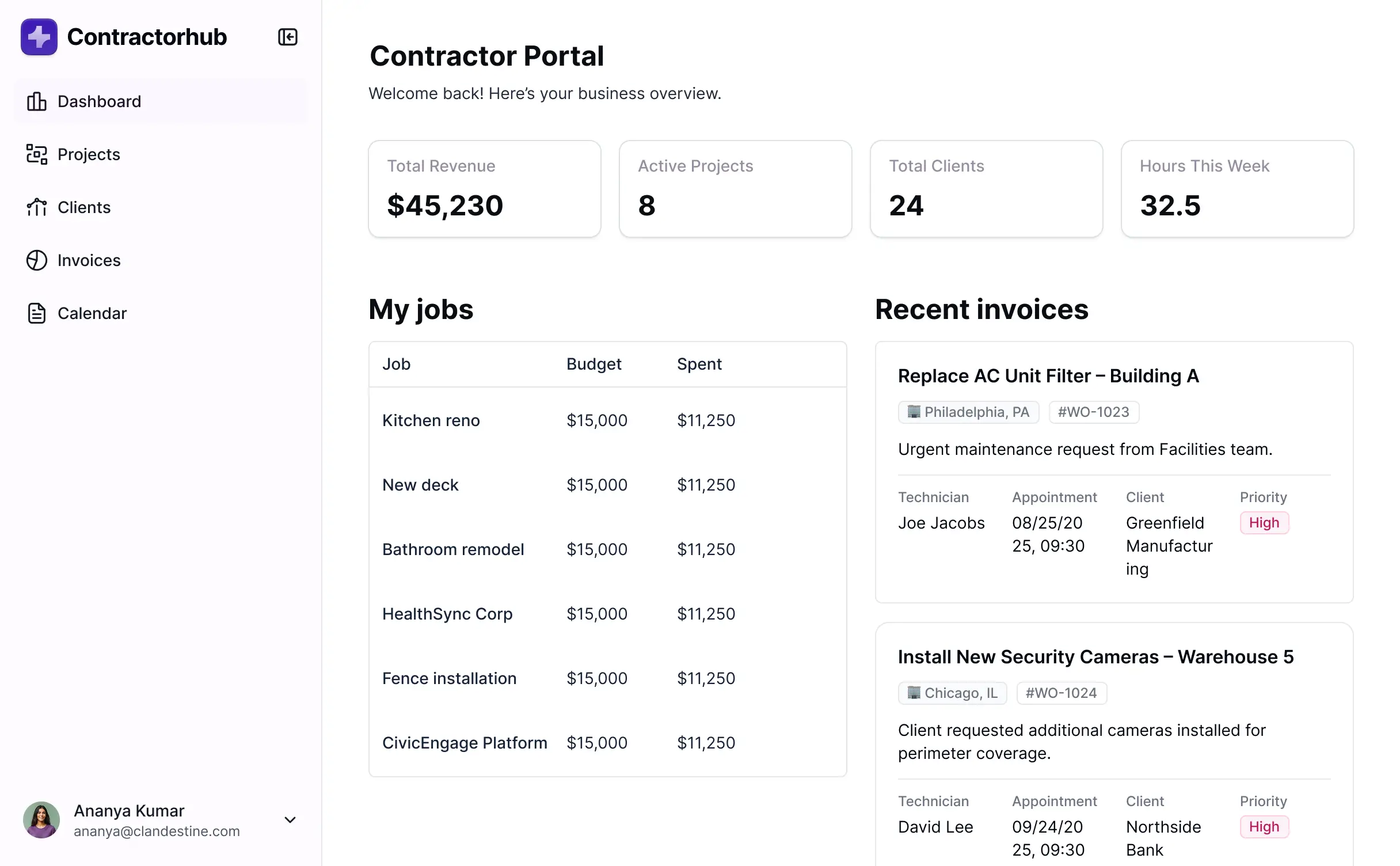
Provide separate logins for facility managers, technicians, and external vendors, and create personalized dashboards for each group.
Apply rules for different user roles. Customize who can view sensitive contract data or edit work orders at a granular level.
Protect sensitive facility and asset information from security threats. Softr is fully compliant with SOC2 and GDPR regulations.
No more one-size-fits-all tools or costly custom builds. Softr is easy to use and fully customizable, so you can launch faster, adapt as you grow, and skip the complexity of traditional software.

Build your facilities portal in minutes with AI—no manual setup or complex configuration needed.

Add features like asset inspections, performance dashboards, or vendor logs as your workflows evolve.

Start with a facilities portal, then add team internal tools or client-facing forms—all in one place.
Co-build with AI
Simply describe what you need. Let Softr handle everything - Interface, database, workflows.
Iterate with AI or visually
Control most critical parts of your app yourself - roles, permissions, security.
Ship the same day
Invite team members or external clients and partners right away. No developer handover.
Use drag-and-drop blocks to build a portal that looks sleek and modern out of the box. Add only the features you need, and iterate as your workflows evolve.




A facilities portal is a secure digital hub where property managers, maintenance staff, and tenants can log in to manage physical assets, service requests, and building operations. It centralizes everything from repair tickets and safety inspections to lease agreements and maintenance schedules, eliminating the chaos of phone calls, paper slips, and scattered emails. This ensures your buildings stay in top condition and your occupants receive a more responsive service experience.
Softr is the first AI-native platform for building business software, making it the ideal choice for creating a facilities portal that aligns with your specific property management workflows. You can simply describe your building operations to the AI Co-Builder to instantly generate your maintenance database, work order pages, and access logic—all fully connected and secure from the start.
You don't need any coding skills to get started. You can generate your app with AI, use a specialized facility management template, or build from scratch. Everything runs on Softr Databases, our native relational database, or you can integrate your existing data from Airtable, Google Sheets, or SmartSuite. You maintain total visual control over the layout, defining who can view service schedules or edit repair statuses while ensuring the portal matches your company’s professional branding. It’s built to launch quickly and scale alongside your portfolio.
You can incorporate a wide range of features into your facilities portal tailored to your operational needs. A robust app typically combines functional management blocks with AI-driven capabilities:
- AI-Powered Intelligence – Use Ask AI to let staff query maintenance history via chat, or deploy Database AI Agents to automatically categorize incoming repair requests or summarize property inspection reports.
- Vibe Coding Blocks – Create custom UI elements, such as an interactive floor plan viewer or a real-time HVAC health monitor, using the AI Code block to "vibe code" specific functionality.
- Softr Workflows – Set up native automations, such as alerting a technician via email when a priority repair ticket is submitted or updating an asset's status once an inspection is complete.
- Tenant & Staff Logins – Securely manage access so tenants only see their own units while facility managers have a bird’s-eye view of all building systems.
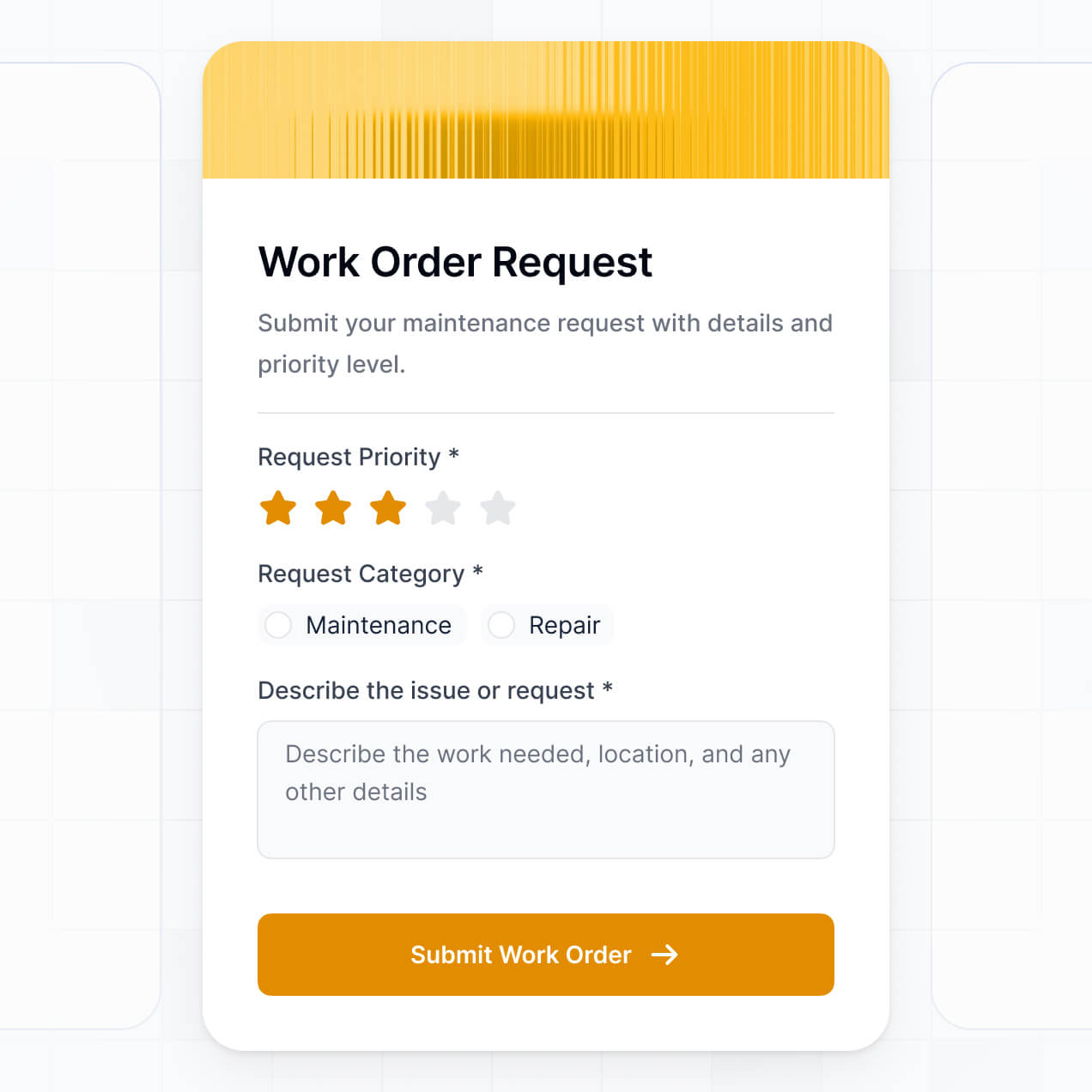
- Work Order Forms – Capture detailed maintenance requests with photo uploads, location data, and priority levels.
- Executive Dashboards – Visualize facility spending, energy consumption, and contractor performance with real-time charts.
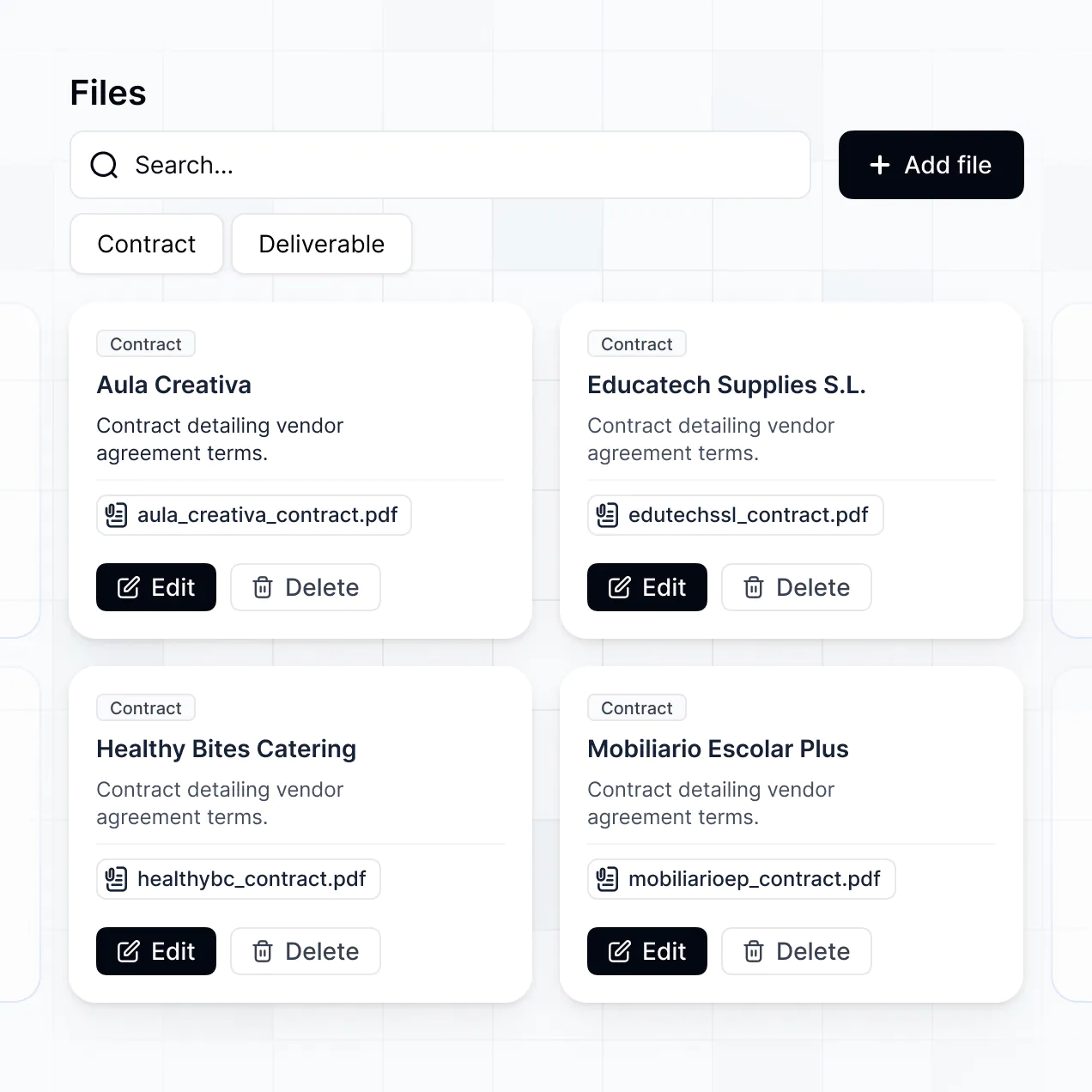
- Inventory Lists – Manage spare parts and equipment lists with searchable tables and Kanban boards for tracking project progress.
All these are built using Softr’s intuitive drag-and-drop system. If you need a more niche feature, the Vibe Coding block lets you generate it with AI prompts instantly.
Vibe coding is about prioritizing results by using AI to build exact facility management tools at high speed. You can "vibe code" your facilities portal by describing your specific requirements—like a preventive maintenance scheduler or an equipment check-out system—to the AI Co-Builder. Softr then generates a production-ready application on a secure, stable foundation.
While other tools might generate raw code that is difficult for non-technical managers to maintain, Softr handles the core infrastructure—such as tenant authentication, secure document storage, and role-based access—natively. This provides the agility of AI-driven development without the long-term risk of managing custom code. You define the 'vibe' of your operations, and Softr builds the professional portal your team needs.
Yes. You can manage multiple buildings, maintenance teams, and outside vendors within a single facilities portal. Each user—whether they are a building superintendent, an HVAC contractor, or a site manager—only sees the specific work orders and property data assigned to their role. This makes it a perfect solution for property management firms overseeing diverse portfolios.
Absolutely. You don't need an existing system to start your facilities portal with Softr. If you are starting from zero, you can use Softr Databases to store your asset lists, vendor contacts, and repair logs directly. It is built into the platform and works seamlessly with your application.
However, if you are currently using tools like Airtable, Excel (via Google Sheets), or SmartSuite to track your facilities, you can easily connect those as well. You can even use the REST API to pull in data from smart building sensors. You have total control over how your property information is structured and displayed.
Softr Databases is the recommended native data source for your facilities portal. It is designed for business software, offering the speed and reliability needed for real-time maintenance updates and instant automation triggers directly within the platform.
If your data is stored elsewhere, Softr connects to over 17 external sources, including Airtable, Google Sheets, HubSpot, and SQL databases. You can even combine sources—for example, storing your repair logs in Softr Databases while pulling tenant contact info from HubSpot. Most integrations support a two-way sync, ensuring that when a technician marks a job as 'Complete' in the portal, your database is updated instantly.
Yes, Softr gives you granular control over the user experience. You can design the layout and navigation to match your building management workflows. Every page or data block can be conditionally displayed; for instance, a 'Submit Rent' button could be visible to tenants, while 'Asset Depreciation' charts are only visible to the CFO.
You can define specific roles such as Tenant, Facility Manager, and Maintenance Technician, setting permissions for what each can view or edit. For example, a technician might update high-priority tickets, while a tenant can only view the status of their own requests. This customization keeps your operations clean, secure, and highly relevant to every user in the ecosystem.
Yes, you can fully white-label your facilities portal to provide a professional experience for your tenants and partners. You can use your own property management logo, brand colors, custom typography, and a dedicated custom domain (e.g., portal.yourproperty.com). By removing Softr branding, you ensure that the portal feels like a proprietary tool designed specifically for your buildings.
Yes, Softr offers immense flexibility regarding the layout of your facilities portal. You can adjust the visual theme, spacing, and page flow to match your brand identity. You can drag and drop different functional blocks to build the perfect dashboard for your team:
- Table blocks – to track large inventories or long lists of inspection dates.
- List/Card blocks – to showcase property amenities or contractor profiles.
- Detail Views – for deep dives into specific asset maintenance histories.
- Forms – for tenant maintenance requests or safety checklists.
- Charts – to monitor monthly utility costs or repair turnaround times.
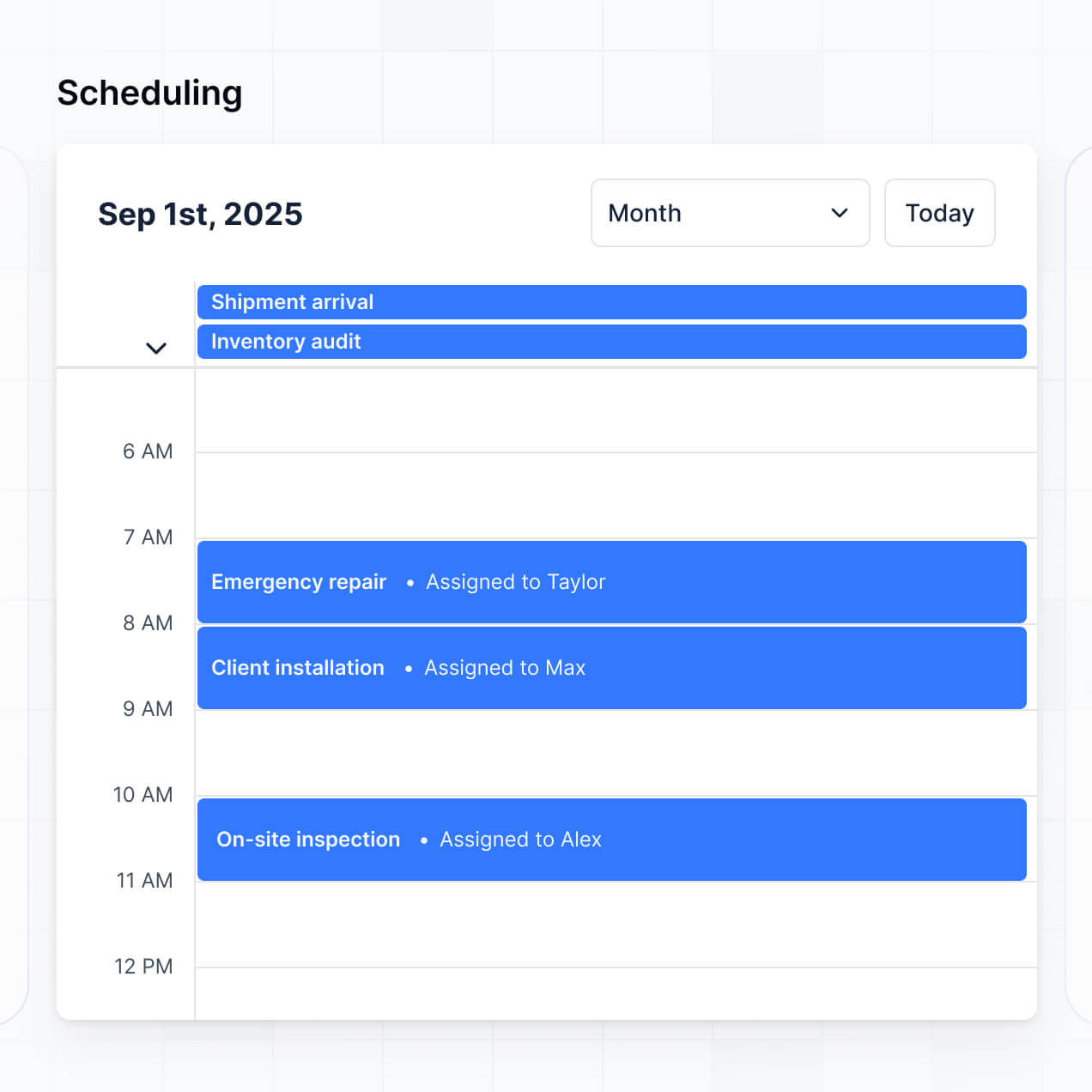
- Calendar blocks – to visualize upcoming inspections and cleaning schedules.
If you need to change your layout as your property portfolio grows, the visual builder makes it simple to add new sections or pages at any time.
Security is a top priority for Softr. All data used in your facilities portal is encrypted in transit (TLS) and at rest. You have complete control over data visibility via role-based permissions, and you can manage users within your own preferred data source. Global restrictions can be applied to ensure sensitive lease information or financial records are never exposed to the wrong parties.
When using Softr Databases, your data is stored in a secure EU-based environment (Germany) with SOC 2 Type II compliance. If you connect to external databases like SQL or Airtable, Softr acts as a secure interface, displaying data in real-time without storing it. You are always in the driver's seat regarding who can access your facility records.
The facilities portal generated by Softr AI is fully production-ready. While other AI website builders might generate simple prototypes or messy code, Softr builds your portal on top of a battle-tested, business-grade infrastructure.
We provide native handling of 'the essentials'—including secure login systems, SOC 2 compliant hosting, and granular permission logic. This eliminates the 'Day Two' risk of AI tools; you get the benefit of instant generation without having to debug raw code later. Your portal is secure, scalable, and ready to handle professional property operations from the moment you hit publish.
Softr is the first AI-native platform specialized for business applications like facilities portals. Unlike traditional no-code tools that require hours of manual drag-and-drop setup, Softr’s AI Co-Builder can generate your entire maintenance app and database in minutes.
It offers a unique hybrid advantage: the speed of AI combined with the reliability of established business-grade logic like user auth and roles. It’s significantly easier to use than complex ERP software but more powerful than a simple website builder, making it the perfect middle ground for operations teams that need to move fast without technical debt.
Yes. Softr supports powerful native workflows and integrations to connect your facilities portal with your existing technical stack. You can use Softr Workflows to automate status updates, or integrate with Stripe for tenant payments and Intercom for resident support. We also support REST API and webhooks for more complex needs.
Whether you want to trigger a Slack notification when a leak is reported or sync your maintenance schedule with a Google Calendar, you can build these automated bridges without writing a single line of code.
Describe what you need. Softr's AI builds your facilities portal in minutes with no dev work required.