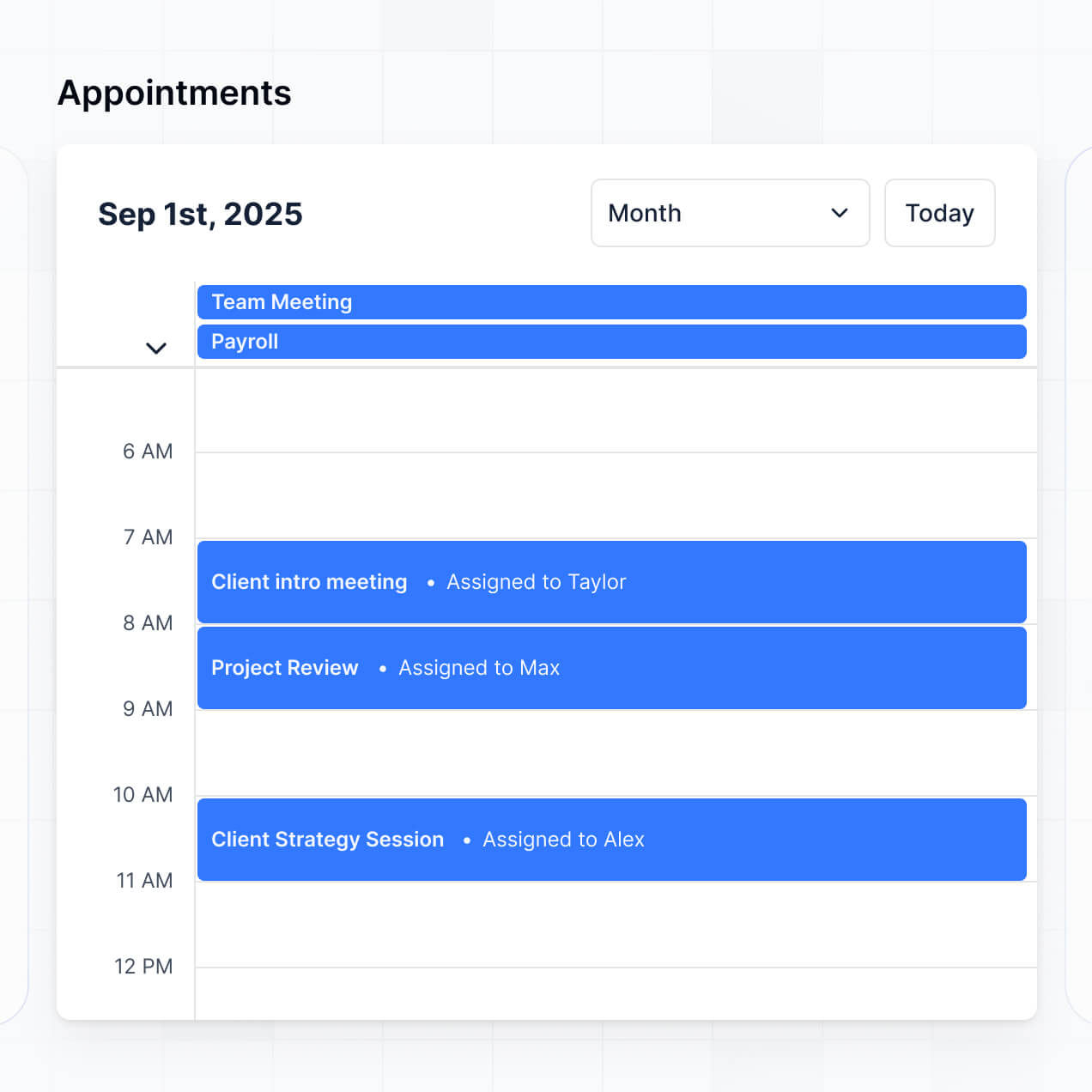
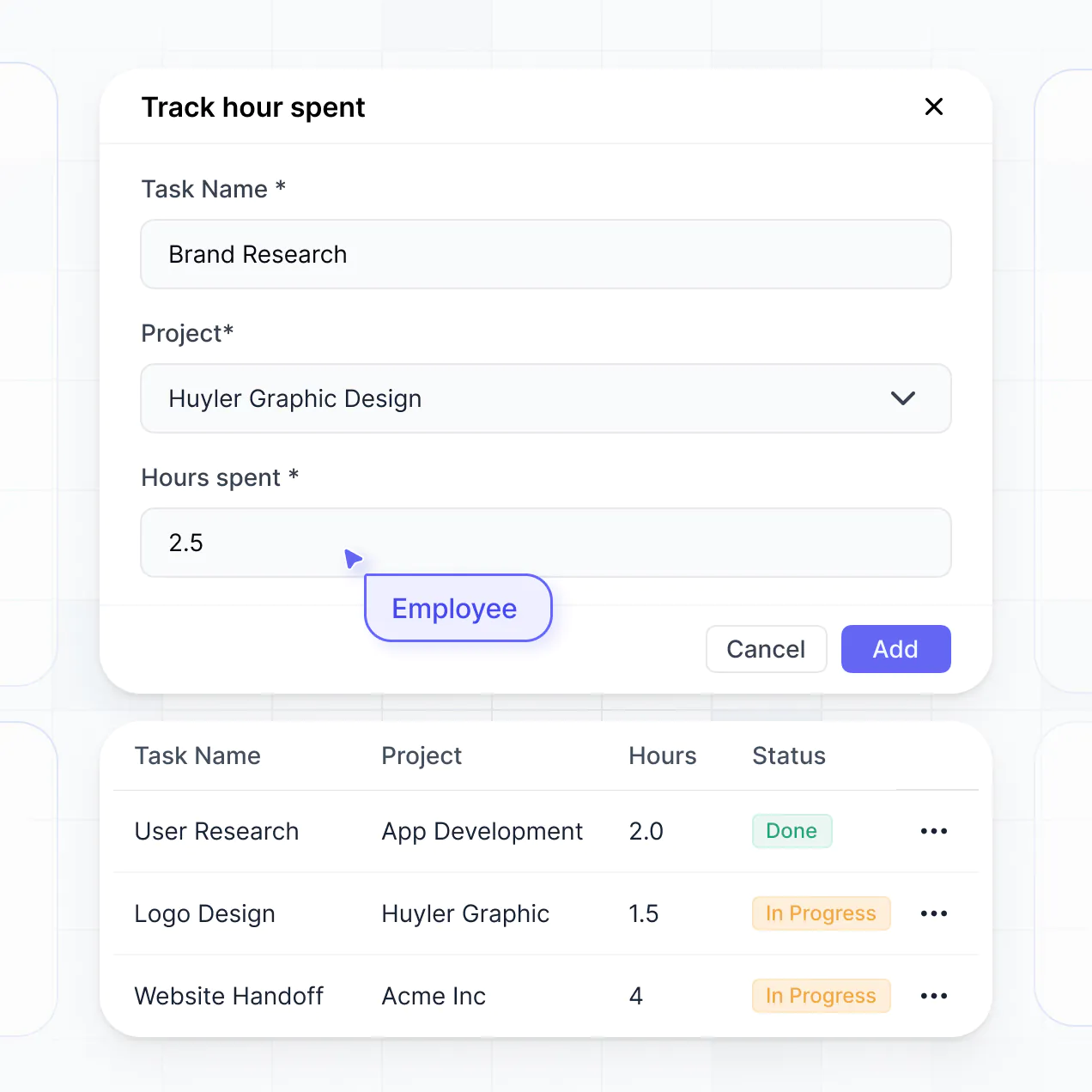
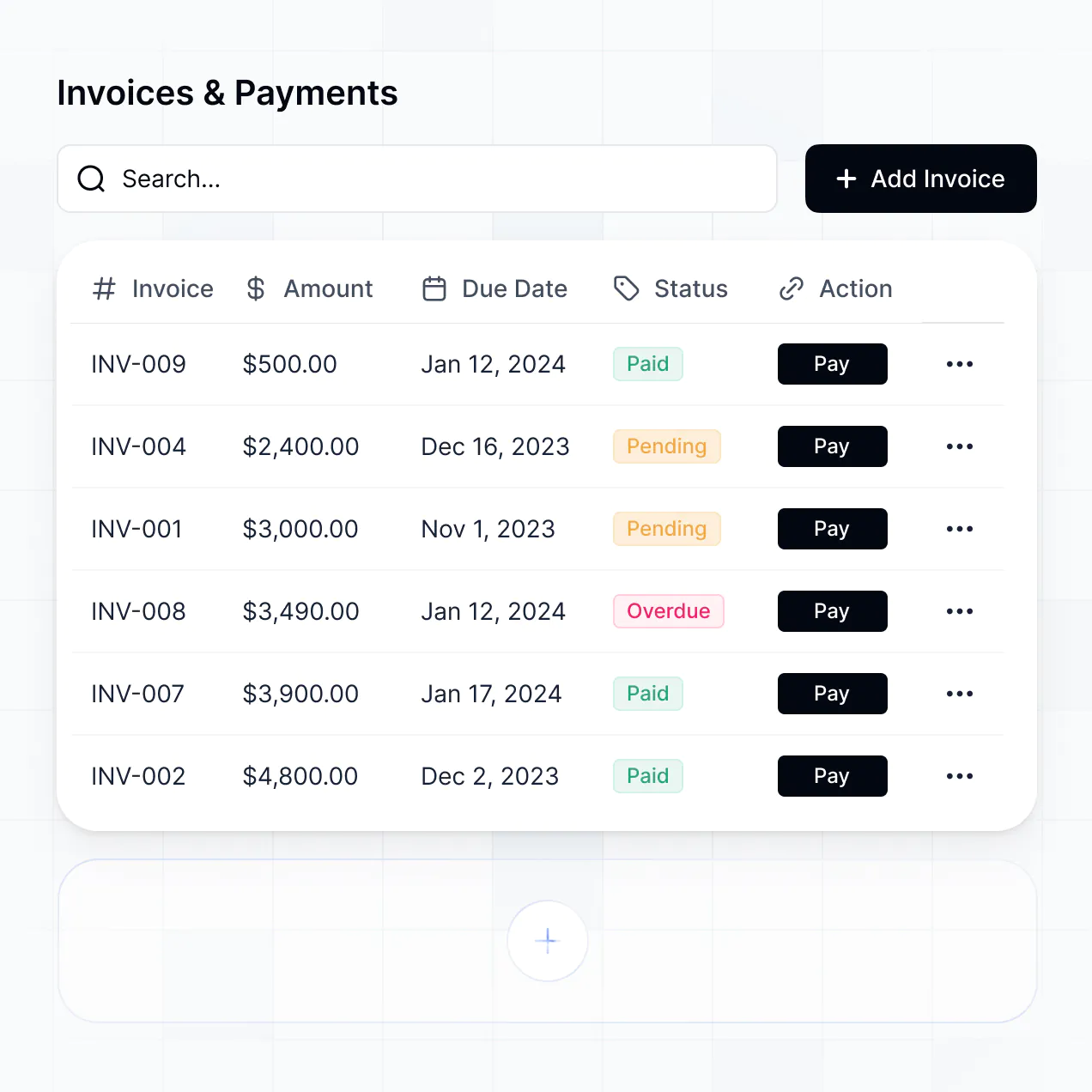
Manage registrations, schedules, and attendance in an AI-powered system built with AI to fit your school's unique event workflows.
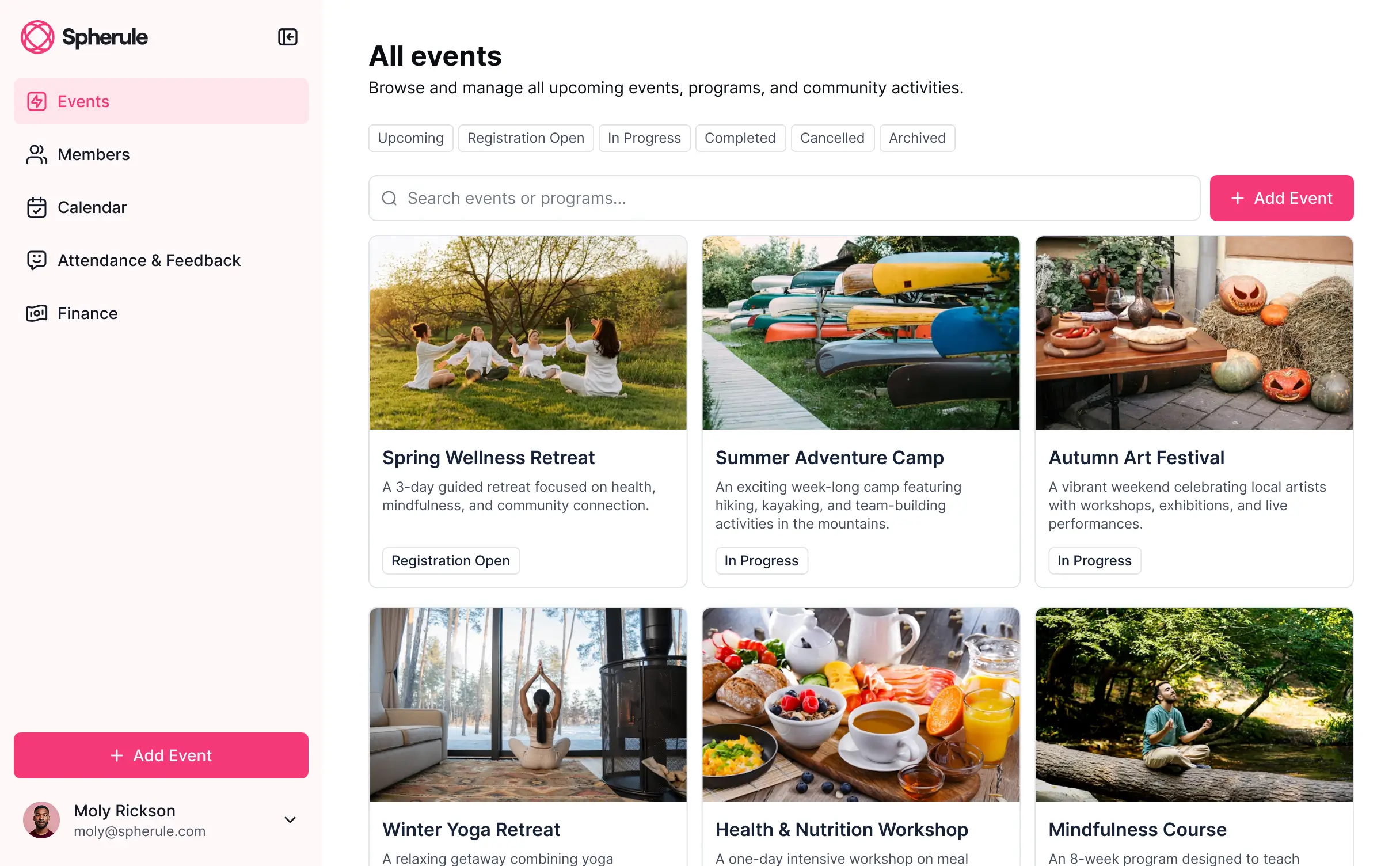
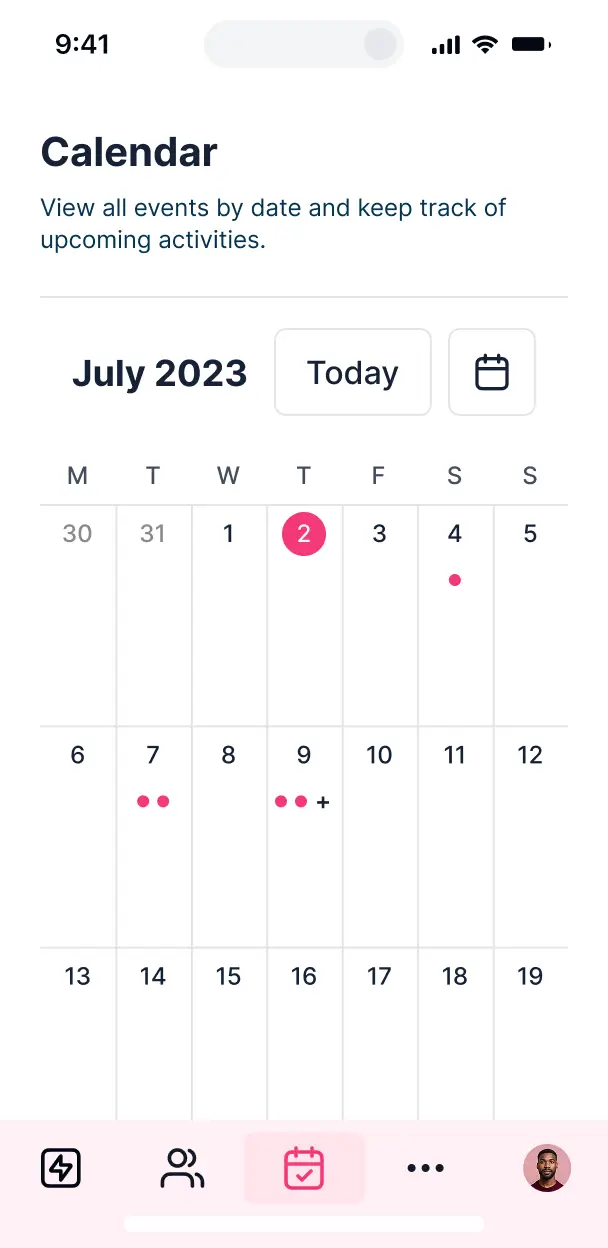

Customize your setup with the exact registration and scheduling views your team needs. Add features as events evolve—no code needed.


Connect student registries, staff schedules, and payment logs with real-time sync—or manage everything in Softr Databases. Create one source of truth for your school.
Give parents, students, and staff the right views. Set up secure logins, user groups, and granular permissions for every school event in minutes.
Softr apps are mobile-ready. Let attendees check into events or buy tickets from their phones using a downloadable PWA—no extra design work needed.
Build native automations to handle registration confirmations, volunteer reminders, and status updates automatically whenever event records are changed.
Provide separate logins for staff, volunteers, and parents, creating personalized dashboards for every role involved in your school events.
Apply rules for different groups. Customize who can edit calendars, approve resource requests, or view attendance data at a granular level.
Protect school and student information from security threats. Softr is fully compliant with SOC2 and GDPR regulations for your peace of mind.
No more one-size-fits-all tools or costly custom builds. Softr is easy to use and fully customizable, so you can launch faster, adapt as you grow, and skip the complexity of traditional software.

Build your school event management software in minutes with AI—no manual configuration needed.

Add features like ticket sales, resource approvals, or volunteer tracking as your needs evolve—no rebuild needed.

Start with event tracking, then add parent portals and teacher dashboards—all in one place with no extra tools.
Co-build with AI
Simply describe what you need. Let Softr handle everything - Interface, database, workflows.
Iterate with AI or visually
Control most critical parts of your app yourself - roles, permissions, security.
Ship the same day
Invite team members or external clients and partners right away. No developer handover.
Use drag-and-drop blocks to build a portal that looks sleek and modern out of the box. Add only the features you need, and iterate as your workflows evolve.




A school event management software is a secure portal where administrators, teachers, parents, and students can coordinate school-related activities, such as fundraisers, sports days, and parent-teacher conferences. It keeps all logistics in one place—including schedules, volunteer sign-ups, and ticket sales—so you don't have to rely on fragmented emails or paper forms. This makes it easier for school staff to stay organized and provides a professional experience for the entire school community.
Softr is the first AI-native platform for building business software, enabling you to build school event management software that fits your specific academic calendar and operational needs. You can describe your requirements to the AI Co-Builder to instantly generate your event database, registration pages, and user logic—all pre-connected and secure.
You don't need to code anything. You can start by generating with AI, using a template, or building from scratch. Everything runs on Softr Databases, the native, relational database built into the platform, or you can connect existing school systems like Google Sheets or Airtable. You have full control to adjust the layout visually, set custom permissions for faculty versus parents, and brand the portal with your school’s colors and logo. It's quick to launch before a big event and flexible enough to scale from small club meetings to district-wide graduation ceremonies.
You can include a wide range of features in your school event management software, depending on your institutional workflow. An effective portal usually mixes functional administrative tools with AI-powered intelligence:
- AI-Powered Intelligence – Use Ask AI to let parents query event details conversationally, or set up Database AI Agents to automatically categorize volunteer roles based on parent skills.
- Vibe Coding Blocks – Build custom UI elements—like an interactive campus map for event locations—using the AI Code block to 'vibe code' exactly what your school needs.
- Softr Workflows – Build native automations (like an automatic confirmation email for event registrations) that trigger notifications whenever a ticket is booked or a form is submitted.
- User Portals & Logins – Securely manage access so parents only see their children's activities while staff can view master event rosters.
- Forms & Data Collection – Capture dietary requirements, permission slips, and extracurricular sign-ups with custom forms and file uploads.
- Dashboards & Charts – Visualize event attendance trends and fundraising goals with real-time charts for the school board.
- Lists & Advanced Filtering – Display upcoming events with searchable calendars, kanban boards for planning stages, and detailed views for individual workshops.
Everything is built using Softr's drag-and-drop blocks without code. If your requirements change for the next school year, updating the software is simple.
Vibe coding is about moving fast and using AI to build exactly what your school needs. You can 'vibe code' school event management software in Softr by simply describing your requirements—like 'an event portal for a high school with ticket sales and teacher-led workshop signups'—to the AI Co-Builder. Softr then generates a production-ready app on a secure foundation.
Unlike other tools that generate raw code, Softr handles the complex technical parts—like parent authentication, relational database logic, and privacy security—natively. This means you get the speed of vibe coding without the technical debt of managing raw code. You describe the event workflow, Softr builds it, and it’s ready for your faculty and families to use instantly.
Yes. You can manage multiple departments, grade levels, or student organizations in a single school event management software. Each user only sees the events and administrative data assigned to them based on their specific role. This is perfect for large institutions where the athletic department needs a different view than the music department or the PTA.
Yes, you can. You don't need to have a pre-existing database to start building with Softr. If you're building your school event management software from scratch, you can use Softr Databases, which is built into the platform and handles everything from attendee lists to equipment inventory perfectly.
However, if you already store student information or event schedules in tools like Google Sheets, Airtable, or HubSpot, you can connect those as well. You can even use the REST API connector to bring in data from school-specific SIS software. You maintain full control over how your school’s data is organized and displayed.
Softr Databases is the recommended native, relational data source for your school event management software. It is built for speed and reliability, ensuring that parent sign-ups and ticket inventories update instantly without lag.
If you have data elsewhere, Softr connects to 17+ external sources. You can pull student lists from Airtable, event schedules from Google Sheets, or donor information from HubSpot. You can even combine sources, pulling volunteer data from Softr Databases and alumni data from an external SQL database simultaneously. Most sources support real-time, two-way sync, ensuring your school records stay accurate across all platforms.
Yes, Softr gives you full control over how different users experience your school event management software. You can customize the navigation and content to suit different personas. Each page or block can be shown or hidden based on user roles, ensuring a teacher sees logistical details while a parent only sees registration options.
You can define roles such as 'Admin', 'Teacher', and 'Parent', setting exact permissions for who can edit event details versus who can only view them. For example, teachers can manage their own classroom events, while administrators maintain a global view of the entire school calendar. This granularity is essential for maintaining privacy and keeping a clean interface for families.
Yes, you can fully white-label your portal in Softr. You can use your school’s official logo, brand colors, custom fonts, and a custom domain (like events.yourschool.edu) to make the software feel like an official part of your digital campus. You can remove all Softr branding, ensuring that parents and staff only see your institution's identity throughout their experience.
Yes, you can. Softr provides extensive flexibility to control the design of your event portal. You can adjust the layout, spacing, and typography to match your school’s style guide. You have the power to decide which blocks appear for specific users upon login.
To organize your event data, you can use various blocks:
- Table blocks – for tracking ticket sales, budget line items, or attendee lists.
- List or Card blocks – to showcase upcoming school plays, sports matches, or guest speakers.
- Detail View – to provide comprehensive information about a specific event or workshop.
- Forms – for collecting student waivers and dietary preferences.
- Charts – to track fundraising progress in real-time.
- Calendar blocks – to offer an easy-to-read view of the full academic year.
If you need to add a new event category or change the design mid-semester, it’s easily done in the visual builder.
Softr is built with enterprise-grade security. All school data is encrypted in transit and at rest, and portals are hosted on secure infrastructure. You have granular control over data access, using role-based permissions and visibility rules to protect sensitive student information.
For portals using Softr Databases, data is stored in a secure environment in Europe with SOC 2 Type II compliance. For apps connected to external sources like Google Sheets or Airtable, Softr doesn’t store your data locally—it simply displays it securely based on your specific access rules. This ensures that only authorized personnel can see student records or private contact details, following industry best practices for educational data privacy.
It is fully production-ready. While many AI tools merely 'vibe code'—creating unstable, custom scripts that are difficult for schools to maintain—Softr builds your school event management software on a robust, business-grade foundation.
Softr handles the essential technical infrastructure—like user authentication, secure hosting, and complex permission logic—natively. This eliminates the 'Day Two' reliability problems associated with pure AI generation. Your portal is secure, scalable, and ready for hundreds of parents to use for sign-ups from the moment you hit publish.
Softr is the first AI-native platform for building custom school software. Unlike rigid educational software that forces you into a specific workflow, or technical no-code tools that take months to master, Softr’s AI Co-Builder creates a tailored portal in minutes on a secure foundation.
The advantage is the hybrid approach: use AI to generate your event database and pages instantly, then use the intuitive visual editor for fine-tuning. You gain the speed of AI combined with the reliability of built-internal tools like secure logins and member roles. It is specifically designed for non-technical school staff who need to move from an idea to a live event portal in hours, not weeks.
Yes. Softr supports native workflows and deep integrations, allowing you to connect your school event management software to your existing tech stack. You can automate tasks like sending PDF tickets via email or syncing registration data with tools like Stripe for payment processing or Mailchimp for newsletters.
Whether you need to trigger a notification to a teacher when a student joins a club or sync donor data into your CRM, you can build these automations without writing any code. Softr’s support for REST APIs and webhooks ensures that your event portal works in perfect harmony with all your school’s digital systems.
Launch faster with a tool built for your campus. Describe what you need and Softr's AI builds it in minutes.