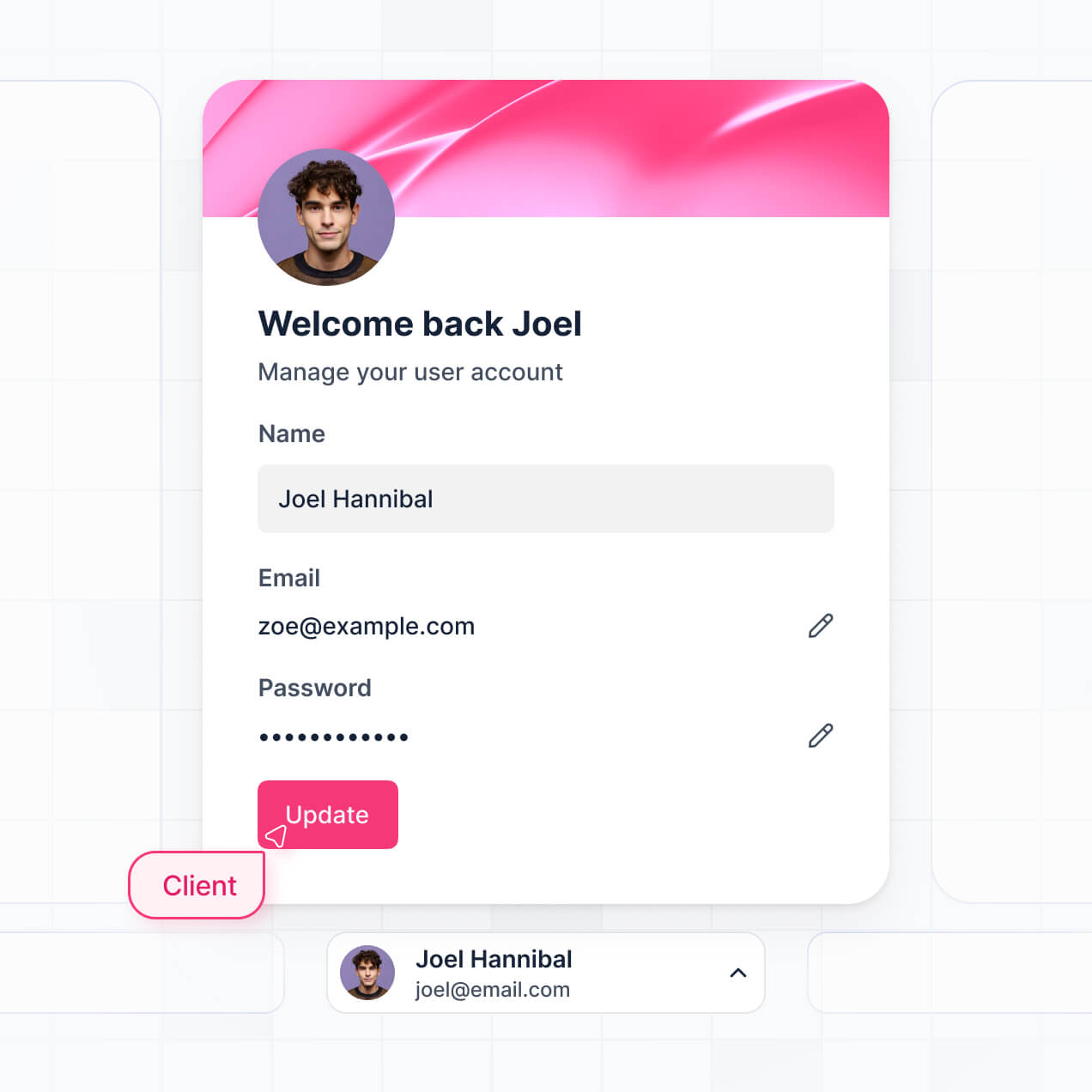
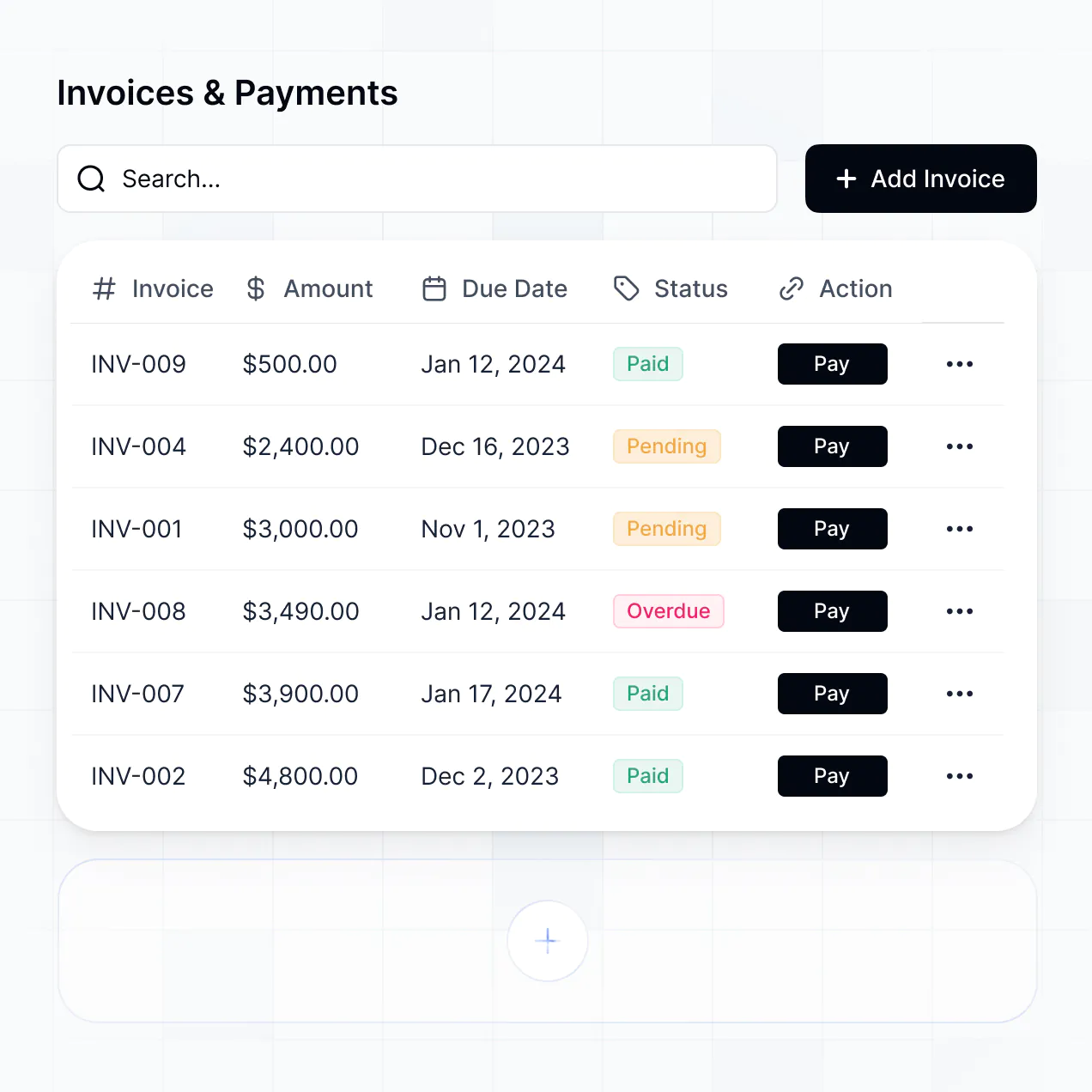
Share documents, track project status, and manage billing in a white label client portal template built with AI to fit your branding.
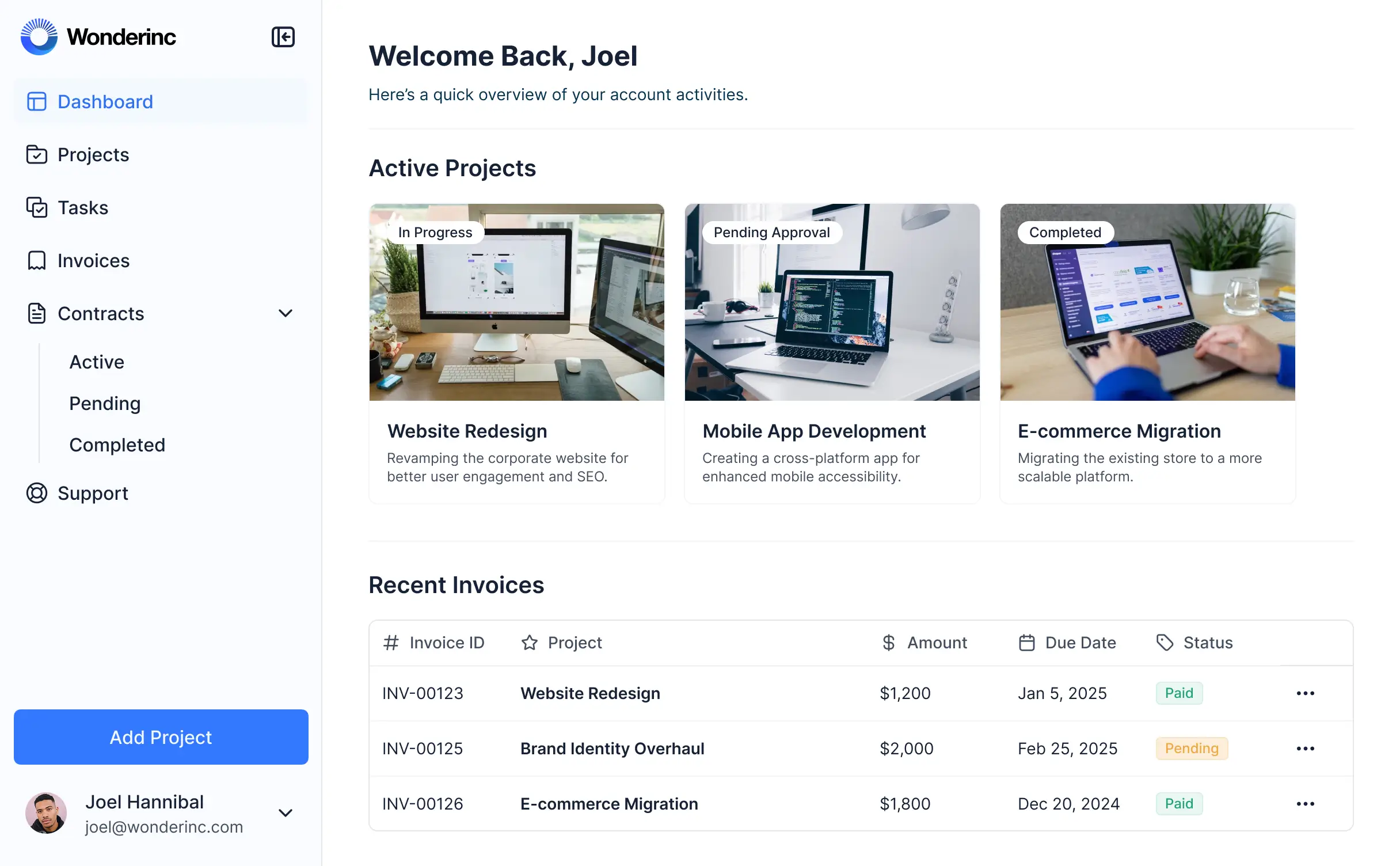



Customize your portal setup with the exact steps and views your team needs. Add features as client processes evolve—no code or design needed.


Connect spreadsheets, CRMs, and project trackers with real-time sync—or manage everything in Softr Databases. Create a single source of truth for your client workflows.
Give each client the right views and access in a fully branded portal. Set up secure logins, user groups, and permissions in minutes.
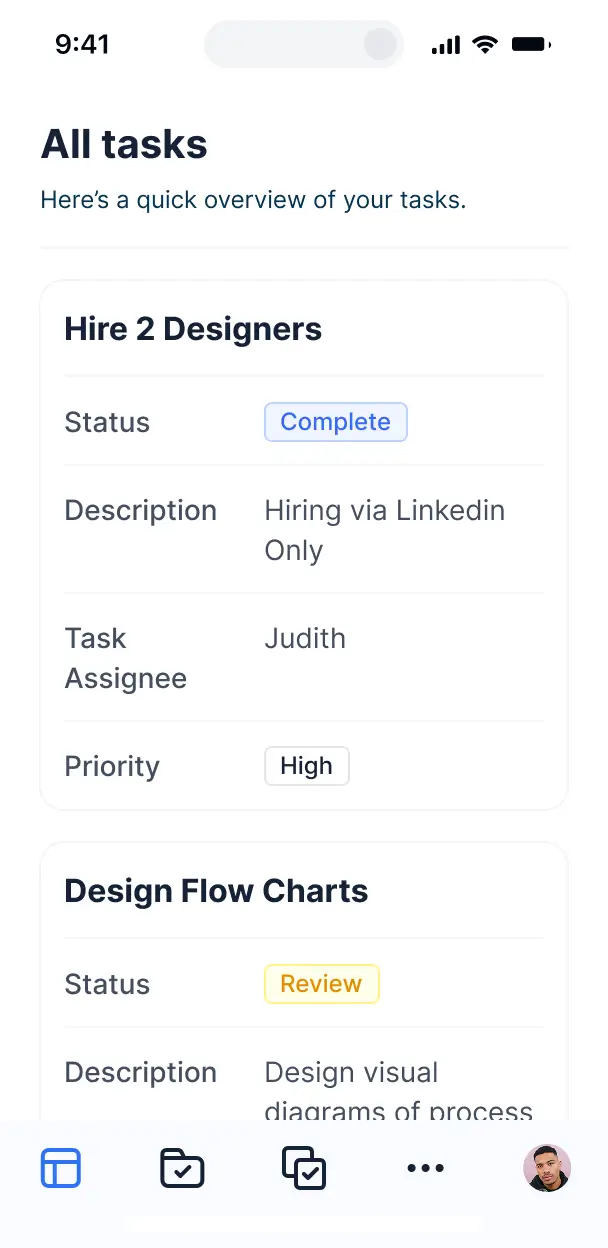
Softr apps are mobile-ready by default. Turn your portal into a downloadable app for your clients in one click with Softr's PWA.
Build native automations to handle client notifications, status updates, and document alerts automatically whenever project records are changed.
Provide separate logins for different clients and staff, creating personalized dashboards for every individual user in your portal.
Apply rules for different client tiers. Customize who sees which documents and what actions they can take at a granular record level.
Protect sensitive client information from security threats. Softr is fully compliant with SOC2 and GDPR regulations for total peace of mind.
No more one-size-fits-all tools or costly custom builds. Softr is easy to use and fully customizable, so you can launch faster, adapt as you grow, and skip the complexity of traditional software.

Build your white label client portal template in minutes with AI—no manual design or coding required.

Add features like secure document sharing or invoice tracking as your client relationships grow and evolve.

Start with a portal, then add dashboards and feedback forms in one place with no extra tools to manage.
Co-build with AI
Simply describe what you need. Let Softr handle everything - Interface, database, workflows.
Iterate with AI or visually
Control most critical parts of your app yourself - roles, permissions, security.
Ship the same day
Invite team members or external clients and partners right away. No developer handover.
Use drag-and-drop blocks to build a portal that looks sleek and modern out of the box. Add only the features you need, and iterate as your workflows evolve.




A white label client portal template is a pre-built, professional framework designed to give your clients a secure, branded login area to access project updates, shared documents, invoice history, and creative assets. It allows you to offer a high-end digital experience that looks and feels like your own proprietary software. By removing the developer's branding and replacing it with your own, you can facilitate seamless collaboration and communication without the friction of scattered email threads or generic file-sharing folders.
Softr is the first AI-native platform for building professional business software, offering a massive advantage when using a white label client portal template. You can describe your specific agency or consultancy requirements to the AI Co-Builder to instantly generate your database, client-facing pages, and permission logic—all perfectly branded to your firm from the start.
You don't need to write a single line of code. You can start with an AI-generated foundation or a professional template, then customize it to your heart's content. Softr runs on Softr Databases for a fast, native experience, but also connects effortlessly to Airtable, Google Sheets, or HubSpot to pull in existing project data. You have complete control over the visual theme, custom domains, and user-specific visibility, making it easy to scale your client services without increasing your technical overhead.
A great white label client portal usually pairs core document management with advanced AI and automation to create a premium experience:
- **AI-Powered Intelligence** – Use Ask AI to let your clients query their project roadmap or past deliverables conversationally, or use Database AI agents to automatically summarize campaign results.
- **Vibe Coding Blocks** – Build custom UI elements, such as a specialized project timeline or proofing gallery, using the AI Code block to "vibe code" the exact functionality your brand requires.
- **Softr Workflows** – Set up automatic triggers, like sending a Slack notification or a customized onboarding email the moment a client uploads a signed contract.
- **Secure Client Logins** – Ensure each client sees only their specific contracts, milestones, and reports through robust role-based access.
- **Branded Forms & Collection** – Use custom forms to collect project briefs or feedback, complete with file uploads for assets.
- **Performance Dashboards** – Use real-time charts to visualize project progress or budget burn rates for every client.
- **Advanced List Filtering** – Allow clients to browse a library of delivered assets or task lists using searchable tables and Kanban boards.
Softr’s drag-and-drop system makes these features easy to deploy, and the Vibe Coding block ensures you can add any bespoke feature your high-ticket clients might expect.
Vibe coding is the fastest way to get your professional portal live. You can "vibe code" a white label client portal by describing your agency's unique workflow to the Softr AI Co-Builder. Softr then handles the complex architecture of a production-ready client portal, such as secure login logic and database relationships, automatically.
While other AI tools might produce messy, unmaintainable code, Softr provides a stable, professional infrastructure for the hard parts—like authentication and data security. You provide the "vibe" or the vision for the client experience, and Softr builds a secure, scalable portal that you can hand off to clients with total confidence immediately.
Yes. You can host dozens or hundreds of different clients inside a single white label portal. Through Softr's powerful visibility rules, each client only sees the specific project data, folders, and communication threads assigned to their account. This is ideal for agencies and consultants who want one centralized system for their operations while maintaining absolute privacy and professional isolation between different client entities.
Absolutely. If you are starting fresh, you can leverage Softr Databases, the built-in relational database, to manage all your client profiles and project tasks. This allows you to build your portal and your database in one unified environment designed for maximum speed.
If you prefer to keep your data in tools like Airtable, Google Sheets, or HubSpot, Softr connects to those just as easily. You have the flexibility to start from zero or sync your existing client records from various sources via our REST API, giving you total control over your business data structure.
Softr Databases is the recommended choice for a white label portal, as it is a native, relational data source that provides the fastest performance and instant automation triggers. Because the data is native to the platform, the user experience is incredibly smooth for your clients.
Additionally, Softr supports 17+ external data sources including Airtable, Google Sheets, HubSpot, SmartSuite, and BigQuery. You can even mix data sources; for example, your portal could pull billable hours from Airtable while pulling client contact details from HubSpot, all while maintaining a 100% white-labeled interface that looks unified to the client.
Yes, Softr offers granular control over the client experience. You can customize every aspect of the portal, from the navigation menu to specific page layouts, ensuring it aligns with your client's expectations. Each block can be set to show or hide based on the user's role, so a "Viewer" client only sees reports, while a "Manager" client can upload documents or approve tasks.
By setting up dedicated user roles (e.g., Client, Project Manager, Administrator), you can define exactly who can see or edit specific records. This ensures your internal team can manage all client data from the back end, while clients only see a streamlined, personalized view of their own progress.
Yes, white-labeling is a core feature of Softr. You can fully customize the portal by adding your company logo, using your specific brand colors, and selecting fonts that match your identity. Most importantly, you can host the portal on your own custom domain (e.g., portal.yourcompany.com) and remove all "Made with Softr" badges, ensuring your clients enjoy a high-end, fully branded experience that reinforces your company's authority.
Yes, you have complete creative freedom over the design. Softr’s visual builder allows you to adjust the spacing, colors, and site structure without code. You can choose from a library of professional blocks to display information in the way that best serves your clients:
- **Table Blocks** – Perfect for manageable task lists or billing histories.
- **List Cards** – Great for displaying a library of creative assets or team bio profiles.
- **Detail Views** – Create a unified "Project Dashboard" that shows one record at a time.
- **Forms** – For client onboarding or brief submissions.
- **Charts** – To visualize monthly ROI or project milestones.
- **Calendars** – To track deadlines and upcoming strategy calls.
You can easily iterate on the design as your agency grows, making updates in real-time through the visual editor.
Security is paramount when handling client information. Softr encrypts all data in transit (TLS) and at rest, hosting your app on enterprise-grade, secure infrastructure. You maintain full control over data visibility; for example, you can apply global restrictions and role-based permissions to ensure sensitive documents never leak between different clients.
If you use Softr Databases, your information is stored in a SOC 2 Type II compliant environment in Germany. If you connect to external sources like Airtable or SQL, Softr simply displays that data in real-time through secure API connections rather than storing it locally. You are always the owner of your data and manage exactly who is authorized to view or edit it.
It is 100% production-ready. While other AI tools might suggest "vibe coding" as a way to create simple prototypes, Softr uses AI to build on a rugged, business-grade engine. This means the authentication, hosting, and permission logic are already enterprise-standard the moment they are generated.
Softr solves the "Day Two" problem: you get your white-labeled portal live in minutes, but it remains easy to update, scale, and secure as you add more clients. It is not just a mockup; it’s a professional software solution ready for live client interaction from day one.
Softr is the first AI-native platform specifically designed for business apps. Unlike traditional no-code tools that involve a steep learning curve and hundreds of manual steps, Softr’s AI Co-Builder generates a tailored functional portal in a fraction of the time.
It offers a unique hybrid advantage: the speed of AI-driven generation combined with the reliability of established business infrastructure. While other tools might feel like a "website builder" forced into a portal role, Softr was built for apps, meaning it handles complex logic like user roles and data relationships natively, making it the perfect choice for professional white-labeling.
Yes, you can connect your portal to your entire tech stack. Softr supports native workflows to automate internal tasks, and integrates with major tools like Stripe for client payments or Intercom for support. For more custom needs, you can use the REST API and webhooks to connect your white label portal to Zapier or Make.
Whether you need to automatically generate an invoice in another system once a project is marked as "Done" or trigger a welcome sequence in your CRM, you can build these automated bridges directly into your portal without writing code.
Describe what you need. Softr's AI builds your custom portal in minutes, no code required.