Securely share files and track approvals in an AI-powered portal built with AI that you customize to fit your business workflows.
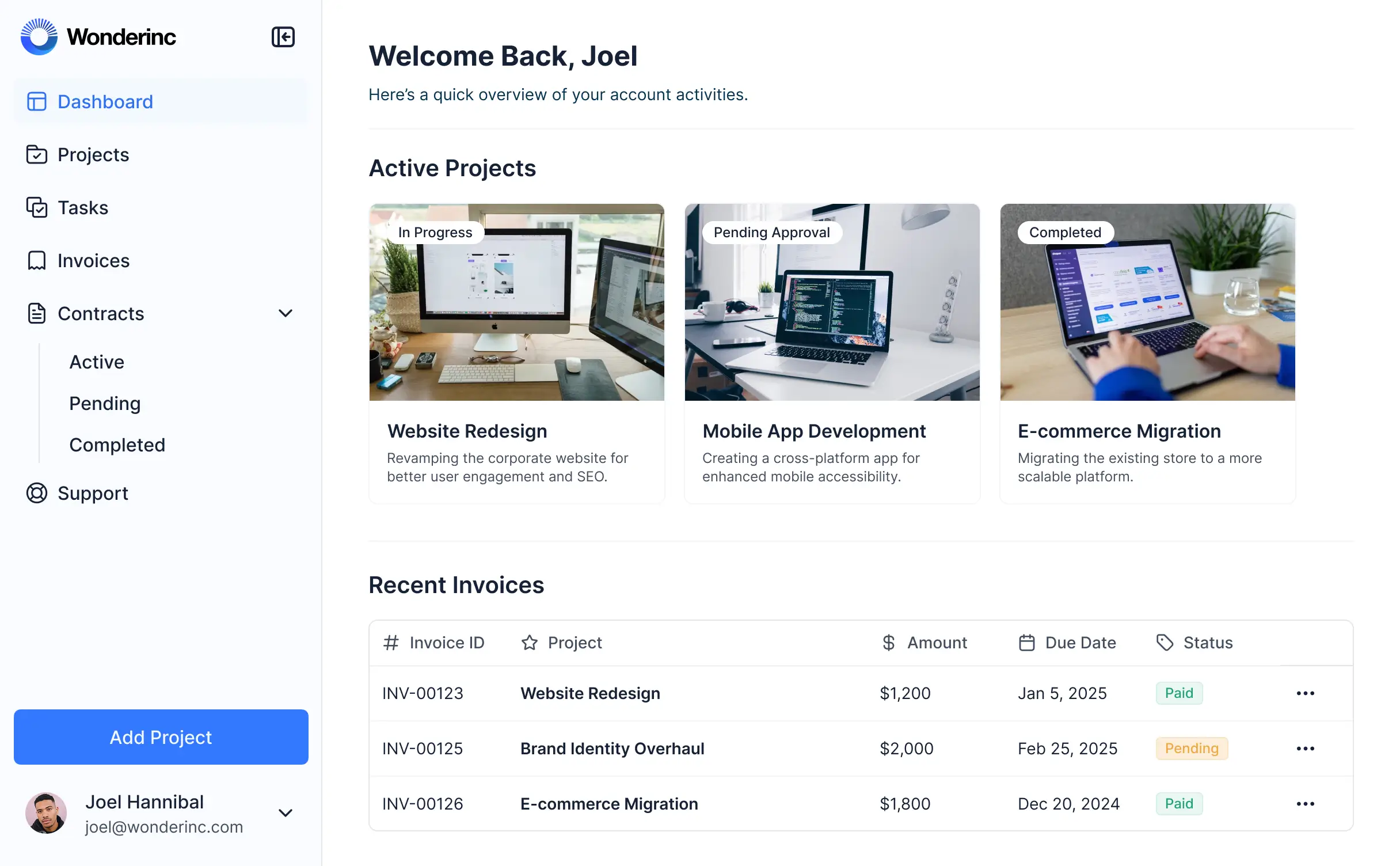



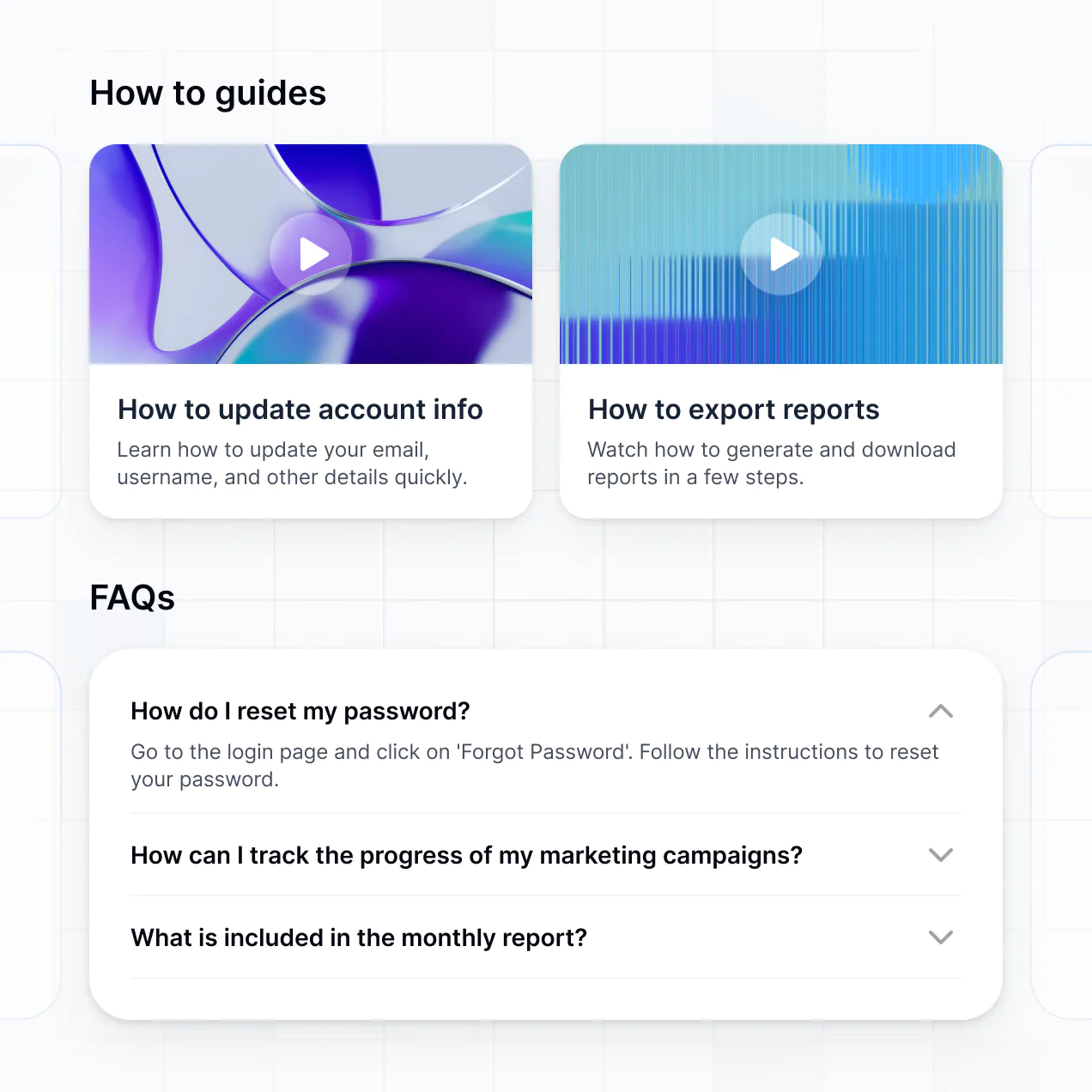
Customize a customer document portal that looks sleek and modern. Add only the features you need, and iterate as your team's workflows evolve.


Connect spreadsheets, CRMs, and cloud storage with real-time sync—or manage everything in Softr Databases. Create a single source of truth for your business documents.
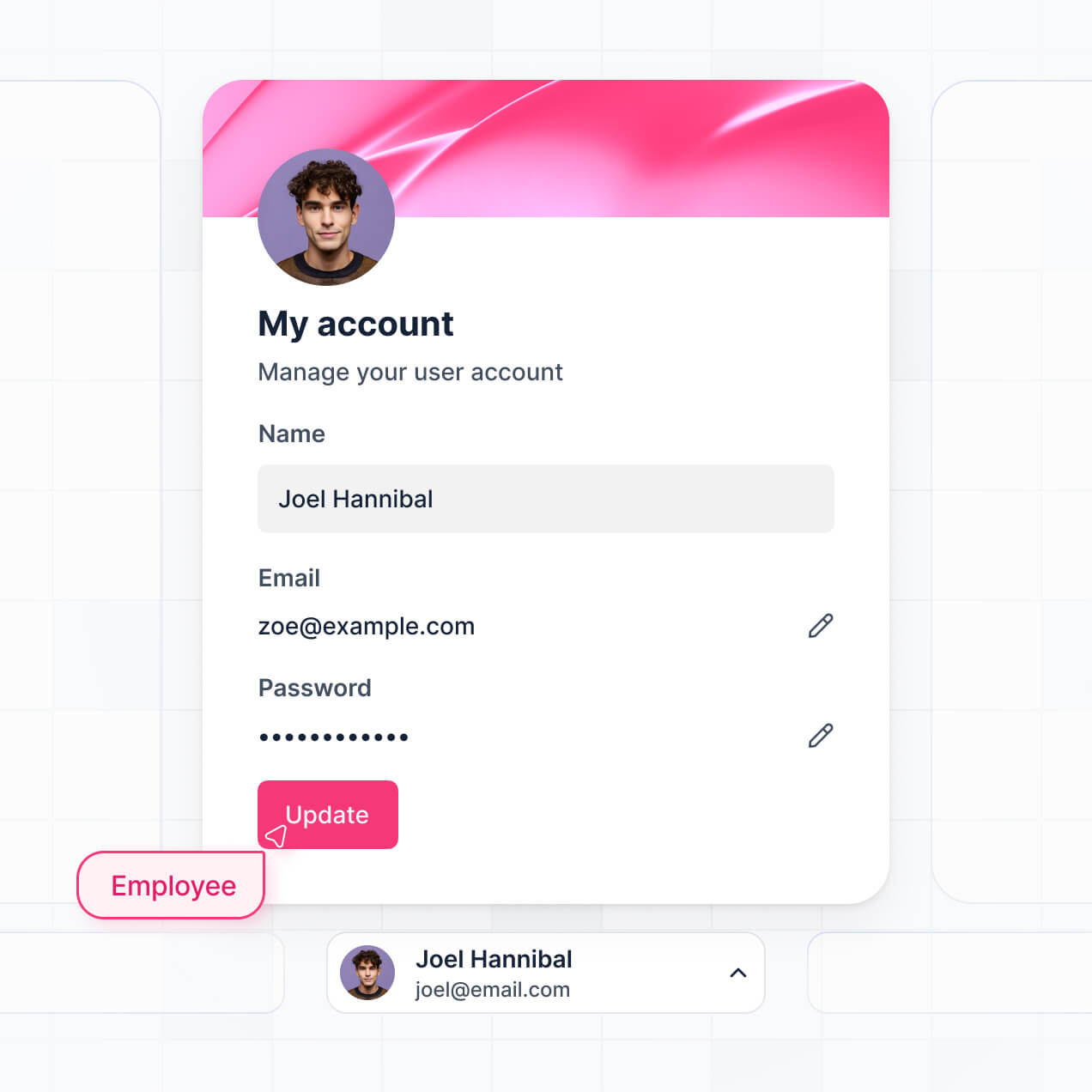
Give each client the right views and access in a fully branded portal. Set up secure logins, user groups, and document permissions in minutes.
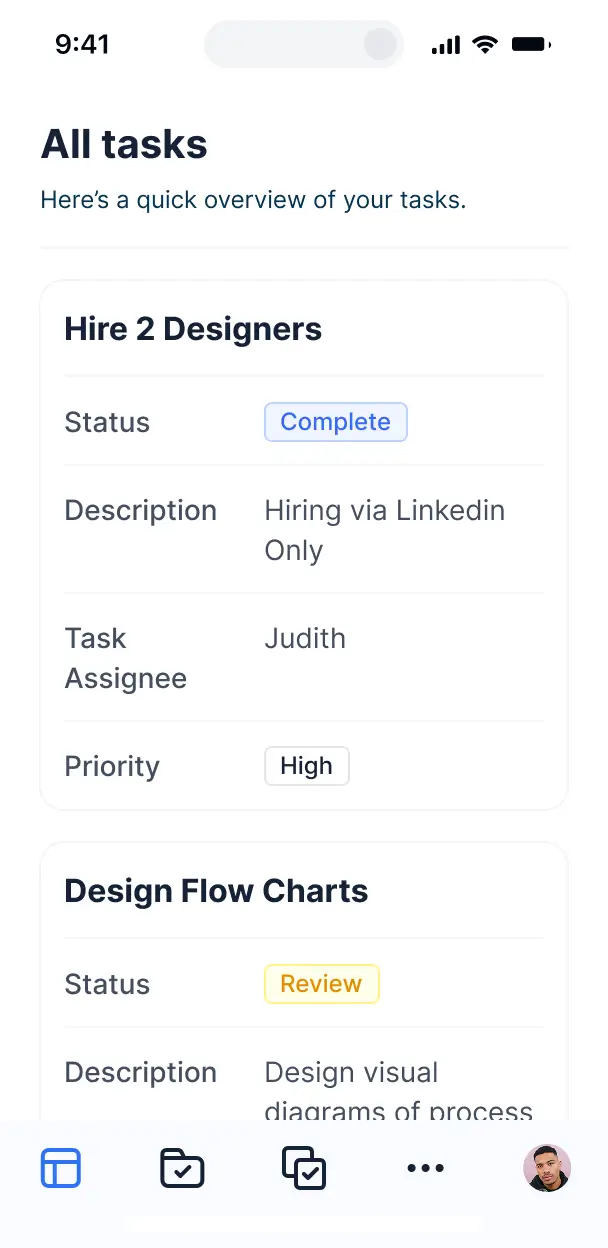
Softr apps are mobile-ready by default. Let clients upload or sign documents from any device—no extra design work needed.
Build native automations to handle notifications for new uploads, document status changes, and data sync whenever records are updated.
Provide separate logins for different clients, and create personalized dashboards so each user only sees their own files.
Apply rules for different user groups. Customize who can view, upload, or delete documents at even the most granular level.
Protect sensitive client information from security threats. Softr is fully compliant with SOC2 and GDPR regulations.
No more one-size-fits-all tools or costly custom builds. Softr is easy to use and fully customizable, so you can launch faster, adapt as you grow, and skip the complexity of traditional software.

Build your customer document portal in minutes with AI—no manual configuration or setup needed.

Add features like automated status tracking, file approvals, or AI summaries as your workflows evolve.

Start with a document portal, then add client CRMs, dashboards, or forms—all in one place with no extra tools.
Co-build with AI
Simply describe what you need. Let Softr handle everything - Interface, database, workflows.
Iterate with AI or visually
Control most critical parts of your app yourself - roles, permissions, security.
Ship the same day
Invite team members or external clients and partners right away. No developer handover.
Use drag-and-drop blocks to build a portal that looks sleek and modern out of the box. Add only the features you need, and iterate as your workflows evolve.




A customer document portal is a secure digital space where your clients can log in to access, upload, and manage critical files like contracts, invoices, project briefs, and compliance records. It creates a centralized hub for document exchange, eliminating the need for messy email chains or fragmented cloud storage folders. This ensures both your team and your customers always have the latest versions of important files in a professional, organized environment.
Softr is the first AI-native platform for building business software, making it the fastest way to create a customer document portal tailored to your specific file-sharing needs. You can simply describe your document requirements to the AI Co-Builder to instantly generate a secure database, file upload pages, and document libraries—all pre-connected and ready for use.
You don't need any coding skills. You can start with AI, use a specialized document management template, or build from scratch. Everything runs on Softr Databases, or you can link existing document metadata from Airtable, Google Sheets, or HubSpot. You gain full control to customize the interface with your branding and set precise permissions so clients only see their own sensitive files. It’s a flexible solution that scales as your client base and document volume grow.
You can integrate a variety of features to streamline how your customers interact with their files, combining standard document management with AI intelligence:
- AI-Powered Intelligence – Use Ask AI to let customers search through document text conversationally, or deploy Database AI Agents to automatically categorize uploaded files or summarize long contracts.
- Vibe Coding Blocks – Create custom UI components, such as a localized document expiration countdown or a specialized PDF previewer, using the AI Code block to build exactly what you need.
- Softr Workflows – Setup native automations, like sending a notification to your team when a client uploads a signed agreement or triggering a reminder when a document status changes.
- Secure Logins – Manage access so each customer only sees the folders and files associated with their specific account or project.
- Forms & File Uploads – Capture required information alongside file submissions with custom forms that support large file attachments and categorization.
- Document Dashboards – Provide a summary view of pending signatures, recently added files, and document approval statuses.
- Advanced Filtering – Organize high volumes of files with searchable tables, tags, and categorical folders for easy navigation.
Everything is built with drag-and-drop ease, and you can even use the Vibe Coding block to add custom functionality like e-signature integrations without manual coding.
Vibe coding allows you to build a highly functional customer document portal by describing your vision to AI. You can "vibe code" the portal by telling the AI Co-Builder exactly how you want your document approval flow to work or how your file library should look. Softr then generates the application on a secure, stable foundation.
Unlike other tools that generate raw code that breaks easily, Softr handles the complex backend infrastructure—like secure file hosting, user authentication, and granular access control—natively. This gives you the speed of AI generation without the risk of managing fragile code. You describe your document workflow, Softr handles the build, and your clients can start uploading files immediately.
Yes. You can manage hundreds of different clients within a single portal while ensuring total data isolation. Through Softr's user management, each client only sees the specific documents and folders linked to their user record. This is perfect for accounting firms, legal practices, or creative agencies who need to maintain strict confidentiality while hosting all client interactions under one roof.
Absolutely. You don't need an existing file management system to start. If you're building from scratch, you can use Softr Databases to store your document metadata (like file names, tags, and descriptions) and host the files directly within the platform. It’s an all-in-one solution for document storage and client access.
However, if you already store document links in Airtable, Google Sheets, HubSpot, or SQL, you can easily connect those sources. You can also use the REST API to bridge other storage services. You have total flexibility over how your document records are structured and presented to your users.
Softr Databases is the recommended native data source, offering peak performance for business apps and fast file handling. Because the data is native to the Softr platform, triggers and document status updates happen instantly.
If your document index is stored elsewhere, Softr connects to 17+ external sources including Airtable, Google Sheets, HubSpot, and BigQuery. You can even combine sources—for example, storing client contact details in HubSpot while keeping project-specific documents in Softr Databases. Most connections support real-time sync, so when you upload a document in your database, it appears in the client's portal immediately.
Yes, Softr provides deep control over the customer experience and document security. You can customize the entire layout to match your agency's branding, and set visibility rules so that specific document blocks or entire pages are only visible once a user has logged in.
You can define roles such as 'Client,' 'Reviewer,' or 'Admin,' and determine exactly what they can do. For instance, a 'Client' might only have permission to view and download their own invoices, while an 'Admin' can upload new contracts and delete old drafts. You can also create filtered views that automatically show only documents where the 'Client ID' matches the logged-in user.
This granularity ensures your customer document portal remains secure, professional, and easy to navigate for every stakeholder involved.
Yes, you can fully white-label your customer document portal in Softr. You can add your corporate logo, set a custom color palette that matches your brand guidelines, and use your own domain (e.g., docs.yourcompany.com). You can also remove all 'Made with Softr' branding to provide a seamless, premium experience that looks and feels like a proprietary tool built specifically for your clients.
Yes, you have total creative control over the layout of your portal. Softr allows you to adjust fonts, spacing, and page hierarchy to optimize for document readability. You can choose different ways to display your files based on their type and importance:
- Table blocks – perfect for showing long lists of historical invoices or technical specifications.
- List or Card blocks – best for featuring highly visual documents like design proofs or marketing assets.
- Detail View – for deep dives into a single document's history, comments, and metadata.
- Forms – for allowing clients to submit new files or update their profile information.
- Charts – to show document processing progress or usage stats.
- Calendar blocks – to visually track document deadlines, such as contract renewals or filing dates.
As your business evolves, you can easily drag and drop new elements into the portal via the visual builder.
Security is a top priority for Softr. All document data is encrypted in transit and at rest, and infrastructure is hosted on highly secure servers. You maintain granular control over file visibility; for example, you can use role-based permissions and visibility rules to ensure a client in Company A can never access the folders of Company B.
For portals using Softr Databases, your data is stored in a secure SOC 2 Type II compliant environment in Germany. If you use external sources like Airtable or SQL, Softr simply acts as a secure interface to display those files in real-time based on your permission settings. This ensures sensitive business documents remain protected while being easily accessible to the right people.
Yes, it is completely production-ready. While other AI tools might produce 'vibe code' that is difficult to secure or scale, Softr builds your customer document portal on a professional-grade software foundation.
We provide the essential 'heavy lifting'—including secure login systems, file storage logic, and complex permissions—right out of the box. This bypasses the typical issues with AI-generated apps, giving you a portal that is stable, secure, and ready to host actual client contracts and private documents from the moment you hit publish.
Softr is the first AI-native platform specifically designed for business applications. Most no-code tools require you to manually build every logic flow, while 'vibe coding' tools often leave you with messy code to manage. Softr’s AI Co-Builder generates your document database and portal interface in minutes, but houses it within a robust infrastructure.
This hybrid approach allows you to move at the speed of AI while relying on enterprise-grade features like built-in authentication and granular user roles. It's the ideal choice for business teams who need to launch a professional document portal without a technical team, moving from a concept to a live, secure portal in one day.
Yes. Softr allows you to build powerful automations directly within your customer document portal or connect it to your existing software stack. You can use Softr Workflows to automate internal tasks, or integrate with tools like Stripe for document-related payments or Intercom for client support.
Whether you need to automatically sync uploaded files to a backup drive, trigger an email via Zapier when a new document is available, or pull in client data from your CRM via REST API, you can build these complex connections without writing a single line of code.
Describe what you need. Softr's AI builds it in minutes. Get started for free, no code needed.