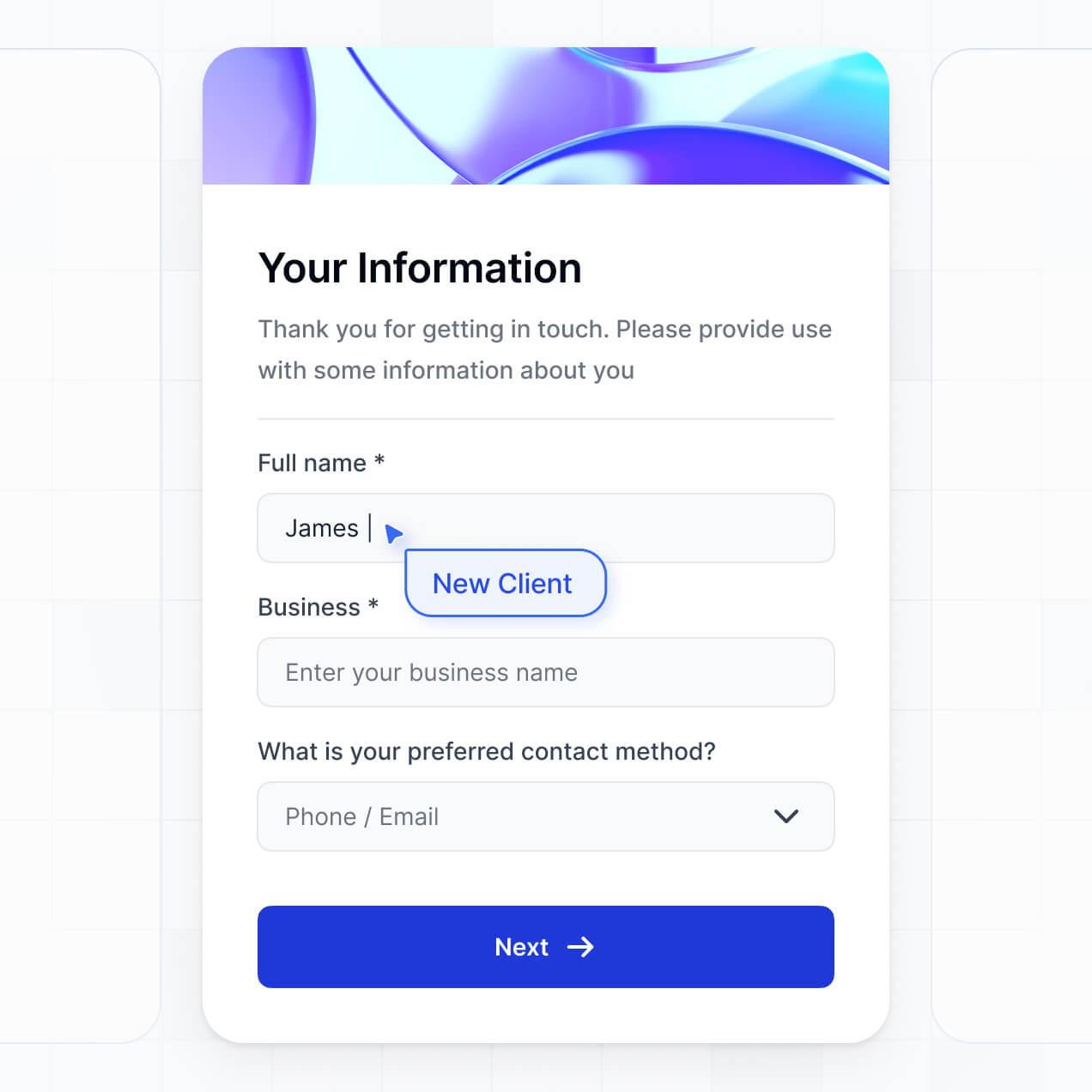
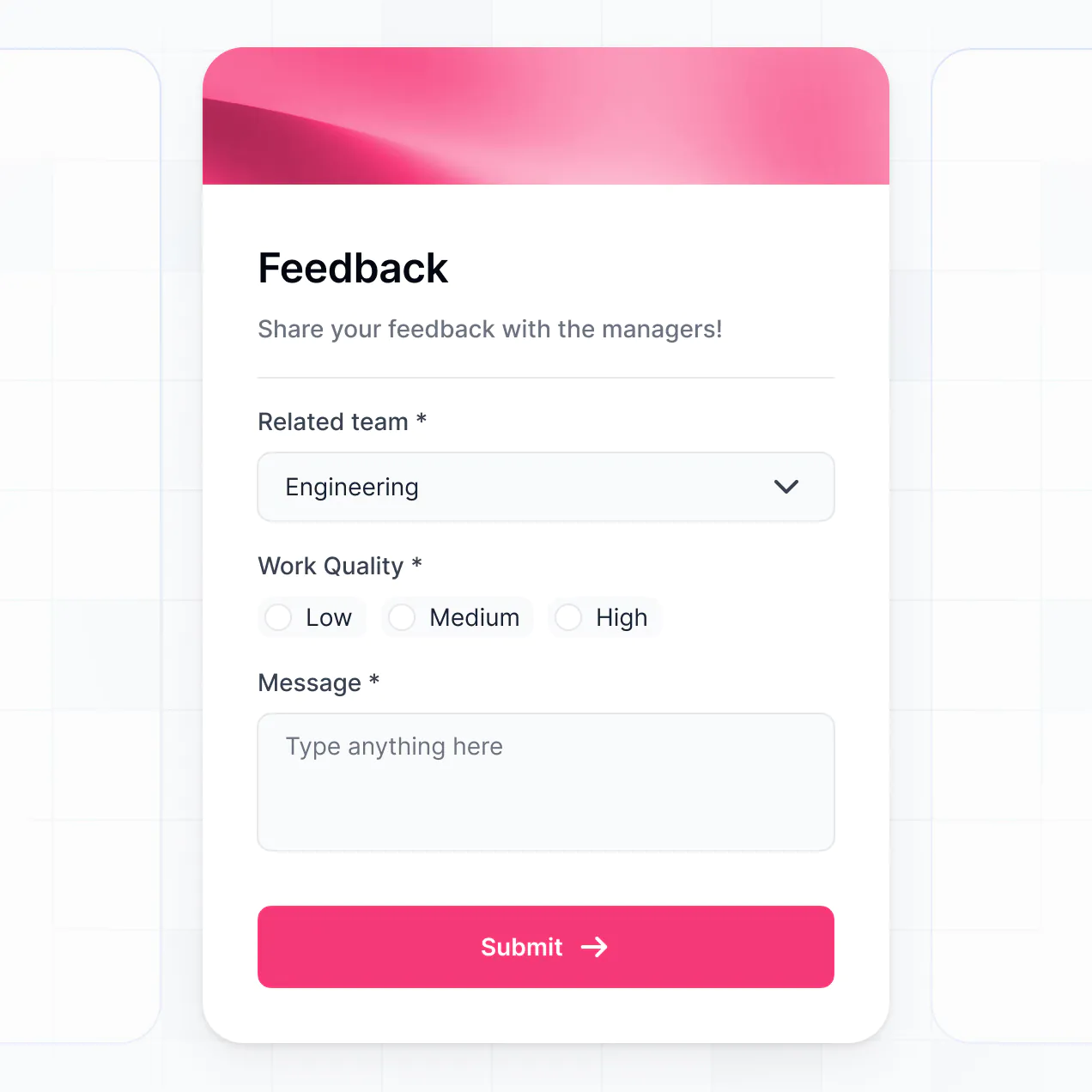
Manage courses, track student progress, and store materials in an AI-powered system built with AI to fit your education workflow.
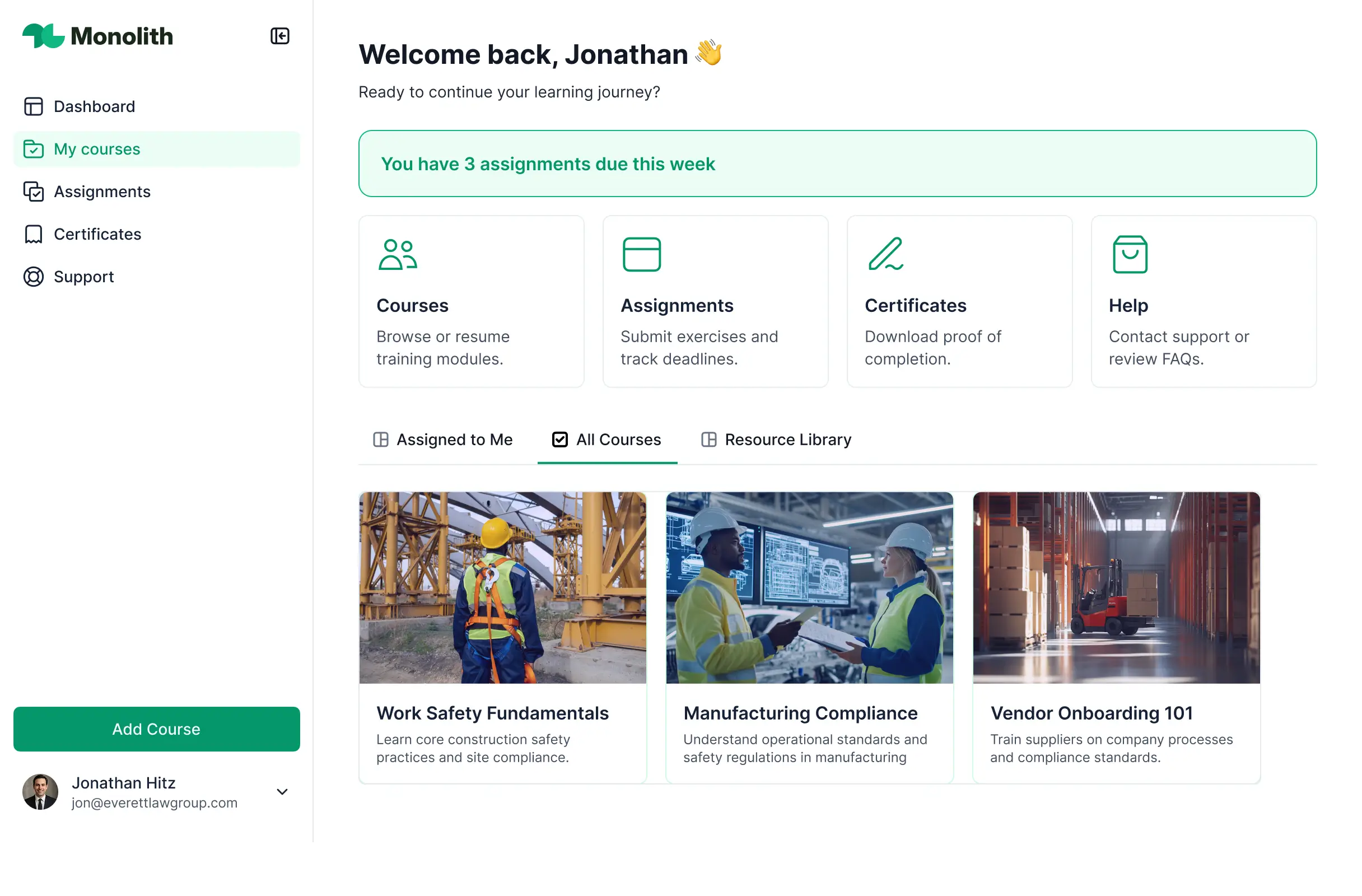
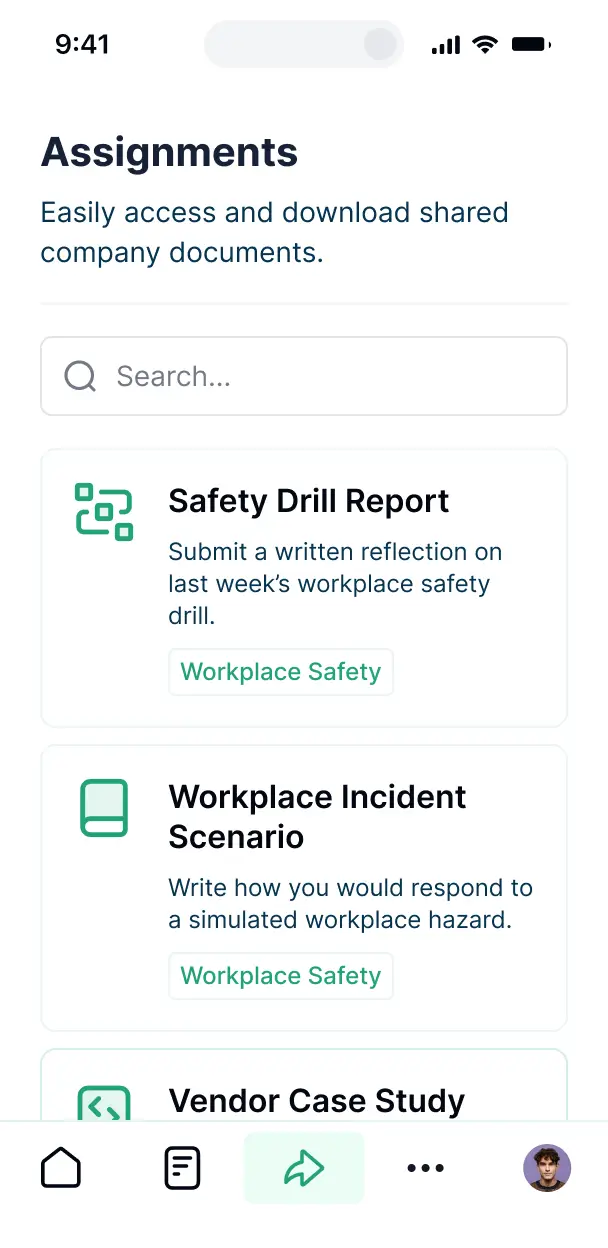

Customize your e learning content management tool with the exact steps and views your team needs. Add features as processes evolve—no code needed.


Connect spreadsheets, CRMs, and curriculum data with real-time sync—or manage everything in Softr Databases. Create a single source of truth for your business.
Give each student and instructor the right views and access in a branded portal. Set up secure logins, user groups, and permissions in minutes.
Softr apps are mobile-ready by default. Turn your learning tool into a downloadable app in one click with Softr's PWA—making it easy for students to learn on the go.
Build native automations with Softr Workflows to handle course notifications, progress updates, and certification requests automatically when records are changed.
Provide separate logins for instructors and students, and create personalized dashboards for each user to track their specific courses and grades.
Apply rules for different user levels. Customize who can upload materials, and which actions students can take at even the most granular level.
Protect student information and proprietary educational content from security threats. Softr is fully compliant with SOC2 and GDPR regulations.
No more one-size-fits-all tools or costly custom builds. Softr is easy to use and fully customizable, so you can launch faster, adapt as you grow, and skip the complexity of traditional software.

Build your e learning content management tool in minutes with AI—no manual configuration needed.

Add features like student tracking, interactive forms, or assessments as your curriculum evolves.

Start with a content tool, then add student portals and dashboards—all in one place with no extra tools.
Co-build with AI
Simply describe what you need. Let Softr handle everything - Interface, database, workflows.
Iterate with AI or visually
Control most critical parts of your app yourself - roles, permissions, security.
Ship the same day
Invite team members or external clients and partners right away. No developer handover.
Use drag-and-drop blocks to build a portal that looks sleek and modern out of the box. Add only the features you need, and iterate as your workflows evolve.




An e learning content management tool is a secure digital environment where educators and corporate trainers can host, manage, and distribute educational materials like video lessons, quizzes, and downloadable resources. It centralizes your curriculum in one place, eliminating the need for fragmented email chains or messy shared drives. This ensures that students or employees have a structured, professional learning experience with easy access to the content they need to succeed.
Softr is the first AI-native platform for building specialized business software, making it the ideal choice for a custom e learning content management tool. You can describe your specific curriculum structure to the AI Co-Builder to instantly generate your course database, lesson pages, and enrollment logic—all pre-connected and secure.
You don't need to code anything. You can start by generating with AI, using an LMS template, or building from scratch. Everything runs on Softr Databases, or you can sync your existing course data from Airtable, Google Sheets, or HubSpot. You have full control to customize the site's layout, define which students see which modules, and brand the entire portal to match your educational institution or brand. It's fast to launch, easy to update as your courses evolve, and scales effortlessly as your student base grows.
You can incorporate a wide range of features into your tool to enhance the learning journey. A high-quality e learning content management tool typically combines standard educational blocks with AI-driven capabilities:
- AI-Powered Intelligence – Use Ask AI to let students query course materials conversationally, or set up Database AI Agents to automatically generate lesson summaries or quiz questions from your uploaded content.
- Vibe Coding Blocks – Create unique learning experiences—like a custom interactive video player or a progress tracking ring—using the AI Code block to "vibe code" the exact functionality you need.
- Softr Workflows – Build native automations (like an automatic email notification when a new module is released) that trigger whenever content is updated.
- Student Portals & Logins – Securely restrict access so students only see the specific courses they are enrolled in.
- Forms & Data Collection – Manage student registrations, gather course feedback, and grade submissions with dynamic forms.
- Instructor Dashboards – Monitor student completion rates and course engagement with real-time charts and visual summaries.
- Course Lists & Search – Help learners find what they need with searchable course catalogs, category filters, and detailed lesson views.
Since everything is built using Softr’s visual blocks, you can improve your tool without writing code. If you want a specific interactive element, the Vibe Coding block can generate it for you via AI.
Vibe coding focuses on speed and using AI to materialize your specific educational vision. You can "vibe code" your e learning content management tool in Softr by explaining your course requirements to the AI Co-Builder. Softr then generates a production-ready LMS on top of a robust, secure architecture.
While other tools might give you unstable, raw code snippets, Softr manages the critical backend—such as student accounts, secure video hosting permissions, and database relationships—natively. This provides the speed of vibe coding without the technical debt of managing custom code. You describe your syllabus and student flow, Softr builds it, and your learners can start their first lesson immediately.
Yes. You can manage multiple courses, instructors, and student cohorts within a single tool. Each learner only sees the specific modules and assignments assigned to them based on their login and enrollment status. This is perfect for training agencies or large organizations that need to provide different learning paths to various departments or external clients.
Absolutely. You don't need an existing database to start building your e learning content management tool. If you're starting fresh, you can use Softr Databases, which is built into the platform and handles relational data like linking students to specific lessons seamlessly.
However, if your syllabus or student roster is already in Airtable, Google Sheets, HubSpot, or SQL, you can connect those sources in seconds. You also have access to the REST API for more complex integrations. Regardless of where your data lives, you have total control over how your learning content is structured and presented to your audience.
Softr Databases is the recommended choice for your e learning content management tool. It is built for business applications, providing high performance and instant triggers for student progress tracking because the data is native to your app.
If your organization uses other tools, Softr connects to 17+ external sources including Airtable, Google Sheets, HubSpot, and BigQuery. You can even combine sources—for example, storing your video metadata in Softr Databases while syncing student profiles from HubSpot. Most connections support real-time, two-way sync, ensuring your course content and student records are always up to date.
Yes, Softr provides granular control over the learner's journey. You can customize the dashboard, lesson navigation, and overall branding to match your training program. Every module or content block can be shown or hidden based on the user's progress or tier, ensuring students only see content relevant to their current level.
You can also set up distinct roles—such as Student, Instructor, and Admin—and define specific permissions for each. For instance, students can only view content and submit assignments, while instructors can update lesson materials and view student grades. This ensures your learning environment remains secure and organized, even with hundreds of active users.
Yes, you can fully white-label your e learning content management tool. You can use your own logo, institution colors, custom typography, and a professional custom domain to ensure the platform feels like a proprietary part of your brand. You can also completely remove Softr branding, providing a seamless and professional experience for your learners from the login page to the final certification.
Yes, Softr offers extensive flexibility for designing your e learning content management tool. You can modify colors, layout spacing, and navigation styles to align with your brand. You determine exactly how courses are displayed and what different student tiers see upon login.
To organize your educational content, you can leverage various high-performance blocks:
- Table blocks – for structured data like gradebooks or lesson schedules
- List or Card blocks – to create attractive course catalogs and module overviews
- Detail View – to build dedicated pages for individual lessons or video players
- Forms – for student registrations and quiz submissions
- Charts – to visualize student progress and exam averages
- Calendar blocks – to display live training sessions or assignment deadlines
If you decide to rebrand or reorganize your curriculum later, you can make those changes instantly within the visual builder.
Softr is engineered with enterprise-grade security. All educational content and student data are encrypted in transit (TLS) and at rest, hosted on secure infrastructure. You retain full control over content visibility; you can set role-based permissions, manage student access directly, and apply field-level visibility rules to protect sensitive information like personal IDs or grading records.
For tools using Softr Databases, your data is stored in a secure environment in Germany with SOC 2 Type II compliance. For external connections like Airtable or SQL, Softr acts as a secure display layer without permanently storing your data. You always decide who can view or edit your proprietary curriculum.
It is fully production-ready. While some AI tools produce "vibe code" that is difficult to maintain or secure, Softr builds your e learning tool on a stable, professional foundation.
We provide native solutions for the complex parts of an LMS—like secure student authentication, gated content, and user roles—so you don't have to build them from scratch. This eliminates the common issues of AI generation; you get the speed of an instant setup with the reliability of a scalable platform that is ready for your team or students to use on day one.
Softr is the first AI-native platform designed specifically for business software like an e learning content management tool. Unlike tools that require manual logic configuration for every button or those that generate fragile custom code, Softr's AI Co-Builder builds on top of a secure, production-grade infrastructure.
The key advantage is the hybrid approach: use AI to generate your course structure and database in minutes, then use our visual editor for pixel-perfect design. You get the speed of AI with built-in business features like secure student logins and relational data management. It is built for educators and HR teams who need to move from a course outline to a live platform immediately.
Yes. Softr supports robust native workflows and integrations to connect your e learning tool with the rest of your tech stack. You can automate student onboarding using Softr Workflows, collect course payments via Stripe, or integrate Intercom for student support. Softr also supports webhooks and a REST API for advanced automation like syncing certificates with your HRIS.
Whether you need to trigger a notification when a student completes a quiz or sync enrollment data from a CRM, you can build these automated learning paths without writing a single line of code.
Describe what you need. Softr's AI builds your training tool in minutes.