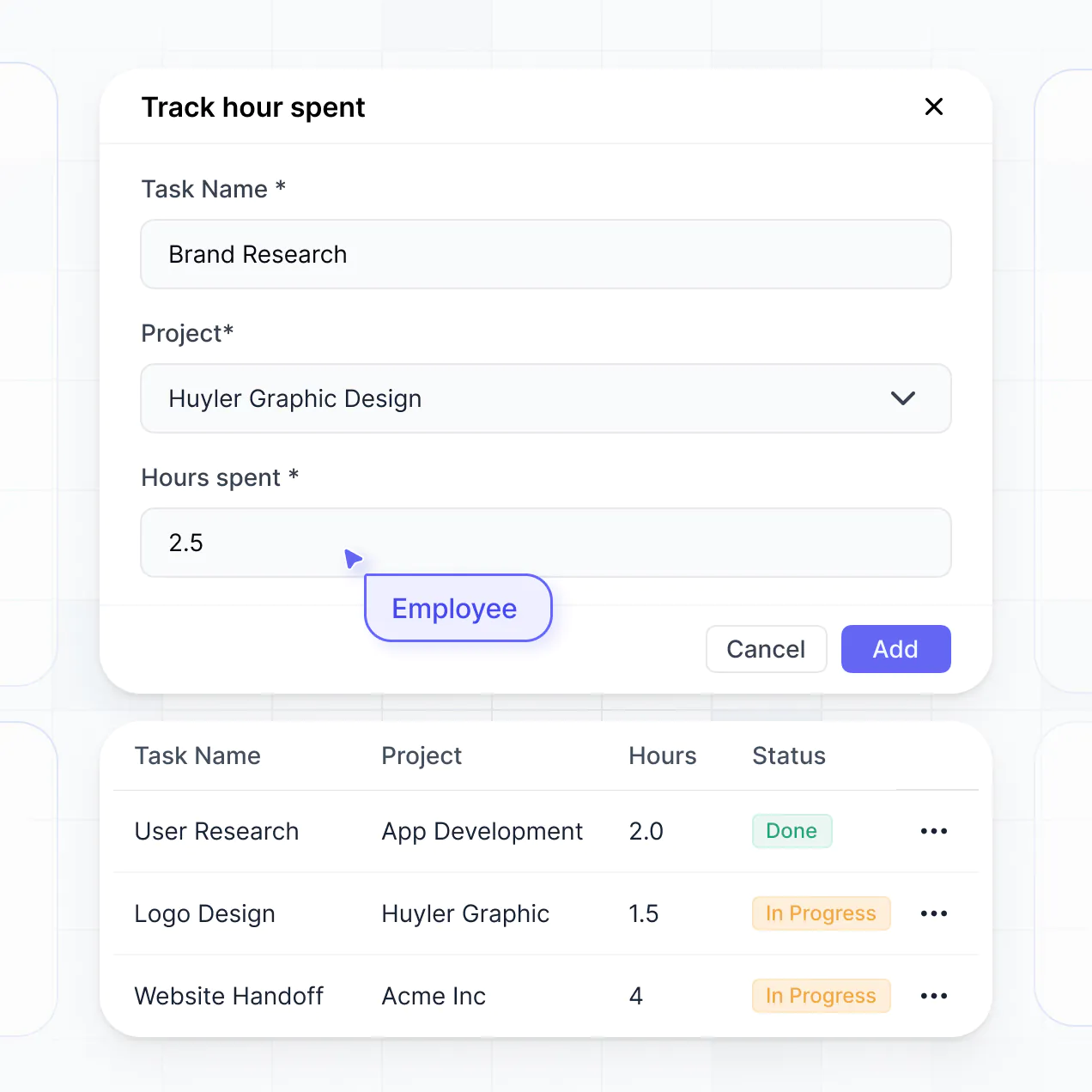
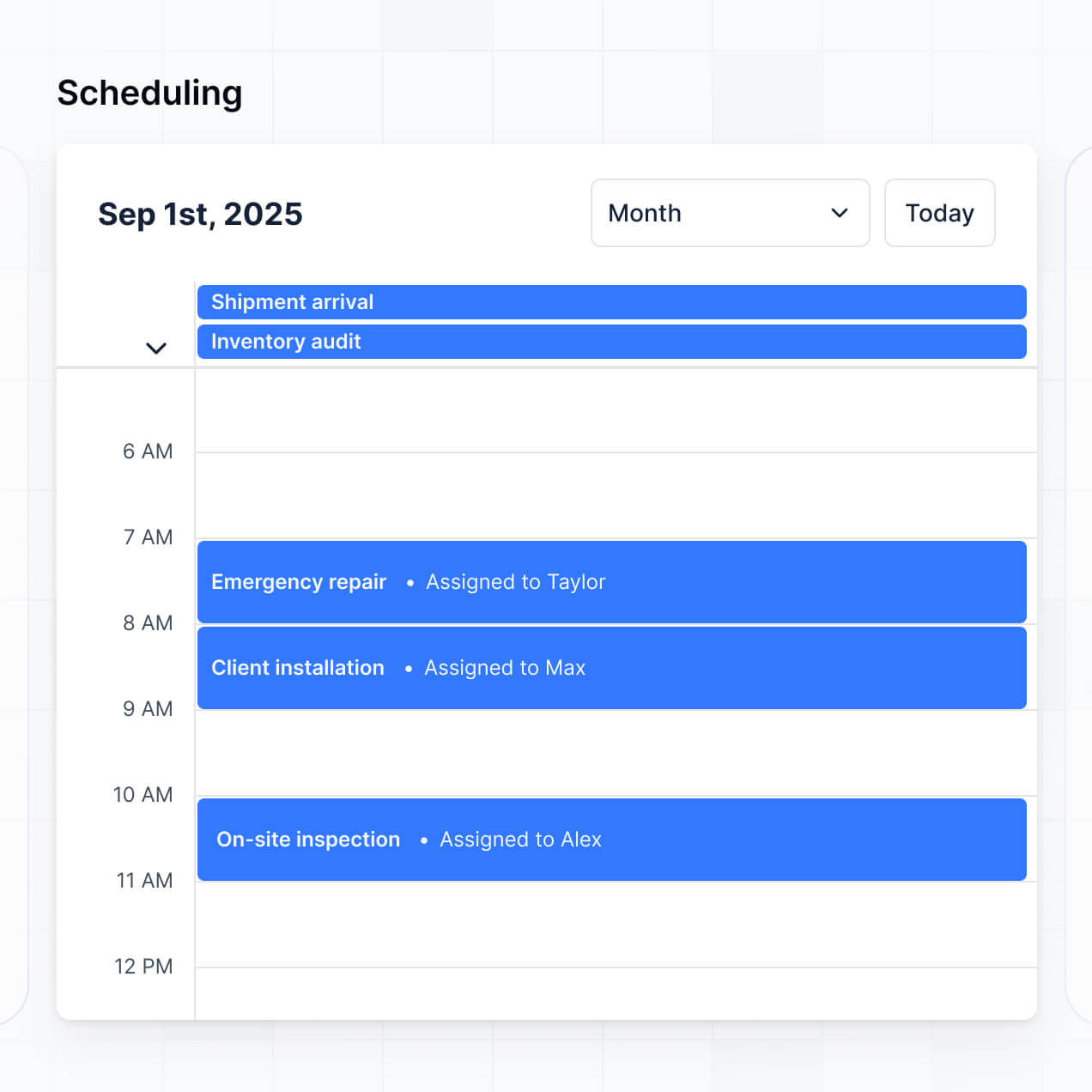
Track budgets, manage vendor contracts, and view milestones in an AI-powered system built with AI to fit your team's unique workflow.
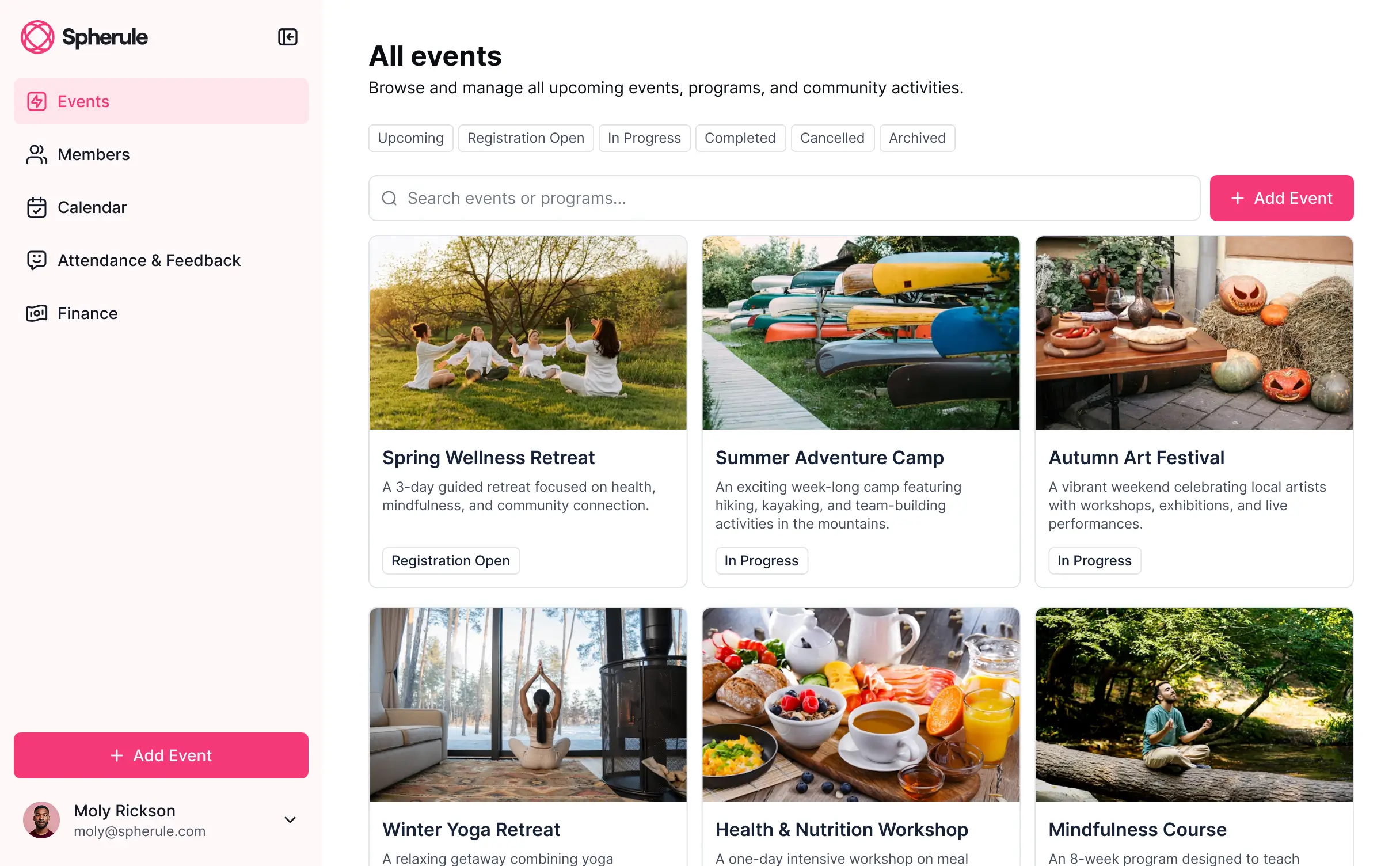

Customize your event planning dashboard setup with the exact steps and views your team needs. Add features as processes evolve—no code needed.


Connect spreadsheets, vendor lists, and budget sheets with real-time sync—or manage everything in Softr Databases. Create a single source of truth for your business.
Give each teammate the right tools and access. Set up secure logins, user groups, and granular permissions—no IT support or dev work needed.
Give different team members tailored access and visibility, so event leads see high-level stats while coordinators see specific task lists.
Streamline your processes with Softr Workflows. Trigger native automations based on milestone changes or budget updates to keep operations running.
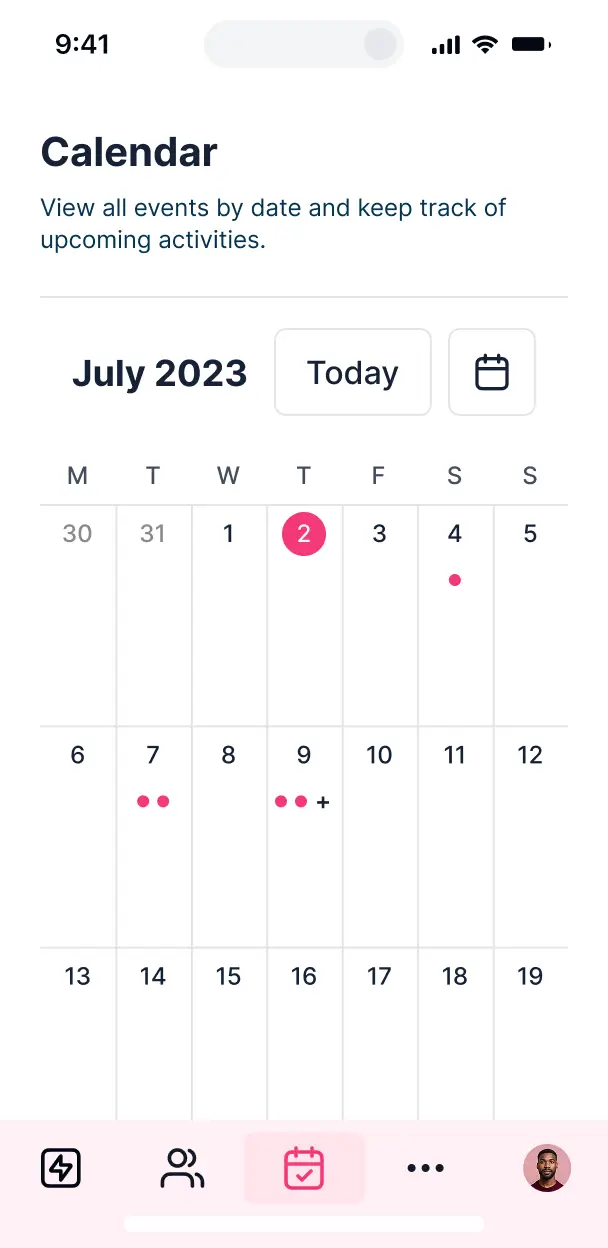
Access and update your planning dashboard on the go from any venue. All Softr apps are mobile-ready out of the box.
Use Google, email, or SSO logins to give your event team fast, secure access—no IT tickets or complex setups needed.
Keep sensitive event and vendor data safe with SOC2 and GDPR compliance, plus fine-tuned access control at every level of your tool.
No more one-size-fits-all tools or costly custom builds. Softr is easy to use and fully customizable, so you can launch faster, adapt as you grow, and skip the complexity of traditional software.

Build your event planning dashboard in minutes with AI—no manual configuration or setup needed.

Add features like vendor portals, attendee tracking, or budget approvals as your event workflows evolve.

Start with a dashboard, then add attendee forms and team portals—all in one place, with no extra tools.
Co-build with AI
Simply describe what you need. Let Softr handle everything - Interface, database, workflows.
Iterate with AI or visually
Control most critical parts of your app yourself - roles, permissions, security.
Ship the same day
Invite team members or external clients and partners right away. No developer handover.
Use drag-and-drop blocks to build a portal that looks sleek and modern out of the box. Add only the features you need, and iterate as your workflows evolve.




An event planning dashboard is a secure, centralized hub where event managers, vendors, and stakeholders can track every detail of an upcoming production, such as guest lists, vendor contracts, budgets, and production timelines. It consolidates all event logistics into one interface, eliminating the need for fragmented email chains and disconnected spreadsheets. This centralized approach ensures your entire planning team stays aligned, providing a seamless experience from the initial concept to the day-of execution.
Softr is the first AI-native platform for building business software, making it the ideal solution for creating an event planning dashboard that matches your specific production workflow. You can describe your specific requirements—like tracking multi-day schedules or VIP dietary needs—to the AI Co-Builder, which will instantly generate your database, event management pages, and operational logic, all fully connected and secure.
No coding is required. You can start by generating your dashboard with AI, using a pre-built event template, or building a custom solution from scratch. Everything runs on Softr Databases, the native database built into the platform, or you can integrate your existing event data from Airtable, Google Sheets, or HubSpot. You gain full control to visually style the dashboard, set granular permissions for different event staff, and brand the interface to match your agency or corporate styling. It is fast to deploy, simple to update as event dates approach, and flexible enough to scale from small workshops to large-scale conferences.
You can incorporate a vast range of features into your event planning dashboard to streamline your preparation. A high-performing event app typically combines functional management blocks with AI-driven insights:
- AI-Powered Intelligence – Use Ask AI to query your registration data conversationally, or set up Database AI Agents to perform automated research on potential venues or summarize speaker biographies.
- Vibe Coding Blocks – Create custom UI components, such as a specialized seat mapping tool or a dynamic event countdown timer, using the AI Code block to generate exactly what your production requires.
- Softr Workflows – Build native automations, like an automatic notification system that alerts your catering team whenever a new guest submits a dietary restriction form.
- User Portals & Logins – Securely manage access so that vendors only see their specific contracts while the lead planner has a bird's-eye view of the entire budget.
- Forms & Data Collection – Capture leads, RSVPs, or feedback with custom forms that include file uploads for insurance certificates or speaker headshots.
- Dashboards & Charts – Visualize your event's ticket sales, budget vs. actual spend, and registration demographics with real-time charts.
- Lists & Advanced Filtering – Manage your run-of-show or equipment lists with searchable tables, kanban boards for task tracking, and detailed views for every vendor profile.
Everything is constructed using Softr’s intuitive drag-and-drop blocks. If your event needs evolve, you can easily modify the dashboard on the fly without touching a single line of code.
Vibe coding focuses on high-speed creation where AI builds precisely what you need for your event. You can "vibe code" an event planning dashboard in Softr by simply describing your event logic—such as 'I need a system to track keynote speakers and their technical requirements'—to the AI Co-Builder. Softr then produces a production-ready application on a stable, secure foundation.
While other tools might generate disconnected snippets of code, Softr manages the underlying complexities—like attendee authentication, relational database logic, and vendor permissions—natively. This provides the agility of vibe coding without the operational risk of managing raw code. You describe the event workflow, Softr builds the dashboard, and it is ready for your planning committee or stakeholders immediately.
Yes. You can manage multiple events or distinct planning committees within a single dashboard. Each staff member or external vendor only sees the specific event details, schedules, and logistics assigned to them based on their secure login and role. This is particularly effective for event agencies or corporate departments managing a full calendar of activations across different regions and time zones.
Yes, you can. You don't need to have an existing database to start building your event planning dashboard. If you're starting from a blank slate, you can use Softr Databases, which is built into the platform and designed to store your guest lists, schedules, and budget items seamlessly within your app.
However, if you already have your attendee lists or vendor data in tools like Airtable, Google Sheets, HubSpot, or SQL, you can easily connect those as well. You can even use the REST API to pull in live data from ticketing platforms. Regardless of where your data starts, you have complete control over how it is organized and visualized in your dashboard.
Softr Databases is the recommended native data source, offering the best performance for event apps with instant automation triggers and high-speed data retrieval. Because the data is native, the experience for your mobile event staff is incredibly fast.
Softr also connects to over 17 external data sources. You can sync with Airtable, Google Sheets, HubSpot, SmartSuite, or BigQuery. You can even combine sources in one app—pulling your marketing leads from HubSpot and your production budget from Softr Databases into the same view. Most sources support real-time sync, ensuring that when an attendee registers on your site, their profile appears in your planning dashboard instantly.
Yes, Softr provides granular control over how different users interact with your event planning dashboard. You can customize the layouts and navigation to fit your specific coordination workflow. Every page or block can be toggled based on the user's role, ensuring a floor manager sees the equipment list while a financial officer sees the budget reports.
By setting up roles—such as Event Lead, Volunteer, or Vendor—you define exactly what data each group can view or edit. For instance, volunteers might only have access to their shift schedule, while internal leads can manage the entire master guest list. This ensures your dashboard remains secure and easy to navigate for everyone involved.
Yes, you can fully white-label your event planning dashboard. You can incorporate your agency's logo, professional brand colors, custom typography, and a custom domain to ensure the dashboard feels like a proprietary tool. Softr branding can be completely removed, allowing your clients and vendors to see only your professional identity throughout their planning experience.
Yes, Softr offers extensive flexibility to adjust the design and layout of your event planning dashboard. You can modify colors, spacing, and page hierarchy to match your event's aesthetic. You control the placement of blocks and decide exactly what information is surfaced to specific team members upon login.
To visualize your event logistics, you can utilize various block types:
- Table blocks – to manage detailed attendee lists or itemized budget trackers.
- List or Card blocks – to showcase speaker rosters, sponsor logos, or venue options.
- Detail View – to provide a deep dive into specific vendor contracts or event briefs.
- Forms – for collecting RSVPs or post-event feedback.
- Charts – to track registration pace and financial metrics.
- Calendar blocks – to display the master run-of-show and key deadlines.
If your production needs change as the event approaches, you can quickly update the interface using the visual builder.
Softr is engineered with enterprise-grade security. All event data is encrypted in transit and at rest, with hosting on highly reliable infrastructure. You maintain full ownership of who accesses your event information through role-based permissions and visibility rules that protect sensitive details like VIP contact info or contract totals.
For dashboards using Softr Databases, your information is stored in a secure, SOC 2 Type II compliant environment in Germany. If you connect to external sources like Airtable or SQL, Softr serves as a real-time interface and does not store the data itself. You are always in command of your data and the specific access settings applied to your planning team.
It is a fully production-ready application. While many AI tools merely "vibe code" unstable prototypes, Softr builds your event planning dashboard on a robust, professional framework.
We provide native handling for critical infrastructure—including user authentication, secure hosting, and granular access controls—so you don't have to build them from scratch. This eliminates the technical debt often associated with AI generation. Your dashboard is secure, scalable for high-traffic events, and ready for your planning team to start using immediately.
Softr is the first AI-native platform designed for business software. Unlike basic vibe-coding tools that produce unmanaged code or traditional no-code platforms that require weeks of manual setup, Softr’s AI Co-Builder generates functional event apps on a secure, ready-to-use foundation.
The key advantage is the hybrid approach: use AI to generate your event database and page logic in minutes, then use visual tools for fine-tuning. You get the rapid delivery of AI combined with the reliability of business-essential features like roles, permissions, and native hosting. It is built for event professionals who need a professional tool that works on day one.
Yes. Softr supports powerful native workflows and numerous integrations to connect your event dashboard to your full tech stack. You can automate event tasks with Softr Workflows or sync with tools like Stripe for ticket payments and Intercom for guest support. Softr also provides a REST API and webhooks for complex logistical automations.
Whether you need to push new registrants to a mailing list, trigger an automated task for a vendor when a deadline is missed, or pull in live social media feeds, you can build these capabilities directly into your dashboard without writing any code.
Describe what you need. Softr's AI builds it in minutes. Get started free. No setup time, no dev needed.