Display survey results, analyze trends, and share insights in an AI-powered tool built with AI that you adapt to fit your team's workflow.
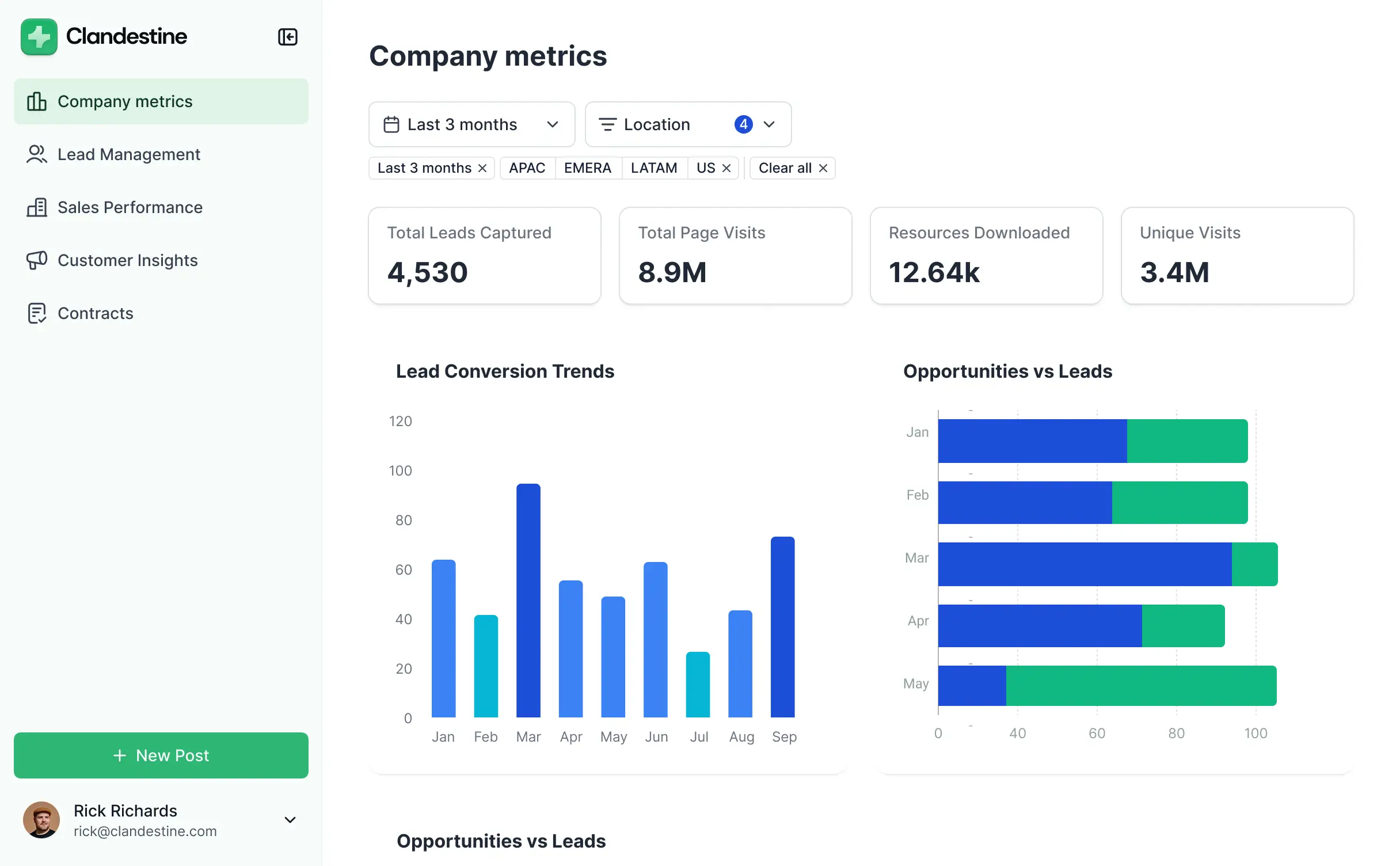
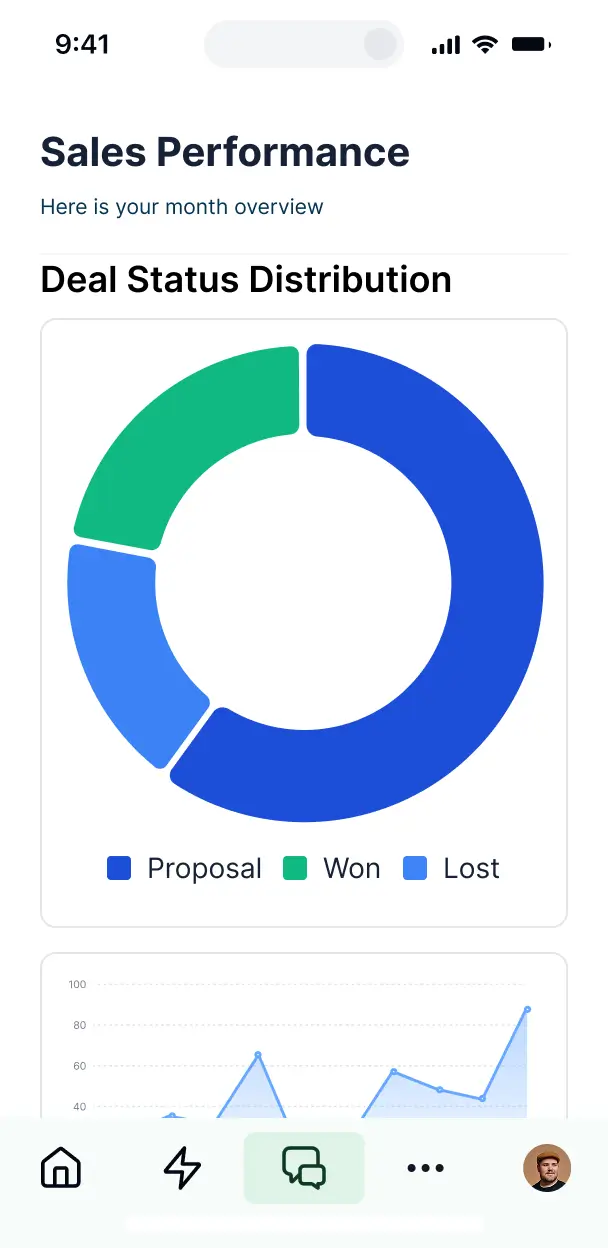

Choose just the reporting blocks your workflow requires. Customize your dashboard setup now, and evolve it later as your research needs grow.


Connect Google Sheets, Airtable, or CRMs with real-time sync—or manage results in Softr Databases. Create a single source of truth for your business intelligence.
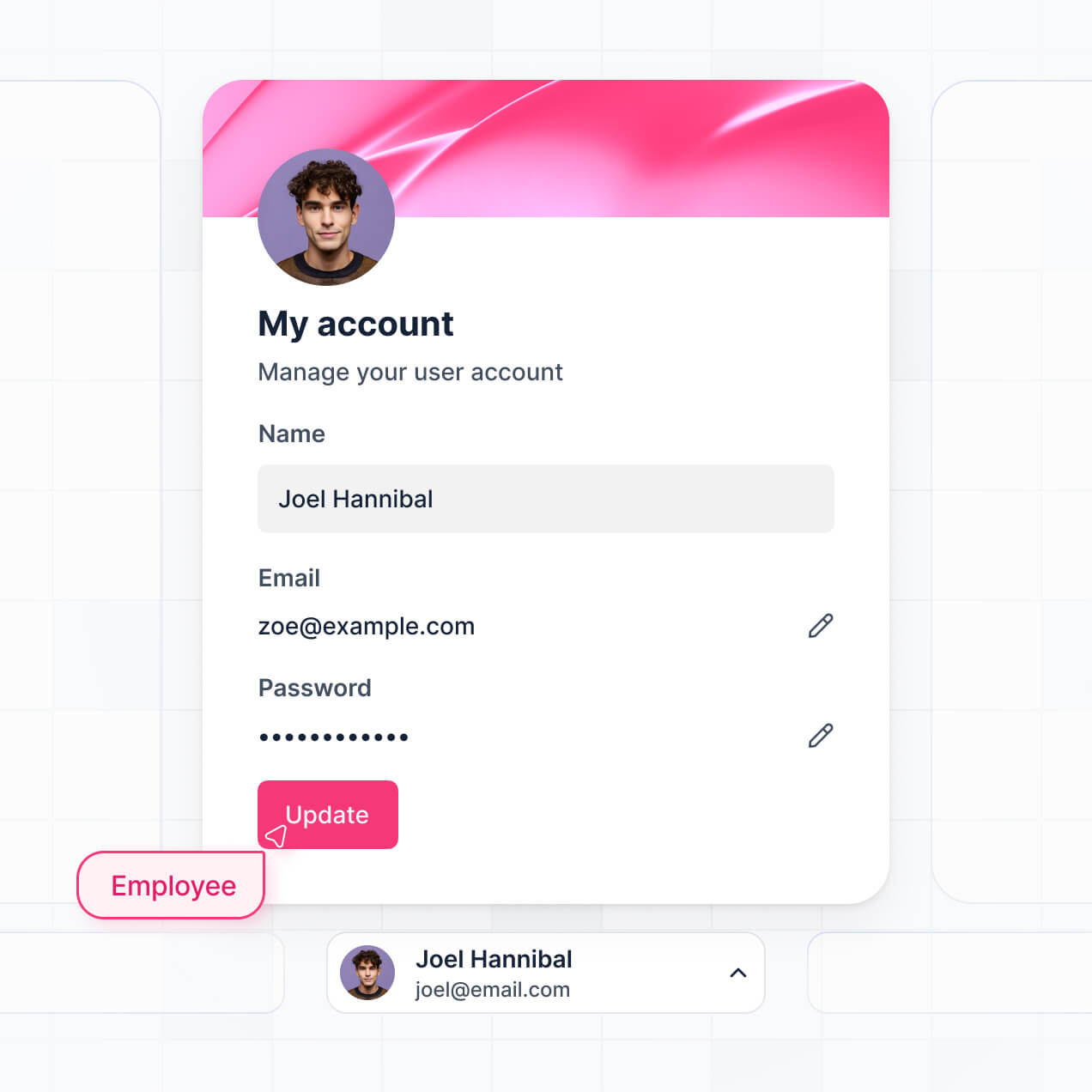
Give each teammate the right analytics and access. Set up secure logins, user groups, and granular permissions—no IT support or dev work needed.
Give different team members tailored reporting dashboards so analysts and executives see exactly the insights they need.
Streamline your analysis with Softr Workflows. Trigger native notifications or status updates automatically whenever new survey responses arrive.
Access and update your survey dashboards on the go. All data visualizations are mobile-ready and fully responsive out of the box.
Use Google, email, or SSO logins to give your team fast, secure access to private survey reports—no IT tickets needed.
Keep sensitive survey data safe with SOC2 and GDPR compliance, plus fine-tuned access control to protect respondent privacy.
No more one-size-fits-all tools or costly custom builds. Softr is easy to use and fully customizable, so you can launch faster, adapt as you grow, and skip the complexity of traditional software.

Build your survey data visualizer in minutes with AI—no manual configuration or complex setup needed.

Add features like PDF exports, sentiment analysis, or team alerts as your research needs grow—no rebuild needed.

Start with a visualizer, then add research portals, forms, or task trackers—all in one place with no extra tools.
Co-build with AI
Simply describe what you need. Let Softr handle everything - Interface, database, workflows.
Iterate with AI or visually
Control most critical parts of your app yourself - roles, permissions, security.
Ship the same day
Invite team members or external clients and partners right away. No developer handover.
Use drag-and-drop blocks to build a portal that looks sleek and modern out of the box. Add only the features you need, and iterate as your workflows evolve.




A survey data visualizer is a specialized dashboard where research results, feedback scores, and poll data are transformed into clear, interactive charts and reports. It serves as a central hub for analyzing feedback, allowing stakeholders to access real-time insights from submission data without digging through raw CSV files or static spreadsheets. This helps teams identify trends faster and make data-driven decisions based on clear visual evidence.
Softr is the first AI-native platform for building business software, making it the ideal choice for creating a survey data visualizer tailored to your specific research needs. You can describe your KPIs and data structure to the AI Co-Builder to instantly generate your database schema, analytical pages, and visualization logic—all fully connected and production-ready from the start.
You don't need any technical skills. You can generate the app with AI, use a pre-built reporting template, or design your own layout from scratch. Your app runs on Softr Databases, or you can link existing responses from Airtable, Google Sheets, or HubSpot to keep your visuals updated in real-time. You have complete control over styling, custom filters, and data permissions to ensure the right insights reach the right team members.
You can incorporate a variety of advanced analytical tools into your survey data visualizer to deepen your insights. A high-performing dashboard typically combines standard reporting blocks with AI-driven analysis:
- AI-Powered Intelligence – Use Ask AI to query your survey results using natural language, or deploy Database AI Agents to automatically categorize open-ended text responses into sentiment themes.
- Vibe Coding Blocks – Create custom UI components, such as a custom NPS sentiment gauge or a complex radar chart, using the AI Code block to build exactly the visualization you need.
- Softr Workflows – Set up native automations, such as an email alert to managers when a critical low score is recorded in the data source.
- Secure Logins – Manage access so department heads only see survey data related to their specific teams or regions.
- Data Collection & Feedback – Include follow-up forms to capture qualitative notes directly on a survey record.
- Real-time Charts – Visualize trends using bar charts, line graphs, and pie charts that update the moment a new respondent hits submit.
- Advanced Filtering – Allow users to drill down into data by demographic, date range, or survey version using searchable tables and filtered views.
Vibe coding allows you to build sophisticated analytical tools at the speed of thought. You can "vibe code" a survey data visualizer in Softr by explaining your reporting requirements—such as 'I need a dashboard that tracks employee satisfaction trends over time'—to the AI Co-Builder. Softr then builds the application logic and visualizations on top of a secure, enterprise-grade architecture.
While other AI tools might produce messy, unmaintainable code, Softr provides a stable foundation for authentication and data management natively. This ensures you get the rapid prototyping benefits of vibe coding with a final product that is secure and easy to iterate on. You provide the vision, Softr generates the visualizer, and your team can start analyzing data immediately.
Yes. You can organize data for multiple research campaigns or internal teams within a single app. Using Softr’s logic, each researcher or manager only sees the survey insights and data segments they are authorized to view based on their unique login and assigned role. This is perfect for organizations running various concurrent surveys across different branches or client accounts.
Absolutely. You don't need to have an existing dataset to start building your visualizer. If you are launching a new research project, you can use Softr Databases to store your results from the start. This internal database is designed specifically for Softr apps, ensuring your charts feed from a high-performance source.
However, if your data currently lives in external platforms like Airtable, Google Sheets, or SQL, Softr makes it simple to connect those as well. You can even use the REST API to pull in live response data from external survey providers. Regardless of your choice, you maintain full control over how the survey data is mapped and visualized.
Softr Databases is the recommended relational data source for your visualizer. Because it is native to the platform, it offers the fastest possible page loads and the most seamless integration for real-time reporting and automation triggers.
Softr also connects to over 17 external data sources if your responses are already elsewhere. Supported integrations include Google Sheets, Airtable, HubSpot, BigQuery, and SQL databases. You can even mix sources, perhaps pulling historic survey data from BigQuery while collecting new responses in Softr Databases. Most connections support two-way sync, ensuring your visualizations always reflect the latest survey completions.
Yes, Softr provides granular control over how different users interact with your survey data visualizer. You can tailor the layout and navigation to match your internal reporting standards. Every visualization block can be restricted so that team members only see survey responses relevant to their specific department or project scope.
You can define roles such as 'Viewer', 'Researcher', or 'Admin' to control who can just see trends and who can modify or delete records. For instance, executives might see a high-level summary of all survey data, while regional managers see detailed reports strictly for their territory. This keeps your sensitive research data secure while making the dashboard relevant for every user.
Yes, you can fully white-label your visualizer to ensure it looks like an official company tool. Softr allows you to apply your own logos, typography, and brand colors throughout the dashboard. You can also host the tool on your own custom domain (e.g., reports.yourcompany.com) and remove all Softr branding to provide a professional, seamless experience for your team or clients.
Yes, you have deep flexibility over the aesthetic and structural design of your reporting dashboard. You can fine-tune colors, fonts, and spacing to ensure the data is easy to read. Softr's drag-and-drop interface allows you to position and size your charts and data tables exactly where they make the most sense for your analysis workflow.
You can use various blocks to present your survey findings:
- Table blocks – to display detailed lists of individual survey responses and comments.
- List or Card blocks – to browse through specific feedback highlights or respondent profiles.
- Detail View – to zoom into a single respondent's full survey history.
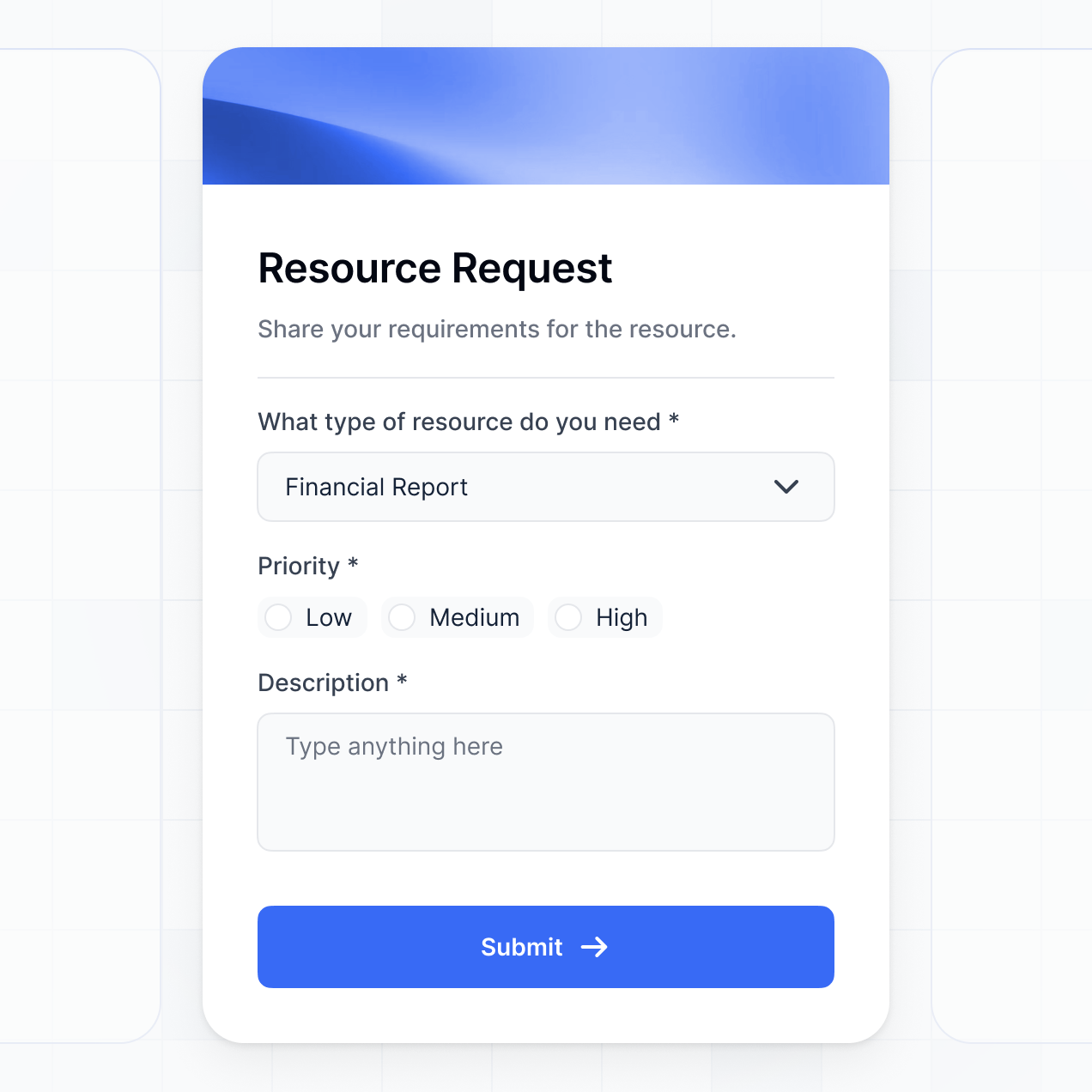
- Forms – to create additional surveys or internal tagging systems for feedback.
- Charts – to visualize quantitative data with bars, lines, and pies.
- Calendar blocks – to track survey launch dates and response deadlines.
You can easily modify these layouts in the visual editor as your reporting needs evolve.
Softr is built to protect sensitive survey information. All data is encrypted using TLS in transit and at rest, and apps are hosted on world-class, reliable infrastructure. You have complete authority over data access, with the ability to set role-based permissions and visibility rules that prevent unauthorized users from viewing specific records.
When using Softr Databases, your data is stored securely in Europe (Germany) with full SOC 2 Type II compliance. For external connections like SQL or Airtable, Softr acts as a secure window to your data, displaying it in real-time without storing the records on its own servers. This ensures you remain in total control of your compliance and privacy requirements.
It is a fully production-ready application. Softr does not just generate a visual prototype; it builds a functional dashboard on top of a secure, business-grade foundation. Unlike 'vibe coding' tools that create unmanaged scripts, Softr handles the heavy lifting of user login, database relations, and security permissions natively.
This approach eliminates the typical 'Day Two' problems found in AI-generated software. You get the immediate results of an AI builder with the reliability of a professional data tool. Your survey dashboard will be scalable, secure, and ready for your analysts to use in a live environment from the moment it is generated.
Softr is uniquely the first AI-native platform designed for business software. While other tools may offer simple chart plugins or require complex manual configurations, Softr’s AI Co-Builder allows you to generate a comprehensive survey visualizer—including the database structure and user permissions—in minutes.
The 'Softr advantage' is the combination of AI speed and no-code flexibility. You can use AI to build the core reporting logic, then use the visual editor to fine-tune the design. You benefit from pre-built infrastructure for authentication and security, which means you don't have to spend hours setting up user access. It’s built for researchers who need to transition from data collection to insight generation instantly.
Yes. Softr provides powerful automation and integration capabilities to ensure your survey data visualizer works with your broader tech stack. You can use native Softr Workflows to trigger actions when new data arrives, or connect to external platforms like Stripe for paid research or Mailchimp for follow-up campaigns. It also supports webhooks and a REST API for advanced custom connections.
Whether you need to push data to a CRM, automate executive summaries through email, or sync raw feedback from specialized survey apps, you can build these automated pipelines directly into your visualizer without writing any code.
Go from raw data to a live reporting dashboard in under an hour. Get started free, no code needed.