Track KPIs, monitor budgets, and visualize trends in an AI-powered software built with AI to fit your unique business analysis workflow.

Choose the precise KPI views and reporting blocks your analysis requires. Customize your setup now, and evolve it as your data needs grow.


Connect your financial tools, CRM data, and project trackers with real-time sync—or manage metrics in Softr Databases. Create one single source of truth for your business.
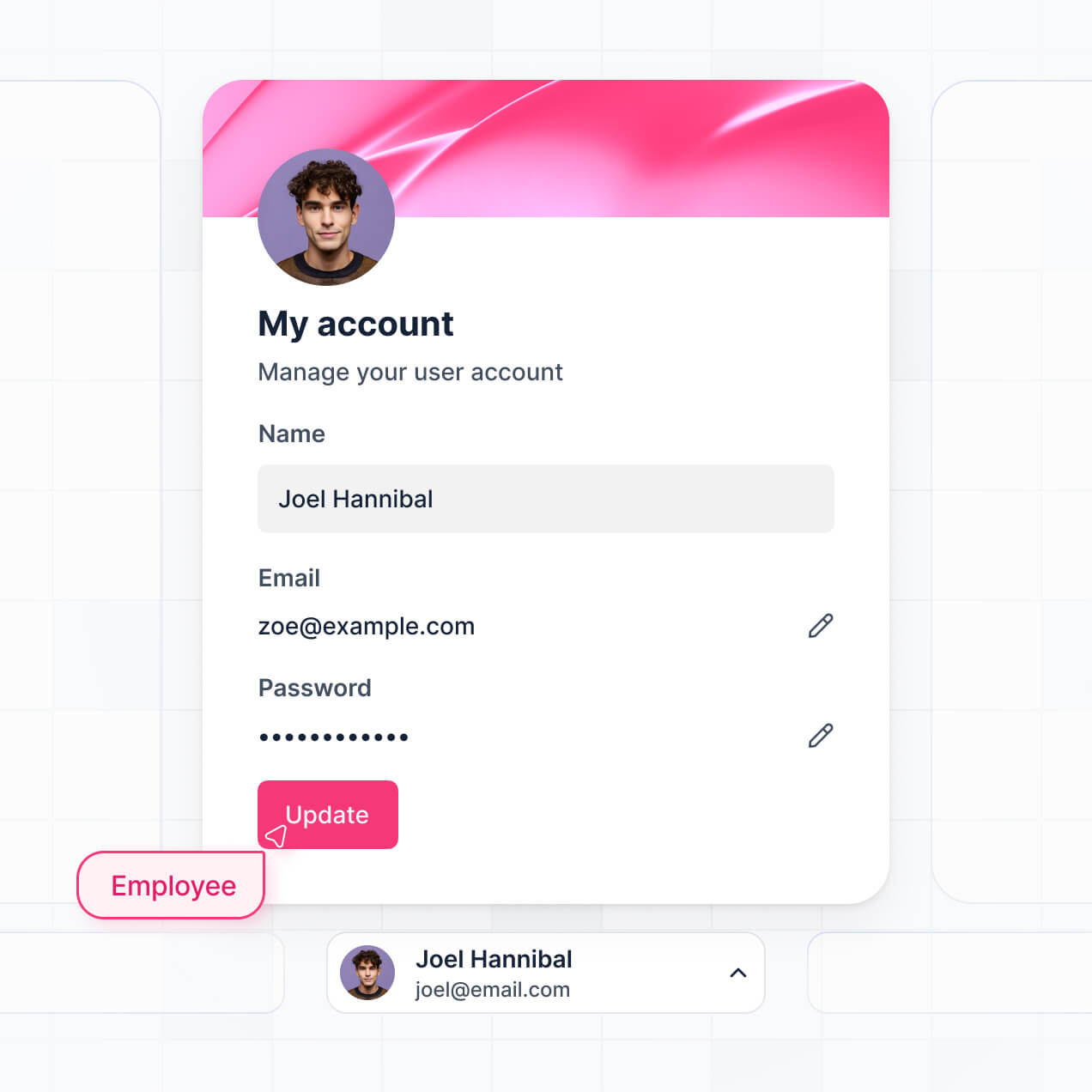
Give each analyst the right tools and data access. Set up secure logins, user groups, and granular permissions—no IT support or dev work needed.
Give different analysts and managers tailored dashboards, so executive roles see high-level trends while ops see granular data.
Streamline analysis with Softr Workflows. Trigger native notifications based on budget changes or KPI updates to keep operations running smoothly.
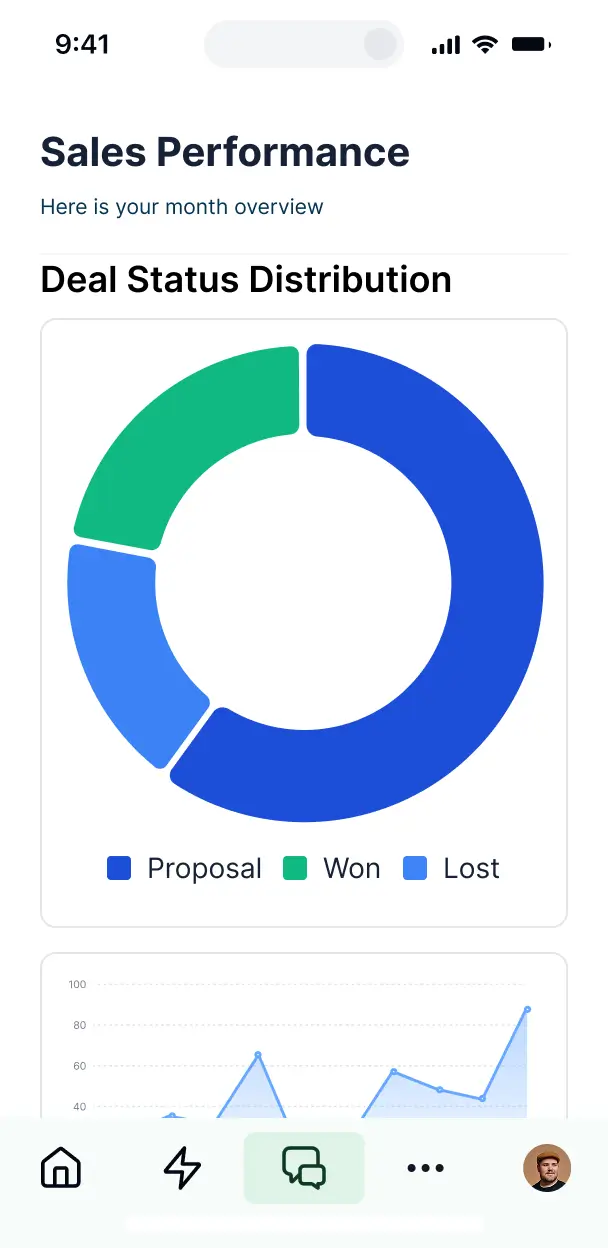
Access and update your analysis reports on the go. All dashboards are mobile-ready out of the box for quick executive check-ins.
Use Google, email, or SSO logins to give your analytics team fast, secure access to sensitive reports—no IT tickets needed.
Keep business data safe with SOC2 and GDPR compliance, plus fine-tuned access control at every level of your reporting tool.
No more one-size-fits-all tools or costly custom builds. Softr is easy to use and fully customizable, so you can launch faster, adapt as you grow, and skip the complexity of traditional software.

Build your business analysis dashboard in minutes with AI—no manual setup or complex configuration needed.

Add trend insights, budget trackers, or project views as your analysis needs evolve—without starting from scratch.

Start with a dashboard, then add client portals or internal tools—all in one place, with no extra tools needed.
Co-build with AI
Simply describe what you need. Let Softr handle everything - Interface, database, workflows.
Iterate with AI or visually
Control most critical parts of your app yourself - roles, permissions, security.
Ship the same day
Invite team members or external clients and partners right away. No developer handover.
Use drag-and-drop blocks to build a portal that looks sleek and modern out of the box. Add only the features you need, and iterate as your workflows evolve.




A business analysis dashboard is a secure, centralized hub where your leadership and analysts can visualize key performance indicators (KPIs), track market trends, and monitor operational health. It consolidates data from various departments into real-time charts and reports, eliminating the need to search through fragmented spreadsheets or static slide decks. This ensures your team stays aligned on strategic goals and can make data-driven decisions faster.
Softr is the first AI-native platform for building professional-grade reporting software. It allows you to build a business analysis dashboard that mirrors your specific decision-making framework. You can describe your KPIs and reporting requirements to the AI Co-Builder to instantly generate a relational database, analytical pages, and data logic—all pre-secured with user authentication.
You don't need technical skills to get started. You can generate your entire reporting suite with AI, adapt a professional template, or build from scratch. Everything is powered by Softr Databases or your existing stacks like Airtable, SQL, or Google Sheets. You gain full creative control to customize data visualizations, manage executive vs. manager permissions, and brand the dashboard to your company's identity. It is built to scale from a simple startup tracker to a complex enterprise intelligence tool.
You can include a wide range of analytical features to turn raw data into insights, depending on your reporting needs. A powerful business analysis dashboard typically combines standard data blocks with AI-driven processing:
- AI-Powered Intelligence – Use Ask AI to let executives query revenue or churn data using natural language, or set up Database AI Agents to automatically categorize expenses or summarize trend reports.
- Vibe Coding Blocks – Create unique visualization components—like a specialized heat map or a custom financial modeling tool—using the AI Code block to "vibe code" the exact logic you need.
- Softr Workflows – Build native automations, such as an alert system that triggers a Slack notification when a specific KPI like monthly recurring revenue (MRR) falls below a target threshold.
- User Portals & Logins – Ensure department heads only see their specific budget performance while the CFO maintains a consolidated view of all financial data.
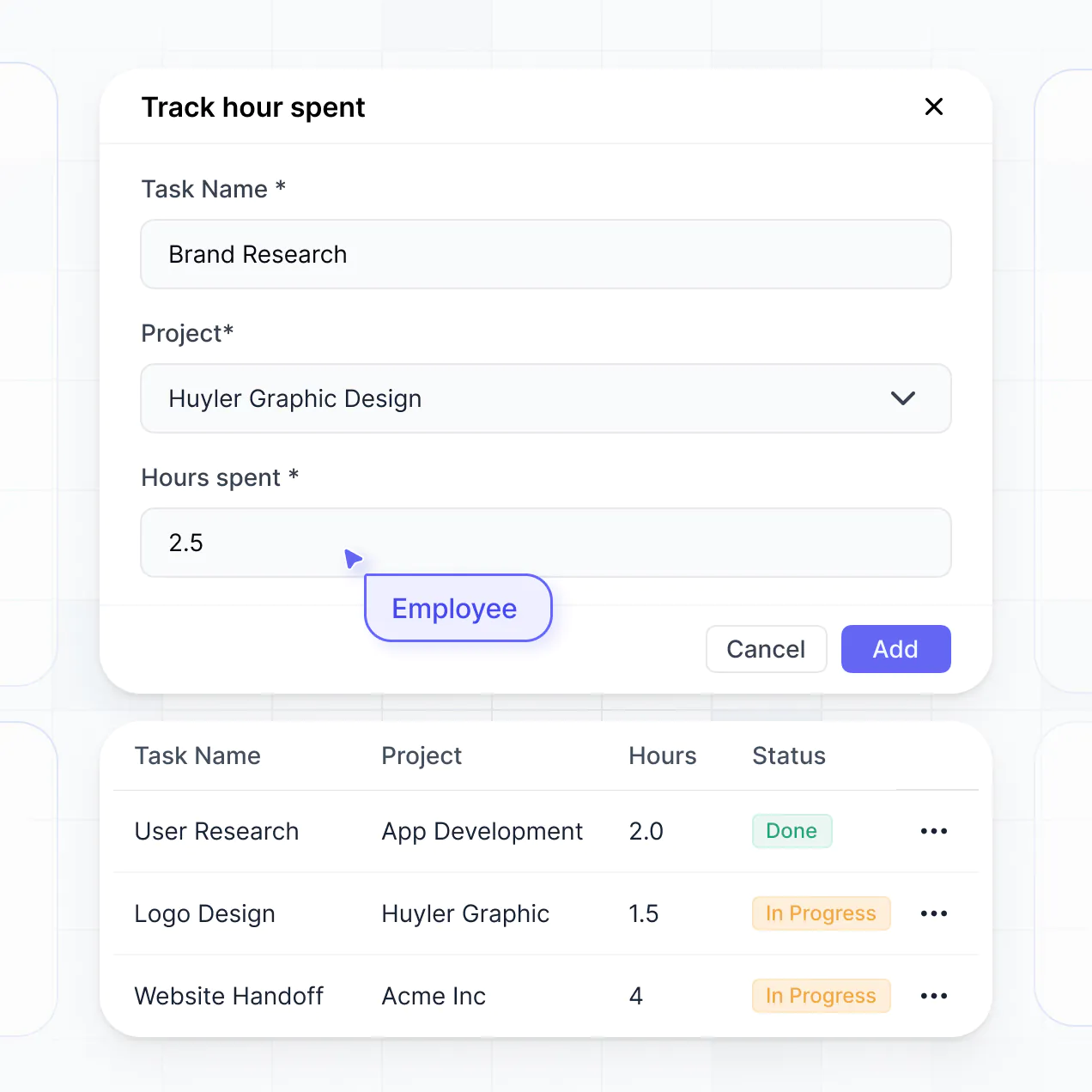
- Forms & Data Collection – Input monthly qualitative updates or manual financial adjustments through sleek, linked forms.
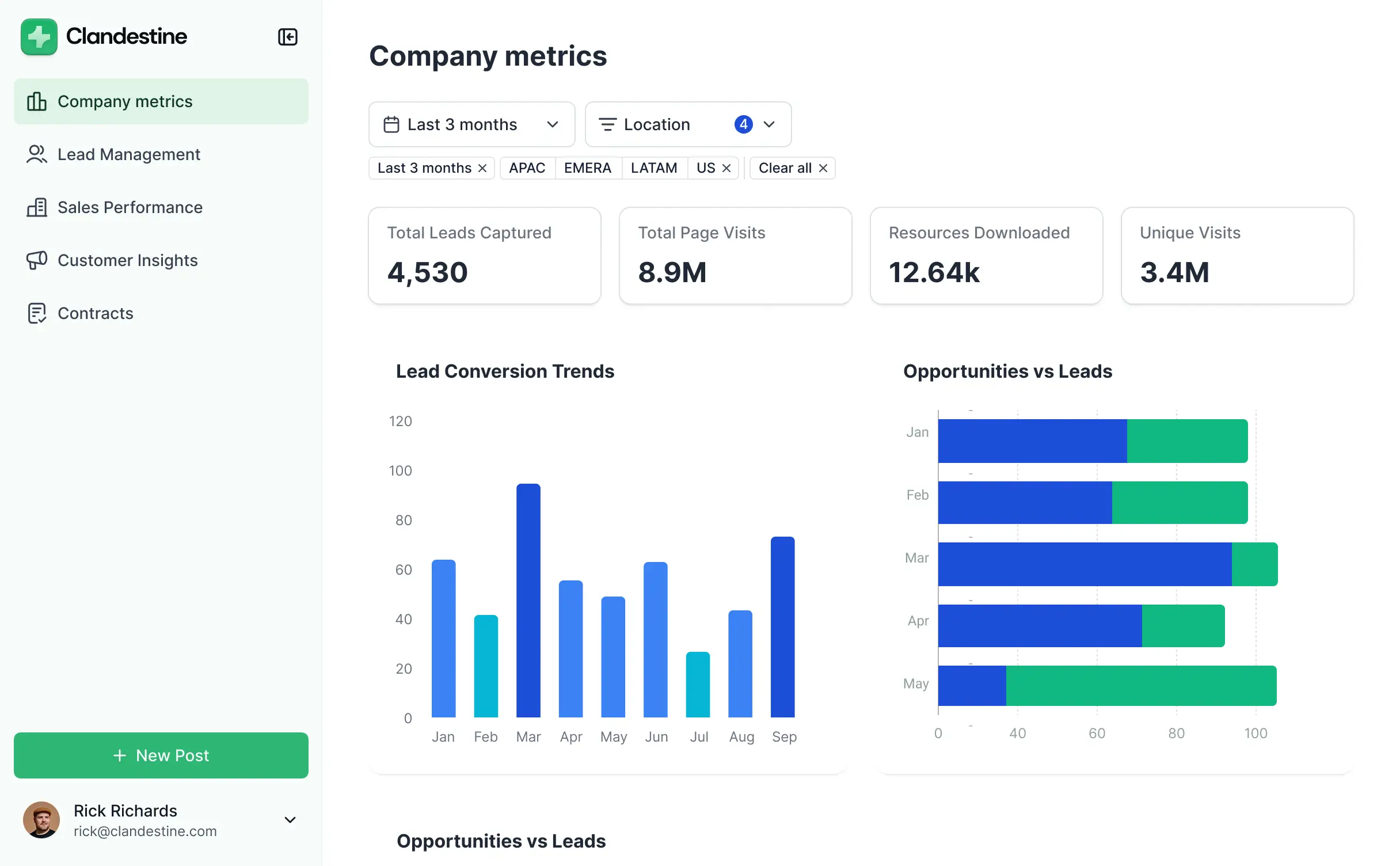
- Dashboards & Charts – Visualize pivot tables, bar charts, and growth line graphs in real-time.
- Lists & Advanced Filtering – Drill down into your information using searchable records, grouped by region, product line, or date range.
Since everything is built using drag-and-drop blocks, you can iterate on your reporting without a developer. If you need a more advanced calculation, use the Vibe Coding block to generate it instantly with AI.
Vibe coding is about moving from an idea to a functional reporting tool in seconds using AI. You can "vibe code" a business analysis dashboard in Softr by describing the metrics you want to track to the AI Co-Builder. Softr then generates a structured dashboard with the necessary charts, tables, and data relations ready for production.
Unlike generic AI tools that give you code you have to host and fix, Softr provides a stable ecosystem for your data. We handle the complex infrastructure like secure login systems and database connections natively. This allows you to focus on the 'vibe'—the insights and user experience—while Softr ensures the underlying reporting engine is secure and reliable for your stakeholders.
Yes. You can manage multiple business units or localized teams within a single dashboard. By setting up specific user roles, you ensure that a Marketing Manager only sees campaign performance data, while the Operations Lead sees supply chain metrics, all within the same secure application architecture.
Yes, you can. You don't need a pre-existing data warehouse to start building with Softr. If you are starting fresh, you can use the built-in Softr Databases to store your transactions, goals, and team inputs directly within the platform.
However, if your data currently resides in Airtable, Google Sheets, HubSpot, or even a SQL database, you can connect those sources in seconds. You also have access to the REST API to pull in data from niche analytics tools. You maintain complete control over how this data is structured to power your insights.
Softr Databases is the recommended native data source for your business analysis dashboard. It is optimized for high-performance reporting, offering instant automation triggers and rapid load times for complex charts because the data sits directly on the platform.
If you prefer to keep your source of truth elsewhere, Softr connects to over 17 external sources, including BigQuery, SQL Server, HubSpot, and Airtable. You can even combine sources—for example, pulling sales data from HubSpot and operational costs from Softr Databases—to calculate true ROI in a single view. Most connections support two-way sync, keeping your metrics updated in real-time.
Yes, Softr provides granular control over the user experience. You can customize the reporting layout and navigation to streamline the workflow of your analysts. Every chart or data table can be shown or hidden based on the user's role, ensuring sensitive financial info is only accessible to authorized personnel.
You can define roles like 'Analyst,' 'Executive,' or 'Department Head' and set permissions for what each can see or edit. For instance, analysts might have the ability to update sales figures, while executives only have read-only access to the summary charts. You can also create personalized views where the dashboard automatically filters to show only the projects or regions assigned to the logged-in user.
This is essential for keeping your reporting clean and secure, especially when multiple departments are accessing the same dashboard for different strategic purposes.
Yes, you can fully white-label your business analysis dashboard. You can integrate your corporate logo, brand color palette, custom fonts, and a custom domain (e.g., analytics.yourcompany.com). This ensures that when stakeholders or investors log in to review performance, they see a cohesive, professional tool that looks like it was built in-house.
Yes, you have complete flexibility over the design and layout. You can adjust the visual hierarchy, fonts, and spacing to prioritize the most important KPIs. Using the visual builder, you can decide exactly where charts, metrics, and tables appear to create a logical flow for data storytelling.
To build your visual report, you can utilize various blocks:
- Chart blocks – for displaying revenue growth, market share, or cost distributions.
- Table blocks – to list detailed transaction records or inventory levels.
- Metric cards – to highlight high-level numbers like Total Profit or Customer Acquisition Cost.
- Forms – to allow users to submit quarterly forecasts or feedback.
- Calendar blocks – to track project milestones or fiscal deadlines.
If you need to pivot your strategy, you can quickly rearrange these elements in the editor without starting over.
Security is a core priority for Softr. All data is encrypted via TLS in transit and at rest, and dashboards are hosted on secure, enterprise-grade infrastructure. You have complete control over data visibility; you can set role-based permissions and global restrictions to ensure sensitive business intel like payroll or margins is never exposed.
For apps using Softr Databases, your data is stored in a SOC 2 Type II compliant environment in Germany. If you connect to external databases like SQL or BigQuery, Softr acts as a secure interface that displays your data in real-time without storing a separate copy. This ensures you remain the sole owner of your data while managing access strictly through Softr's authentication layers.
The dashboard generated by Softr AI is fully production-ready. Unlike other AI tools that produce 'vibe code'—which is often brittle and lacks security—Softr builds your application on a hardened, business-grade framework.
We provide native handling of the mission-critical elements like user authentication, relational data integrity, and secure permissions. This eliminates the 'Day Two' problem where prototypes fail under real-world use. Your dashboard is ready to analyze live data and be shared with your leadership team immediately upon generation.
Softr is the first AI-native platform specifically designed for business software. While 'vibe coding' tools often generate unmanaged code and traditional BI tools require complex SQL or data science skills, Softr's AI Co-Builder automates the creation of the app on a secure, scalable foundation.
Our unique advantage is the hybrid approach: use AI to generate the underlying database and layout in minutes, then refine it with intuitive visual controls. You get the speed of AI combined with professional features like granular user roles and secure hosting. It is built for business teams who need to move from data conceptualization to a live reporting tool on day one.
Yes. Softr supports robust native workflows and extensive integrations to ensure your dashboard stays synced with your business operations. You can automate data processing using Softr Workflows or connect with external applications like Slack, Intercom, or Stripe.
Whether you need to trigger an email summary when a goal is reached or pull in real-time sales data from a CRM, you can build these automated connections easily. Softr also supports webhooks and a REST API, allowing your dashboard to act as the central nervous system for all your business data.
Describe what you need. Softr's AI builds your custom analytics tool in minutes. Get started for free.