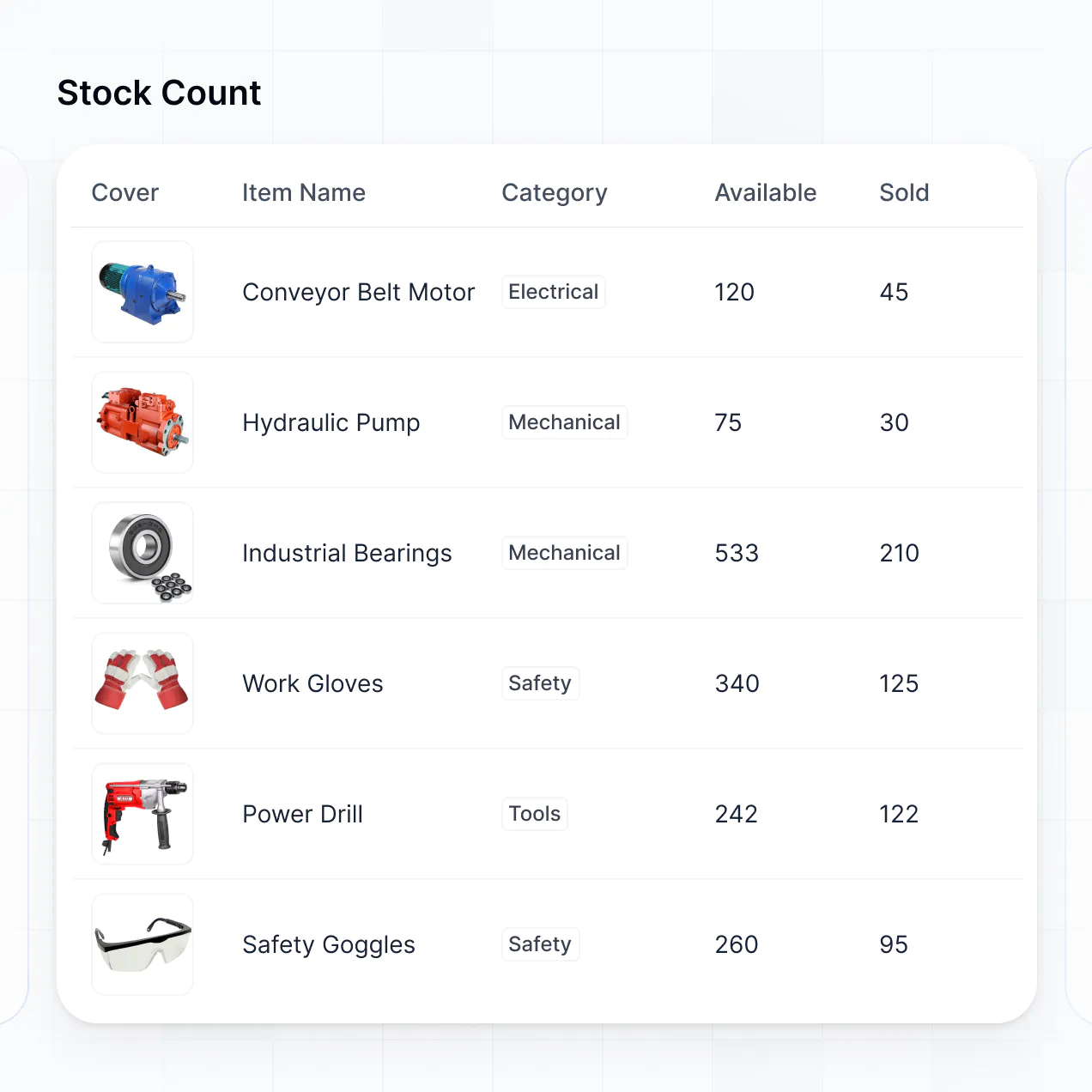
Track weekly spending and visualize food costs in an AI-powered app built with AI to fit your household's grocery budget workflow.
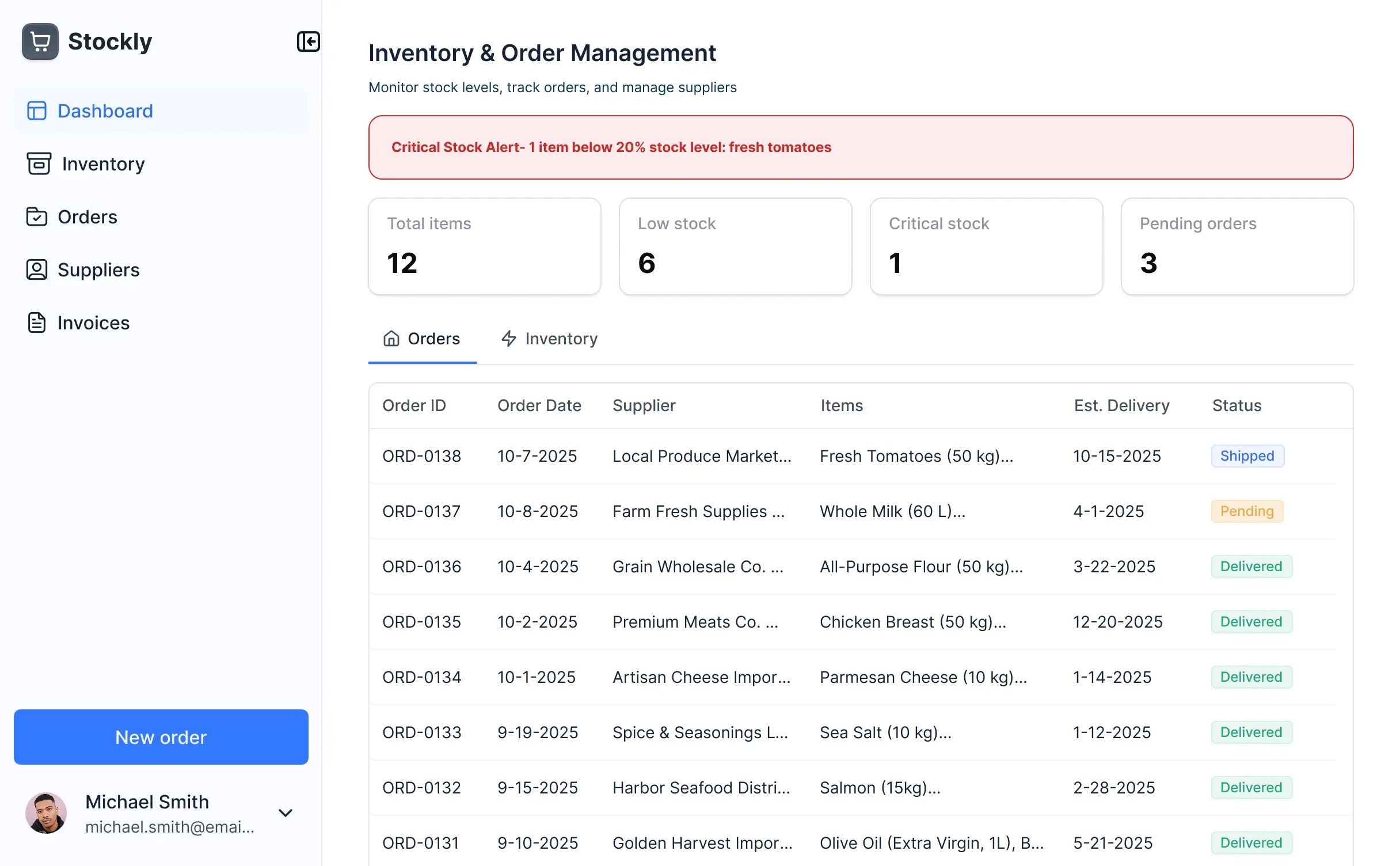
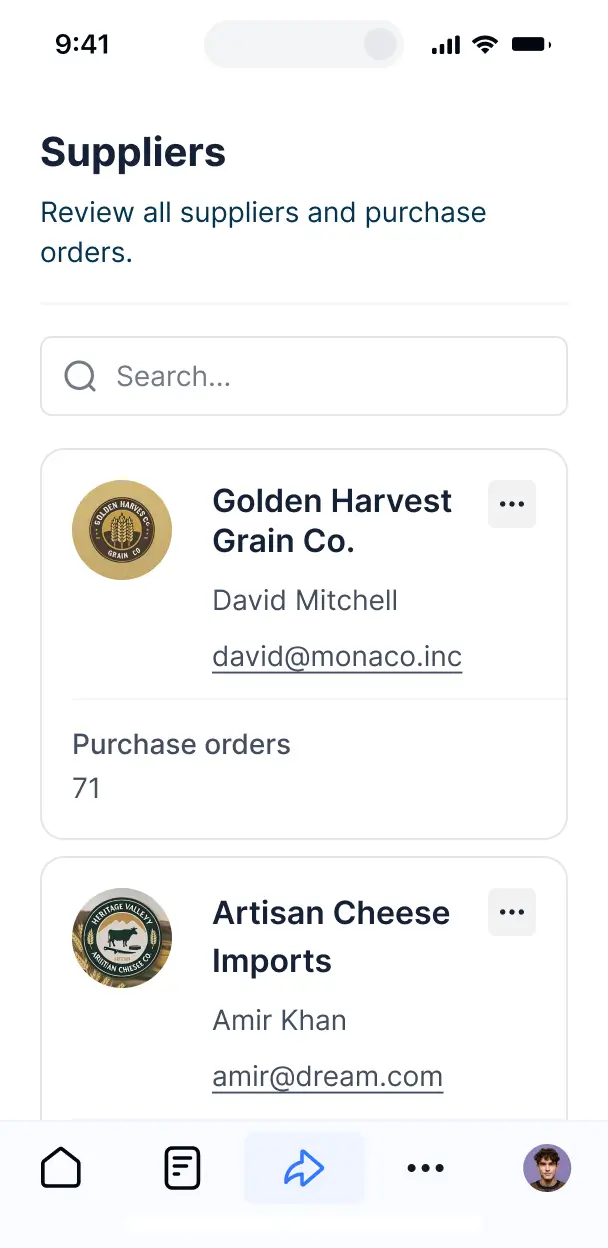



Customize your setup with the exact receipt views and cost trackers your team needs. Add features as habits evolve—no code or manually needed.


Connect receipt logs, price lists, and bank exports with real-time sync—or manage everything in Softr Databases. Create a single source of truth for your grocery spend.
Give each family member or manager the right budgeting tools. Set up secure logins, user groups, and granular permissions—no IT support needed.
Give different contributors tailored access and dashboards, so shoppers and planners see just the budget data they need.
Streamline your budgeting with Softr Workflows. Trigger native notifications when spending exceeds a limit or when new receipts are logged.
Log grocery expenses and check your budget dashboard on the go. All budgeting apps are mobile-ready out of the box for use in the store.
Use Google, email, or SSO logins to give your team fast, secure access to expenditure data—no tech support tickets needed.
Keep your financial and spending data safe with SOC2 and GDPR compliance, plus fine-tuned access control at every record level.
No more one-size-fits-all tools or costly custom builds. Softr is easy to use and fully customizable, so you can launch faster, adapt as you grow, and skip the complexity of traditional software.

Build your grocery budget app in minutes with AI—no manual configuration or complex setup needed.

Add features like receipt uploads, category charts, or notifications as your budget needs grow—no rebuild needed.

Start with a budget app, then add meal planners or inventory tools—all in one place with no extra tools.
Co-build with AI
Simply describe what you need. Let Softr handle everything - Interface, database, workflows.
Iterate with AI or visually
Control most critical parts of your app yourself - roles, permissions, security.
Ship the same day
Invite team members or external clients and partners right away. No developer handover.
Use drag-and-drop blocks to build a portal that looks sleek and modern out of the box. Add only the features you need, and iterate as your workflows evolve.




A grocery budget app is a secure digital workspace where you can track food spending, manage shopping lists, and monitor price trends. It centralizes your household expenses and receipt data, eliminating the need for manual spreadsheet entry or lost paper receipts. This makes it easier for families or individuals to stay within their monthly food budget and identify where they can save money on essentials.
Softr is the first AI-native platform for building business-grade software, perfectly suited for financial tracking. It allows you to build a custom grocery budget app that fits your unique spending habits. You can describe your financial goals to the AI Co-Builder to instantly generate your spending database, tracking pages, and categorical logic—all pre-connected and secure.
You don't need any technical skills. You can start by generating with AI, using a finance template, or building from scratch. Everything runs on Softr Databases, or you can link external tools like Google Sheets or Airtable to sync your existing price lists. You have full control to adjust the visual design, set up automated spending alerts, and brand it for your household or a financial coaching client. It’s fast to deploy, simple to update as prices change, and flexible enough to grow with your family’s needs.
You can include a wide range of features in your grocery budget app to streamline how you track food costs. A high-quality grocery dashboard usually combines classic reporting blocks with AI-powered insights:
- AI-Powered Intelligence – Use Ask AI to ask "How much did I spend on organic produce last month?" or set up Database AI Agents to categorize grocery items based on store name or receipt descriptions.
- Vibe Coding Blocks – Create custom UI components, such as a meal-cost estimator or a unit-price converter, using the AI Code block to build exactly the tool you need.
- Softr Workflows – Set up native automations that send a push notification when you cross 80% of your monthly food budget or sync total spending to a master household finance tracker.
- User Portals & Logins – Securely manage household access so partners can add items to the shared list without seeing private gift purchases or unrelated expenses.
- Forms & Data Collection – Capture grocery data on the go with custom forms for quick receipt uploads and category tagging.
- Dashboards & Charts – Visualize your spending habits with real-time pie charts showing cost-per-category or line graphs of monthly price fluctuations.
- Lists & Advanced Filtering – Manage your inventory with searchable tables, grocery aisles categorized on kanban boards, and detailed monthly expense views.
Everything is built using Softr's drag-and-drop blocks, so you can customize these features without code. If you need a specialized spending calculator, use the Vibe Coding block to generate it with AI.
Vibe coding is about moving from an idea to a functional financial tool instantly using AI. You can "vibe code" a grocery budget app in Softr by describing your tracking needs—like specific budget limits or store categories—to the AI Co-Builder. Softr then generates a production-ready dashboard on a stable, secure foundation.
Unlike tools that generate raw script snippets, Softr handles the complex parts—like secure user logins for household members and database relationships between items and costs—natively. This gives you the speed of AI generation without the risk of broken formulas or data leaks. You describe your budget goals, Softr builds the app, and you can start tracking your spending immediately.
Yes. You can manage multiple residents, roommates, or team members in a single grocery budget app. Each user only sees the specific lists and spending data assigned to them based on their login. This is ideal for shared households where everyone contributes to the pantry but might want to track their personal snack budget separately.
Yes, you can. You don't need an existing spreadsheet of prices or receipts to start. If you're starting fresh, you can use Softr Databases, which is built into the platform and allows you to create your own catalog of grocery items and costs directly within your new app.
However, if you already have a history of grocery spending in Google Sheets, Airtable, or HubSpot, you can connect those sources effortlessly. You can even use the REST API to pull in real-time pricing data from external retail sources. You maintain total control over how your food spending data is structured and visualized.
Softr Databases is the recommended native data source for your grocery budget app. It is optimized for speed and reliability, ensuring that when you add an item at the checkout line, your budget dashboard updates instantly.
If your financial data is stored elsewhere, Softr connects to 17+ external sources including Google Sheets, Airtable, and SQL. You can even combine sources—for example, pulling your historical data from a Spreadsheet while using Softr Databases for new daily entries. Most sources feature real-time, two-way sync, so your monthly budget remains accurate regardless of where the data is entered.
Yes, Softr gives you complete control over how users interact with your grocery budget app. You can customize the layout and navigation so it’s easy to use on a phone while shopping. Each page or spending block can be shown or hidden based on roles—for instance, children might see the shopping list but not the overall household financial breakdown.
You can define roles such as 'Budget Manager' or 'Shopper' and set specific permissions for viewing or editing costs. This ensures that historical spending records are protected while allowing everyone to contribute to the current list. Personalized views can also filter data so users only see their own assigned grocery tasks or specific category budgets.
Yes, you can fully white-label your grocery budget app. If you are a financial coach or an organization providing this tool to clients, you can use your own logo, brand colors, and custom domain to make it feel professional. You can remove all Softr branding so users only see your unique household or business identity within the dashboard.
Yes, you can. Softr provides the flexibility to control the visual flow of your spending dashboard. You can adjust colors to match your household theme and organize blocks to put your most important budget metrics front and center.
To visualize your grocery data, you can utilize various blocks:
- Table blocks – to track itemized receipts and unit prices.
- List or Card blocks – to show recipe ingredients or store-specific deals.
- Detail View – to view deep dives into monthly category spending.
- Forms – for quick entry of new purchases while at the store.
- Charts – to visualize price inflation or spending trends over time.
- Calendar blocks – to track grocery delivery dates or budget reset cycles.
The visual builder makes it easy to rearrange these elements as your budgeting habits evolve.
Softr is built with enterprise-grade security. All grocery spending data is encrypted in transit and at rest. You have granular control over who can see your financial information through role-based permissions and visibility rules.
If you use Softr Databases, your data is stored in a secure, SOC 2 Type II compliant environment in Europe. If you link an external source like Google Sheets, Softr simply displays your data in real-time without storing it on our servers. You are always the owner of your data, and your household's financial privacy is protected by modern industry best practices for authentication and access control.
The app is fully production-ready from day one. While some AI tools produce fragile code that is difficult to maintain, Softr builds your grocery budget app on a stable, scalable foundation.
Softr handles the essential backend infrastructure—including secure login, price-tracking logic, and data permissions—natively. This means you get a functional, high-performance dashboard instantly without the technical debt of managing raw code. It is durable enough to manage years of household spending data and scalable if you decide to share it with a wider community.
Softr is the first AI-native platform specifically designed for business-grade applications, which makes it more robust than simple list-makers. While generic tools might require hours of manual setup, Softr’s AI Co-Builder creates your entire grocery database and reporting interface in minutes.
It offers a unique hybrid advantage: you get the speed of AI generation paired with the reliability of built-in hosting, secure authentication, and granular permissions. It’s the ideal solution for users who want a custom financial tool that works perfectly on day one but remains easy to tweak visually as their needs change.
Yes. Softr supports powerful native workflows and integrations to connect your grocery budget app with your digital life. You can use Softr Workflows to automate tasks like sending a summary of weekly spending to your email or integrate with Stripe if you are managing a meal-subscription service.
Softr also supports webhooks and the REST API, allowing you to connect to external inventory systems or receipt-scanning tools. Whether you want to trigger a mobile alert or sync data with a master budget app, you can build these sophisticated automations without writing any code.
Describe your budget needs. Softr's AI builds your custom dashboard and reporting tool in minutes.