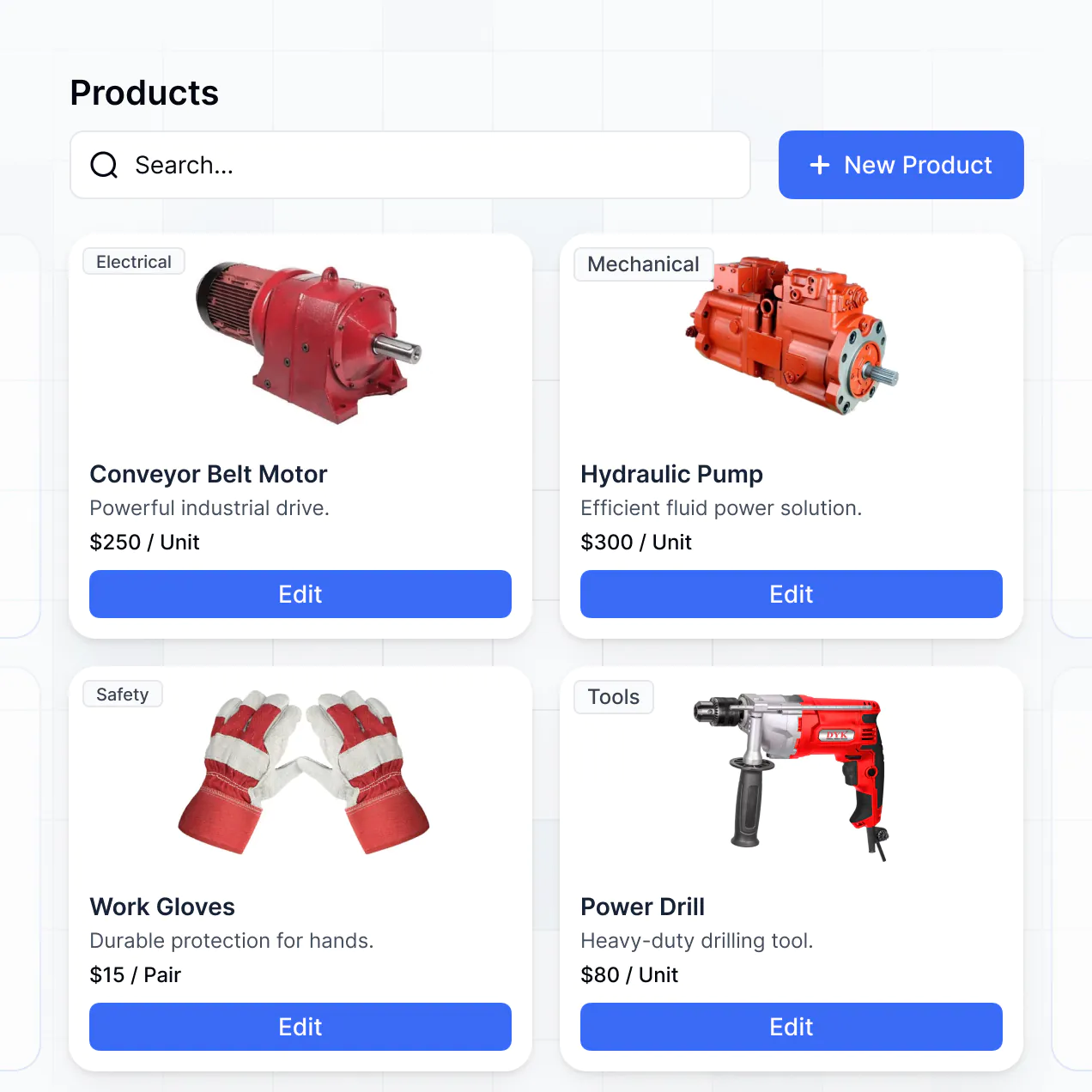
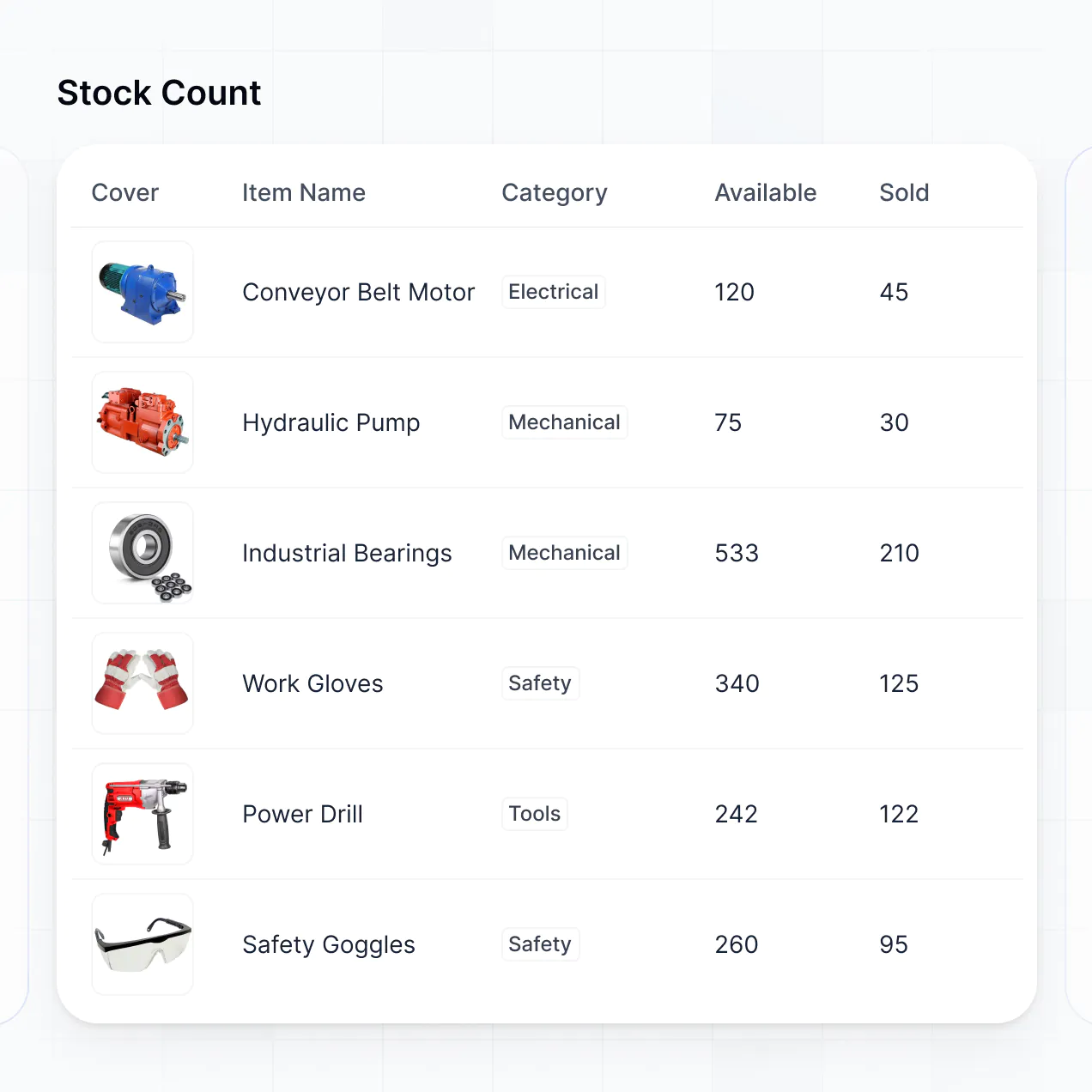
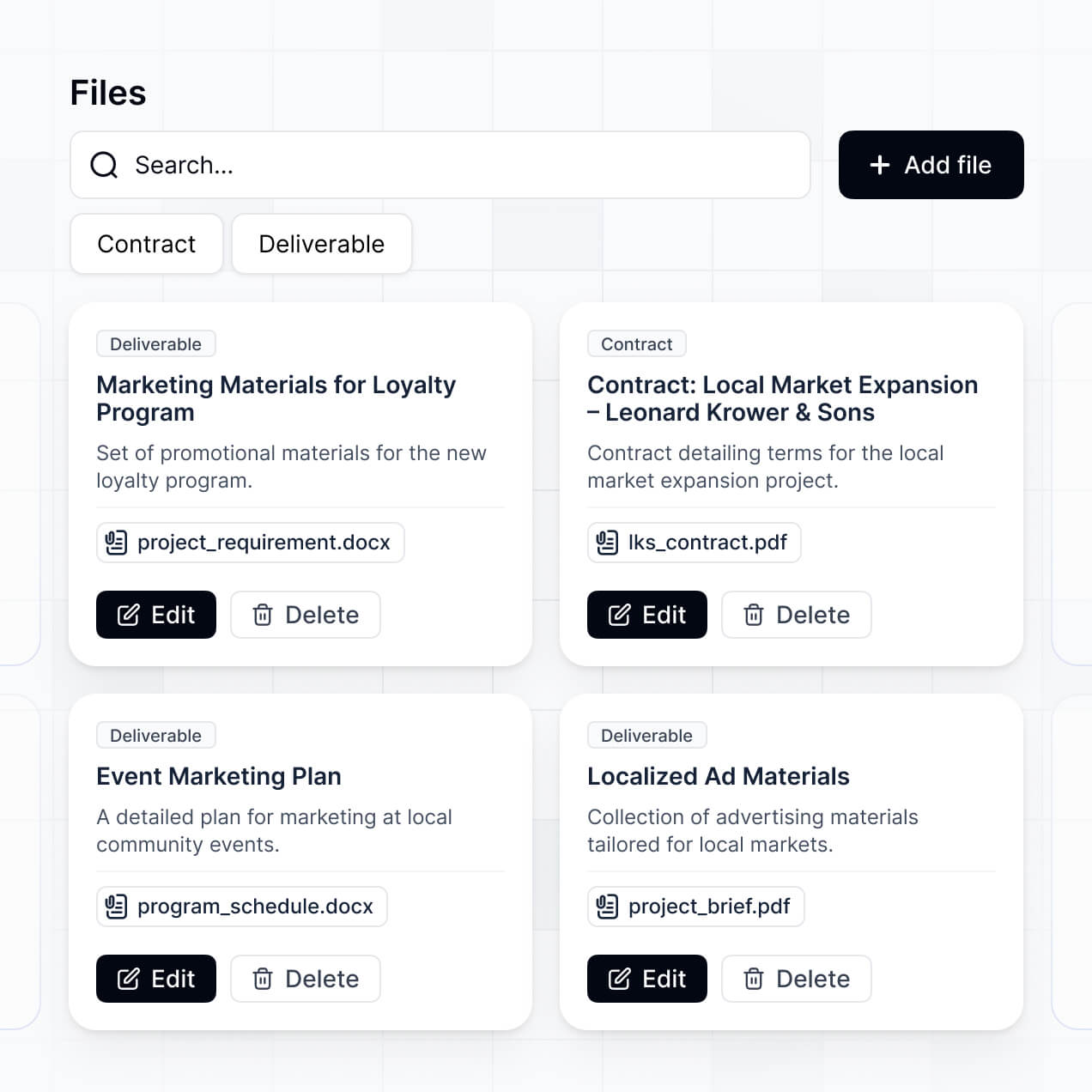
Track stock levels, manage catalogs, and view valuation in an AI-powered system built with AI to fit your dealership's workflow.
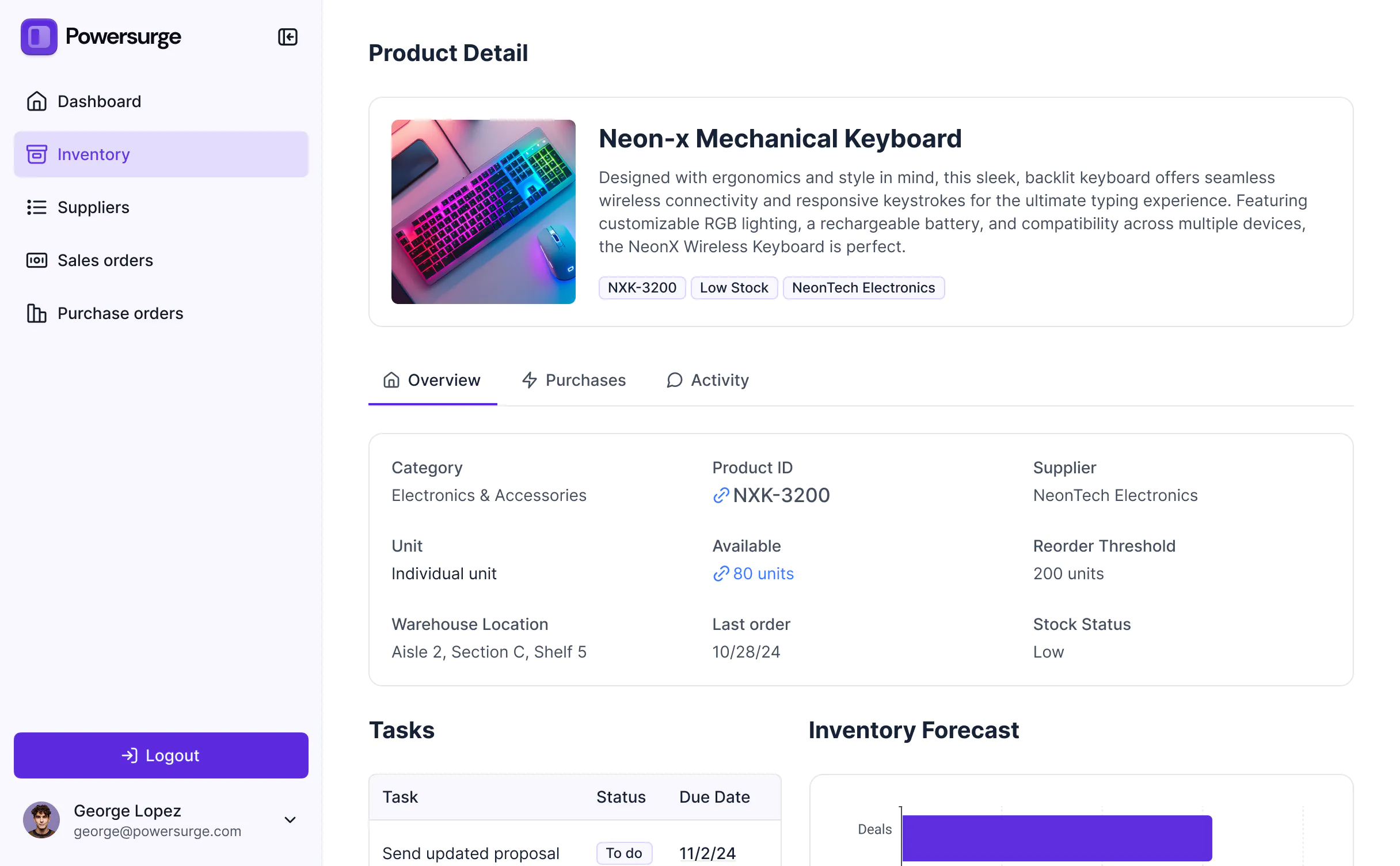
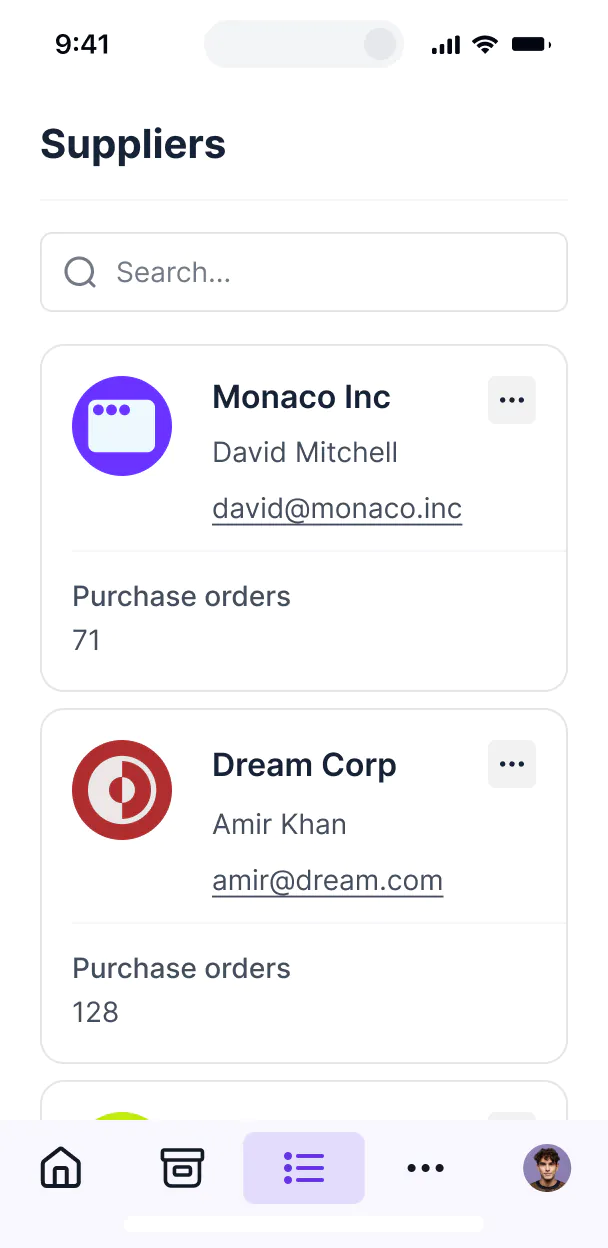



Customize your setup with the exact stock views and requisition steps your team needs. Add features as your automotive workflows evolve.


Connect parts catalogs, stock logs, and supplier lists with real-time sync—or manage everything in Softr Databases. Create one integrated system for updates.
Give each teammate the right tools and access. Set up secure logins, user groups, and granular permissions—no IT support or dev work needed.
Give mechanics, managers, and warehouse staff tailored access to relevant parts catalogs and requisition forms based on their roles.
Streamline operations with Softr Workflows. Trigger native notifications for low stock alerts or arrival status changes to keep the shop running.
Access and update your parts inventory on the go from a smartphone or tablet—perfect for checking stock directly in the service bay.
Use Google, email, or SSO logins to give your automotive team fast, secure access to the inventory tools they need daily.
Keep dealership and supplier data safe with SOC2 and GDPR compliance, plus fine-tuned access control at every level of the application.
No more one-size-fits-all tools or costly custom builds. Softr is easy to use and fully customizable, so you can launch faster, adapt as you grow, and skip the complexity of traditional software.

Build your auto parts system in minutes with AI—no manual configuration or complex dev setup required.

Add features like stock optimization, arrival logs, or valuation dashboards as your dealership grows.

Start with inventory tracking, then add service request forms and dashboards—all in one place.
Co-build with AI
Simply describe what you need. Let Softr handle everything - Interface, database, workflows.
Iterate with AI or visually
Control most critical parts of your app yourself - roles, permissions, security.
Ship the same day
Invite team members or external clients and partners right away. No developer handover.
Use drag-and-drop blocks to build a portal that looks sleek and modern out of the box. Add only the features you need, and iterate as your workflows evolve.




Free auto parts inventory software is a secure, digital hub where mechanics, parts managers, and dealership owners can track their stock of components, from engines to brake pads. It centralizes your entire catalog, including SKU numbers, compatibility data, and pricing, so you don't have to rely on messy paper logs or outdated spreadsheets. This makes it easier to keep your garage organized and ensure your technicians always have the right parts for every repair.
Softr is the first AI-native platform for building business software, allowing you to design an inventory system specifically for the automotive industry. You can describe your garage's needs to the AI Co-Builder to instantly generate your parts database, stock take pages, and reordering logic—all pre-connected and secure.
You don't need to code anything. You can start by generating with AI, using an inventory template, or building from scratch. Everything runs on Softr Databases, or you can link external tools where your supplier data lives, such as Airtable or Google Sheets. You have full control to brand the interface with your shop's logo, set permission levels for floor staff vs. managers, and adjust layouts visually. It’s the fastest way to stop overstocking and start scaling your parts business.
You can include a wide range of features in your inventory app to streamline your shop's workflow. A great auto parts system usually blends standard tracking tools with AI-powered efficiency:
- AI-Powered Intelligence – Use Ask AI to let staff query stock levels via voice, or use Database AI Agents to automatically summarize parts compatibility across different vehicle makes and models.
- Vibe Coding Blocks – Build custom UI elements—like an interactive car diagram for part identification—using the AI Code block to "vibe code" exactly what your mechanics need.
- Softr Workflows – Build native automations like low-stock alerts that trigger notifications to your parts manager whenever a specific SKU falls below a set threshold.
- User Portals & Logins – Securely manage access so shop floor workers can update quantities while owners maintain control over financial and supplier data.
- Forms & Data Collection – Capture incoming shipments with custom receipt forms, including photo uploads for damaged parts.
- Dashboards & Charts – Visualize your inventory turnover and identify your most profitable parts with real-time charts.
- Lists & Advanced Filtering – Manage thousands of SKUs with searchable tables, barcode-ready views, and filtering by category or vehicle year.
Everything is built using Softr’s drag-and-drop blocks, so you can adapt your software as your inventory grows.
Vibe coding is about moving at the speed of your business and using AI to build the exact inventory tools you need. You can "vibe code" your auto parts software in Softr by simply describing your specific requirements—like a specialized core-return tracker or a multi-warehouse view—to the AI Co-Builder. Softr then generates a production-ready app on a stable, secure foundation.
Unlike generic inventory tools, Softr handles the complex underlying parts—like user authentication for your staff, relational database logic for part-to-vehicle matching, and security—natively. This means you get the agility of vibe coding without the technical debt of managing raw code. You describe your shop's workflow, Softr builds it, and your team can start scanning parts immediately.
Yes. You can manage inventory across multiple locations or teams in a single portal. Each user only sees the stock levels and orders assigned to their specific branch, based on their login and role. This is ideal for auto groups or parts distributors who need to monitor regional stock while giving each shop manager a clean, local view of their own shelves.
Yes, you can. You don't need to have a pre-existing database to start building with Softr. If you're starting your inventory from scratch, you can use Softr Databases, which is built into the platform and handles relational data like linking "Suppliers" to specific "Auto Parts" perfectly.
However, if you already have stock lists in Airtable, Google Sheets, or Excel, you can connect those in seconds. You also have the option to use the REST API to pull in live pricing from parts wholesalers. Either way, you have complete control over how your catalog is structured and shared with your team.
Softr Databases is the recommended native data source for your auto parts app. It is designed for high-performance business applications, offering instant inventory updates and a fast experience for staff checking parts on the go.
If your parts data is already elsewhere, Softr connects to 17+ external sources including Airtable, Google Sheets, HubSpot, and SQL databases. You can even combine sources—for example, pulling your main inventory from a SQL database while managing supplier contact info in Softr Databases. Most sources support real-time, two-way sync, so when a mechanic marks a radiator as "sold," your database updates instantly.
Yes, Softr gives you full control over how your team interacts with the parts inventory. You can customize the dashboard, search filters, and navigation to fit your shop’s specific terminology. Each page can be shown or hidden based on job titles; for example, mechanics can only see stock counts, while the procurement team can see buy-costs and vendor contracts.
This granular control is vital when managing multiple staff members or even giving trusted wholesale clients limited access to check your stock levels. You can filter views so your delivery drivers only see their daily shipment lists, keeping your system secure and your interface clutter-free.
Yes, you can fully white-label your inventory portal in Softr. You can add your shop’s logo, use your brand’s specific colors, and set up a custom domain (like inventory.yourgarage.com) to make the tool feel like a professional, custom-built internal system. You can also completely remove Softr branding so your employees and partners see only your company’s identity.
Yes, you can. Softr offers total flexibility to control the visual flow of your parts management system. You can modify colors, fonts, and layout structures to fit your brand. You determine exactly which data points—like OEM numbers or bin locations—are front and center for your users.
To manage your parts effectively, you can use various specialized blocks:
- Table blocks – for high-density views of your entire parts catalog.
- Card blocks – to show photos of specific parts for quick visual identification.
- Detail View – to display a full technical rundown of a single component.
- Forms – for staff to quickly log incoming stock or report a discrepancy.
- Charts – to track inventory value or fast-moving parts over time.
- Calendar blocks – to schedule and track incoming vendor deliveries.
If you add a new product line or change your warehouse layout, you can instantly update the app in the visual builder.
Softr is built with enterprise-grade security. All your inventory data is encrypted in transit and at rest, and your apps are hosted on reliable, audited infrastructure. You have complete control over data access, using role-based permissions to ensure that sensitive financial data—like your parts margins or supplier pricing—is only visible to authorized personnel.
For apps using Softr Databases, your data is stored in a secure environment in Germany with SOC 2 Type II compliance. If you prefer to keep your parts data in an external SQL database or Airtable, Softr simply displays it via a secure connection without storing it. You manage the visibility rules, so your data remains exactly where you want it.
The app generated by our AI is fully production-ready. While many AI tools create thin prototypes or raw code that breaks, Softr builds your auto parts inventory software on a robust, business-grade architecture.
We provide the essential infrastructure—including secure login, stock-level permissions, and scalable hosting—natively. This allows you to bypass the "Day Two" maintenance hurdles of custom code. Your system is secure, professional, and ready for your team to start logging parts and processing orders from day one.
Softr is the first AI-native platform designed for custom business software. Unlike generic inventory apps that force you into a fixed workflow, or complex no-code tools that take weeks to learn, Softr’s AI Co-Builder generates a tailored system on a secure, production-ready foundation in minutes.
You get a hybrid advantage: use AI to rapidly build your parts database and interface, then use intuitive visual tools to tweak it to your exact shop requirements. It combines the speed of an AI generator with the stability of a professional enterprise tool, making it perfect for shops that need a custom solution without the custom price tag.
Yes. Softr supports native workflows and deep integrations to connect your inventory to your entire shop operation. You can automate tasks using Softr Workflows—such as emailing a PO to a supplier when stock is low—or integrate with Stripe to handle parts sales. Softr also supports webhooks and REST APIs for advanced needs.
Whether you need to sync your inventory with a POS system, trigger SMS alerts for your team, or pull in shipping data, you can build these automated connections directly into your portal without writing any code.
Describe what you need. Softr's AI builds it in minutes. Get started free—no setup time, no developer needed.