Log income, track expenses, and view tax estimates in an AI-powered system built with AI to fit your specific freelance workflow.



Customize your budget tracking system for freelancers with the exact views and data blocks you need. Add new features as your business grows.


Connect bank spreadsheets, project logs, and expense trackers with real-time sync—or manage everything in Softr Databases. Create one source of truth for your finances.
Give each teammate or accountant the right tools and access. Set up secure logins and granular permissions—no IT support or dev work needed.
Give your accountant or business partner tailored access and dashboards, so each role sees just the financial metrics they need.
Streamline your tracking with Softr Workflows. Trigger native notifications or record updates automatically when project budgets change.
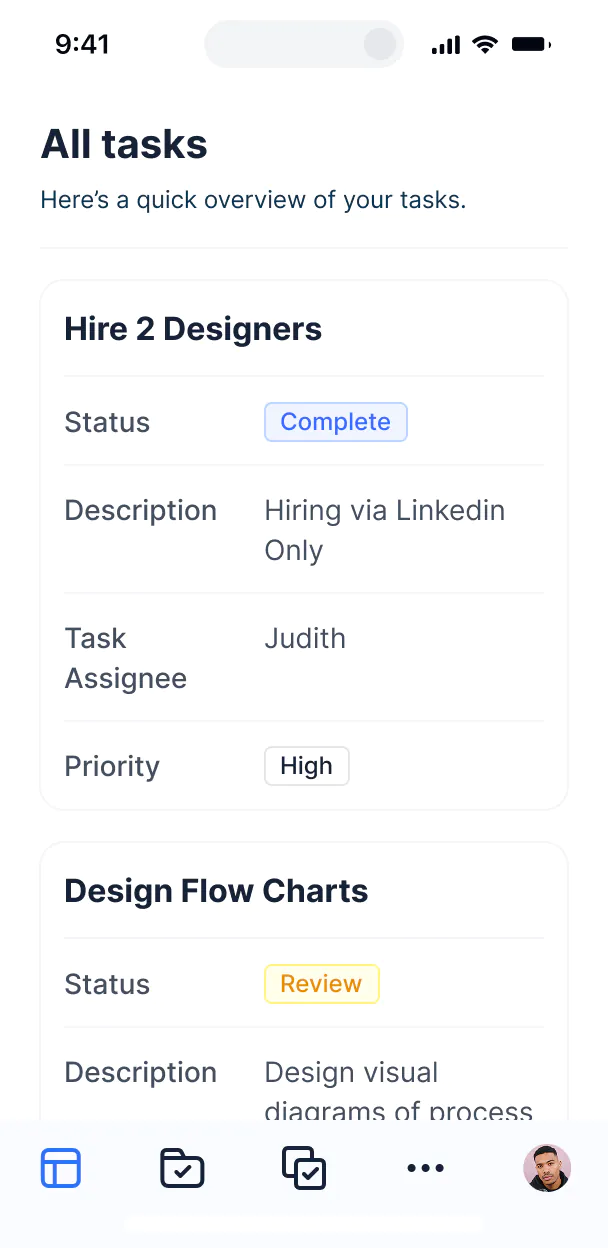
Access and update your budget tracking system on the go. Log expenses and upload receipts from your phone with mobile-ready layouts.
Use Google, email, or SSO logins to give your team fast, secure access to financial dashboards—no IT tickets needed.
Keep your financial data safe with SOC2 and GDPR compliance, plus fine-tuned access control to protect freelancer income records.
No more one-size-fits-all tools or costly custom builds. Softr is easy to use and fully customizable, so you can launch faster, adapt as you grow, and skip the complexity of traditional software.

Build your budget tracking system for freelancers in minutes with AI—no manual setup or coding needed.

Add features like tax estimation, receipt storage, or client invoicing as your business grows—no rebuild needed.

Start with budget tracking, then add client portals or lead trackers—all in one place with no extra tools.
Co-build with AI
Simply describe what you need. Let Softr handle everything - Interface, database, workflows.
Iterate with AI or visually
Control most critical parts of your app yourself - roles, permissions, security.
Ship the same day
Invite team members or external clients and partners right away. No developer handover.
Use drag-and-drop blocks to build a portal that looks sleek and modern out of the box. Add only the features you need, and iterate as your workflows evolve.




A budget tracking system for freelancers is a secure workspace where independent professionals can monitor their income, project expenses, and tax obligations. It centralizes your financial data in one spot, so you no longer have to rely on complicated spreadsheets or scattered receipts. This makes it easier to stay on top of your profit margins and provides a clear financial overview for both your daily operations and your tax preparation.
Softr is the first AI-native platform for building business software, making it the ideal tool to build a budget tracking system for freelancers that matches your unique project flow. You can describe your specific income streams and expense categories to the AI Co-Builder to instantly generate your financial database, transaction pages, and reporting logic—all fully connected and secure.
You don't need to be a developer. You can start by generating your system with AI, using a pre-built template, or building from scratch. Everything runs on Softr Databases, or you can link your existing financial logs in Airtable, Google Sheets, or Excel. You have complete control to adjust the layout, set up custom tax calculations, and brand the dashboard to your freelance business. It's fast to launch, simple to update as your rates change, and flexible enough to scale as your client list grows.
You can include a wide range of features in your budget tracking system for freelancers, tailored to how you manage your money. A great finance app usually combines core budgeting blocks with AI-powered insights:
- AI-Powered Intelligence – Use Ask AI to query your spending patterns conversationally, or set up Database AI Agents to automatically categorize expenses based on receipt descriptions.
- Vibe Coding Blocks – Build custom visual components—like a specialized tax liability estimator—using the AI Code block to "vibe code" the exact financial calculator you need.
- Softr Workflows – Build native automations (like an overdue invoice alert) that trigger notifications or email reminders whenever a payment deadline is missed.
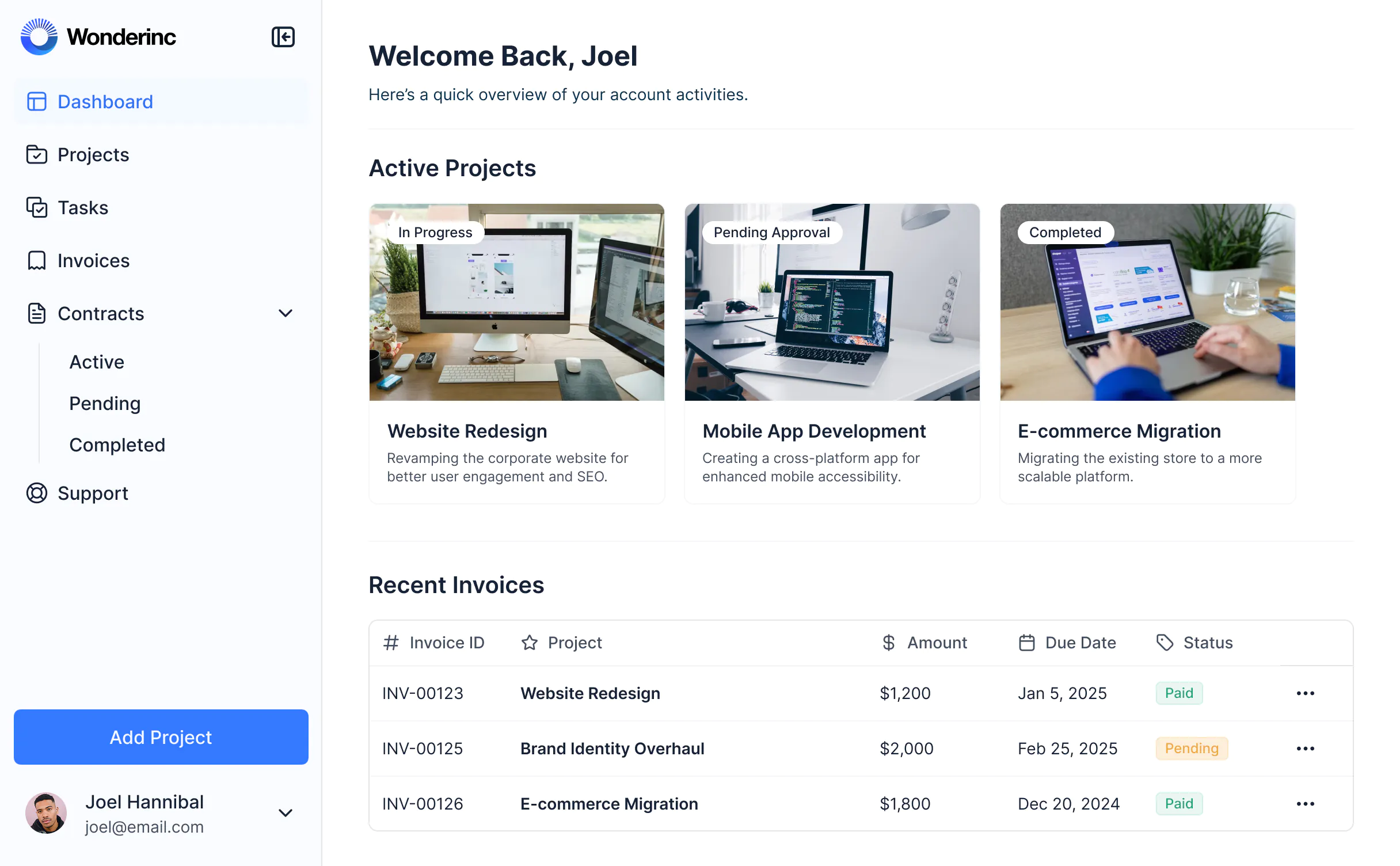
- User Portals & Logins – Securely manage access so you can give your accountant a dedicated view of your records without sharing your entire system.
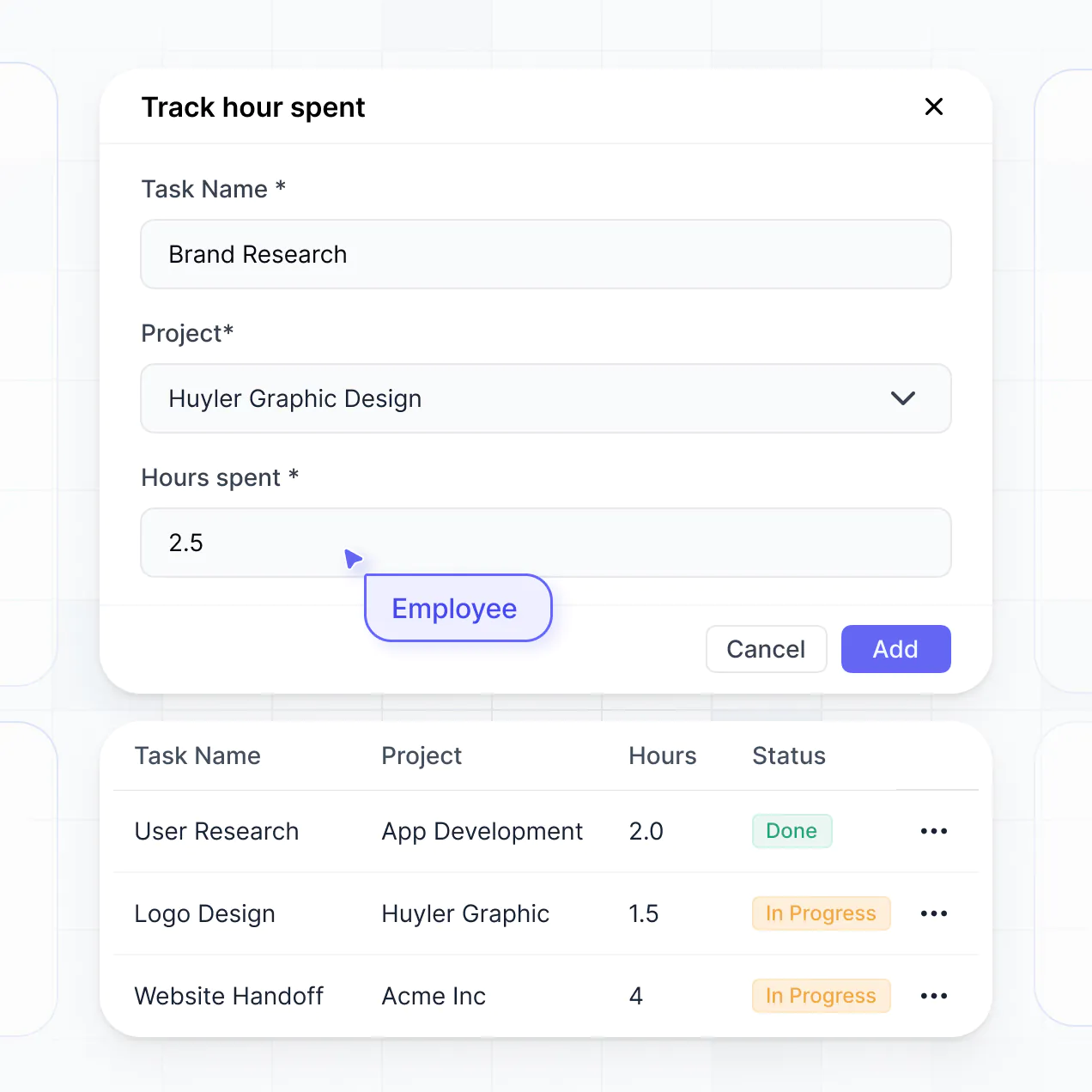
- Forms & Data Collection – Log expenses on the go with custom mobile-friendly forms, including file uploads for digital receipts.
- Dashboards & Charts – Visualize your monthly burn rate, profit-and-loss statements, and income trends with real-time charts.
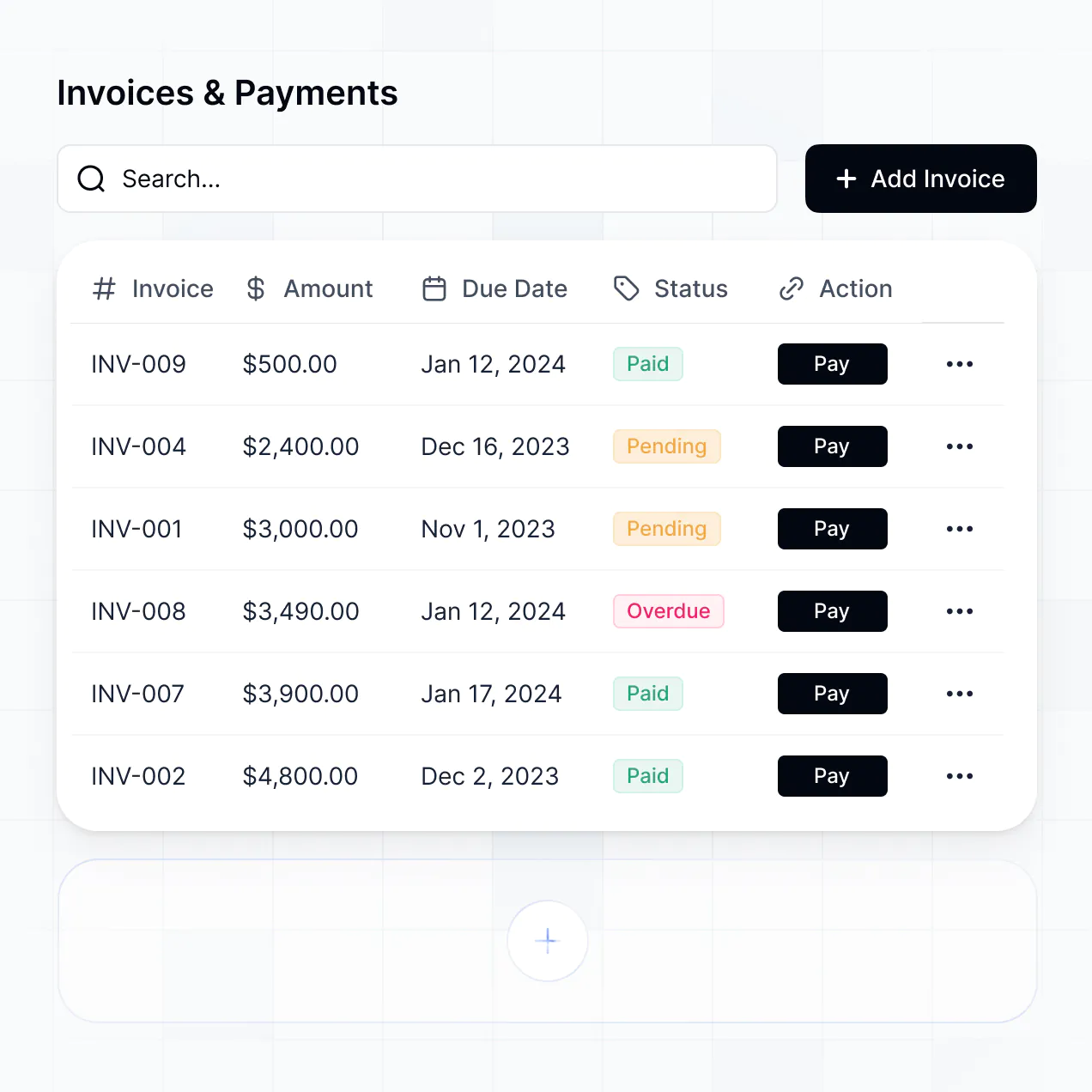
- Lists & Advanced Filtering – Display and manage your transactions with searchable tables, status tags for 'paid' vs 'pending', and detailed project-level views.
Everything is built using Softr's drag-and-drop interface, so you can manage your finances without writing code. If your reporting needs grow, use the Vibe Coding block to create a tailored financial widget with AI.
Vibe coding allows you to move fast by using AI to build the exact financial tools you need. You can "vibe code" a budget tracking system for freelancers in Softr by simply describing your specific project types and expense rules to the AI Co-Builder. Softr then generates a production-ready dashboard on top of a stable, secure foundation.
Unlike other tools that generate raw, unmanageable code, Softr handles the complex underlying parts—like user authentication, database relations, and data security—natively. This means you get the speed of vibe coding without the technical debt of managing raw scripts. You describe your budget needs, Softr builds the system, and it’s ready for you to start logging income immediately.
Yes. You can manage multiple clients, projects, or even different business entities in a single system. Each entry is tagged with the relevant project or client, allowing you to use permissions to filter views so you only see the financials for one specific contract at a time. This is especially useful for freelancers who need to separate billable expenses from general business overhead.
Yes, you can. You don't need to bring your data from another software to start building your budget tracker. If you're starting fresh, you can use Softr Databases, which is built into the platform and handles relational data like linking expenses to specific clients perfectly.
If you already have a history of transactions in Airtable, Google Sheets, HubSpot, or even SQL, you can connect those as your backend. You can even use the REST API connector to stream in data from other billing tools. Either way, you have full control over how your income and expenses are organized and displayed.
Softr Databases is the recommended native, relational data source for your budget tracking system. It is built for business applications, offering high performance, instant automation triggers, and a fast experience because your financial records stay native to the platform.
If your data resides elsewhere, Softr connects to 17+ external sources including Airtable, Google Sheets, HubSpot, and SmartSuite. You can even combine sources—for example, pulling your client list from HubSpot while managing daily expenses in Softr Databases. Most connections support real-time, two-way sync, ensuring your budget dashboard always reflects your latest bank balance or invoice status.
Yes, Softr gives you full control over how you interact with your budget tracking system. You can customize the layout and navigation to put your most important metrics—like monthly revenue or upcoming tax payments—at the top. Each block can be shown or hidden based on user roles, ensuring sensitive financial summaries are only visible to you.
You can set up different roles, such as Freelancer, Subcontractor, or Accountant, and define exactly what each can see or edit. For instance, a subcontractor might only see the tasks and budget allocated to their specific portion of a project, while you maintain a view of the entire business budget.
This customization is essential for maintaining professional privacy while collaborating. It keeps your financial management experience clean, secure, and perfectly tailored to your freelance workflow.
Yes, you can fully white-label your budget tracking system in Softr. You can use your own logo, brand colors, and professional fonts, and host the app on your own custom domain (e.g., finance.yourname.com). This makes the system feel like a premium, proprietary tool if you ever decide to share project budget reports with your clients.
Yes, you can. Softr provides high flexibility to control the design and layout of your budget dashboard. You can adjust the colors to match your brand and arrange pages to prioritize your daily financial tasks. You can choose which data visualizations to display and where they appear on your screen.
To manage your finances, you can add various functional blocks:
- Table blocks – to list structured transactions and tax categories.
- List or Card blocks – to show project summaries or client budget statuses.
- Detail View – to drill down into a specific expense report or invoice details.
- Forms – to quickly input new expenses or mileage logs.
- Charts – to visualize your profit margins and spending categories.
- Calendar blocks – to track payment due dates and tax deadlines.
If your business grows and your reporting needs change, you can easily drag and drop new components in the visual builder at any time.
Softr is built with enterprise-grade security. All financial data is encrypted in transit and at rest, and your budget tracker is hosted on secure, reliable infrastructure. You have granular control over data access, allowing you to set up role-based permissions and visibility rules so private income data is never exposed to unauthorized users.
For systems using Softr Databases, your data is stored in a secure environment with SOC 2 Type II compliance and hosting in Germany. If you prefer to keep your data in an external source like Airtable or SQL, Softr simply displays it in real-time without storing it on our servers. You always remain the owner of your financial data and control who can view or modify it.
Softr also utilizes industry-leading authentication and platform monitoring to ensure your sensitive business budget remains protected.
It is fully production-ready. While some AI tools produce fragile "vibe code" that breaks easily, Softr builds your budget tracking system on a robust, business-grade foundation.
We manage the critical technical parts—like secure user logins, database architecture, and data permissions—natively. This solves the "Day Two" problem of AI apps: you get the speed of an instantly generated finance tool without the risk of managing buggy, custom code. Your tracking system is secure, scalable, and ready to handle your business accounting from day one.
Softr is the first AI-native platform for building business software. Unlike basic grid-based tools or complex platforms requiring long learning curves, Softr's AI Co-Builder creates specialized apps like budget trackers on top of a secure, production-ready foundation.
The real advantage is the hybrid approach: use AI to generate your budget structure and reporting logic in minutes, then use our visual editor to fine-tune the design. You get the speed of AI combined with the reliability of built-in business features like secure authentication and granular permissions. It’s built for freelancers who need a custom financial tool without the technical overhead.
Yes. Softr supports powerful native workflows and a range of integrations to connect your budget tracker with your freelance stack. You can automate tasks like sending a confirmation email when an expense is logged, or integrate with Stripe to track incoming payments. Softr also supports webhooks and REST API for more complex needs.
Whether you need to sync your budget with a project management tool or trigger a notification to your accountant, you can build these automations directly into your system without writing a single line of code.
Go from idea to a live budget tracking system in under an hour. Get started for free, no dev needed.