Educate teams, track progress, and issue certificates in an AI-powered system built with AI you customize to fit your small business.
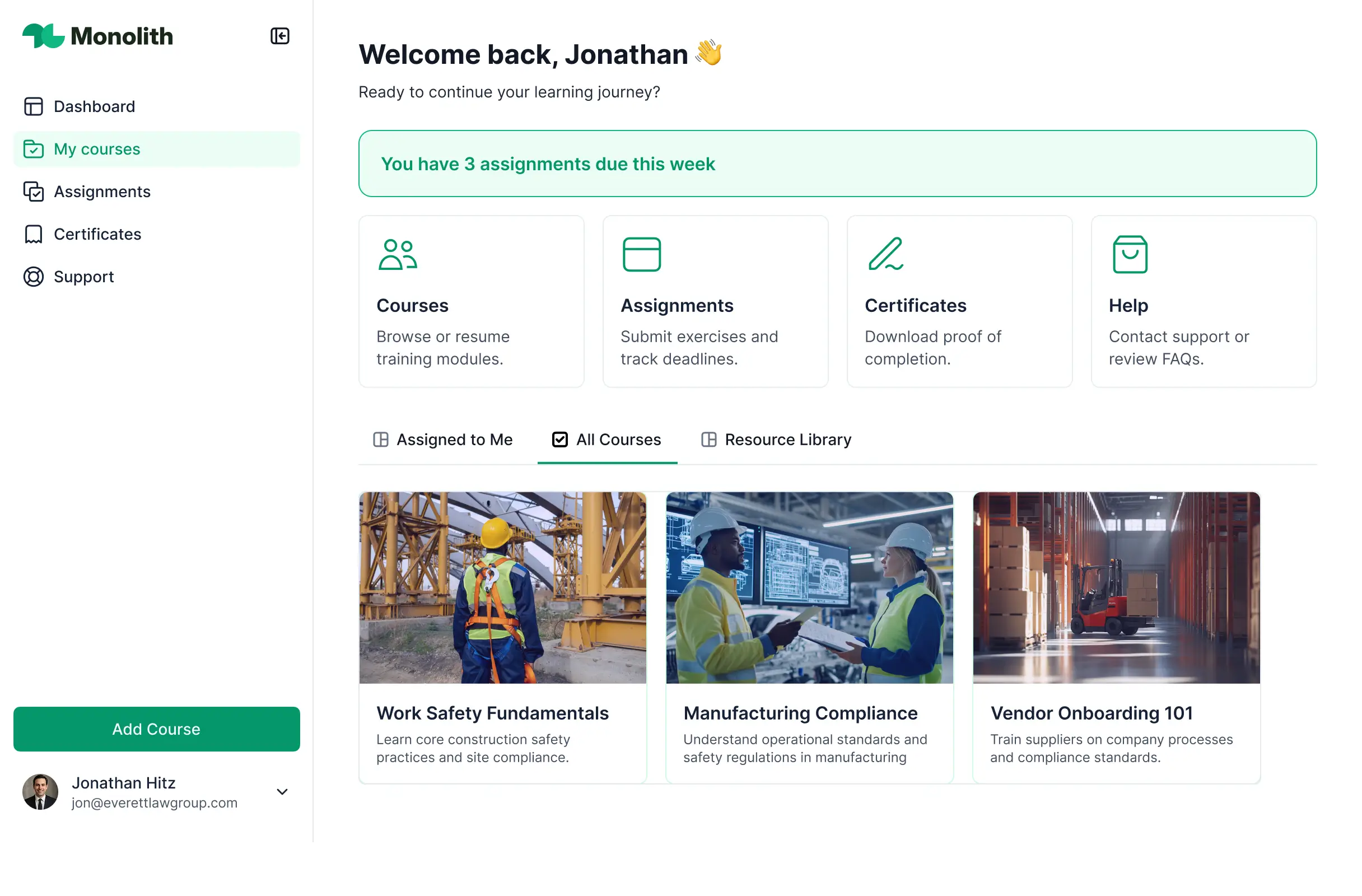
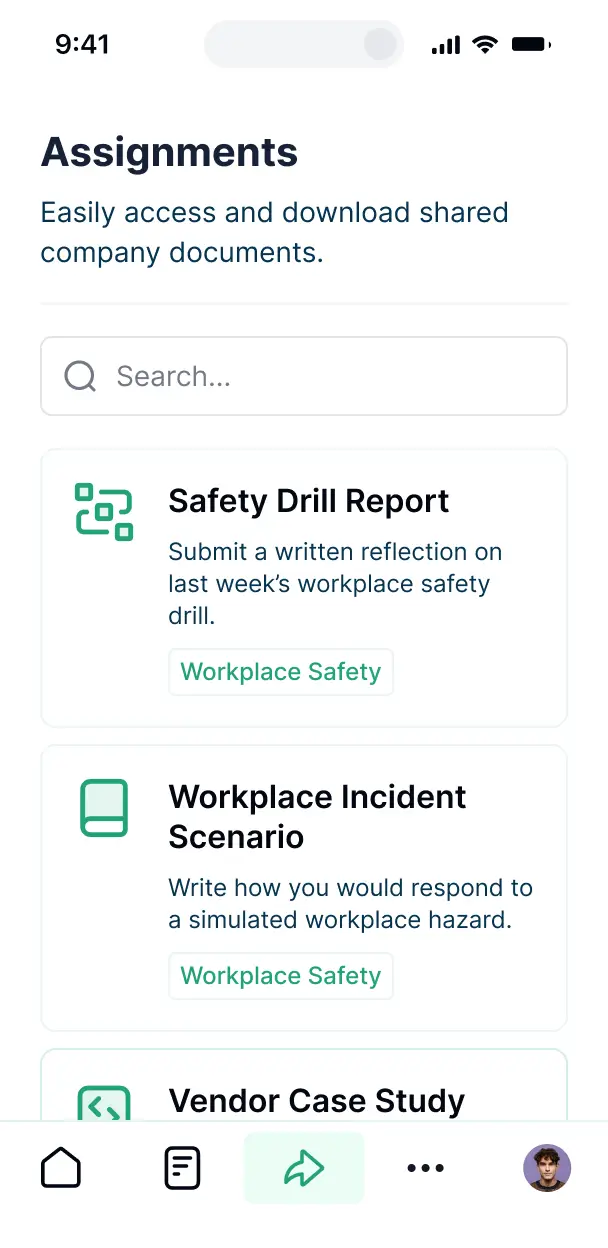

Customize an LMS that looks sleek out of the box. Add only the features you need, like quiz blocks or dashboards, and iterate as growth evolves.


Connect learner records, course content, and quiz scores from spreadsheets with real-time sync—or manage everything in Softr Databases. Create one source of training truth.
Give employees and managers the right views and access in a branded training portal. Set up secure logins, user groups, and permissions in minutes without code.
Softr apps are mobile-ready by default. Turn it into a downloadable app so employees can complete training on the go—no extra design needed.
Build native automations with Softr Workflows to handle course enrollment notifications, due date reminders, and status updates whenever a lesson is finished.
Provide separate logins for different departments, and create personalized learning dashboards for every employee based on their role.
Apply rules for different user groups. Customize who can view courses, edit content, and which managers can see employee progress at a granular level.
Protect internal training data and employee information from security threats. Softr is fully compliant with SOC2 and GDPR regulations.
No more one-size-fits-all tools or costly custom builds. Softr is easy to use and fully customizable, so you can launch faster, adapt as you grow, and skip the complexity of traditional software.

Build your training software in minutes with AI—no manual configuration or complex setup required.

Add quiz modules, automated reminders, or certification tracking as your team's learning needs evolve.

Start with training, then add an employee directory, PTO tracker, or shared dashboards—all in one place.
Co-build with AI
Simply describe what you need. Let Softr handle everything - Interface, database, workflows.
Iterate with AI or visually
Control most critical parts of your app yourself - roles, permissions, security.
Ship the same day
Invite team members or external clients and partners right away. No developer handover.
Use drag-and-drop blocks to build a portal that looks sleek and modern out of the box. Add only the features you need, and iterate as your workflows evolve.




Employee training software for small business is a dedicated platform where your team can log in to access learning modules, instructional videos, policy documents, and onboarding milestones. it serves as a central hub for all professional development, eliminating the need for scattered email attachments or outdated handbook printouts. This makes it easier for small business owners to maintain high standards of compliance and provide a growth-oriented experience for their staff.
Softr is the first AI-native platform for building business software, making it the ideal choice for creating employee training software for small business that aligns perfectly with your specific industry. You can describe your training objectives to the AI Co-Builder to instantly generate your course database, lesson pages, and quiz logic—all pre-connected and secure.
You don't need to code anything. You can start by generating with AI, using an LMS template, or building from scratch. Everything runs on Softr Databases, the native relational database built into the platform, or you can link your existing training content from Airtable, Google Sheets, or HubSpot. You have full control to brand the learning portal to match your company culture and decide which departments see specific training modules. It’s built to be agile, allowing you to update your curriculum as your small business scales.
You can include a wide range of features in your employee training platform, depending on your educational goals. A great training app usually mixes structured content with AI-driven interactions:
- AI-Powered Intelligence – Use Ask AI to let employees query complex training manuals conversationally, or set up Database AI Agents to generate personalized quiz questions based on lesson content.
- Vibe Coding Blocks – Build custom learning tools—like a progress tracking circle or a certificate generator—using the AI Code block to "vibe code" exactly what your unique curriculum requires.
- Softr Workflows – Build native automations like an automatic email notification that triggers whenever an employee completes a mandatory safety module.
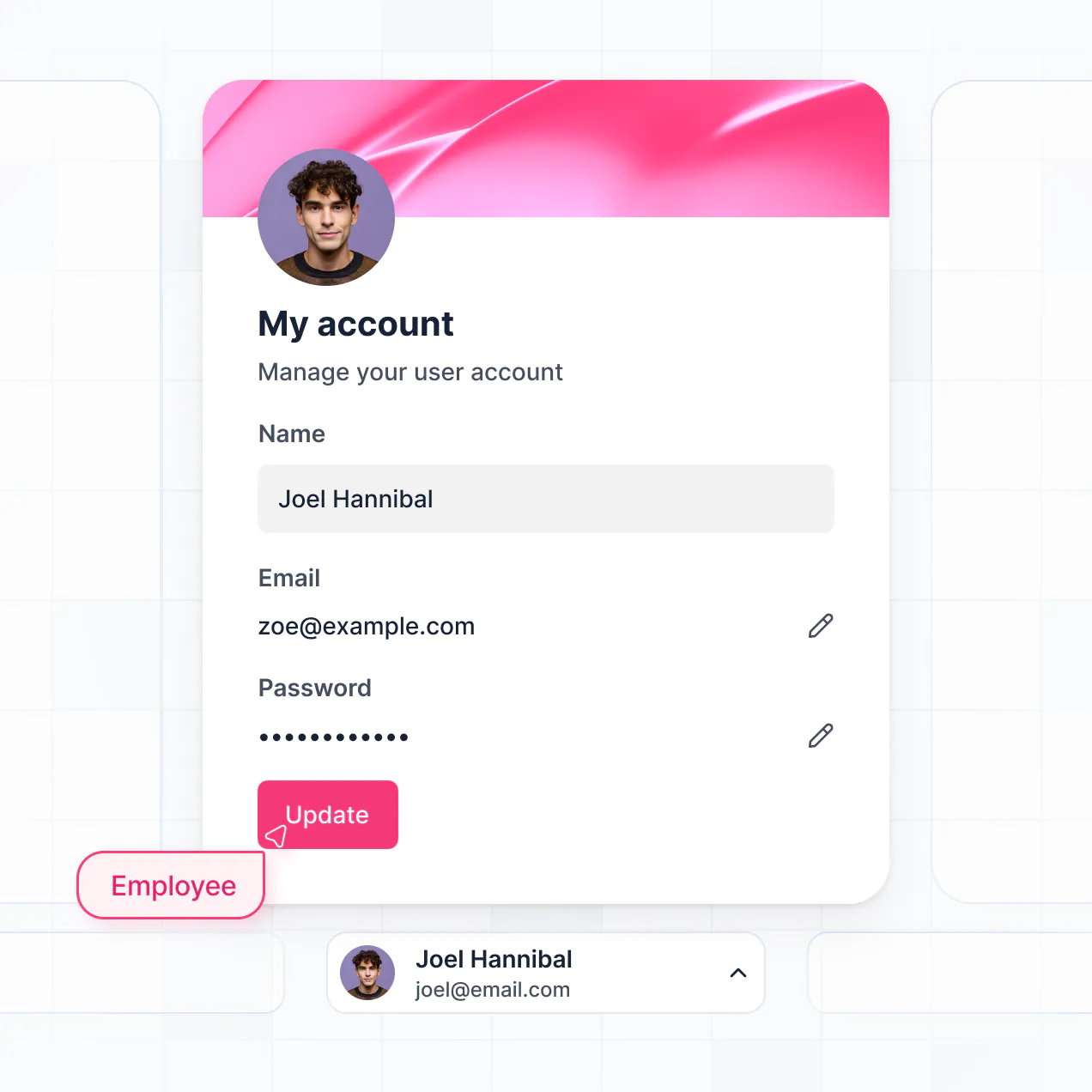
- User Portals & Logins – Securely manage access so new hires only see onboarding tracks while senior staff see leadership development courses.
- Forms & Data Collection – Capture learner feedback or quiz answers with custom forms and specialized file uploads.
- Dashboards & Charts – Visualize completion rates across your team with real-time charts and training summaries.
- Lists & Advanced Filtering – Organize your course catalog using searchable tables or kanban boards for different departments.
Everything is built using Softr’s drag-and-drop system. If you need a more specific learning tool, the Vibe Coding block lets you generate it with AI.
Vibe coding is about accelerating your build by using AI to create specific features for your employee training software for small business. In Softr, you can simply describe your training workflow to the AI Co-Builder, and it generates a functional LMS on a secure foundation.
While other tools leave you with raw code that's hard to maintain, Softr handles the heavy lifting—like user authentication for your employees and secure database logic for their test scores—natively. This means you get a custom-feel learning environment without the technical debt of managing code. You describe the training path, Softr builds it, and your team can start learning immediately.
Yes. You can manage multiple departments, teams, or locations within a single LMS. Each employee only sees the training modules and developmental paths assigned to them based on their login and role. This is particularly useful for small businesses with diverse roles, such as separate training tracks for sales teams and warehouse staff.
Yes, you can. You don't need an existing learning database to start building with Softr. If you're starting from scratch, use Softr Databases, which is built into the platform to store your lessons, videos, and quizzes. It integrates perfectly with your training app from day one.
However, if you already have training materials stored in Airtable, Google Sheets, or Notion, you can connect those too. You can also use the REST API to pull content from other specialized tools. Regardless of where your data sits, you have full control over its structure in your training portal.
Softr Databases is the recommended native data source for your training software. It is optimized for business apps, offering high performance and instant triggers for things like lesson completion updates, ensuring a fast experience for your employees.
If your curriculum is already organized elsewhere, Softr connects to 17+ external sources. You can link Airtable for course catalogs, Google Sheets for tracking scores, or BigQuery for enterprise-level analytics. You can even combine sources—pulling employee roles from HubSpot while keeping your quiz data in Softr Databases. Most sources support two-way sync, so updates to your lessons reflect in the app automatically.
Yes, Softr gives you complete control over how employees experience your training portal. You can customize the layout and content to match your brand and your specific training style. Every page or lesson block can be hidden or shown depending on the user’s role, ensuring that a manager sees leadership training while a junior hire sees foundational guides.
You can define roles like 'Admin,' 'Trainer,' or 'Employee' to set specific editing rights. For instance, employees might have view-only access to lessons but can edit their profile, while trainers can upload new content. This keeps your training environment secure, organized, and perfectly tailored to every individual user.
Yes, you can fully white-label your employee training software for small business in Softr. Use your own business logo, corporate brand colors, and custom fonts. You can also set it up on your own domain (e.g., training.yourbusiness.com) and remove all Softr branding so that for your employees, the tool feels like a bespoke internal application.
Yes, you can. Softr offers extensive flexibility to customize the design of your learning environment. You can adjust the spacing, typography, and page structure to fit your teaching style. You can also decide what blocks different learners see upon logging in.
To display your training data effectively, you can use:
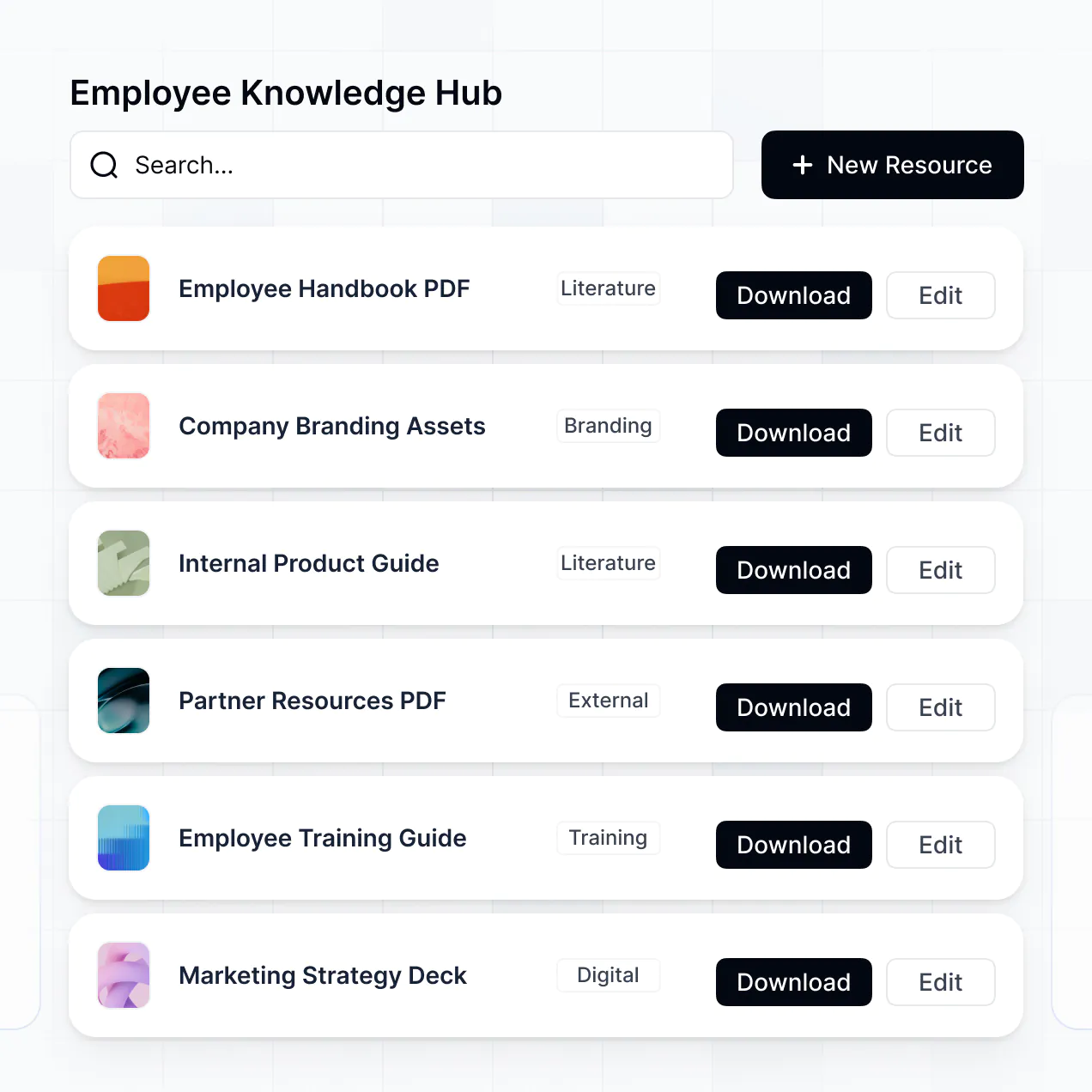
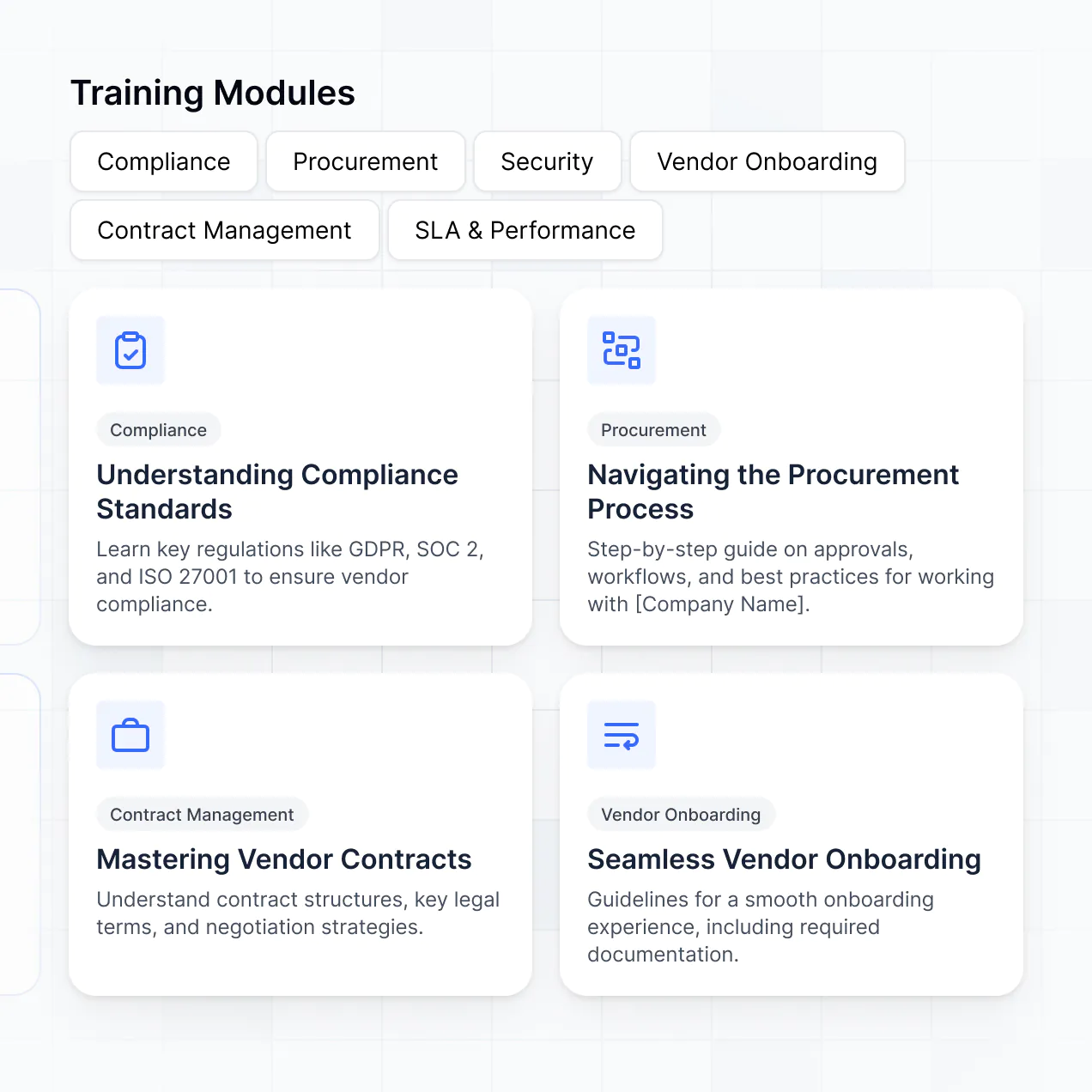
- Table blocks – to list available courses and credit hours.
- List or Card blocks – to show thumbnail previews of video lessons.
- Detail View – for an immersive lesson page with descriptions and links.
- Forms – for quizzes and feedback surveys.
- Charts – for employees to track their own learning progress.
- Calendar blocks – to show upcoming live training sessions or deadlines.
If you need to pivot your training strategy, updating the layout in the visual builder is instant and simple.
Softr is built with enterprise-grade security. All data, including your proprietary training materials, is encrypted in transit and at rest. You keep full control over visibility; you can set role-based permissions so only active employees can access your internal IP. Manage your users directly within your data source and apply visibility rules to ensure sensitive HR info stays private.
For apps using Softr Databases, data is stored in a secure SOC 2 Type II compliant environment in Germany. If you connect to external sources like Airtable or SQL, Softr displays your data in real-time without storing it. You are always in control of who can download guides or view training videos.
It is fully production-ready. While some AI tools only generate experimental 'vibe code' that is difficult to secure, Softr builds your employee training software for small business on a stable, professional foundation.
We handle the critical infrastructure like employee logins, secure PDF hosting, and granular access rules natively. This eliminates the 'Day Two' risk: you get the speed of AI generation with the reliability of a high-quality platform. Your training software is ready to onboard your first class of employees from the moment it's generated.
Softr is the first AI-native platform for building software. Unlike heavy LMS platforms that are rigid and expensive, or traditional no-code tools that take weeks to configure, Softr’s AI Co-Builder creates your training app in minutes.
The hybrid advantage is key: you get the speed of AI for initial generation and the precision of visual editing for fine-tuning. You don't have to worry about building authentication or roles from scratch—it's all built-in. It is designed for small business owners who need a professional training solution that they can actually manage themselves without a technical team.
Yes. Softr supports powerful native workflows and integrations to connect your training portal to your business ecosystem. You can automate certifications through Softr Workflows or sync employee data with tools like Slack and Intercom. Softr also supports webhooks and REST API for more complex requirements.
Whether you need to notify a manager when a course is completed or pull student records from another HR tool, you can build it directly into your training portal without writing any code.
Describe what you need. Softr's AI builds it in minutes. Launch and customize your small business LMS without code.