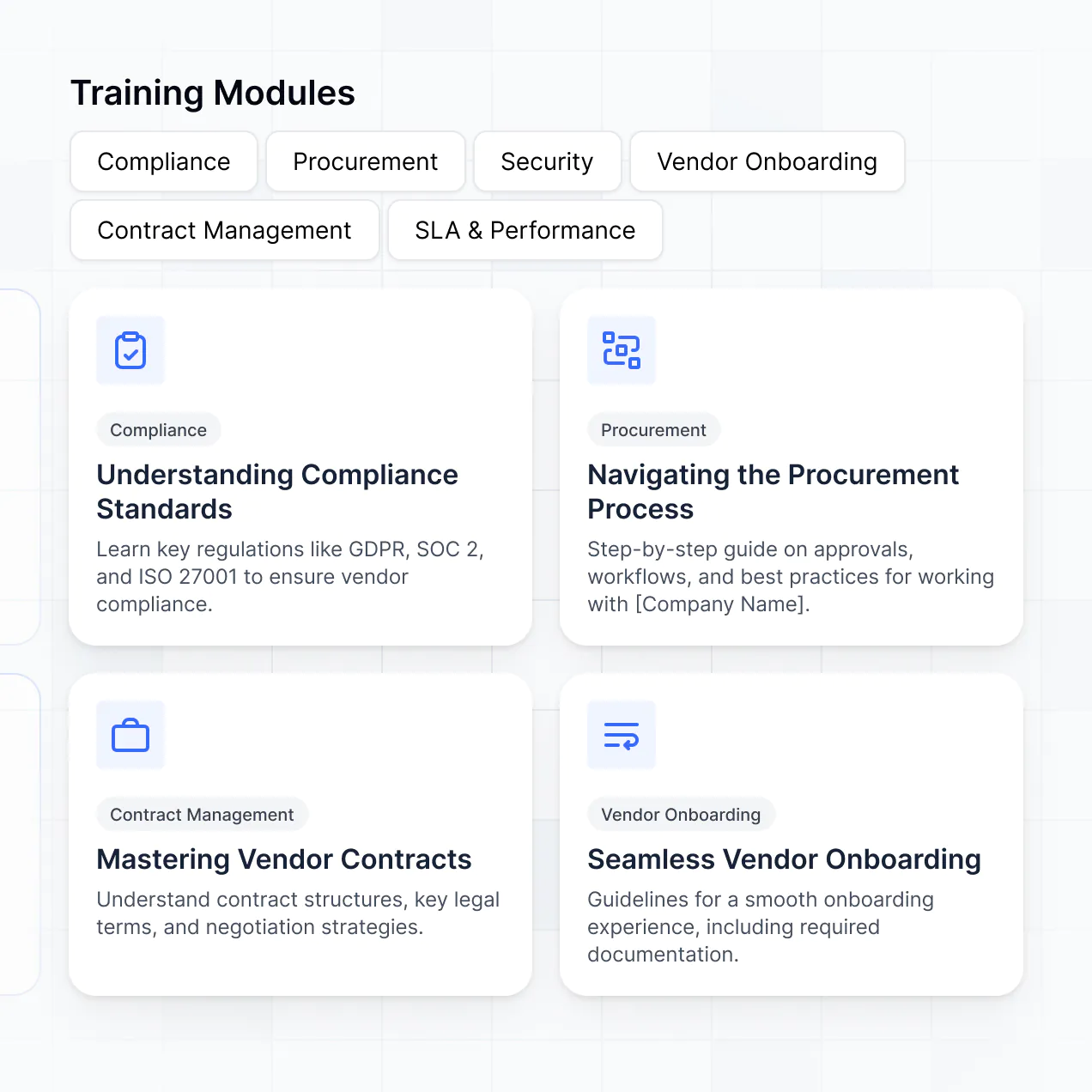
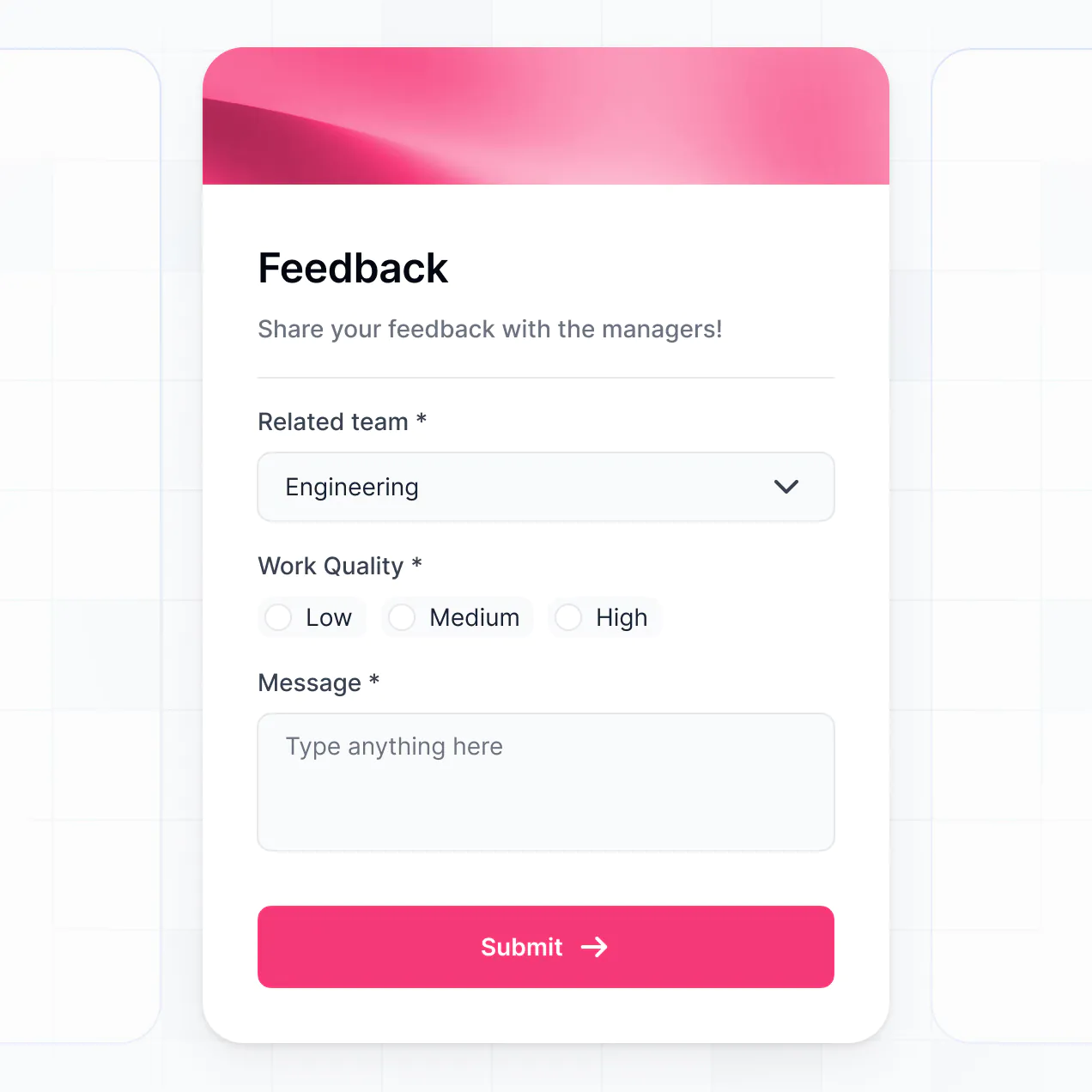
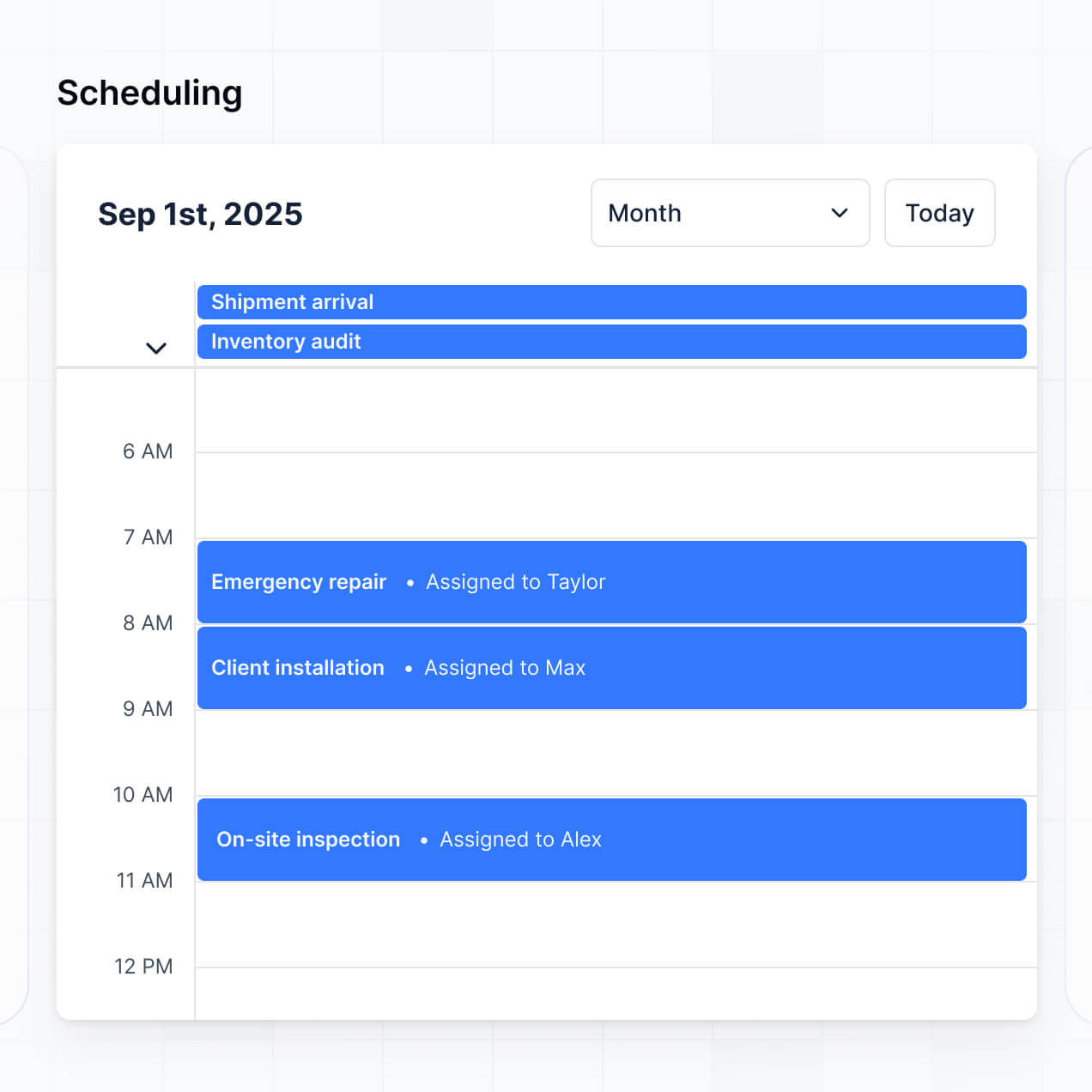
Manage certifications and safety training in an AI-powered portal built with AI to fit your manufacturing facility's unique workflow.
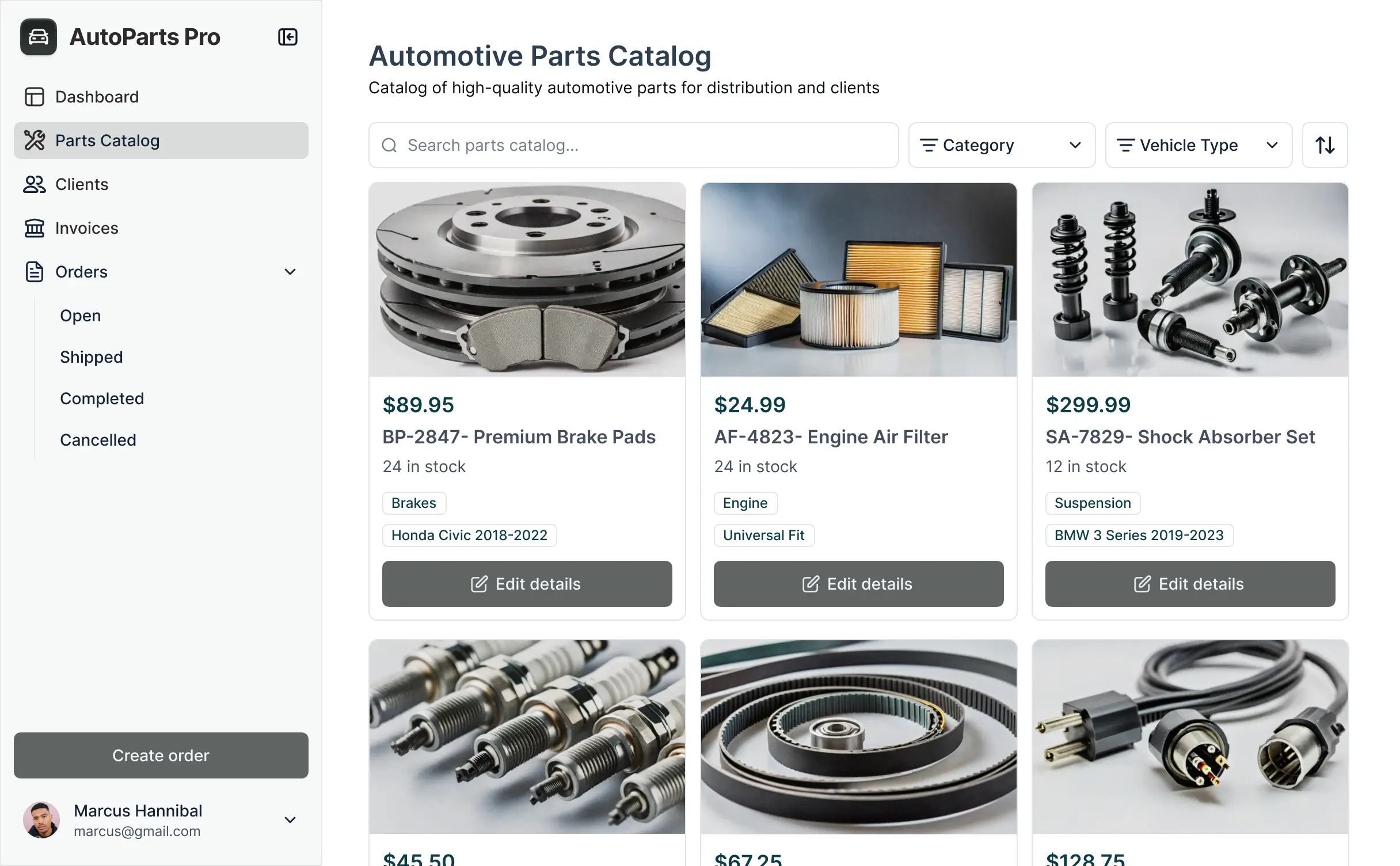



Set up custom views for operators and floor managers. Add blocks for skill assessments and document uploads as your training programs evolve.


Connect safety logs, employee certifications, and training videos with real-time sync—or manage everything in Softr Databases. Create a single source of truth for compliance.
Give manufacturing staff and safety leads the right views and access in a branded portal. Set up secure logins, user groups, and compliance permissions in minutes.
Softr apps are mobile-ready. Turn training into a downloadable app so staff can access safety docs and multimedia training directly from the factory floor.
Build native automations with Softr Workflows to handle certification expiration alerts and status updates automatically whenever training records are changed.
Provide separate logins for machine operators and safety managers, creating personalized training dashboards for each group based on their requirements.
Apply rules for different floor roles. Customize who can sign off on certifications and which sensitive compliance data they can view at a granular level.
Protect worker certification records from security threats. Softr is fully compliant with SOC2 and GDPR regulations to keep corporate data safe.
No more one-size-fits-all tools or costly custom builds. Softr is easy to use and fully customizable, so you can launch faster, adapt as you grow, and skip the complexity of traditional software.

Build your manufacturing training software in minutes with AI—no manual configuration or dev time needed.

Add features like skill assessments or digital document uploads as your floor safety requirements evolve.

Start with training, then add shift schedules or asset trackers—all in one place, with no extra tools required.
Co-build with AI
Simply describe what you need. Let Softr handle everything - Interface, database, workflows.
Iterate with AI or visually
Control most critical parts of your app yourself - roles, permissions, security.
Ship the same day
Invite team members or external clients and partners right away. No developer handover.
Use drag-and-drop blocks to build a portal that looks sleek and modern out of the box. Add only the features you need, and iterate as your workflows evolve.




Manufacturing training software is a secure LMS where floor workers, supervisors, and safety officers can log in to access critical information like SOPs, safety certifications, instructional videos, and compliance quizzes. It keeps all educational resources and progress tracking in one central location, eliminating the need to rely on paper manuals or manual spreadsheets. This makes it easier to stay organized and ensure every employee on the production line is fully trained and compliant with industry standards.
Softr is the first AI-native platform for building business software, making it easy to create a manufacturing training system that fits the unique safety requirements and production workflows of your plant. You can describe your training curriculum to the AI Co-Builder to instantly generate your database of courses, learner profiles, and progress logic—all pre-connected and secure.
You don't need to code anything. You can start by generating with AI, using an LMS template, or building from scratch. Everything runs on Softr Databases, or you can connect external tools like Airtable, Google Sheets, or your existing HRIS. You have full control to adjust the layout visually, ensuring mobile-friendly access for workers on the shop floor, and you can brand it to match your company’s internal identity. It's quick to launch, simple to update as safety regulations change, and flexible enough to scale across multiple factory locations.
You can include a wide range of features in your manufacturing training software, depending on your specific compliance and operational needs. A great LMS app usually mixes classic functional blocks with AI-powered intelligence:
- AI-Powered Intelligence – Use Ask AI to let workers query equipment manuals conversationally, or set up Database AI Agents to automatically summarize safety incident reports into new training modules.
- Vibe Coding Blocks – Build custom UI elements—like an interactive machine assembly guide—using the AI Code block to "vibe code" exactly what your technicians need.
- Softr Workflows – Build native automations (like automatic certification expiry alerts) that trigger notifications to supervisors whenever a safety permit is about to lapse.
- User Portals & Logins – Securely manage access so shop floor workers see only their assigned machinery courses while managers view department-wide compliance metrics.
- Forms & Data Collection – Capture post-training feedback or safety check-off lists with custom forms and file uploads for photo evidence of completed tasks.
- Dashboards & Charts – Visualize your plant's training completion rates and safety performance with real-time charts.
- Lists & Advanced Filtering – Display and manage your course catalog with searchable tables and categorized views for different production lines.
Everything is built using drag-and-drop blocks, but if you need something proprietary, the Vibe Coding block can generate it for you.
Vibe coding is about moving fast and using AI to build the specific LMS tools your production team needs. You can "vibe code" manufacturing training software in Softr by describing your training modules, quiz structures, and certification requirements to the AI Co-Builder. Softr then generates a production-ready application on top of a stable, secure foundation.
Unlike other tools that generate raw code that breaks easily, Softr handles the "boring 80%"—like worker authentication, course progress database logic, and site security—natively. This means you get the speed of vibe coding without the headache of managing raw code in a high-stakes industrial environment. You describe your training needs, Softr builds the app, and it’s ready for your manufacturing staff instantly.
Yes. You can manage multiple factory sites or specialized departments in a single training portal. Each trainee only sees the safety modules and machine manuals assigned to their specific location or production line, based on their login and role. This is ideal for manufacturing enterprises with diverse teams ranging from quality assurance and maintenance to logistics and assembly.
Yes, you can. You don't need to have a pre-existing database of SOPs or employee lists to start building with Softr. If you're starting from scratch, you can use Softr Databases, which is built into the platform and allows you to build your entire manufacturing curriculum from the ground up.
However, if you already have training records in tools like Airtable, Google Sheets, or a SQL database, you can connect those as well. You can also use the REST API to pull employee data from your HR system. Either way, you have full control over how your training materials and learner progress are structured and displayed.
Softr Databases is the recommended native, relational data source for your manufacturing training software. It is built for performance, allowing for instant automation triggers when a worker completes a course or fails a quiz, ensuring a fast experience for mobile users on the plant floor.
If you have training data elsewhere, Softr also connects to 17+ external sources including Airtable, Google Sheets, HubSpot, and BigQuery. You can even integrate multiple sources, such as pulling SOP documents from Google Drive while tracking completion credits in Softr Databases. Most sources support real-time sync, so when a supervisor updates a training module, it reflects in the app instantly.
Yes, Softr gives you full control over how employees interact with your manufacturing training software. You can customize the layout and navigation to match your internal safety branding. Each training module or quiz can be shown or hidden based on job role, so a forklift operator only sees logistics courses while a welder sees hot-work safety protocols.
You can set up different user roles—such as Trainee, Instructor, and Compliance Auditor—and define exactly what each role can view or edit. For example, trainees can view videos and take quizzes, while auditors can manage all certification records. You can also create personalized dashboards that show each worker their own progress bar and upcoming deadlines.
This customization ensures a clean, distraction-free environment that helps keep your workforce safe and productive.
Yes, you can fully white-label your manufacturing training software. You can use your factory's logo, corporate colors, and custom domain to make the LMS feel like an official internal tool. You can also remove all Softr branding, ensuring that your employees and external safety inspectors see only your company's identity throughout their training experience.
Yes, you can. Softr provides the flexibility to control the design of your manufacturing training software to suit different work environments (like high-contrast views for shop floor kiosks). You can adjust fonts, colors, and the mobile-responsiveness of every page.
To display your training content, you can use various blocks:
- Table blocks – to show lists of required safety certifications or equipment logs.
- List or Card blocks – to highlight different training categories like ISO Standards or Onboarding.
- Detail View – to host individual lessons, including embedded videos and PDF manuals.
- Forms – for digital signatures on safety acknowledgments.
- Charts – to show department-wide compliance levels to management.
- Calendar blocks – to display upcoming hands-on training sessions or recertification dates.
You can easily update the layout in the visual builder as your manufacturing processes evolve.
Softr is built with industrial-grade security in mind. All training data is encrypted in transit and at rest, and your LMS is hosted on secure, reliable infrastructure. You maintain full control over who can access sensitive SOPs or employee training files. You can set up role-based permissions, manage users directly, and apply visibility rules to protect proprietary manufacturing processes.
For apps using Softr Databases, your data is stored in a secure environment in Germany with SOC 2 Type II compliance. For apps connected to your own SQL sources or Airtable, Softr displays your data in real time based on your specific access settings. Softr follows industry best practices for authentication and access control to ensure your workforce data remains private.
It is fully production-ready. Unlike AI tools that simply generate fragile scripts that are difficult to link to a real user base, Softr builds your manufacturing LMS on a stable, enterprise-grade foundation.
We handle the critical infrastructure—like secure login for your staff, reliable hosting for manuals, and granular permissions for safety data—natively. This eliminates the "Day Two" maintenance burden typical of AI prototypes; you get a functional, scalable training platform that is ready for workers to use on the production line from day one.
Softr is the first AI-native platform for building custom business software like manufacturing LMS apps. Unlike generic LMS platforms that force you into a specific format, or traditional no-code tools that require weeks of setup, Softr's AI Co-Builder creates your app and database structure in minutes.
The difference is our hybrid approach: you use AI to generate the core logic and content of your training modules, then use visual controls for fine-tuning the UI for factory conditions. You get the speed of AI with the reliability of business-grade features like SSO, role-based access, and relational databases already built-in, allowing you to move from training prototype to a live production floor tool immediately.
Yes. Softr supports powerful native workflows and integrations to connect your training software to your manufacturing stack. You can automate tasks like sending a Slack alert to a supervisor when a worker fails a mandatory safety quiz, or syncing completion data with your payroll system. Softr also supports REST API and webhooks for connecting to IoT devices or ERP systems.
Whether you need to trigger a new training module when a worker is promoted in your HRIS or export compliance reports for an audit, you can build these automated workflows directly into your portal without writing code.
Go from idea to live training portal in under an hour. Build and customize your manufacturing software without code.