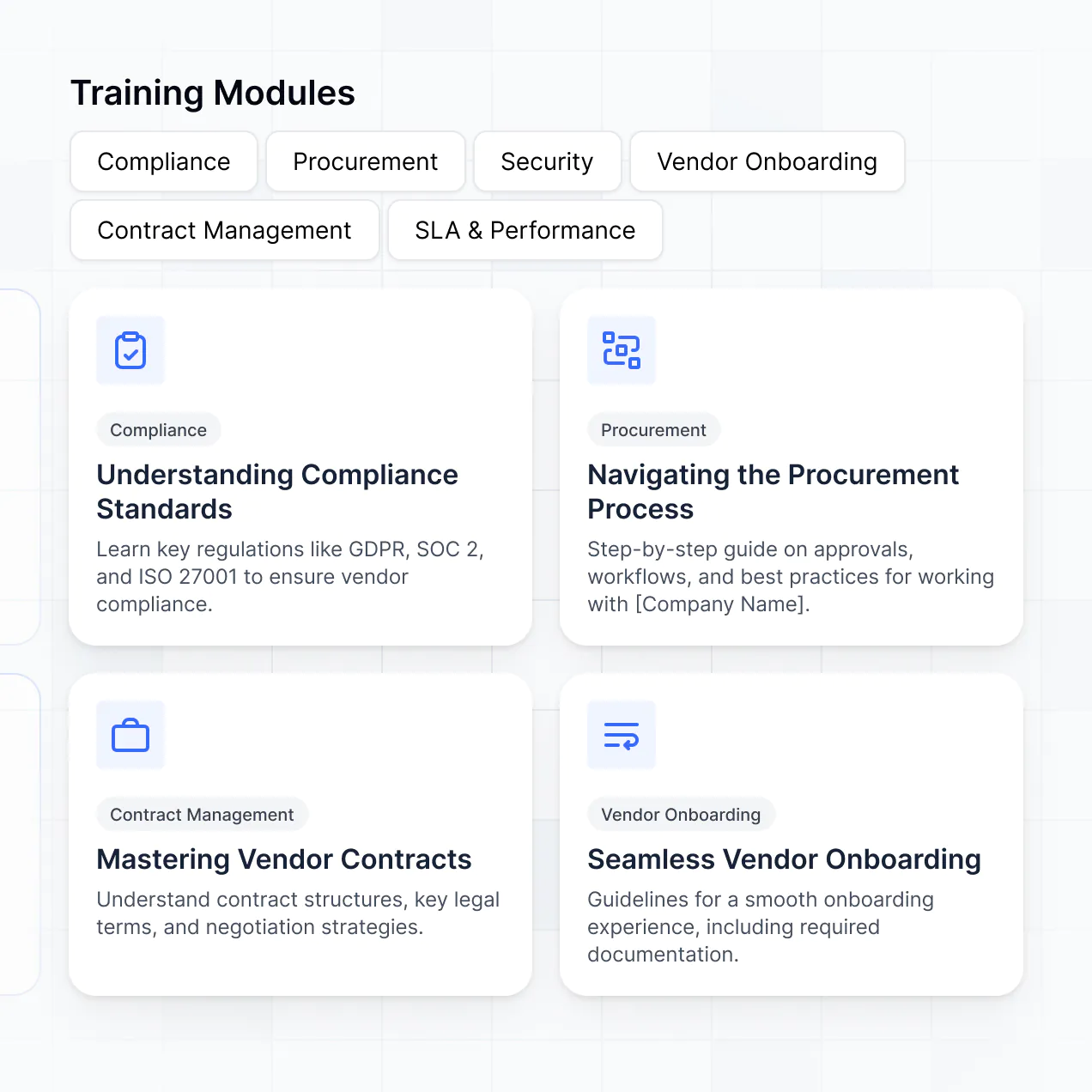
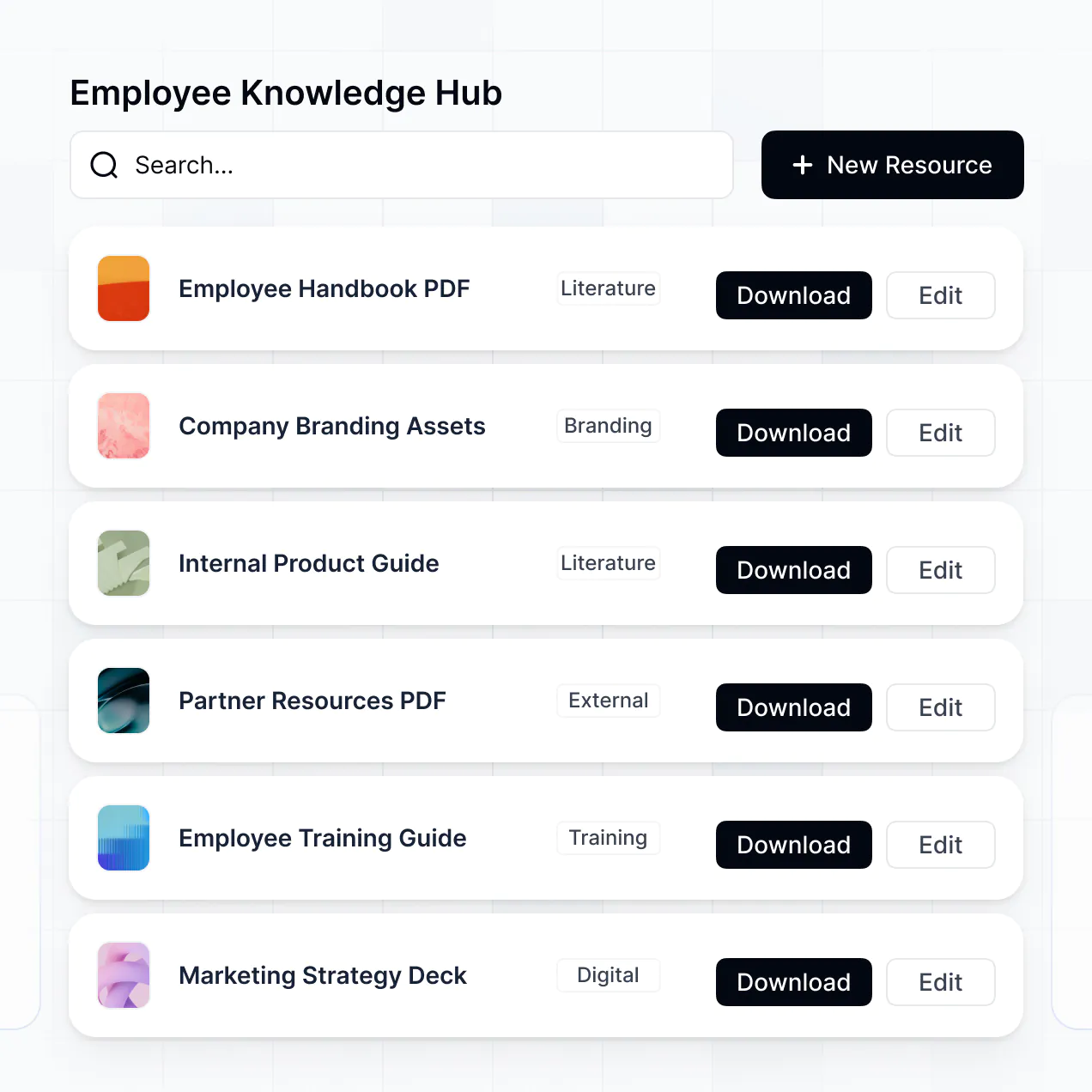
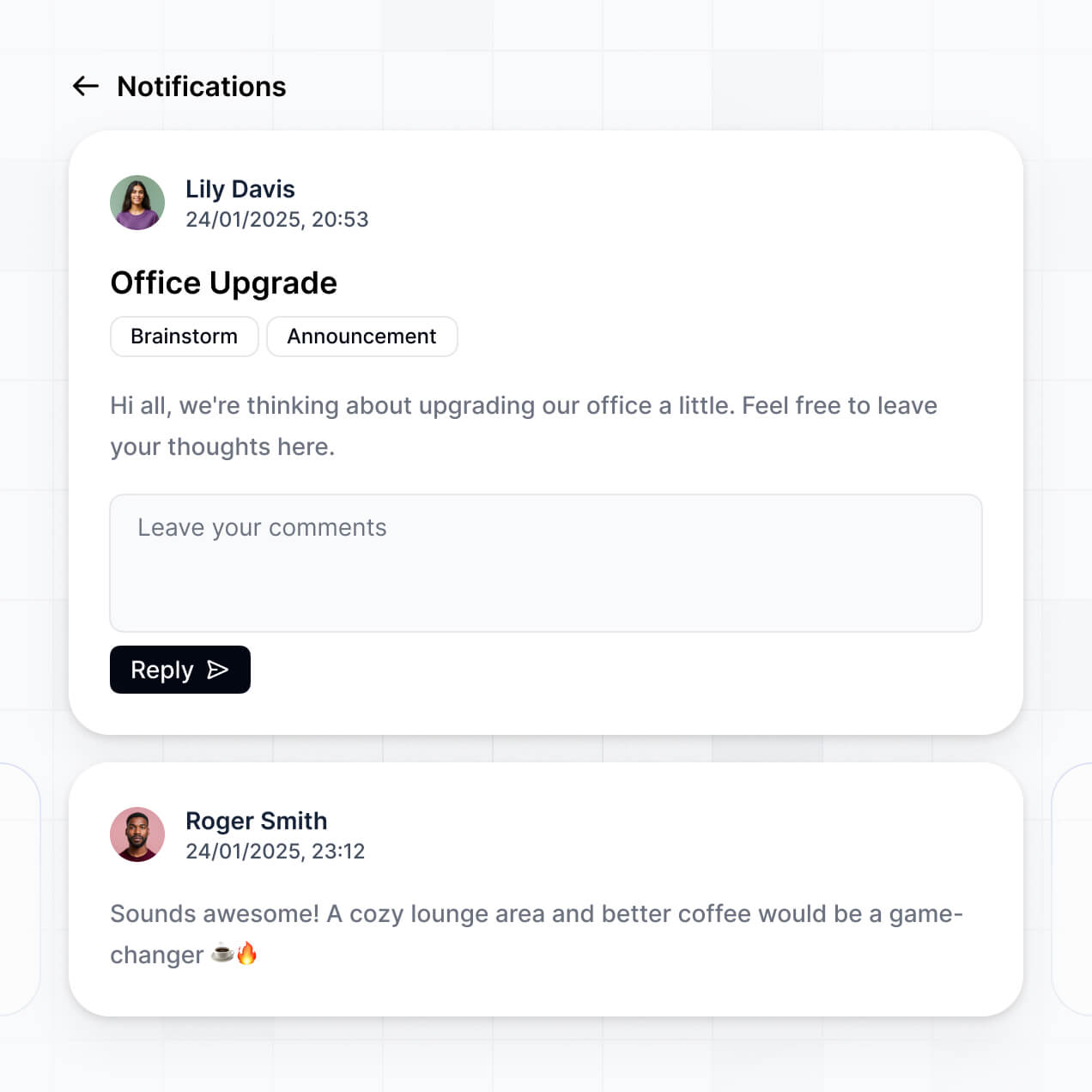
Manage legal training and track CLE credits in an AI-powered LMS law system built with AI you customize to fit your firm's workflows.
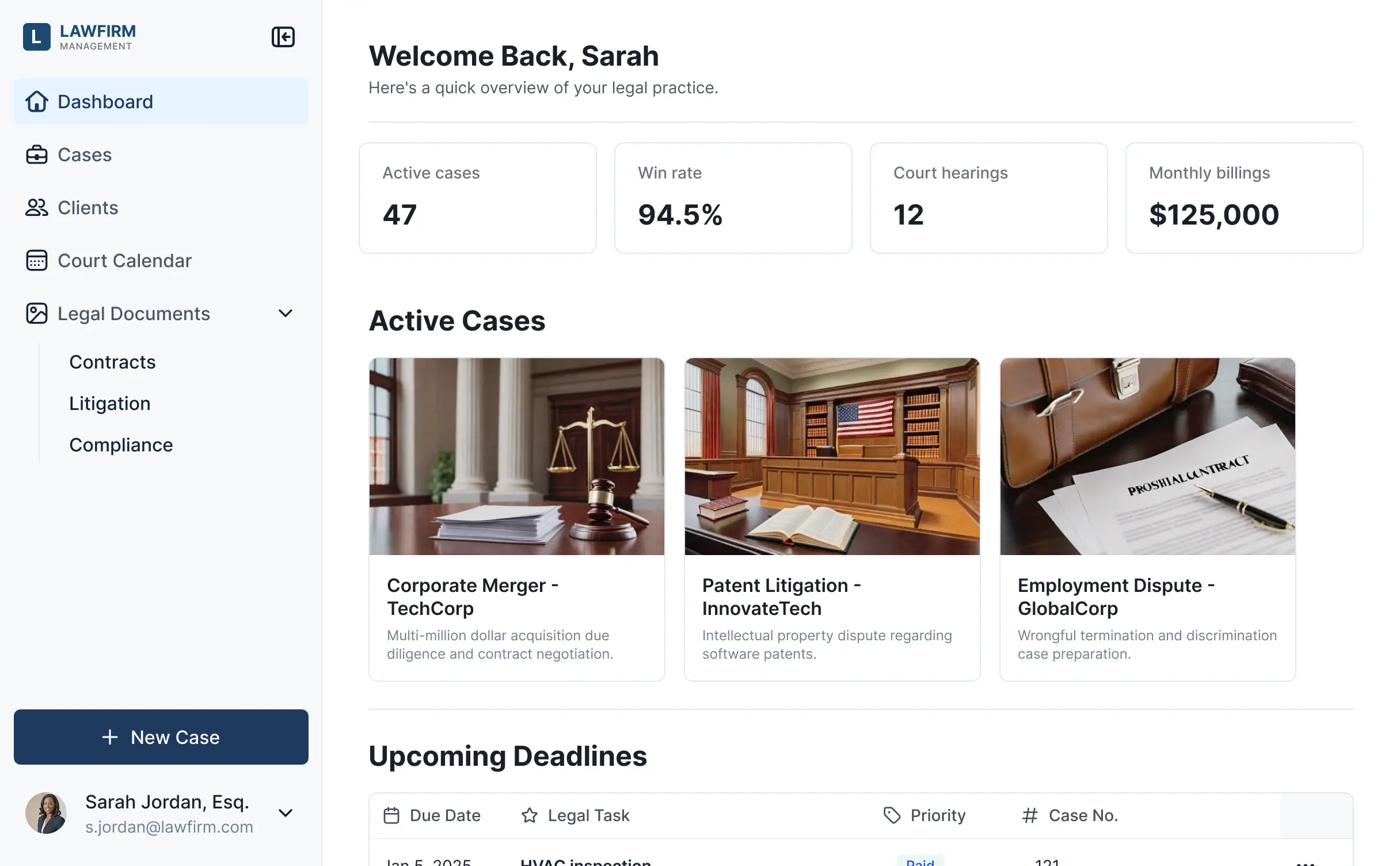
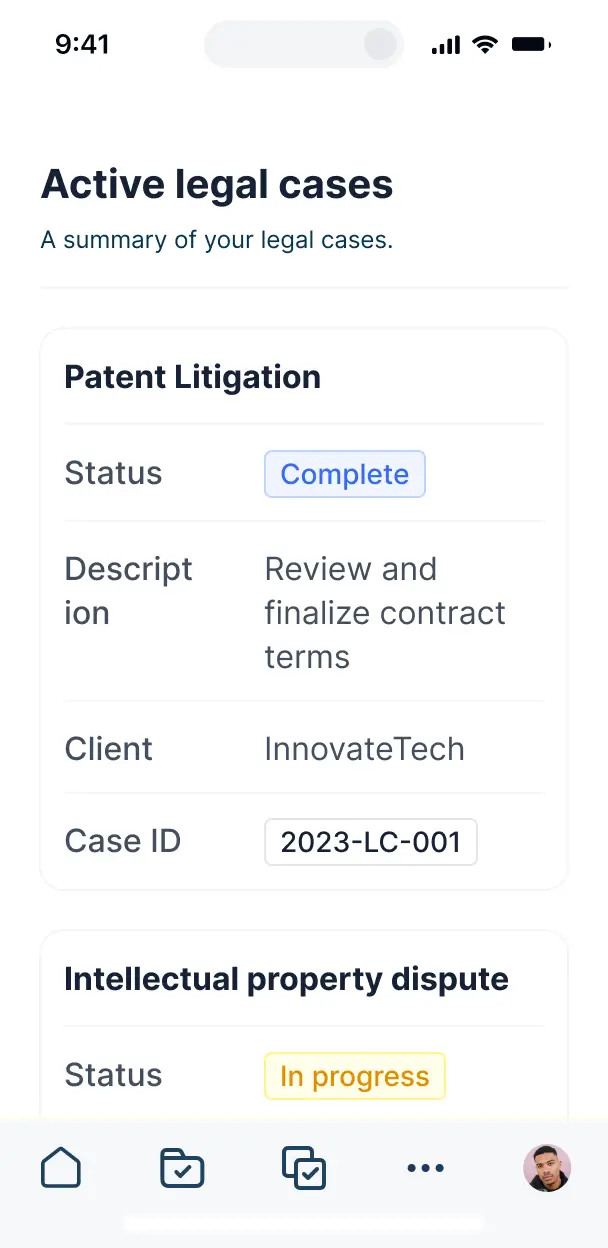



Set up custom views for attorneys and staff. Add features like certification tracking and firm-wide notifications precisely as your firm grows.


Connect attorney records, CLE trackers, and training materials from other systems—or manage everything in Softr Databases. Create a single source of truth for your firm.
Give attorneys and staff the right access in a branded portal. Set up secure logins, CLE tracking groups, and permissions in minutes.
Softr apps are mobile-ready by default. Turn your LMS law platform into a downloadable app so staff can complete training on the go.
Build native automations to handle CLE expiration alerts, enrollment notifications, and credit approvals automatically whenever records change.
Provide separate logins for partners, associates, and HR, creating personalized training dashboards for each role in your firm.
Apply rules for different user groups. Customize who sees specific course materials or sensitive firm documents at a granular level.
Protect sensitive firm and training information from security threats. Softr is fully compliant with SOC2 and GDPR regulations.
No more one-size-fits-all tools or costly custom builds. Softr is easy to use and fully customizable, so you can launch faster, adapt as you grow, and skip the complexity of traditional software.

Build your LMS law system in minutes with AI. No complex configuration needed—just describe your firm's needs.

Add features like credit approvals, case summaries, or specialized portals as your legal team's needs evolve.

Start with a training portal, then add client portals or dashboards—all in one place, with no extra tools.
Co-build with AI
Simply describe what you need. Let Softr handle everything - Interface, database, workflows.
Iterate with AI or visually
Control most critical parts of your app yourself - roles, permissions, security.
Ship the same day
Invite team members or external clients and partners right away. No developer handover.
Use drag-and-drop blocks to build a portal that looks sleek and modern out of the box. Add only the features you need, and iterate as your workflows evolve.




An LMS law is a secure digital learning environment where legal professionals, paralegals, or law students can log in to access continuing legal education (CLE) materials, case study files, certification forms, and training timelines. It centralizes all educational resources in one place, eliminating the need for fragmented email chains or bulky physical handbooks. This streamlined approach makes it easier for law firms to track compliance and provides a more professional experience for learners.
Softr is the first AI-native platform for building business software, making it uniquely suited to build an LMS law that specifically fits your firm's compliance and training requirements. You can describe your educational goals to the AI Co-Builder to instantly generate your database of courses, lesson pages, and grading logic—all while remaining secure and connected.
You don't need to write a single line of code. You can start by generating with AI, using a legal training template, or building from scratch. Everything runs on Softr Databases, or you can connect external tools like Airtable, Google Sheets, or HubSpot to keep your lawyer directories and training records in sync. You have full visual control to brand the platform as your firm's private academy and decide exactly who has access to sensitive legal modules.
You can include a wide range of features in your LMS law, depending on the complexity of your legal curriculum. A high-quality LMS law app usually combines functional blocks with specialized AI intelligence:
- AI-Powered Intelligence – Use Ask AI to let lawyers query long-form legal documents conversationally, or set up Database AI Agents to summarize new case law updates automatically.
- Vibe Coding Blocks – Build custom UI elements—like a billable hour tracker for training time or a legal citation generator—using the AI Code block to "vibe code" specific legal tools.
- Softr Workflows – Build native automations (like an automatic CLE certificate generator) that trigger email notifications or sync data when a lawyer completes a final exam.
- User Portals & Logins – Securely manage access so junior associates see different training modules than senior partners.
- Forms & Data Collection – Capture feedback with course evaluations, bar exam prep quizzes, and file uploads for legal writing assignments.
- Dashboards & Charts – Visualize firm-wide compliance and bar association requirements with real-time charts and progress summaries.
- Lists & Advanced Filtering – Display and manage your curriculum with searchable course catalogs, practice area categories, and detailed lesson views.
Everything is built using Softr's drag-and-drop blocks, and if your firm's training needs evolve, updating the portal takes seconds.
Vibe coding is about moving fast and using AI to build exactly what your legal team needs. You can "vibe code" an LMS law in Softr by simply describing your curriculum structure and certification requirements to the AI Co-Builder. Softr then generates a production-ready training app on top of a stable, secure foundation.
Unlike other tools that generate raw code that breaks easily, Softr handles the heavy lifting—like legal-grade authentication, database logic, and course access security—natively. This means you get the speed of vibe coding without the technical debt of managing code. You describe the legal training workflow, Softr builds it, and it’s ready for your associates or partners instantly.
Yes. You can manage multiple legal departments or practice groups in a single LMS law. Each user only sees the modules and sensitive case data assigned to them based on their practice area (e.g., Litigation vs. Corporate) and their role. This is perfect for mid-sized to large law firms that need distinct training environments for different legal specialties.
Yes, you can. You don't need to have a pre-existing database of legal documents to start building your LMS law with Softr. If you are starting fresh, you can use Softr Databases, which is built into the platform and integrated perfectly with your lessons and user records.
However, if you already have training materials or lawyer lists in tools like Airtable, Google Sheets, HubSpot, Notion, or monday.com, you can connect those easily. You can even use the REST API to pull in data from specialized legal tech software, giving you full control over how your training records are structured.
Softr Databases is the recommended native data source for your LMS law. It is built for business apps, offering high performance and instant triggers for educational workflows, providing a fast experience because the curriculum data lives natively on the platform.
If your law firm stores data elsewhere, Softr connects to 17+ external sources. You can integrate Airtable, Google Sheets, HubSpot, SmartSuite, BigQuery, and more. You can even combine sources—pulling employee lists from Softr Databases and external legal research records from a different CRM. Most sources support real-time, two-way sync, ensuring CLE credits and course completions are always up to date.
Yes, Softr gives you total control over how lawyers interact with your LMS law. You can customize the dashboard, navigation, and module order to match your firm’s training workflow. Each block of content can be restricted based on permissions, so a first-year associate only sees foundational courses while partners see executive leadership training.
You can set up different user roles—such as associate, partner, or compliance officer—and define exactly what each can edit. For example, associates can only view lessons and take quizzes, while compliance officers can manage the entire firm's progress. This ensures your legal training environment remains clean, secure, and highly relevant to every staff member.
Yes, you can fully white-label your LMS law in Softr. You can use your law firm's official logo, brand colors, typography, and a custom domain (e.g., academy.yourfirm.com) to make the experience feel like an internal firm tool. You can also remove all Softr branding, ensuring your legal professionals see only your firm's identity throughout their training journey.
Yes, you can. Softr provides flexibility to design the exact layout your LMS law requires. You can adjust the visual theme to match your firm's professionalism and decide which training blocks appear based on the user's focus area.
To organize your legal curriculum, you can use specialized blocks:
- Table blocks – for listing available CLE courses or tracking attendance hours.
- List or Card blocks – to show course previews with instructor photos and descriptions.
- Detail View – to show individual lesson content, video lectures, and legal transcripts.
- Forms – for bar exam practice tests and internal feedback.
- Charts – to visualize firm-wide completion rates for mandatory compliance.
- Calendar blocks – to display live legal webinars or exam deadlines.
If you need to pivot your training strategy, it’s easy to update the design instantly via the visual editor.
Softr is built with enterprise-grade security for sensitive industries. All your LMS law data is encrypted in transit (TLS) and at rest. You have granular control over visibility rules, ensuring that sensitive firm knowledge or client-related case studies are only seen by authorized personnel.
For an LMS law using Softr Databases, your data is stored in a secure environment hosted in Germany with SOC 2 Type II compliance. For firms using external sources like Airtable or SQL, Softr displays your training data in real time without storing it on our servers. You remain the owner and gatekeeper of all legal educational data and user access settings.
It is fully production-ready. While some AI tools produce fragile, raw code that poses a security risk for a law firm, Softr builds your LMS law on a stable, business-grade foundation.
We handle the critical infrastructure—like secure lawyer logins, role-based access for different partners, and scalable hosting—natively. This eliminates the technical risk of "vibe coded" apps; you get an instant, professional training platform that is secure and ready for your entire firm to use on day one.
Softr is the first AI-native platform specifically for building business software. Unlike simple "vibe coding" tools that create hard-to-maintain code, or traditional no-code tools that are too complex for non-technical legal staff, Softr's AI Co-Builder generates specialized apps for the legal industry on a secure foundation.
What sets it apart is the hybrid power: you can use AI to generate your entire LMS law curriculum and logic in minutes, then use visual tools to tweak the design to law firm standards. It provides the speed of AI with the data reliability required for legal compliance and professional education.
Yes. Softr supports powerful native workflows and integrations to connect your LMS law with your existing legal tech stack. You can automate tasks using Softr Workflows—such as sending a Slack notification when a lawyer passes a compliance test—or integrate with Stripe for paid external legal courses and Intercom for student support.
Whether you need to sync course completions with your HR system, trigger bar association reporting via webhooks, or pull in data from other legal software through the REST API, you can build it all into your LMS law without writing code.
Describe your training needs. Softr's AI builds your custom legal learning system in minutes.