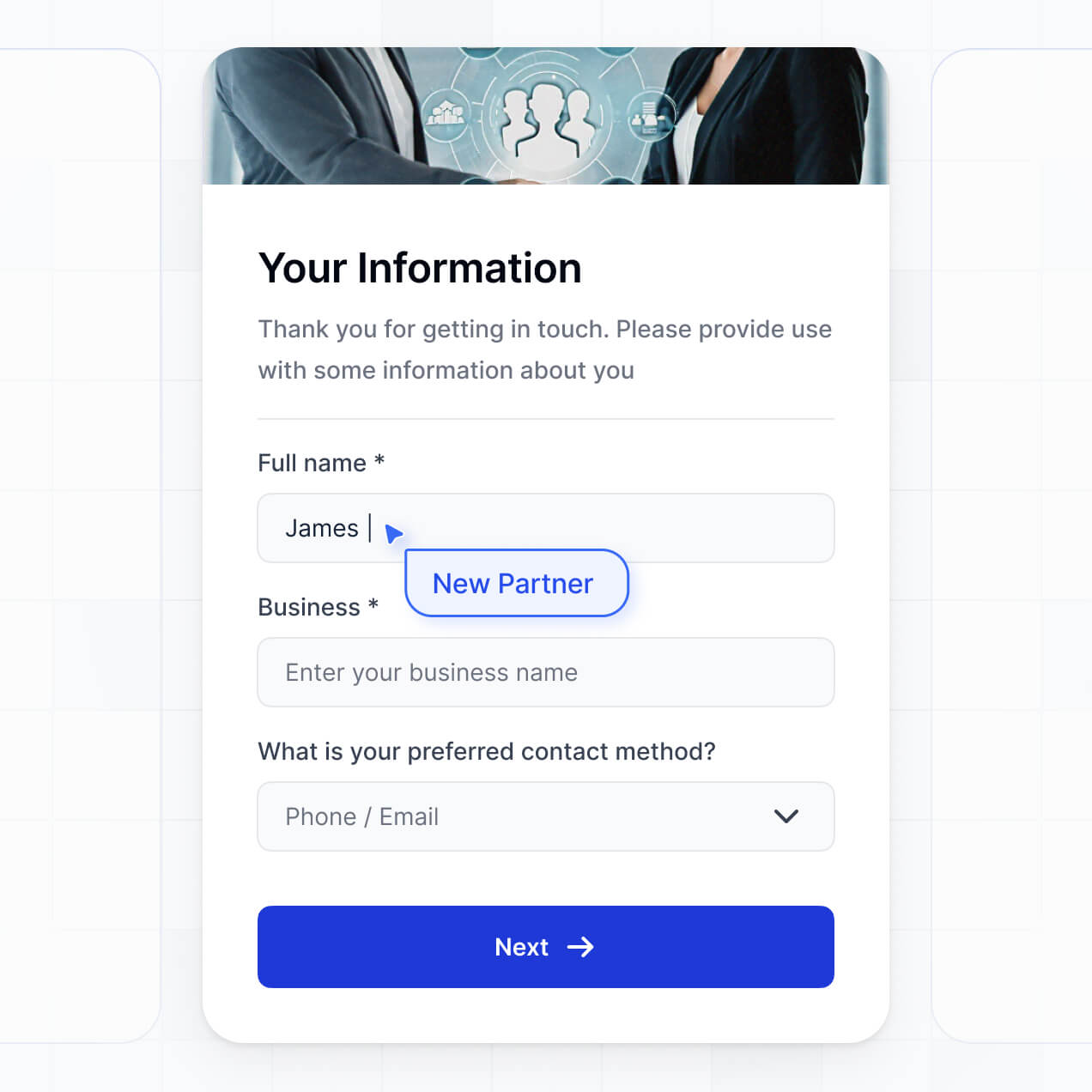
Manage vendor profiles and contact details in an AI-powered directory built with AI to fit your procurement team's specific workflow.
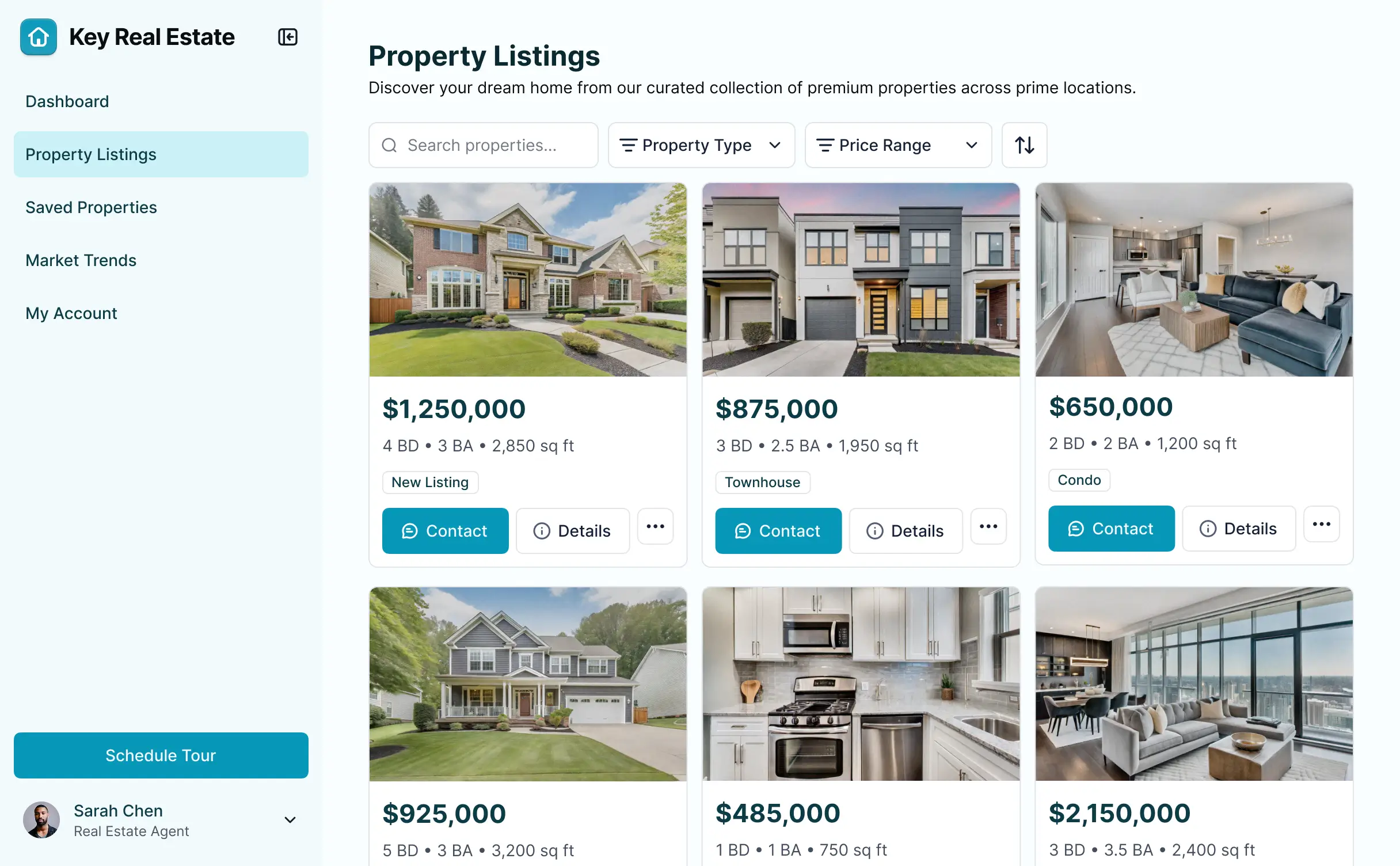
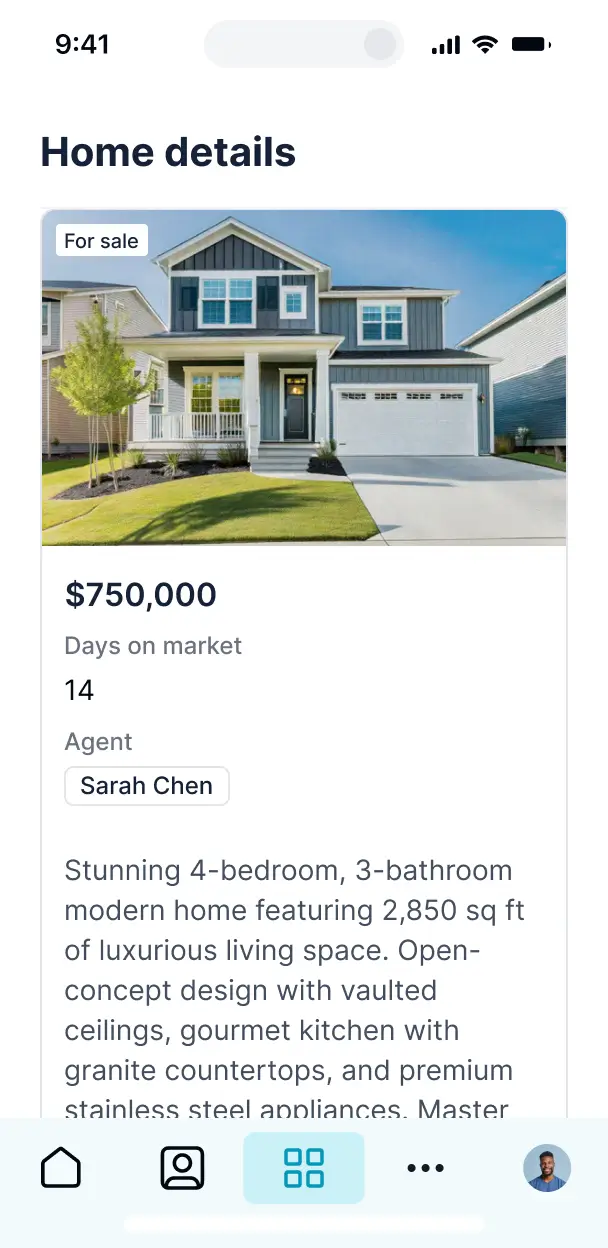



Customize your supplier contact directory with only the contact views and data fields you need. Add new features as your vendor list grows.


Connect spreadsheets, CRMs, and vendor management systems with real-time sync—or manage everything in Softr Databases. Create a single source of truth for your business.
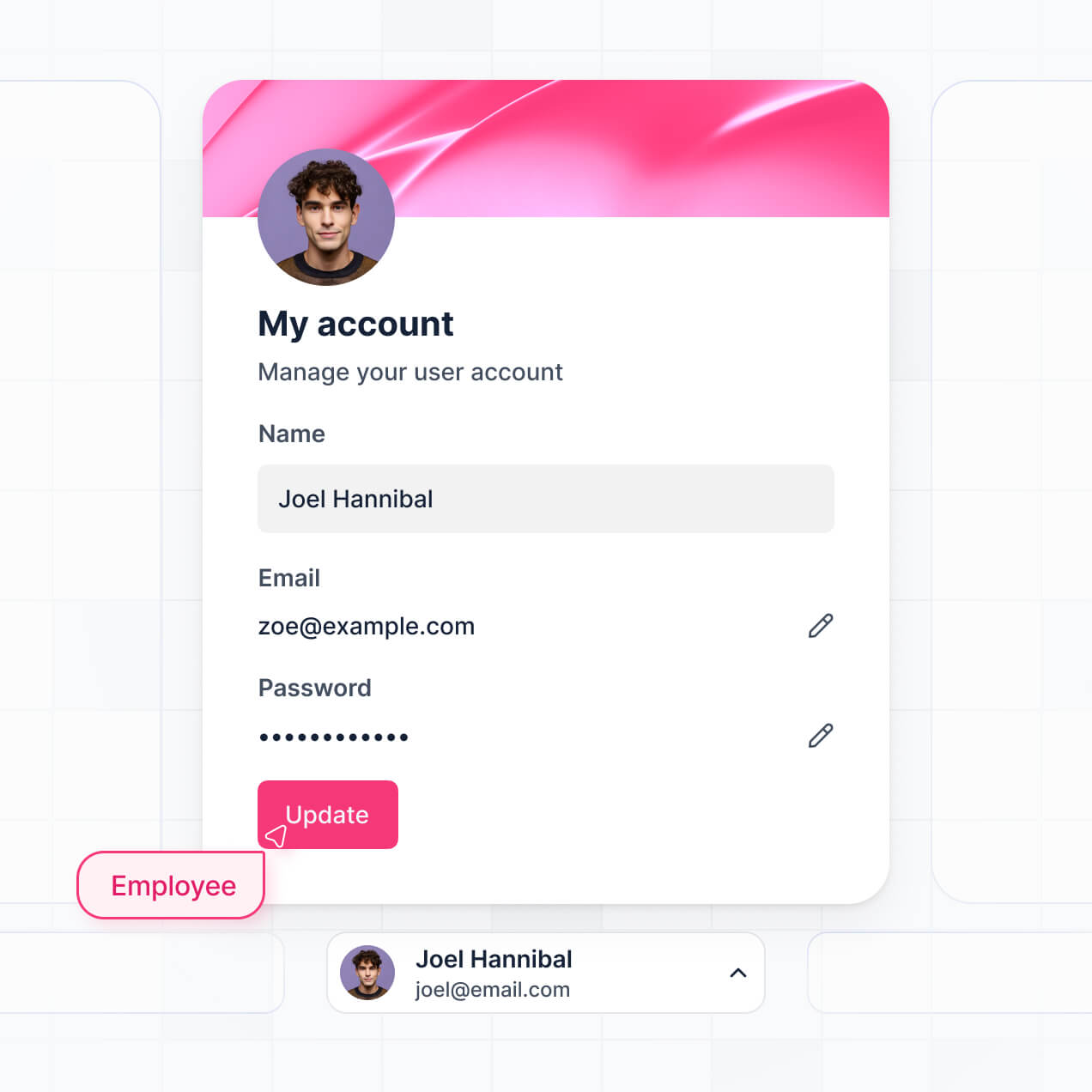
Give each user the right views and access in a fully branded portal. Set up secure logins, user groups, and permissions in minutes.
Softr apps are mobile-ready by default. Access your supplier contact directory in the field via a downloadable PWA—no extra design work needed.
Build native automations to handle vendor status updates, renewal reminders, and data sync automatically whenever directory records are changed.
Provide separate logins for internal procurement teams and external suppliers, creating personalized dashboards for every user type.
Apply rules for different groups. Customize who can edit contact info and who can only view vendor details at a granular level.
Protect sensitive supplier contract and contact information. Softr is fully compliant with SOC2 and GDPR regulations.
No more one-size-fits-all tools or costly custom builds. Softr is easy to use and fully customizable, so you can launch faster, adapt as you grow, and skip the complexity of traditional software.

Build your supplier contact directory in minutes with AI—no manual configuration or complex setup required.

Add vendor onboarding forms, renewal tracking, or search filters as your procurement needs grow—no code needed.

Start with a directory, then add contract portals and dashboards—all in one place with no extra tools to buy.
Co-build with AI
Simply describe what you need. Let Softr handle everything - Interface, database, workflows.
Iterate with AI or visually
Control most critical parts of your app yourself - roles, permissions, security.
Ship the same day
Invite team members or external clients and partners right away. No developer handover.
Use drag-and-drop blocks to build a portal that looks sleek and modern out of the box. Add only the features you need, and iterate as your workflows evolve.




A supplier contact directory is a secure digital hub where your procurement team can access essential vendor information like primary contacts, contracts, shipping terms, and payment details. It centralizes all vendor communication and data in one place, eliminating the need to search through fragmented emails or outdated spreadsheets. This makes it easier for your purchasing managers to stay organized and maintain stronger relationships with your global supply chain.
Softr is the first AI-native platform for building business software, making it the fastest way to build a supplier contact directory that fits your specific procurement workflow. You can describe your directory needs to the AI Co-Builder to instantly generate your vendor database, contact info pages, and search logic—all pre-connected and secure.
You don't need to code anything. You can start by generating with AI, using a directory template, or building from scratch. Everything runs on Softr Databases, the native, relational database built into the platform, or you can connect your existing vendor data from Airtable, Google Sheets, HubSpot, or SQL. You have full control to customize the list layouts visually, decide which team members see specific pricing tiers, and brand it to match your corporate identity. It's quick to launch, simple to update as vendors change, and flexible enough to scale from ten to ten thousand suppliers.
You can include a wide range of features in your supplier contact directory to streamline your supply chain management. A great directory usually mixes searchable vendor lists with AI-powered intelligence:
- AI-Powered Intelligence – Use Ask AI to let your team query vendor lists conversationally (e.g., 'Find all suppliers with net-60 terms'), or set up Database AI Agents to research vendor sustainability ratings or LinkedIn profiles automatically.
- Vibe Coding Blocks – Build custom UI elements—like a dynamic shipping cost calculator or a real-time lead-time widget—using the AI Code block to 'vibe code' the exact logic you need.
- Softr Workflows – Build native automations that trigger notification emails to the team when a vendor's insurance certificate is about to expire or sync data when a contact's phone number is updated.
- Permission-Based Access – Securely manage your directory so procurement leads can see sensitive contract terms while general staff can only see basic contact cards.
- Forms & Submission – Capture new vendor applications or update existing contact info with custom forms and document uploads.
- Dashboards & Visuals – Visualize vendor performance metrics and spend distribution with real-time charts and summaries.
- Advanced Filtering – Manage thousands of records with searchable categories, location-based maps, and Kanban views for vendor onboarding stages.
Everything is built using Softr's drag-and-drop blocks, and if your procurement needs change, it's easy to update the logic or design instantly.
Vibe coding is all about moving fast and using AI to build the exact directory your team needs. You can 'vibe code' a supplier contact directory in Softr by simply describing your requirements—like 'create a directory for manufacturing vendors with priority tags and location mapping'—to the AI Co-Builder. Softr then generates a production-ready application on top of a stable, secure foundation.
Unlike other tools that just output raw code you have to host yourself, Softr handles the 'boring 80%'—like secure logins for your buyers, database relationships, and SOC2-compliant security—natively. This means you get the agility of vibe coding without the technical debt of managing a custom-coded directory. You describe it, Softr builds it, and your procurement team can start calling vendors immediately.
Yes. You can manage multiple procurement teams or regional departments in a single directory app. Using role-based permissions, you can ensure that your European team only sees suppliers in their region, while your US team accesses their specific local vendors. This keeps the interface clean and ensures sensitive pricing or contract data is only visible to the relevant stakeholders.
Yes, you can. You don't need an existing database to start building your supplier contact directory. If you're starting from scratch, you can use the built-in Softr Databases to store all your vendor names, contact details, and documents in an environment that is optimized for your app performance.
However, if you already have supplier lists in Airtable, Excel sheets, or a CRM like HubSpot, you can connect those in seconds. You can also use the REST API to pull in vendor data from your ERP. Either way, you have complete control over how your supplier records are organized and displayed to your team.
Softr Databases is the recommended native, relational data source for your supplier directory. It is built for business apps, offering high performance for searching large lists and instant automation triggers when you add a new contact.
If your vendor data lives elsewhere, Softr also connects to 17+ external sources including Airtable, Google Sheets, HubSpot, SmartSuite, BigQuery, and SQL. You can even combine sources—for example, pulling contact info from Softr Databases and real-time inventory or order history from a SQL database into the same supplier profile page. Most sources support real-time, two-way sync, ensuring your directory always reflects the latest contact information.
Yes, Softr gives you full control over how your team interacts with the supplier contact directory. You can customize the layout, search filters, and profile views to match your procurement workflow. Each block can be restricted by user role, so you can hide confidential payment details from junior staff while showing them to finance managers.
You can set up multiple roles—such as 'Procurement Lead,' 'Buyer,' and 'Viewer'—and define exactly what each can edit. For example, Buyers might be allowed to update a supplier's phone number, but only Procurement Leads can change the contract status. You can also create personalized views where users only see the suppliers assigned to their specific category or product line.
Yes, you can fully white-label your supplier contact directory in Softr. You can use your corporate logo, brand colors, and custom fonts, and host the directory on your own subdomain (e.g., directory.yourcompany.com). This ensures the tool feels like a professional, internal resource, and all Softr branding can be removed to maintain a consistent company identity.
Yes, you can. Softr provides complete flexibility to design a directory that simplifies finding information. You can adjust the visual theme to match your brand and choose which blocks best represent your data. To display your supplier information, you can use several specialized blocks:
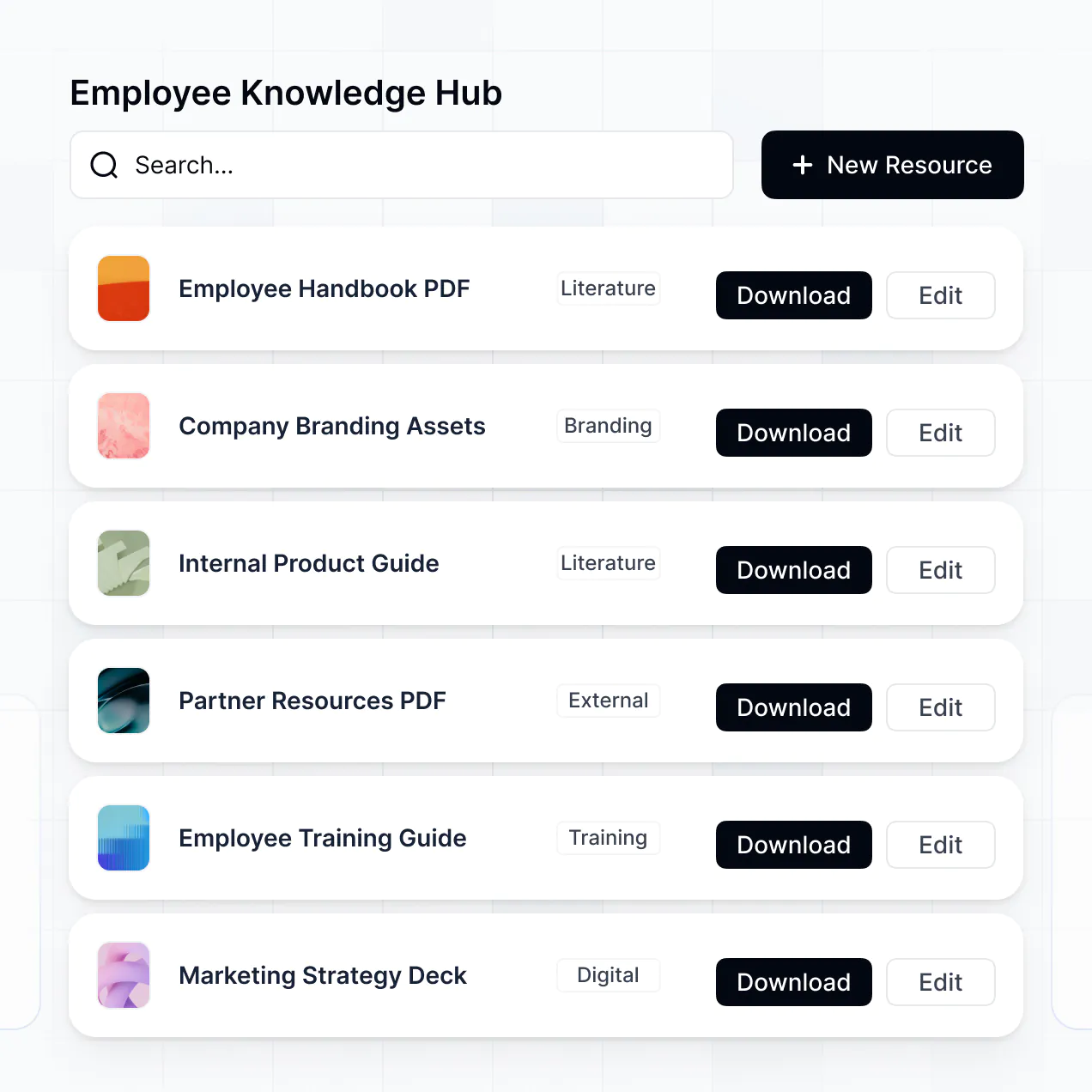
- Table blocks – for high-density lists of suppliers, item codes, and phone numbers.
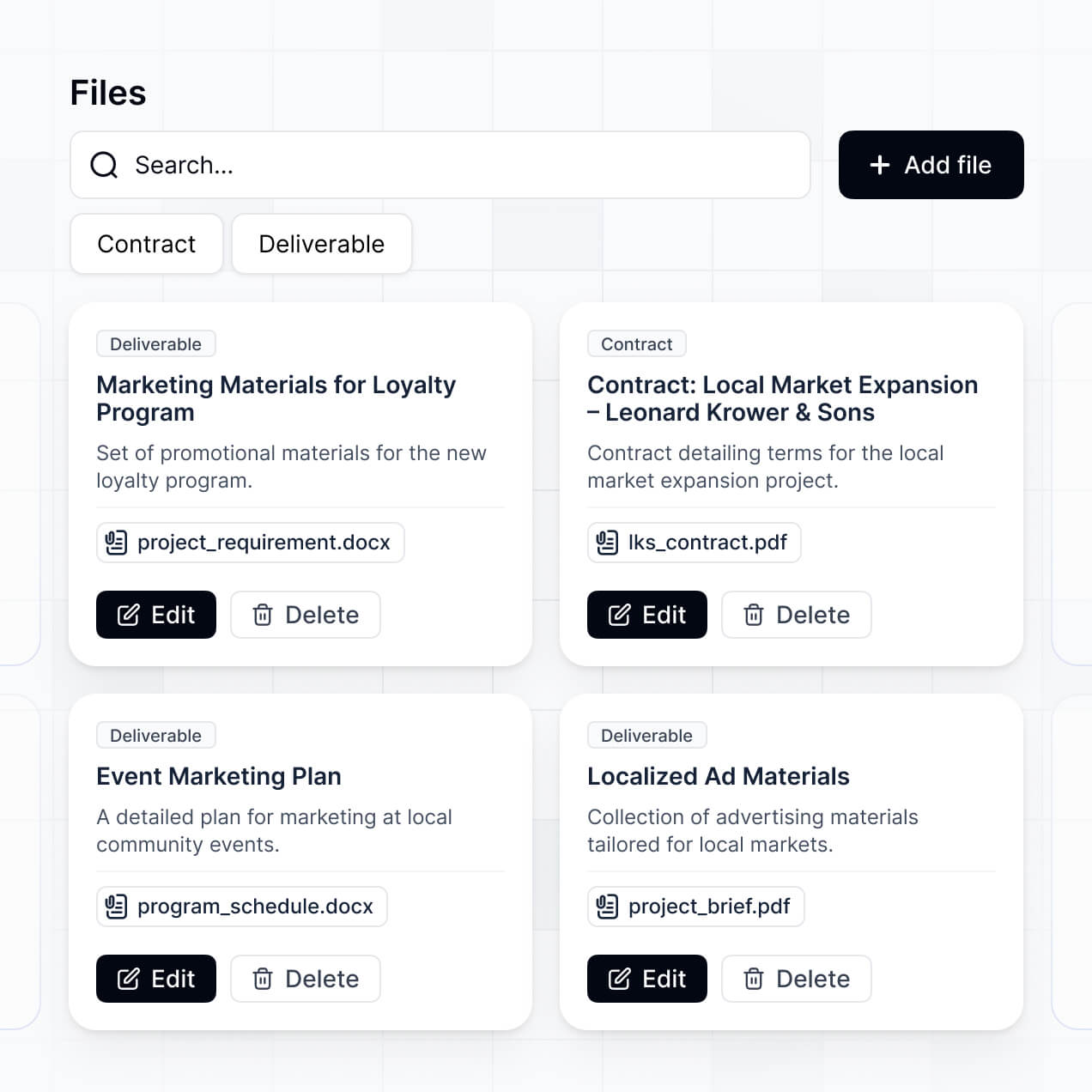
- Card blocks – to show a visual gallery of vendors with their company logos and key specialties.
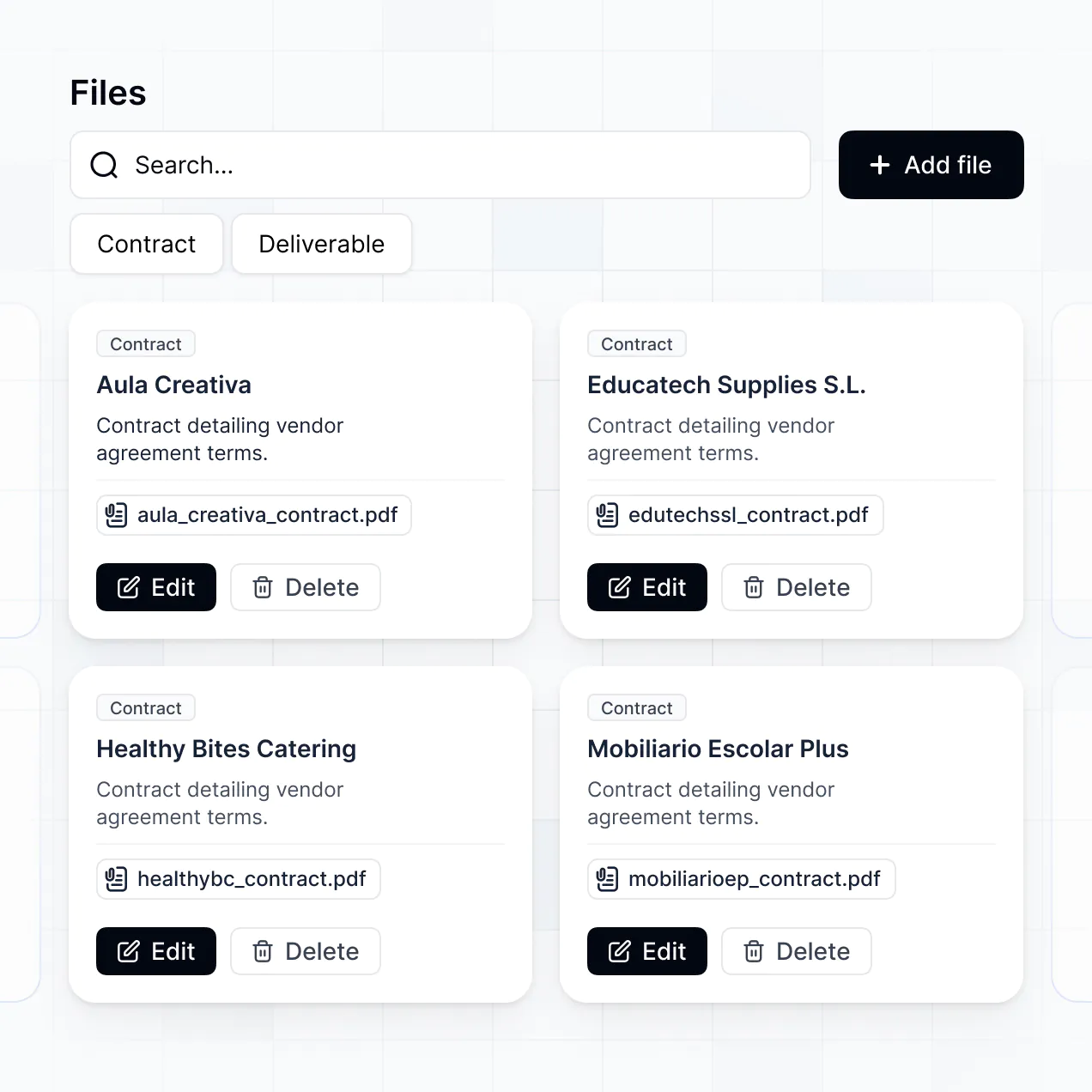
- Detail View – to create a full profile page for each supplier, including contact history and uploaded PDFs.
- Search and Filter blocks – to let users quickly find vendors by category, rating, or location.
- Map blocks – to visualize where your physical vendors or warehouses are located.
- Chart blocks – to track your vendor spend or diversity metrics over time.
If you need to change the layout as your team grows, you can easily drag and drop blocks in the visual builder without any downtime.
Softr is built with enterprise-grade security. All data is encrypted in transit and at rest, ensuring your supplier contracts and contact lists remain private. You have granular control over data access; through role-based permissions and visibility rules, you can prevent unauthorized access to sensitive financial information.
For directories using Softr Databases, your data is hosted in secure European data centers (Germany) with SOC 2 Type II compliance. If you connect external sources like Airtable or SQL, Softr serves as a secure interface that displays your data in real time based on your settings, without storing it permanently on our end. We follow industry best practices for authentication and monitoring to ensure your procurement data stays safe.
It is fully production-ready. While many AI tools merely 'vibe code' visual prototypes that lack depth, Softr builds your supplier contact directory on a stable, business-grade foundation.
We handle all the infrastructure—like secure user authentication, granular data permissions, and reliable hosting—natively. This eliminates the 'Day Two' friction typically found with AI-generated software; you get a directory that is instantly scalable, secure, and ready for your procurement team to use for real-world operations from day one.
Softr is the first AI-native platform specifically optimized for business software. Unlike 'vibe coding' tools that create raw, unmanageable code, or legacy no-code tools that require hours of manual setup, Softr's AI Co-Builder generates a functional directory, database, and logic in minutes.
The key advantage is the hybrid approach: you use AI to build the heavy-duty parts of the app instantly, then use intuitive visual tools to fine-tune the interface. You get the speed of AI combined with the reliability of built-in business features like robust user roles and secure data syncing. It's the only tool that allows an operation team to go from an idea to a live, production-ready directory in a single afternoon.
Yes. Softr supports powerful native workflows and integrations to connect your supplier directory to your larger software stack. You can automate tasks using Softr Workflows—like sending a Slack alert when a supplier updates their contact info—or connect to Stripe for managing vendor payments. Softr also supports webhooks and a REST API for advanced integrations.
Whether you need to sync contacts with your CRM, trigger onboarding emails via Mailchimp, or pull data from an inventory management system, you can build these automated connections directly into your directory without writing any code.
Go from idea to a live directory in under an hour. Build and customize your system without code.