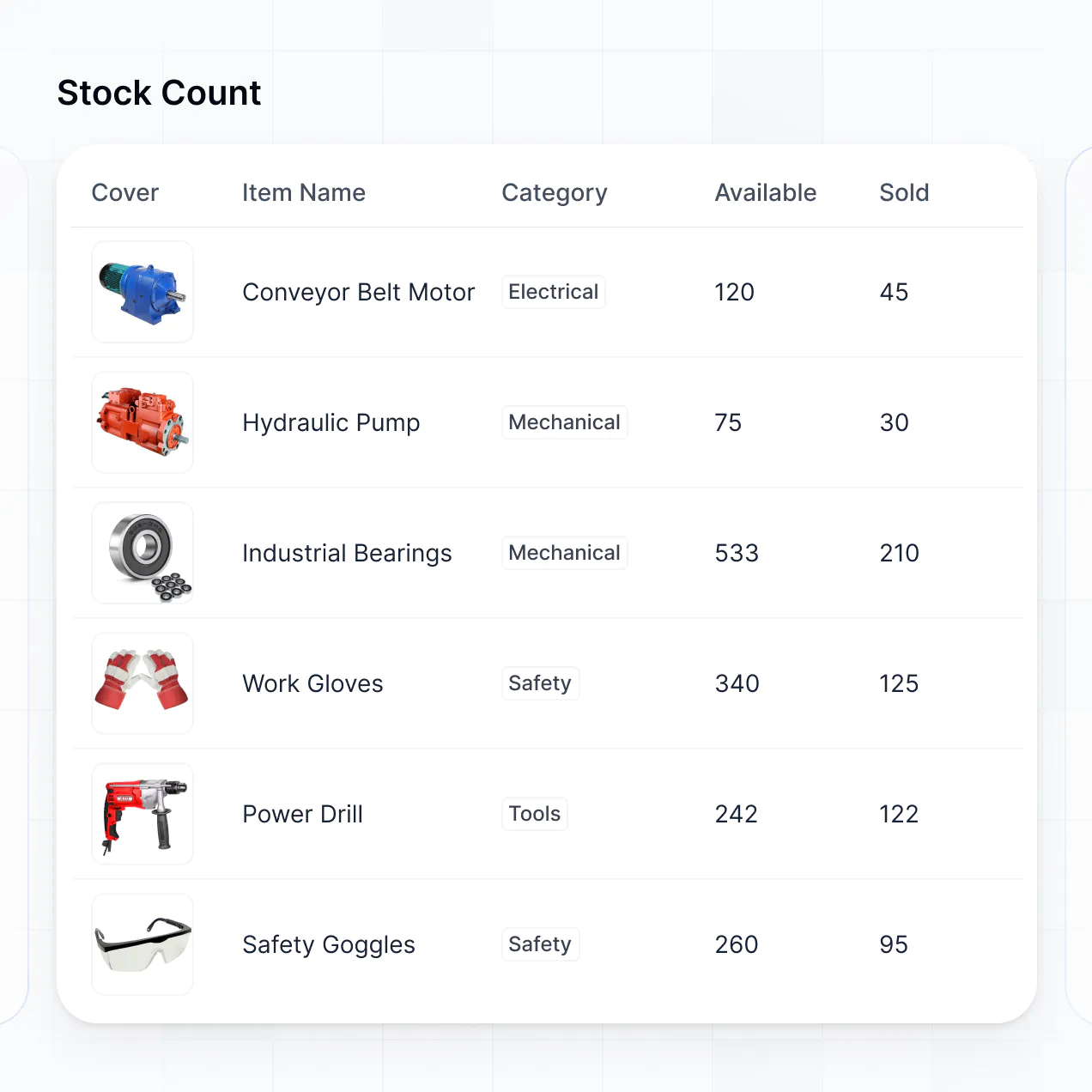
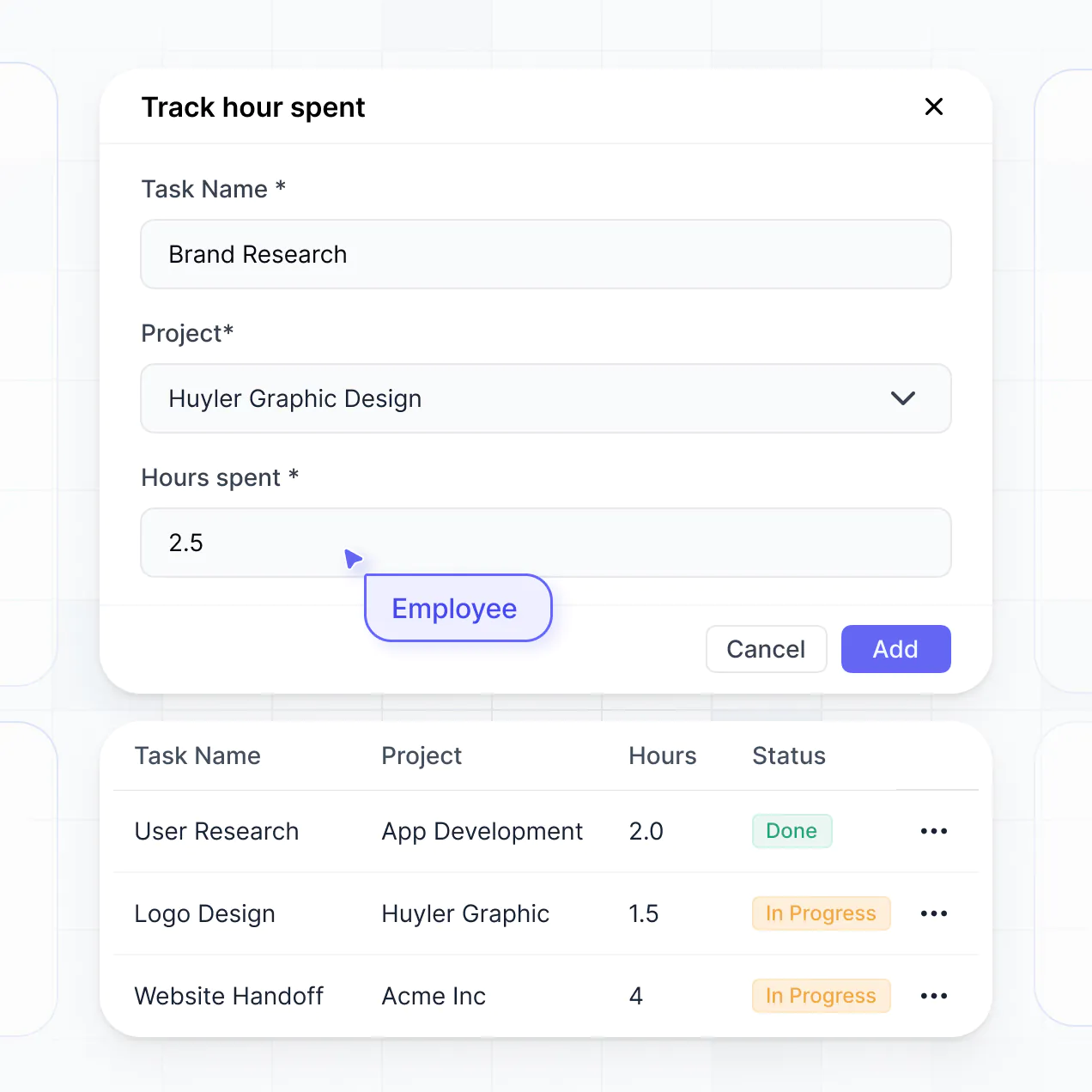
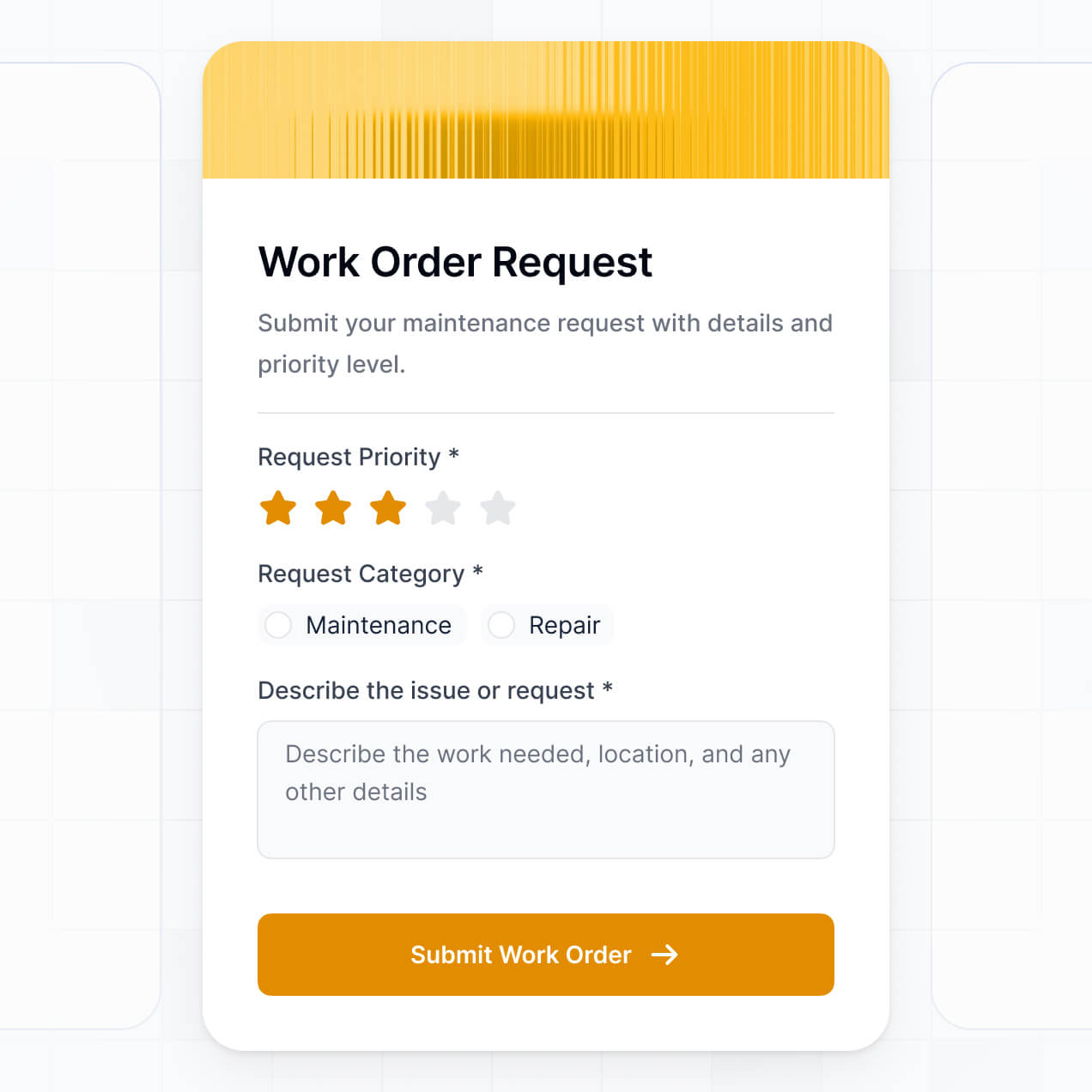
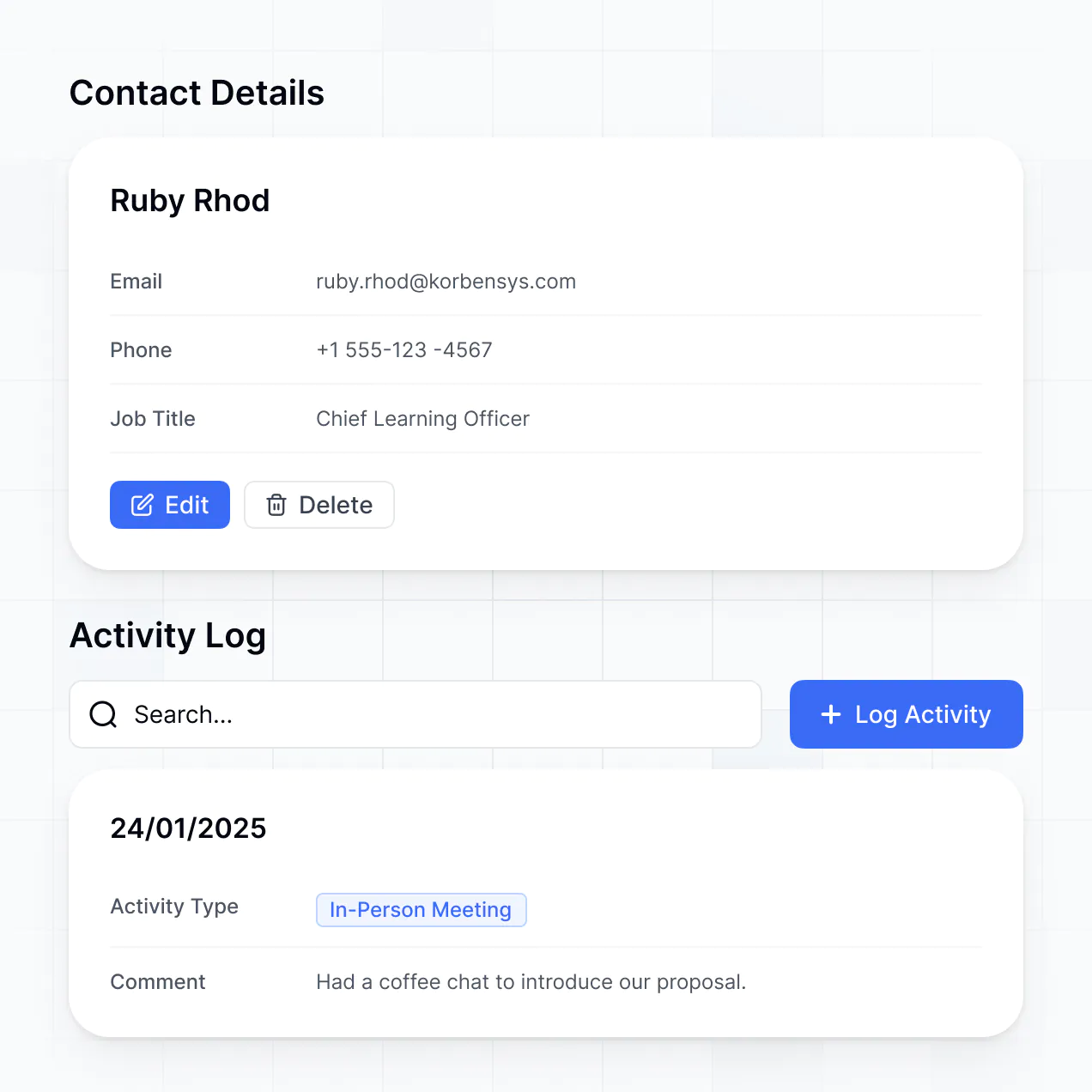
Track assets, manage availability calendars, and log rentals in an AI-powered system built with AI to fit your business workflow.
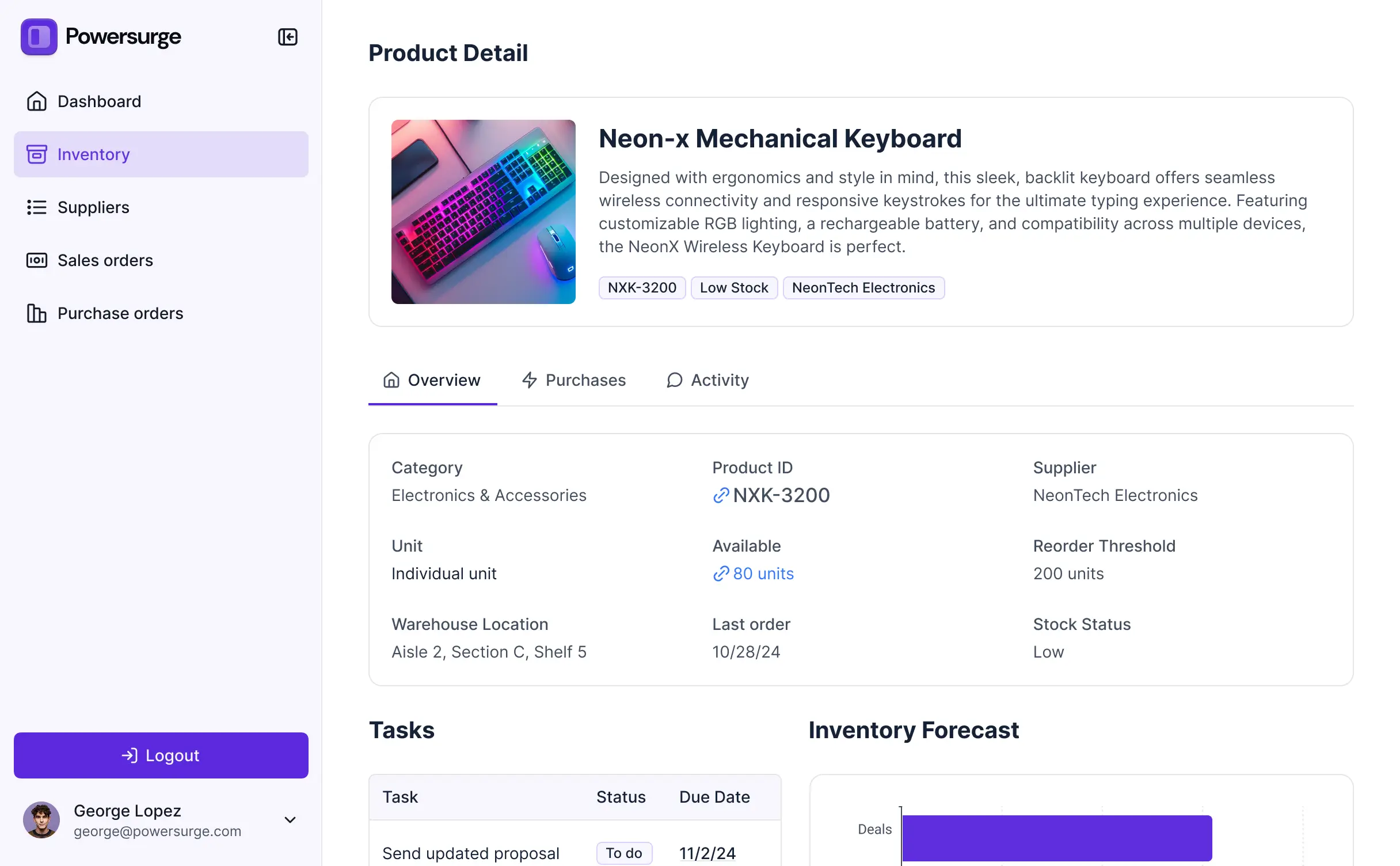



Customize your equipment rental inventory management software with the exact steps and views your team needs. Add features as workflows evolve.


Connect spreadsheets, calendars, and customer data from multiple tools—or manage everything in Softr Databases. Create one integrated system for tracking your equipment.
Give each teammate the right tools and access. Set up secure logins, user groups, and granular permissions—no IT support or dev work needed.
Give warehouse staff and rental managers tailored dashboards, so each role sees just the inventory and tasks that matter to them.
Streamline operations with Softr Workflows. Trigger native automations for status updates or maintenance alerts whenever rental data changes.
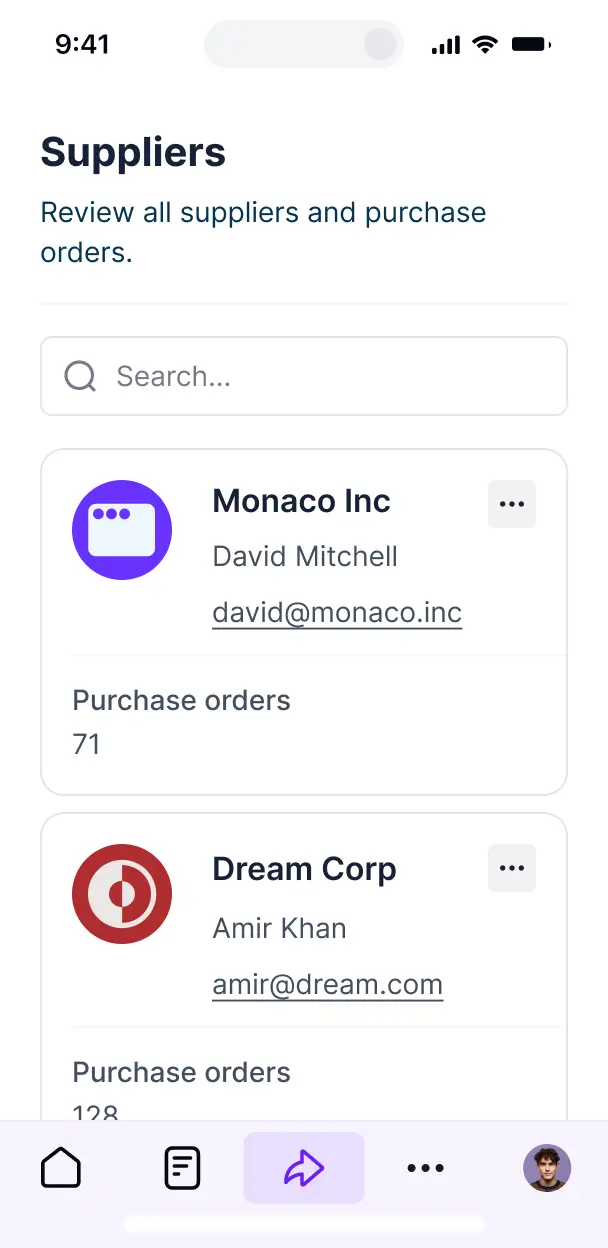
Access and update your inventory management software on the go. View rental calendars and equipment details from any mobile device out of the box.
Use Google, email, or SSO logins to give your rental team fast, secure access to the inventory system—no IT tickets needed.
Keep asset and customer data safe with SOC2 and GDPR compliance, plus fine-tuned access control at every level of your rental software.
No more one-size-fits-all tools or costly custom builds. Softr is easy to use and fully customizable, so you can launch faster, adapt as you grow, and skip the complexity of traditional software.

Build your equipment rental software in minutes with AI—no manual configuration or complex setup needed.

Add features like real-time availability calendars or rental history as your business grows—no rebuild needed.

Start with inventory tracking, then add client portals or inspection forms—all in one place with no extra tools.
Co-build with AI
Simply describe what you need. Let Softr handle everything - Interface, database, workflows.
Iterate with AI or visually
Control most critical parts of your app yourself - roles, permissions, security.
Ship the same day
Invite team members or external clients and partners right away. No developer handover.
Use drag-and-drop blocks to build a portal that looks sleek and modern out of the box. Add only the features you need, and iterate as your workflows evolve.




Equipment rental inventory management software is a secure digital environment where you can track your rental fleet, manage stock levels, and oversee customer bookings. It centralizes all your asset data, such as maintenance logs, serial numbers, and equipment availability, in one place. This eliminates the need for manual spreadsheets or endless phone calls, making it easier for your warehouse team to stay organized and providing a more professional experience for your rental customers.
Softr is the first AI-native platform for building business software, enabling the creation of custom equipment rental inventory management software that fits your specific rental business model. You can describe your fleet requirements to the AI Co-Builder to instantly generate your database, tracking pages, and rental logic—all pre-connected and secure.
There is no coding required. You can start with an AI-generated app, a dedicated inventory template, or build from scratch. Your app runs on Softr Databases, a native relational engine, or you can link external tools like Airtable, Google Sheets, or your existing HubSpot CRM. You maintain full control to visually adjust the layout, set equipment visibility based on staff roles, and brand the app with your company’s logo. It is fast to launch, easy to update as your fleet grows, and flexible enough to handle complex rental cycles.
You can design a robust feature set tailored to your rental workflows, combining functional blocks with AI automation:
- AI-Powered Intelligence – Use Ask AI to let staff query stock availability via chat, or set up Database AI Agents to automatically estimate equipment depreciation or suggest maintenance schedules based on hours used.
- Vibe Coding Blocks – Build custom UI elements—like a graphical maintenance calendar or an interactive equipment selector—using the AI Code block to "vibe code" the exact interface you need.
- Softr Workflows – Create native automations, such as automated email reminders for overdue returns or instant notifications to technicians when a machine is marked as 'damaged'.
- User Portals & Logins – Securely manage access so rental agents see prices, while warehouse staff only see pick-up lists and condition reports.
- Forms & Data Collection – Capture equipment inspection photos, digital signatures for waivers, and intake forms with file uploads.
- Dashboards & Charts – Visualize your utilization rates, rental revenue, and fleet health with real-time performance summaries.
- Lists & Advanced Filtering – Manage your inventory through searchable tables, kanban boards for rental stages, and detailed views for individual assets.
Vibe coding focuses on speed and using AI to build high-performance rental tools. You can "vibe code" your equipment rental inventory management software in Softr by describing your fleet structure and booking process to the AI Co-Builder. Softr then produces a production-ready rental app built on a professional-grade foundation.
Unlike tools that generate unstable, standalone code, Softr handles the foundational logic—like secure logins for your rental staff, database relationships between assets and customers, and asset security—natively. This provides the agility of vibe coding without the technical debt of managing raw code. Just describe your rental business, and Softr builds a scalable solution ready for your warehouse team immediately.
Yes. You can manage multiple rental branches, warehouses, or specific delivery teams within a single software platform. Each staff member only sees the inventory and booking schedules for their specific location based on their login and role. This is ideal for rental businesses scaling across cities or organizations managing distributed equipment assets across multiple job sites.
Yes, you can. You do not need an existing database to start building with Softr. If you are starting fresh, you can use Softr Databases, which is integrated directly into the platform to store your equipment serial numbers, photos, and rental history.
However, if you already store your fleet information in Airtable, Google Sheets, HubSpot, or SQL databases, you can connect those instantly. You can even use the REST API to pull in data from specialized fleet telemetry tools. Regardless of the source, you have total control over how your equipment inventory is organized and presented.
Softr Databases is the recommended native data source for your inventory software. It is built for business apps, offering high-speed performance and instant automation triggers for inventory updates because the data is native to the app engine.
If your fleet data is elsewhere, Softr connects to over 17 external sources including Airtable, Google Sheets, SmartSuite, and BigQuery. You can even mix data sources—pulling equipment specs from Softr Databases while syncing customer rental history from HubSpot. Most sources offer real-time, two-way sync, ensuring a technician's status update in the app reflects in your database immediately.
Yes, Softr provides complete control over the rental management experience. You can modify the navigation and dashboard layouts to match your warehouse workflow. Every page or block can be restricted; for instance, you can show 'Purchase Price' to managers only, while seasonal staff only see 'Equipment Status' and 'Location'.
You can define specific roles—such as Warehouse Manager, Delivery Driver, or Sales Agent—and set precise viewing and editing rights. Drivers might only see their daily delivery route, while managers oversee the entire fleet's revenue. This ensures your operational data stays clean and secure while providing a simplified interface for everyone on the team.
Yes, your equipment rental inventory management software can be fully white-labeled. You can apply your own branding, including logos, specific brand colors, custom fonts, and a custom domain (e.g., inventory.yourcompany.com). You can also remove all Softr branding to ensure your staff and clients experience a platform that feels like a proprietary, in-house tool developed specifically for your rental business.
Yes, Softr offers extensive design flexibility. You can adjust the visual theme, spacing, and page architecture to match your branding. You decide exactly how inventory is displayed, which blocks appear for which teams, and how the user flows from viewing an item to confirming a booking.
To manage your assets effectively, you can use specialized blocks:
- Table blocks – for dense lists of spare parts or rental history logs.
- List or Card blocks – to show equipment galleries with photos and key specs.
- Detail View – to provide a comprehensive look at a single asset, such as maintenance records.
- Forms – for check-out/check-in inspections.
- Charts – to track monthly rental utilization.
- Calendar blocks – to visualize equipment booking schedules and return dates.
Updates are simple—just adjust the visual builder and your changes are live instantly.
Softr is built with enterprise-grade security. All rental data is encrypted in transit and at rest, hosted on secure infrastructure. You have granular control over data access, using role-based permissions to protect sensitive information like customer IDs or financial contracts. You can set visibility rules so that data is only accessible to authorized personnel.
When using Softr Databases, your inventory records are stored in a secure environment in Germany with SOC 2 Type II compliance. For external connections like SQL or Airtable, Softr acts as a secure interface without permanently storing your data on our servers. We follow industry best practices for authentication and monitoring to ensure your fleet operations remain safe.
The software generated by Softr is fully production-ready. While other AI tools might produce 'vibe code' that is fragile or hard to scale, Softr builds your inventory management system on a stable, professional architecture.
We provide native handling of the complex 'back-end' tasks—like user authentication, secure data relationships, and permissions logic—automatically. This eliminates the technical debt usually associated with AI-generated software. Your app is secure, scalable, and ready to manage your real-world equipment fleet from day one.
Softr is the first AI-native platform specifically optimized for business logic. Unlike traditional no-code tools that require hours of manual setup, or 'vibe coding' tools that lack a stable foundation, Softr’s AI Co-Builder creates functional inventory apps in minutes on a secure, business-grade platform.
The core difference is our hybrid approach: use AI to generate your equipment database and workflows instantly, then use visual drag-and-drop tools for fine-tuning. You gain the speed of AI with the dependability of established business features like secure roles and relational data, allowing non-technical operations managers to build professional-grade software without a developer.
Yes. Softr supports native workflows and deep integrations to connect your inventory management software with your existing tech stack. You can automate tasks like sending a PDF invoice via Stripe once equipment is marked as 'Returned', or updating a Slack channel when a critical piece of machinery needs repair. Softr also supports webhooks and a REST API for advanced logistics needs.
Whether you need to sync your fleet data with a GPS tracking service or automate booking confirmations, you can build these connections directly into your software without writing any code.
Describe what you need. Softr's AI builds your custom inventory management system in minutes.