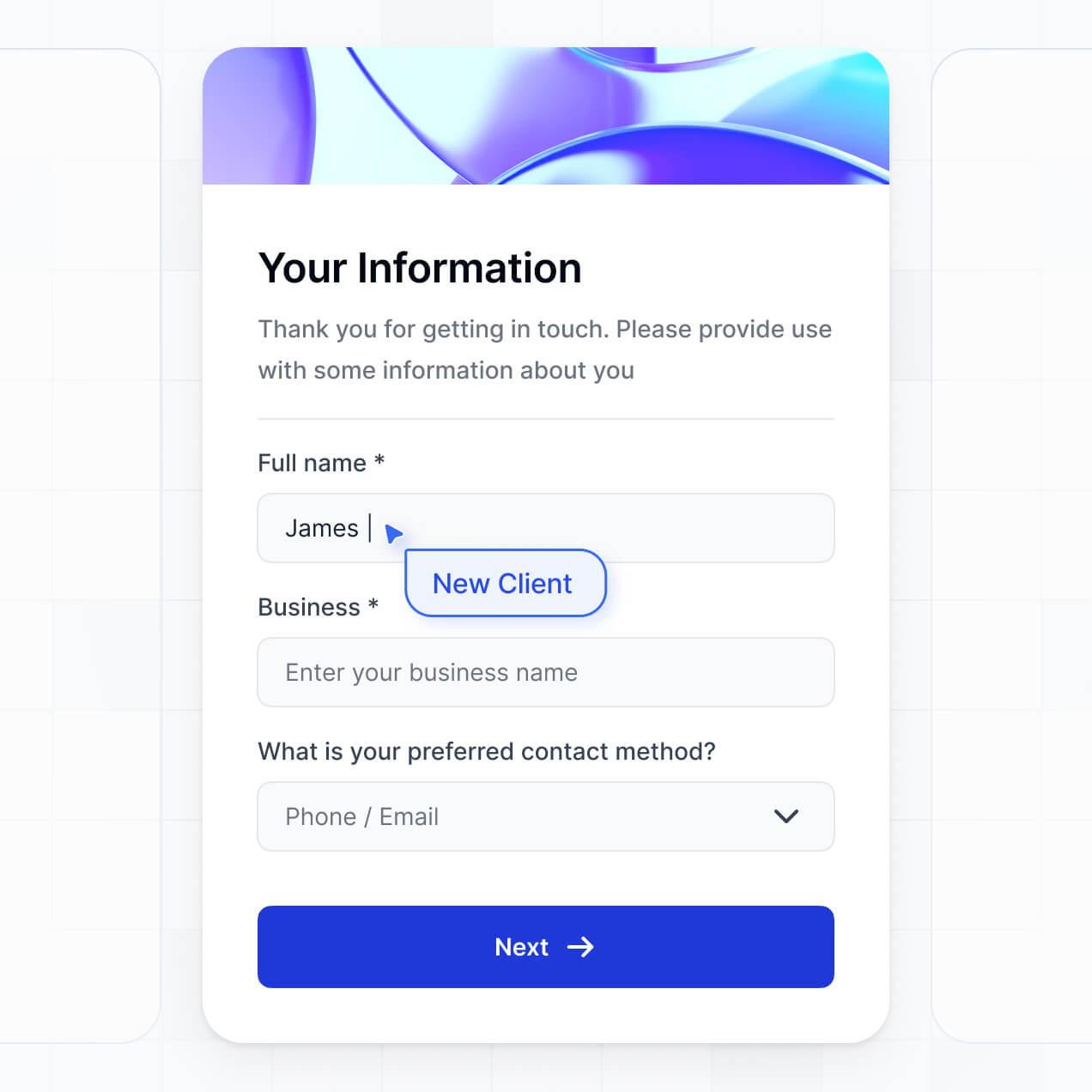
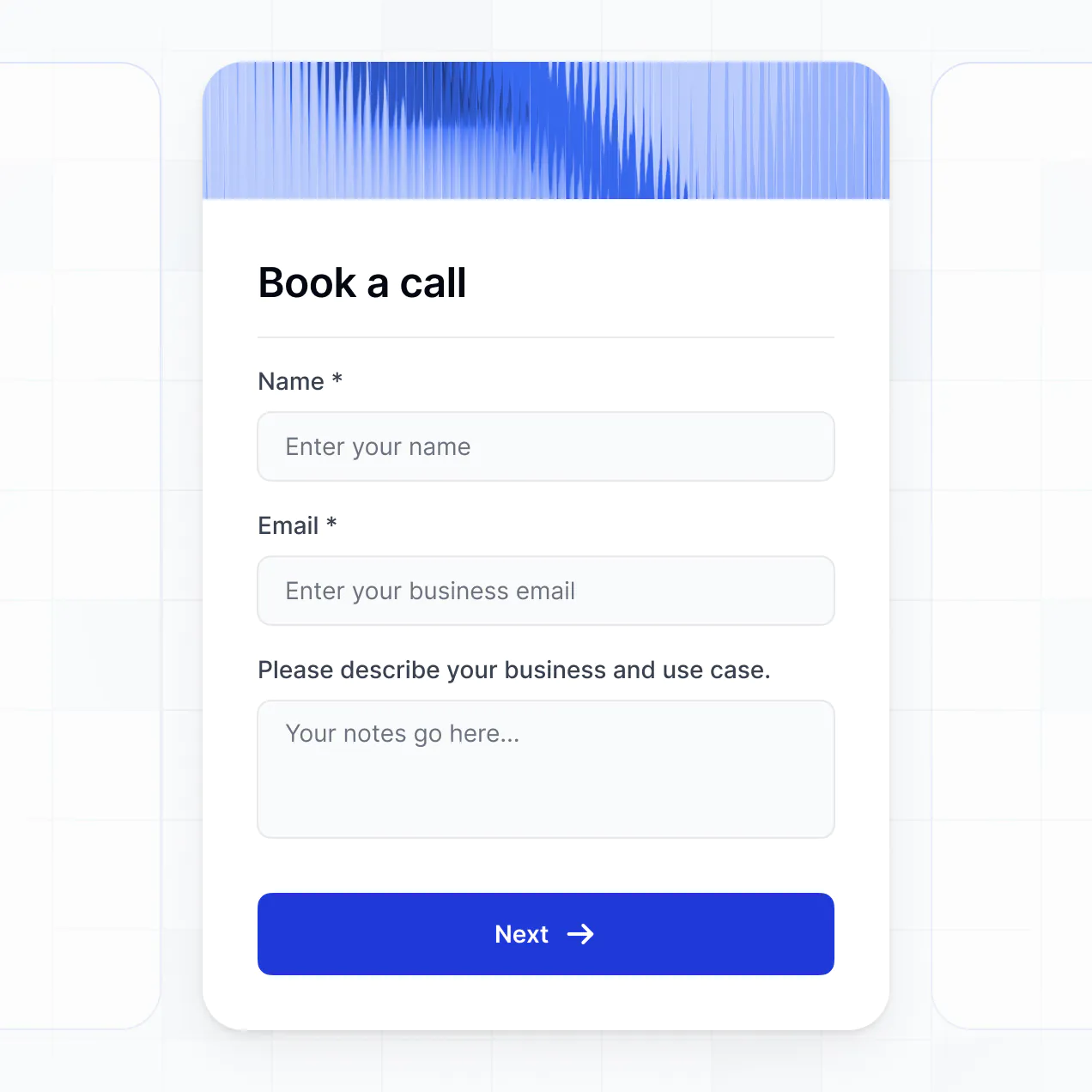
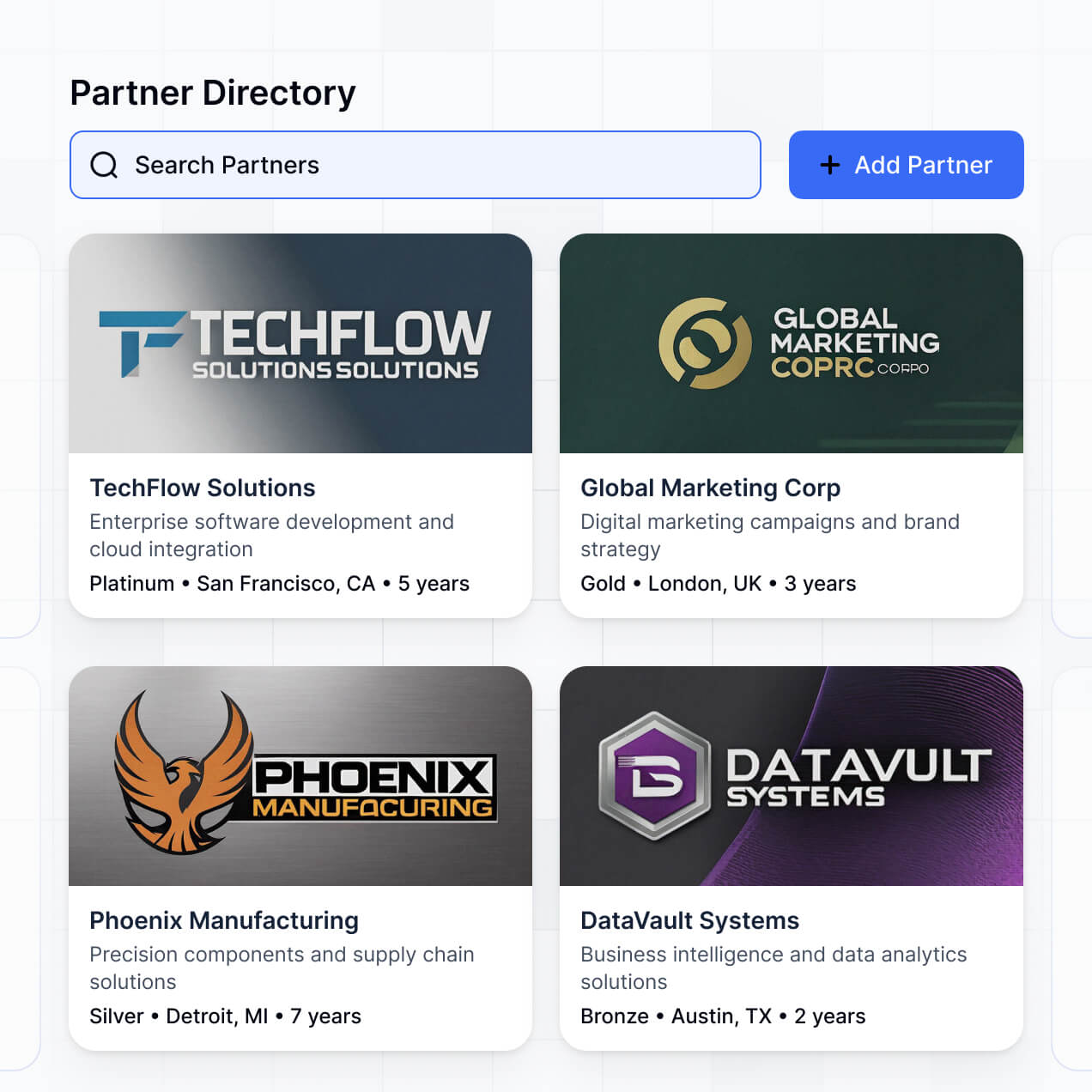
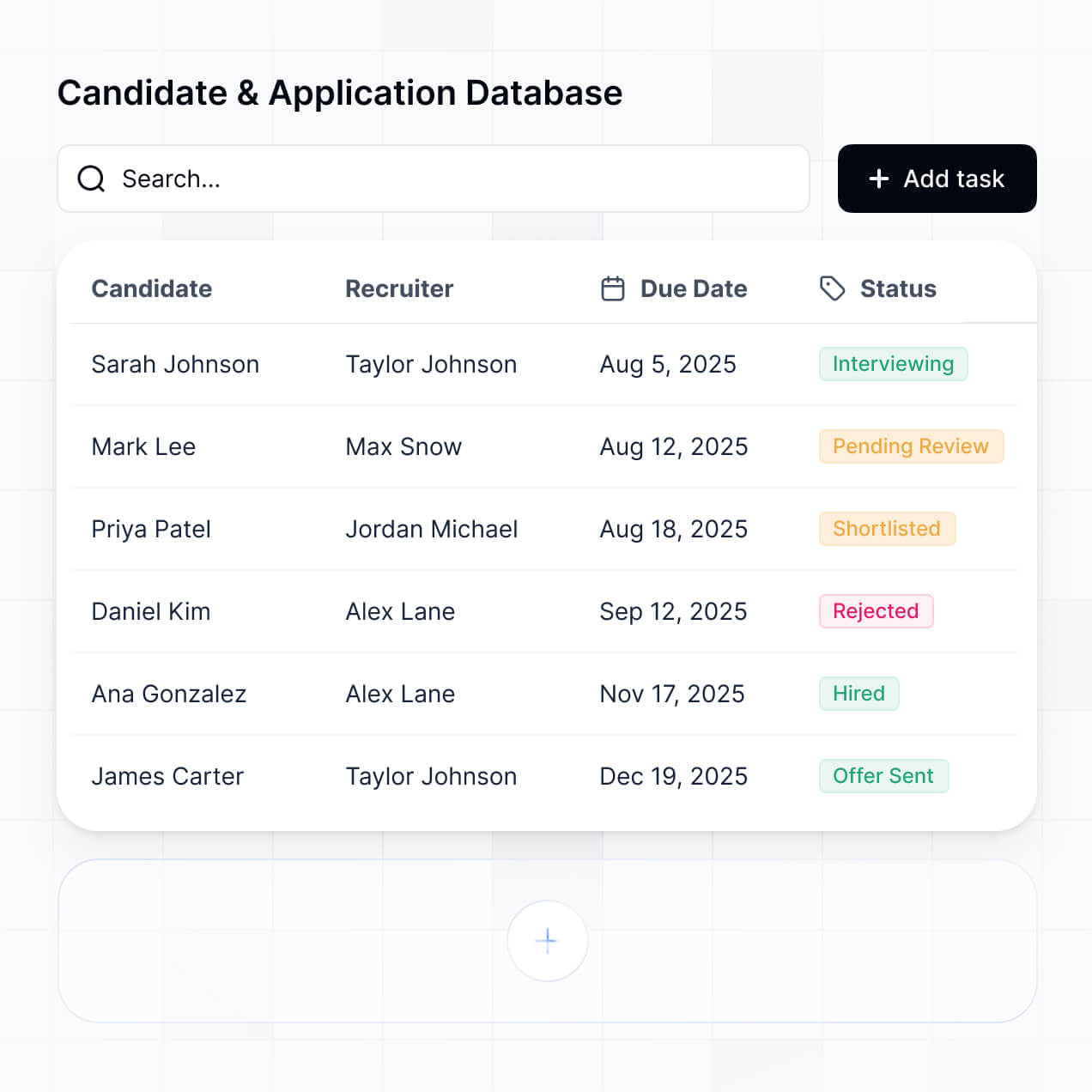
Showcase creative work, receive client inquiries, and manage job applications in an AI-powered directory built to match your workflow.



Customize a freelance portfolio builder that looks sleek out of the box. Add only the features you need, and iterate as your workflow evolves.


Connect talent profiles, inquiries, and application databases with real-time sync—or manage everything in Softr Databases. Create a single source of truth.
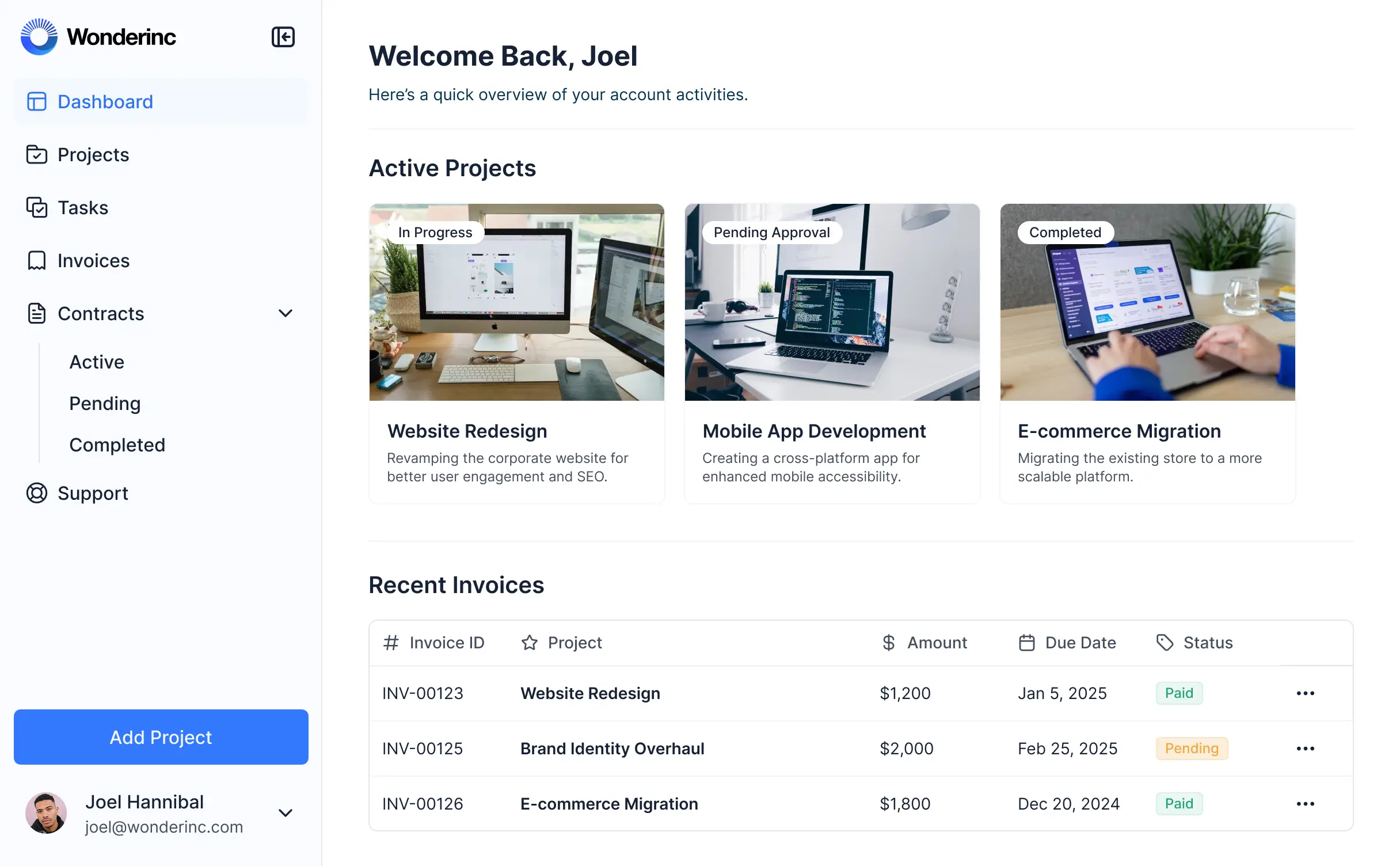
Give each user the right views and access in a fully branded portal. Set up secure logins, user groups, and permissions in minutes.
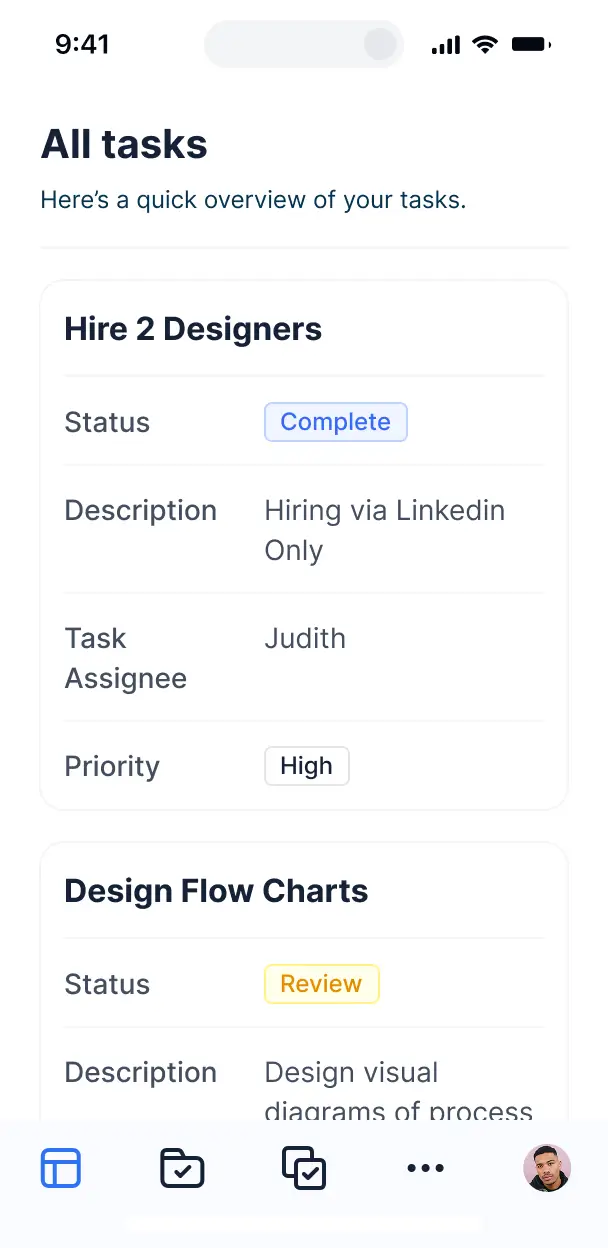
Softr apps are mobile-ready by default. Turn your portfolio directory into a downloadable app in one click with Softr's PWA—no extra design needed.
Build native automations with Softr Workflows to handle application alerts, status updates, and inquiry notifications automatically.
Provide separate logins for creative freelancers and prospective clients, creating personalized search and upload dashboards for each group.
Apply rules for different user groups. Customize who sees contact details, portfolios, and rates, and control editing actions at the most granular level.
Protect contractor and client information from security threats. Softr is fully compliant with SOC2 and GDPR regulations.
No more one-size-fits-all tools or costly custom builds. Softr is easy to use and fully customizable, so you can launch faster, adapt as you grow, and skip the complexity of traditional software.

Build your freelance portfolio builder in minutes with AI—no manual setup or development time needed.

Add features like public directory browsing, client reviews, or inquiry forms as your talent workflows grow.

Start with a portfolio directory, then add client portals, booking forms, or team dashboards in one place.
Co-build with AI
Simply describe what you need. Let Softr handle everything - Interface, database, workflows.
Iterate with AI or visually
Control most critical parts of your app yourself - roles, permissions, security.
Ship the same day
Invite team members or external clients and partners right away. No developer handover.
Use drag-and-drop blocks to build a portal that looks sleek and modern out of the box. Add only the features you need, and iterate as your workflows evolve.




A freelance portfolio builder is a professional tool that lets independent professionals, creatives, and consultants showcase their work, manage project case studies, and collect gig inquiries. It keeps all of your work samples, testimonials, and contact forms organized in one clean, dynamic space, so you can win more business without relying on hard-to-maintain spreadsheets or generic PDF resumes.
Softr is the first AI-native platform for building business software. It makes it easy to construct a freelance portfolio builder that perfectly highlights your skills and fits your unique style. You can describe your dream profile pages to the AI Co-Builder to instantly generate your media database, project layouts, and contact forms—already connected and fully secure.
You don't need to write a single line of code. You can start by generating with AI, using a pre-built template, or visual-editing from scratch. Everything runs on Softr Databases, the native, relational database built into the platform, or you can plug in external tools like Airtable, Google Sheets, HubSpot, and Notion to manage your case studies. You have full design control to adjust the layout visually, choose which projects are public, and brand the platform to match your personal identity. It's fast to launch, simple to update when you finish a new project, and flexible enough to grow with your freelance business.
You can design and launch a wide range of features in your freelance portfolio builder depending on how you pitch your services. A great freelance portfolio builder app usually blends classic grid layouts with AI-powered intelligence:
- AI-Powered Intelligence – Use Ask AI to let potential clients query your historical project data conversationally, or set up Database AI Agents to automatically draft personalized introductory pitches based on user queries.
- Vibe Coding Blocks – Build complex, custom UI elements—like an interactive client budget calculator or a dynamic testimonial slider—using the AI Code block to "vibe code" exactly what you need.
- Softr Workflows – Build native automations (like an instant proposal email responder) that trigger Slack alerts or sync contract templates whenever a lead clicks a call-to-action.
- User Portals & Logins – Securely manage access so active clients can log in to view raw design files or check the status of their specific projects.
- Forms & Data Collection – Capture project inquiries and project scope details with custom intake forms, document uploads, and conditional budget logic.
- Dashboards & Charts – Visualize and display highlights of your key performance metrics (e.g., "100k+ users reached") with real-time summary cards.
- Lists & Advanced Filtering – Display and manage your case studies with searchable grids, category tag filters (such as "Web Design" or "Copywriting"), and detailed project popups.
Everything is built using Softr's drag-and-drop blocks, so you can customize these features without writing code. Need something highly unique? Use the Vibe Coding block to generate a custom-tailored layout with AI. And as your service offerings change, it is easy to update your live portfolio later.
Vibe coding is all about moving fast and using AI to build exactly what you need. You can "vibe code" a freelance portfolio builder in Softr by simply describing your aesthetic preferences and data fields to the AI Co-Builder. Softr then generates a production-ready web application on top of a stable, secure foundation.
Unlike other tools that just generate fragile, raw code that breaks easily, Softr handles the core architecture—like user authentication, portfolio database logic, and upload security—natively. This means you get the speed of vibe coding your design without the technical headache of managing server environments. You describe your professional vision, Softr builds it, and your new portfolio is ready for prospective clients instantly.
Yes. You can manage multiple client projects, active contracts, or partner freelancers in a single portal. By using built-in roles and permissions, you can ensure that "Client A" only sees their specific deliverables and private project updates when they log in, while maintaining a single, unified database of your entire business backend.
Yes, you can. You do not need an existing database or spreadsheet of your past work to begin using our platform. If you are starting fresh, you can store your screenshots, project briefs, and client testimonials inside Softr Databases, which is built directly into Softr and works flawlessly with the frontend portfolio elements you build.
But if you already track your target leads, creative assets, or previous projects in tools like Airtable, Google Sheets, HubSpot, Notion, Coda, monday.com, Supabase, or SQL, you can easily connect those databases. You can also utilize our REST API connector to import portfolio data from other platforms. Either way, you have total control over how your portfolio pieces are structured and displayed.
Softr Databases is the recommended native, relational data source for Softr. It is built explicitly for business applications, offering high-speed performance, instant automation triggers, and a lightning-fast catalog search because your project files and metadata live natively inside the platform.
If your files or client leads live elsewhere, Softr connects seamlessly to over 17 external databases. You can connect your platform to Airtable, Google Sheets, HubSpot, SmartSuite, BigQuery, and more. You can even combine multiple sources inside one application—enabling you to pull public project details from Softr Databases while sync-ing private client information directly from HubSpot. Most connections support automatic, real-time sync, keeping your site automatically updated.
Yes, Softr gives you total control over how prospects and active clients experience your freelance portfolio builder. You can customize the layout, tag navigation, and hero sections to match your personal brand design. Each page, block, or private case study can be hidden or shown depending on who is logged in, ensuring prospective clients only see relevant project files.
You can also configure custom user groups—such as prospects, active clients, or agency partners—and set up precise write-permissions for each role. For instance, prospects can only read your public case studies, active clients can upload new asset briefs, and you can edit everything. You can also establish filtered, personalized views which ensure a client only sees files belonging to their specific contract.
This granularity is incredibly useful if you want to use your portfolio as a collaborative portal to deliver files to clients. It keeps the workspace and deliverables secure, neat, and highly bespoke.
Yes, you can fully white-label your freelance portfolio builder in Softr. You can configure your own brand logo, style guide, typography, and custom domain to make your portfolio feel like a custom-coded website. You can also completely remove all Softr branding so that prospective clients only see your company's identity from the moment they land on your page.
Yes, you can. Softr gives you a high degree of flexibility over the aesthetic and structural presentation of your freelance portfolio builder. You can adjust colors, fonts, spacing, and header layouts to suit your design taste. You can easily map out your navigation, decide where your hero images go, and set up the interface elements your visitors see.
To showcase your creative work, you can embed several specialized types of blocks based on your medium:
- Table blocks – to list structured deliverables, service pricing, or project timelines
- List or Card blocks – to beautifully display visual mockups, client niches, or case studies
- Detail View – to present deep dives into individual projects, complete with design briefs and metrics
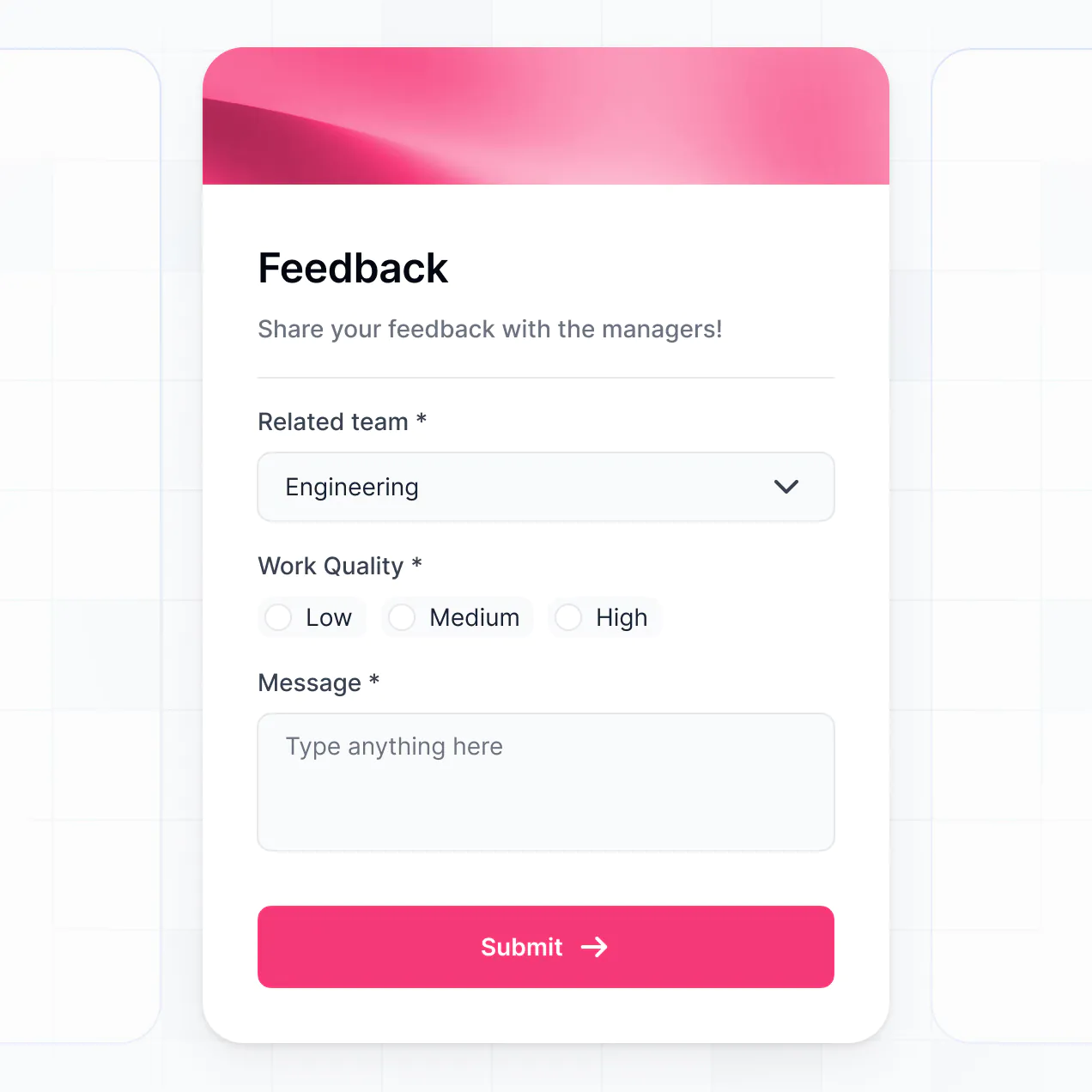
- Forms – to collect consultation bookings and inbound project scopes
- Charts – to showcase return-on-investment and growth metrics you generated for past clients
- Calendar blocks – to keep clients updated on your current availability and project launch dates
If you pivot your services or need to replace old case studies, you can quickly make updates inside our visual editor without writing a single line of code.
Softr is built with security at its foundation. All platform data is encrypted in transit using TLS and at rest, and all software runs on highly secure, enterprise-grade cloud hosting infrastructure. Softr portfolios also offer granular control over who can view and edit records. You can configure precise user roles, manage clients directly within your database, create conditional visibility settings, and restrict access on sensitive client documents.
If you build with Softr Databases, your case study files are secured in our European hosting environment (Germany) with robust SOC 2 Type II compliance. For setups pulling from external databases like Airtable, Notion, or SQL, Softr doesn't copy or store your original data—it simply queries and renders it in real-time according to the privacy permissions you have set. Your creative assets and business records remain under your control.
Additionally, Softr follows industry-standard security protocols for identity authentication and platform monitoring to keep your freelance work secure.
It is completely production-ready. While standard AI web tools generated using pure "vibe coding" yield fragile code that is difficult to update or secure, Softr generates your freelance portfolio builder upon a highly secure, reliable, and standardized business framework.
We build the critical security layers (such as client access control, file protection, and portal authentication) directly into the platform, ensuring you don't have to code them. This native infrastructure solves the typical challenges of AI-generated code, letting you enjoy code-free generation speed while launching a robust, scalable portfolio that is ready to accept client traffic from day one.
Softr is the first AI-native platform for building business software. Unlike simple code-generators that produce brittle code blocks, or traditional, overly technical development tools that require days of manual setup, Softr's AI Co-Builder creates database-driven directories on a robust, pre-secured backend.
What sets us apart is this seamless hybrid environment: you can use AI to generate your client workspace, list blocks, and data links in a few clicks, and then fine-tune your designs visually with easy drag-and-drop tools. You get the incredible speed of AI alongside robust components (such as login systems, custom permissions, and premium cloud hosting) built-in natively, making it perfect for freelancers who want to go from concept to live deployment instantly.
Yes. Softr allows you to set up native automation recipes and connect to external software so you can sync your freelance portfolio builder with the rest of your business tools. You can automate email replies using Softr Workflows, collect project deposits by integrating Stripe, or offer live chat support via Intercom. Softr also supports webhooks and a REST API for highly customized pipelines.
Whether you need to register new prospects into your CRM, trigger onboarding emails automatically when a proposal is signed, or show live project progress directly from external databases, you can connect everything together without writing code.
Describe what you need. Softr's AI builds your custom directory in under an hour.