


Build your own custom recruitment portal
Track candidates, manage interviews, and hire talent in an AI-powered portal built with AI to fit your staffing agency's workflow.
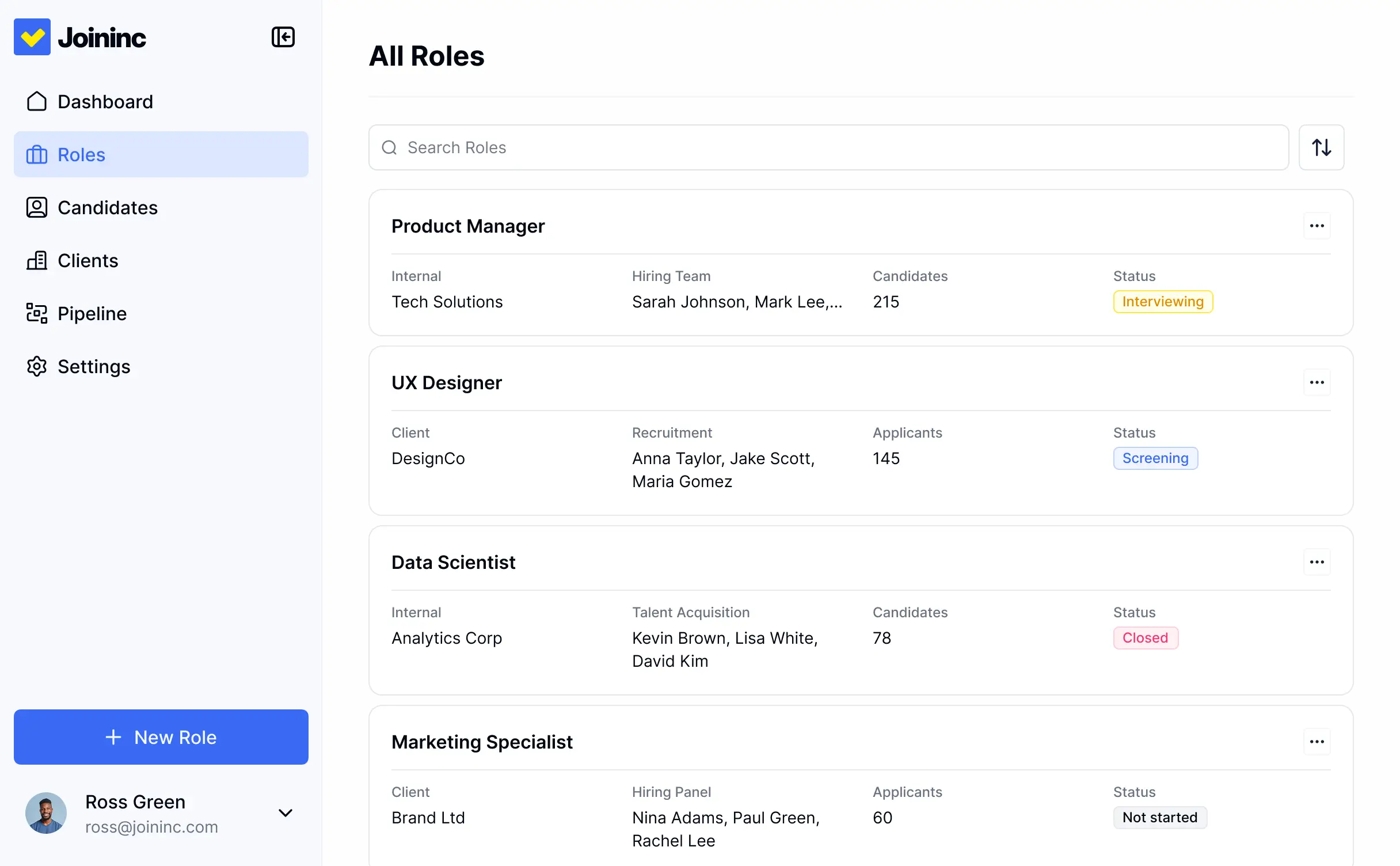
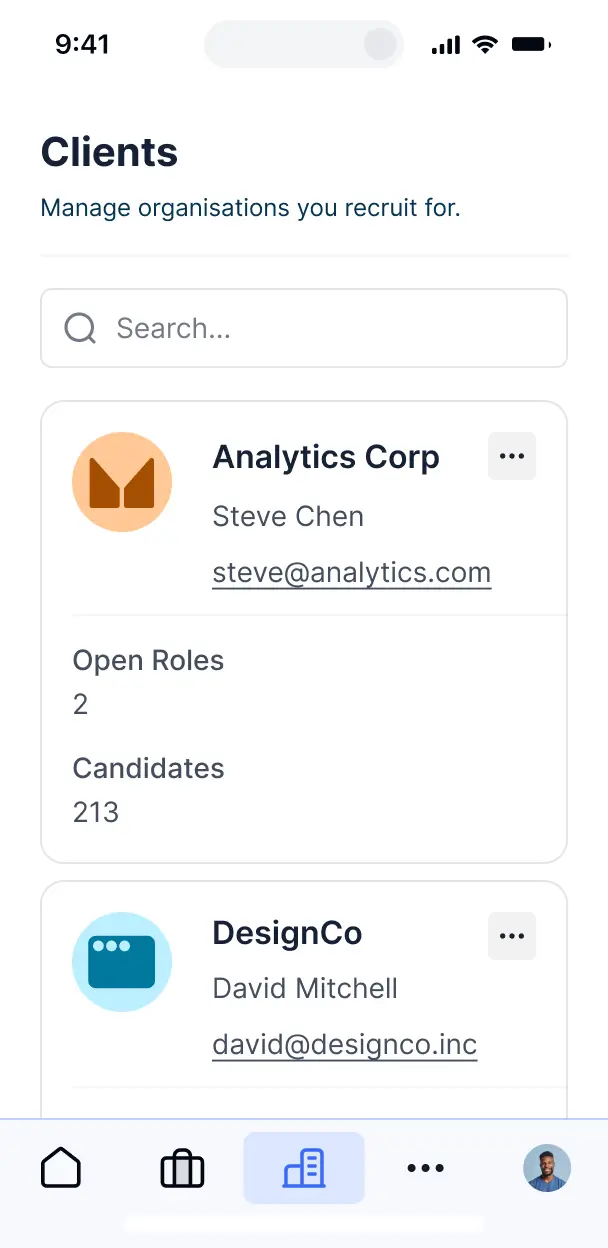










Tailor your recruitment portal to your needs
Customize your custom recruitment portal with the exact stages and views your team needs. Add features as hiring processes evolve—no code needed.

Centralized applicant database

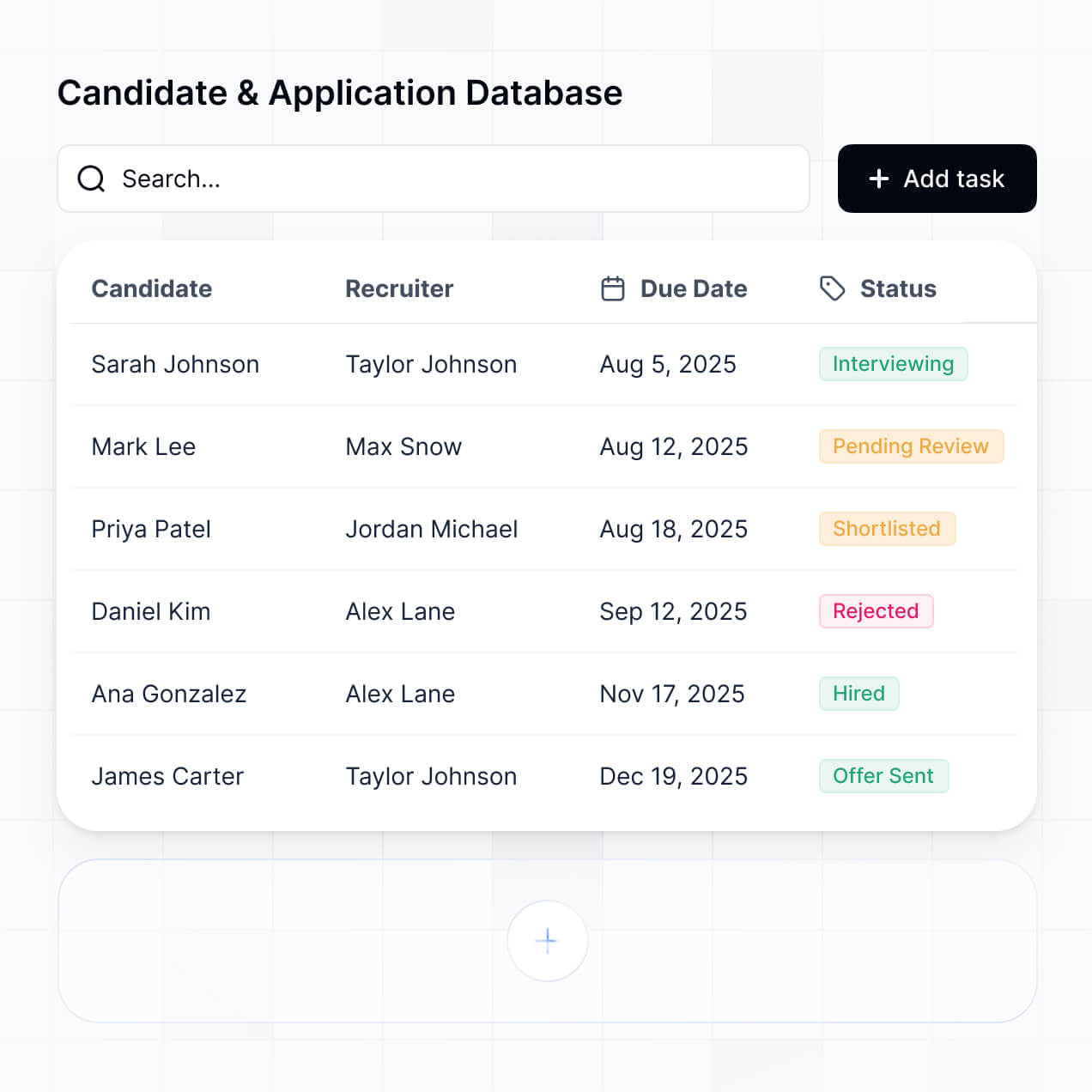

Automated job posting distribution
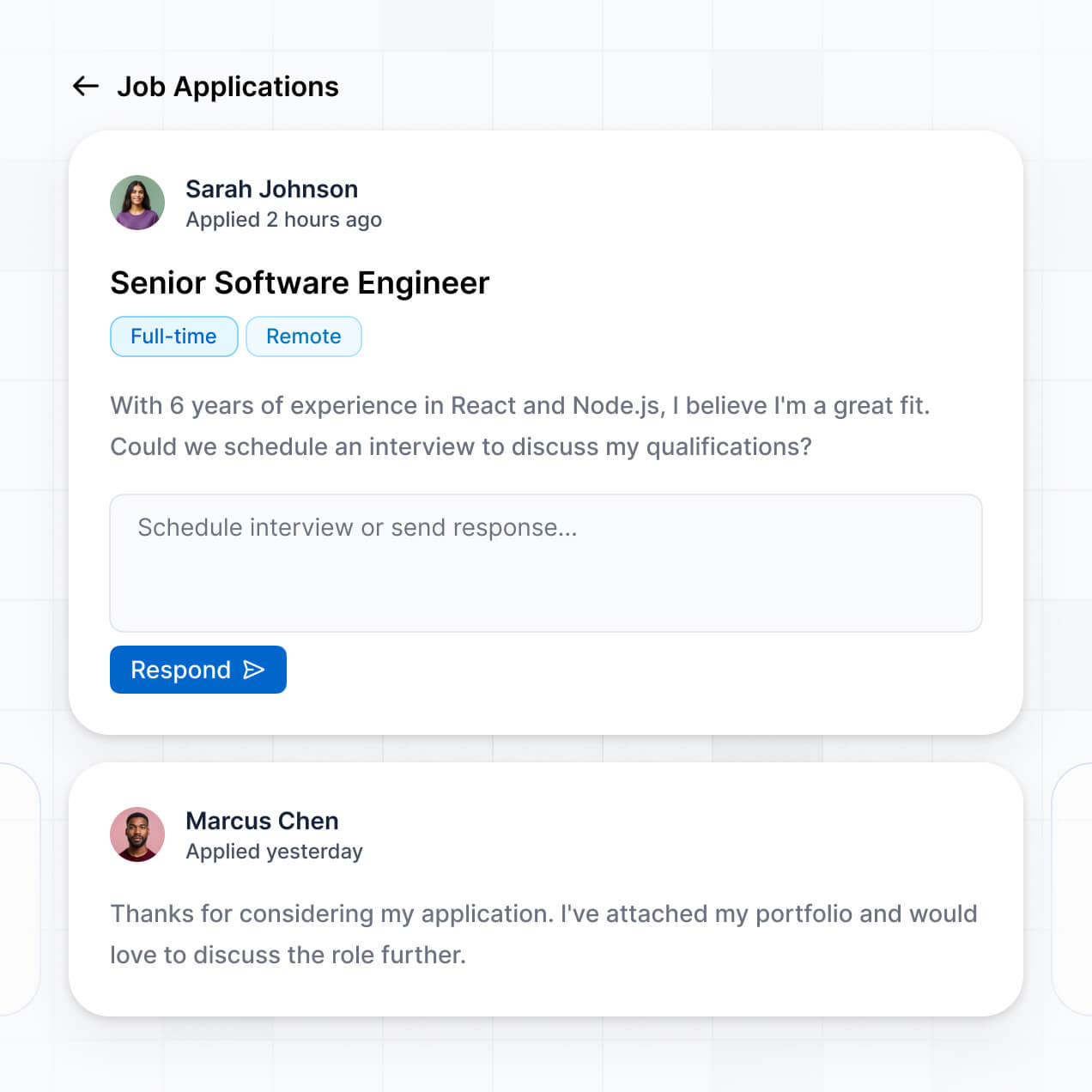

AI-powered resume screening


Interview scheduling and feedback

Secure document management


Candidate pipeline tracking


Sync with your existing candidate data
Connect your recruitment portal to Airtable or Google Sheets. Keep all your candidate resumes, interview scores, and status updates in one secure, centralized database.


Advanced features for modern hiring teams
Give your recruiters and candidates the professional experience they deserve with secure access and real-time automation.

Secure Login
Allow candidates to update their own contact details and upload the latest versions of their resumes directly to your database.

User Profile
Allow candidates to update their own contact details and upload the latest versions of their resumes directly to your database.

Search & Filter
Quickly find the right talent by filtering candidates by skill sets, experience levels, or requested salary ranges.

Permissions Control
Define exactly what each team member can see or edit based on their specific role within your staffing agency.

Responsive Design
Review resumes and manage interview schedules on the go from any mobile device, tablet, or laptop.

Action Buttons
Move candidates through your pipeline instantly with buttons to trigger emails, schedule calls, or update statuses.

Why Softr vs other software
No more one-size-fits-all tools or costly custom builds. Softr is easy to use and fully customizable, so you can launch faster, adapt as you grow, and skip the complexity of traditional software.

Easy, fast setup
Launch your hiring tool in minutes using intuitive drag-and-drop features designed for business teams.

Consolidate your stack
Scale from a simple tracker to a complex ATS as your talent pool and agency requirements grow.

Flexible as you grow
Replace multiple expensive subscriptions with one versatile platform for all your internal hiring tools.
Generate a custom recruitment portal with AI in minutes
Co-build with AI
Simply describe what you need. Let Softr handle everything - Interface, database, workflows.
Iterate with AI or visually
Control most critical parts of your app yourself - roles, permissions, security.
Ship the same day
Invite team members or external clients and partners right away. No developer handover.

The go-to platform for business operations
Use drag-and-drop blocks to build a portal that looks sleek and modern out of the box. Add only the features you need, and iterate as your workflows evolve.


Minerva Network increased athlete registrations by 50% with a custom CRM and portal

Celonis built a GTM knowledge base for 1,500+ team members


Urban's Group increased productivity by 25% with a custom ERP system
Frequently asked questions
Build your custom recruitment portal today
Join thousands of teams building custom tools without code. Start for free and hire better talent faster.