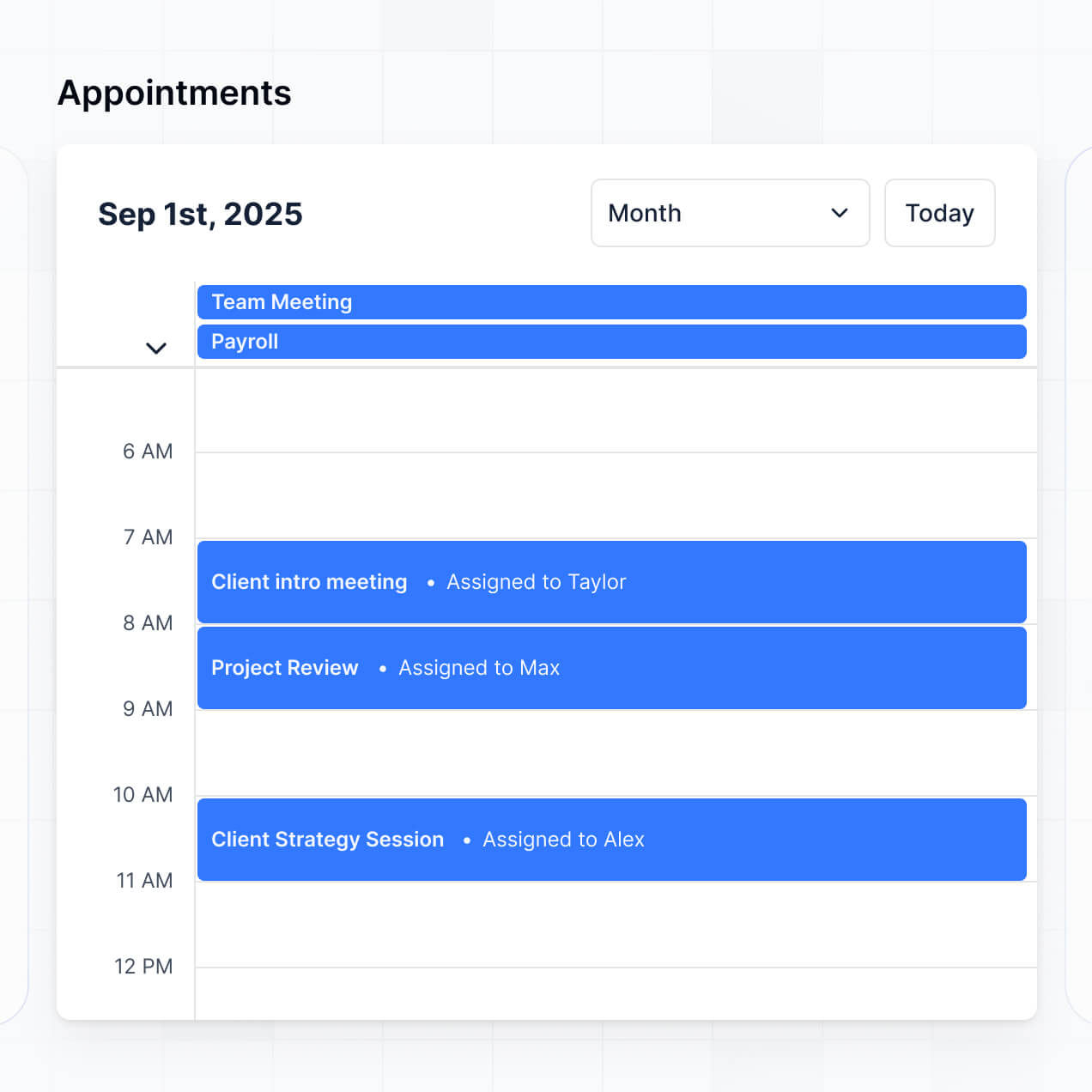
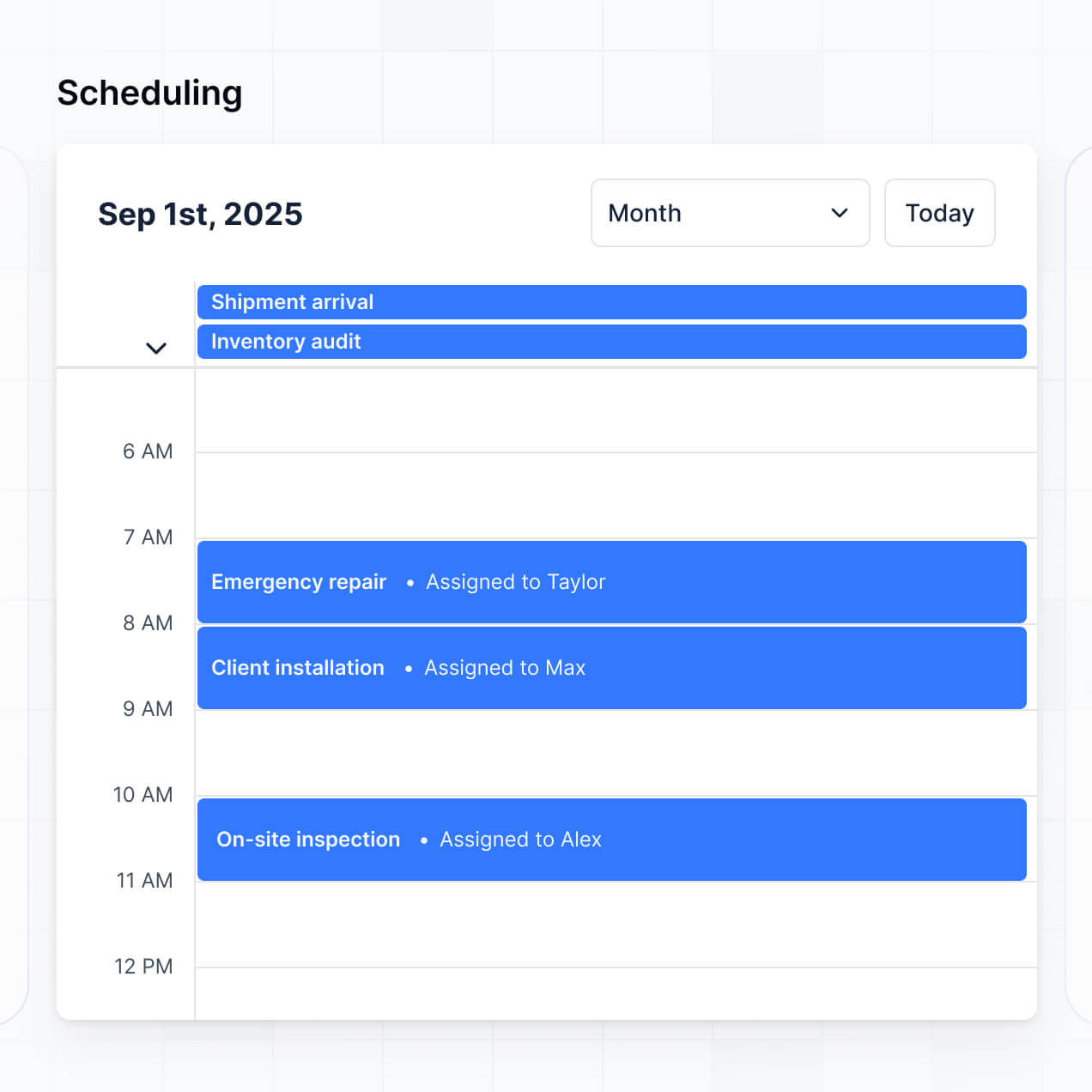
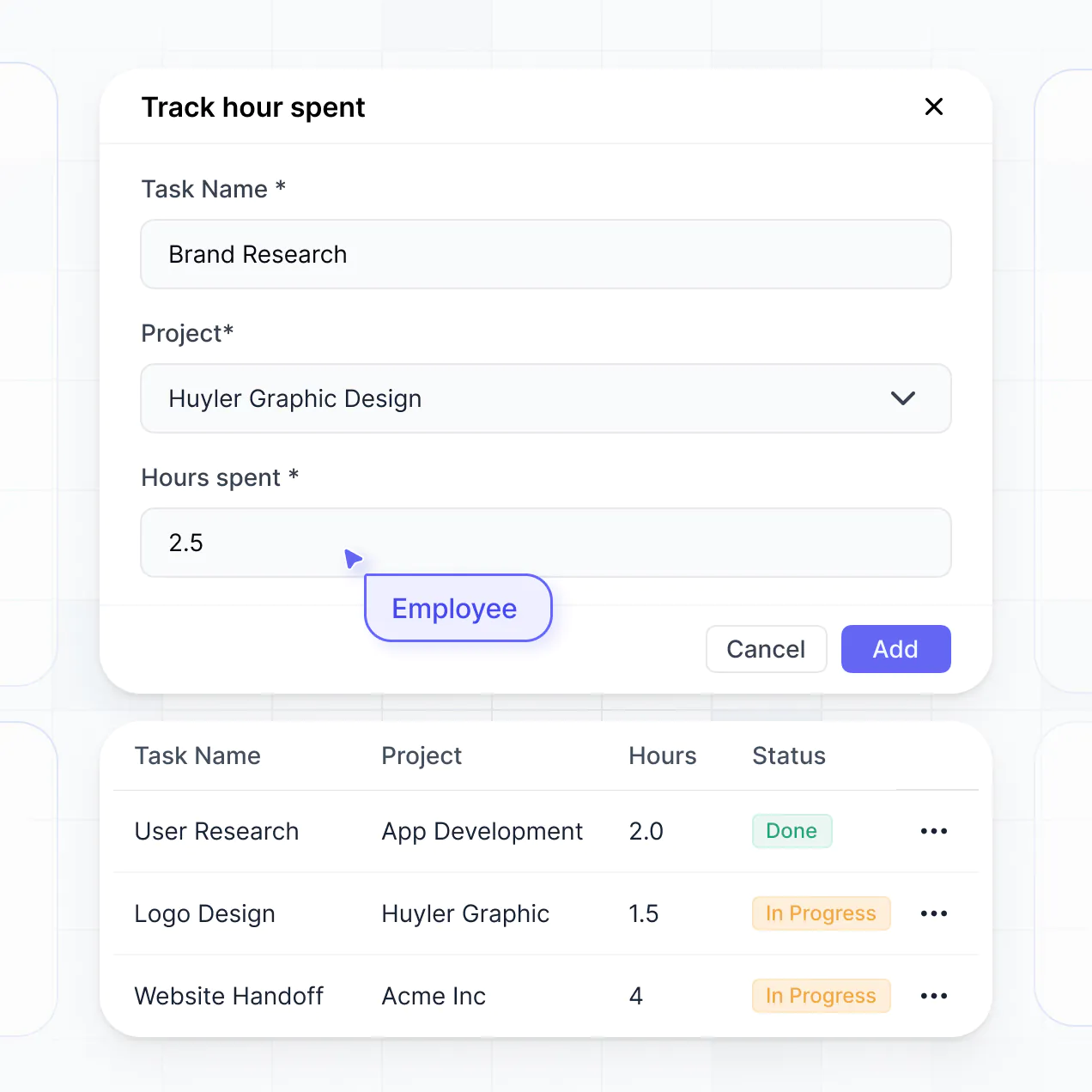
Book repairs, assign mechanics, and track bay availability in an AI-powered system built with AI you adapt to fit your repair shop.
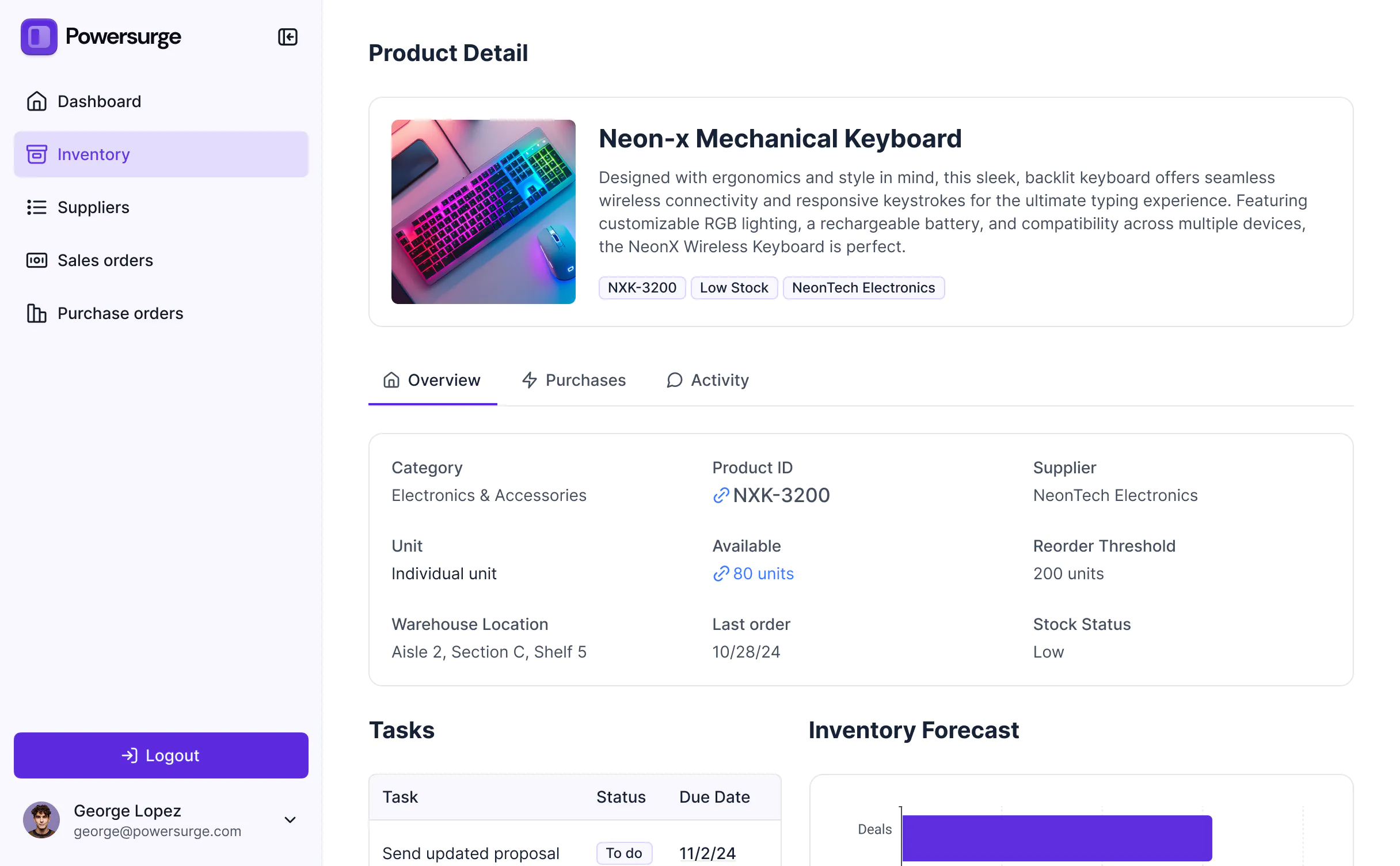
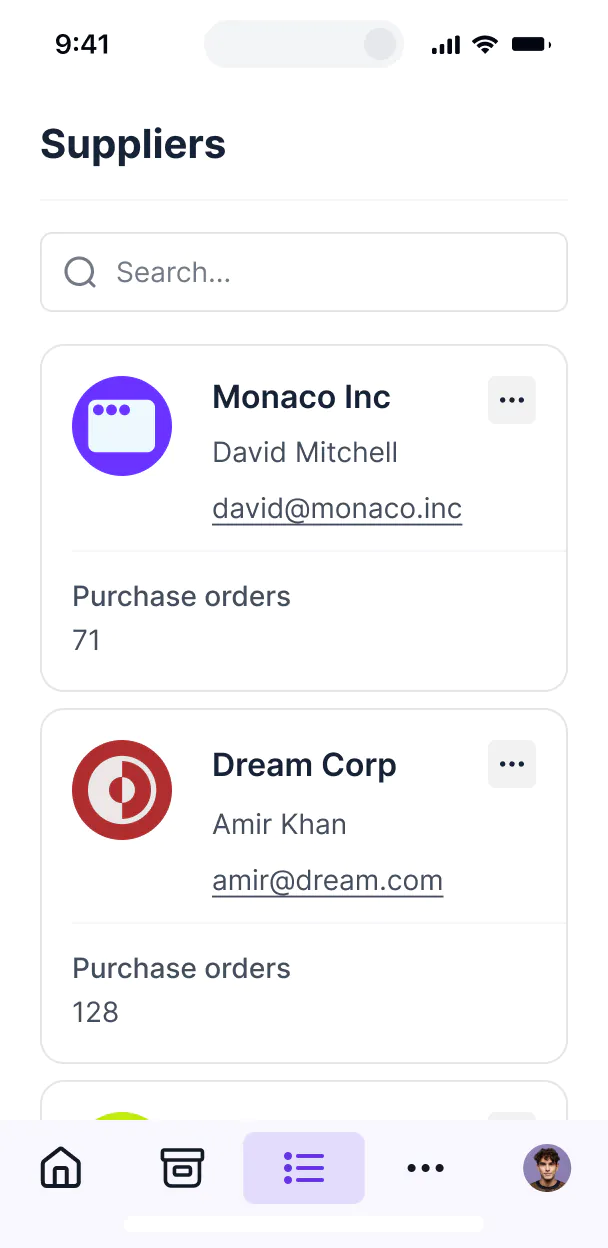



Customize your automotive scheduling setup with the exact booking steps and views your shop needs. Add features as workflows evolve—no code.


Connect booking calendars, mechanic schedules, and parts inventory with real-time sync—or manage everything in Softr Databases. Create a single source of truth for your shop.
Let mechanics, service managers, and clients log in to a fully branded portal. Set up permissions and personalized access in minutes—no code needed.
Automate your shop operations with Softr Workflows for service reminders, job completion updates, and client notifications that trigger instantly.
Assign roles for mechanics, front-desk staff, or customers—each gets secure access to only the scheduling data they need.
Control who can book appointments, reassign mechanic tasks, or view invoice details—down to the individual database field level.
Keep customer contact info and vehicle repair history safe. Softr is fully compliant with SOC2 and GDPR regulations for total peace of mind.
Capture vehicle details, mileage, and specific customer issues using flexible booking forms tailored to specific service types.
No more one-size-fits-all tools or costly custom builds. Softr is easy to use and fully customizable, so you can launch faster, adapt as you grow, and skip the complexity of traditional software.

Build your automotive scheduling software in minutes with AI—no manual configuration needed.

Add features like mechanic task tracking or parts inventory as your workflows grow—without a rebuild.

Start with scheduling, then add customer portals or service dashboards—all in one place with no extra tools.
Co-build with AI
Simply describe what you need. Let Softr handle everything - Interface, database, workflows.
Iterate with AI or visually
Control most critical parts of your app yourself - roles, permissions, security.
Ship the same day
Invite team members or external clients and partners right away. No developer handover.
Use drag-and-drop blocks to build a portal that looks sleek and modern out of the box. Add only the features you need, and iterate as your workflows evolve.




Free automotive scheduling software is a dedicated digital tool where your customers can book service appointments, view available time slots for repairs, and track their vehicle's status in a secure online environment. It centralizes all booking requests and shop calendars in one place, eliminating the need for constant phone calls or manually tracking repair orders in paper logs. This streamlined approach helps shop owners stay organized and provides a more professional, modern experience for car owners and technicians alike.
Softr is the first AI-native platform for building business software, making it the ideal choice for creating automotive scheduling software that fits your shop's unique workflows. You can simply describe your needs to the AI Co-Builder to instantly generate your service database, booking pages, and customer logic—all pre-connected and secure.
You don't need any coding skills to get started. You can generate your app with AI, use a specialized template, or build from scratch. Everything runs on Softr Databases, or you can link existing tools like Google Sheets or Airtable to manage your mechanic's schedules. You have total control to visually customize the booking interface, define who can modify service records, and add your shop's branding. It's fast to launch, easy to update as your bay capacity changes, and grows with your business.
You can include a wide range of features in your automotive scheduling software tailored to your shop's operations. A high-performing scheduling app typically combines functional blocks with specialized AI:
- AI-Powered Intelligence – Use Ask AI to let service writers query shop history or use Database AI Agents to automatically summarize repair notes and suggest parts requirements.
- Vibe Coding Blocks – Create custom UI components, such as a vehicle part visualizer or a dynamic service price calculator, using the AI Code block to build exactly what your shop needs.
- Softr Workflows – Set up native automations that trigger SMS appointment reminders or update inventory levels whenever a new service order is finalized.
- Customer Portals – Securely manage logins so car owners can view their specific service history and upcoming maintenance windows.
- Forms & Data Collection – Capture vehicle VINs, symptoms, and customer contact info with custom forms and file uploads for photos of vehicle damage.
- Dashboards & Charts – Visualize shop throughput, technician efficiency, and weekly revenue with real-time reporting.
- Lists & Advanced Filtering – Manage repair queues with searchable tables or drag-and-drop Kanban boards to move vehicles from 'Awaiting Parts' to 'Ready for Pickup.'
Everything is built using drag-and-drop mechanics, so you can adapt your software without writing code.
Vibe coding is about leveraging AI to build your repair shop's specific tools as fast as you can describe them. You can 'vibe code' automotive scheduling software in Softr by telling the AI Co-Builder your requirements—such as 'I need a booking system for a three-bay garage with different labor rates.' Softr then generates a production-ready application on top of a secure foundation.
While other tools might give you unstable, raw code, Softr manages the critical backend work—like user authentication for your clients and secure database logic—natively. This provides the speed of AI generation without the risk of managing a broken system. You describe your shop's needs, Softr builds the solution, and it's ready for your mechanics and customers to use immediately.
Yes. You can manage multiple service locations or different teams of technicians within a single scheduling portal. Each employee only sees the job orders and calendars relevant to their specific branch or specialty, controlled by their login and role. This is perfect for growing automotive businesses that need a centralized view while keeping local operations streamlined and focused.
Yes, you absolutely can. You don't need an existing database of customers or vehicles to start building with Softr. If you are starting fresh, you can use Softr Databases, which is built directly into the platform and works seamlessly with your scheduling app right out of the box.
However, if you already have vehicle data in Airtable, Google Sheets, HubSpot, or even SQL databases, you can connect those smoothly. You can also use the REST API to pull in external parts catalogs or manufacturer data. You retain full ownership over how your shop's data is structured and presented to your users.
Softr Databases is the recommended native, relational data source for automotive scheduling. It is designed for high-performance business apps, offering instant triggers for service reminders and a fast experience for customers booking on their phones.
If your shop already uses other tools, Softr connects to 17+ external sources like Google Sheets, Airtable, and HubSpot. You can even mix sources—for example, pulling customer contact info from HubSpot while managing repair tasks in Softr Databases. Most sources support real-time, two-way sync, ensuring that when a mechanic marks a job as 'Finished,' the customer's portal updates immediately.
Yes, Softr provides complete control over the user experience for both car owners and shop staff. You can customize the booking flow, service menus, and layout to match your shop's brand. Every page or data block can be filtered based on the user's role, ensuring that a customer only sees their own vehicle status while a head mechanic can manage the entire shop's workload.
You can define roles like 'Service Advisor,' 'Technician,' or 'Customer' and set specific view/edit permissions for each. For instance, technicians might only see their assigned repair orders, whereas admins can edit pricing and staff schedules. This keeps your shop data secure, organized, and easy to navigate for everyone involved.
Yes, you can fully white-label your scheduling software in Softr. You can use your own shop's logo, brand colors, and fonts to create a professional appearance. By using a custom domain and removing Softr branding, the scheduling tool feels like a native part of your garage's website, reinforcing trust with your customers as they book their vehicle services.
Yes, you have total flexibility over the design and layout. You can adjust the visual theme to match your shop's identity and organize the page structure to fit your booking workflow. You choose which blocks appear where and what specific data technicians see when they log into their dashboard.
To manage your automotive data, you can use various blocks:
- Table blocks – for tracking spare parts inventory or tire stock.
- List or Card blocks – for displaying service packages like 'Oil Change' or 'Brake Inspection.'
- Detail View – for individual vehicle history reports.
- Forms – for intake info and mileage updates.
- Charts – for monitoring monthly shop revenue.
- Calendar blocks – to visualize service bay availability and technician shifts.
If you decide to change your service offerings or workflow later, you can easily update the app in the visual editor.
Softr is built with robust security standards. All information, from customer phone numbers to vehicle VINs, is encrypted in transit and at rest. Your apps are hosted on reliable infrastructure, and you have granular control over data access. You can implement role-based permissions and visibility rules to ensure sensitive business information is only accessible to authorized staff.
For apps using the native Softr Databases, data is stored in a secure environment in Germany with SOC 2 Type II compliance. For data connected via Airtable or SQL, Softr displays it in real-time without storing it locally, ensuring you maintain full control over your primary records. We follow industry best practices for platform monitoring to keep your shop's operations safe and private.
It is fully production-ready. While some AI tools produce 'vibe code' that is difficult to support, Softr builds your scheduling software on a stable, scalable foundation. We handle the complex 'boring' parts like user authentication, secure hosting, and tiered permissions natively.
This solves the common AI issue where a tool works once but breaks the next day. With Softr, you get the speed of AI generation combined with the reliability of professional software. Your scheduling app is ready to take real customer bookings and manage actual vehicle data from the moment it's generated.
Softr is the first AI-native platform for business software. Unlike 'vibe coding' tools that just output raw code or legacy no-code platforms that require weeks of manual setup, Softr's AI Co-Builder creates functional apps on a secure, production-grade foundation.
The hybrid advantage allows you to generate your garage's database and booking logic in minutes, then fine-tune everything visually. You get the speed of AI with built-in business features like secure logins and roles that specialized automotive tools often lack. It’s perfect for shop owners who want to move from a manual calendar to a digital scheduling system in one day.
Yes. Softr supports powerful native workflows and integrations to connect your scheduling software with the rest of your tools. You can automate tasks like sending service completion notifications via email or connecting to Stripe to accept prepayments for parts. Softr also supports webhooks and REST APIs for advanced needs like linking to specialized parts catalogs.
Whether you need to sync data with a CRM or trigger a follow-up survey after a repair is done, you can build these automations directly into your portal without writing code.
Describe what you need. Softr's AI builds your custom booking and assignment tool in minutes.