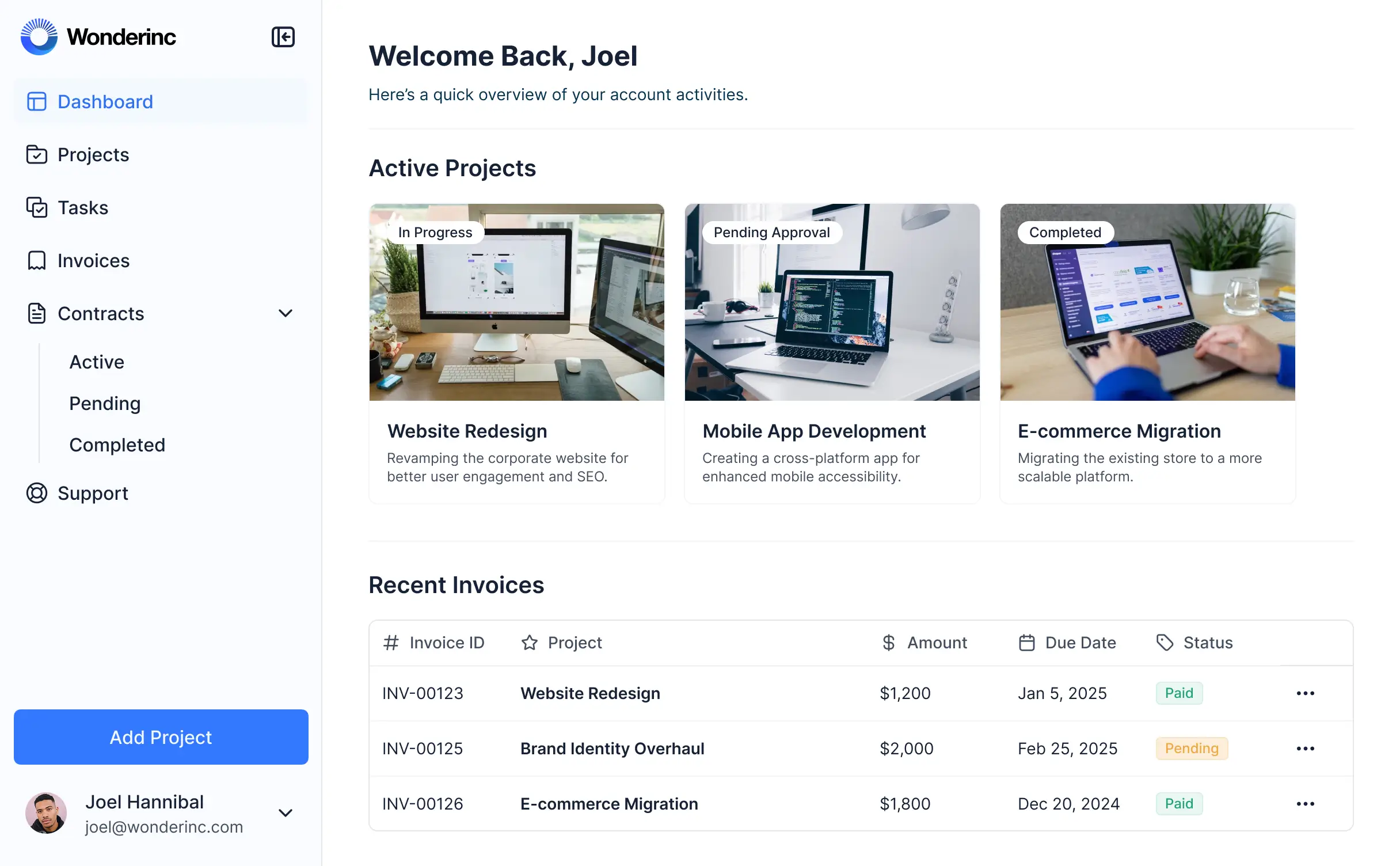
Manage files, track documents, and collaborate in an AI-powered portal built with AI that you customize to fit your client workflow.


Customize a dropbox client portal that looks professional out of the box. Add only the features you need, and iterate as your workflows evolve.


Connect cloud storage, CRMs, and file databases with real-time sync—or manage everything in Softr Databases. Create a single source of truth for your client documents.
Give each client the right folder access within a fully branded portal. Set up secure logins, user groups, and granular permissions in minutes.
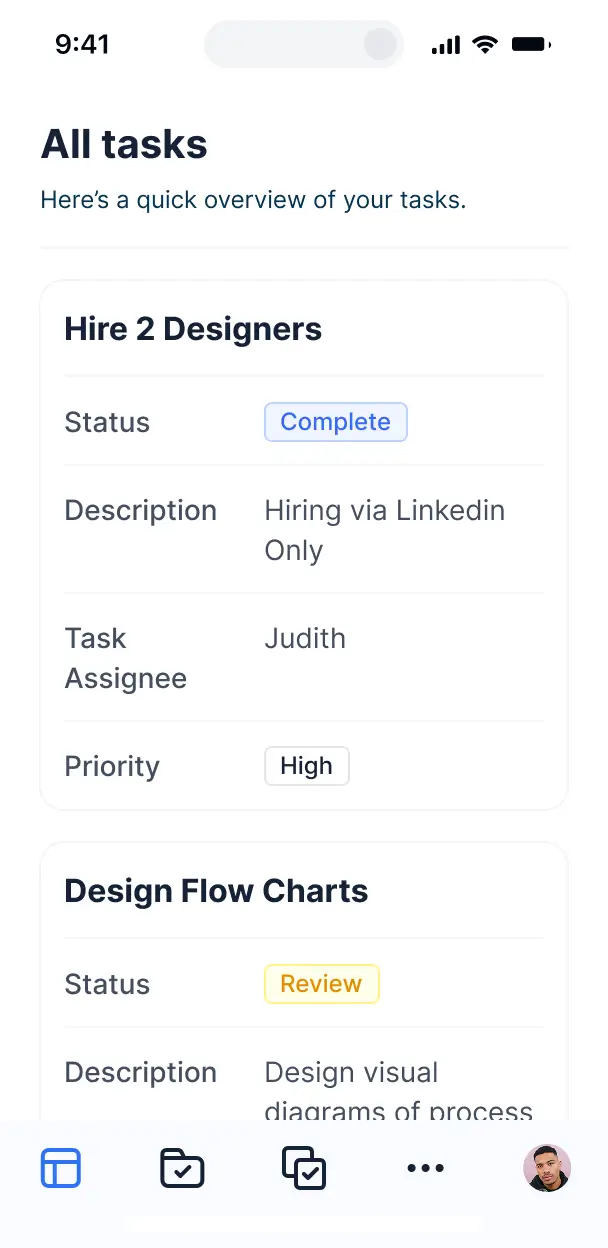
Your portal is mobile-ready by default. Clients can upload or review documents on the go using a downloadable app built in one click with Softr's PWA.
Build native automations to handle upload notifications, status updates, and document sync automatically whenever new files are added to the portal.
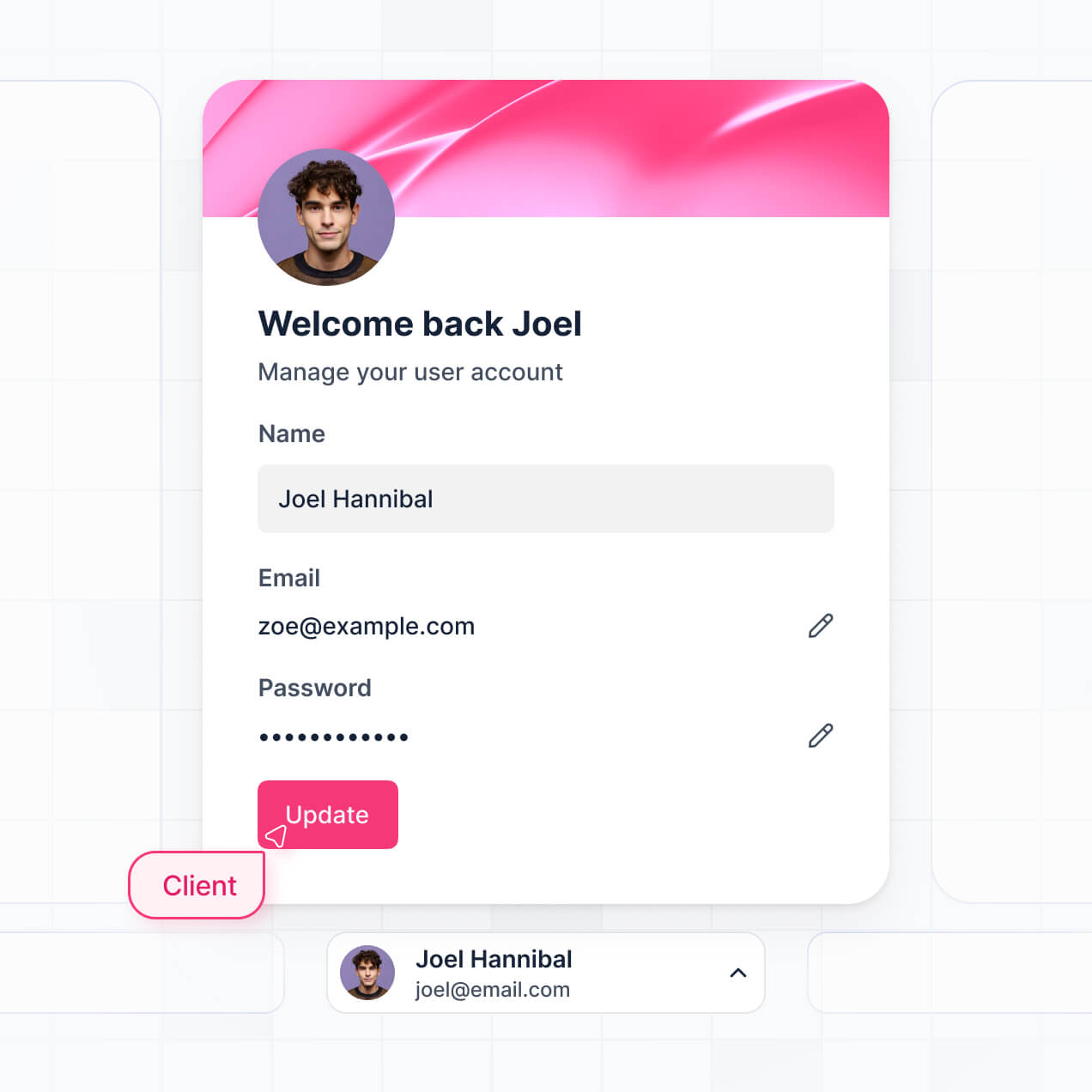
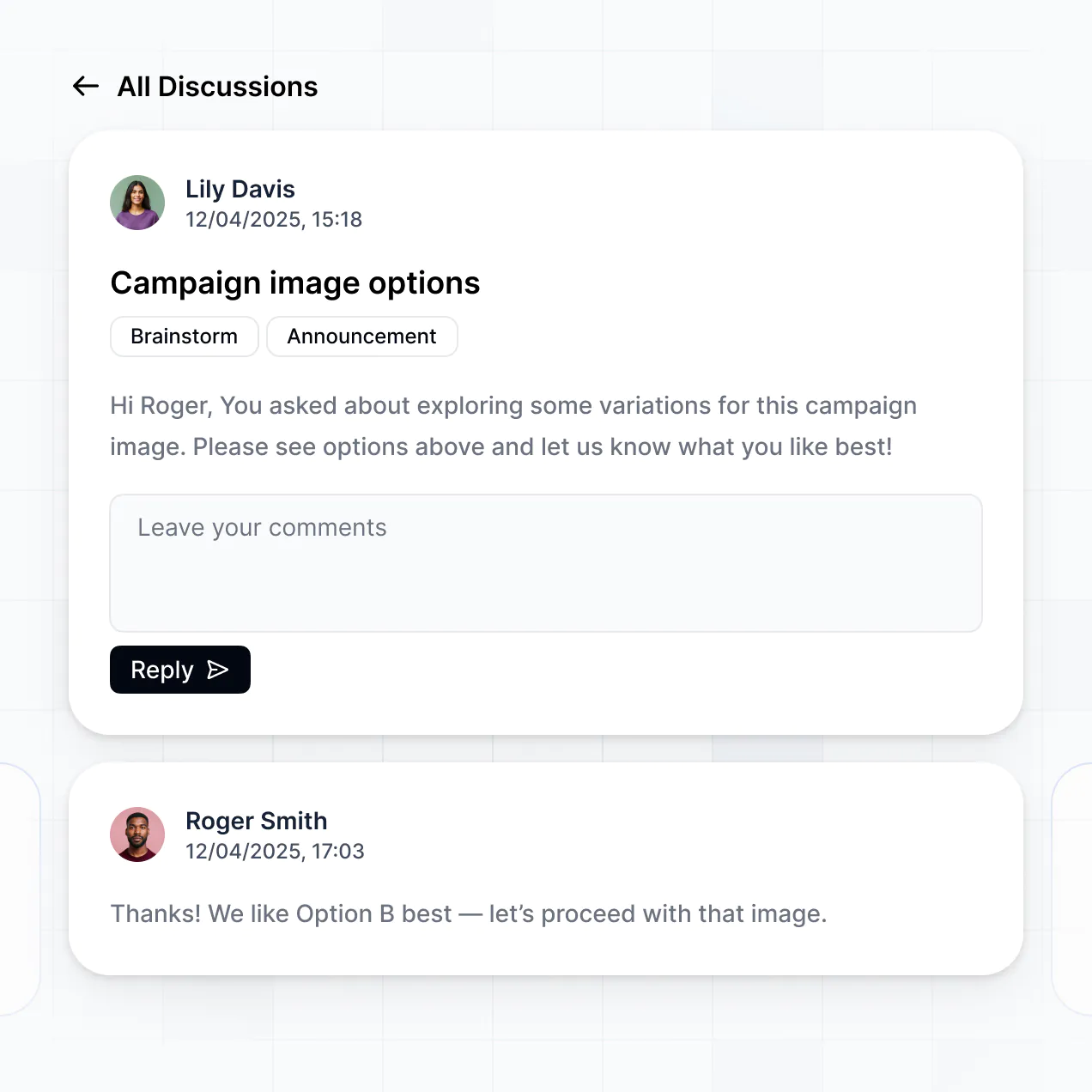
Provide separate logins for different clients and team members, creating personalized file dashboards and document views for every stakeholder.
Apply rules for document access. Customize who can view, delete, or upload files at a granular level to ensure data privacy for every project.
Protect sensitive client documents and personal information from threats. Softr is fully compliant with SOC2 and GDPR regulations for total peace of mind.
No more one-size-fits-all tools or costly custom builds. Softr is easy to use and fully customizable, so you can launch faster, adapt as you grow, and skip the complexity of traditional software.

Build your dropbox client portal in minutes with AI—no manual configuration or developer time needed.

Add features like secure document tracking, file insights, or status alerts as your needs evolve—no rebuild needed.

Start with a file portal, then add dashboards, forms, or project tools—all in one place with no extra tools.
Co-build with AI
Simply describe what you need. Let Softr handle everything - Interface, database, workflows.
Iterate with AI or visually
Control most critical parts of your app yourself - roles, permissions, security.
Ship the same day
Invite team members or external clients and partners right away. No developer handover.
Use drag-and-drop blocks to build a portal that looks sleek and modern out of the box. Add only the features you need, and iterate as your workflows evolve.




A dropbox client portal is a secure, branded environment where your clients can log in to access specific project files, upload documentation, and track shared assets. Unlike a standard file folder, it provides a structured interface that organizes communication and file sharing in one place. This eliminates the need for messy email chains or digging through unstructured cloud storage, ensuring both your team and your clients have a professional, organized experience.
Softr is the first AI-native platform for building business software, making it the ideal tool to build a dropbox client portal tailored to your specific file-sharing needs. You can describe your file management requirements to the AI Co-Builder to instantly generate a secure portal with document libraries, upload forms, and user profiles already connected.
You don't need to code anything to get started. You can generate the app with AI, use a pre-built document management template, or build from scratch. Your portal can run on Softr Databases for native speed, or you can link external tools like Google Sheets or Airtable to track file metadata. You have full control to customize the visual layout, define granular file access permissions, and white-label the interface with your own branding, making it more flexible and professional than a simple shared folder.
You can include a wide range of features in your dropbox client portal to streamline how you share and collect assets. A high-performing portal typically combines functional document blocks with AI intelligence:
- AI-Powered Intelligence – Use Ask AI to let clients query their project documents conversationally, or set up Database AI Agents to automatically categorize uploaded files or summarize long PDFs.
- Vibe Coding Blocks – Build custom UI elements—like a sleek image gallery or a document previewer—using the AI Code block to "vibe code" the exact visual experience you want.
- Softr Workflows – Build native automations, such as an automatic email notification to a project manager whenever a client uploads a new contract or signs off on a deliverable.
- User Portals & Logins – Securely manage access so each client only sees the specific folders and project files associated with their account.
- Forms & Data Collection – Use custom forms with file upload fields to securely collect briefs, screenshots, or legal documents directly into your database.
- Dashboards & Charts – Visualize project progress and file approval statuses with real-time charts and summary metrics.
- Lists & Advanced Filtering – Organize assets with searchable file tables, grid views for creative assets, and tags for easy filtering.
Everything is built using Softr's drag-and-drop blocks without code. If you need a more specific file-handling feature, the Vibe Coding block can generate it for you instantly.
Vibe coding allows you to build a professional-grade dropbox client portal simply by describing how you want your file sharing and client interactions to work. You tell the AI Co-Builder exactly what you need—such as specific user roles for viewing or editing files—and Softr generates a production-ready application on a secure, stable foundation.
While other tools might generate raw snippets of code that are difficult to secure, Softr manages the critical components like secure file authentication, user login logic, and data permissions natively. This gives you the speed of vibe coding without the risk of security vulnerabilities. You describe your ideal document workflow, and Softr builds it ready for client use in minutes.
Yes. You can manage multiple clients, departments, or external teams within a single dropbox client portal. By using role-based permissions, you ensure that Client A only sees their specific project files and invoices, while Client B sees an entirely different set of documents. This environment is perfect for agencies or professional services that need to maintain strict data privacy and isolation between different stakeholders.
Yes, you can. You don't need an existing external database to start building your dropbox client portal. If you're starting fresh, you can use the built-in Softr Databases to store file links, descriptions, and metadata, which integrates seamlessly with your portal's frontend.
However, if you already track project information or file links in tools like Airtable, Google Sheets, HubSpot, or SQL, you can easily connect those as well. You also have the option to use the REST API to pull in data from other file storage providers, giving you full flexibility over how your client assets are structured and displayed.
Softr Databases is the recommended native data source for your dropbox client portal, offering high performance and instant triggers for file-related automations. Because it is native to the platform, it provides a lightning-fast experience for clients browsing or uploading documents.
For businesses already using other platforms, Softr supports 17+ external sources including Airtable, Google Sheets, HubSpot, and BigQuery. You can even combine sources, such as keeping client profiles in HubSpot while managing project file metadata in Softr Databases. Most connections support real-time, two-way sync, ensuring your portal always displays the latest versions of every file and record.
Yes, Softr gives you precise control over how your clients interact with your dropbox client portal. You can customize every aspect of the navigation and layout to match your specific workflow. Using visibility rules, you can show or hide specific document blocks based on who is logged in, meaning a manager might see proprietary contracts while a freelancer only sees task-related briefs.
You can define distinct user roles—such as Viewer, Editor, or Admin—to control who can download, delete, or upload files. This ensures that sensitive project data remains secure and that internal team members have the tools they need to manage assets while clients enjoy a simplified, focused view. It makes managing heavy file volumes across dozens of clients simple and secure.
Yes, you can fully white-label your dropbox client portal to ensure a professional brand experience. You can integrate your own logo, company colors, and custom typography, and even host the portal on your own custom domain (e.g., portal.yourcompany.com). By removing Softr branding, your clients will experience a seamless transition from your main website into a secure file-sharing area that feels like part of your internal identity.
Yes, you have deep flexibility over the aesthetic and structural design of your dropbox client portal. You can choose specific block types to display your data in the most intuitive way possible:
- Table blocks – for searchable lists of contracts, spreadsheets, or technical specs.
- Card blocks – to create a visual gallery of brand assets, photos, or design mocks.
- Detail View – to provide a dedicated landing page for a specific project folder.
- Forms – for clients to securely upload new files or project requests.
- Charts – to track project milestones or storage usage.
- Calendar blocks – to pin document deadlines or upcoming review cycles.
If you need to change your design as your client base grows, the visual builder makes it easy to drag and drop new sections or update styles without any downtime.
Security is built into every layer of your dropbox client portal. All information is encrypted via TLS in transit and at rest, and hosted on secure, enterprise-grade infrastructure. You have granular control over data access; through role-based permissions and visibility rules, you dictate exactly which files can be viewed or edited by specific users.
If you use Softr Databases, your data is stored in a secure SOC 2 Type II compliant environment in Germany. If you link to external providers like Airtable or SQL, Softr simply displays your data in real-time without storing it on our servers. This ensures you maintain full ownership of your assets while benefiting from Softr’s robust authentication and monitoring systems.
The application generated by Softr AI is fully production-ready. Unlike experimental AI tools that produce fragile code requiring constant maintenance, Softr builds your dropbox client portal on a stable, battle-tested platform already used by thousands of businesses.
We handle all the complex "backend" work—like secure user logins, database relationships, and permission logic—natively. This allows you to go from a simple AI prompt to a functional, secure portal that you can invite clients to explore on day one, without worrying about the underlying code breaking.
Softr is the first AI-native business software platform, distinguishing itself from traditional no-code tools that require manual block-by-block setup. For a dropbox client portal, the AI Co-Builder doesn't just give you a template; it generates a custom database and page logic tailored to your specific file-sharing workflow.
It offers a unique hybrid advantage: the speed of AI generation combined with the reliability of a mature visual editor. You get professional-grade features like granular user roles and secure authentication built-in from the start, rather than having to duct-tape multiple plugins together. It’s built specifically for teams that need to launch secure, professional client tools today.
Yes. Softr allows you to connect your dropbox client portal to your entire software stack. You can automate document-heavy tasks using Softr Workflows—like triggering a Slack alert when a file is uploaded—or integrate with Stripe to gate document access behind a subscription. Additionally, with REST API and webhook support, you can sync your portal with specialized tools to ensure your client data and files are always exactly where they need to be, no manual entry required.
Describe what you need. Softr's AI builds your custom file portal in minutes.