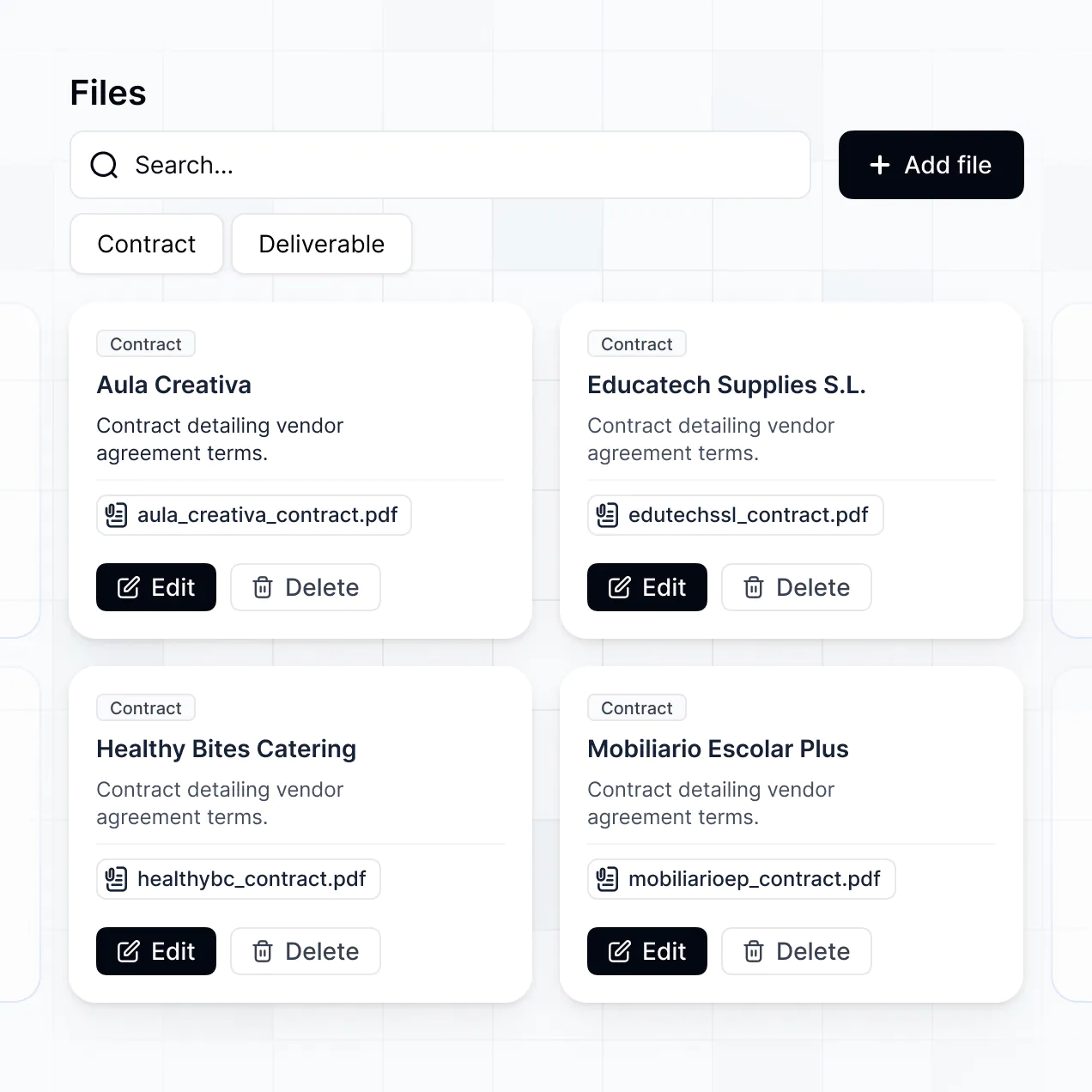
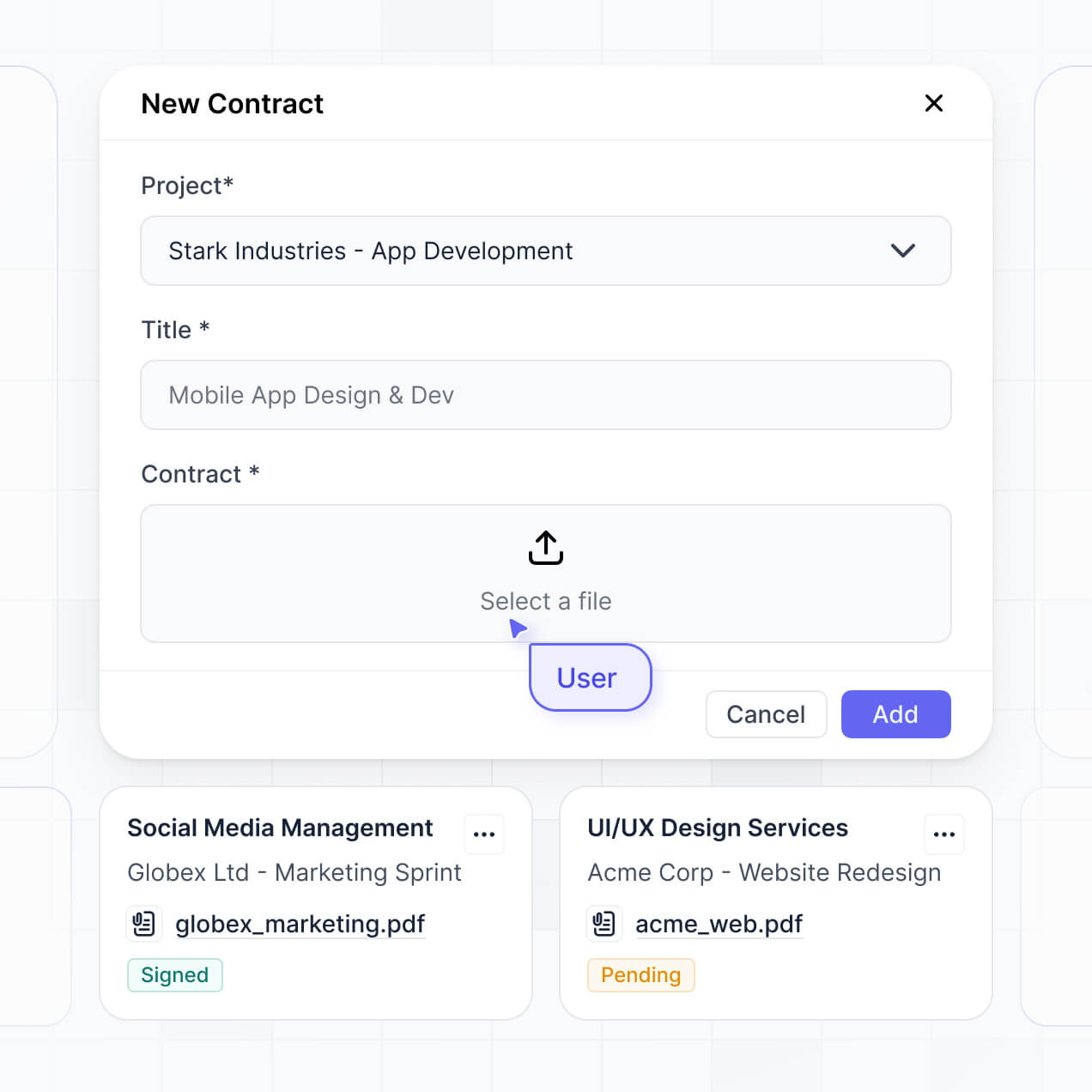
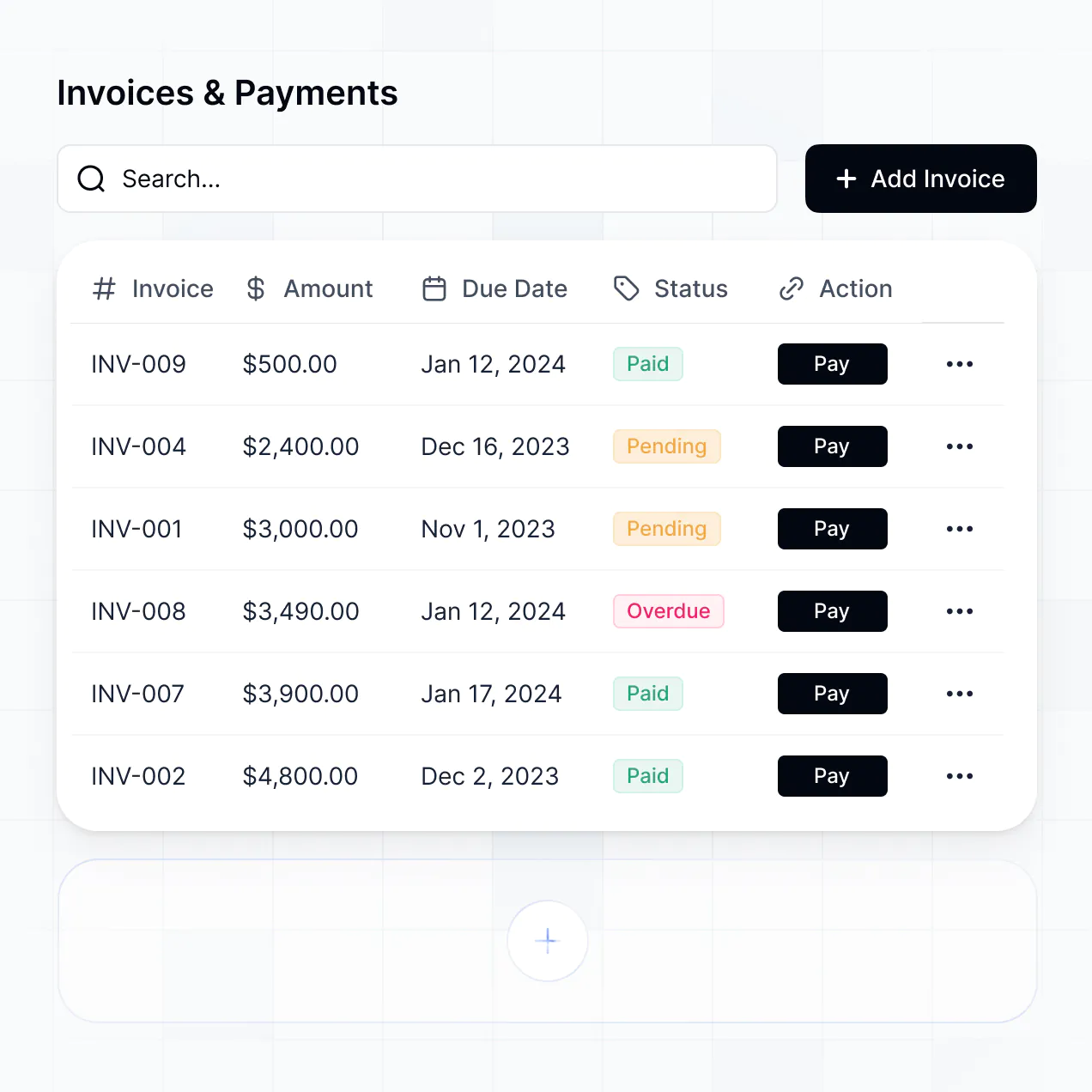
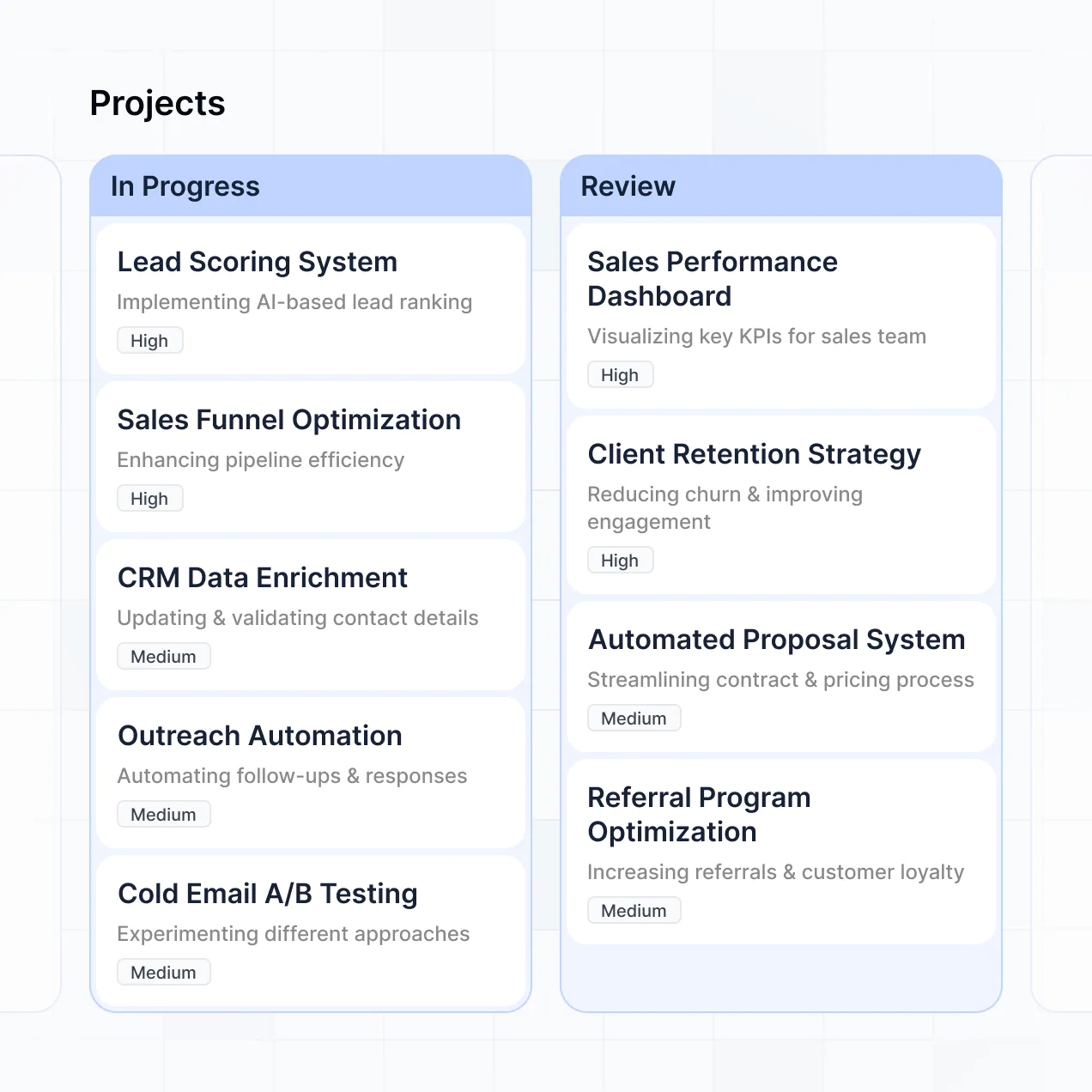
Manage counsel, track invoices, and store contracts in an AI-powered portal built with AI to fit your legal team's specific workflow.
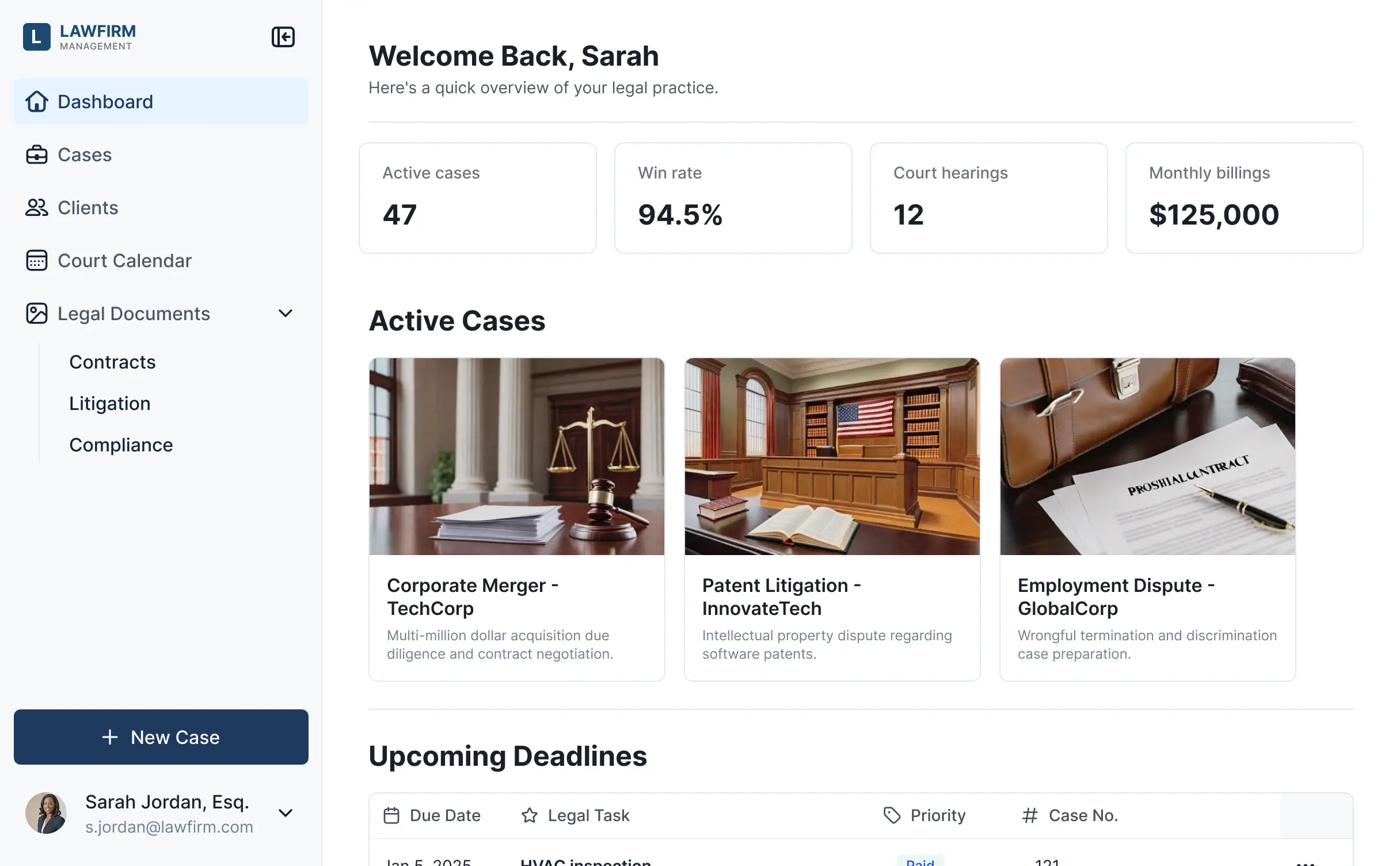
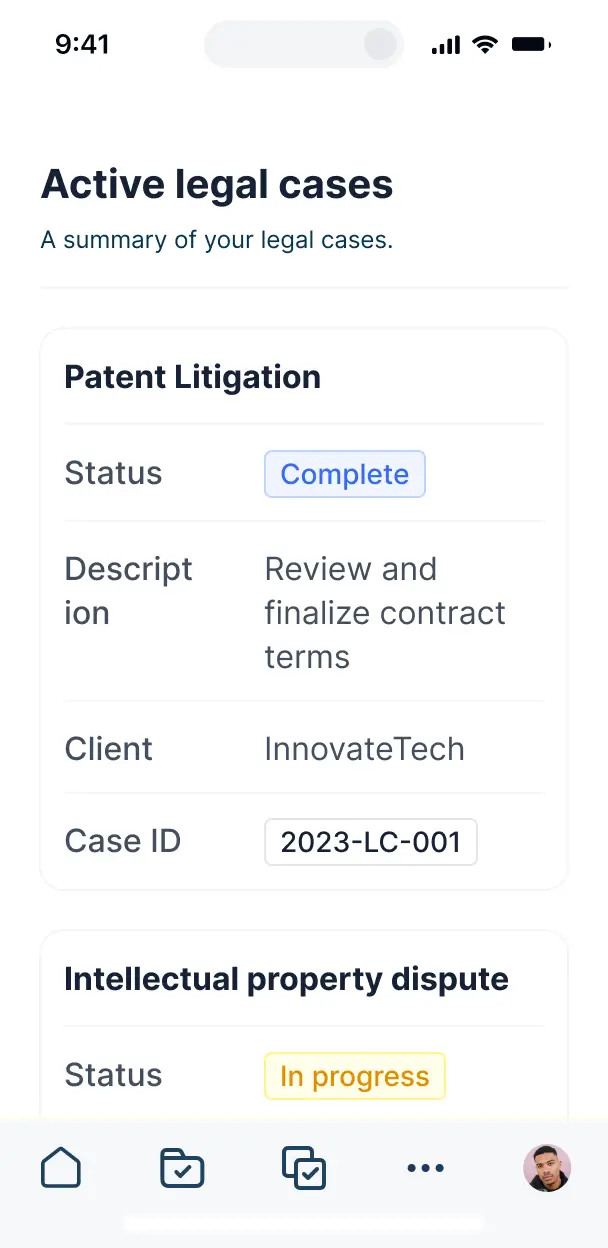



Customize a vendor portal that looks sleek and modern out of the box. Add only the features you need, and iterate as your team's workflows evolve.


Connect invoices, contracts, and matter details from your existing tools—or manage everything in Softr Databases. Create a single source of truth for your legal department.
Give each firm and internal user the right views and access in a branded portal. Set up secure logins, user groups, and permissions in minutes.
Softr apps are mobile-ready by default. Turn your vendor portal into a downloadable app in one click with Softr's PWA—so lawyers can update matters from anywhere.
Build native automations to handle invoice status notifications, compliance alerts, and data sync automatically whenever contract details are changed.
Provide separate logins for different outside counsel and internal legal teams, and create personalized dashboards for each specific vendor.
Apply rules for different firms. Customize who can view or upload invoices and which legal matters they can access, even at the most granular level.
Protect sensitive contract and vendor information from security threats. Softr is fully compliant with SOC2 and GDPR regulations.
No more one-size-fits-all tools or costly custom builds. Softr is easy to use and fully customizable, so you can launch faster, adapt as you grow, and skip the complexity of traditional software.

Build your legal vendor management software in minutes with AI—no manual configuration or setup needed.

Add features like spend analytics or automated compliance alerts as your firm's workflows evolve—no code needed.

Start with vendor tracking, then add matter dashboards, intake forms, or contract repositories—all in one place.
Co-build with AI
Simply describe what you need. Let Softr handle everything - Interface, database, workflows.
Iterate with AI or visually
Control most critical parts of your app yourself - roles, permissions, security.
Ship the same day
Invite team members or external clients and partners right away. No developer handover.
Use drag-and-drop blocks to build a portal that looks sleek and modern out of the box. Add only the features you need, and iterate as your workflows evolve.




Legal vendor management software is a secure space where law firms or legal departments can collaborate with outside counsel and service providers to access case files, billing information, and project timelines. It keeps all matter-related communication and documentation in one place, so you don't have to rely on fragmented emails or insecure spreadsheets. This makes it easier to track law firm performance and provide a more transparent experience for both your internal legal team and your external partners.
Softr is the first AI-native platform for building business software. It makes it easy to build a legal vendor management solution that fits the specific compliance and administrative workflows of your legal department. You can describe your vendor intake or matter management requirements to the AI Co-Builder to instantly generate your database, secure vendor pages, and permission logic—already connected and secure.
You don't need to code anything. You can start by generating with AI, using a pre-built legal template, or building from scratch. Everything runs on Softr Databases, the native, relational database built into the platform, or you can connect existing sources like Airtable, Google Sheets, or HubSpot where you might currently track contract data. You have full control to adjust the layout visually, decide which external firms see which documents, and brand it to match your law firm's identity. It's quick to get up and running, simple to update as legal regulations change, and flexible enough to scale with your vendor list.
You can include a wide range of features in your legal vendor management software, depending on how you manage outside counsel. A great vendor portal usually mixes functional administrative blocks with AI-powered legal intelligence:
- AI-Powered Intelligence – Use Ask AI to let your team query vendor contracts conversationally, or set up Database AI Agents to automatically summarize incoming legal invoices or perform background research on law firm performance.
- Vibe Coding Blocks – Build custom UI elements—like a dynamic compliance checklist—using the AI Code block to "vibe code" exactly the interactive experience your vendors need.
- Softr Workflows – Build native automations (like an automatic email notification when a vendor's professional liability insurance expires) that trigger alerts whenever a record is updated.
- User Portals & Logins – Securely manage access so each law firm only sees their specific active matters and sensitive case files.
- Forms & Data Collection – Capture information with secure vendor onboarding forms, conflict of interest declarations, and SOC 2 document uploads.
- Dashboards & Charts – Visualize legal spend versus budget and vendor performance metrics with real-time charts and summaries.
- Lists & Advanced Filtering – Display and manage your vendor directory with searchable tables, status boards for contract renewals, and detailed firm profiles.
Everything is built using Softr's drag-and-drop blocks, so you can create these features without writing code. If your reporting needs change, it's easy to update the software later.
Vibe coding is all about moving fast and using AI to build exactly what your legal team needs. You can "vibe code" legal vendor management software in Softr by simply describing your requirements—like specialized fields for BAR IDs or matter categories—to the AI Co-Builder. Softr then generates a production-ready portal on top of a stable, secure foundation.
Unlike other tools that just generate raw, fragile code that would be a security risk for legal data, Softr handles the "boring 80%"—like firm-level authentication, database logic, and SOC 2-compliant security—natively. This means you get the speed of vibe coding without the professional liability of managing raw code. You describe your vendor workflow, Softr builds it, and it’s ready for your partner firms and internal counsel instantly.
Yes. You can manage multiple law firms or external service providers in a single portal. Each vendor user only sees the specific case files, billing tasks, and content assigned to them based on their secure login and assigned firm role. This is crucial for corporate legal departments working with multiple outside counsel stakeholders simultaneously while maintaining strict confidentiality between firms.
Yes, you can. You don't need to bring your legal data from a legacy CLM or ERP to start building with Softr. If you're starting from scratch, you can use Softr Databases, which is built into the platform and integrates perfectly with any legal application you build.
But if you already have firm contacts or matter data in tools like Airtable, Google Sheets, HubSpot, Notion, or SQL, you can connect those too. You can also use the REST API connector to bring in data from legal billing software. Either way, you have full control over how your vendor profiles and matter files are structured and displayed.
Softr Databases is the recommended native, relational data source for your legal portal. It is built explicitly for business apps, offering high performance, instant automation for contract alerts, and a lightning-fast experience because the vendor data is native to the platform.
If you already have your vendor lists elsewhere, Softr also connects to 17+ external data sources. You can connect to Airtable, Google Sheets, HubSpot, SmartSuite, BigQuery, and more. You can even integrate multiple data sources—so your portal could pull in law firm contact info from Softr Databases and billing status from HubSpot at once. Most sources support real-time, two-way sync, so updates made by vendors reflect in your data source automatically.
Yes, Softr gives you full control over how legal vendors experience your portal. You can customize the layout, matter navigation, and document sections to match your brand and legal workflow. Each page or block can be shown or hidden based on who's logged in, so a vendor only sees the case assignments relevant to them.
You can also set up different user roles, such as Lead Partner, Associate, or Administrative Assistant—and define exactly what each role can view or edit (e.g., only Lead Partners can see financial summaries). You can also create personalized matter views by filtering data based on the logged-in user's firm. This ensures that sensitive legal data remains confidential and your dashboard stays clean and professional.
Yes, you can fully white-label your legal vendor portal in Softr. You can use your firm's logo, brand colors, professional fonts, and a custom domain (like portal.yourlawfirm.com) to make the software feel like a natural, high-end extension of your legal practice. You can also remove all Softr branding, ensuring your vendors see only your company's professional identity throughout their user experience.
Yes, you can. Softr gives you extensive flexibility to control the design and layout of your vendor portal. You can adjust colors, fonts, and page architecture to meet legal industry standards for professional software. You can choose how matter details are displayed and set specific views based on user login.
To display your legal data, you can add various blocks tailored to your needs:
- Table blocks – to show structured data like matter lists, invoice status, or court dates.
- Card blocks – to highlight individual firm profiles, lead counsel bios, or active resources.
- Detail View – to show one specific case or contract at a time with full details.
- Forms – for secure submission of intake forms and conflict checks.
- Charts – to visualize legal spend by firm or case type.
- Calendar blocks – to display filing deadlines and hearing dates.
If your compliance requirements or branding changes, it's easy to update the portal layout instantly via the visual builder.
Softr is built with enterprise-grade security in mind, which is essential for sensitive legal information. All data is encrypted in transit (TLS) and at rest, and your apps are hosted on reliable infrastructure. Softr gives legal admins full control over who can see and edit case records. You can set up granular role-based permissions, manage users within your data source, and apply global visibility rules to protect privileged information.
For portals using Softr Databases, your data is stored in a secure environment with all data hosted in Germany and SOC 2 Type II compliance. For apps connected to external sources like Airtable or SQL, Softr doesn't store your legal files—it just displays them in real time based on your specific access settings. Softr follows industry best practices for platform monitoring to help keep your legal data safe and private.
It is fully production-ready. Unlike many AI tools that generate fragile code which would be risky for law firm operations, Softr builds your legal vendor management software on top of a stable, business-grade foundation.
We handle the critical legal infrastructure—like secure firm authentication, hosting, and granular matter-level permissions—natively. This solves the reliability problem of AI: you get the speed of instant generation for your vendor portal without the headache of managing raw, unverified code. Your application is secure, scalable, and ready for your outside counsel to use for real case management from day one.
Softr is the first AI-native platform specifically designed for functional business software. Unlike basic "vibe coding" tools that generate code that's difficult to audit for legal compliance, or traditional no-code tools that require weeks of manual configuration, Softr's AI Co-Builder creates apps on top of a secure, production-ready foundation.
What sets it apart is the hybrid advantage for legal teams: you can use AI to generate your vendor database and portal logic in minutes, then use powerful visual controls to ensure strict adherence to internal data policies. You get the speed of AI with the reliability of business-grade infrastructure (enterprise auth, firm roles, and secure hosting) already built-in. It's designed for legal operations teams who need to move from prototype to production on day one.
Yes. Softr supports powerful native workflows and a wide range of legal tech integrations so you can connect your vendor portal to the rest of your legal stack. You can automate tasks using Softr Workflows, like sending a Slack alert when a firm uploads a new contract, or sync with tools like Stripe for vendor payments. Softr also supports REST API and webhooks for advanced workflows like triggering e-signatures.
Whether you need to push billing data to your accounting system or display case status from other legal tools, you can build it into your portal without writing code.
Describe what you need. Softr's AI builds your custom legal portal in minutes.