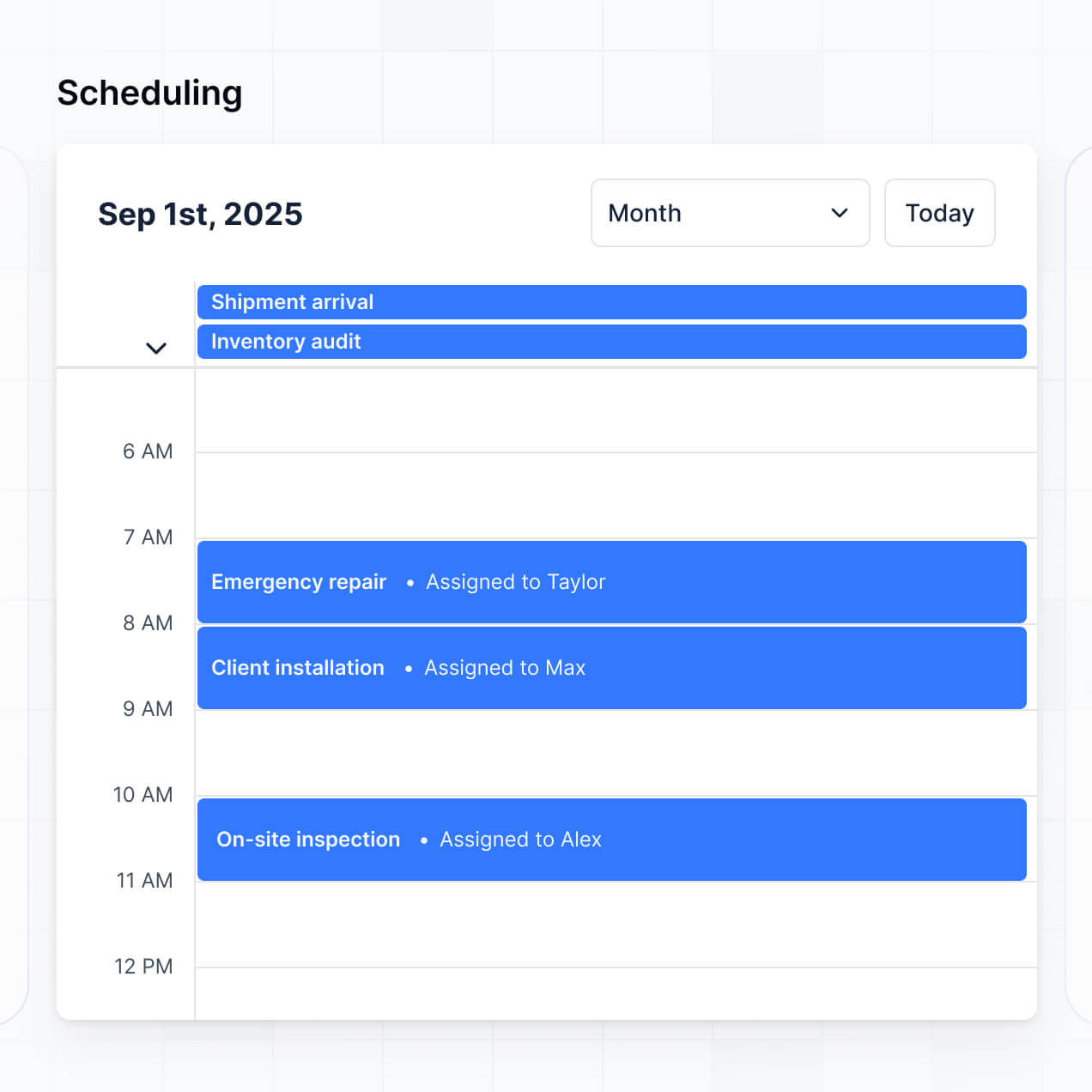
Manage files, track grades, and deliver feedback in an AI-powered portal built with AI to fit your school's unique student workflow.
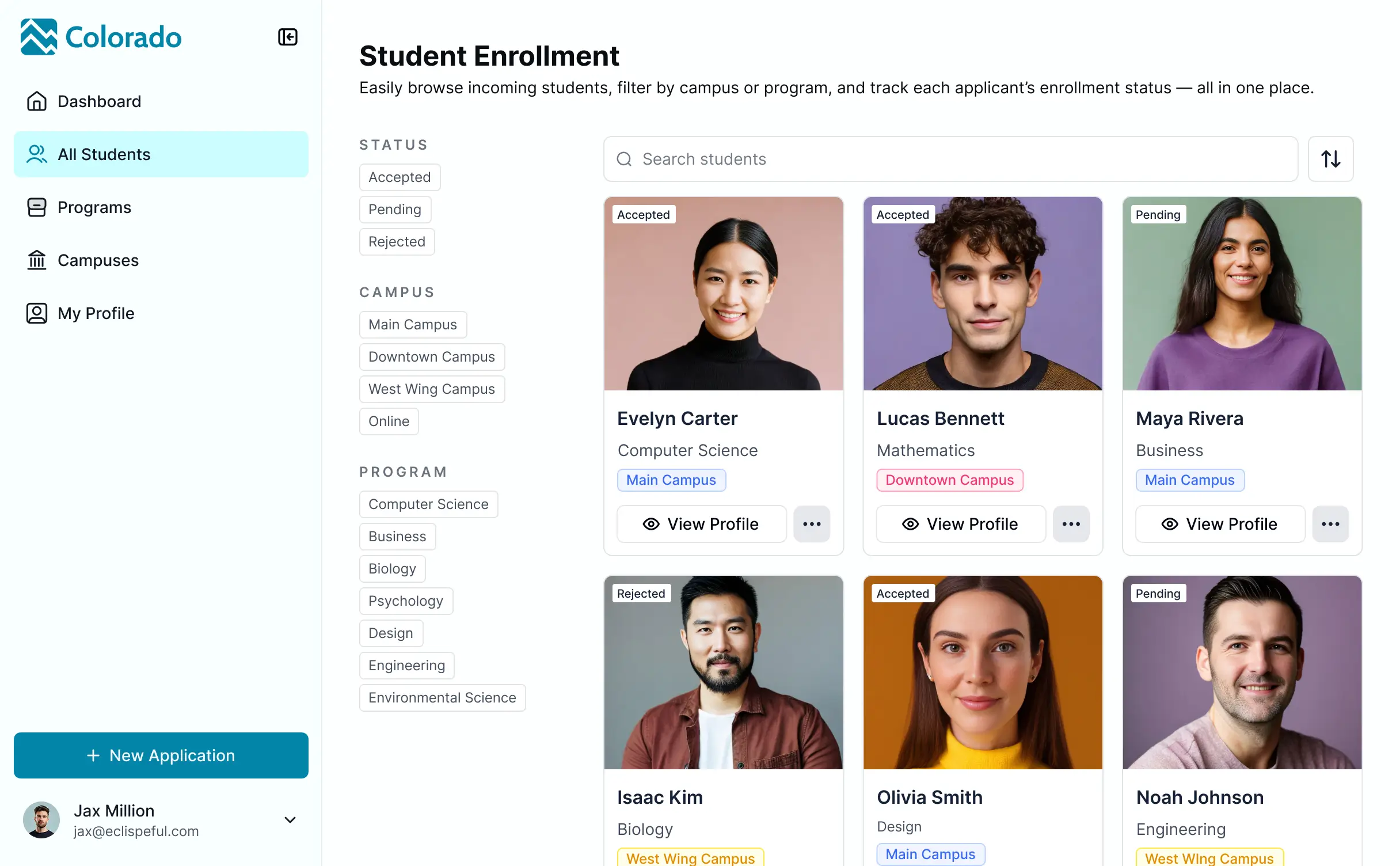

Set up custom views for instructors and students. Add blocks like file uploads, feedback, and due date tracking—only when needed for your LMS.


Connect course resources, student rosters, and gradebooks with real-time sync—or manage everything in Softr Databases. Create a single source of truth for your school.
Give each student and instructor the right views and access. Set up secure logins, user groups, and granular permissions for every grade and course in minutes.
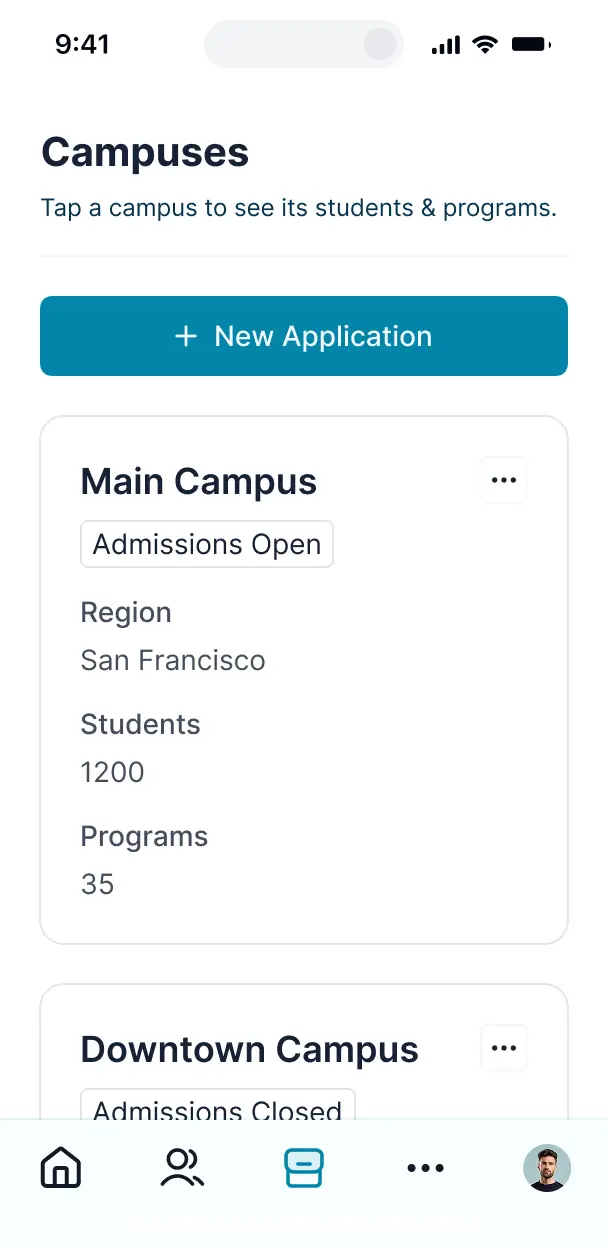
Softr apps are mobile-ready by default. Students can upload assignments via smartphones in one click using Softr's PWA—no extra design needed.
Build native automations to handle deadline notifications, grade status updates, and instructor alerts automatically whenever student records are changed.
Provide separate logins for students and instructors, ensuring every user sees only their relevant assignments and feedback dashboards.
Apply rules for student and faculty groups. Customize who can view files, edit grades, and which feedback actions they can take at the most granular level.
Protect student information and academic records from security threats. Softr is fully compliant with SOC2 and GDPR regulations.
No more one-size-fits-all tools or costly custom builds. Softr is easy to use and fully customizable, so you can launch faster, adapt as you grow, and skip the complexity of traditional software.

Build your assignment submission portal in minutes with AI—no manual setup or complex configuration needed.

Add features like real-time grade dashboards or automated notifications as your curriculum evolves—no rebuild.

Start with common LMS tools, then add student directories and resources—all in one place with no extra tools.
Co-build with AI
Simply describe what you need. Let Softr handle everything - Interface, database, workflows.
Iterate with AI or visually
Control most critical parts of your app yourself - roles, permissions, security.
Ship the same day
Invite team members or external clients and partners right away. No developer handover.
Use drag-and-drop blocks to build a portal that looks sleek and modern out of the box. Add only the features you need, and iterate as your workflows evolve.




An assignment submission portal is a secure LMS environment where students can log in to upload coursework, access grading rubrics, download lecture materials, and track project deadlines. It centralizes student-teacher interactions in one digital space, eliminating the chaos of lost email attachments or unorganized shared folders. This streamlining ensures that educators stay organized and students have a clear, transparent experience throughout the academic term.
Softr is the first AI-native platform for building specialized learning management software. It allows you to build a portal that perfectly mirrors your curriculum and grading workflows. By describing your educational needs to the AI Co-Builder, you can instantly generate a database for student records, submission pages, and logic for automated deadlines—all fully connected and secure.
You don't need any technical skills to get started. You can begin with a prompt, use a specialized LMS template, or build from scratch. Your portal runs on Softr Databases for native speed, or you can link to student rosters in Airtable, Google Sheets, or a school CRM. You have absolute control to brand the interface with school colors, define strict academic permissions, and adjust layouts as your course list expands.
You can integrate a variety of academic features tailored to your specific teaching style. A robust assignment submission portal typically combines core educational blocks with advanced AI capabilities:
- AI-Powered Intelligence – Use Ask AI to let students query course materials or set up Database AI Agents to automatically summarize student submissions or check for key required elements.
- Vibe Coding Blocks – Create custom UI components like an interactive grade progress tracker or a peer-review slider using the AI Code block to build exactly what your pedagogy requires.
- Softr Workflows – Set up native automations, such as automated late-submission alerts or email confirmations for students once their file is successfully uploaded.
- Student & Faculty Logins – Ensure privacy by restricting access so students only see their own grades and feedback, while TAs and professors see the full roster.
- Advanced Forms – Capture file uploads for essays, video presentations, or code repositories with validation rules.
- Gradebook Dashboards – Visualize class performance and submission rates with real-time charts and administrative summaries.
- Searchable Course Lists – Sort and filter assignments by module, difficulty, or due date using kanban boards or gallery views.
Everything is drag-and-drop, and if your curriculum evolves, you can regenerate custom components using the Vibe Coding block effortlessly.
Vibe coding allows you to move at the speed of the academic calendar and use AI to build the exact submission tools you need. You can "vibe code" your portal by describing your specific requirements—like a multi-file upload system or a plagiarism statement checkbox—to the AI Co-Builder. Softr then generates a production-grade LMS interface on top of a secure infrastructure.
While other tools might output buggy, custom scripts that break during a final exam rush, Softr manages the critical 'boring' parts—like student authentication, file storage permissions, and data integrity—natively. You describe the student experience, Softr builds it, and your class is ready to log in immediately without you ever touching a line of code.
Yes. You can organize hundreds of students across different subjects or sections within a single portal. Using role-based logic, each student only sees the assignments and feedback for the courses they are enrolled in. This is an ideal setup for universities, training centers, or coding bootcamps where different cohorts need private, isolated environments within the same platform.
Absolutely. You don't need an existing school database to start building with Softr. If you are launching a new course, you can use Softr Databases to store everything from student identities to grading rubrics directly within the platform.
However, if your school already tracks enrollment in Airtable, Google Sheets, or a SQL database, you can connect those instantly. You can also use the REST API to pull data from an existing institutional LMS. You maintain total control over how student records and assignment prompts are structured and displayed.
Softr Databases is the recommended relational source for assignment portals, offering the high performance needed for large file uploads and instant grading updates. It provides a lightning-fast experience because the student data is native to the application builder.
If you prefer external storage, Softr connects to 17+ sources including Airtable, Google Sheets, and HubSpot. You can even mix sources: for instance, keep student login data in Softr Databases while pulling course content from a centralized Airtable base. Most integrations support real-time, two-way sync, ensuring that a professor’s grade update is instantly visible to the student.
Yes, Softr gives you granular control over the learning environment. You can customize the dashboard navigation to show modules in order of the curriculum. Every block can be visibility-controlled based on the user’s role, ensuring that students only see submission buttons for active assignments while teachers see the 'Grade' buttons.
You can set up multiple tiers of access, such as Student, Teacher, and Administrator. For example, students are restricted to seeing their own submissions and grades, while TAs can edit records across the entire class. This keeps the portal secure and prevents students from seeing their peers' work or grades accidentally.
Yes, you can fully white-label your assignment submission portal. You can integrate your school logo, institutional brand colors, and official fonts, and host the app on a custom school subdomain. By removing all Softr branding, you create a professional academic experience that feels like a native school resource to both students and parents.
Yes, you have complete flexibility over the aesthetic and structural design of your portal. You can modify spacing, button styles, and page layouts to make the submission process as intuitive as possible. You can choose from specifically designed blocks to display your curriculum data:
- Table blocks – to track assignment lists, due dates, and grade statuses.
- Card blocks – to showcase course modules or instructor profiles with images.
- Detail View – to provide a focused environment for a student to read assignment instructions and upload files.
- Forms – for submitting reflections, peer reviews, or final projects.
- Charts – to show students their grade trends over the semester.
- Calendar blocks – to visually map out upcoming deadlines and exam dates.
If you decide to change the layout mid-semester, the visual builder makes updates simple and instantaneous.
Softr is built with academic-grade security. All student data and file uploads are encrypted in transit and at rest. You have absolute authority over data access through role-based permissions and visibility rules, ensuring sensitive information like grades or personal student records are protected from unauthorized access.
For portals using Softr Databases, data is hosted on secure European infrastructure with SOC 2 Type II compliance. For schools using external sources like SQL or Airtable, Softr acts as a secure display layer that reads data in real time based on your specific access settings. We follow strict industry standards for monitoring and authentication to keep your institution’s intellectual property and student privacy safe.
It is a fully production-ready application. unlike experimental AI tools that 'vibe code' fragile scripts that might crash during a high-traffic submission window, Softr builds your portal on a stable, battle-tested framework.
We provide the critical infrastructure—like secure file hosting, user authentication, and granular access control—as native features. This ensures that the instant your AI generation is complete, the app is scalable and secure enough to handle real students and critical academic data from day one.
Softr is the first AI-native platform designed for building specialized business and educational software. While basic tools require manual setup for every form or database link, Softr’s AI Co-Builder can generate a complex LMS structure in minutes.
It offers a unique hybrid advantage: the speed of AI-driven generation combined with the reliability of built-in business logic (like professor/student roles and secure file permissions). It is built for educators and administrators who need a custom, professional solution without the wait times associated with traditional IT development.
Yes. Softr allows you to create powerful academic workflows. You can trigger automations that email students when a grade is posted, or link your portal to tools like Stripe for tuition payments or Intercom for student support.
Whether you need to export grades to a master spreadsheet, send notifications to a Slack channel for TAs, or sync data from a virtual classroom tool, you can build these connections directly into your portal without writing a single line of code.
Go from idea to a live education portal in under an hour. Launch faster with a tool built for your specific workflow.