Centralize articles, manage content submissions, and track usage in a knowledge base builder built with AI to fit your team's workflow.
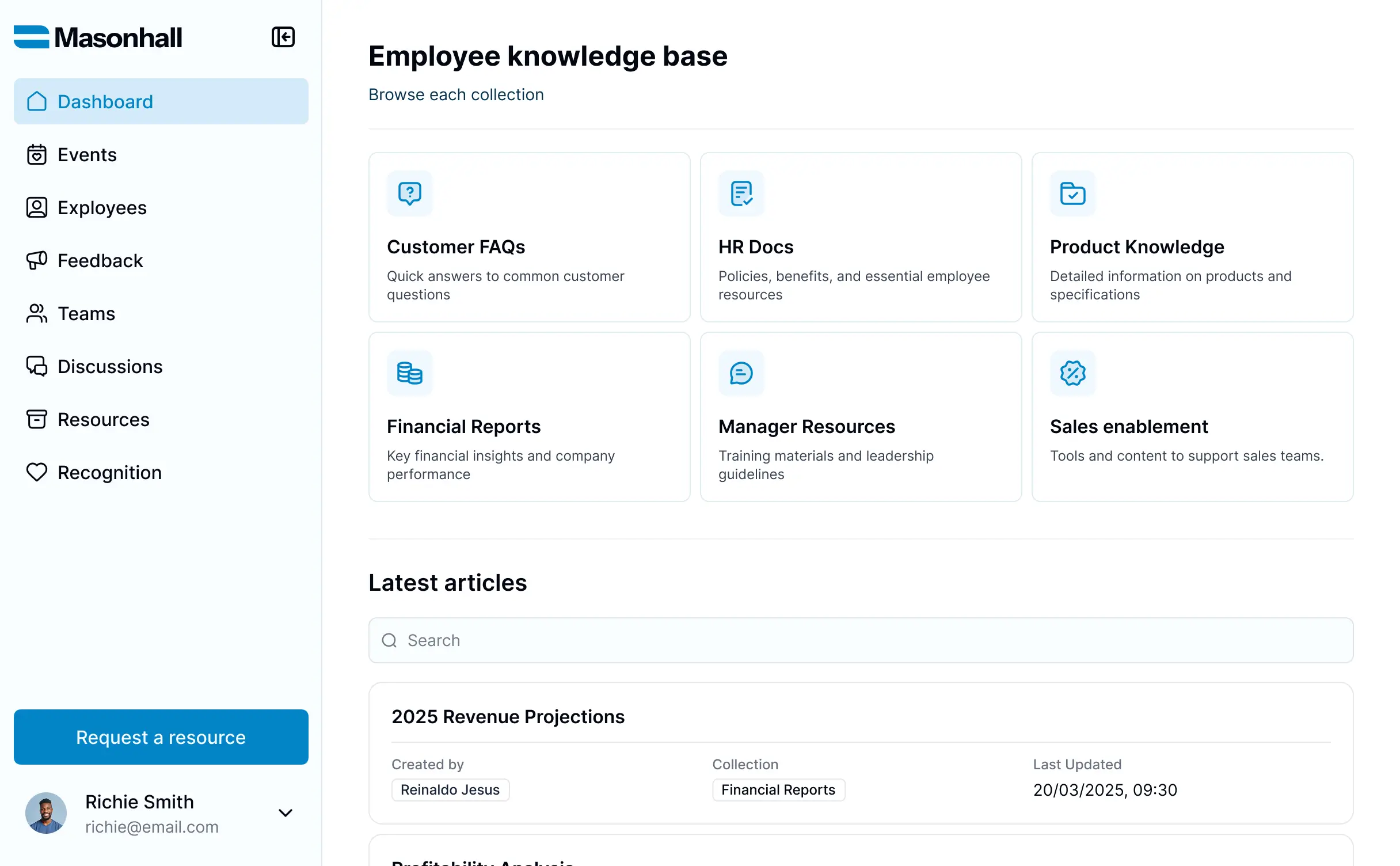



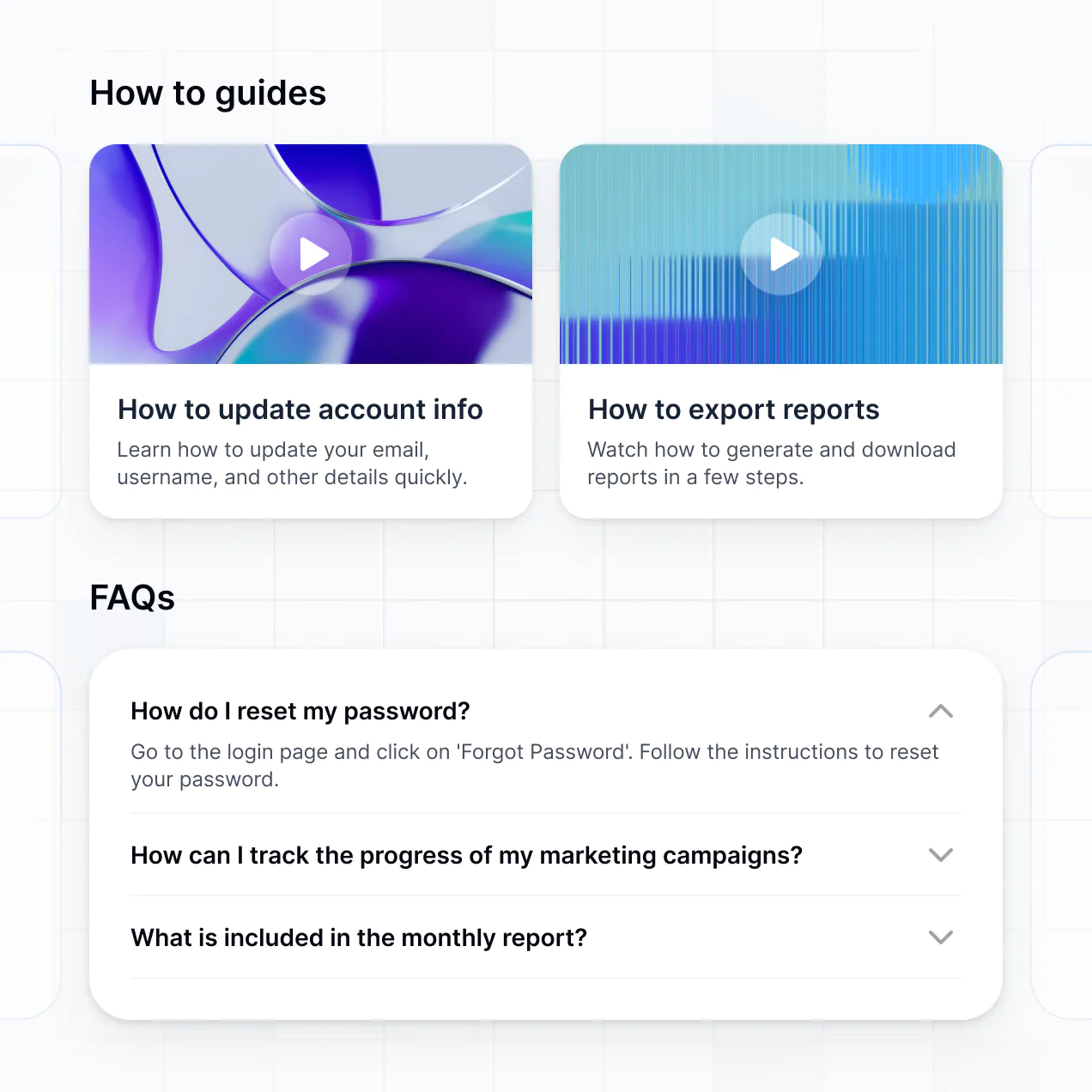
Customize your knowledge base setup with the exact steps and views your team needs. Add features as processes evolve—no code needed for updates.


Connect spreadsheets, CRMs, and article repositories with real-time sync—or manage everything in Softr Databases. Create a single source of truth for your business processes.
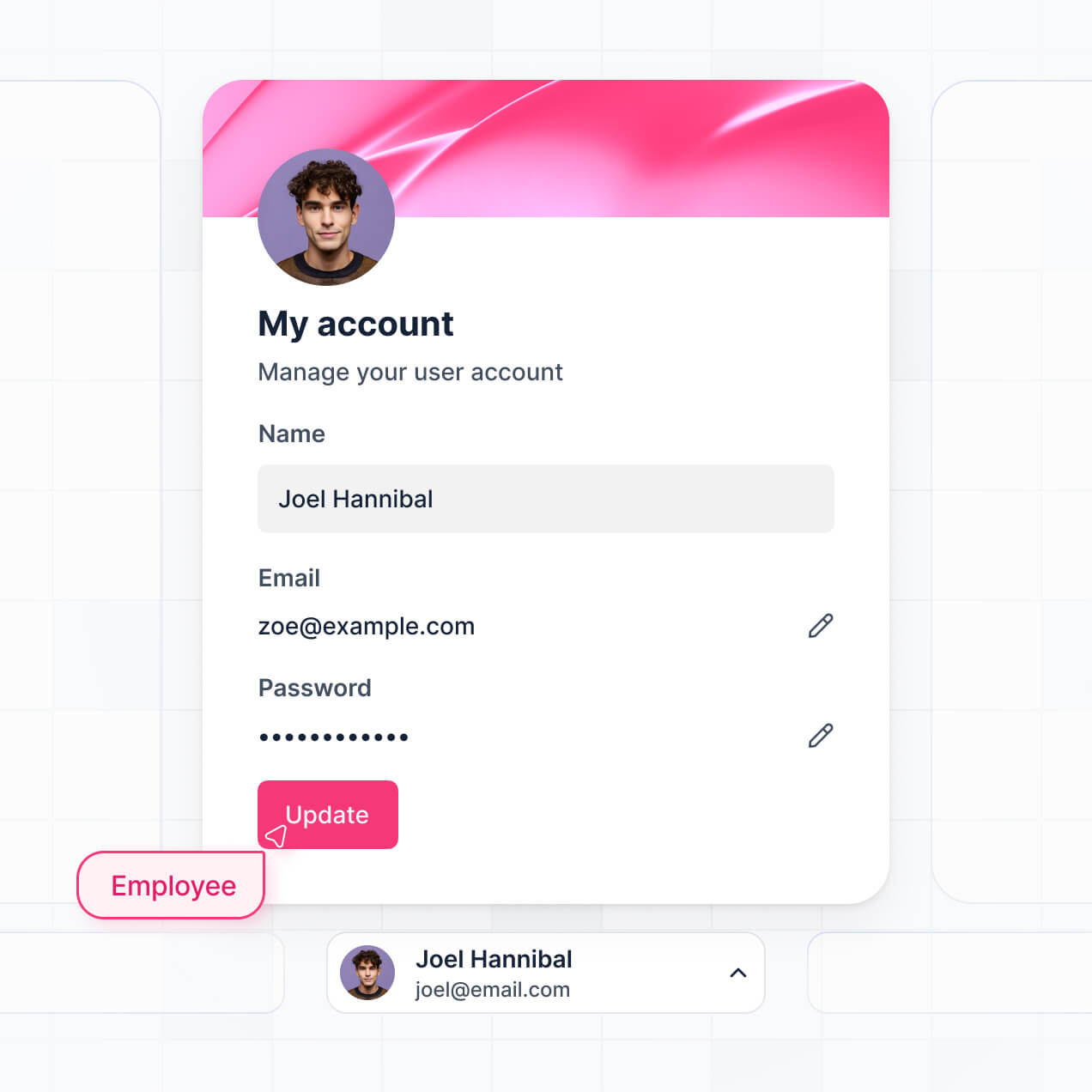
Give each teammate the right tools and access. Set up secure logins, user groups, and granular permissions—no IT support or dev work needed.
Give different team members tailored access and dashboards, so authors see drafting tools while employees see only published guides and resources.
Streamline your documentation processes with Softr Workflows. Trigger native notifications for content reviews or status changes to keep your info updated.
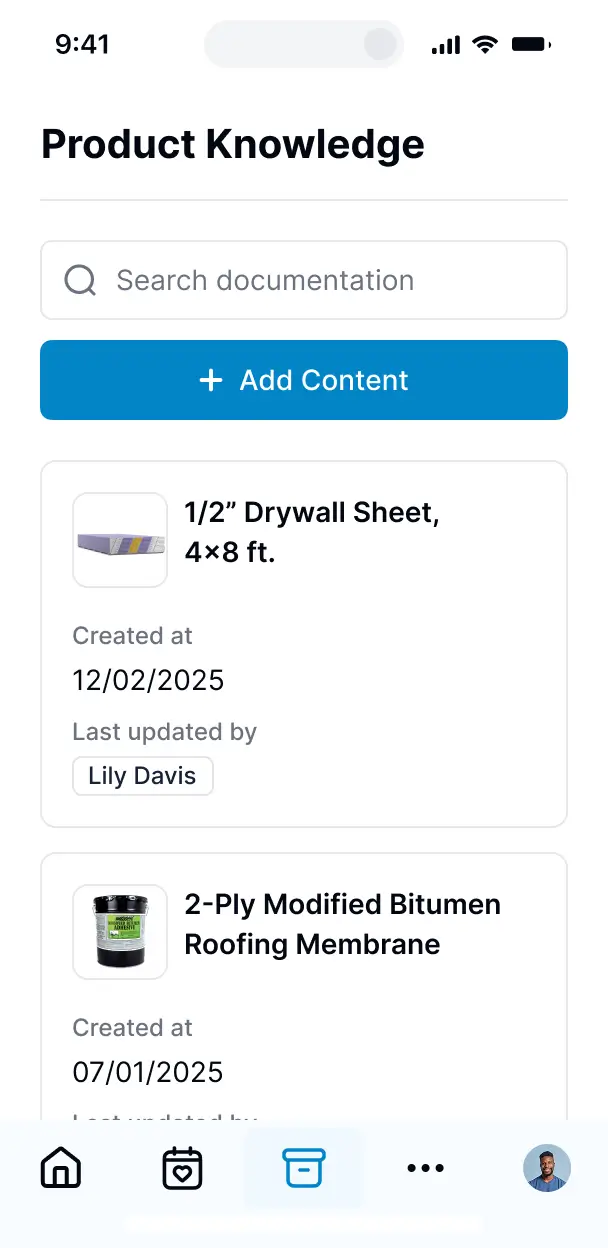
Access and update your knowledge base articles on the go. All apps are mobile-ready out of the box, ensuring your team has answers anywhere.
Use Google, email, or SSO logins to give your team fast, secure access to your internal documentation—no IT tickets or complex setups needed.
Keep proprietary company data safe with SOC2 and GDPR compliance, plus fine-tuned access control that ensures only authorized staff can reach sensitive info.
No more one-size-fits-all tools or costly custom builds. Softr is easy to use and fully customizable, so you can launch faster, adapt as you grow, and skip the complexity of traditional software.

Build your knowledge base builder in minutes with AI. No manual configuration—just describe what you need to start.

Add features like content approval workflows, article feedback, or usage analytics as your needs grow.

Start with a knowledge base, then add internal wikis, dashboards, or forms—all in one place with no extra tools.
Co-build with AI
Simply describe what you need. Let Softr handle everything - Interface, database, workflows.
Iterate with AI or visually
Control most critical parts of your app yourself - roles, permissions, security.
Ship the same day
Invite team members or external clients and partners right away. No developer handover.
Use drag-and-drop blocks to build a portal that looks sleek and modern out of the box. Add only the features you need, and iterate as your workflows evolve.




A knowledge base builder is a specialized tool that helps you create a secure, searchable repository where employees or customers can access documentation, SOPs, and help articles. It consolidates scattered wikis and PDFs into a central hub, eliminating the need to dig through Slack or email for answers. This ensures your team stays aligned and your users find the information they need instantly.
Softr is the first AI-native platform for building business software, making it the fastest way to build a knowledge base builder that perfectly matches your company’s information hierarchy. You can describe your documentation needs to the AI Co-Builder to instantly generate your article database, category pages, and search logic—all fully connected and secure.
You don't need to code to create a professional help center. You can start by generating with AI, using a pre-built template, or crafting it from scratch. Everything runs on Softr Databases, our native relational database, or you can sync existing documentation from Airtable, Google Sheets, or HubSpot. You have full control to brand the interface, set granular view permissions for confidential docs, and scale your library as your team grows.
You can design a robust feature set for your knowledge base builder to optimize how your team consumes information. A great knowledge base combines organized content with AI-driven discovery:
- AI-Powered Intelligence – Use Ask AI to let employees query the entire manual conversationally, or set up Database AI Agents to automatically summarize long technical docs or tag new articles by category.
- Vibe Coding Blocks – Create custom UI components—like a dynamic 'Table of Contents' or a code snippet viewer—using the AI Code block to build exactly what your documentation requires.
- Softr Workflows – Build native automations such as automated notifications to experts when a feedback form is submitted or an article is marked as outdated.
- User Portals & Logins – Secure confidential HR policies or internal SOPs so they are only visible to specific departments while keeping public FAQs open to everyone.
- Forms & Data Collection – Gather user feedback on article helpfulness or allow experts to submit new draft content via custom forms.
- Dashboards & Charts – Visualize search trends and article popularity to identify gaps in your documentation.
- Lists & Advanced Filtering – Organize articles with searchable directories, category tags, and nested folders for easy navigation.
Everything is built using Softr's drag-and-drop blocks, and if you need a unique way to display documentation, you can use the Vibe Coding block to generate it with AI.
Vibe coding allows you to build a sophisticated knowledge base builder at the speed of thought by using AI to handle the technical execution. You simply describe the structure of your documentation and how users should search it to the AI Co-Builder. Softr then generates the full app architecture on a secure foundation.
While other tools might give you unstable, custom-coded scripts, Softr manages the 'boring 80%'—like article search logic, user authentication, and data security—natively. This means you get the agility of vibe coding without the long-term maintenance burden. You describe your information architecture, Softr builds it, and your team can start uploading manuals immediately.
Yes. You can manage multiple internal teams or different product lines within a single knowledge base builder. Each user only sees the articles and technical docs relevant to their role or department based on their login. This is ideal for large organizations where Marketing, Engineering, and HR each need their own dedicated, secure space for documentation.
Absolutely. You don't need an existing repository to start. If you're building from scratch, you can use Softr Databases, which is built into the platform and allows you to create your documentation schema directly within the builder.
However, if you already have articles or SOPs stored in Airtable, Google Sheets, Notion, or Coda, you can connect those instantly. You can even use the REST API to pull in content from legacy CMS tools. You have complete control over how your text, images, and files are organized and displayed to your users.
Softr Databases is our recommended native source for a knowledge base builder. It is designed for high performance, providing instant keyword search and fast page loads, which are critical for a great documentation experience.
If your content lives elsewhere, Softr connects to 17+ external data sources including Airtable, Google Sheets, HubSpot, and SmartSuite. You can even combine sources—for example, pulling technical specs from Airtable and HR policies from Softr Databases into the same portal. Most integrations support real-time sync, ensuring that when an editor updates a doc in your spreadsheet, it's immediately updated in the knowledge base.
Yes, Softr gives you total control over how users interact with your knowledge base builder. You can customize the layout and navigation to make sure the most important SOPs are easy to find. Each block or category can be restricted so that staff members only see the documents relevant to their specific clearance level.
You can define roles such as 'Editor,' 'Reviewer,' or 'Viewer.' For instance, your legal team can manage compliance docs, while junior staff only have view access to general training manuals. You can also create personalized dashboards that show users the documents they've favorited or recently viewed.
This granular permission system is vital for keeping sensitive internal processes secure while maintaining a clean, distraction-free environment for your team.
Yes, you can fully white-label your knowledge base builder. You can use your own logo, brand hex codes, custom typography, and a custom domain (e.g., docs.yourcompany.com) to make it feel like a professional, official resource. You can remove all Softr branding so that employees and customers only experience your brand's identity while browsing help articles.
Yes, you can. Softr offers extensive flexibility to control the design of your knowledge base builder. You can adjust the visual hierarchy, sidebar navigation, and search bars to fit your brand. You can choose exactly where your documentation blocks go and what users see upon landing on the home page.
To organize your content effectively, you can use various block types:
- Table blocks – for structured data like software version histories or glossaries
- List or Card blocks – to act as a visual directory for different knowledge categories
- Detail View – for the actual article content, including text, images, and file downloads
- Forms – to allow users to request new documentation or report errors
- Charts – to show metrics like help desk ticket reduction
- Calendar blocks – to track document review cycles or upcoming training sessions
If you need to change how articles are grouped later, the visual builder makes those updates simple and fast.
Softr is built with enterprise-grade security. All documentation is encrypted in transit and at rest, hosted on reliable infrastructure. Your knowledge base builder gives you precise control over data visibility via role-based permissions and visibility rules. You can manage users directly in your data source to ensure sensitive SOPs are protected platform-wide.
For knowledge bases using Softr Databases, your data is stored in a secure SOC 2 Type II compliant environment in Germany. For apps connected to tools like Airtable or SQL, Softr displays your content in real-time without storing it on our servers. You always retain ownership and control over who can view, edit, or delete your intellectual property.
It is fully production-ready. Unlike many AI builders that 'vibe code' fragile prototypes, Softr generates your knowledge base builder on a stable, scalable foundation meant for daily business use.
We handle the critical infrastructure natively—such as secure logins, article search indexing, and granular access levels. This avoids the 'Day Two' crisis where AI code becomes impossible to update. Your documentation portal is secure, performant, and ready for your entire company to use the moment it’s generated.
Softr is the first AI-native platform for building business software, offering a 'best of both worlds' approach. Unlike standard wiki tools that are rigid, or vibe-coding tools that create unmaintainable code, Softr’s AI Co-Builder builds your knowledge base builder on a secure, production-grade foundation.
The key advantage is the hybrid flexibility: use AI to generate your article structure and category logic in seconds, then use our visual editor for fine-tuned branding and permission settings. You get the speed of AI generation backed by reliable infrastructure (SSO, roles, and managed hosting) out of the box. It’s built for teams who need to launch a professional documentation hub without a dev team.
Yes. Softr supports powerful native workflows and integrations to connect your knowledge base builder to your existing stack. You can automate document review reminders using Softr Workflows or sync with Slack to notify a channel when a new SOP is published. Softr also supports webhooks and REST API for deep integrations with your existing CMS.
Whether you want to automatically trigger an email when a user submits a 'missing doc' request or pull in service updates from other software, you can build these automated loops directly into your portal without writing a single line of code.
Describe what you need. Softr's AI builds your custom knowledge base builder in minutes with no code required.