Track project costs, manage subcontractor bids, and view dashboards in an AI-powered ERP built with AI to fit your firm's workflow.



Customize your construction budgeting software with the exact cost views your team needs. Add features as projects evolve—no code needed.


Connect spreadsheets, CRMs, and project trackers with real-time sync—or manage everything in Softr Databases. Create a single source of truth for your business.
Give each teammate the right budget tools and access. Set up secure logins, user groups, and granular permissions—no IT support or dev work needed.
Give different project managers and site leads tailored access and budget dashboards, so each role sees just what they need.
Streamline your budgeting processes with Softr Workflows. Trigger native notifications for budget overruns or expense approvals automatically.
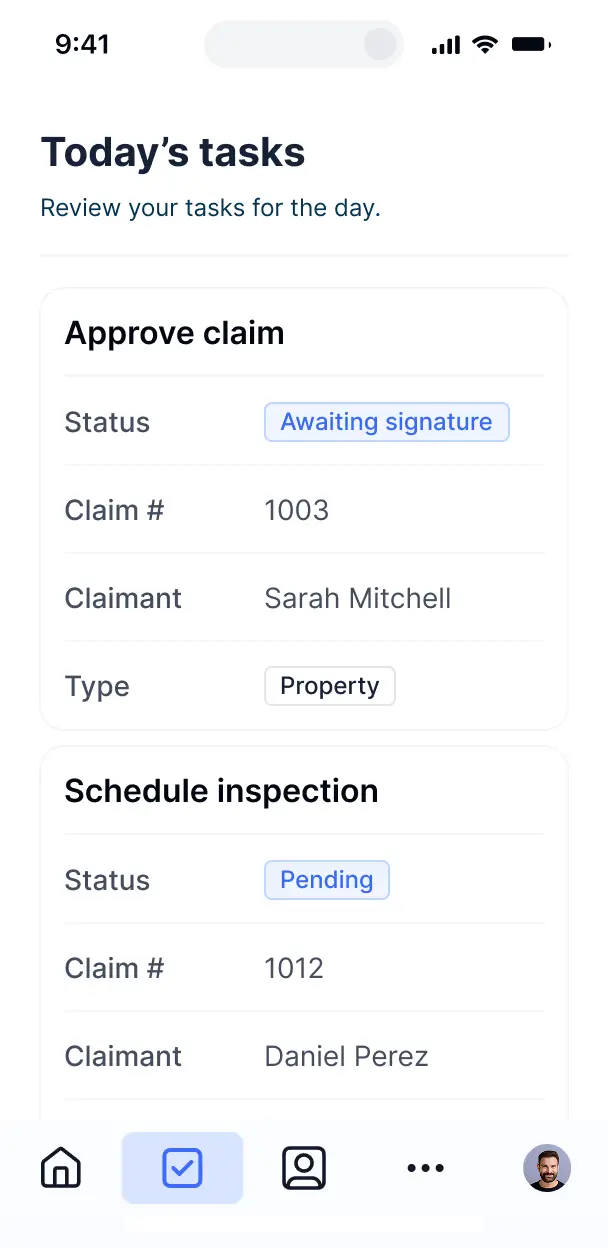
Access and update your construction budgets on the go. All apps are mobile-ready so field managers can track expenses instantly.
Use Google, email, or SSO logins to give your construction team fast, secure access to financial tools—no IT tickets needed.
Keep sensitive project and financial data safe with SOC2 and GDPR compliance, plus fine-tuned access control at every level.
No more one-size-fits-all tools or costly custom builds. Softr is easy to use and fully customizable, so you can launch faster, adapt as you grow, and skip the complexity of traditional software.

Build your construction budgeting software in minutes with AI—no manual setup or complex coding needed.

Add features like automated expense approvals or subcontractor bids as your project needs grow—no rebuild needed.

Start with budgeting, then add schedules, portals, and inventory tools—all in one place with no extra tools.
Co-build with AI
Simply describe what you need. Let Softr handle everything - Interface, database, workflows.
Iterate with AI or visually
Control most critical parts of your app yourself - roles, permissions, security.
Ship the same day
Invite team members or external clients and partners right away. No developer handover.
Use drag-and-drop blocks to build a portal that looks sleek and modern out of the box. Add only the features you need, and iterate as your workflows evolve.




Construction budgeting software is a secure ERP environment where project managers, estimators, and site supervisors can manage financial data such as labor costs, material expenses, and equipment rentals. It centralizes your project's financial health in one place, eliminating the need for fragmented spreadsheets or endless emails back-and-forth between the office and the job site. This makes it easier for construction firms to stay on budget and provide transparent fiscal reporting to stakeholders.
Softr is the first AI-native platform for building business software, making it the ideal choice for creating a construction budgeting software tailored to your specific project needs. You can describe your specific construction workflows to the AI Co-Builder to instantly generate your cost-code database, project pages, and approval logic—all securely connected from the start.
You don't need to be a developer to build it. You can start by generating with AI, using a pre-built ERP template, or building from the ground up. Everything runs on Softr Databases, which handles complex relational data like linking sub-contractors to specific line items, or you can sync existing data from Airtable, Google Sheets, or Excel. You have total control to customize the interface for site foremen, restrict sensitive financial data to the accounting team, and brand the software with your firm’s logo. It’s built to launch quickly and scale as your projects grow in complexity.
You can design a robust set of features to handle every stage of a build, from pre-construction estimates to final payouts. A high-quality construction ERP usually combines structural data blocks with AI capabilities:
- AI-Powered Intelligence – Use Ask AI to let project managers query budget variances via chat, or deploy Database AI Agents to automatically categorize material invoices or research local vendor pricing.
- Vibe Coding Blocks – Create custom operational components—like a real-time progress-to-budget dial—using the AI Code block to build exactly what your finance team needs.
- Softr Workflows – Build native automations (like an over-budget alert) that trigger SMS notifications for site leads or sync cost updates whenever an expense is approved.
- Role-Based Portals – Securely manage access so subcontractors can only submit invoices while senior partners have a full view of the portfolio’s profit margins.
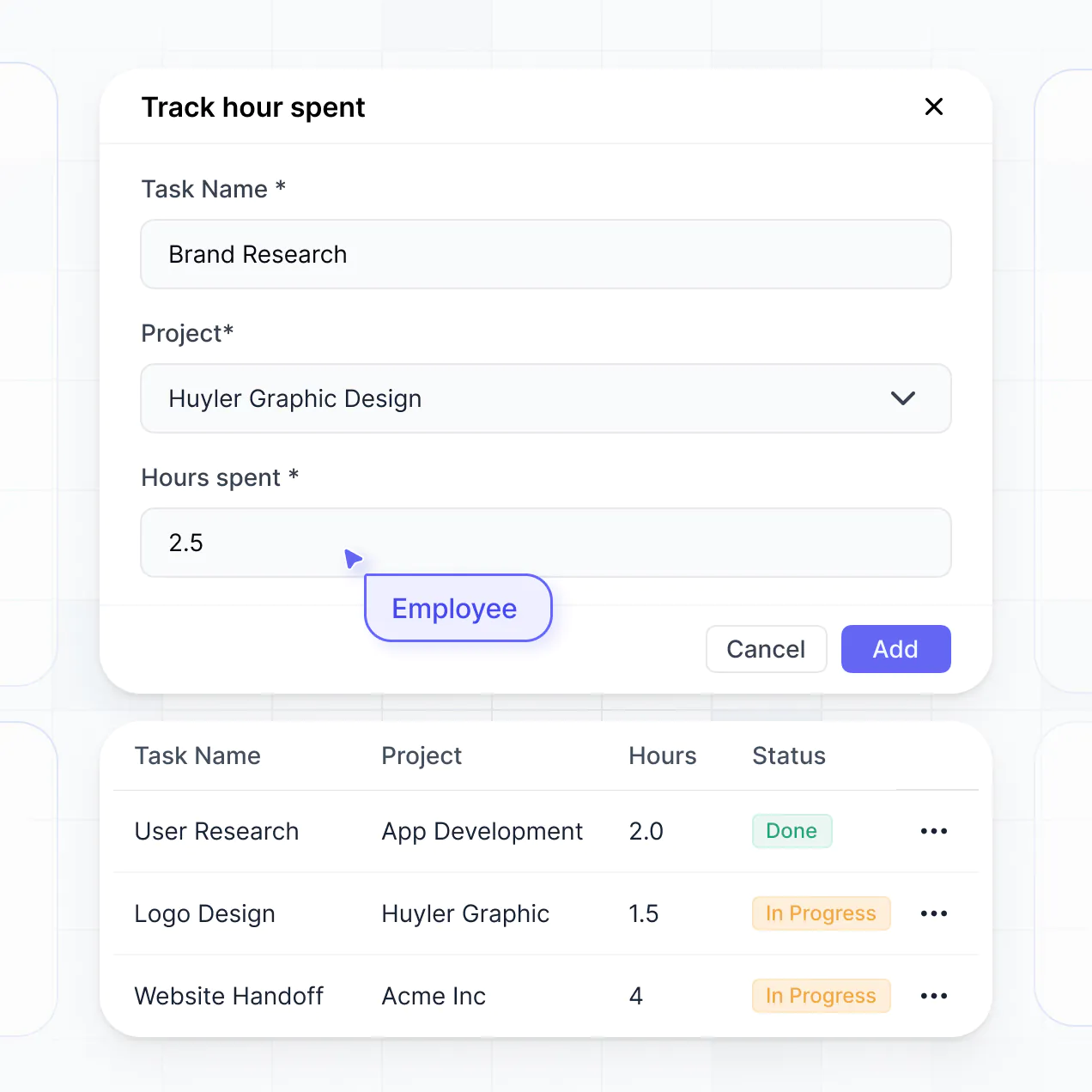
- Field Forms & Receipts – Capture on-site expenses with mobile-responsive forms that allow site leads to upload photos of hardware store receipts.
- Financial Dashboards – Visualize your project health with burnout charts, labor cost breakdowns, and committed vs. actual cost summaries.
- Detailed Cost Tracking – Manage items with searchable data tables, kanban boards for purchase orders, and nested views for specific cost codes.
Everything is drag-and-drop, and if you need a sophisticated ROI calculator or a specific industry tool, you can use Vibe Coding to build it instantly.
Vibe coding allows you to build a sophisticated construction ERP fast by describing your financial workflows to the AI. You can "vibe code" your software by simply telling the AI Co-Builder exactly how you want to track costs and approvals. Softr then generates a structured, production-ready application built on a reliable architecture.
Unlike standalone AI agents that produce messy, unhosted code, Softr handles the heavy lifting—like user authentication for your crew, budget database relationships, and financial security—natively. This provides the speed of AI generation without the risk of managing raw code that could break on site. You describe the budgeting logic, Softr builds the ERP, and your team can start logging expenses immediately.
Yes. You can manage multiple job sites and diverse project teams within a single software instance. Each user—from the general contractor to the accountant—only sees the budgets and line items assigned to them based on their specific role and project assignment. This is perfect for construction firms running several active builds across different locations.
Absolutely. You don't need an existing financial system to start building with Softr. If you're starting from scratch, you can use Softr Databases, which is built into the platform and handles relational construction data like linking 'Subcontractors' to 'Payment Applications' seamlessly.
However, if you already have project data in tools like Airtable, Excel, or SQL, you can connect those directly. You can also use the REST API to pull in data from accounting tools. Regardless of your starting point, you have total control over how your budget structures and cost codes are displayed to your field team.
Softr Databases is the recommended native source for your construction budgeting software. It is optimized for speed and complex business logic, providing the performance required for fast data entry in the field and instant automation triggers for budget approvals.
If your financial data lives elsewhere, Softr connects to over 17 external sources including Airtable, Google Sheets, HubSpot, and BigQuery. You can even combine sources—for example, pulling employee records from HubSpot while managing project expenses in Softr Databases. Most sources offer real-time, two-way sync, so an approved expense in the app updates your records everywhere automatically.
Yes, Softr gives you surgical control over the user experience of your construction ERP. You can customize the dashboard and navigation to match your firm's internal processes. Every page or cost-tracking block can be restricted based on permissions, ensuring that sensitive data—like profit margins or executive salaries—is hidden from junior staff while still being visible to project owners.
Support for different user roles allows you to define who can edit a budget, who can only view a schedule, and who can submit an expense. For instance, a site foreman can submit daily labor logs, while the CFO manages the overall project financing. This maintains a clean, secure, and professional experience for everyone involved in the build.
Yes, you can fully white-label your construction budgeting software. You can integrate your construction company's logo, professional brand colors, and custom fonts. By using a custom domain (e.g., budget.yourfirm.com) and removing Softr branding, you provide a professional, unified experience for your employees, sub-contractors, and clients.
Yes, Softr provides significant flexibility to customize the layout to fit a construction environment. You can adjust the visual hierarchy and page structure to ensure that the most important data—like daily spending—is front and center.
To manage your budget, you can utilize specific blocks tailored to different data types:
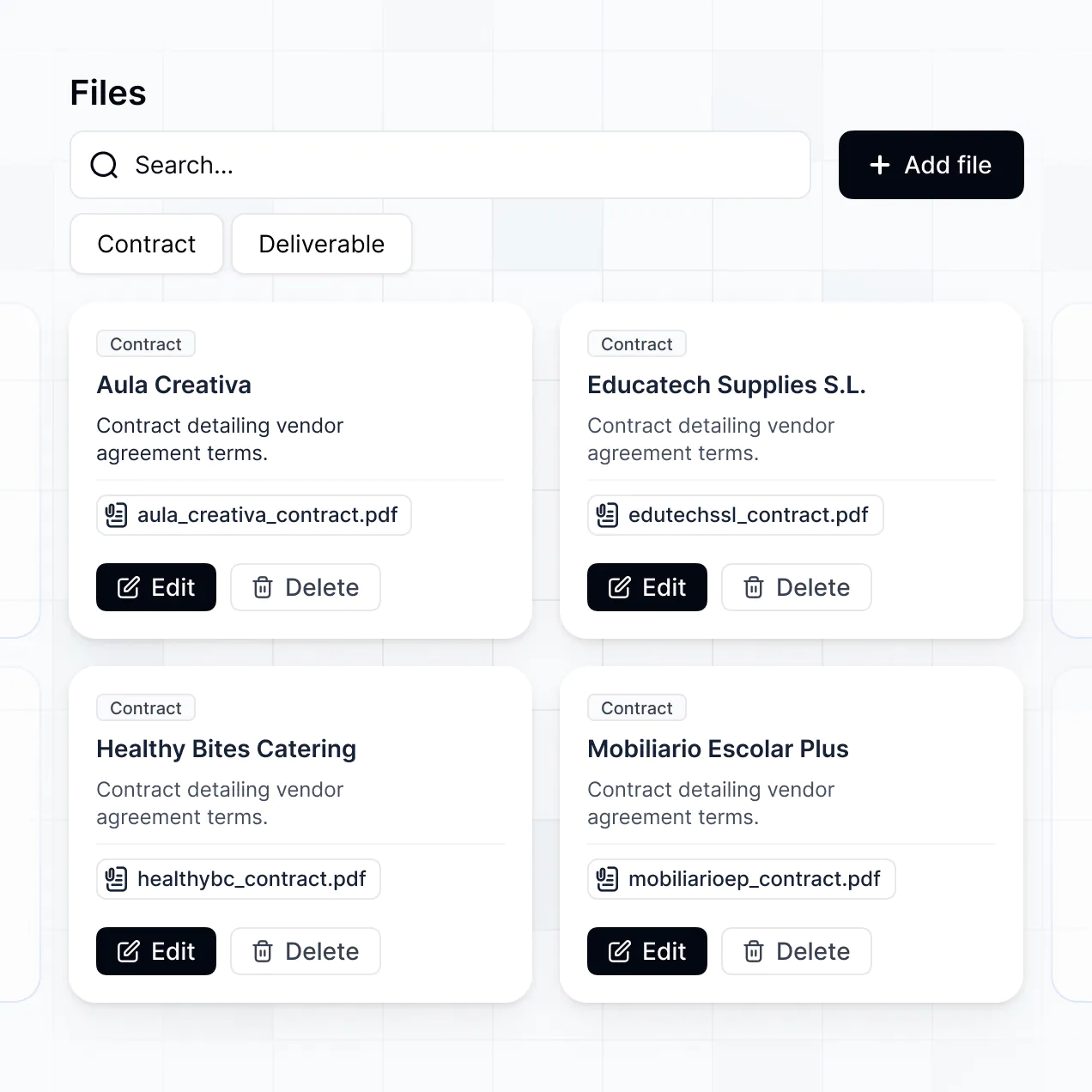
- Table blocks – To manage detailed line-item budgets and cost codes.
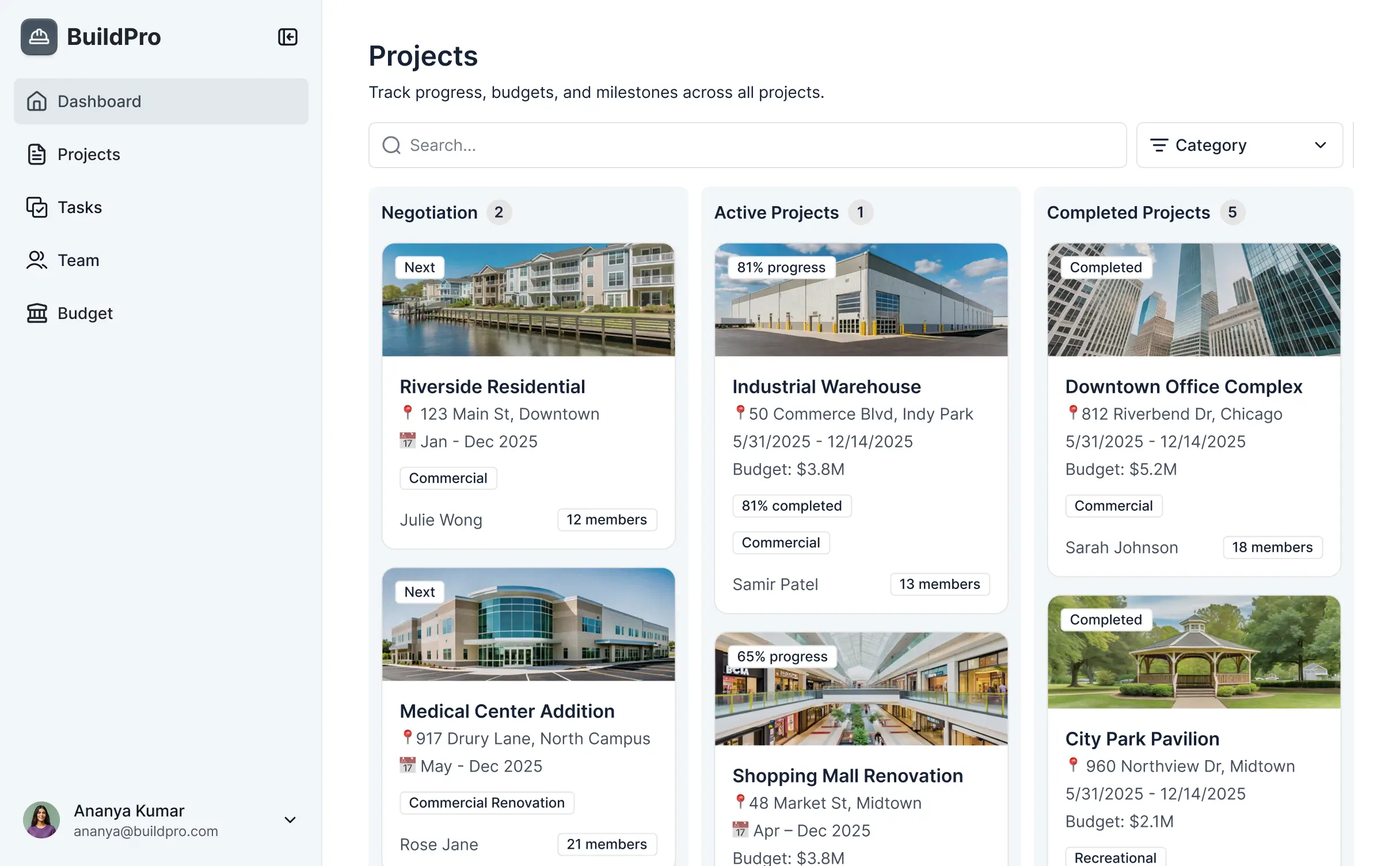
- List/Card blocks – To view summaries of different project sites or vendors.
- Detail View – To dive deep into a specific invoice or contract record.
- Forms – To allow site leads to submit daily reports and change orders.
- Charts – To monitor budget variance and spend-to-complete metrics.
- Calendar blocks – To track payment deadlines or project milestones.
If you need to pivot your tracking methods as your firm grows, it is simple to update the design directly in the visual editor without downtime.
Softr is engineered for enterprise-grade security. All budget and project data is encrypted in transit and at rest, hosted on reliable, high-performance infrastructure. You maintain full ownership and control over financial visibility; you can set role-based permissions so that field workers never see sensitive overhead costs.
For apps using Softr Databases, data is stored in a secure European-based environment (Germany) with SOC 2 Type II compliance. For firms connecting to external databases like SQL or Airtable, Softr acts as a secure interface and does not store your financial records permanently—it displays them in real time based on your rules. Softr also utilizes industry-standard authentication to keep your project financials safe from unauthorized access.
It is fully production-ready for active job sites. Unlike typical AI tools that simply output code to a sandbox, Softr builds your construction ERP on top of a rock-solid foundation designed for business use.
We provide native handling of the "boring but critical" components like secure logins, field permissions, and hosting. This approach eliminates the risk of using unreliable code for your firm's finances. Your software is secure, scalable for multi-million dollar projects, and ready for your estimating and project management teams to use on day one.
Softr is the first AI-native platform specialized for business software. While other tools either require high technical skill or generate brittle code, Softr's AI Co-Builder generates comprehensive budgeting apps on a secure, production-grade infrastructure.
The key advantage is our hybrid model: use AI to generate your budget logic and database in seconds, then use our visual editor to fine-tune the interface. It offers the speed of AI with the certainty of built-in business features like field-level permissions and secure hosting, enabling construction teams to move from an idea to a live budget tracker in a single day.
Yes. Softr allows you to build powerful automation into your construction ERP. You can use Softr Workflows to trigger actions when a budget threshold is hit, or integrate with tools like Stripe for vendor payments and Intercom for team communication. We also support REST API and webhooks for complex integrations with existing CAD or project management software.
Whether you need to automatically email a PDF report to a client or sync daily labor costs from a third-party app, you can build these connections directly into your construction software without writing a single line of code.
Go from idea to a live ERP in under an hour. Build and customize your budgeting tool without code.