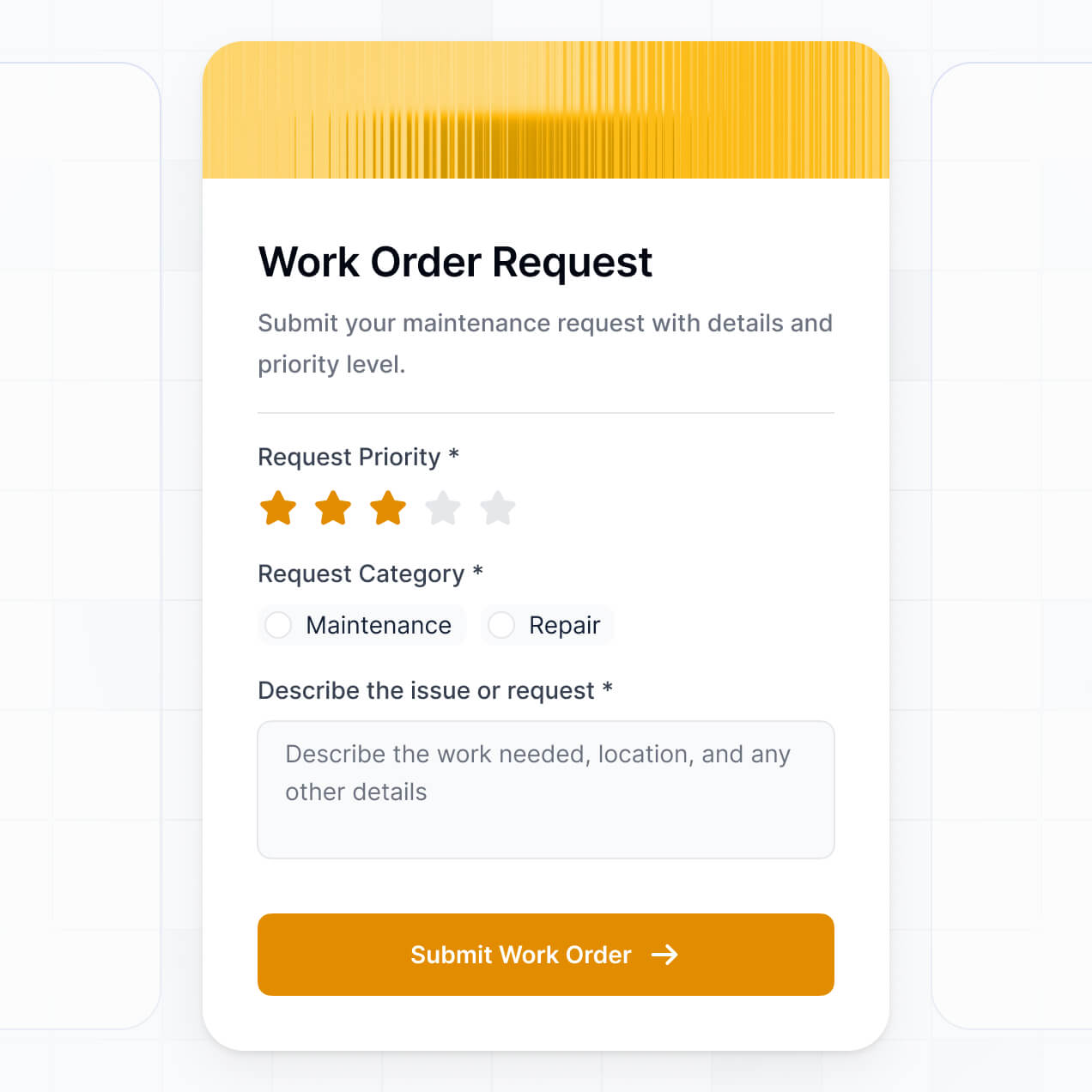
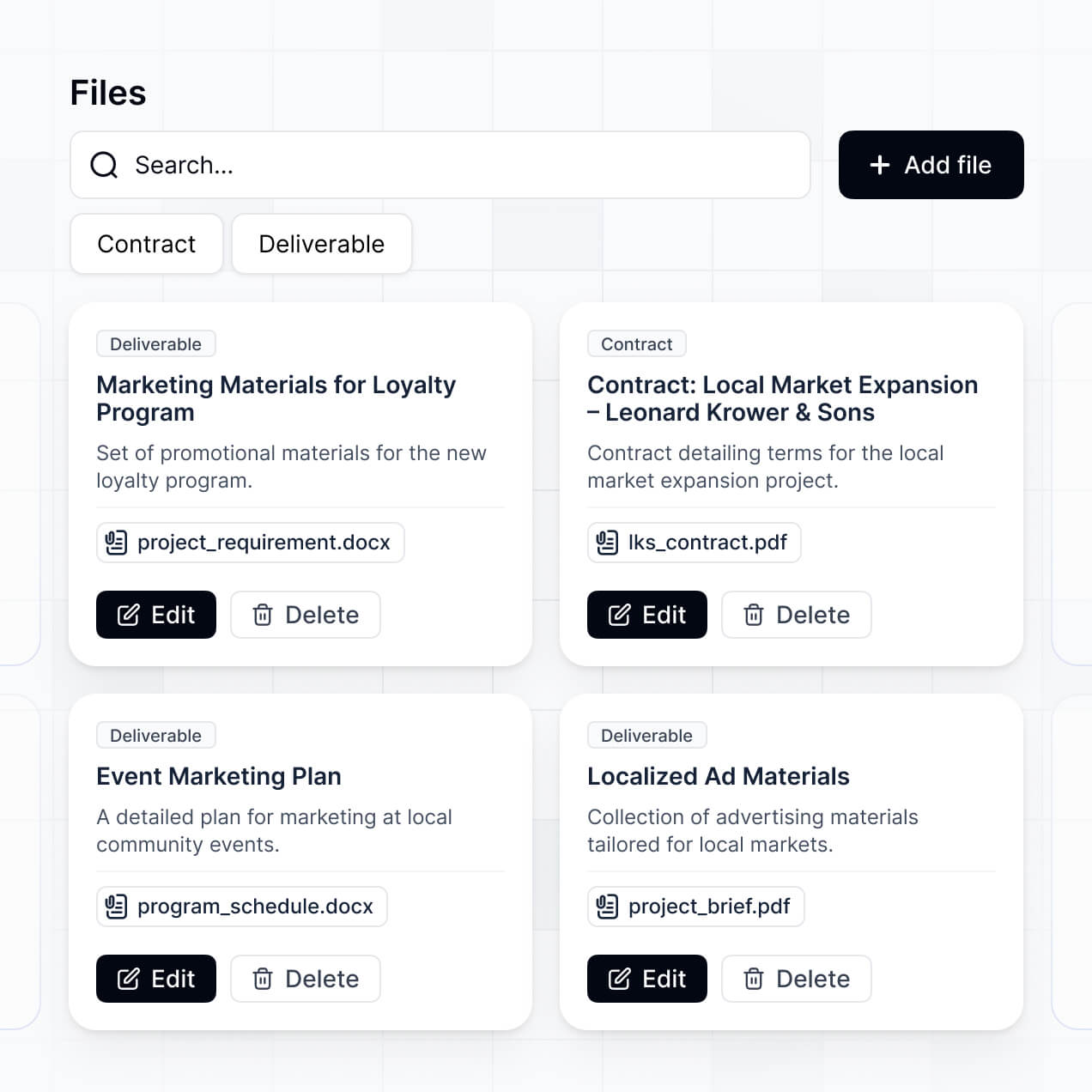
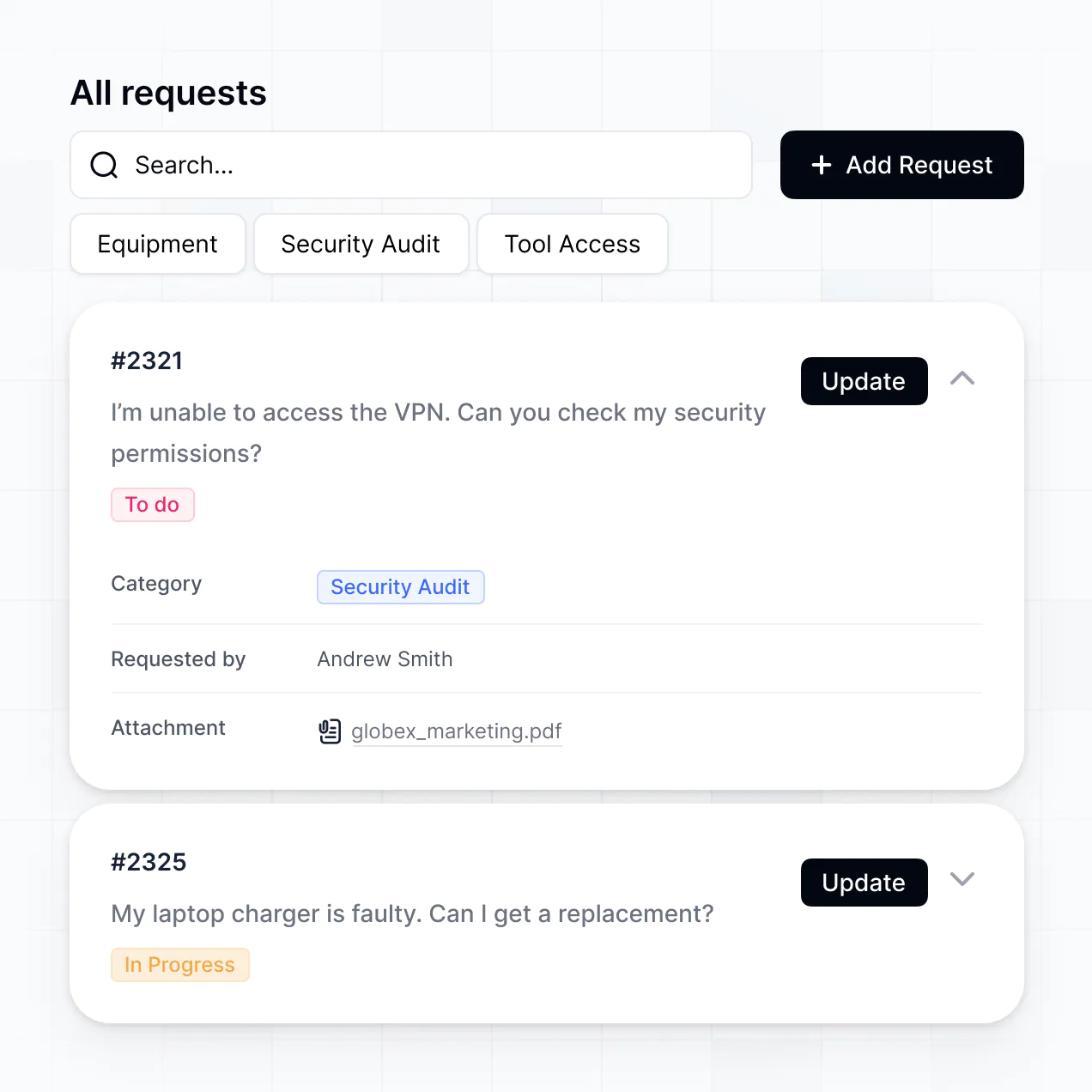
Log events, upload evidence, and track resolutions in an AI-powered system built with AI you customize to fit your team's workflow.
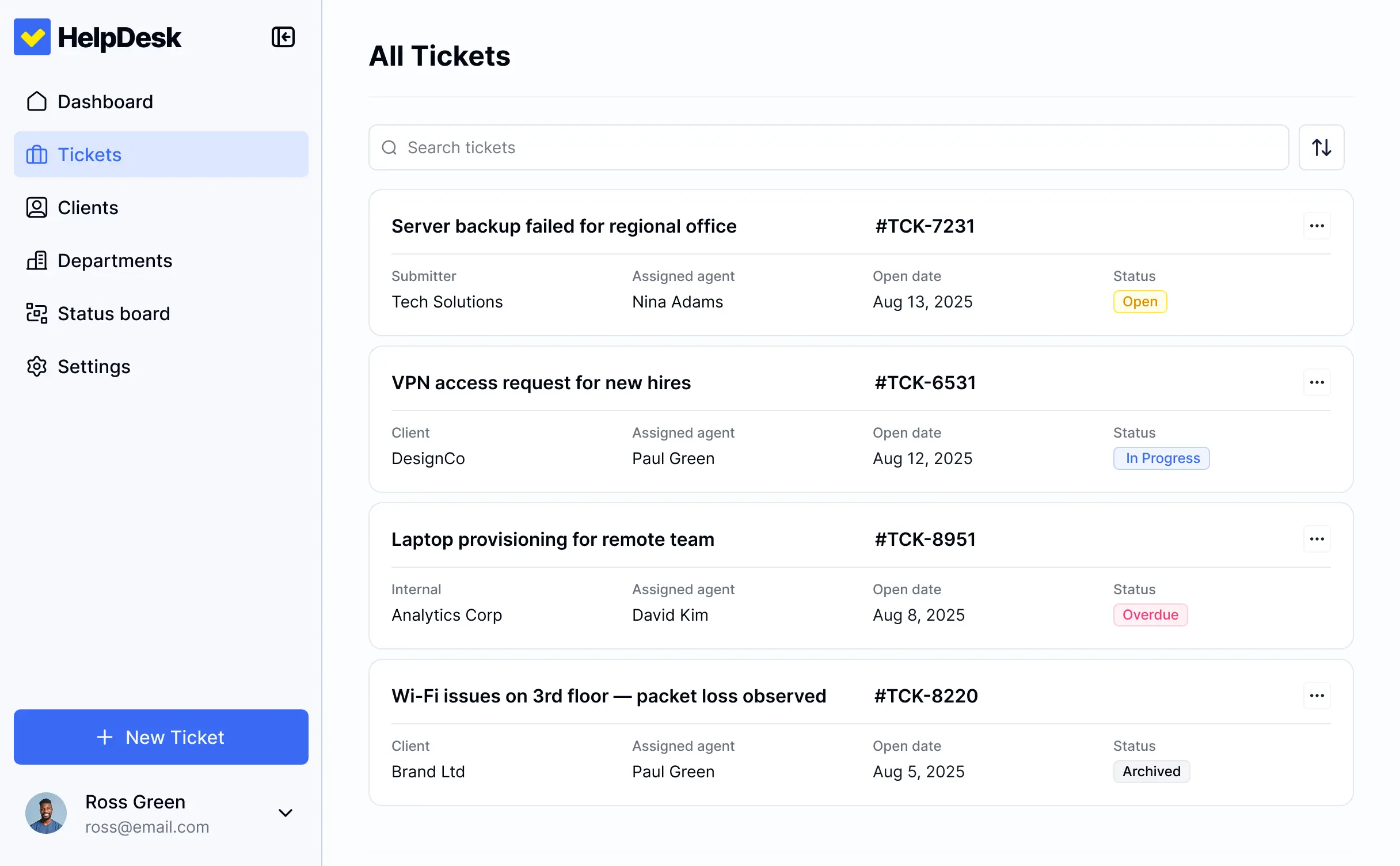
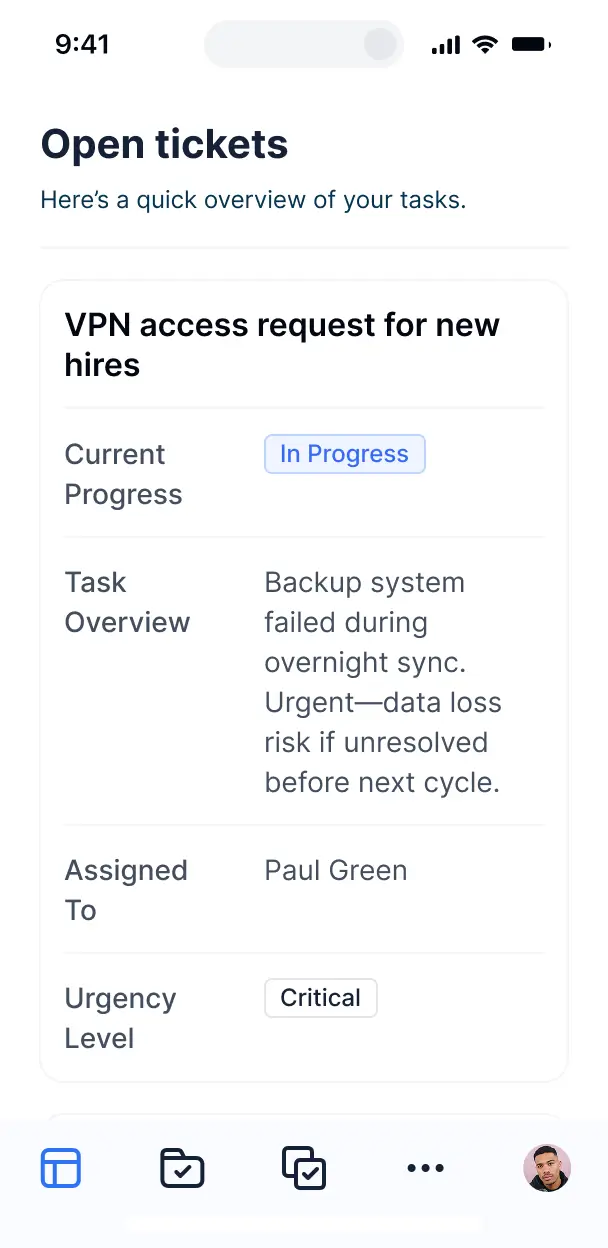



Customize your incident reporting system setup with the exact steps and views your team needs. Add features as processes evolve—no code needed.


Connect reporting forms, event logs, and status updates with real-time sync—or manage everything in Softr Databases. Create a single source of truth for your business.
Give each teammate the right tools and access. Set up secure logins, user groups, and granular permissions—no IT support or dev work needed.
Give managers, safety officers, and staff tailored access and dashboards, so each role sees just the incident reports they need to manage.
Streamline your response with Softr Workflows. Trigger native automations for routing reports or sending status updates to keep operations running smoothly.
Access and report incidents on the go. Employees can log reports and upload evidence straight from their mobile devices out of the box.
Use Google, email, or SSO logins to give your team fast, secure access to log incidents—no IT tickets needed for onboarding.
Keep internal reporting data safe with SOC2 and GDPR compliance, plus fine-tuned access control to protect sensitive company information.
No more one-size-fits-all tools or costly custom builds. Softr is easy to use and fully customizable, so you can launch faster, adapt as you grow, and skip the complexity of traditional software.

Build your incident reporting system in minutes with AI—no manual setup or complex configuration needed.

Add features like corrective action approvals or risk analysis as your workflows evolve—without a rebuild.

Start with a reporting system, then add help desks, dashboards, or safety forms—all in one place.
Co-build with AI
Simply describe what you need. Let Softr handle everything - Interface, database, workflows.
Iterate with AI or visually
Control most critical parts of your app yourself - roles, permissions, security.
Ship the same day
Invite team members or external clients and partners right away. No developer handover.
Use drag-and-drop blocks to build a portal that looks sleek and modern out of the box. Add only the features you need, and iterate as your workflows evolve.




An incident reporting system is a secure health and safety or IT help desk hub where employees can log incidents, report hazards, and track the progress of their tickets. It centralizes all issue documentation in one place, eliminating the need for scattered emails or manual paperwork. This ensures that safety officers or IT managers can organize responses quickly and provide a transparent, efficient resolution process for everyone involved.
Softr is the first AI-native platform for building business software, making it uniquely suited to create an incident reporting system that matches your specific safety protocols. You can describe your reporting workflow to the AI Co-Builder to instantly generate your incident database, submission forms, and management dashboards—all fully connected and secure.
No coding is required. You can start by generating the help desk with AI, using a pre-built template, or building from scratch. Everything runs on Softr Databases for high-speed performance, or you can link existing tools like Airtable, Google Sheets, or SQL. You have complete control to customize your reporting forms, set granular permissions for sensitive data, and brand the app for your organization.
You can incorporate various features tailored to your specific incident management workflow. A robust incident reporting system usually combines these functional components with AI-driven insights:
- AI-Powered Intelligence – Use Ask AI to query incident trends or use Database AI Agents to automatically categorize report severity and suggest remediation steps based on past tickets.
- Vibe Coding Blocks – Create custom UI components, such as an interactive hazard map or a specialized root-cause analysis tool, using the AI Code block.
- Softr Workflows – Set up native automations that trigger urgent notifications to safety leads or sync data to external systems when a critical incident is reported.
- Secure Logins – Manage access so reporters can only track their own submissions while safety officers can view all site-wide incidents.
- Forms & Data Collection – Capture detailed reports with image uploads for evidence, geo-location, and conditional logic for different event types.
- Dashboards & Charts – Visualize safety metrics, response times, and incident frequency with real-time charts.
- Lists & Filtering – Manage open tickets with searchable tables, status-based kanban boards, and detailed record views for investigations.
Vibe coding allows you to build a sophisticated incident management tool at the speed of thought. You can "vibe code" your incident reporting system by describing your desired fields—like severity levels, incident types, and reporting steps—to the AI Co-Builder. Softr then generates a production-ready application on a secure, stable foundation.
Unlike other tools that produce maintainable code, Softr handles the complex underlying infrastructure—such as user authentication, database relationships, and submission security—natively. This provides the agility of AI generation without the risk of fragile code. You describe the reporting flow, Softr builds it, and your team can start reporting incidents immediately.
Yes. You can manage multiple departments, locations, or facilities within a single reporting portal. Using role-based permissions, you can ensure that facility managers only see incidents related to their specific site, while the corporate safety team maintains a global overview of all reported issues across the organization.
Yes, you can. You do not need an existing database to start building with Softr. If you are starting fresh, you can use Softr Databases, which is integrated directly into the platform and built to handle relational data like linking specific incidents to employees and locations.
If you already have historical incident logs in tools like Airtable, Google Sheets, HubSpot, or even a SQL database, you can connect those instead. You can also use the REST API to ingest data from IoT sensors or other hardware. Regardless of the source, you have total flexibility over how incident records are structured and visualized.
Softr Databases is the recommended native data source for your incident reporting system. It offers high performance and instant automation triggers, which are critical for time-sensitive safety reporting and help desk response.
If your data lives elsewhere, Softr connects to over 17 external sources, including Airtable, SmartSuite, Google Sheets, and BigQuery. You can even combine sources—for example, storing incident evidence in Softr Databases while pulling employee contact info from HubSpot. Most sources support real-time, two-way sync, ensuring a report submitted in the app updates your backend instantly.
Yes, Softr provides deep control over the user experience for both reporters and responders. You can customize the dashboard layout and form fields to match your compliance standards. Each block can be visibility-controlled, so an employee only sees their submitted tickets while an investigator sees the full suite of management tools.
You can define distinct roles, such as Reporter, Investigator, and Admin, and set permissions for who can view, edit, or delete incident records. For instance, you can ensure that witnesses only see their own statements while safety leads have access to the full investigation file. This ensures your incident management process remains secure and confidential.
Yes, you can fully white-label your incident reporting system. You can apply your organization's logo, brand colors, and official fonts, and host the portal on a custom domain (e.g., reports.yourcompany.com). This professional look builds trust with employees, making the system feel like a native part of your internal operations.
Yes, Softr offers extensive flexibility regarding the layout and design of your help desk. You can adjust the visual theme to match your corporate identity and structure pages to prioritize urgent reports. You can organize blocks to create a logical flow for the reporting process.
To manage incident data effectively, you can use:
- Table blocks – to display long lists of historical incidents or maintenance logs
- Kanban blocks – to track the status of reports from "New" to "Resolved"
- Detail View – to provide a deep dive into evidence, notes, and photos for a specific incident
- Forms – for standardized hazard and incident data collection
- Charts – to track safety trends and KPIs over time
- Calendar blocks – to schedule follow-up inspections or safety audits
Updates are simple to make via the visual builder whenever your compliance requirements change.
Softr is engineered with enterprise-grade security. All data is encrypted in transit and at rest, and your reporting system is hosted on secure infrastructure. You have granular control over data visibility through role-based permissions and visibility rules, ensuring that sensitive incident details are only accessible to authorized personnel.
If you use Softr Databases, your data is stored in a secure EU-based environment (Germany) with SOC 2 Type II compliance. If you connect external sources like SQL or Airtable, Softr retrieves the data in real-time without storing it on its own servers. Softr also employs industry-standard authentication and platform monitoring to keep your safety and help desk data protected.
It is fully production-ready. While many AI tools generate experimental code that is difficult to maintain, Softr builds your incident reporting system on a stable, scalable business foundation.
We handle the essential "boring 80%"—including secure user logins, file storage for evidence, and complex permission logic—natively. This eliminates the risk of managing raw, unreliable code generated by AI. Your system is secure, scalable, and ready to handle critical safety reports from the moment it is generated.
Softr is the first AI-native platform designed for business software. Unlike basic form builders or generic no-code tools that require manual setup, Softr's AI Co-Builder creates the database architecture and reporting logic for you in minutes.
The hybrid advantage allows you to move fast with AI generation and then refine the app with precise visual controls. You get the speed of AI combined with the reliability of a platform that has built-in authentication, roles, and hosting. It is built specifically for teams that need to deploy a professional incident management system without technical overhead.
Yes. Softr supports native workflows and advanced integrations to streamline your response process. You can automate tasks like sending a Slack alert when a major incident is logged or updating a record in your CRM. Softr also integrates with Stripe for billable IT help desk services and supports webhooks for enterprise-level automations.
Whether you need to trigger a notification to a site supervisor or sync investigation results to an external safety database, you can build these connections directly into your incident reporting system without writing code.
Describe what you need. Softr's AI builds it in minutes. Get started free—no dev needed.