Track work orders, manage assets, and coordinate vendors in an AI-powered system built with AI for your facility management workflow.
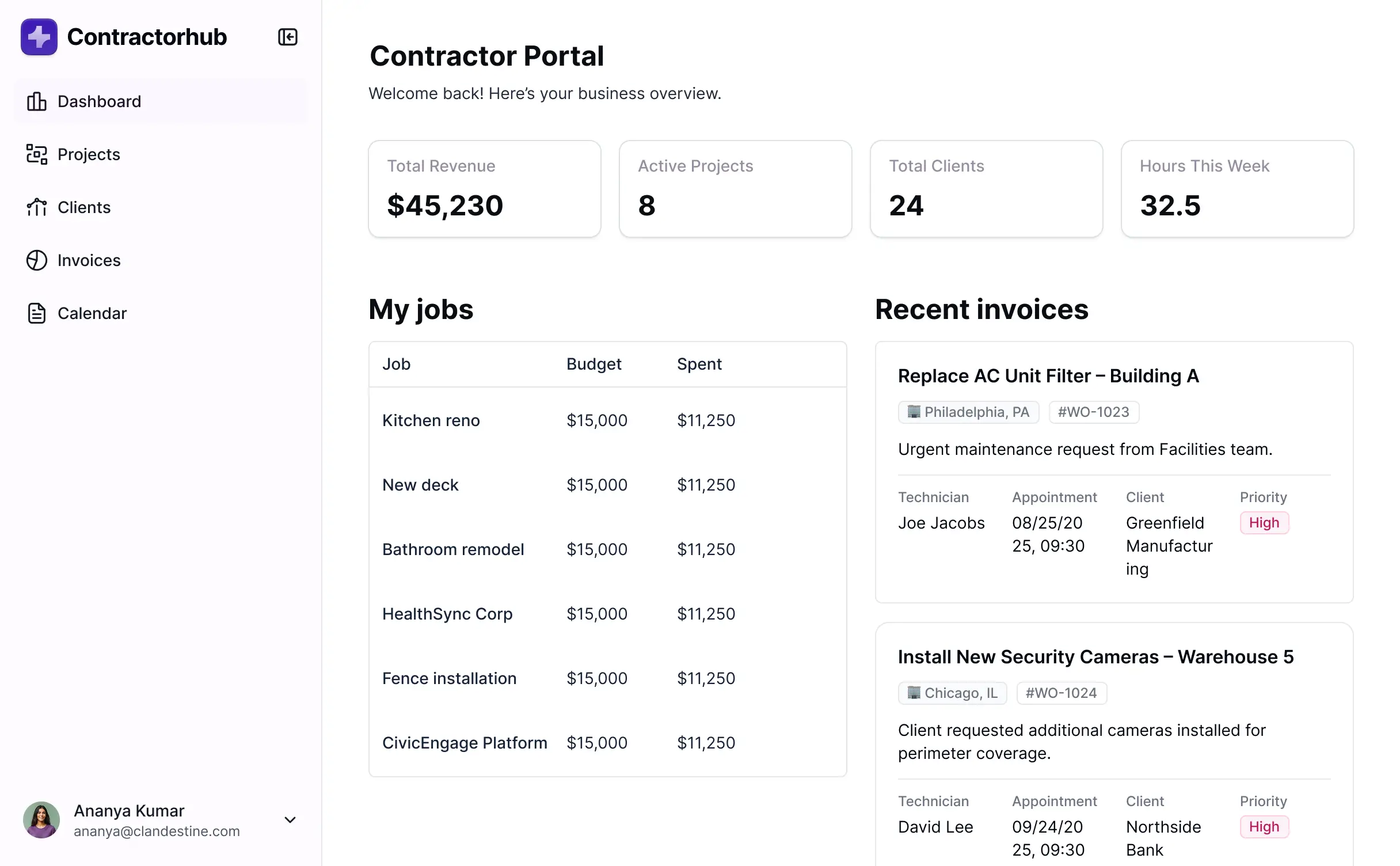
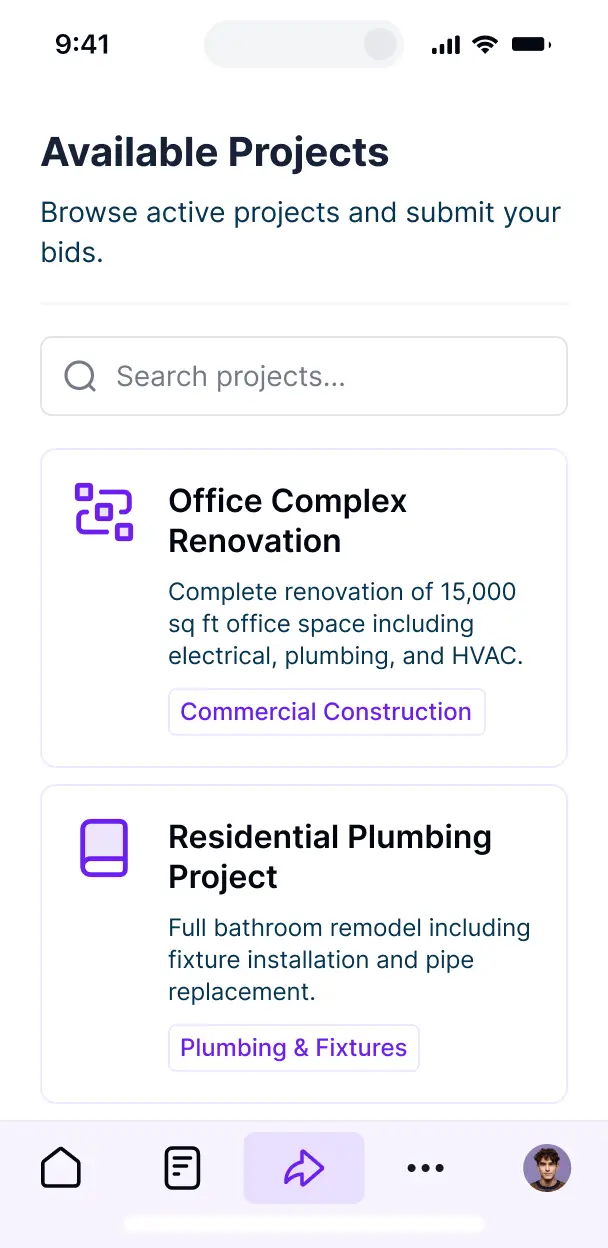



Customize your facility setup with the exact steps and views your team needs. Add features as processes evolve—no code needed from your team.


Connect work orders, asset logs, and vendor lists with real-time sync—or manage everything in Softr Databases. Create a single source of truth for your entire facility team.
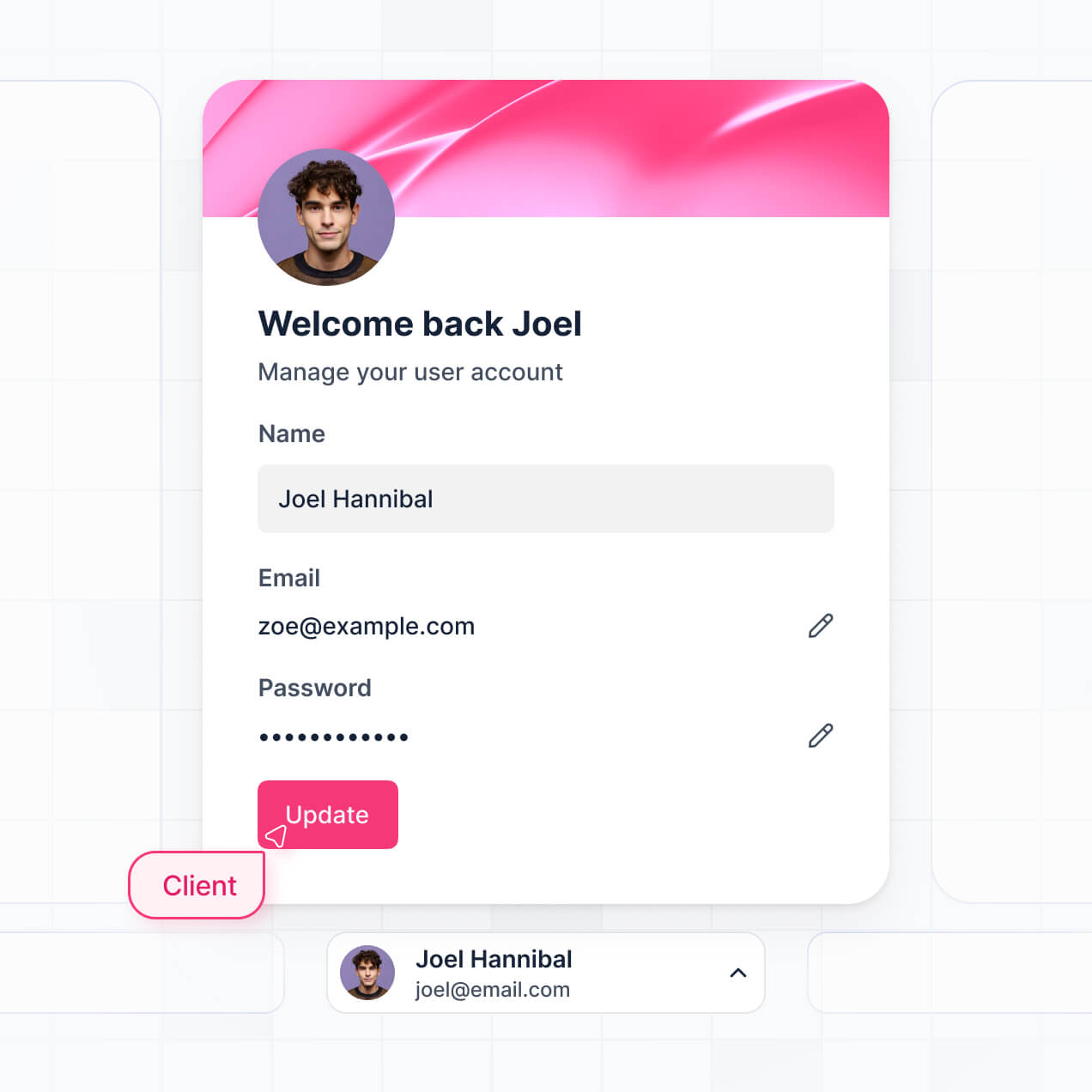
Let techs, managers, and vendors log in to a fully branded system. Set up permissions and personalized access in minutes—no code needed.
Automate your maintenance operations with Softr Workflows for technician assignment, repair status updates, and auto-generated maintenance summaries that trigger instantly.
Assign roles for field techs, facility managers, or external contractors—each group gets access to only the specific work orders and data they need to see.
Control who can view, edit, or complete maintenance requests—down to the field level—ensuring secure data management across your entire facility team.
Keep asset and building data safe. Softr is fully SOC2 and GDPR compliant, providing peace of mind for your essential facility management information.
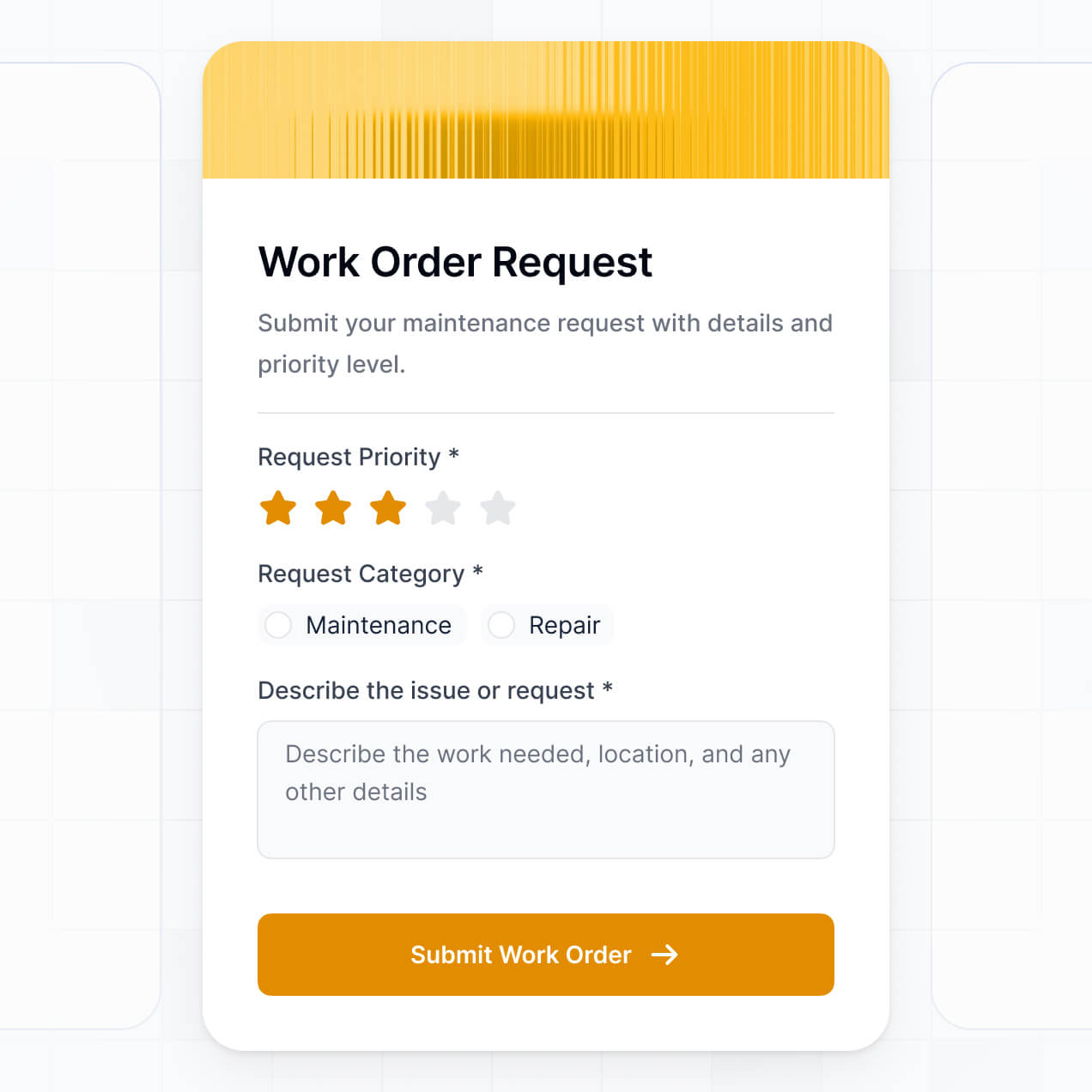
Capture inspection details, repair logs, or safety approvals using flexible form blocks tailored to specific equipment types or maintenance categories.
No more one-size-fits-all tools or costly custom builds. Softr is easy to use and fully customizable, so you can launch faster, adapt as you grow, and skip the complexity of traditional software.

Build your online facility management software in minutes—no manual setup or complex configuration needed.

Add features like asset tracking, vendor portals, or automated summaries as your operations grow and evolve.

Start with work orders, then add equipment logs, team dashboards, or scheduling forms—all in one place.
Co-build with AI
Simply describe what you need. Let Softr handle everything - Interface, database, workflows.
Iterate with AI or visually
Control most critical parts of your app yourself - roles, permissions, security.
Ship the same day
Invite team members or external clients and partners right away. No developer handover.
Use drag-and-drop blocks to build a portal that looks sleek and modern out of the box. Add only the features you need, and iterate as your workflows evolve.




Online facility management software is a secure digital environment where facility managers, maintenance technicians, and tenants can collaborate on work orders, equipment maintenance, and asset tracking. It centralizes all requests and maintenance schedules in one place, eliminating the inefficiencies of manual spreadsheets or phone calls. This makes it easier to track building performance, manage service vendors, and ensure a high-quality experience for all building occupants.
Softr is the first AI-native platform for building professional business software, helping you create online facility management software that perfectly matches your building's unique operational needs. By describing your requirements to the AI Co-Builder, you can instantly generate your asset database, work order pages, and maintenance logic—fully connected and secure from the start.
You don't need any coding skills to get started. Whether you generate with AI, use a maintenance template, or build from scratch, everything runs on Softr Databases or integrates with external tools like Airtable or Google Sheets. You maintain complete control over the visual layout, can precisely define who can view specific maintenance logs, and brand the app to match your facility management firm. It is fast to deploy, simple for field staff to use, and flexible enough to scale across multiple properties.
You can include a wide range of features in your online facility management software to streamline your maintenance operations. A powerful work order app typically combines functional management blocks with AI-driven insights:
- AI-Powered Intelligence – Use Ask AI to let staff query maintenance history through chat, or deploy AI Agents to automatically prioritize work orders based on urgency and resource availability.
- Vibe Coding Blocks – Create custom UI components, such as a localized floor plan viewer or custom equipment status gauge, using the AI Code block to build exactly what your facility requires.
- Softr Workflows – Set up native automations, such as an automatic email notification to a technician when a high-priority repair request is submitted.
- Technician & Tenant Porals – Ensure security by allowing tenants to only see their specific requests while giving technicians access to full building asset details.
- Forms & Data Collection – Capture repair requests with photo uploads, location tagging, and detailed symptom descriptions through custom forms.
- Dashboards & Maintenance KPIs – Visualize completion rates, mean time to repair, and vendor spend with real-time charts.
- Lists & Advanced Filtering – Manage your backlog with searchable tables, map views of property locations, or kanban boards for maintenance stages.
All these features are built using Softr’s intuitive drag-and-drop system, and you can always refine your design later as your facility grows.
Vibe coding allows you to move at light speed by using AI to build the facility management features you need. You can "vibe code" your software in Softr by simply describing your work order workflows and asset tracking needs to the AI Co-Builder. Softr then generates a production-ready application on a reliable, secure foundation.
Unlike tools that produce unstable raw code, Softr handles the complex underlying infrastructure—such as user authentication, database security, and role-based access—natively. This provides the speed of AI generation without the risk of broken scripts or security flaws. You describe the maintenance process, Softr builds the interface, and your maintenance team can start logging work orders immediately.
Yes. You can manage multiple property locations or specialized maintenance teams within a single software instance. Each user only sees the work orders, asset documentation, and schedules relevant to their assigned building or role. This is ideal for property management firms or facility directors overseeing diverse portfolios across different regions.
Yes, you can. You don't need an existing database to start building your work order system. If you're starting from scratch, you can use Softr Databases, which is natively integrated and designed to handle relational data like linking specific maintenance tasks to individual HVAC units or room locations.
However, if you already have equipment lists or tenant rosters in tools like Airtable, Google Sheets, or SQL databases, you can easily connect them. You can also utilize the REST API to pull in data from smart building sensors or IoT devices. You have total control over how your facility information is organized and presented.
Softr Databases is the recommended native data source for facility management apps. It offers high performance and instant automation triggers, providing a fast experience for field technicians since the data is native to the software platform.
Softr also connects to over 17 external data sources if your data is already stored elsewhere. You can integrate with Airtable, Google Sheets, HubSpot, SmartSuite, and BigQuery. You can even combine sources—for example, pulling tenant contact info from a CRM while managing work orders in Softr Databases. Most sources support real-time, two-way sync, ensuring a repair update in the field reflects instantly across all views.
Yes, Softr provides granular control over how different users interact with your online facility management software. You can tailor the navigation and layout to match your specific operational workflow. Every page or data block can be visible or hidden based on user roles, ensuring tenants and technicians only interact with data pertinent to them.
You can establish distinct roles—such as Tenant, Technician, or Facility Director—and define specific permissions for each. For instance, a tenant can only submit and view their own requests, while a technician can edit task statuses, and a director can view financial reports for all repairs. This ensures a clean, secure, and highly relevant user experience for everyone involved in building operations.
Yes, you can fully white-label your facility management app in Softr. You can incorporate your firm’s logo, brand colors, custom typography, and host it on your own custom domain (e.g., maintenance.yourcompany.com). This ensures the software feels like a professional, proprietary tool for your employees and clients, with all Softr branding removed.
Yes, you can. Softr offers extensive flexibility to adjust the design and layout of your facility dashboard. You can modify colors, fonts, and spacing to match your company's aesthetic and determine exactly how information is presented to your team mobile or desktop.
To manage your facility data effectively, you can use various block types:
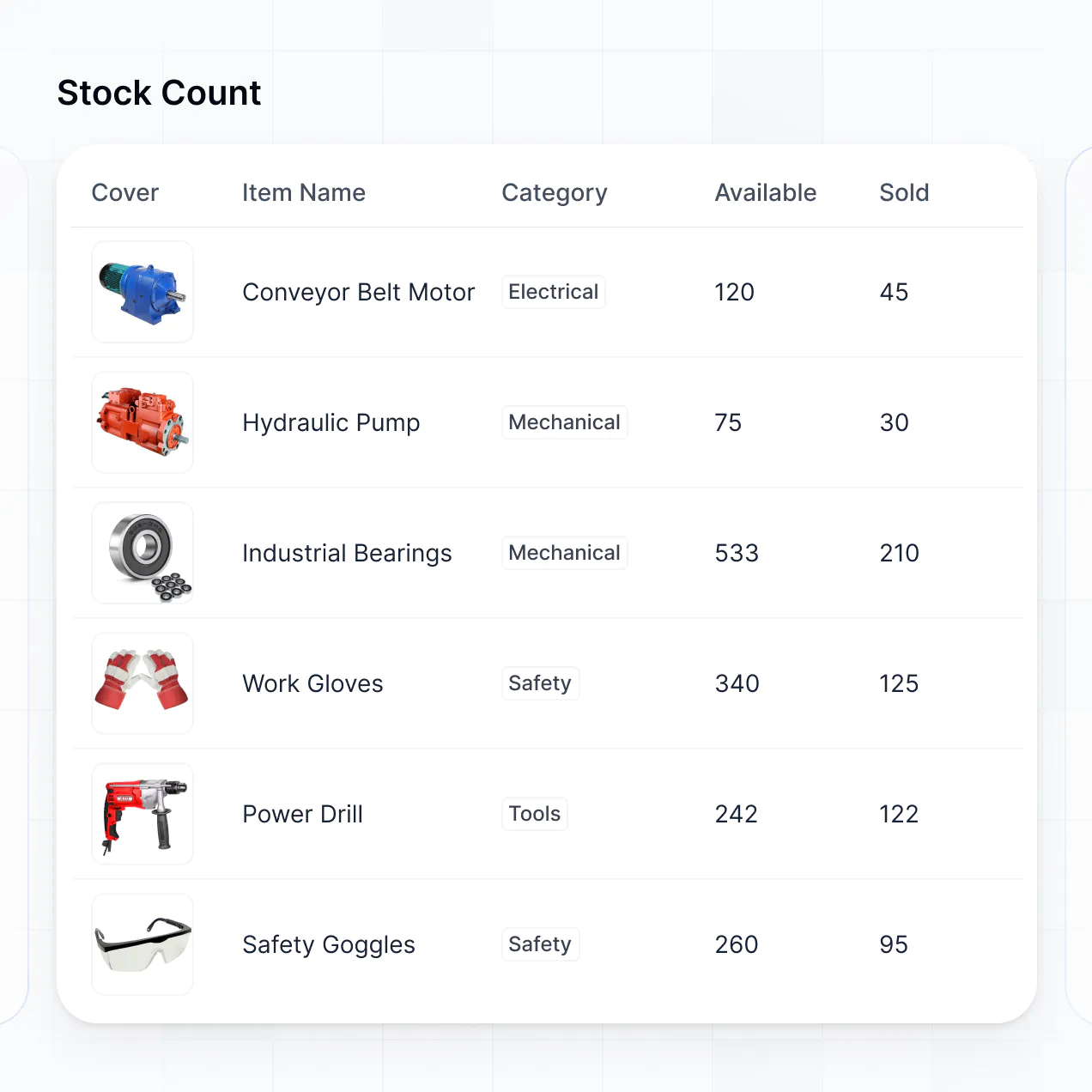
- Table blocks – to track a master list of work orders, vendor invoices, or parts inventory.
- List or Card blocks – to show a directory of building assets or vendor profiles.
- Detail View – to provide a comprehensive look at a single piece of equipment's maintenance history.
- Forms – for submitting emergency repair requests or safety inspections.
- Charts – to track monthly utility costs or maintenance response times.
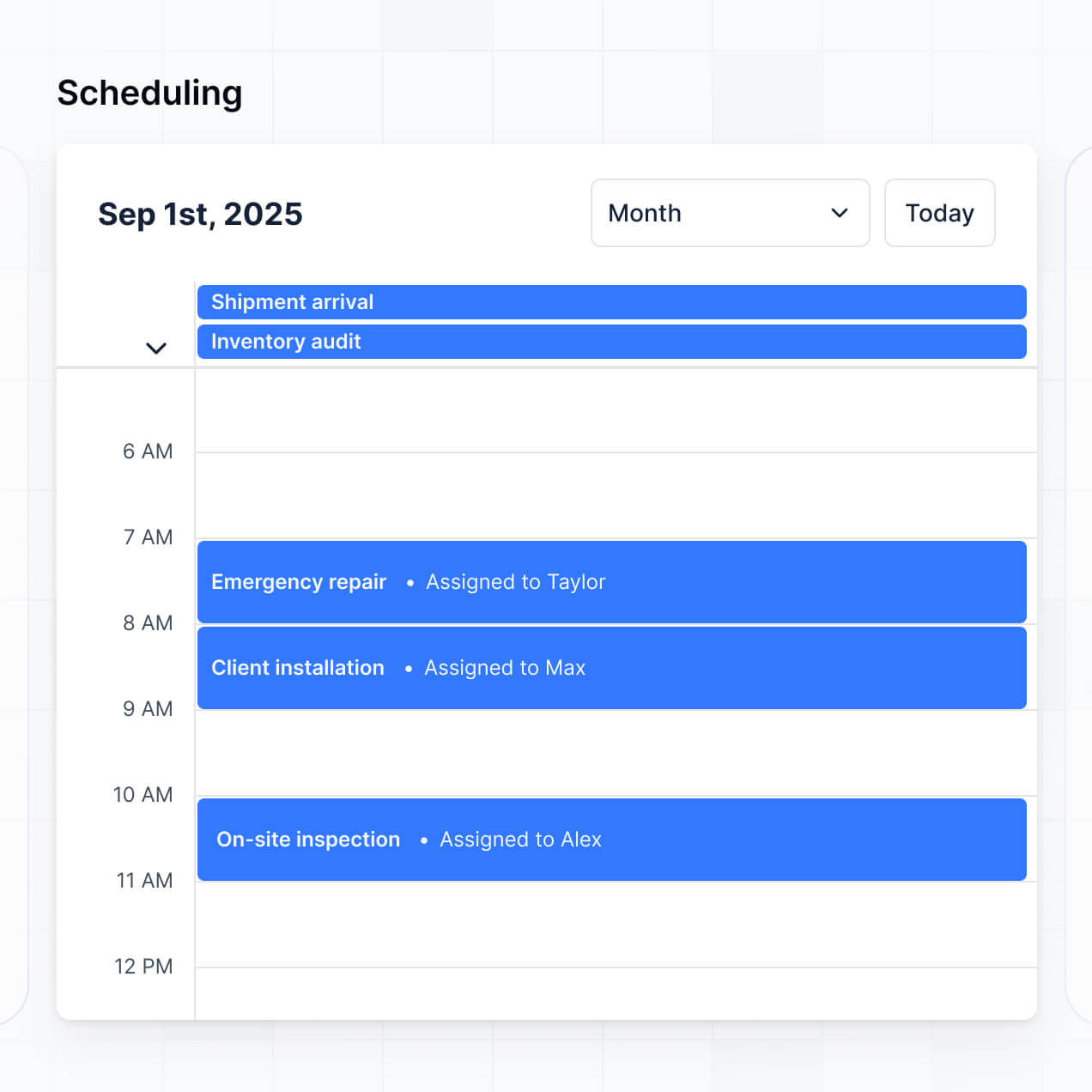
- Calendar blocks – to schedule recurring preventative maintenance and inspections.
Updates are easy to make via the visual builder whenever your facility requirements change.
Softr is built with enterprise-grade security. All data is encrypted using TLS in transit and at rest, with apps hosted on secure, reliable world-class infrastructure. You have complete authority over data access; you can set role-based permissions and visibility rules to ensure sensitive building blueprints or tenant information are only accessible to authorized personnel.
If you use Softr Databases, your data is stored in a secure EU-based environment (Germany) with SOC 2 Type II compliance. For those connecting external sources like SQL or Airtable, Softr displays your data in real-time without storing it on our servers. We follow industry-leading best practices for authentication and monitoring to keep your facility operations safe and private.
It is fully production-ready. Unlike experimental AI tools that produce fragile code which is difficult to maintain, Softr builds your facility management software on a stable, professional foundation.
We natively handle the "boring 80%"—including secure logins, granular permissions, and hosting—so you don't have to worry about the technical overhead. This approach eliminates the common maintenance headaches associated with AI; you get an instantly generated app that is secure, scalable, and ready for your technicians to use on-site from day one.
Softr is the first AI-native platform specifically designed for building business software like facility management tools. Unlike "vibe coding" tools that create hard-to-manage scripts or traditional no-code platforms that require weeks of manual setup, Softr’s AI Co-Builder generates a functional app on a secure, business-grade foundation in minutes.
The key advantage is the hybrid approach: use AI to generate your core maintenance database and app logic, then use the visual editor for fine-tuning. You gain the speed of AI combined with robust infrastructure features like professional authentication and role-based access control, allowing non-technical managers to launch production-grade software immediately.
Yes. Softr supports native workflows and deep integrations to connect your facility software with the rest of your operations. You can automate tasks using Softr Workflows—such as triggering a re-order of spare parts—or connect with tools like Stripe for tenant billing or Intercom for support. Softr also supports webhooks and a REST API for advanced connectivity with BMS (Building Management Systems).
Whether you need to sync data to a corporate ERP, trigger alerts based on equipment sensors, or display vendor information from other systems, you can build these automated processes directly into your portal without writing any code.
Describe what you need. Softr's AI builds your custom facility tool in minutes.