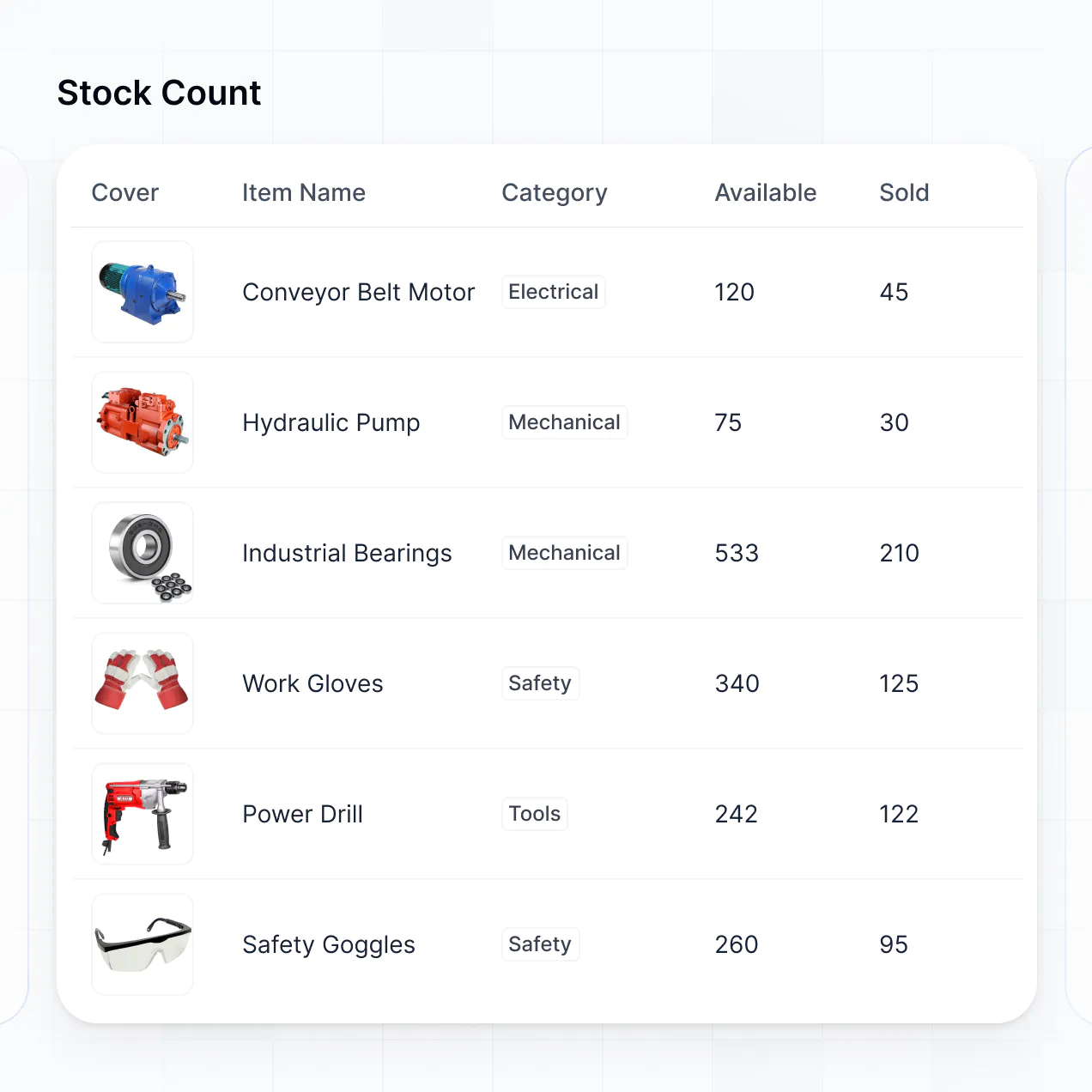
Track stock levels, manage digital catalogs, and monitor vendors in an AI-powered system built with AI you customize to fit your business.



Customize an electronic inventory system that looks sleek today. Add only the features you need, and iterate as your team's workflows evolve.


Connect stock levels, shipment trackers, and barcodes with real-time sync—or manage everything in Softr Databases. Create a single source of truth for your business.
Give each teammate the right tools and access. Set up secure logins, user groups, and granular permissions—no IT support or dev work needed.
Give different team members tailored access and dashboards, so warehouse staff and procurement managers see just what they need.
Streamline operations with Softr Workflows. Trigger native notifications for low stock or automatic status updates when shipments arrive.
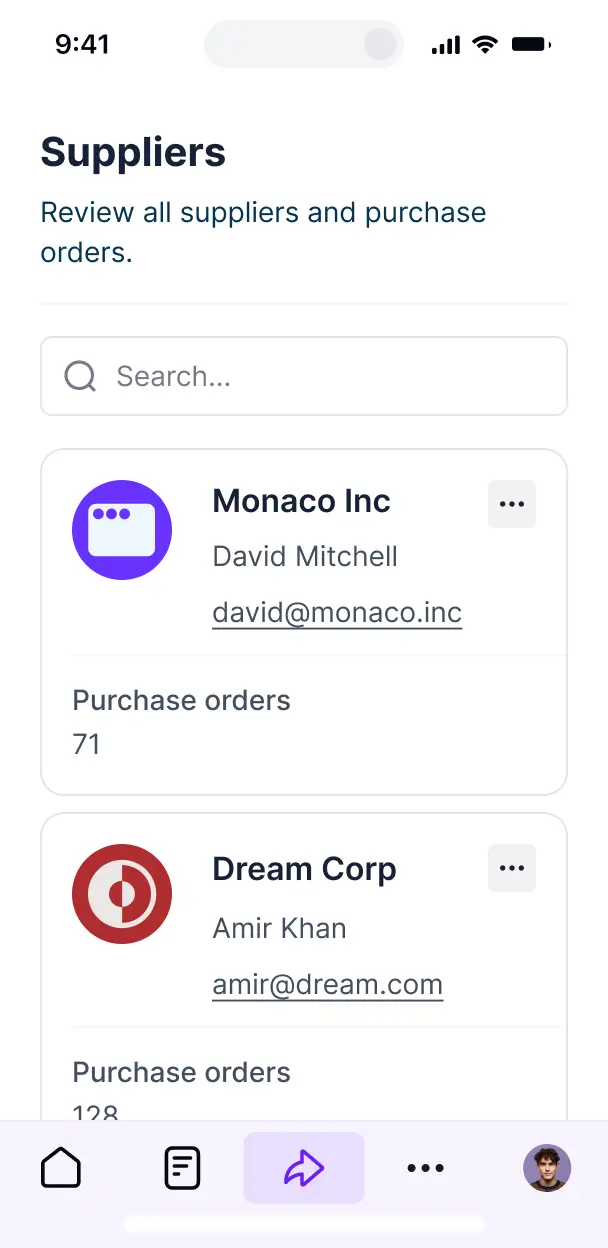
Access and update your electronic inventory system on the go. Scanned items and stock updates are mobile-ready out of the box.
Use Google, email, or SSO logins to give your team fast, secure access to inventory records—no IT tickets needed.
Keep asset and vendor data safe with SOC2 and GDPR compliance, plus fine-tuned access control at every level of your inventory tool.
No more one-size-fits-all tools or costly custom builds. Softr is easy to use and fully customizable, so you can launch faster, adapt as you grow, and skip the complexity of traditional software.

Build your electronic inventory system in minutes with AI—no manual configuration or setup needed.

Add features like barcode scanning, vendor tracking, or automated alerts as your needs evolve—without code.

Start with inventory, then add procurement forms, supplier portals, and dashboards—all in one place.
Co-build with AI
Simply describe what you need. Let Softr handle everything - Interface, database, workflows.
Iterate with AI or visually
Control most critical parts of your app yourself - roles, permissions, security.
Ship the same day
Invite team members or external clients and partners right away. No developer handover.
Use drag-and-drop blocks to build a portal that looks sleek and modern out of the box. Add only the features you need, and iterate as your workflows evolve.




An electronic inventory system is a digital solution that allows businesses to track stock levels, assets, and equipment in real-time. It replaces manual spreadsheets with a secure database where managers and warehouse staff can access SKU details, stock history, and shipment timelines. This centralized approach eliminates tracking errors and ensures that both field teams and office staff are always aligned on current inventory counts and storage locations.
Softr is the first AI-native platform for building business software, making it uniquely suited to create an electronic inventory system that matches your specific operational workflows. You can simply describe your inventory categories and tracking needs to the AI Co-Builder to instantly generate your database, stock dashboards, and scanning views—all with security and permissions pre-configured.
You don't need to write a single line of code. You can start with an AI-generated foundation, use a dedicated inventory template, or build from scratch. Softr Databases provides a powerful relational engine for managing complex product variants, or you can link your existing data from Airtable, Google Sheets, or SQL. It is fast to deploy across mobile and desktop devices, simple to update as your product line grows, and flexible enough to integrate barcode scanning or automated reorder alerts.
You can include a wide range of features in your electronic inventory system to streamline how items move through your warehouse. A robust inventory app typically combines specialized functional blocks with AI-driven insights:
- AI-Powered Intelligence – Use Ask AI to query your stock levels conversationally, or deploy Database AI Agents to automatically categorize incoming products or perform market price analysis.
- Vibe Coding Blocks – Create custom UI components like an interactive warehouse floor map or a barcode scanner interface using the AI Code block to "vibe code" exactly what your operational team needs.
- Softr Workflows – Setup native automations, such as low-stock alerts that notify procurement via email or Slack when a specific SKU falls below its threshold.
- Staff Portals & Logins – Ensure inventory technicians only see the stock for their assigned location, while managers maintain a global view of all assets.
- Forms & Data Collection – Record stock intakes, damage reports, and audits with custom forms and file uploads for photo proof.
- Inventory Dashboards & Charts – Visualize turnover rates, stock value, and expiration dates with real-time charts.
- Lists & Advanced Filtering – Manage your catalog using searchable tables or kanban boards to track items through stages like 'In Quality Check' or 'Ready for Ship'.
Everything is built with drag-and-drop blocks; if your logistics expand, you can easily add new features without technical overhead.
Vibe coding allows you to build a sophisticated inventory tool at the speed of thought. You can "vibe code" an electronic inventory system in Softr by describing your tracking logic and data structure—such as SKU relationships or vendor lists—to the AI Co-Builder. Softr then generates a fully functioning inventory app on a stable, secure foundation.
While other tools might output raw, unmanaged code for a simple script, Softr manages the critical backend infrastructure like user authentication, relational database integrity, and data security natively. This gives you the rapid speed of AI generation without the risk of fragile code. You describe your warehouse workflow, Softr builds it, and your team can start scanning and logging stock immediately.
Yes. You can manage multiple warehouses, retail locations, or departmental stockrooms within a single electronic inventory system. Using Softr’s permissions, each staff member only sees the inventory records and update forms relevant to their specific site, ensuring data accuracy and preventing unauthorized stock modifications across different business units.
Yes, you can. You don't need an existing database to start building your electronic inventory system. If you are starting fresh, use Softr Databases—it is built directly into the platform to handle relational data like linking products to specific vendors or storage bins. It integrates seamlessly with your app for maximum performance.
If you do have legacy data in Airtable, Google Sheets, HubSpot, or SQL databases, you can connect those sources just as easily. You can even use the REST API to pull in live pricing or shipment data from third-party logistics providers, giving you ultimate control over your inventory's data structure.
Softr Databases is the recommended native, relational data source for an electronic inventory system. It is designed for business software, providing high performance for large catalogs, instant automation triggers for stock updates, and a fast user experience since the data resides on the same platform.
Softr also connects to over 17 external data sources if your inventory is already elsewhere. You can link to Airtable, Google Sheets, SQL, or SmartSuite. You can even combine sources—for example, storing your primary product catalog in Softr Databases while pulling supplier contact info from HubSpot. Most connections support real-time, two-way sync, so updating a stock count in your app updates your source data instantly.
Yes, Softr provides granular control over how different team members interact with your electronic inventory system. You can customize the dashboard layouts to match your specific warehouse flow. Each block or page can be gated based on user roles, ensuring that a stock clerk only sees the "Receive Items" button while a manager sees the "Financial Reports" and "delete" options.
By setting up roles like 'Warehouse Operator', 'Procurement Officer', and 'Admin', you define exactly what data is viewable or editable. Operators can be restricted to see only their assigned bins, while admins can oversee the entire supply chain. This keeps your inventory data secure, reduces human error, and provides a clean interface tailored to every job title.
Yes, you can fully white-label your electronic inventory system. You can apply your corporate branding, including logos, specific brand colors, and custom fonts. By using a custom domain and removing Softr branding, the system looks like a proprietary internal tool developed specifically for your company's logistics and operations.
Yes, you have full flexibility to design an electronic inventory system that matches your physical operations. You can adjust colors to highlight low-stock statuses, choose fonts for high readability on handheld devices, and structure pages to minimize the number of clicks needed to update a record.
To organize your stock data, you can choose from various functional blocks:
- Table blocks – for dense lists of SKUs, quantities, and current locations.
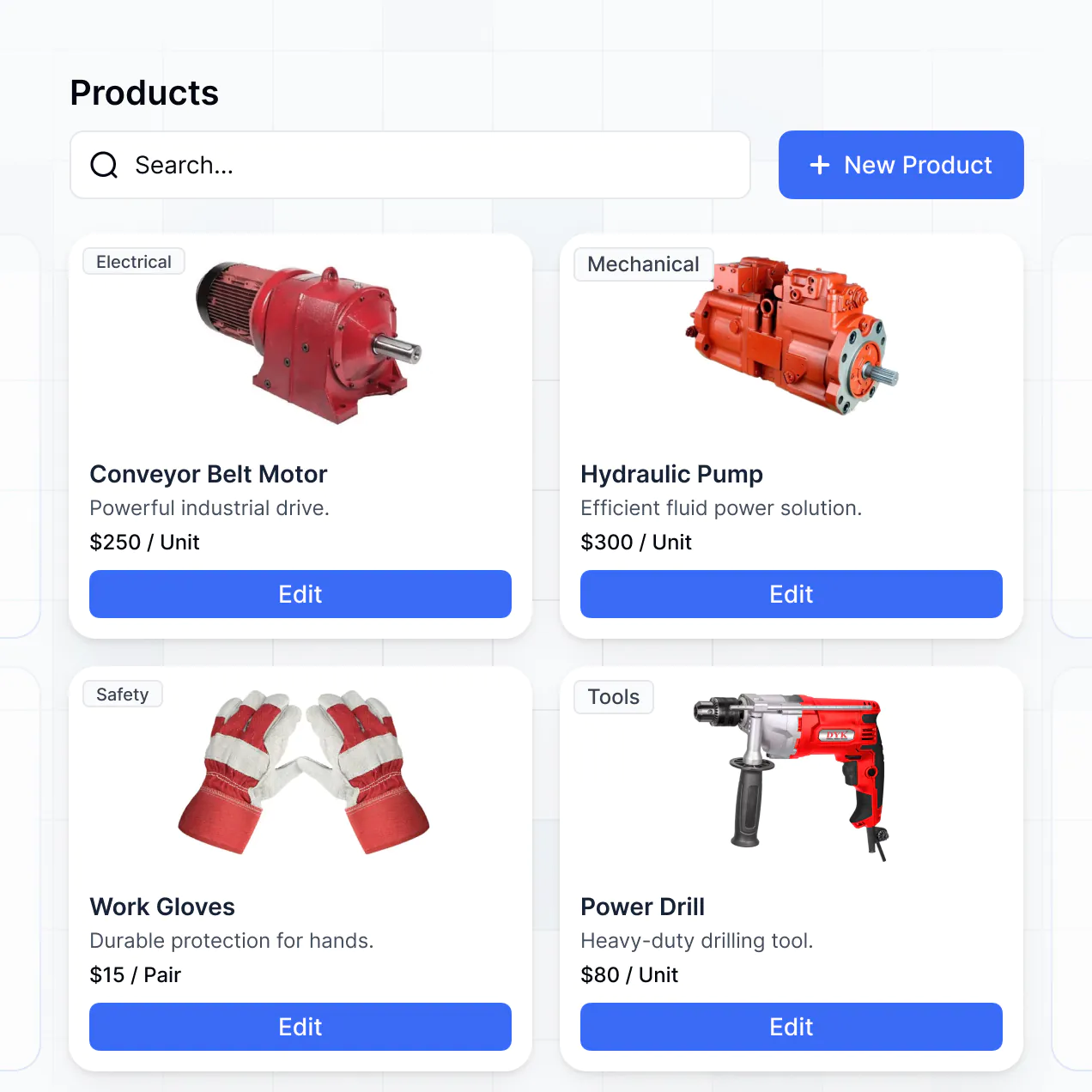
- Card blocks – to show product photos and high-level details for visual identification.
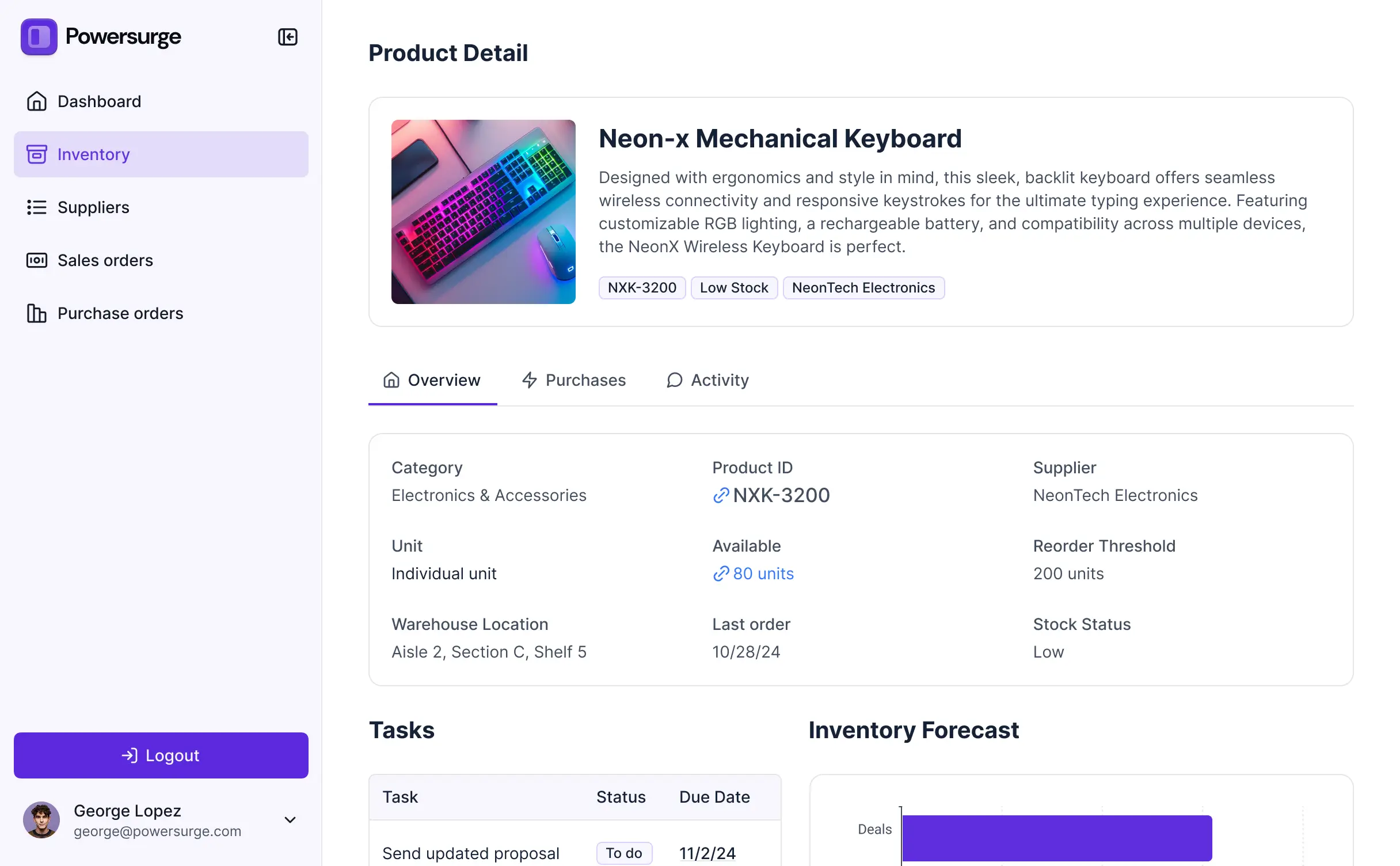
- Detail View – for deep dives into a single item's movement history and documentation.
- Forms – for logging inventory counts, transfers, or damage reports.
- Charts – to monitor warehouse capacity and stock-out risks.
- Calendar blocks – to track scheduled deliveries or upcoming audits.
Updates can be made instantly in the visual builder, so as your inventory processes evolve, your app can too.
Security is foundational to Softr. All inventory data is encrypted in transit and at rest, hosted on SOC 2 Type II compliant infrastructure. You maintain strict control over your electronic inventory system through role-based permissions, visibility rules, and global restrictions that prevent unauthorized access to sensitive financial or supplier data.
For systems using Softr Databases, data is stored securely in Germany with high-standard protection. If you link to external sources like SQL or Airtable, Softr acts as a secure interface that displays data based on your specific rules without storing it permanently. You define exactly who can view, edit, or delete stock records, ensuring your supply chain data remains confidential and audit-ready.
Yes, it is fully production-ready. Unlike experimental AI agents that generate unstable code, Softr builds your electronic inventory system on a battle-tested, professional-grade platform.
Softr manages the complex backend requirements—such as secure login, encrypted data storage, and relational logic—natively. This bridges the gap between AI speed and business reliability. You avoid the maintenance burden of raw code while benefiting from a system that is scalable, secure, and ready for your warehouse team to use for real-time stock management immediately.
Softr is the first AI-native platform for business software. Unlike simple spreadsheet-to-app tools that lack deep logic, or complex no-code builders that require weeks of training, Softr’s AI Co-Builder generates a tailored electronic inventory system in minutes.
It offers a unique hybrid advantage: the speed of AI generation for your database and UI, combined with the reliability of a platform that handles user roles and complex permissions out of the box. It allows non-technical logistics managers to build custom software that is more flexible than off-the-shelf software and more reliable than a generic AI-coded script.
Yes. Softr supports native workflows and deep integrations to connect your electronic inventory system to your entire business stack. You can automate stock-out notifications with Softr Workflows or sync order data with Stripe. Softr also supports webhooks and a REST API for advanced logistics needs.
Whether you need to trigger a reorder email to a vendor when stock is low, or pull in sales data from an external e-commerce platform to decrement stock automatically, you can build these cross-tool automations without writing any code.
Describe what you need. Softr's AI builds your inventory system in minutes. Get started today for free.