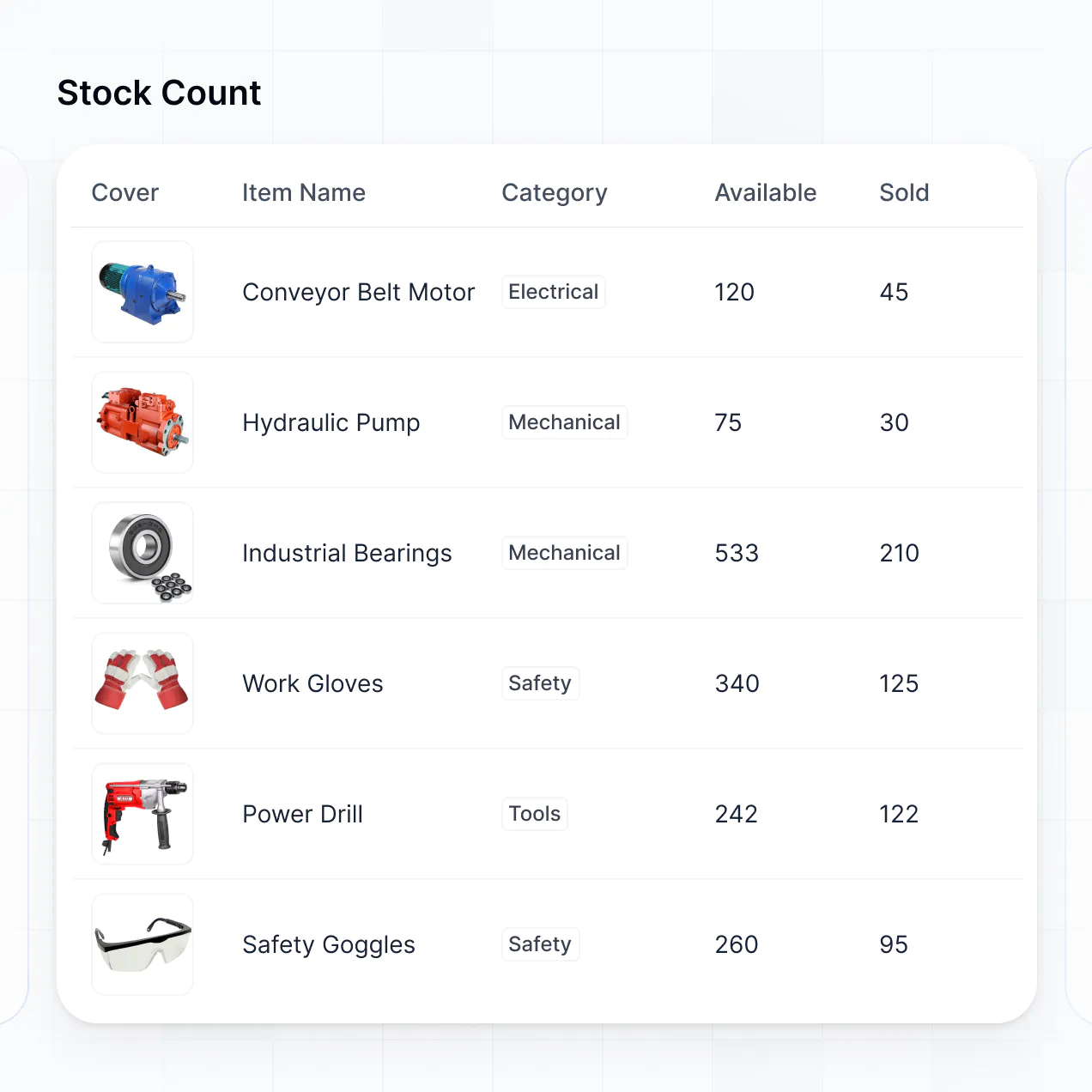
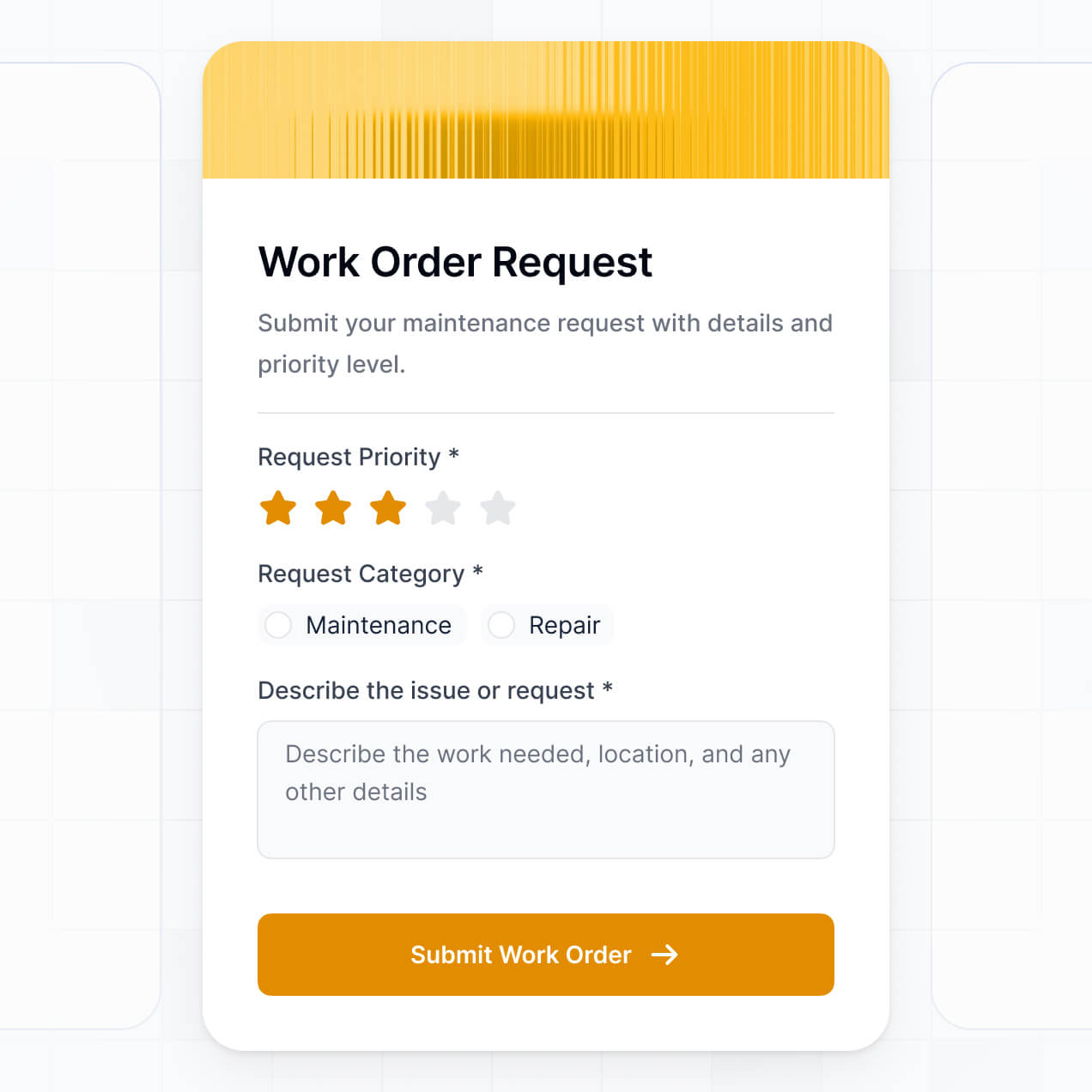
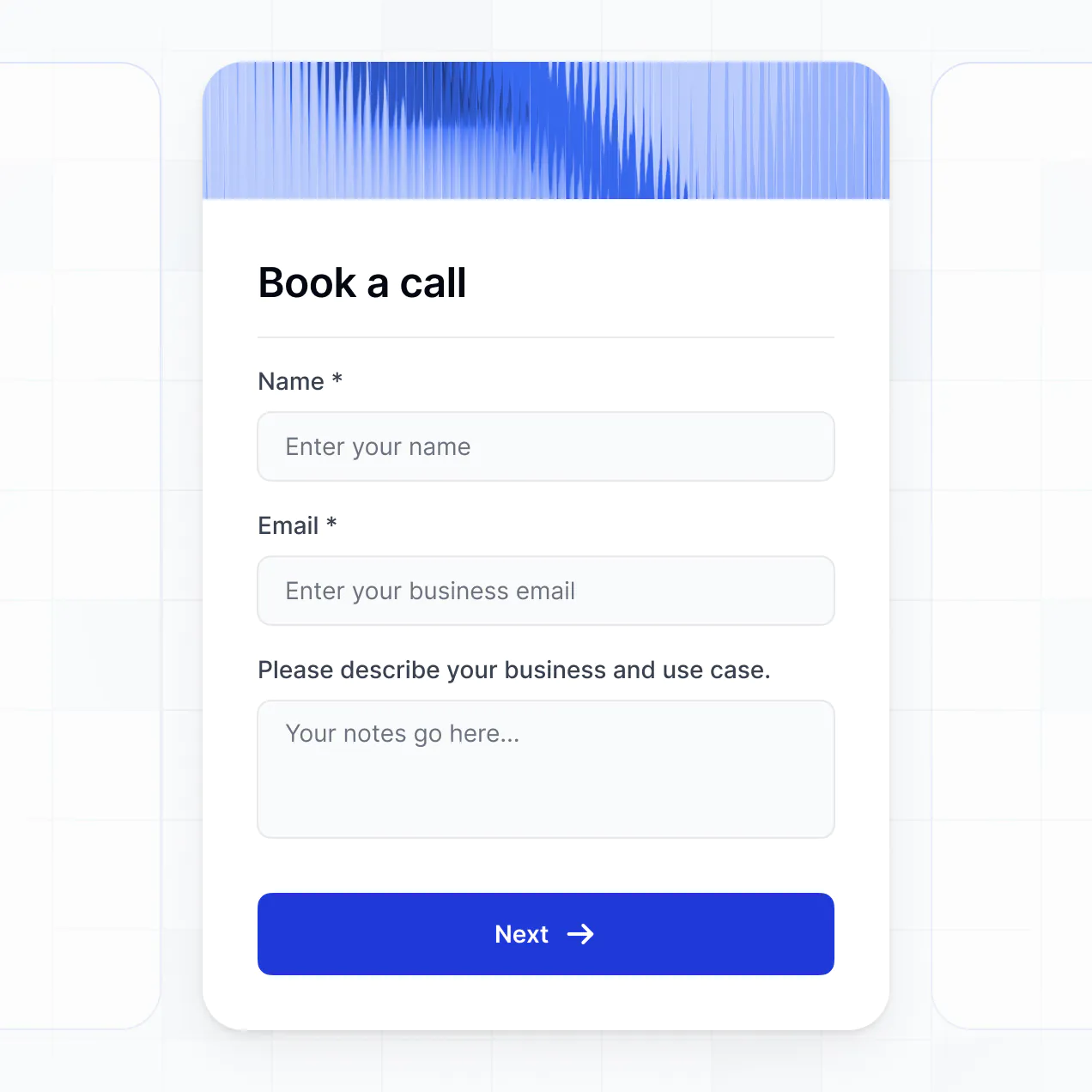
Track vehicles, manage listings, and log inspections in an AI-powered system built with AI to fit your dealership or lot workflow.
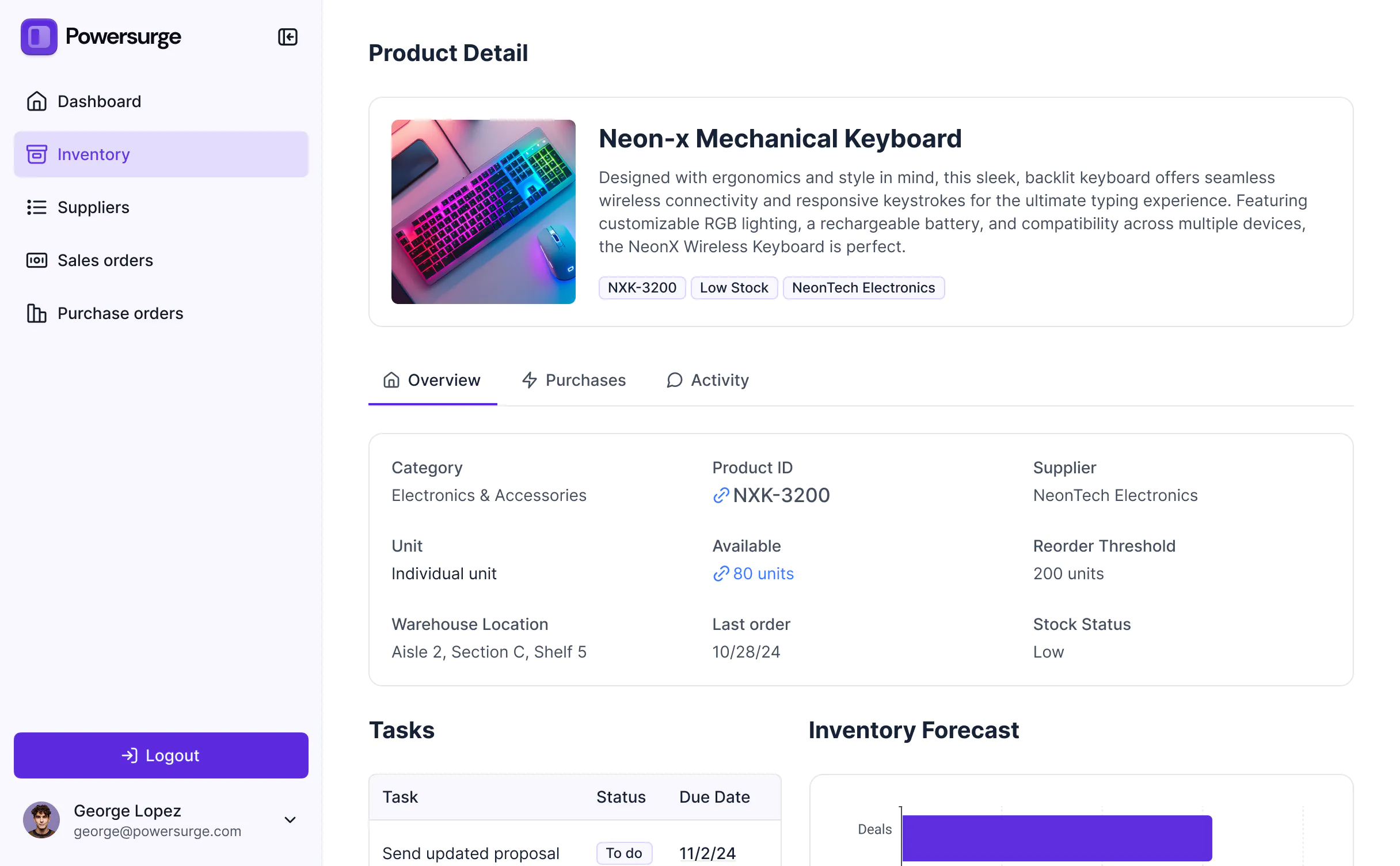



Customize car inventory software with the exact steps and views your team needs. Add features as sales processes evolve—no code needed.


Connect VIN databases, pricing sheets, and sales trackers with real-time sync—or manage everything in Softr Databases. Create a single source of truth for your business.
Give each teammate the right tools and access. Set up secure logins, user groups, and granular permissions—no IT support or dev work needed.
Give different team members tailored access and dashboards, so sales reps see leads while mechanics see inspection tasks.
Streamline operations with Softr Workflows. Trigger native notifications for low stock, price changes, or new reservations to keep movements smooth.
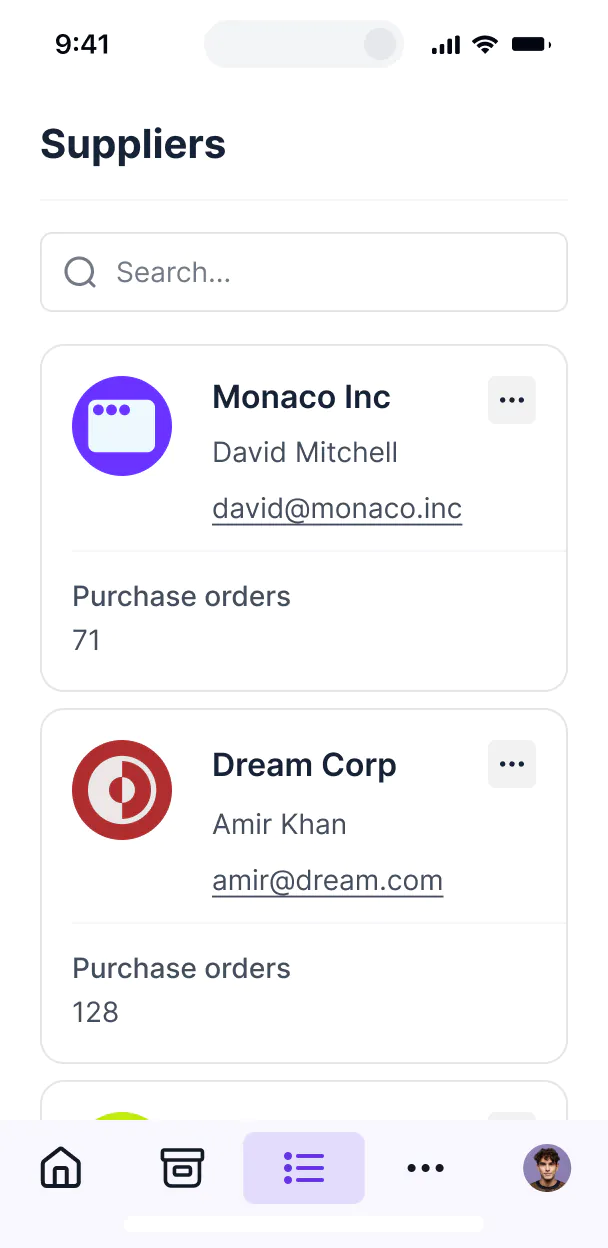
Access and update your car inventory on the lot. All apps are mobile-ready out of the box so you can upload photos directly from your phone.
Use Google, email, or SSO logins to give your dealership team fast, secure access—no IT tickets or complex setups required.
Keep sensitive buyer and vehicle data safe with SOC2 and GDPR compliance, plus fine-tuned access control at every level.
No more one-size-fits-all tools or costly custom builds. Softr is easy to use and fully customizable, so you can launch faster, adapt as you grow, and skip the complexity of traditional software.

Build your car inventory software in minutes with AI—no manual setup or development time needed.

Add features like automated pricing insights, inspection forms, or lead tracking as your inventory grows.

Start with inventory tracking, then add customer portals, sales dashboards, or forms—all in one place.
Co-build with AI
Simply describe what you need. Let Softr handle everything - Interface, database, workflows.
Iterate with AI or visually
Control most critical parts of your app yourself - roles, permissions, security.
Ship the same day
Invite team members or external clients and partners right away. No developer handover.
Use drag-and-drop blocks to build a portal that looks sleek and modern out of the box. Add only the features you need, and iterate as your workflows evolve.




Car inventory software is a specialized digital workspace where dealerships and fleet managers can track vehicle availability, auction data, specifications, and sale statuses. It centralizes all your automotive data—from VIN numbers and mileage to maintenance records and high-res photos—eliminating the need for fragmented spreadsheets or paperwork. This ensures sales teams always know what's on the lot and provides a professional experience for managing high-value assets.
Softr is the first AI-native platform for building business software, making it the ideal choice for creating car inventory software that matches your dealership's specific workflow. You can simply describe your lot management needs to the AI Co-Builder to instantly generate your vehicle database, listing pages, and acquisition logic—ready to use and fully secure.
No coding is required. You can start with an AI-generated prototype, use a dedicated management template, or build from scratch. Everything runs on Softr Databases for maximum speed, or you can sync with external tools like Airtable, Google Sheets, or HubSpot to manage your leads. You have complete control to visually adjust layouts, manage who can edit pricing or vehicle status, and brand the app with your dealership's logo. It’s built to move as fast as your sales cycle.
You can include a wide range of automotive management features in your car inventory software based on your dealership's requirements. A robust application typically combines functional UI blocks with AI-driven insights:
- AI-Powered Intelligence – Use Ask AI to let sales reps query the lot stock via chat, or set up Database AI Agents to automatically generate marketing descriptions from technical vehicle specs.
- Vibe Coding Blocks – Create custom UI components, such as a VIN barcode scanner or a dynamic fuel-economy calculator, using the AI Code block to 'vibe code' exact functionality.
- Softr Workflows – Build native automations, like sending a Slack notification when a vehicle is marked as 'Sold' or triggering a maintenance alert when a car hits a specific lot duration.
- User Portals & Logins – Securely manage access so the sales team can see wholesale prices while customers only see retail listings.
- Forms & Data Collection – Collect vehicle intake details, inspection reports, and trade-in appraisals via custom forms with file uploads for photos.
- Dashboards & Charts – Visualize inventory turnover, average days-on-lot, and sales performance with real-time analytics.
- Lists & Advanced Filtering – Manage your fleet with searchable tables, Kanban boards for restoration stages, and detailed spec views.
Everything is built using drag-and-drop, and if you need a truly unique pricing calculator, the Vibe Coding block can generate it for you instantly.
Vibe coding is about translating your dealership's needs into a working app instantly using AI. You can 'vibe code' your car inventory software in Softr by describing requirements like 'I need a system to track vehicle VINs, status, and floor-plan costs' to the AI Co-Builder. Softr then builds a production-ready inventory tool on a secure, stable foundation.
Unlike tools that generate messy, unmanageable code, Softr handles the core architecture—like user authentication for your staff, relational database logic for vehicle parts, and photo storage—natively. This gives you the rapid speed of vibe coding without the technical debt of managing raw code. You describe your fleet, Softr builds the system, and your team is ready to start scanning VINs immediately.
Yes. You can manage multiple dealership locations or different sales teams within a single software instance. Each staff member only sees the specific lot or vehicle data assigned to them based on their user profile and role. This is perfect for auto groups that want a centralized view for management while keeping local lot views clean and focused for individual sales reps.
Yes, you can. You don't need an existing database to start building your car inventory software with Softr. If you are starting fresh, you can use Softr Databases, which is built into the platform and optimized for tracking complex data like vehicle specs and maintenance history.
If you happen to already have your inventory in tools like Airtable, Google Sheets, HubSpot, or SQL, you can easily connect those as well. You can also pull in auction data via the REST API connector. Regardless of where your data starts, you have full control over how your vehicle listings are structured and displayed to your team.
Softr Databases is the recommended native data source for car inventory software. It is built for business logic, offering fast performance and instant triggers for things like price change notifications, since the vehicle data lives natively on the platform.
If your inventory is currently elsewhere, Softr connects to over 17 external sources including Airtable, Google Sheets, HubSpot, SmartSuite, and BigQuery. You can even combine sources—for example, pulling vehicle specs from Softr Databases while syncing buyer information from HubSpot. Most sources support real-time, two-way sync, ensuring your lot status is always accurate across all platforms.
Yes, Softr provides granular control over how your staff interacts with the vehicle inventory. You can customize the layout and navigation to match your sales process. Each specific block or vehicle detail can be shown or hidden based on the user’s role, ensuring that a junior salesperson can't see the profit margin or wholesale purchase price unless you allow it.
Typical roles might include 'Sales Associate,' 'Lot Manager,' and 'Finance Officer,' each with defined permissions to view or edit specific vehicle records. You can also create personalized saved views for sales reps to see only the inventory they are currently showing to active leads. This keeps your inventory secure, organized, and tailored to the workflow of every employee.
Yes, you can fully white-label your car inventory software. You can use your dealership's logo, brand colors, custom typography, and a custom URL (e.g., inventory.yourdealership.com) to make the app a professional extension of your brand. You can remove all Softr branding, ensuring your sales team and partners only see your company's unique identity.
Yes, you can. Softr provides deep flexibility to control the visual presentation of your car inventory. You can adjust the interface to highlight what matters most, whether that's high-quality car photography, pricing, or technical specs. You decide the layout of every page and set visibility rules for different staff levels.
To manage your cars, you can use various functional blocks:
- Table blocks – for high-density data like mileage, VIN lists, and price sheets.
- List or Card blocks – to show off vehicle galleries and trim levels.
- Detail View – to create comprehensive 'Vehicle Detail Pages' with all specs.
- Forms – to process new vehicle intakes or lead inquiries.
- Charts – to track inventory age and sales volume.
- Calendar blocks – to schedule test drives or service appointments.
You can update any of these designs instantly in the visual editor as your dealership scales.
Security is a core priority for Softr. All data, including sensitive finance info or customer records, is encrypted in transit (TLS) and at rest. Softr apps give you total control over who can modify vehicle pricing or view wholesale costs through role-based permissions and visibility rules.
For apps using Softr Databases, your vehicle information is stored in a secure, SOC 2 Type II compliant environment in Germany. If you connect to external sources like Airtable or SQL, Softr doesn't store that data permanently—it displays it in real-time based on your secure access settings. You are always in the driver's seat regarding who can view or edit your inventory records.
It is a fully production-ready solution. Unlike experimental tools that generate raw code that crashes under pressure, Softr builds your car inventory software on top of a battle-tested, dealership-grade foundation.
We handle the complex backend tasks—like user login, secure vehicle data storage, and granular permissions—natively. This eliminates the reliability risks of pure AI 'vibe coding.' You get a system that can handle your entire lot's data from day one, with the scalability to grow as you add more inventory and users.
Softr is the first AI-native platform designed for business software. While other tools require manual setup of every database relationship or provide fragile 'vibe coding' output, Softr's AI Co-Builder generates a functional inventory system on a secure foundation in minutes.
The 'hybrid advantage' is what makes it unique: you use AI to build the initial vehicle tracking logic, then use a visual editor to fine-tune the UI. You get the speed of AI combined with the reliability of a platform that already includes professional features like user roles, secure photo hosting, and complex data permissions out of the box.
Yes. Softr supports powerful native workflows and integrations to ensure your inventory software works with the rest of your dealership's tech stack. You can automate tasks like updating vehicle status when a deposit is paid via Stripe, or sending inventory alerts through Intercom.
Softr also supports webhooks and a REST API for advanced automotive workflows, such as syncing your lot data with external car listing sites or CRM tools. You can build these sophisticated automations to trigger based on user actions, all without writing a single line of code.
Describe what you need. Softr's AI builds your automotive inventory tool in minutes.