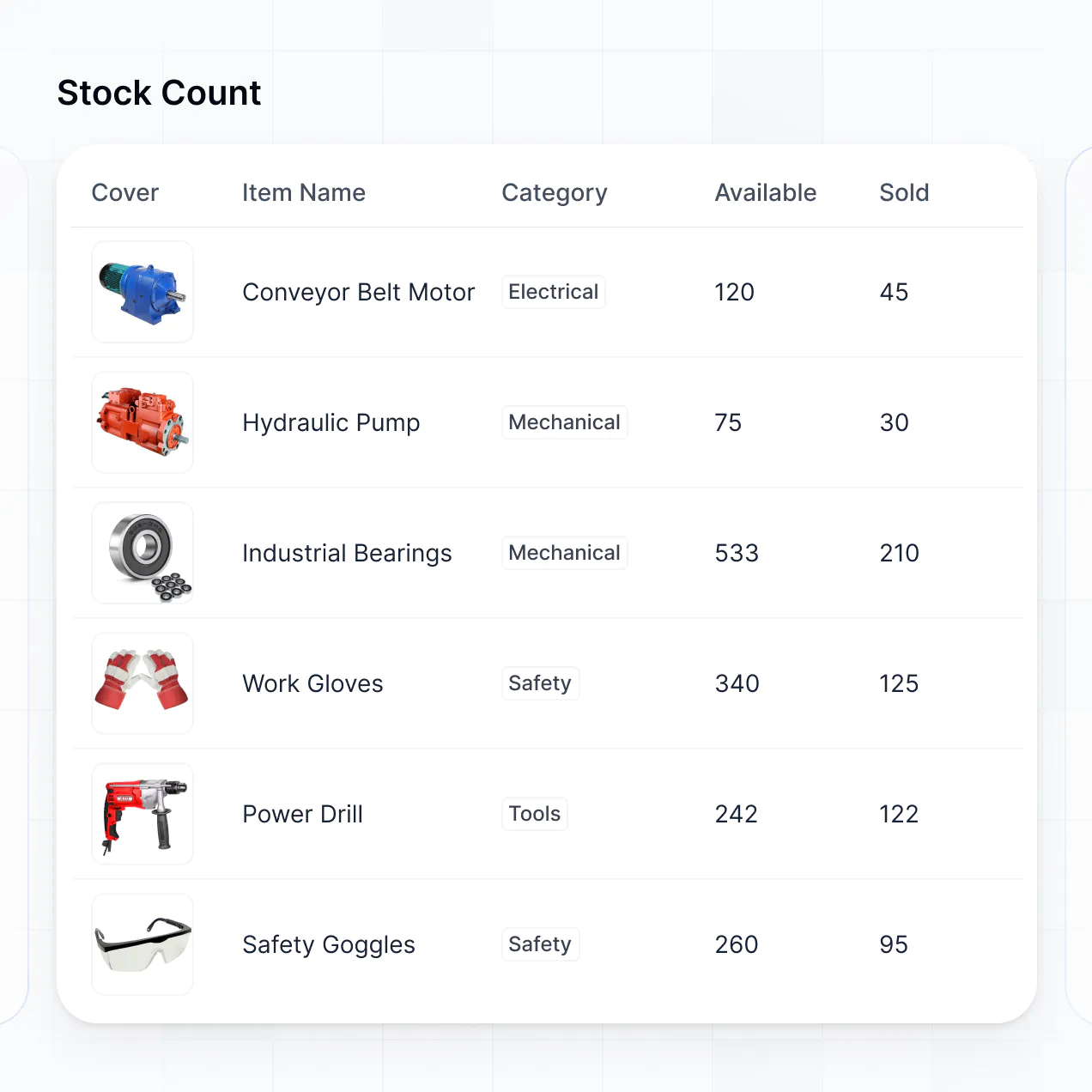
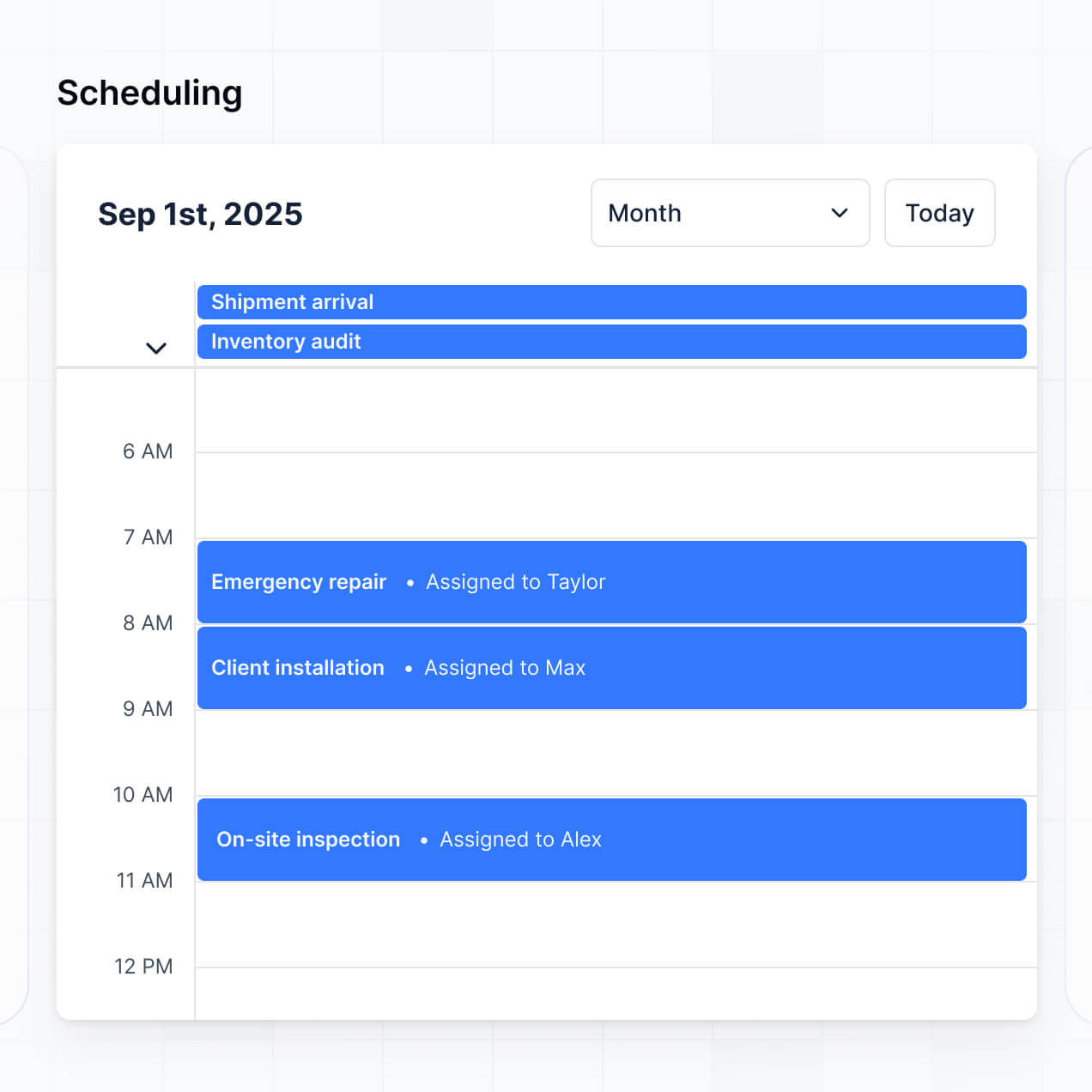
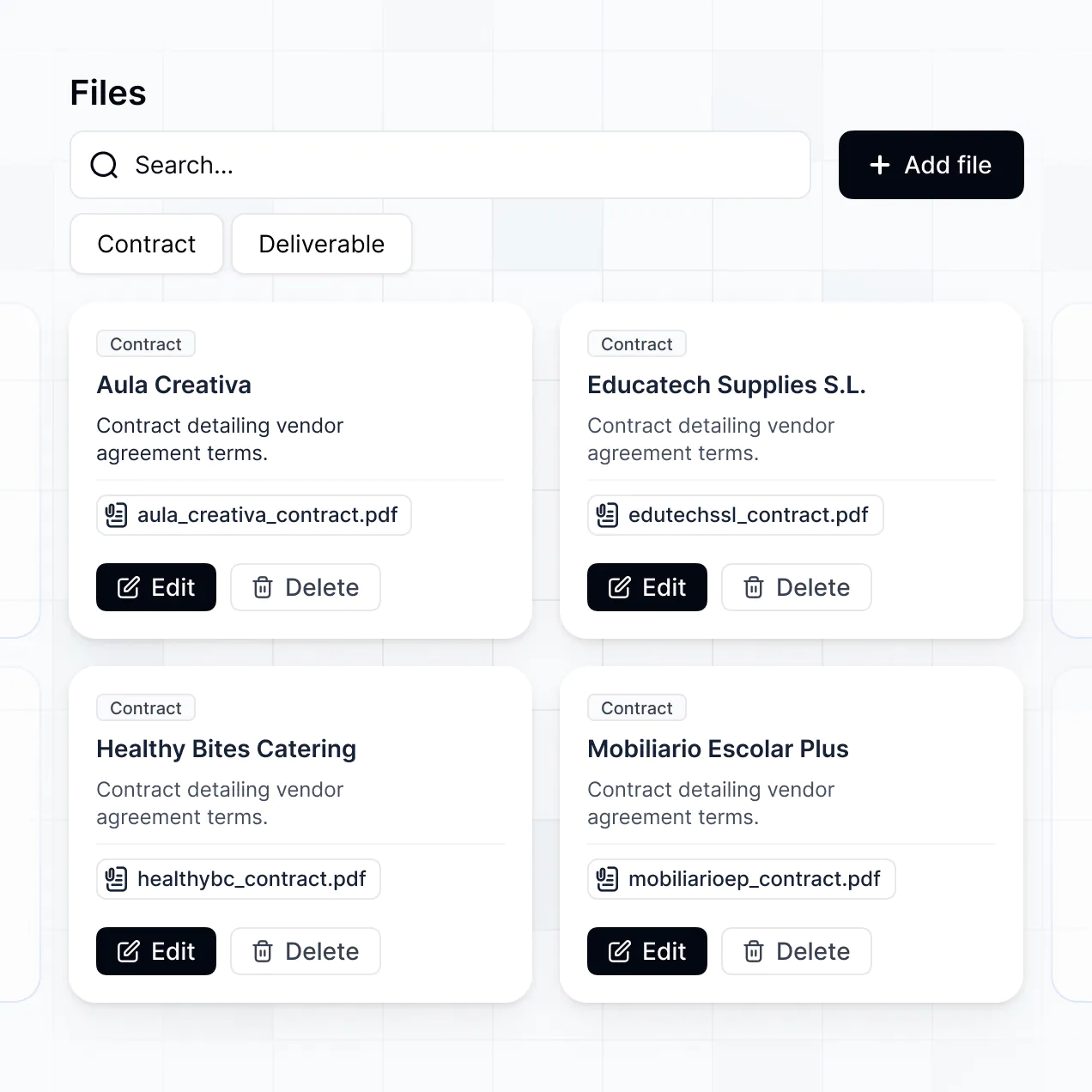
Track network assets and manage hardware in an AI-powered system built with AI to fit your infrastructure team's specific workflow.
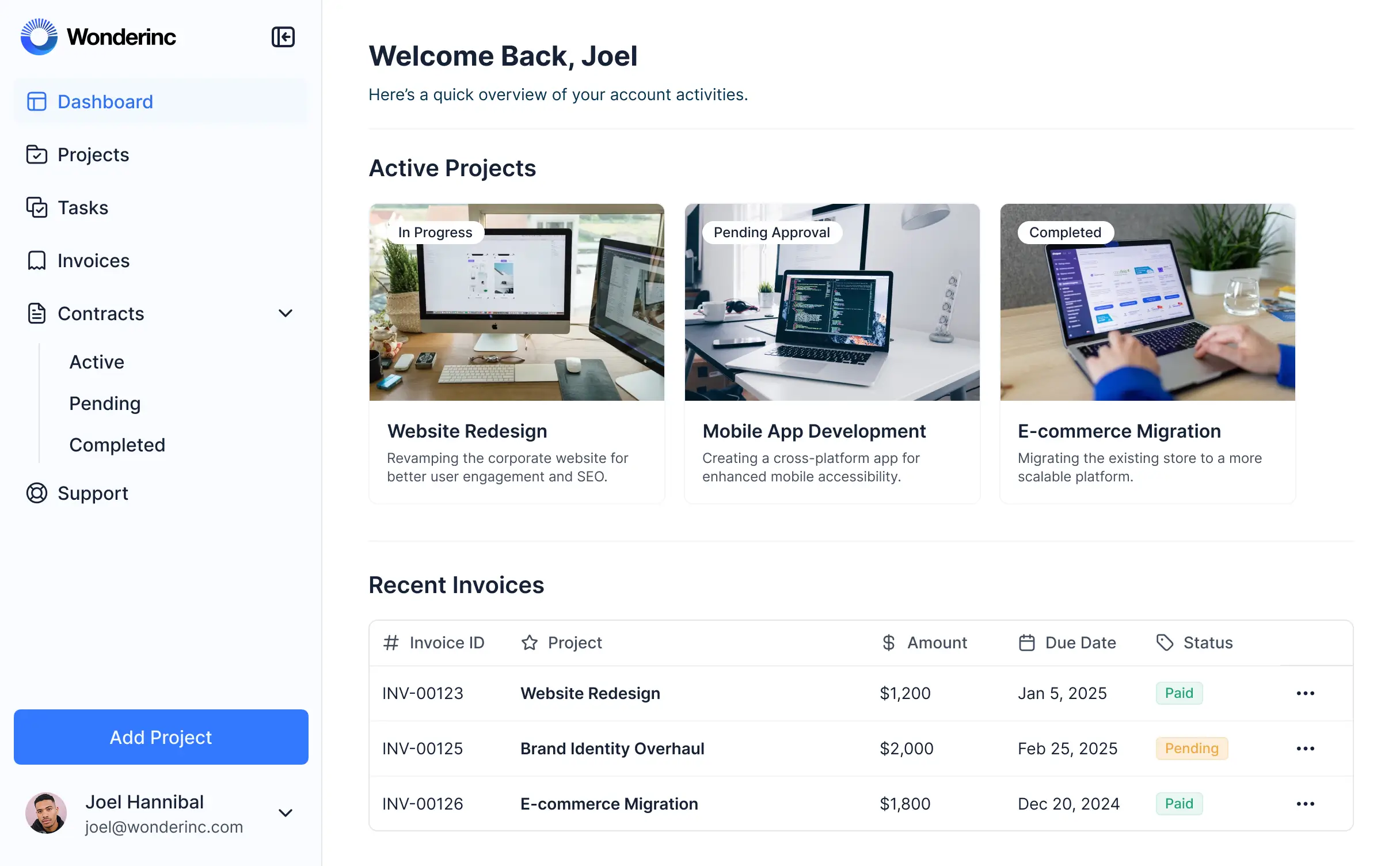
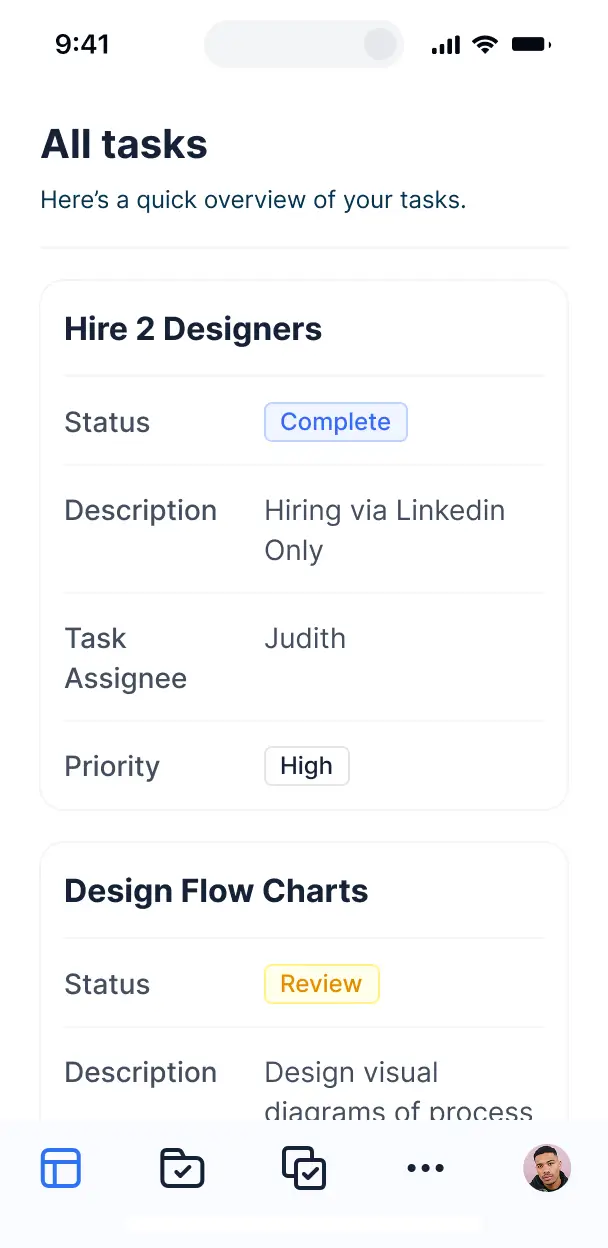



Customize your setup with the exact views your operators need. Add blocks for equipment tracking and warranties—and iterate as your network grows.


Connect equipment logs, spreadsheets, and asset trackers with real-time sync—or manage everything in Softr Databases. Create one source of truth for your network assets.
Let field techs, warehouse managers, and admins log in to a fully branded system. Set up site-specific access and personalized equipment views in minutes.
Automate your telecom operations with workflows for stock alerts, hardware requests, and maintenance notifications that trigger whenever records are changed.
Assign roles for field engineers and procurement teams—each gets access to the specific equipment lists and site data they need to perform their jobs.
Control who can modify asset data or approve hardware requests—down to the field level, ensuring integrity for your infrastructure records.
Keep sensitive network and supplier information safe. Softr is fully SOC2 and GDPR compliant, with fine-tuned access control at every level.
Capture site surveys or equipment inspection details using flexible form blocks tailored to the specific hardware or location being serviced.
No more one-size-fits-all tools or costly custom builds. Softr is easy to use and fully customizable, so you can launch faster, adapt as you grow, and skip the complexity of traditional software.

Build your telecom inventory software in minutes with AI—no manual configuration or complex dev work required.

Add features like maintenance logs and supplier databases as your infrastructure grows—no rebuild needed.

Start with asset tracking, then add maintenance portals and field request forms—all in one place.
Co-build with AI
Simply describe what you need. Let Softr handle everything - Interface, database, workflows.
Iterate with AI or visually
Control most critical parts of your app yourself - roles, permissions, security.
Ship the same day
Invite team members or external clients and partners right away. No developer handover.
Use drag-and-drop blocks to build a portal that looks sleek and modern out of the box. Add only the features you need, and iterate as your workflows evolve.




Telecom inventory management software is a dedicated platform designed to track and control your physical and virtual network assets, including fiber optic cables, routers, SIM cards, and hardware components. It centralizes asset lifecycles, maintenance schedules, and procurement details in one secure place. By replacing manual spreadsheets with a tailored system, network managers can eliminate tracking errors and ensure equipment is available when and where it is needed for field installations.
Softr is the first AI-native platform for building business software, enabling the creation of custom telecom inventory tracking that matches your specific field operations. You can describe your network hierarchy and asset types to the AI Co-Builder to instantly generate a database of serial numbers, site locations, and stock levels—all connected with secure access for your technicians and warehouse staff.
You don't need to code anything. You can start by generating with AI, using a pre-built inventory template, or building from scratch. Everything runs on Softr Databases, the native, relational database built into the platform, or you can connect it to external sources where your hardware data already lives, like Airtable, Google Sheets, or SQL. You have full control to build visual views of your warehouse, set stock alerts, and brand the app for your internal team. It's fast to deploy for field use and flexible enough to scale as your network infrastructure grows.
You can include a wide range of features in your telecom inventory system to streamline network operations. A high-performing inventory app usually combines core asset tracking with AI intelligence:
- AI-Powered Intelligence – Use Ask AI to let warehouse managers query stock levels conversationally, or set up Database AI Agents to automatically summarize hardware maintenance logs or categorize new shipments.
- Vibe Coding Blocks – Build complex, custom UI elements—like a graphical rack diagram or a fiber map view—using the AI Code block to "vibe code" exactly what your engineers need.
- Softr Workflows – Build native automations (like an automatic low-stock notification) that trigger emails to procurement whenever a specific router model drops below a certain threshold.
- User Portals & Logins – Securely manage access so field technicians only see the inventory for their assigned region, while headquarters has a global view.
- Forms & Data Collection – Capture device serial numbers and condition reports with custom mobile-friendly forms and photo uploads during site audits.
- Dashboards & Charts – Visualize asset depreciation, site utilization, and hardware turnover with real-time analytics.
- Lists & Advanced Filtering – Manage your assets with searchable data tables, kanban boards for repair status, and detailed specs for every hardware component.
Everything is built using Softr's drag-and-drop blocks, so you can create these tools without coding. If you need a specialized component like a barcode scanner interface, use the Vibe Coding block to generate it with AI.
Vibe coding is about moving fast and using AI to build the exact inventory logic your network requires. You can "vibe code" your telecom tool by describing your specific requirements—such as tracking MAC addresses or managing tower site locations—to the AI Co-Builder. Softr then generates a production-ready inventory application on top of a stable, secure foundation.
Unlike other tools that generate raw code that breaks easily, Softr handles the complex underlying infrastructure—like asset security, secure field logins, and database relational logic—natively. This means you get the speed of vibe coding without the difficulty of managing raw scripts for your hardware database. You describe the workflow, Softr builds it, and your field crew can start logging inventory updates immediately.
Yes. You can manage multiple regional dispatch centers or third-party installation teams within a single portal. Each user only sees the specific warehouse inventory or site assets assigned to them based on their regional role. This is ideal for large network operators who need to maintain centralized visibility while restricting local teams to their specific geographical equipment caches.
Yes, you can. You don't need to have a pre-existing asset list to start building with Softr. If you are starting your inventory from scratch, you can use Softr Databases, which is integrated directly into the platform and perfect for defining fields like serial numbers, warranty dates, and hardware specs.
However, if your hardware data is currently trapped in Airtable, Google Sheets, HubSpot, or a SQL database, you can connect those as well. You can also use the REST API to pull in data from existing ERPs. Either way, you have absolute control over how your telecom assets are organized and presented to your technicians.
Softr Databases is the recommended native data source for your inventory software. It is built for business applications requiring high performance and instant automation, making it ideal for tracking thousands of fast-moving components like SIM cards or fiber connectors.
If you have existing inventory data elsewhere, Softr connects to 17+ external sources including Airtable, Google Sheets, HubSpot, SmartSuite, and BigQuery. You can even mix sources—for example, pulling your active hardware list from an SQL database while managing technician assignments in Softr Databases. Most connections support real-time, two-way sync, ensuring your warehouse inventory levels are always accurate across all systems.
Yes, Softr gives you full control over how your team interacts with the inventory system. You can customize the mobile interface for field use, ensuring buttons and forms are easy to use on-site. Each warehouse block or regional dashboard can be shown or hidden based on the user's login, ensuring a technician in Dallas doesn't accidentally edit stock in Seattle.
You can define granular roles—such as Warehouse Manager, Field Tech, or Procurement Officer—and set specific rules for what they can edit. For instance, techs might only be allowed to update a status from "In Stock" to "Deployed," while managers can add new product SKUs. This keeps your data clean and prevents unauthorized changes to critical network asset records.
Yes, you can fully white-label your inventory portal in Softr. You can apply your corporate logo, network-specific brand colors, and custom subdomains to ensure the tool feels like a professional, internal utility. You can also remove all Softr branding, providing your staff and contractors with a seamless experience that reflects your company's operational standards.
Yes, you can. Softr offers high flexibility to control the design and layout of your inventory workspace. You can adjust the visual hierarchy, fonts, and page structures to fit your logistical workflows. You decide which hardware details are prioritized on the screen and what summaries are shown to management.
To organize your telecom data, you can use various specialized blocks:
- Table blocks – for high-density lists of serial numbers or IP addresses.
- List or Card blocks – for visual catalogs of hardware models and equipment types.
- Detail View – for deep dives into a specific site's equipment list or a device's maintenance history.
- Forms – for field check-ins and asset check-outs.
- Charts – for visualizing warehouse capacity or equipment spend.
- Calendar blocks – for scheduling hardware upgrades or site inspections.
If you change your warehouse layout or add new product categories, updates can be made instantly in the visual builder without downtime.
Softr is built with enterprise-grade security. All hardware and network data is encrypted in transit and at rest, hosted on reliable infrastructure. You retain total control over data visibility; you can set role-based permissions so sensitive network configurations are only visible to senior engineers. You can also apply global restrictions to prevent unauthorized exports of your equipment lists.
For inventory stored in Softr Databases, data is hosted in Europe with SOC 2 Type II compliance. For data connected from your own SQL or Airtable sources, Softr acts as a secure interface and does not store the data itself—it simply displays it based on your defined permissions. This ensures your network infrastructure details remain private and handled according to industry best practices.
It is fully production-ready. While some AI tools produce "vibe code" that is unstable for serious business use, Softr builds your telecom inventory app on a secure, scalable platform foundation.
We handle the critical backend requirements—including hardware-level security, user authentication for your field staff, and complex data relationships—natively. This addresses the "Day Two" problem: you get the speed of AI generation with the reliability of a professional system. Your inventory tool is ready to manage millions of dollars in equipment from day one.
Softr is the first AI-native platform for business software. Unlike simple "vibe coding" tools that produce unmaintainable code, or generic inventory software that forces you into a rigid workflow, Softr's AI Co-Builder creates a custom app on a secure foundation.
It offers a unique hybrid advantage: use AI to generate your asset database and tracking logic in minutes, then use visual tools to refine the interface for your specific field requirements. You get the speed of AI combined with professional-grade infrastructure like granular permissions and secure hosting, tailored for non-technical operations teams who need a custom solution immediately.
Yes. Softr supports native workflows and deep integrations to connect your inventory to your entire network operations stack. You can automate tasks like triggering a reorder alert in Slack when cable supplies run low or syncing asset status changes to a central CRM. Softr also supports webhooks and REST APIs for advanced needs like connecting to network monitoring systems.
Whether you need to sync hardware data with your billing platform or automate technician notifications for equipment pick-ups, you can build these workflows into your portal without writing code.
Describe your workflow. Softr's AI builds your telecom inventory management software in minutes.