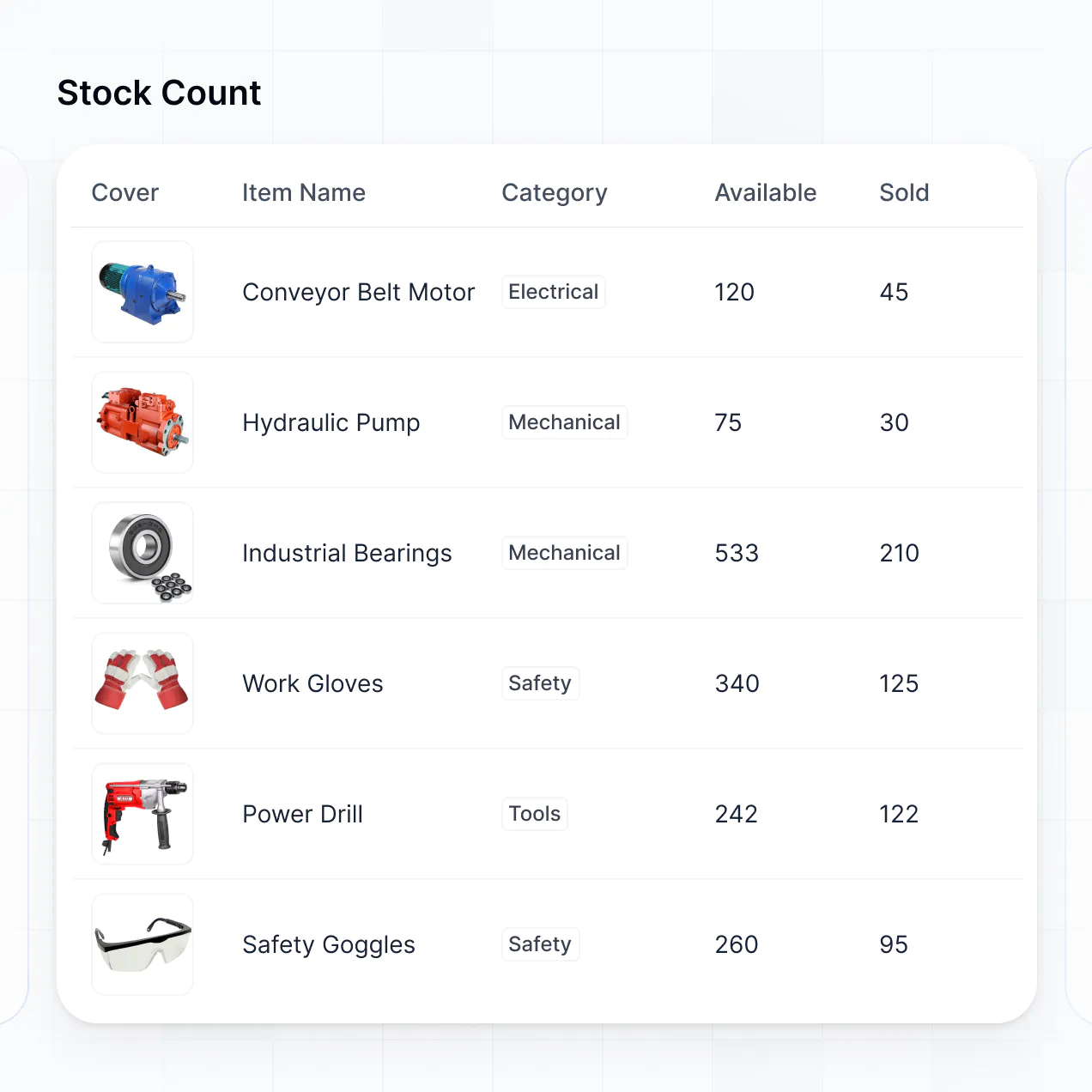
Track assets, manage supply requests, and log maintenance in an AI-powered system built with AI to fit your school's unique workflow.
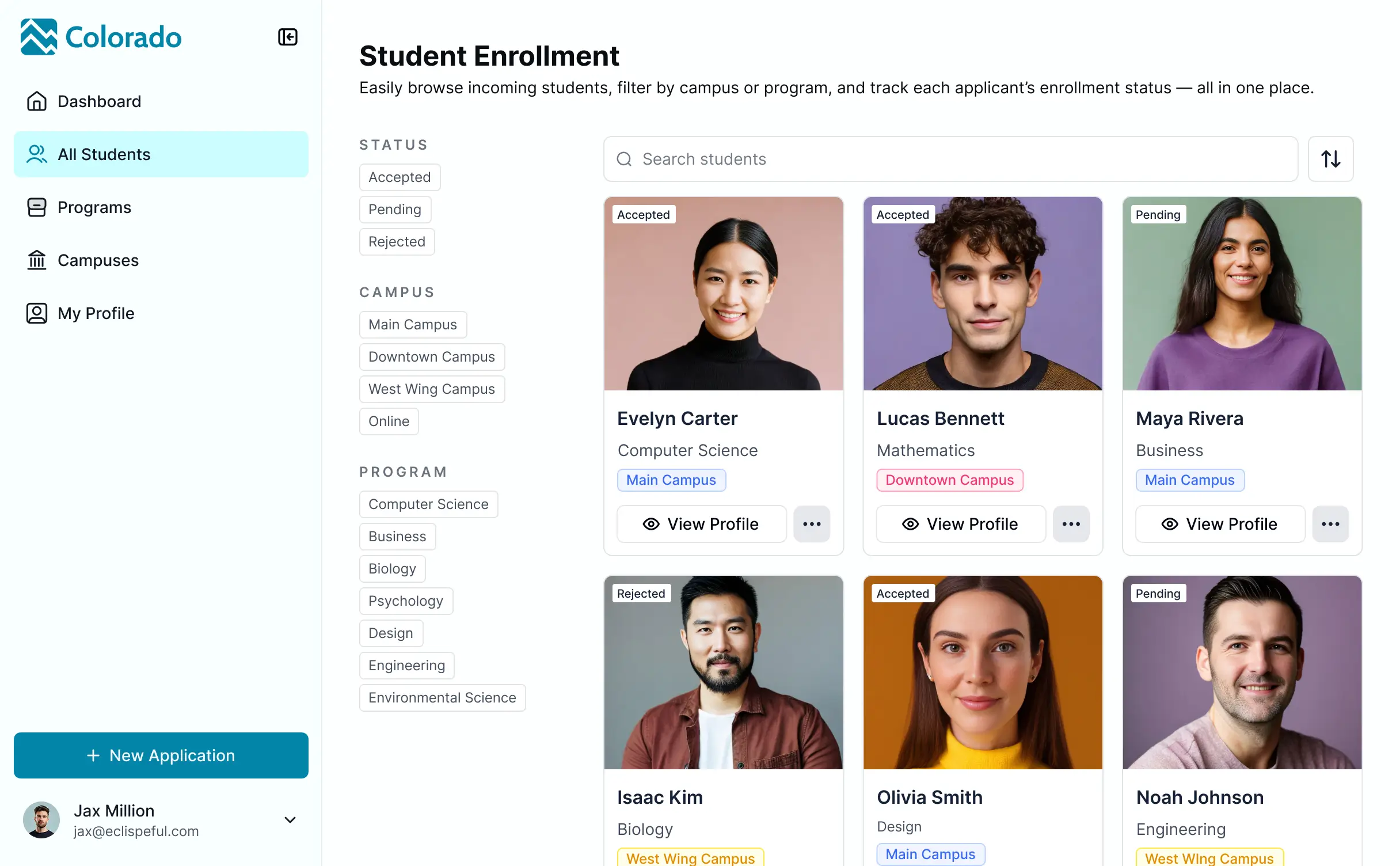

Customize your setup with the exact steps and views your staff needs. Add features like asset tracking or stock alerts as requirements evolve.


Connect equipment lists, lab supplies, and vendor data from existing tools—or manage everything in Softr Databases. Create a single source of truth for your school.
Give teachers and admins the right tools and access. Set up secure logins, user groups, and granular permissions—no IT support or dev work needed.
Give teachers, lab techs, and school administrators tailored access and dashboards, so each role sees just the inventory levels they need.
Streamline operations with Softr Workflows. Trigger native notifications for low stock or asset maintenance tasks to keep your school running smoothly.
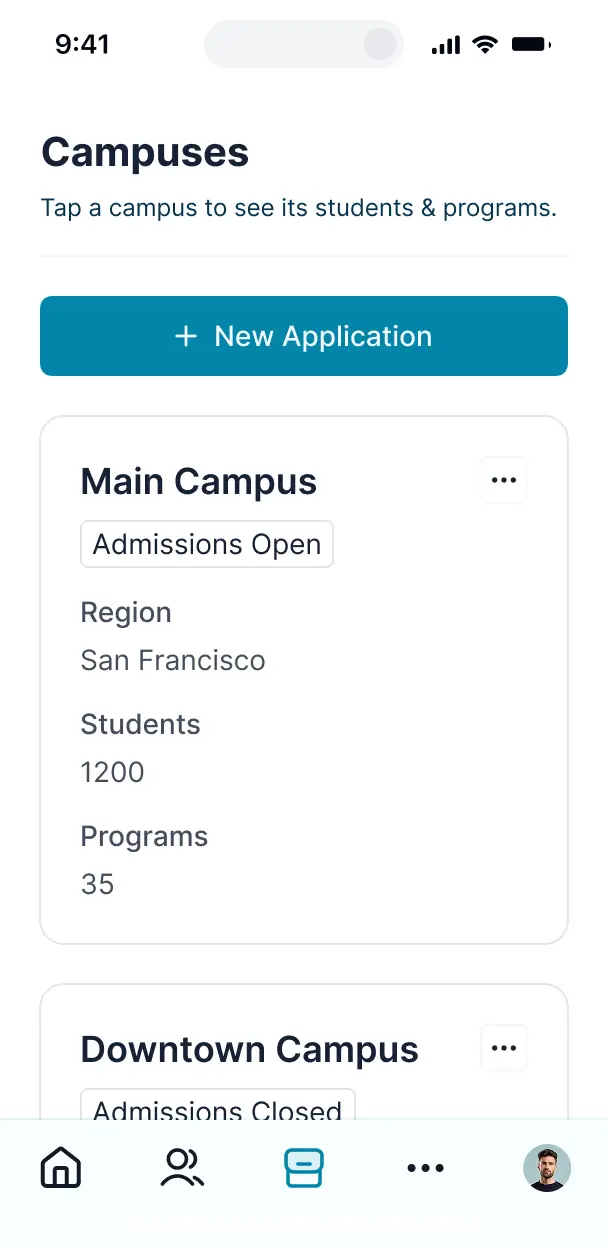
Access and update your school inventory on the go from a tablet or phone. All apps are mobile-ready out of the box for easy stockroom audits.
Use Google, email, or SSO logins to give your faculty fast, secure access to inventory tools—no IT tickets or complex setups needed.
Keep school and vendor data safe with SOC2 and GDPR compliance, plus fine-tuned access control to protect sensitive equipment records.
No more one-size-fits-all tools or costly custom builds. Softr is easy to use and fully customizable, so you can launch faster, adapt as you grow, and skip the complexity of traditional software.

Build your school inventory management software in minutes with AI—no manual configuration required.

Add features like maintenance logs or automated stock alerts as your school's needs grow—without rebuilding.

Start with inventory, then add student portals, faculty dashboards, or event forms—all in one place.
Co-build with AI
Simply describe what you need. Let Softr handle everything - Interface, database, workflows.
Iterate with AI or visually
Control most critical parts of your app yourself - roles, permissions, security.
Ship the same day
Invite team members or external clients and partners right away. No developer handover.
Use drag-and-drop blocks to build a portal that looks sleek and modern out of the box. Add only the features you need, and iterate as your workflows evolve.




Free school inventory management software is a dedicated digital space where school administrators and staff can track educational assets like laptops, textbooks, lab equipment, and furniture. It centralizes all supply data in one secure location, eliminating the chaos of manual spreadsheets and paper logs. By providing a clear view of what’s in stock and who is using it, this software helps schools stay organized, reduce lost items, and ensure teachers always have the resources they need for their students.
Softr is the first AI-native platform for building business software, making it the ideal choice for creating school inventory management software that fits your specific campus needs. You can describe your inventory categories—from physical education gear to IT hardware—to the AI Co-Builder to instantly generate your database, tracking pages, and checkout logic, all while keeping student and staff data secure.
You don't need any technical skills to get started. You can generate your app with AI, use a pre-built inventory template, or build from scratch. Everything runs on Softr Databases, or you can link your existing data from Google Sheets, Airtable, or HubSpot. You have total control to customize the interface visually, set permissions for different departments, and brand the app with your school’s colors and logo. It is fast to deploy, easy for non-technical staff to use, and scales perfectly as your school grows.
You can include a wide range of features to streamline your school's logistics, depending on your unique requirements. A powerful school inventory app typically combines standard tracking blocks with AI-driven capabilities:
- AI-Powered Intelligence – Use Ask AI to let staff query stock levels conversationally, or deploy Database AI Agents to generate automated audit reports or research bulk pricing for restocking.
- Vibe Coding Blocks – Create custom UI components, such as a localized barcode scanner or a custom lending agreement window, by simply describing what you need to the AI Code block.
- Softr Workflows – Set up native automations, like low-stock alerts that notify the procurement team or automated email reminders for overdue book returns.
- User Portals & Logins – Securely manage access so teachers can request supplies while IT staff can edit hardware specifications.
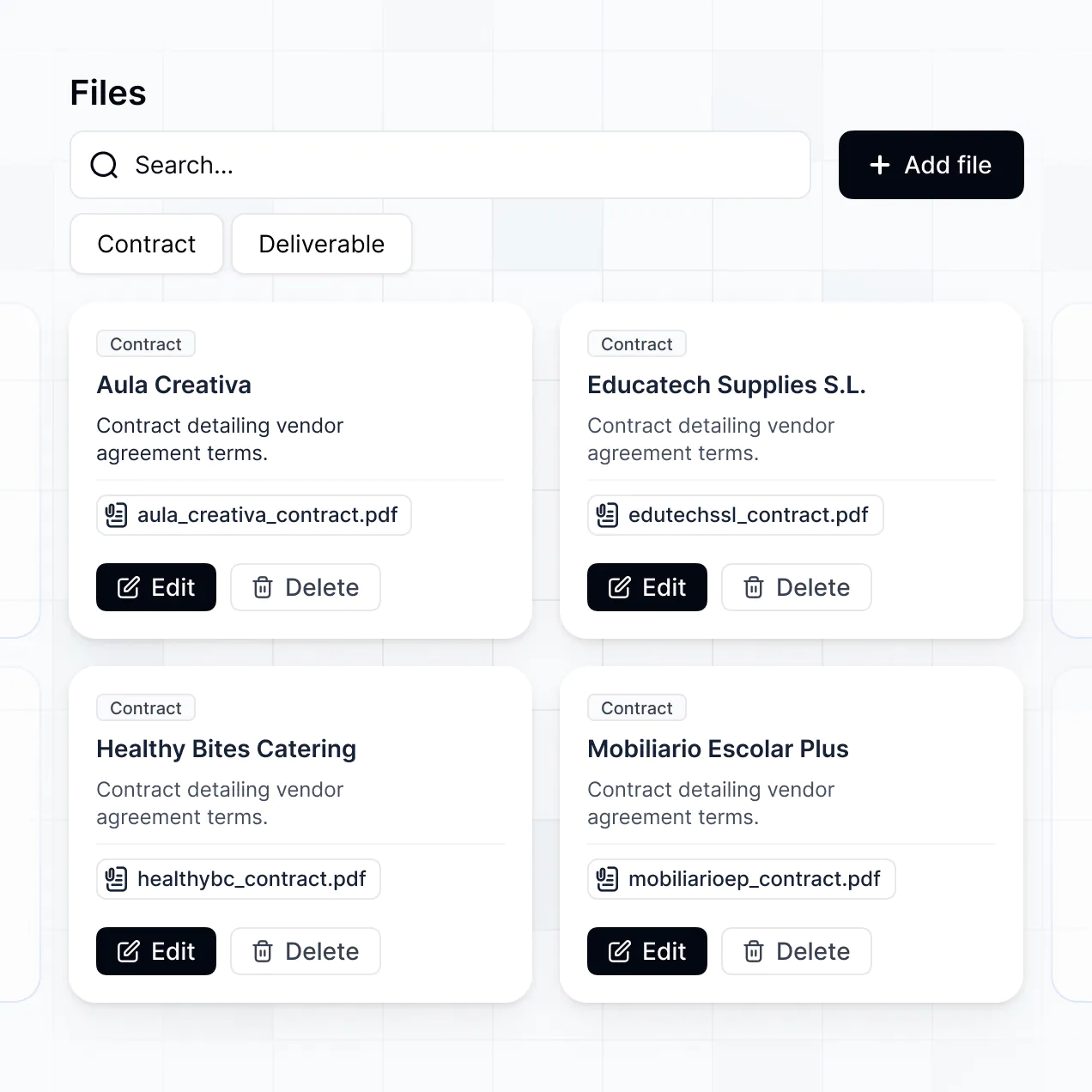
- Forms & Data Collection – Easily log new equipment arrivals or record maintenance requests with custom forms and photo uploads.
- Dashboards & Charts – Visualize your inventory spending and asset distribution with real-time charts and value summaries.
- Lists & Advanced Filtering – Manage thousands of items with searchable tables, status boards for repairs, and detailed asset views.
Everything is built using Softr’s intuitive drag-and-drop system. If you need a specialized feature like a QR code generator for classroom assets, use the Vibe Coding block to build it instantly.
Vibe coding allows school staff to move quickly by using AI to build exact inventory workflows without touching code. You can "vibe code" your school inventory management software by describing your needs—like a checkout system for tablets or a tracking sheet for musical instruments—to the AI Co-Builder. Softr then generates a production-ready application on a secure foundation.
Unlike experimental AI tools that produce raw, unmanaged code, Softr handles the critical infrastructure—like teacher authentication, relational database logic, and asset security—natively. This means you get the speed of AI generation without the long-term burden of maintaining complex scripts. You provide the vision, Softr builds the tool, and your school can start tracking assets immediately.
Yes. You can manage multiple departments, such as the Science Lab, IT Department, and Library, within a single inventory portal. Each staff member only sees the assets and requests relevant to their role or campus. This is perfect for school districts or large educational institutions that need centralized oversight without confusing different teams with irrelevant data.
Yes, you can. You don't need an existing database to start building your school's inventory system with Softr. If you're starting fresh, you can use Softr Databases, which is built into the platform and allows you to define categories for books, equipment, and electronics immediately.
However, if you have already been tracking school supplies in Google Sheets, Airtable, Excel, or SQL, you can easily connect those sources. You can also utilize the REST API to pull data from other school administration systems. You maintain total control over how your inventory records are structured and displayed to your staff.
Softr Databases is the recommended native data source for school inventory apps. It is high-performance and built for speed, offering instant automation triggers that are perfect for real-time asset tracking and checkout logs.
If your school stores data elsewhere, Softr connects to over 17 external sources, including Google Sheets, Airtable, SmartSuite, and BigQuery. You can even combine sources—for example, pulling staff lists from a SQL database while managing equipment stock in Softr Databases. Most sources support two-way sync, ensuring that when a teacher marks a laptop as 'Checked Out,' the central record updates automatically.
Yes, Softr gives you granular control over the user experience of your inventory management software. You can tailor the navigation and layout to simplify the workflow for different users. Each page or inventory block can be restricted based on the user's role, so a faculty member might only see a request form, while the facility manager sees the full dashboard.
You can define roles such as 'Maintenance,' 'Teacher,' or 'Admin,' and specify exactly who can view, edit, or delete asset records. For instance, teachers can view available projectors, while admins manage the entire school's tech budget. This prevents unauthorized changes and ensures sensitive financial data remains confidential.
This level of customization keeps your inventory system organized and secure, even when dozens of staff members are interacting with it simultaneously across different departments.
Yes, you can fully white-label your inventory software in Softr. You can add your school's official logo, use your specific brand colors and fonts, and host the app on a custom school subdomain. By removing Softr branding, you create a professional, integrated tool that feels familiar and official to your staff and faculty.
Yes, Softr offers immense flexibility regarding the design and layout of your school's inventory tracker. You can adjust the visual theme, spacing, and page flow to match your school’s requirements. You can choose which blocks appear for specific users, ensuring the interface remains clean and focused.
To organize your assets effectively, you can choose from various data blocks:
- Table blocks – perfect for high-density lists of textbooks or classroom furniture.
- List or Card blocks – ideal for displaying visual galleries of available AV equipment.
- Detail View – used for single-item records like maintenance logs for a specific school bus.
- Forms – for staff to easily submit inventory requests or report broken items.
- Charts – to track your school's asset depreciation or stock levels visually.
- Calendar blocks – to display booking schedules for shared rooms or labs.
If your tracking needs change—for example, adding a new wing to the school—you can instantly update the app in the visual builder.
Softr is built with enterprise-grade security. All your inventory data is encrypted in transit and at rest, and your apps are hosted on reliable infrastructure. You have complete control over data visibility; you can set role-based permissions to ensure student data or school budgets aren't exposed to the wrong users.
For apps using Softr Databases, data is stored in a secure, SOC 2 Type II compliant environment based in Germany. If you link to external sources like Airtable or SQL, Softr serves only as a secure interface and does not store your data. We adhere to industry best practices for platform monitoring and access control, keeping your school’s resource information safe and private.
The app generated by our AI is fully production-ready. While other AI tools might produce 'vibe code' that is hard to secure or fix, Softr builds your school inventory management software on a hardened, professional platform.
We provide the essential 'Day One' features—like staff logins, secure database hosting, and granular access rules—natively. This eliminates the technical debt associated with generated code. Your school can launch the app immediately to track real assets, knowing it is scalable, secure, and ready for daily use by your entire faculty.
Softr is the first AI-native platform for business software. Unlike 'vibe coding' tools that lack a stable foundation or traditional no-code tools that are overly complex to set up, Softr’s AI Co-Builder generates school apps on a secure, robust framework in minutes.
Our unique advantage is the hybrid approach: use AI to generate your asset database and tracking logic, then use our visual editor for easy updates. You get the speed of AI combined with the reliability of a platform that handles roles, permissions, and professional hosting out of the box. It is designed for school admins who need a custom solution without needing a developer.
Yes. Softr supports powerful native workflows and a wide range of integrations to connect your inventory system with your existing school workflow. You can automate tasks using Softr Workflows, such as pinging a Slack channel when lab equipment is checked out, or integrating with Stripe for school shop payments. Softr also supports webhooks and a REST API for advanced connectivity.
Whether you need to sync item counts with an external spreadsheet or trigger an automated email to a teacher when a requested book is ready for pickup, you can build these cross-tool automations easily without writing any code.
Describe what you need. Softr's AI builds your inventory system in minutes.