Share project progress and files in an AI-powered Monday client portal built with AI that you customize to fit your unique workflow.
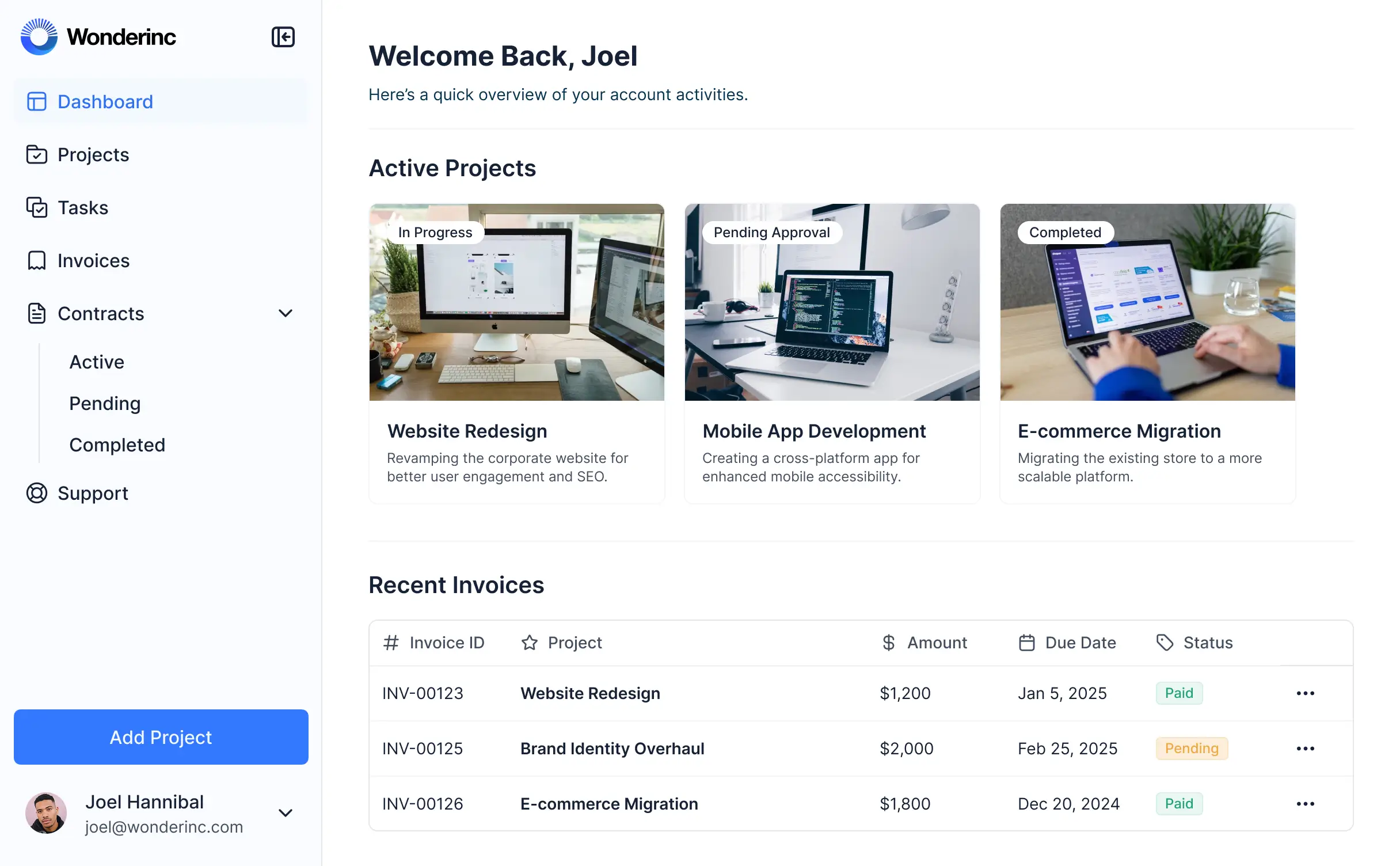
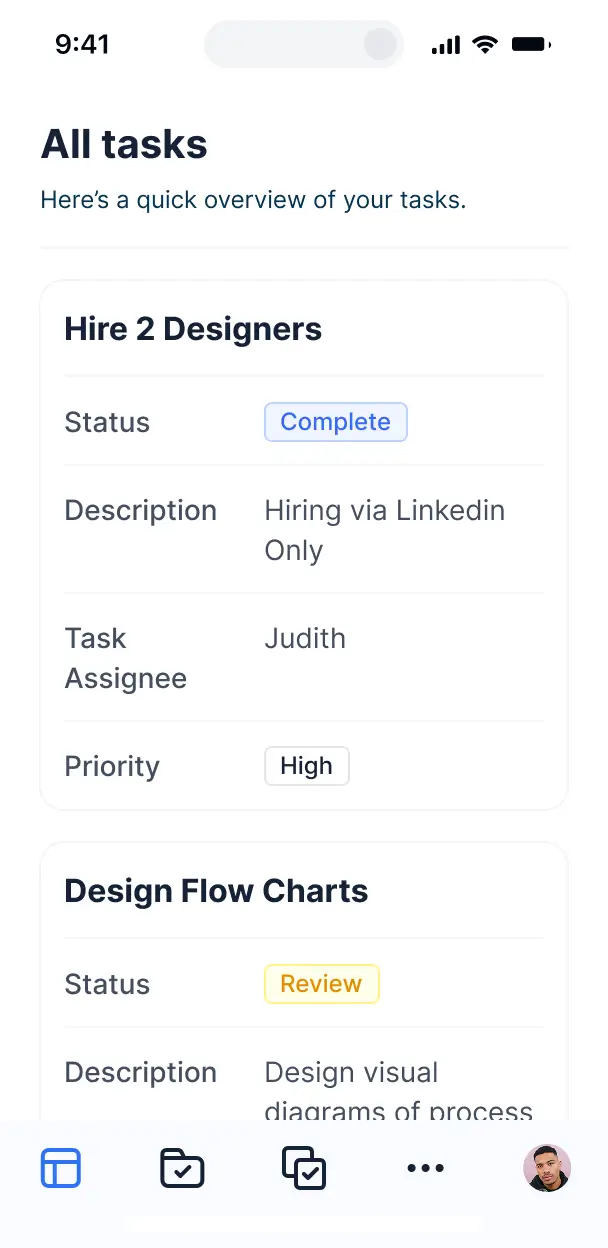



Customize a Monday client portal that looks sleek out of the box. Add only the features you need, and iterate as your team's workflows evolve.


Connect Monday project boards and files with real-time sync—or manage everything in Softr Databases. Create a single source of truth for your business.
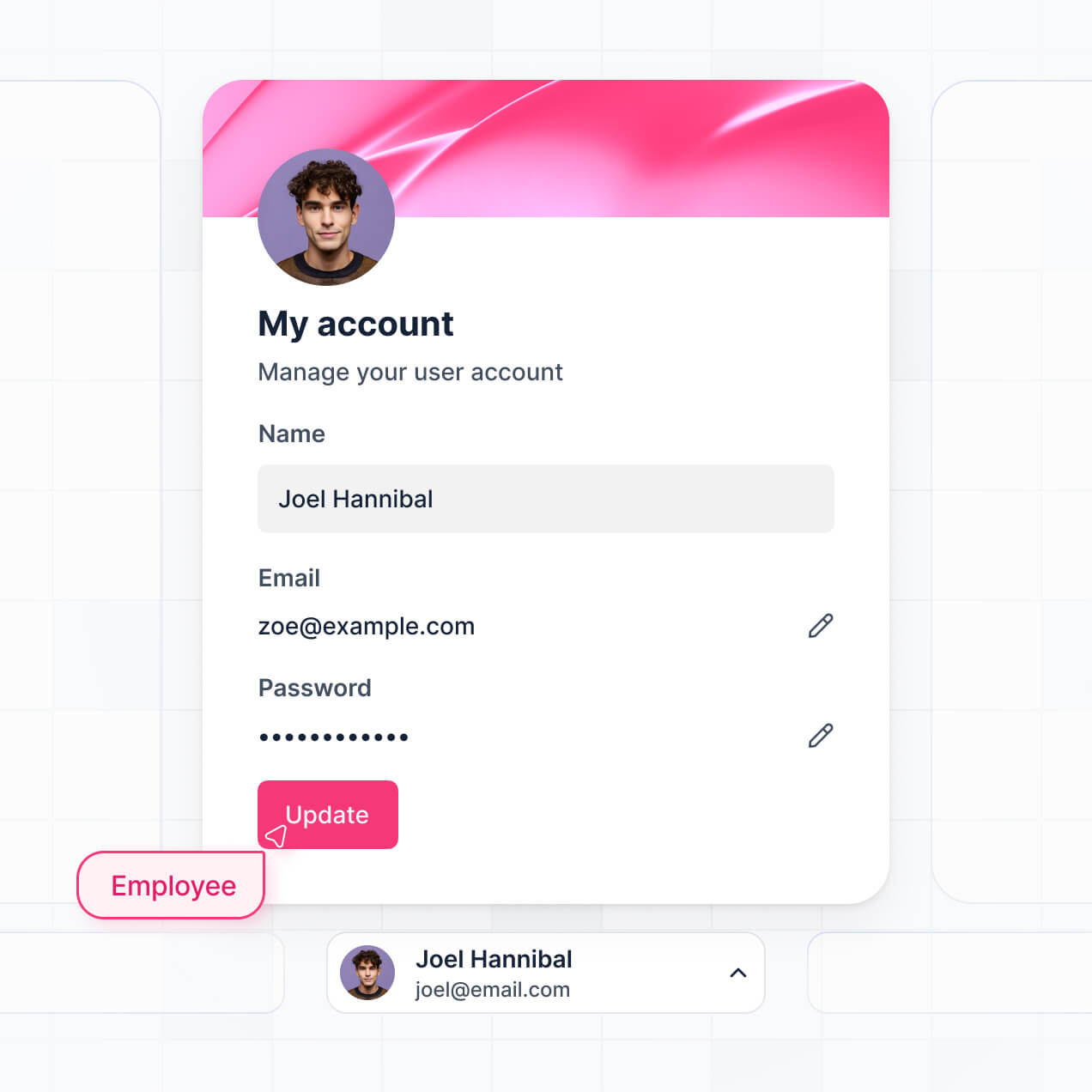
Give each client the right views and access in a fully branded portal. Set up secure logins, user groups, and permissions in minutes.
Softr apps are mobile-ready by default. Turn your portal into a downloadable app in one click with Softr's PWA—no extra design needed.
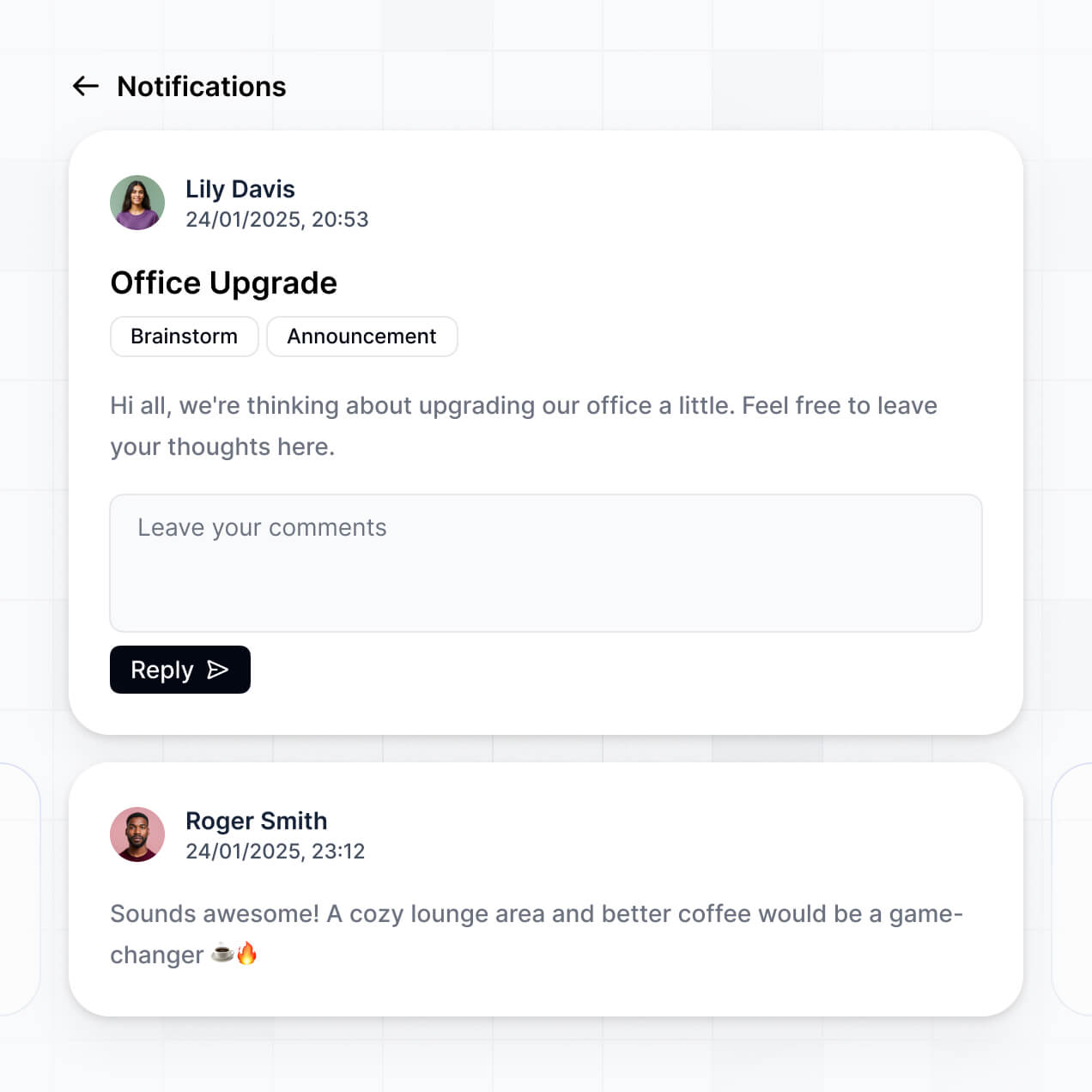
Build native automations with Softr Workflows to handle project notifications, status updates, and Monday sync automatically.
Provide separate logins for different client accounts, and create personalized project dashboards for every user.
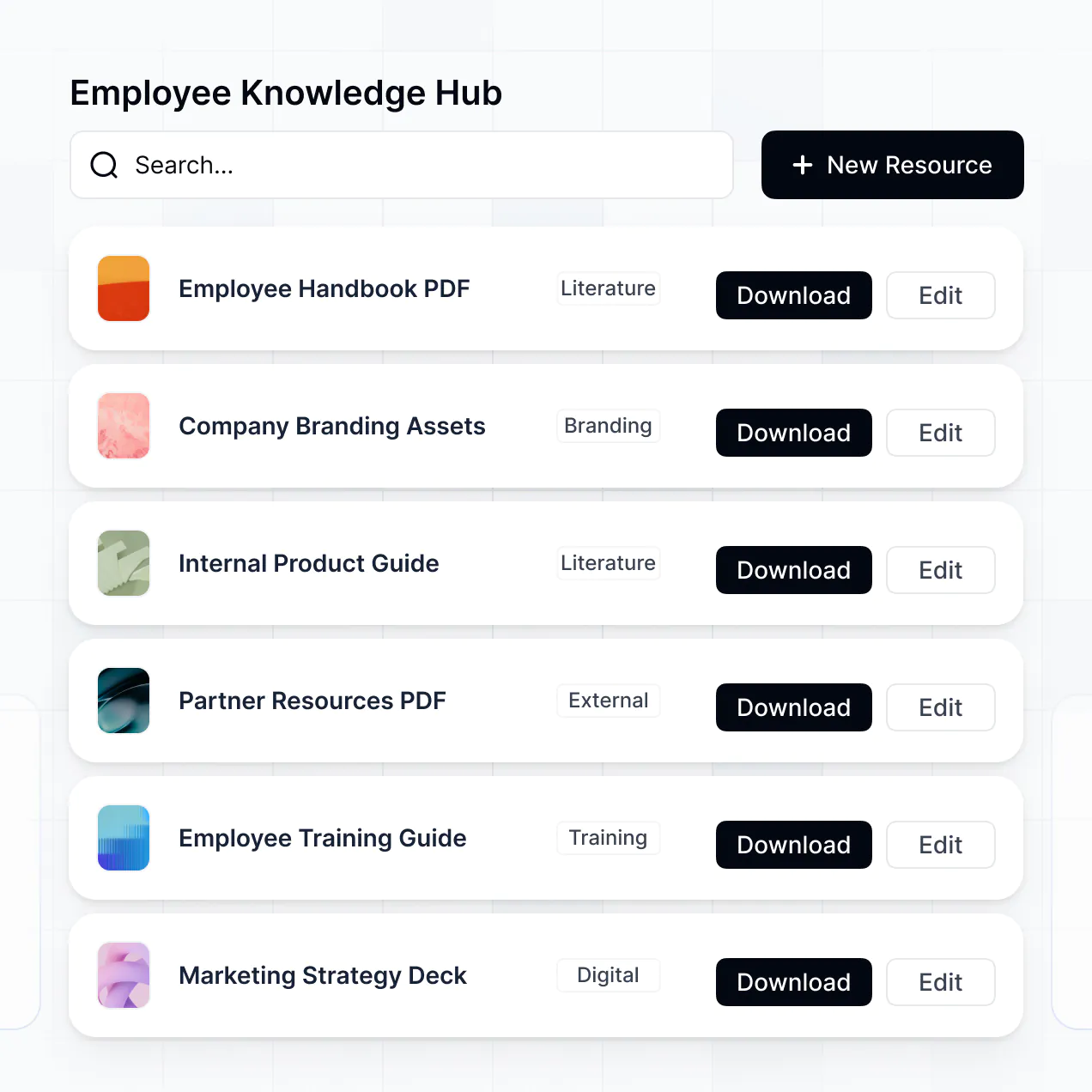
Apply rules for different user groups. Customize which clients see which files and tasks at even the most granular level.
Protect sensitive client information from security threats. Softr is fully compliant with SOC2 and GDPR regulations.
No more one-size-fits-all tools or costly custom builds. Softr is easy to use and fully customizable, so you can launch faster, adapt as you grow, and skip the complexity of traditional software.

Build your Monday client portal in minutes with AI—no manual setup or complex configuration needed.

Add features like file sharing, task tracking, or project summaries as your needs evolve—no rebuild needed.

Start with a portal, then add dashboards, forms, or project trackers—all in one place with no extra tools.
Co-build with AI
Simply describe what you need. Let Softr handle everything - Interface, database, workflows.
Iterate with AI or visually
Control most critical parts of your app yourself - roles, permissions, security.
Ship the same day
Invite team members or external clients and partners right away. No developer handover.
Use drag-and-drop blocks to build a portal that looks sleek and modern out of the box. Add only the features you need, and iterate as your workflows evolve.




A Monday client portal is a secure, external-facing interface that allows your clients to log in and access data stored within your Monday boards, such as project updates, files, invoices, and timelines. It serves as a central hub for communication, eliminating the need for endless email threads or sharing raw spreadsheets. By providing a professional portal, you offer a more organized and transparent experience for your project stakeholders.
Softr is the first AI-native platform for building business software, making it easy to create a Monday client portal that perfectly mirrors your existing workflows. You can describe your specific requirements—like client onboarding or task approvals—to the AI Co-Builder to instantly generate your database structure, portal pages, and logic, all while remaining securely connected to your data.
You don't need to write a single line of code. You can start with AI, use a pre-built template, or build from scratch. While Softr offers its own native Softr Databases, it excels at connecting directly to Monday, allowing you to turn your boards into a branded app. You have full visual control over the layout, granular permissions for data access, and the ability to apply your own company branding. It's fast to launch, simple to maintain, and scales as your client list grows.
You can include a wide range of features in your Monday client portal to streamline how you interact with clients. A high-performing portal typically combines functional building blocks with AI-driven intelligence:
- **AI-Powered Intelligence** – Use Ask AI to let clients query their project status or document library via chat, or deploy Database AI Agents to automatically summarize complex project updates directly from your boards.
- **Vibe Coding Blocks** – Create custom UI components, such as a specialized project timeline or a custom resource gallery, using the AI Code block to "vibe code" exactly what your brand requires.
- **Softr Workflows** – Set up native automations, such as triggering an email notification or updating a status in Monday when a client approves a deliverable within the portal.
- **Secure Logins** – Manage access so that Client A only sees their specific project boards while your internal team sees the full portfolio.
- **Forms & Requests** – Capture project briefs or support tickets with custom forms that sync instantly back to your Monday boards.
- **Progress Dashboards** – Visualize project KPIs and milestones using real-time charts and progress bars.
- **Task Lists & Filtering** – Allow clients to browse and search their tasks through kanban boards, tables, or itemized detail views.
Everything is built using Softr's drag-and-drop interface. If you need a unique feature, use the Vibe Coding block to generate it with AI. As your client needs evolve, updating the portal takes only minutes.
Vibe coding is the process of using AI to rapidly build custom functionality by simply describing it. You can "vibe code" a Monday client portal in Softr by explaining your business logic—such as "I need a portal where clients can upload files directly to my Monday board and track their budget progress"—to the AI Co-Builder. Softr then generates the relevant pages and logic on a secure foundation.
Unlike other tools that generate raw, unmanaged code, Softr handles the foundational aspects—like Monday API integration, user authentication, and row-level security—natively. This provides the speed of vibe coding without the technical debt of managing raw code. You describe the vision, Softr builds the app, and your clients can start using it immediately.
Yes. You can manage dozens or hundreds of different clients within a single Monday client portal. Using Softr's advanced visibility rules, each client is restricted to seeing only the data and boards linked to their specific record or team ID. This ensures complete data privacy while allowing you to manage your entire client base from one centralized application.
Yes, you can. While Softr is a popular choice for building on top of Monday, you don't need an external data source to get started. You can use Softr Databases, the platform's native relational data storage, to manage all your client information, files, and communications directly within Softr.
If you later decide to expand, you can easily connect to Monday, Google Sheets, HubSpot, Notion, or other supported tools. You have complete flexibility to structure your data natively or sync it from your favorite business software.
Softr Databases is the recommended native, relational data source, built for high performance and instant automation triggers within your app. It provides a lightning-fast user experience because the data is local to the platform.
For those wanting a Monday client portal, Softr also connects seamlessly to Monday. Additionally, it supports over 17 external sources including Airtable, Google Sheets, HubSpot, SmartSuite, and BigQuery. You can even mix data sources; for instance, your portal could display project tasks from Monday while pulling billing information from HubSpot or Softr Databases. Most connections support two-way sync, ensuring your portal and your boards stay perfectly updated.
Yes, Softr provides deep control over the user experience of your Monday client portal. You can tailor every aspect of the navigation and layout to match your branding. Most importantly, you can set granular permissions so that different users see different things.
For example, you can create a 'Client' role that can only view their specific project tasks, and a 'Manager' role that can edit deadlines and upload files. You can also hide entire pages or specific dashboard charts based on a user's subscription level or department. This ensures the experience is always secure, clean, and highly relevant to the person logged in.
Yes, you can fully white-label your Monday client portal. You can upload your own logo, set a custom color palette, choose brand-aligned fonts, and host the app on your own custom domain (e.g., portal.yourcompany.com). Softr also allows you to remove all platform branding, ensuring that your clients have a consistent experience that feels like a proprietary part of your business.
Yes, Softr offers extensive flexibility for designing the layout of your Monday client portal. You can manage spacing, typography, and page structure via a visual drag-and-drop editor. You can choose from various blocks to display your Monday data:
- **Table blocks** – ideal for showing detailed project lists or budget line items.
- **List or Card blocks** – perfect for showcasing team members or available resources.
- **Detail View** – allowing clients to click into a specific Monday item to see full notes and file attachments.
- **Forms** – for clients to submit feedback or new project requests.
- **Charts** – to visualize project completion percentages or time-tracking data.
- **Calendar blocks** – to show upcoming milestones and delivery dates.
If your design requirements change, you can update your portal in real-time without needing a developer.
Security is a core pillar of Softr. All data is encrypted in transit using TLS and at rest, and apps are hosted on world-class, secure infrastructure. Softr provides robust access controls, allowing you to define exactly which Monday records a specific user can view or edit through role-based permissions.
Softr is SOC 2 Type II compliant, and for apps using Softr Databases, data is hosted securely in Europe (Germany). When connecting to Monday, Softr acts as a secure presentation layer, pulling data in real-time according to your permission settings without permanently storing your sensitive board data on our servers unless specifically cached for performance. You maintain full ownership and control of your data at all times.
The Monday client portal generated by Softr is fully production-ready. Unlike experimental AI tools that produce unmanaged code which is difficult to scale or secure, Softr builds your portal on top of its proven, enterprise-grade framework.
We provide the essential 'heavy lifting' natively—including user authentication, secure Monday API connectivity, and granular permissions. This eliminates the uncertainty of 'vibe coding' raw scripts. Your generated app is scalable, secure, and ready to be shared with your clients immediately after generation.
Softr is the first AI-native platform specifically designed for business software. While some tools focus on raw code generation ('vibe coding') and others require weeks of manual configuration, Softr's AI Co-Builder allows you to generate a functional Monday client portal in minutes on a secure foundation.
The 'hybrid advantage' is key: you get the speed of AI for initial creation, but retain the precision of a visual editor and the reliability of built-in business features like roles and permissions. It is designed for operations and project managers who need to move from an idea to a professional, client-facing app in a single day.
Yes. Softr allows you to build powerful workflows that connect your Monday client portal to the rest of your tech stack. You can use native Softr Workflows to trigger actions based on portal activity, or integrate with tools like Stripe for payments and Intercom for client support. Softr also supports webhooks and a REST API for more technical integrations. Whether you need to update a status in Monday when a client signs a form or send data to a CRM, you can automate the entire process without writing code.
Describe what you need. Softr's AI builds it in minutes. Get started free—no dev needed.