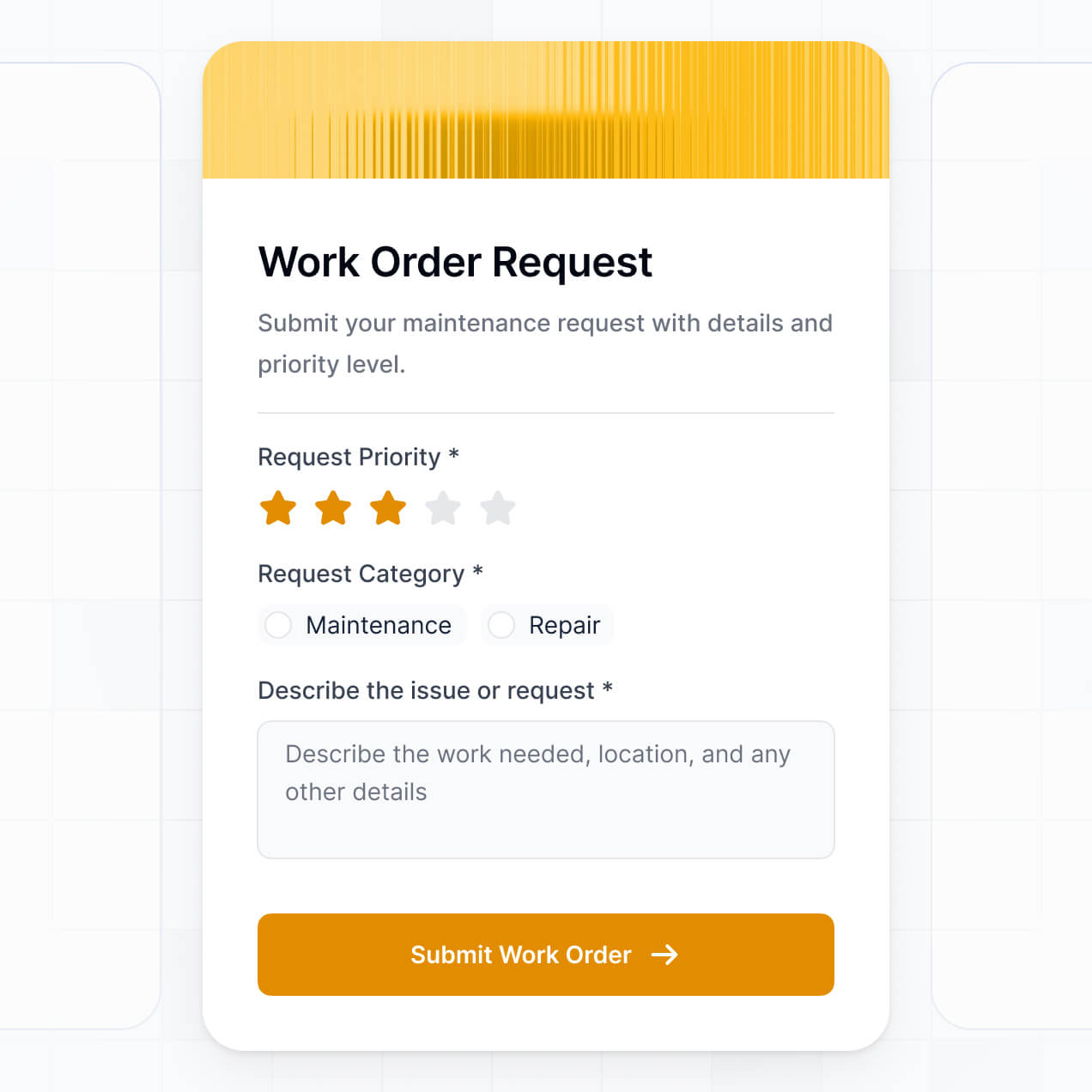
Standardize intake, manage file uploads, and track approvals in an AI-powered system built with AI to fit your project management workflow.
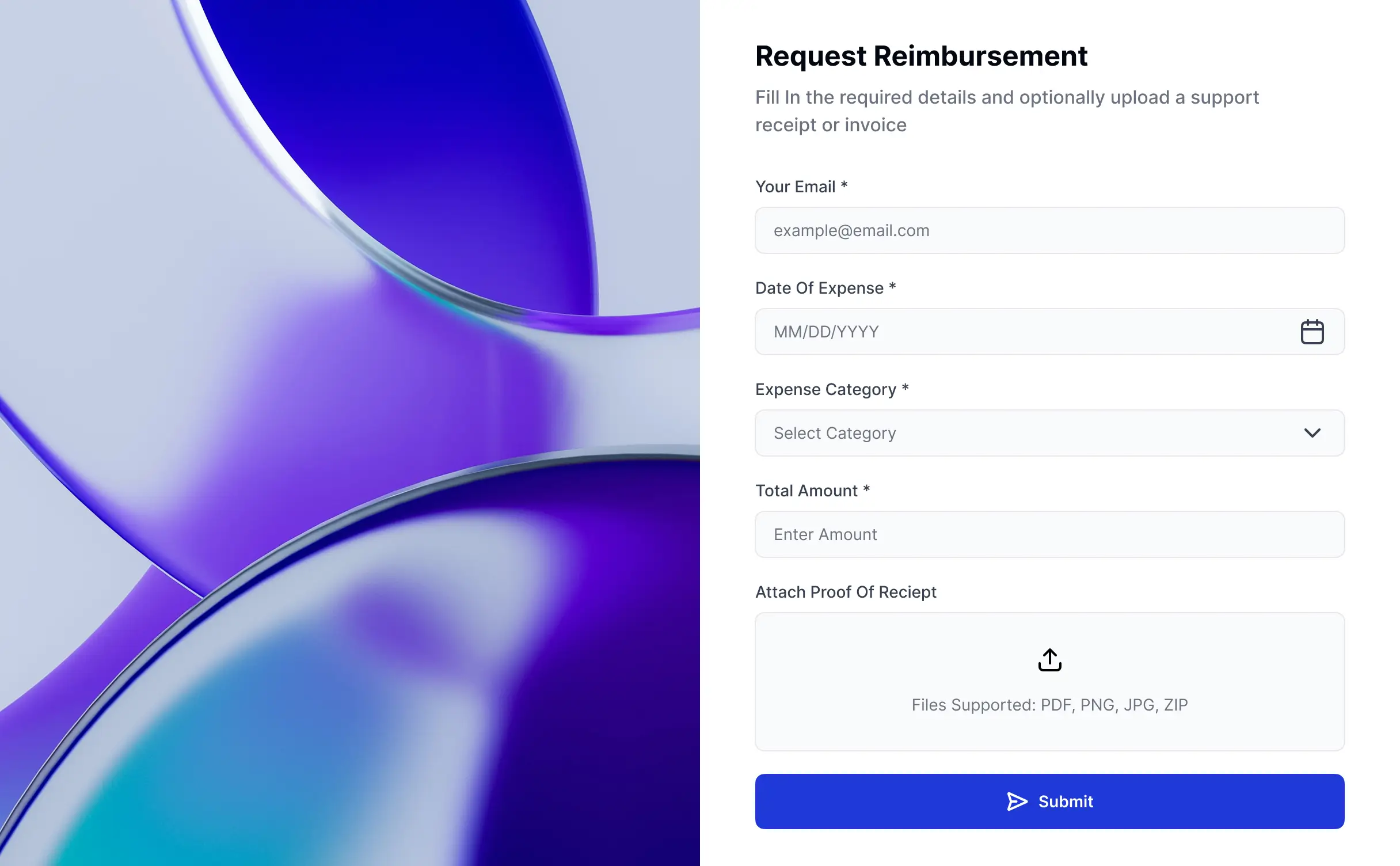



Customize your intake setup with the exact steps and views your team needs. Add features as request processes evolve—no code needed for updates.


Connect form submissions, documents, and approval statuses from various tools—or manage everything in Softr Databases. Create a single source of truth for your business.
Give each teammate the right tools and access. Set up secure logins, user groups, and granular permissions—no IT support or dev work needed.
Give requestors and approvers tailored access and dashboards, so each role sees just the project data they need.
Streamline your intake processes with Softr Workflows. Trigger native notifications and status updates based on form submissions to keep projects moving.
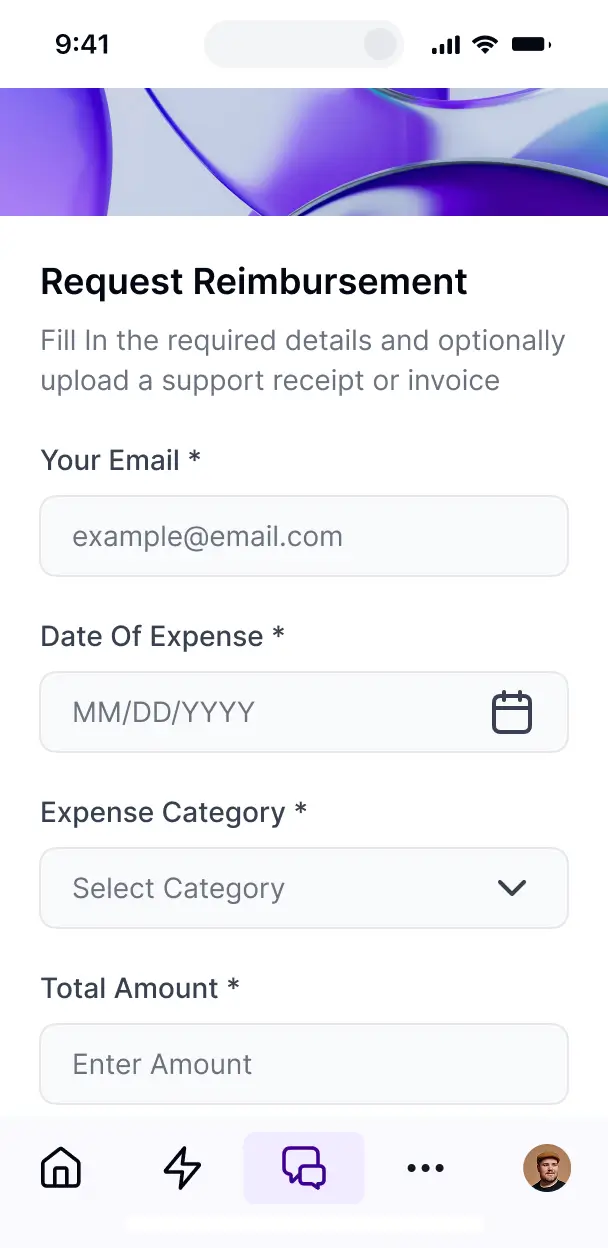
Submit and update project requests on the go. Form blocks and internal tools are mobile-ready out of the box.
Use Google, email, or SSO logins to give your team fast, secure access to the request system—no IT tickets needed.
Keep project data safe with SOC2 and GDPR compliance, plus fine-tuned access control to protect sensitive request information.
No more one-size-fits-all tools or costly custom builds. Softr is easy to use and fully customizable, so you can launch faster, adapt as you grow, and skip the complexity of traditional software.

Build your intake form in minutes with AI—no manual configuration or complex dev work needed.

Add approval workflows, intake analytics, or document trackers as your requirements grow—no rebuild needed.

Start with request forms, then add portals and project dashboards—all in one place with no extra seats to buy.
Co-build with AI
Simply describe what you need. Let Softr handle everything - Interface, database, workflows.
Iterate with AI or visually
Control most critical parts of your app yourself - roles, permissions, security.
Ship the same day
Invite team members or external clients and partners right away. No developer handover.
Use drag-and-drop blocks to build a portal that looks sleek and modern out of the box. Add only the features you need, and iterate as your workflows evolve.




A monday.com project request form is a secure, user-friendly interface where team members or external partners can submit new project proposals, tasks, or creative briefs directly into your monday.com workspace. It centralizes all incoming requests in one place, eliminating the need for scattered emails or Slack messages. This ensures that every project starts with the necessary data captured upfront, providing a more professional experience for stakeholders and a clearer workflow for project managers.
Softr is the first AI-native platform for building business software, making it the fastest way to create a monday.com project request form that matches your specific intake process. You can describe your project requirements to the AI Co-Builder to instantly generate your submission pages, custom logic, and data mapping—all securely connected to your monday.com boards.
You don't need to code anything. You can start by generating with AI, using a form template, or building from scratch. Everything can run on Softr Databases or your existing monday.com setup via our native integration. You have full control to visually adjust form layouts, define who has permission to see request statuses, and brand the form to match your agency or company identity. It's built to get your intake process running quickly while remaining flexible enough to scale as your project volume grows.
You can include a wide range of features in your intake app to ensure your project queue stays organized and actionable. A high-performing project request app typically combines standard intake fields with AI-powered intelligence:
- AI-Powered Intelligence – Use Database AI Agents to automatically categorize new project requests based on their description or perform initial risk assessments.
- Vibe Coding Blocks – Create custom UI components, such as a localized cost estimator or a dynamic project timeline preview, using the AI Code block to "vibe code" specific logic.
- Softr Workflows – Build native automations that trigger Slack notifications or update request statuses in monday.com the moment a stakeholder clicks submit.
- User Portals & Logins – Let requesters log in to view a private dashboard showing the real-time status of their specific project submissions.
- Forms & Data Collection – Capture briefs with file uploads, multi-select dropdowns, and conditional logic that shows specific fields based on the project type.
- Dashboards & Charts – Visualize the volume of incoming requests and resource allocation with real-time charts.
- Lists & Advanced Filtering – Allow managers to review and grade submissions using searchable tables and kanban views.
Everything is built using Softr’s drag-and-drop blocks, allowing you to create these features without writing code. If your intake process evolves, you can easily update the form logic or design in minutes.
Vibe coding is about moving fast and using AI to build exactly what your project management office needs. You can "vibe code" a monday.com project request form in Softr by describing your intended workflow—such as 'I need a creative brief form that sends data to my monday.com Design board'—to the AI Co-Builder. Softr then generates a production-ready intake app on a stable, secure foundation.
Unlike other tools that just generate raw code, Softr handles the infrastructure natively, including user authentication and secure data mapping to monday.com columns. This means you get the speed of vibe coding without the maintenance headaches of manual code. You describe the request flow, Softr builds it, and your team can start submitting projects immediately.
Yes. You can manage multiple internal departments or external clients within a single request portal. Based on their login and assigned role, users will only see the forms and submission history relevant to them. This is ideal for shared service teams (IT, Marketing, HR) who need to separate project data for different business units while keeping everything synced to one central monday.com instance.
Yes, you can. You don't need an existing monday.com setup to start building with Softr. If you're building a new intake process from scratch, you can use Softr Databases, which is built into the platform and allows you to store and manage project requests natively.
However, if you're already using monday.com, Airtable, or Google Sheets to track your projects, you can connect those sources effortlessly. You can even use the REST API to pull in data from other project management tools. Regardless of your choice, you maintain full control over how your request data is structured and displayed to your users.
Softr Databases is the recommended native data source for building forms, offering high performance and instant triggers for project intake applications. Because the data is native to the platform, your request portal will feel lightning-fast for users.
For teams already using external tools, Softr connects natively to monday.com, Airtable, Google Sheets, HubSpot, and 17+ other data sources. You can even create a hybrid app—for example, storing request attachments in Softr Databases while syncing project metadata to monday.com columns. Most integrations support real-time, two-way sync, ensuring your project boards are always up to date.
Yes, Softr gives you total control over the experience of anyone submitting a project request. You can customize the form navigation, layout, and instructions to ensure requesters provide clear information. You can hide or show specific fields based on the user's role—for instance, showing 'Budget Code' fields only to department heads while keeping them hidden for standard employees.
You can also define granular permissions so that employees can only view the status of projects they submitted, while project managers can see and edit the entire queue of incoming requests. This level of customization ensures a clean, secure, and professional intake environment tailored to every user's needs.
Yes, you can fully white-label your project request portal in Softr. By using your own company logo, brand colors, custom typography, and a custom subdomain, the form will look like an official internal tool. You can remove all Softr branding to ensure that both employees and external partners have a seamless, on-brand experience when submitting new project briefs.
Yes, you can. Softr provides high flexibility regarding the visual design and structural layout of your request app. You can modify colors, spacing, and page hierarchy to align with your corporate branding. You can organize your intake process using a variety of functional blocks:
- Table blocks – to let managers see a bird's-eye view of all pending requests.
- List or Card blocks – to show project outcomes or available service templates.
- Detail View – to allow users to click into a request and see its current approval status.
- Forms – with multi-step capability for complex project briefs.
- Charts – to report on project volume across different departments.
- Calendar blocks – to display project deadlines and milestones.
If you need to change your intake fields or the look of the app later, you can make those updates instantly in the visual editor without disrupting your monday.com workflow.
Softr is built with enterprise-grade security. All submission data is encrypted in transit via TLS and at rest, with apps hosted on secure infrastructure. You have full control over project data visibility through role-based permissions and visibility rules, ensuring that sensitive project budgets or briefs are only accessible to authorized personnel.
When using Softr Databases, your data is stored in a secure SOC 2 Type II compliant environment in Germany. If you are connected to monday.com, Softr simply acts as a secure presentation layer, displaying your board data in real-time based on your settings without permanently storing it. This ensures you remain in complete control of your organizational data and privacy.
It is fully production-ready from the moment it is generated. While many AI tools produce fragile 'vibe code' that is difficult to maintain, Softr builds your project request form on a stable foundation designed for business use.
We provide the critical 'Day Two' features natively—including secure login, monday.com data mapping, and granular access controls—so you don't have to manage raw code. Your intake app is scalable, secure, and ready to handle high-volume project submissions from your team or clients on day one.
Softr is the first AI-native platform for business software, going beyond simple form builders. Traditional form tools often lack professional user management and deep database logic, while complex no-code tools require heavy manual setup. Softr’s AI Co-Builder automates the creation of the database, the UI, and the logic in minutes.
This hybrid approach allows you to use AI for high-speed generation while maintaining the reliability of professional software infrastructure. It’s the only solution that allows non-technical project managers to move from an idea to a fully branded, secure project portal that syncs with monday.com in a single afternoon.
Yes. Softr supports powerful native workflows and integrations to connect your request process to your entire tech stack. You can automate tasks via Softr Workflows—such as sending a confirmation email via SendGrid or an alert via Slack when a new project is submitted. It also integrates with Stripe for paid project requests and Intercom for support.
Whether you need to trigger a specific automation in monday.com or sync requester data with your CRM, you can build these sophisticated connections into your portal without writing a single line of code.
Describe what you need. Softr's AI builds your custom intake and approval system in minutes.