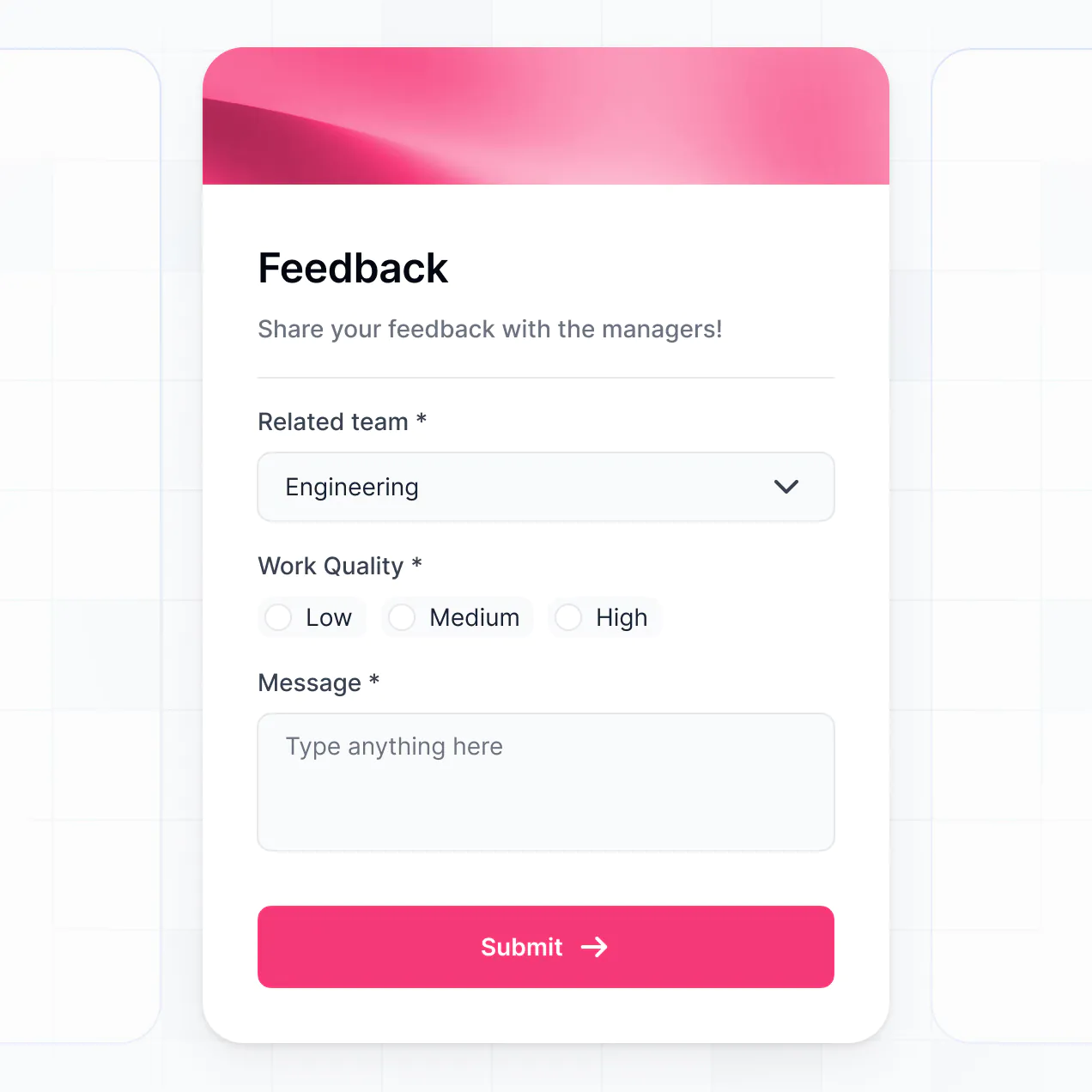
Capture responses, analyze impact, and manage NGO reports in an AI-powered system built with AI to fit your non-profit's workflow.
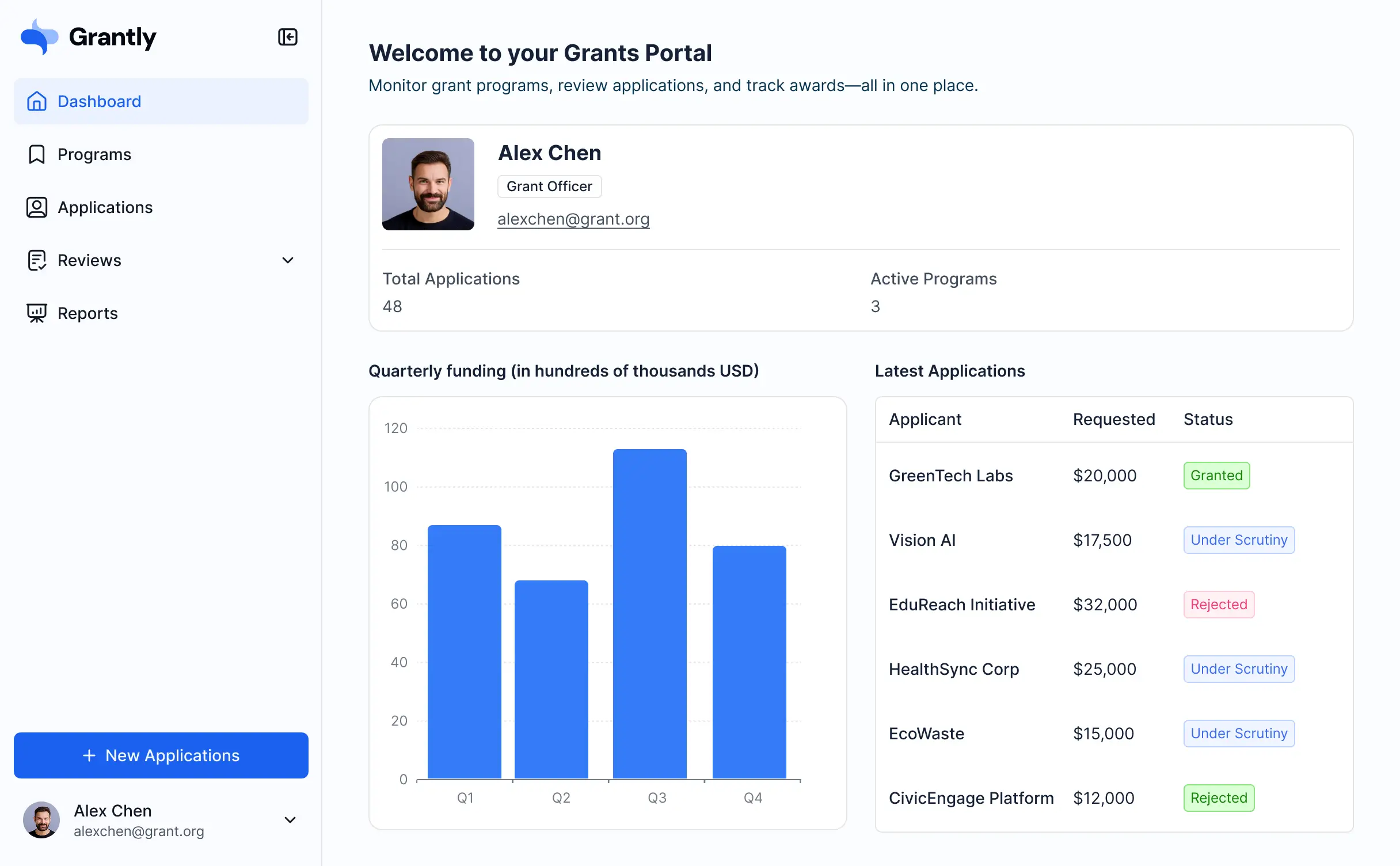
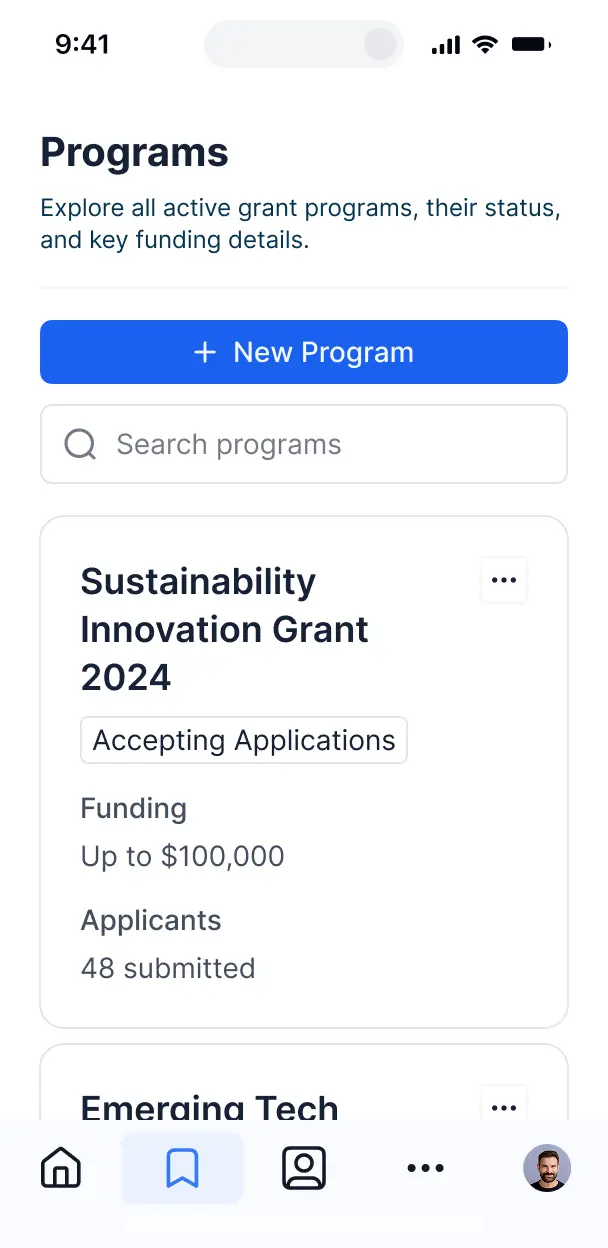

Customize your beneficiary feedback tool with the exact steps and views your team needs. Add features as programs evolve—no code required.


Connect feedback submissions, impact metrics, and project logs with real-time sync—or manage everything in Softr Databases. Create one source of truth for your NGO.
Give staff and beneficiaries the right views and access. Set up secure submissions, user groups, and permissions in minutes—no code required.
Softr apps are mobile-ready by default. Capture feedback in the field by turning your tool into a downloadable app in one click with Softr's PWA.
Build native automations to handle status notifications and data sync automatically whenever a review or approval is completed.
Provide separate logins for program managers and field staff, creating personalized impact dashboards for each role.
Apply rules for different team groups. Customize who sees sensitive feedback and which actions they can take at a granular level.
Protect sensitive beneficiary information from security threats. Softr is fully compliant with SOC2 and GDPR regulations.
No more one-size-fits-all tools or costly custom builds. Softr is easy to use and fully customizable, so you can launch faster, adapt as you grow, and skip the complexity of traditional software.

Build your beneficiary feedback tool in minutes with AI—no manual setup needed for non-profits.

Add features like sentiment analysis, impact dashboards, or approval workflows as your programs evolve.

Start with a feedback tool, then add donor portals, staff dashboards, or volunteer forms all in one place.
Co-build with AI
Simply describe what you need. Let Softr handle everything - Interface, database, workflows.
Iterate with AI or visually
Control most critical parts of your app yourself - roles, permissions, security.
Ship the same day
Invite team members or external clients and partners right away. No developer handover.
Use drag-and-drop blocks to build a portal that looks sleek and modern out of the box. Add only the features you need, and iterate as your workflows evolve.




A beneficiary feedback tool is a secure digital space where your organization can collect and manage input from the people you serve. It allows beneficiaries to submit reports, complete surveys, and track the status of their requests or concerns in one place. By centralizing this data, your team can avoid managing manual paper forms or disconnected spreadsheets, ensuring that feedback is handled promptly and that your programs remain responsive to community needs.
Softr is the first AI-native platform for building business software, making it the ideal choice for creating a beneficiary feedback tool that aligns with your NGO or non-profit's specific impact goals. You can describe your specific data collection needs to the AI Co-Builder to instantly generate your database, survey pages, and validation logic—all pre-connected and secure.
You don't need to write a single line of code. You can start by generating the tool with AI, using a pre-built template, or building from scratch. Everything runs on Softr Databases, which is excellent for handling sensitive field data, or you can connect external tools like Airtable, Google Sheets, or HubSpot to sync your program data. You have complete control to adjust the layout, manage strict privacy permissions for vulnerable populations, and brand the tool to build trust with your community. It is fast to deploy in the field, easy for local staff to update, and flexible enough to scale across different regions or programs.
You can incorporate a variety of features tailored to humanitarian and social impact workflows. A high-quality beneficiary feedback tool typically combines core survey functionality with AI intelligence:
- AI-Powered Intelligence – Use Ask AI to let program managers query feedback trends conversationally, or set up Database AI Agents to automatically categorize and sentiment-score incoming feedback for faster response prioritization.
- Vibe Coding Blocks – Create specialized UI elements—like a custom impact map or a multi-language toggle—using the AI Code block to "vibe code" components specific to your field operations.
- Softr Workflows – Build native automations, such as an automatic email or SMS notification that alerts a field officer whenever a high-priority grievance is submitted.
- User Portals & Logins – Ensure that beneficiaries can only see their own submitted feedback and status updates, maintaining strict confidentiality.
- Forms & Data Collection – Build robust surveys with file uploads (like photo evidence) and conditional logic that shows different questions based on previous answers.
- Dashboards & Charts – Visualize program satisfaction scores and feedback volume in real-time to report back to donors.
- Lists & Advanced Filtering – Allow staff to manage feedback through searchable tables or kanban boards organized by status (e.g., "Pending Review," "Resolution in Progress").
All these features are built using Softr’s drag-and-drop blocks. If your program evolves, you can easily use the Vibe Coding block to generate custom components or update the tool instantly.
Vibe coding allows you to move quickly from a program requirement to a working tool using AI. You can "vibe code" your beneficiary feedback tool by describing your survey structure and data needs to the AI Co-Builder. Softr then generates a production-ready application that includes the necessary database tables for responses and the user interfaces for submission.
Unlike tools that generate raw script files which are difficult for non-profits to host and maintain, Softr manages the critical backend infrastructure—like user authentication and data security—natively. This provides the speed of AI generation without the technical debt of managing raw code. You describe the feedback loop you need, Softr builds it, and it's ready for field deployment immediately.
Yes. You can manage multiple regional offices or different programs within a single beneficiary feedback tool. Through Softr's role-based permissions, each staff member or regional director only sees the feedback data relevant to their specific project, while beneficiaries only interact with the forms assigned to them. This is ideal for large organizations managing diverse social initiatives across multiple locations.
Yes, you can. You do not need an existing database to start building with Softr. If you are starting a new project, you can use Softr Databases, which is built into the platform. This allows you to define your beneficiary profiles and feedback fields directly within Softr, ensuring your survey application is perfectly integrated with your data storage from day one.
However, if you already have existing beneficiary lists in Airtable, Google Sheets, HubSpot, or SQL, you can easily connect those sources. You can also use the REST API to pull in data from other specialized mHealth or field-collection tools, giving you complete control over how your impact data is structured.
Softr Databases is the recommended native data source for your feedback tool, offering high performance and instant automation triggers which are vital for real-time impact monitoring. Since the data is native to the platform, the user experience for beneficiaries filling out forms is lightning-fast.
If your organization uses other systems, Softr also connects to over 17 external data sources, including Airtable, Google Sheets, HubSpot, SmartSuite, and BigQuery. You can even combine sources—for example, storing beneficiary feedback in Softr Databases while pulling donor records from HubSpot. Most sources support real-time, two-way sync, ensuring your field data is always up to date across all your platforms.
Yes, Softr provides total control over the experience of your beneficiaries and staff. You can customize the layout and navigation to make the tool easy to use even for those with limited digital literacy. Every form or data block can be hidden or shown based on the logged-in user, meaning a beneficiary only sees their own feedback history while a project manager can see aggregated reports.
You can define specific roles—such as Beneficiary, Field Officer, and Program Director—to control who can view, edit, or delete feedback entries. For example, you can set rules so that field officers can edit the resolution status of a ticket but cannot delete the original feedback submitted by a participant. This ensures your data remains secure and the user experience stays clean and focused.
Yes, you can fully white-label your beneficiary feedback tool. You can use your organization's logo, brand colors, and custom fonts to ensure the tool looks official and earns the trust of your beneficiaries. By using a custom domain and removing Softr branding, you provide a professional, seamless experience that feels like a dedicated part of your organization's digital ecosystem.
Yes, Softr offers extensive flexibility to modify the design and layout of your tool to suit your specific field requirements. You can adjust the visual identity and page structure to make the forms as accessible as possible. You have various blocks at your disposal to display and collect information:
- Form blocks – specifically designed to capture beneficiary data and survey responses with ease.
- List or Card blocks – to show beneficiaries a clean history of their past submissions.
- Table blocks – to allow staff to track and filter large volumes of feedback records.
- Detail View – to provide a deep dive into an individual feedback case for resolution.
- Charts – to present program impact and satisfaction metrics at a glance.
- Calendar blocks – to keep track of follow-up meetings or feedback deadlines.
If you need to change your survey questions or update the branding later, the visual builder makes it simple to apply those updates instantly without technical help.
Security and privacy are paramount when dealing with beneficiary data. Softr encrypts all data in transit (TLS) and at rest, hosting your apps on secure infrastructure. You have granular control over data access through role-based permissions and visibility rules, ensuring that sensitive personal information is only accessible to authorized personnel.
For apps using Softr Databases, data is stored in a secure environment in Germany with SOC 2 Type II compliance, which is often a requirement for humanitarian data protection standards. If you connect to external sources like Airtable or SQL, Softr serves as a secure interface to display data in real-time without storing it permanently. Softr follows industry best practices for platform monitoring and access control to keep your community's data safe.
The tool generated by Softr is fully production-ready. While many AI "vibe coding" tools produce unstable, custom code that is difficult to secure for NGO work, Softr builds your beneficiary feedback tool on a stable, enterprise-grade foundation.
We handle the complex backend tasks—such as secure logins, file storage for evidence, and data permissions—natively. This eliminates the "Day Two" problem often found with AI code; you get the benefit of instant generation with the reliability of a scalable platform that is ready for beneficiaries and program teams to use in the field on day one.
Softr is the first AI-native platform designed for building complete business software, not just simple forms. While traditional survey tools only collect data, Softr allows you to build a full ecosystem including the database, the feedback portal, and the management dashboard in one place.
Unlike standard no-code tools that require manual setup of every page and connection, Softr’s AI Co-Builder automates the creation of your entire workflow from a simple prompt. You get a hybrid advantage: the speed of AI generation paired with the reliability of a platform that includes built-in authentication and granular permissions. It's built for organizations that need to move from a data-collection prototype to a professional program-management tool immediately.
Yes. Softr supports powerful native workflows and integrations to ensure your beneficiary feedback doesn't sit in a silo. You can automate tasks using Softr Workflows—like triggering a follow-up action when a beneficiary submits a negative rating—or connect with tools like Intercom and Stripe. Softr also supports webhooks and a REST API for advanced needs.
Whether you need to sync survey results to a central CRM, notify staff via Slack when a new report arrives, or display geographic data from other tools, you can build these connections directly into your portal without writing any code.
Describe what you need. Softr's AI builds your beneficiary feedback tool in minutes.