Streamline shipping requests and documentation in an AI-powered system built with AI to fit your logistics team's specific workflow.



Customize your logistics request form setup with the exact steps and views your team needs. Add features as processes evolve—no code needed.


Connect freight documents, shipping schedules, and carrier data with real-time sync—or manage everything in Softr Databases. Create a single source of truth for your business.
Let drivers, dispatchers, and clients log in to a fully branded system. Set up permissions and personalized access in minutes—no code needed.
Automate your logistics operations with Softr Workflows for dispatch approvals, status updates, and delivery notifications that trigger instantly.
Assign roles for freight managers, carriers, or warehouse staff—each gets access to only the specific shipping requests they need to see.
Control who can view, approve, or edit logistics requests—down to the field level, ensuring sensitive freight data stays secure.
Keep supplier and logistics data safe. Softr is fully compliant with SOC2 and GDPR regulations to protect your supply chain information.
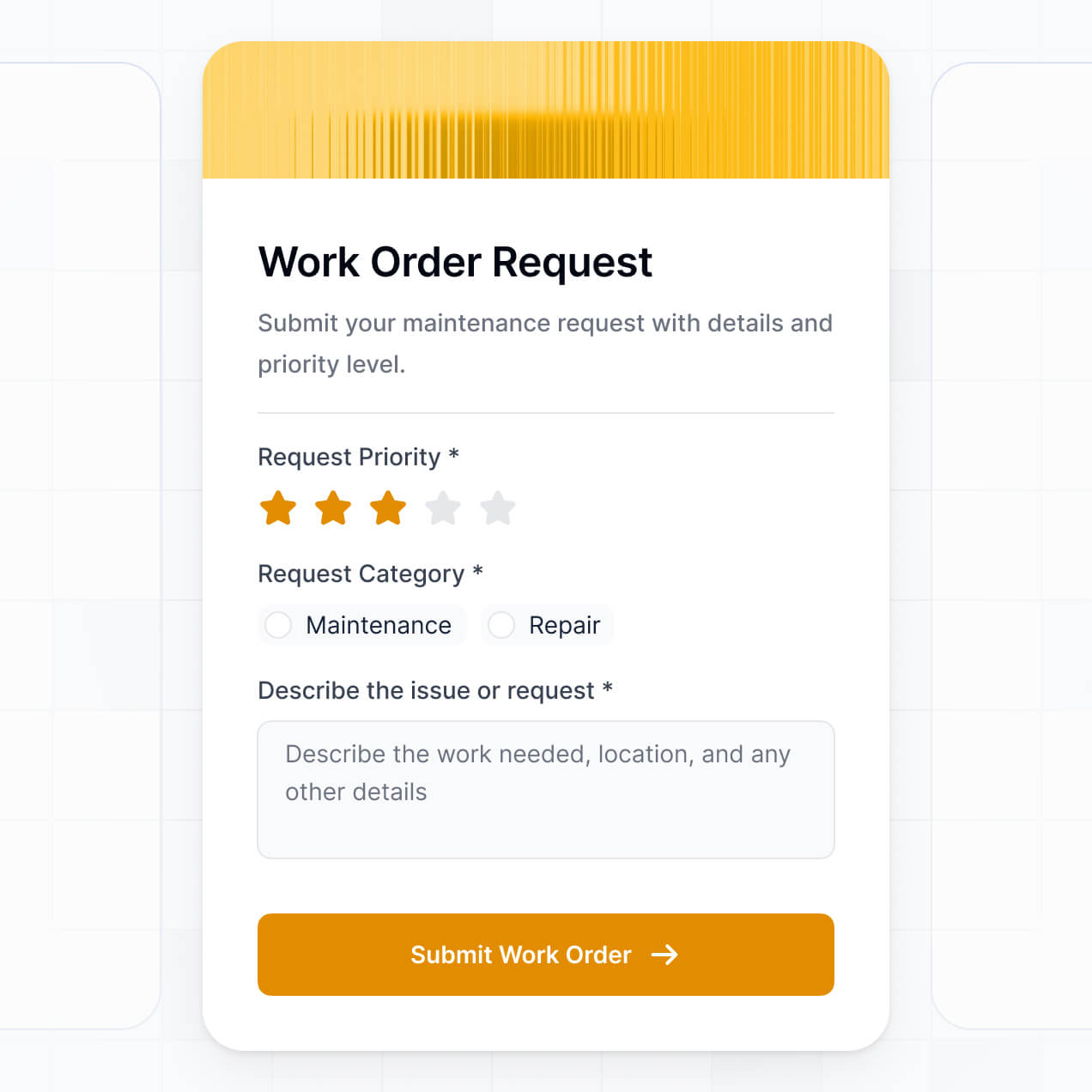
Capture shipping details, cargo types, or documentation using flexible form blocks tailored to specific logistics tasks and requirements.
No more one-size-fits-all tools or costly custom builds. Softr is easy to use and fully customizable, so you can launch faster, adapt as you grow, and skip the complexity of traditional software.

Build your logistics request form in minutes with AI—no manual configuration or coding required.

Add features like freight documentation uploads or automated dispatch approvals as your supply chain needs grow.

Start with a simple form, then add shipping dashboards, partner portals, or internal tools—all in one place.
Co-build with AI
Simply describe what you need. Let Softr handle everything - Interface, database, workflows.
Iterate with AI or visually
Control most critical parts of your app yourself - roles, permissions, security.
Ship the same day
Invite team members or external clients and partners right away. No developer handover.
Use drag-and-drop blocks to build a portal that looks sleek and modern out of the box. Add only the features you need, and iterate as your workflows evolve.




A logistics request form is a secure digital tool where shippers, drivers, or warehouse personnel can submit shipping requests, freight details, and delivery timelines. It centralizes all transport communication in one place, eliminating the need for fragmented email chains or paper logs. This makes it easier to organize dispatching and provide a transparent tracking experience for your logistics team and clients.
Softr is the first AI-native platform for building business software, making it simple to create a logistics request form tailored to your supply chain workflows. You can describe your shipping needs to the AI Co-Builder to instantly generate your freight database, submission pages, and routing logic—all fully connected and secure.
You don't need to code to build your intake system. You can start with AI, use a pre-built logistics template, or build from scratch. Everything runs on Softr Databases, or you can link external data sources like Airtable, Google Sheets, or your ERP in HubSpot. You have full control to adjust the form layout visually, set pickup/delivery permissions, and brand it with your fleet’s colors. It is fast to deploy and flexible enough to handle growing shipment volumes.
You can include a wide range of features in your logistics request form to match your specific shipping operations. A high-quality logistics app usually combines functional data entry with AI-driven processing:
- AI-Powered Intelligence – Use Ask AI to let dispatchers query shipment history conversationally, or use Database AI Agents to automatically calculate estimated transit times based on route data.
- Vibe Coding Blocks – Build custom UI elements, like a dynamic freight rate calculator, using the AI Code block to "vibe code" the exact functionality your shippers need.
- Softr Workflows – Create native automations, such as an automatic Slack notification for the dispatch team whenever a high-priority request is submitted.
- User Portals & Logins – Securely manage access so carriers only see the loads assigned to them or their specific terminal views.
- Forms & Data Collection – Capture mission-critical info with custom fields for weight, dimensions, hazardous material declarations, and BOL uploads.
- Dashboards & Charts – Visualize your shipping volume, carrier performance, and lane costs with real-time charts.
- Lists & Advanced Filtering – Manage pending requests with searchable tables, kanban boards for dispatch status, and detailed manifest views.
Everything is built using Softr's drag-and-drop blocks, and if your shipping requirements change, updating the form is instant.
Vibe coding allows you to move at the speed of your supply chain by using AI to build exactly the intake process you need. You can "vibe code" a logistics request form in Softr by describing your field requirements and routing rules to the AI Co-Builder. Softr then generates a production-ready submission system on a stable, secure foundation.
Unlike other tools that generate raw, unmanaged code, Softr handles the architecture—like secure file uploads for manifests and user authentication for drivers—natively. This means you get the speed of AI generation without the risk of system failures during peak shipping seasons. Describe the logistics flow, Softr builds it, and your team can start booking freight immediately.
Yes. You can manage multiple carriers, third-party logistics (3PL) partners, or internal teams within a single application. Each logistics partner only sees the specific requests or shipping data assigned to them based on their login and role. This is ideal for freight brokers or manufacturers who need to securely manage dozens of different transport providers in one interface.
Yes, you can. You don't need to have an existing TMS or spreadsheet to start building with Softr. If you are starting fresh, you can use Softr Databases, which is built into the platform and handles relational shipping data like Carriers, Loads, and Warehouses perfectly.
However, if you already track shipments in Airtable, Google Sheets, SQL, or monday.com, you can connect those directly. You can also use the REST API to pull in data from external telematics or GPS providers. Either way, you maintain full control over your logistics data structure.
Softr Databases is the recommended native data source for logistics apps, offering high performance and instant triggers for automated dispatching. Since the data is native to the platform, the experience for drivers out in the field is lightning fast.
Softr also connects to 17+ external sources. You can link your logistics request form to Airtable, Google Sheets, BigQuery, or HubSpot. You can even combine sources—for example, storing active load data in Softr Databases while pulling historical customer records from HubSpot. Most sources support real-time sync, ensuring your dispatch board always reflects the current status of every truck.
Yes, Softr gives you complete control over the logistics submission journey. You can customize the layout and fields to match your specific freight requirements. Each part of the form can be shown or hidden; for example, you might hide internal 'Carrier Fee' fields from the customer-facing request form while keeping them visible to your dispatchers.
You can set up precise roles, such as Shipper, Driver, and Terminal Manager, defining exactly what each person can edit. Internal dispatchers can oversee all pending requests, while specific drivers can only see and update the status of the loads they are currently hauling. This granularity ensures your logistics data remains secure and the user experience stays clutter-free.
Yes, you can fully white-label your logistics request form to maintain a professional brand image. You can use your own logo, company colors, transportation fonts, and a custom domain (e.g., portal.yourlogistics.com). By removing Softr branding, your clients and carriers will experience a seamless, branded tool that looks like your company’s proprietary technology.
Yes, you can. Softr provides the flexibility to control the design and layout to ensure your logistics intake process is efficient. You can adjust the visual hierarchy, column spacing, and logic to suit your team's needs.
To build out your logistics system, you can add various blocks:
- Table blocks – for viewing long lists of scheduled shipments or driver logs.
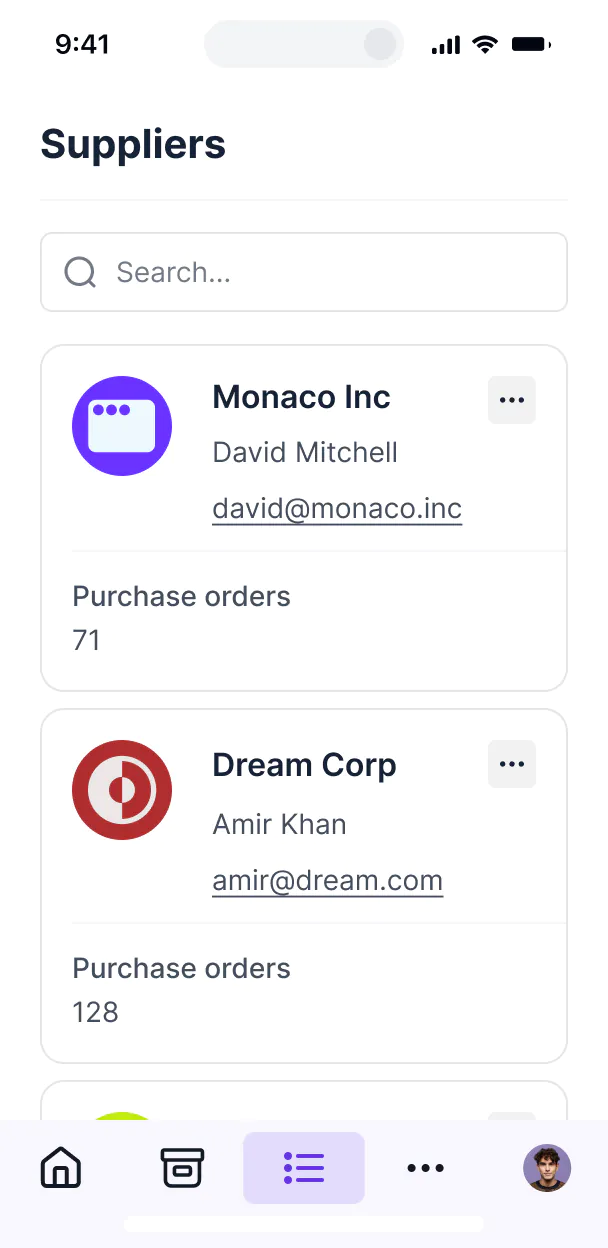
- List/Card blocks – to display available freight or warehouse locations.
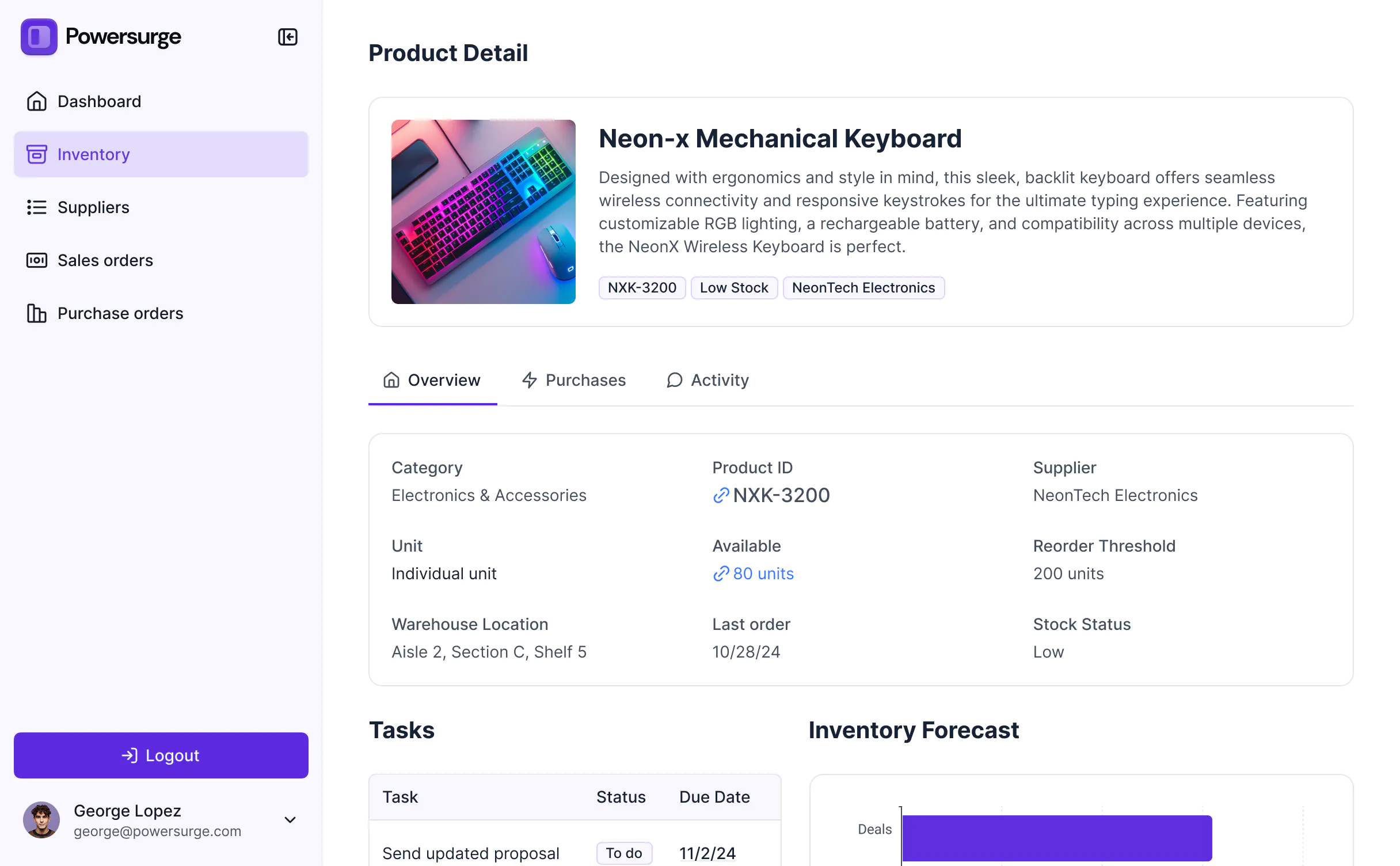
- Detail View – to provide a deep dive into a single shipment's BOL and notes.
- Forms – for the primary logistics request and data collection.
- Charts – to track on-time delivery percentages and freight spend.
- Calendar blocks – to visualize pickup and delivery schedules.
If your operational workflows change, you can easily drag and drop new components in the visual builder to update the app instantly.
Softr is built with enterprise-grade security. All sensitive logistics data is encrypted in transit and at rest. You have granular control over visibility; you can set role-based permissions to ensure that proprietary shipping rates or client addresses are only seen by authorized personnel.
For apps using Softr Databases, data is stored in a secure SOC 2 Type II compliant environment in Germany. If you use external sources like Airtable or a private SQL database, Softr merely displays that data in real-time based on your settings without storing it. You maintain full ownership and control over your supply chain information at all times.
It is absolutely production-ready. While many AI generators produce fragile prototypes, Softr builds your logistics request form on a stable, professional infrastructure.
We handle the critical backend components—like secure driver logins, file storage for shipping documents, and data integrity—natively. This solves the challenge of maintaining custom-coded apps; you get an instant intake system that is scalable, secure, and ready to handle your daily shipment volume from day one.
Softr is the first AI-native platform specifically optimized for business operations. Unlike generic website builders or complex no-code tools that require weeks of setup, Softr’s AI Co-Builder generates a tailored logistics database and interface in minutes on a secure foundation.
The key advantage is the hybrid approach: use AI for the heavy lifting of building the freight tracking logic, then use the visual editor for fine-tuning. You get a tool that includes built-in roles and permissions, which are often difficult to configure in other platforms, making it the fastest path to a professional logistics portal.
Yes. Softr supports powerful native workflows and integrations to connect your request form to your wider shipping ecosystem. You can trigger automated emails when a shipment is booked, or connect with Stripe to handle freight payments directly. Softr also supports webhooks and a REST API for advanced needs like pushing data into a legacy Warehouse Management System (WMS).
Whether you need to sync truck locations from an external app or automate status updates for your customers, you can build these integrations into your logistics portal without writing any code.
Describe what you need. Softr's AI builds your custom logistics software in minutes without code.