Overview
This free template lets you build a custom client portal on top of your existing data, so you can avoid messy email threads and spreadsheet chaos to share information.
It includes a sample database so you can see exactly how to structure your data for this use case, but is flexible enough to use with any Softr-supported data source, including Google Sheets, Notion, monday.com, HubSpot, and more.
Why use this client portal template
- Save hours on manual updates: Ensure your clients have everything they need in one place. No more hunting down files or repeating yourself.
- Customize the experience for each client and user group: Custom user groups and conditional filters ensure Admins, Clients, and Employees see only what they need to.
- Built to scale with your team: Use only the features and data sources you need now, and iterate as your workflows evolve.
Template features:
- Role-based access
Assign users to different groups (admins, clients, and consultants), with personalized dashboards and visibility for each.
- Account management
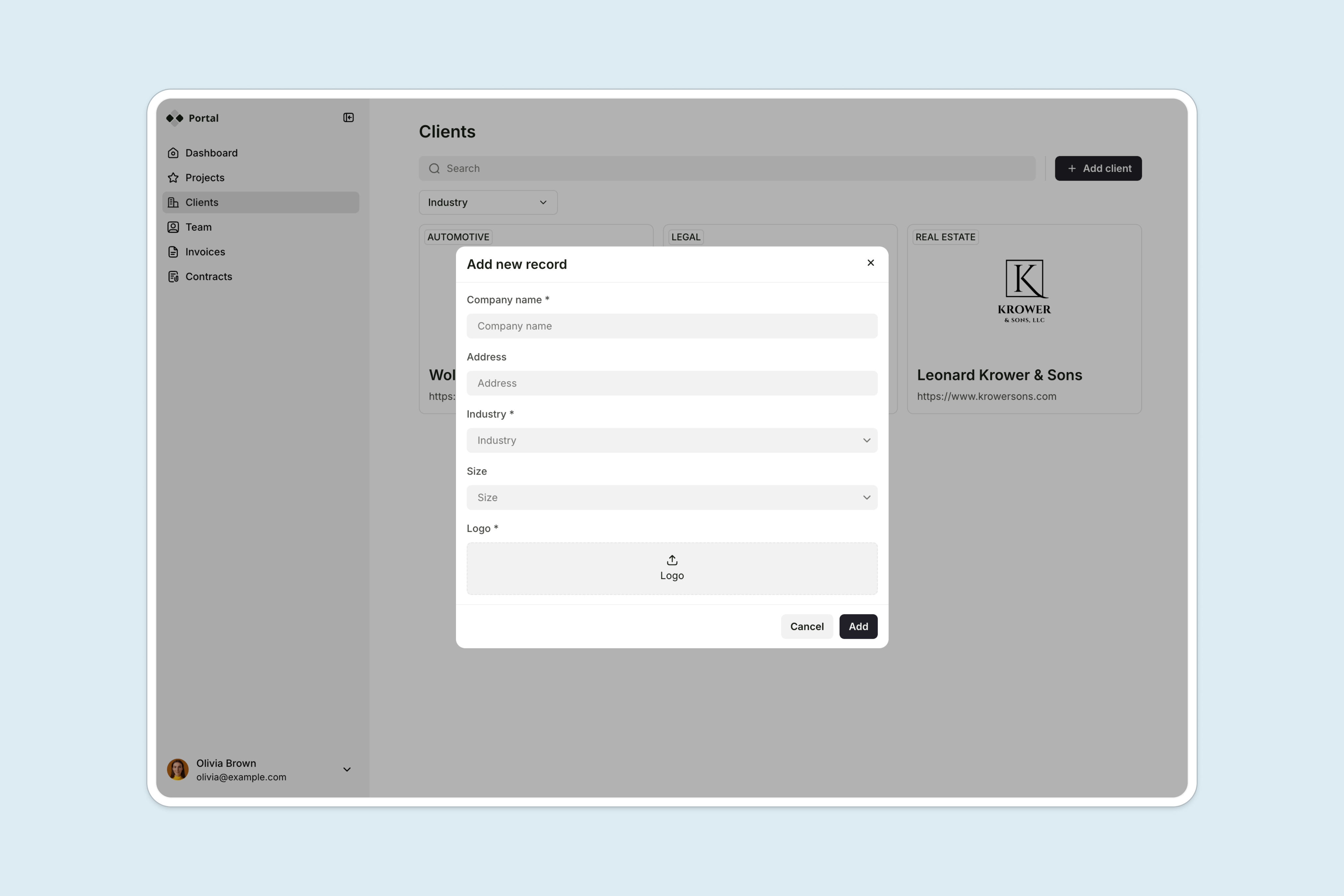
Clients can update their own contact details, phone number, and profile photo directly in the portal, no back-and-forth emails needed.
- Project management
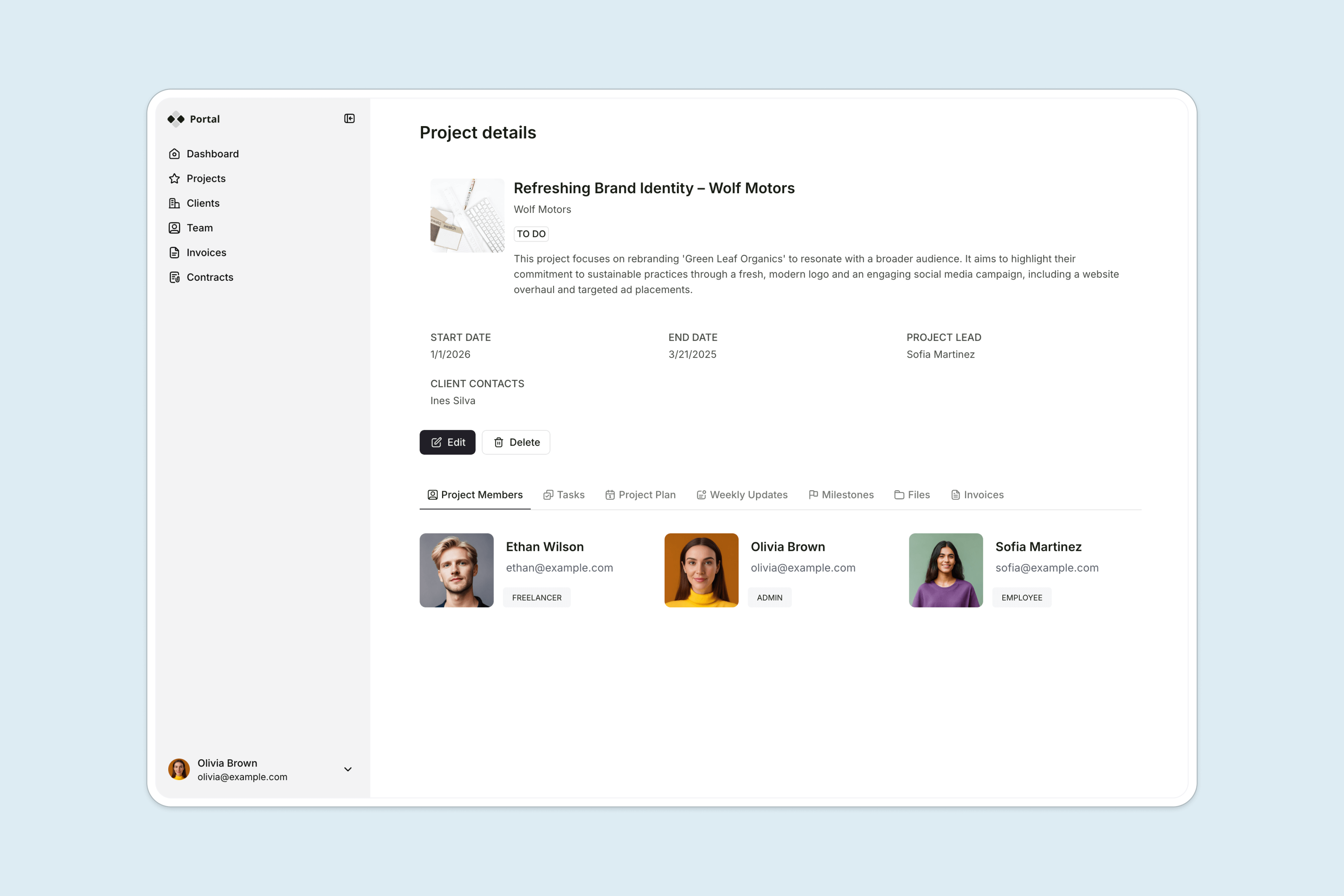
Provide a shared view of projects and tasks, including team members, project plans, milestones, files, and more.
- Invoices & payments
Keep track of invoices and make it easy for clients to make payments from the portal via Stripe or PayPal.
- Resources & FAQs
Share team info, FAQs, and other resources, so clients can easily self-serve (and not have to ask repetitive questions).
- Commenting
Allow clients to leave comments in projects and tasks, so questions and feedback are centralized and easy to track.
- Works on any device
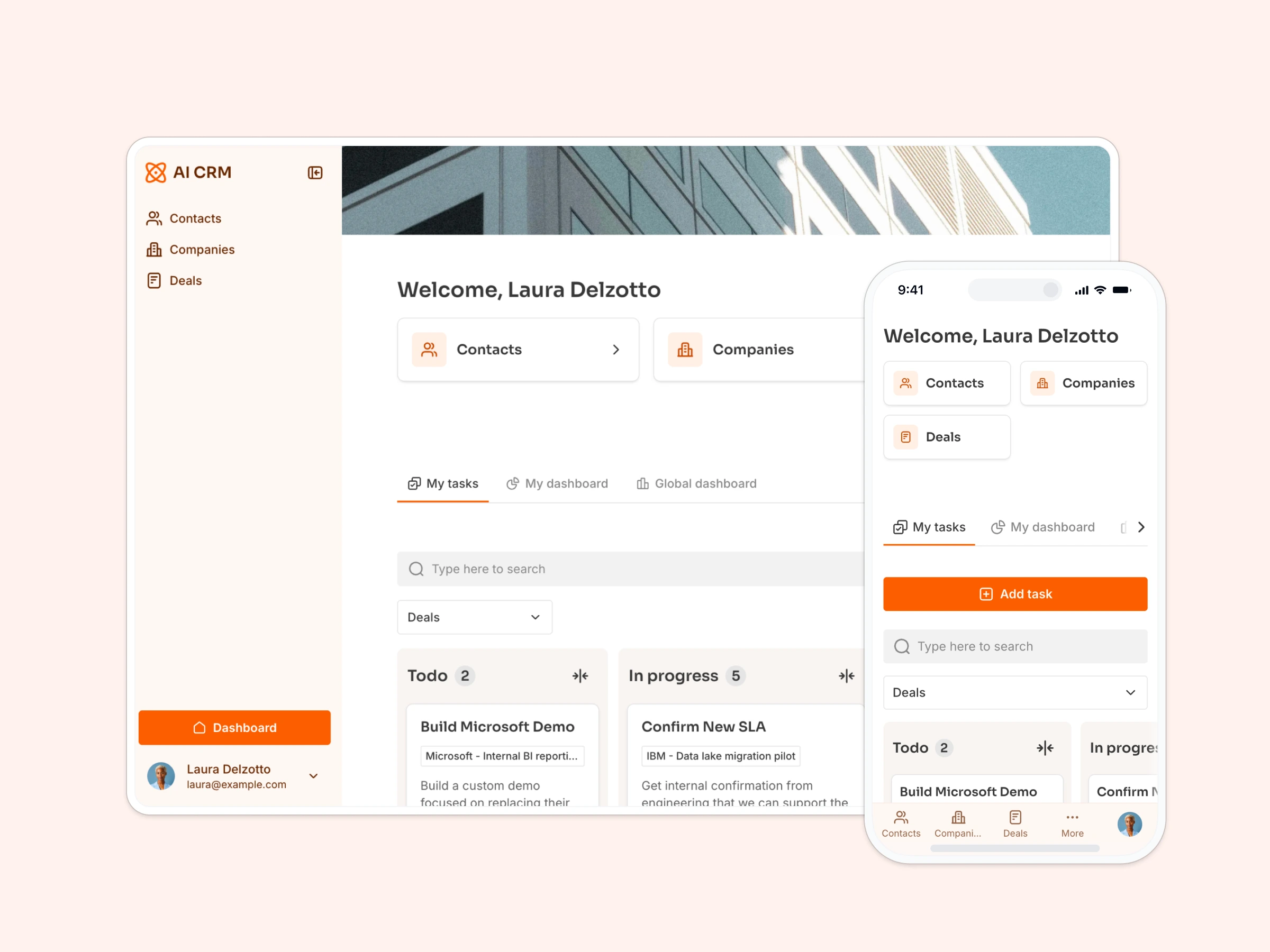
Allow users to access the platform from any device with a fully responsive design. You can even turn your app into a downloadable mobile app with Softr's PWA feature.
Who is this client portal template for?
This template can be easily adapted for any service-based business that needs a simple way to share information, collect files, and manage client work in one secure place. Examples include:
- Agencies & freelancers: Manage deliverables, deadlines, and client files without constant email back-and-forth.
- Consultants & coaches: Provide a self-serve space for clients to access tasks, resources, and invoices.
- Accountants & bookkeepers: Share financial docs securely and give clients visibility into timelines and tasks.
- Real estate & property managers: Centralize updates, contracts, and documents for each client or property.
- Construction & field service teams: Track project progress, share quotes, and keep clients in the loop, even on mobile.

“I’ve dreamed of having a client portal for probably 10 years. I’ve tried to implement one with so many different tools and would get frustrated and let it go. I played with Softr and immediately went ‘this is it!’”

“What we love most about Softr is the instantaneous, customizable power a no-code platform allows.”
- 1
- 2
- 3
- 4
Frequently asked questions
- I’ve never built a client portal. Where do I start?
Start by clicking "Use Template" to duplicate this pre-built client portal into your Softr workspace. It comes with a working sample database (users, projects, tasks, invoices, milestones, and files), so you can see how everything connects before you touch it.
From there, follow the step-by-step guide to swap in your own data, set up client and team logins, and customize the branding to match your business. Most people have a working portal live within an afternoon, even without any prior experience building apps.
- What should be included in a client portal?
If you’re building a client or customer portal for your business, it should be tailored to your specific needs and workflows. Here are some common features that are usually included in client portals:
- Different user types (client, manager, team member) to have different access levels and actions. You may also want to create different user groups for different clients.
- The ability to securely store and download files.
- The ability to create projects and tasks and assign to different people.
- The ability to view and pay invoices.
- The ability to communicate via comments, messages, or chat.
This client portal template includes all of the above.
- Can clients upload files or submit requests through the portal?
Yes, you can add file upload forms or content submission forms directly to your portal using Softr's form block.
You can also connect this to Softr Workflows to automate what happens next. For example, you could set up a workflow that notifies your team via Slack or email whenever a client uploads a new document or submits a request, including the client's name, the file itself, and a direct link to the record.
Another common setup: auto-update a project's status or milestone the moment a client submits a form, so your team sees the latest activity without checking manually.
- Can I customize this client portal template to fit my business?
Yes. Duplicate this template into your Softr workspace, then prompt the AI Co-Builder to make it yours: for example, "add a priority field to Tasks and highlight any Milestone that's overdue in red on the client dashboard." The AI wires up the database and interface changes for you. Prefer hands-on control? Use Softr's visual editor to adjust every detail yourself, or browse the theme library and apply a new theme in a couple of clicks.
You can also update the branding, colors, and use your own custom domain to create a fully white-labeled experience for your clients.
- How do I manage separate views for different clients?
With Softr, you can control what each user can see and do in your app. This template comes with pre-set user groups and visibility settings that you can customize to your use case. It also includes Conditional Filters to show the right information to the right people. For example:
- A team member can see only the projects assigned to them.
- A client can see all projects for their company, but not any projects tied to other companies.
This lets you build one portal but customize the experience for every team member or client.
- What data sources does this client portal template support?
Softr connects to 17+ data sources, including Airtable, Google Sheets, Notion, ClickUp, HubSpot, SQL databases, and more.
This template includes a structured sample Softr Database you can duplicate and customize directly, with no separate account needed. Softr Databases are usually the best place to start, since everything (users, projects, tasks, invoices, milestones, files) lives natively in Softr with built-in permissions.
If you'd rather use an external tool, use the sample database as a reference for structuring your own data for a client portal use case.