Organize assets, manage strategy, and onboard teams in an AI-powered software built with AI to fit your marketing team's workflow.
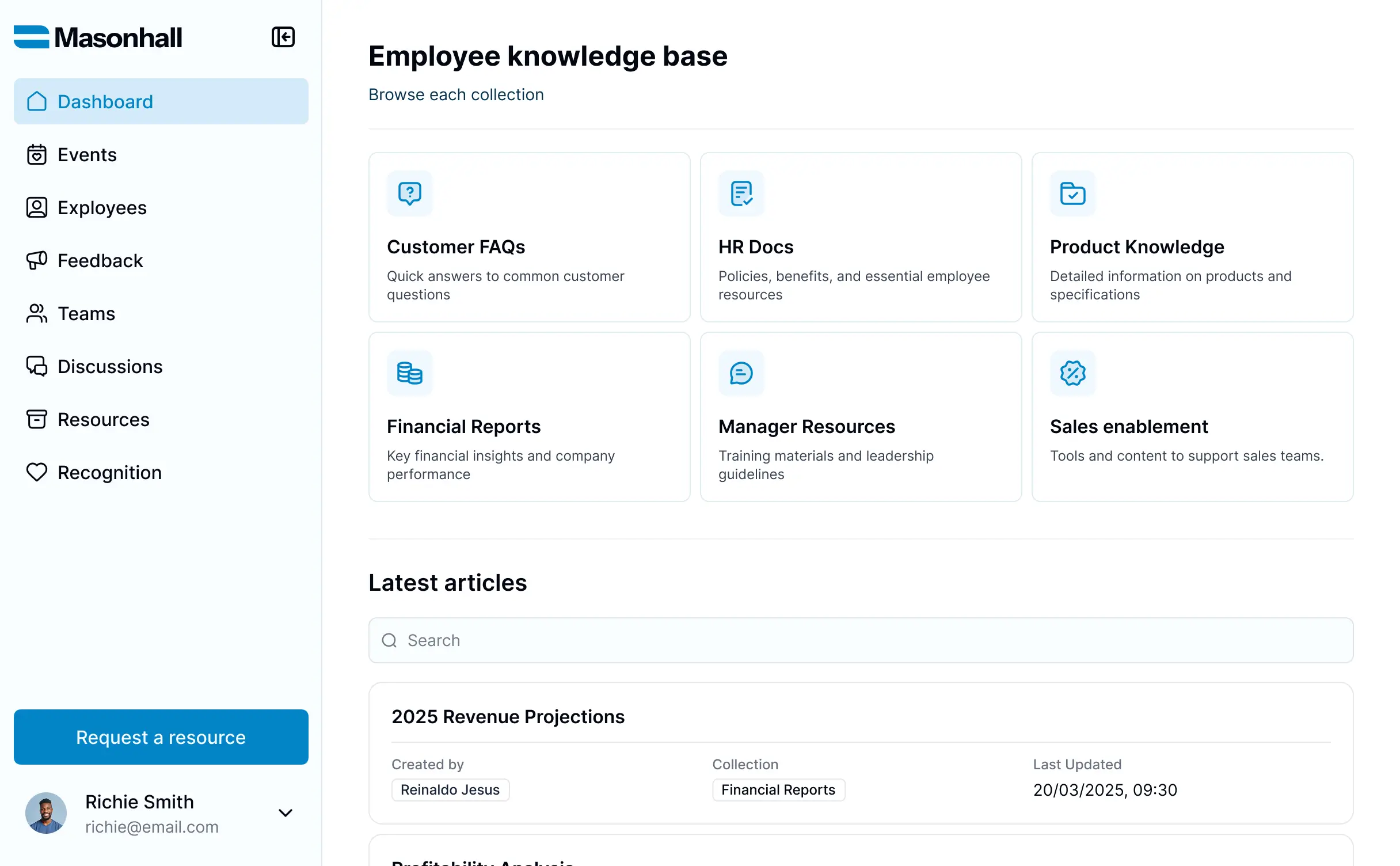



Customize a marketing knowledge base that looks sleek out of the box. Add only the resource views you need, and iterate as campaigns evolve.


Connect spreadsheets, brand assets, and creative logs with real-time sync—or manage everything in Softr Databases. Create a single source of truth for your business.
Give each teammate the right tools and access. Set up secure logins, user groups, and granular permissions—no IT support or dev work needed.
Give different team members tailored access and dashboards, so each role sees just the brand assets and documents they need.
Streamline your internal processes with Softr Workflows. Trigger native automations for asset approvals or file updates to keep operations running smoothly.
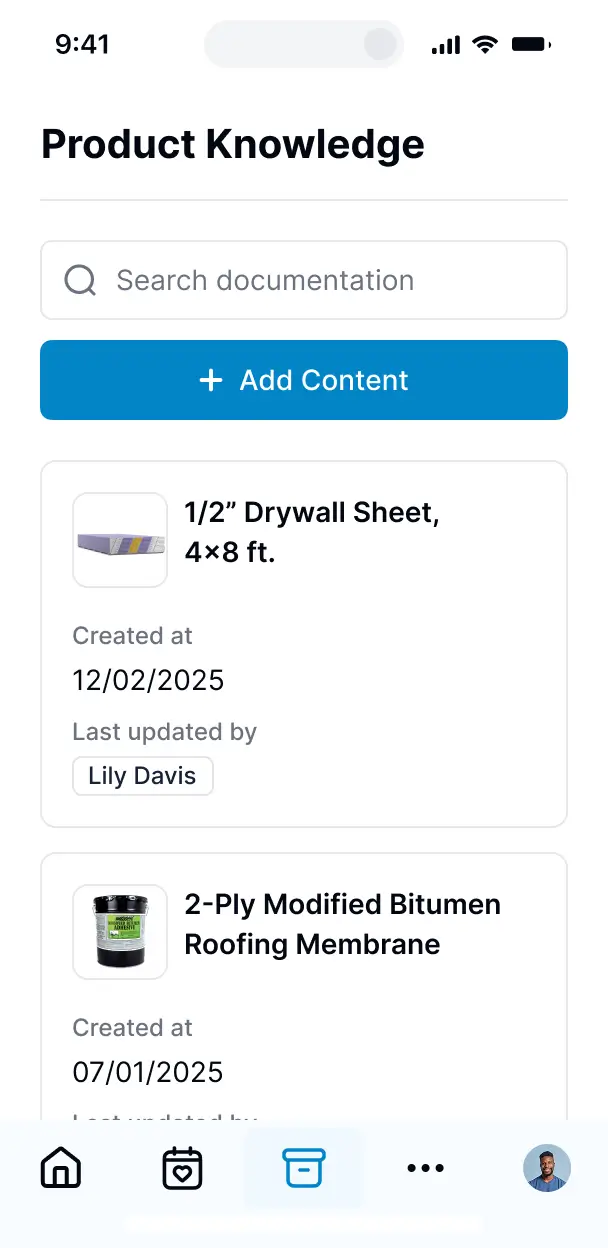
Access and update your brand guidelines and marketing resources on the go. All knowledge base apps are mobile-ready out of the box.
Use Google, email, or SSO logins to give your marketing team fast, secure access to your internal wiki—no IT tickets needed.
Keep internal data safe with SOC2 and GDPR compliance, plus fine-tuned access control to protect sensitive strategy documents.
No more one-size-fits-all tools or costly custom builds. Softr is easy to use and fully customizable, so you can launch faster, adapt as you grow, and skip the complexity of traditional software.

Build your marketing knowledge base in minutes with AI—no manual configuration or complex setup required.

Add features like asset approvals, performance dashboards, or resource onboarding as your team's needs evolve.

Start with a knowledge base, then add project trackers, forms, or client portals—all in one place.
Co-build with AI
Simply describe what you need. Let Softr handle everything - Interface, database, workflows.
Iterate with AI or visually
Control most critical parts of your app yourself - roles, permissions, security.
Ship the same day
Invite team members or external clients and partners right away. No developer handover.
Use drag-and-drop blocks to build a portal that looks sleek and modern out of the box. Add only the features you need, and iterate as your workflows evolve.




A marketing knowledge base is a secure digital hub where your marketing team and stakeholders can access critical assets, brand guidelines, campaign strategies, and creative briefs. It centralizes all your departmental wisdom in one place, eliminating the need to hunt through Slack threads or buried folders. This ensures every team member stays aligned with the latest messaging and maximizes the efficiency of your content production and campaign execution.
Softr is the first AI-native platform for building business software, making it uniquely suited to a marketing knowledge base that evolves with your brand. You can describe your marketing team's specific document structure to the AI Co-Builder to instantly generate your library, categorized pages, and search logic—all pre-connected and secure.
You don't need to code anything. You can start by generating with AI, using a template, or building from scratch. Everything runs on Softr Databases, or you can link your existing marketing data from Airtable, Google Sheets, or HubSpot. You have full control to brand the interface to match your corporate identity, ensuring the platform feels like a natural extension of your marketing department. It's quick to launch, easy for non-technical marketers to update, and flexible enough to scale as your campaign volume grows.
You can integrate a wide range of features into your marketing knowledge base to streamline your creative ops. A high-performing marketing app usually blends functional content blocks with AI-driven insights:
- AI-Powered Intelligence – Use Ask AI to let your team query campaign results or brand specs conversationally, or set up Database AI Agents to summarize long-form white papers or generate draft social copy based on stored briefs.
- Vibe Coding Blocks – Build custom UI elements—like a dynamic marketing calendar or an interactive brand color palette—using the AI Code block to "vibe code" exactly what your creative team needs.
- Softr Workflows – Build native automations (like automatic Slack alerts when a new brand asset is approved) that trigger whenever a record is updated.
- User Portals & Logins – Securely manage access so external contractors only see specific campaign assets while internal leadership has a full view of the strategic roadmap.
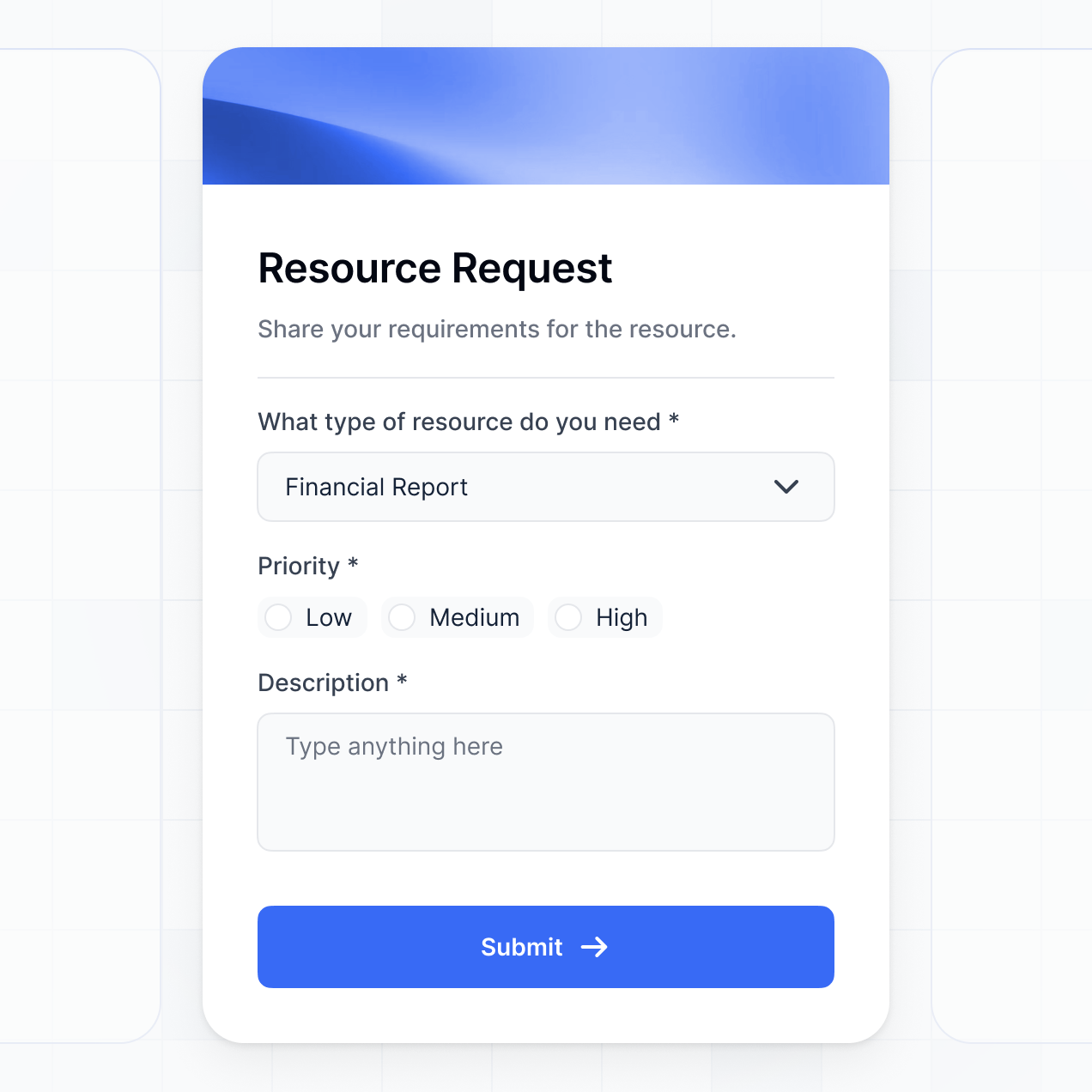
- Forms & Data Collection – Capture resource requests or creative feedback with custom forms and automated routing.
- Dashboards & Charts – Visualize marketing ROI and asset performance metrics with real-time charts linked to your database.
- Lists & Advanced Filtering – Organize high volumes of content with searchable media galleries, asset tags, and filtered views for different channels.
Everything is built using Softr's drag-and-drop blocks, but you can always use the Vibe Coding block for tailored components. As your marketing strategy shifts, updating the portal is effortless.
Vibe coding allows you to move at the speed of social media by using AI to build the exact workspace your team requires. You can "vibe code" a marketing knowledge base in Softr by describing your desired layout—such as an SEO checklist or a video asset gallery—to the AI Co-Builder. Softr then generates a production-ready repository on a secure, functional foundation.
While other tools give you broken snippets of code, Softr manages the infrastructure—like secure user access for your creative agency and structured content tagging—natively. This means your team gets the benefits of a custom-coded tool without the maintenance burden. You describe your marketing workflow, Softr builds it, and your team can start uploading assets immediately.
Yes. You can manage multiple sub-teams (like SEO, Social, and Performance) or regional marketing departments in a single knowledge base. Each user only sees the guidelines and creative assets relevant to their specific role or region. This is ideal for global brands that need to maintain consistent messaging while providing localized assets for different markets.
Yes, you can. You don't need a pre-existing database to start building with Softr. If you're building your marketing knowledge base from scratch, you can use Softr Databases. It is built directly into the platform and is designed to handle everything from text-heavy SOPs to high-resolution brand assets.
If you do have data residing in tools like HubSpot, Airtable, or Google Sheets, you can connect those as well. You can even use the REST API to pull in performance data from external marketing tools, giving you complete control over how your team's knowledge is structured and displayed.
Softr Databases is the recommended choice for a marketing knowledge base, offering high performance and instant triggers for marketing automations. Because the data is native, the search and filtering of large asset libraries remain lightning-fast.
If your marketing data lives elsewhere, Softr connects to over 17 external sources, including HubSpot, Google Sheets, Airtable, and even BigQuery for data-heavy teams. You can even pull from multiple sources—for instance, pulling campaign guidelines from Softr Databases while pulling live performance metrics from HubSpot—directly into the same dashboard. Two-way sync ensures that when a manager updates a campaign status in the database, it updates in the portal instantly.
Yes, Softr gives you granular control over the user experience. You can customize the styling and navigation to match your brand's look and feel. Each content block can be restricted, so copywriters see different resources than data analysts or external PR agencies.
You can define roles such as "Content Creator," "Reviewer," or "External Partner," controlling exactly who can upload new assets versus who can only view them. For example, your legal team could have specific access to approve marketing claims, while interns only see the "Final Approved" versions of assets. This ensures your marketing operations remain secure and the interface stays clean for every user.
Yes, you can fully white-label your marketing knowledge base. You can incorporate your own logo, brand typography, and signature colors, and host the app on a custom domain (e.g., brand.yourcompany.com). By removing all Softr branding, you create a professional, internal experience that feels like a proprietary piece of company software.
Yes, you can. Softr provides the flexibility to control the visual hierarchy and page structure of your marketing knowledge base. You can adjust the spacing, font styles, and layouts to ensure your guidelines are easy to navigate. You choose exactly which content blocks appear for different marketing segments.
To organize your marketing materials effectively, you can choose from various blocks:
- Table blocks – for tracking campaign deadlines or budget allocations.
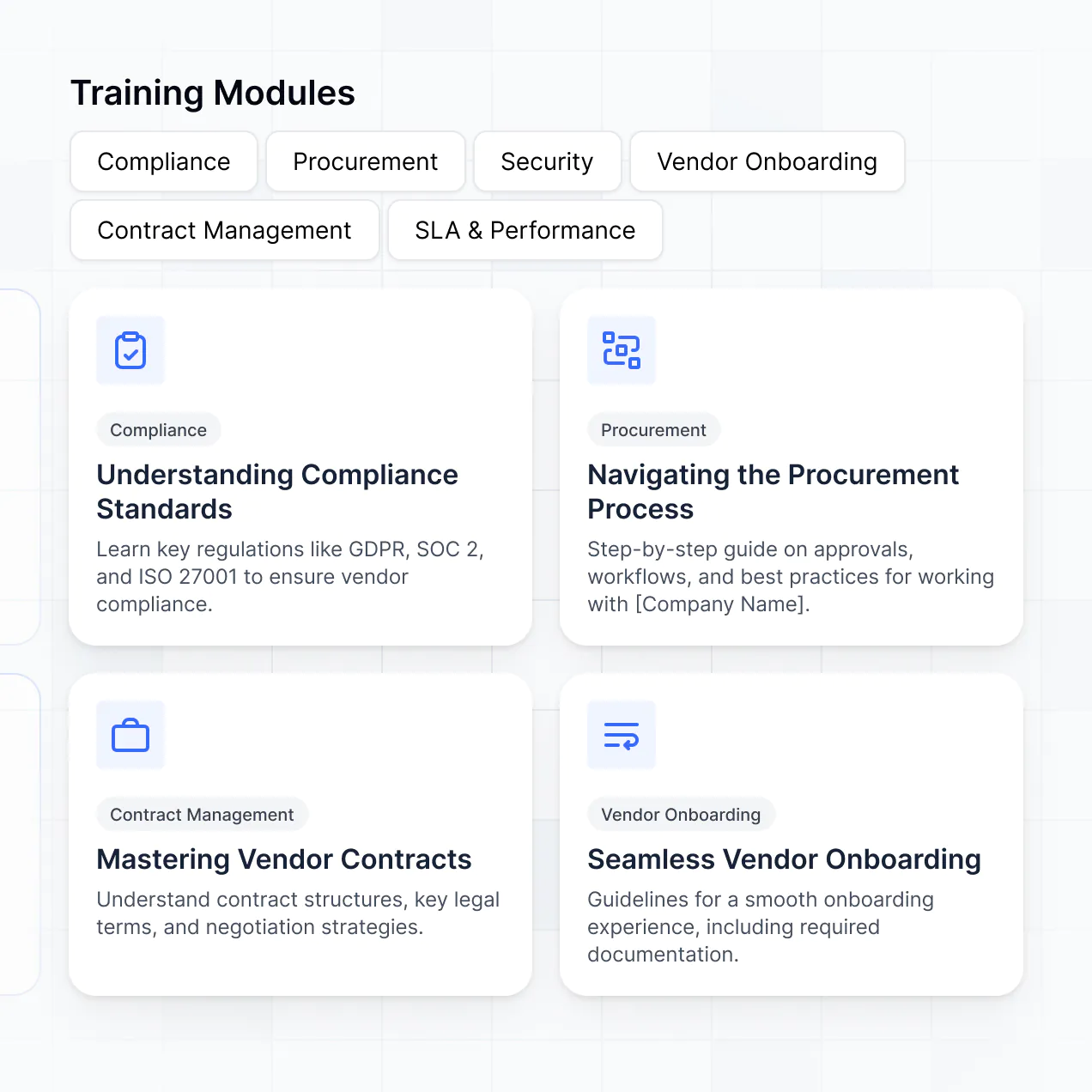
- List or Card blocks – for visual galleries of social media templates and ad creative.
- Detail View – for deep dives into specific brand guidelines or project briefs.
- Forms – for submitting new asset requests or campaign ideas.
- Charts – for visualizing brand sentiment or reach metrics.
- Calendar blocks – to keep the entire team aligned on the editorial and posting schedule.
If your brand or team structure changes, you can simply drag and drop elements in the builder to refresh the layout.
Softr is built with enterprise-grade security. All marketing strategies and internal data are encrypted in transit and at rest. You retain full authority over who can view or edit sensitive campaign info through role-based permissions and visibility rules. This prevents unauthorized access to pre-launch assets or confidential strategy docs.
For knowledge bases using Softr Databases, data is hosted in secure, SOC 2 Type II compliant environments in Europe. If you choose to connect external sources like Airtable, Softr acts as a secure front-end, displaying your data in real-time without storing it on our servers. You are always in control of your intellectual property and who has permission to access it.
It is absolutely production-ready. Unlike experimental AI tools that produce unmanageable code, Softr builds your marketing knowledge base on a stable, professional foundation. We manage the core requirements—like secure logins for your team and reliable content hosting—directly within the platform.
This bypasses the usual reliability issues found with AI-generated apps. You get the benefit of an instantly generated custom workspace that is already secure, scalable, and ready for your team to use the moment it’s generated.
Softr is the first AI-native platform designed for business use cases. While traditional no-code tools require weeks of training or manual setup, Softr’s AI Co-Builder can generate a fully functional marketing knowledge base from a simple prompt.
The core difference is the hybrid approach: you get the speed of AI generation with the reliability of a high-end visual editor and native infrastructure. It includes features like built-in authentication and granular user roles that marketing teams need to share sensitive data securely, which basic site builders often lack. It’s built for marketing teams who want to build, not maintain.
Yes. Softr supports powerful native workflows and deep integrations to connect your knowledge base to your existing marketing stack. You can automate tasks like notifying the team via Slack when a new brief is uploaded or syncing leads from a project request form into HubSpot.
You can also integrate with Stripe for paid marketing resources or use the REST API to connect with more niche tools. Whether you need to trigger a social post from a button click or pull in real-time ad spend, Softr lets you build those automations directly into your management portal without any code.
Describe what you need. Softr's AI builds it in minutes. Get started for free, no dev needed.