Manage speakers, schedules, and networking in an AI-powered system built with AI you customize to fit your event management workflow.
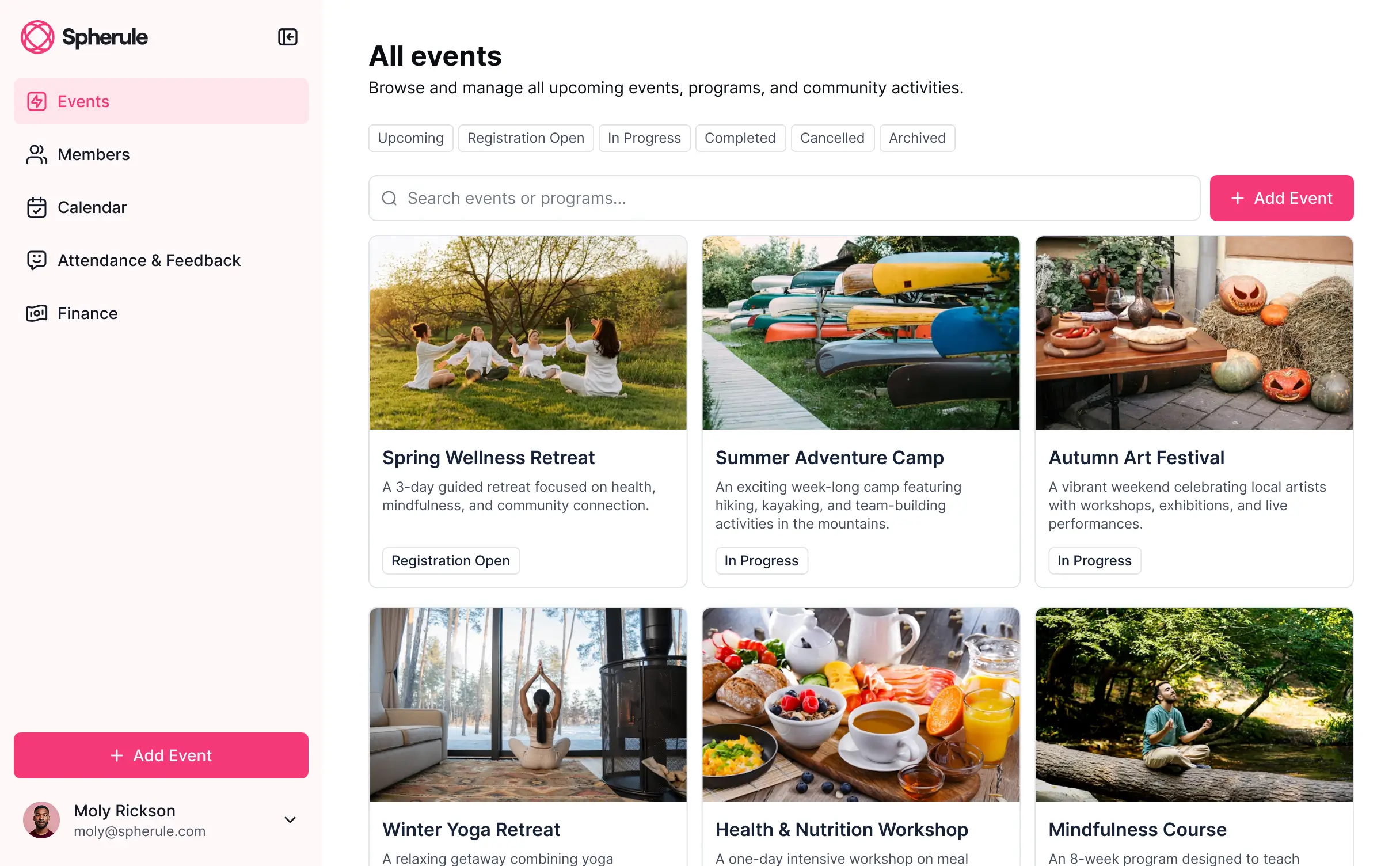
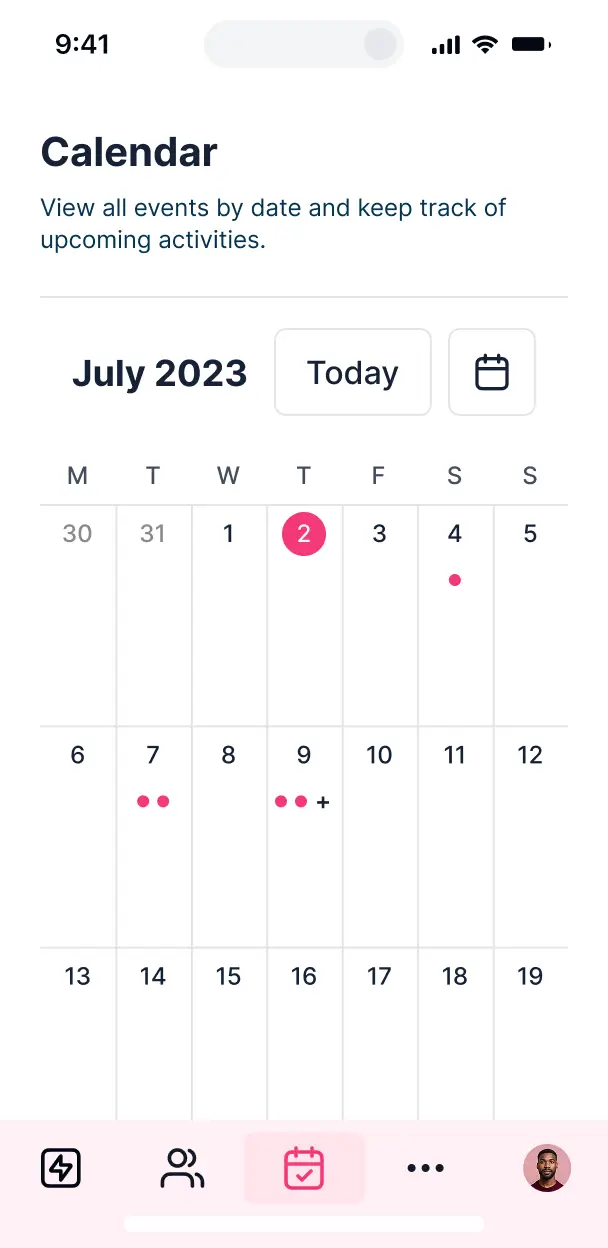

Customize a virtual event platform organizer that looks sleek out of the box. Add only the session and networking features your attendees need.


Connect speaker bios, session schedules, and attendee lists with real-time sync—or manage everything in Softr Databases. Create a single source of truth for your event.
Give speakers, attendees, and sponsors the right views in a branded portal. Set up secure logins, attendee groups, and granular permissions in minutes.
Softr apps are mobile-ready by default. Turn your event organizer into a downloadable app for on-the-go session browsing with Softr's PWA.
Build native automations with Softr Workflows to handle session reminders, speaker updates, and registration notifications automatically.
Provide separate logins for speakers, VIPs, and general attendees, and create personalized event dashboards for every user type.
Apply rules for different ticket tiers. Customize who can view specific sessions, join networking groups, or access sponsor resources.
Protect attendee data and private event content from security threats. Softr is fully compliant with SOC2 and GDPR regulations.
No more one-size-fits-all tools or costly custom builds. Softr is easy to use and fully customizable, so you can launch faster, adapt as you grow, and skip the complexity of traditional software.

Build your virtual event platform organizer in minutes with AI—no manual setup or complex configuration needed.

Add features like networking directories, custom session calendars, or feedback forms as your community grows.

Start with an event organizer, then add sponsor portals, attendee dashboards, or internal forms—all in one place.
Co-build with AI
Simply describe what you need. Let Softr handle everything - Interface, database, workflows.
Iterate with AI or visually
Control most critical parts of your app yourself - roles, permissions, security.
Ship the same day
Invite team members or external clients and partners right away. No developer handover.
Use drag-and-drop blocks to build a portal that looks sleek and modern out of the box. Add only the features you need, and iterate as your workflows evolve.




A virtual event platform organizer is a centralized digital space where your attendees can log in to access your entire community schedule, session links, downloadable resources, and speaker bios. It streamlines the conference experience by keeping guest lists and event updates in one place, eliminating the chaos of searching through fragmented emails or cluttered group chats for event details. This makes it easier to keep your members engaged and provide a professional, organized environment for everyone involved.
Softr is the first AI-native platform for building community software, making it ideal for creating a virtual event platform organizer that adapts to your unique event structure. You can describe your specific session formats and networking needs to the AI Co-Builder to instantly generate your attendee directory, seminar layouts, and restricted access logic—all fully connected and secure.
You don't need to write a single line of code. You can start with AI generation, utilize a pre-built community template, or build from scratch. Everything is powered by Softr Databases or your preferred external tools like Airtable or Google Sheets. You maintain full creative control to brand the interface to match your event's theme, decide which membership tiers can access specific workshops, and keep the user experience seamless. It is fast to launch, easy to update between event series, and scalable as your community grows.
You can integrate a wide variety of features tailored to virtual gathering workflows, combining functional community blocks with AI intelligence:
- AI-Powered Intelligence – Use Ask AI to let attendees query the event agenda conversationally, or deploy Database AI Agents to automatically categorize session topics or summarize speaker abstracts.
- Vibe Coding Blocks – Build custom UI elements—like a dynamic 'Live Now' session indicator or a visual virtual booth—using the AI Code block to generate exactly the interface your event requires.
- Softr Workflows – Create native automations, such as an automatic email trigger that sends a thank-you note and recording link whenever an attendee clicks 'Complete Session.'
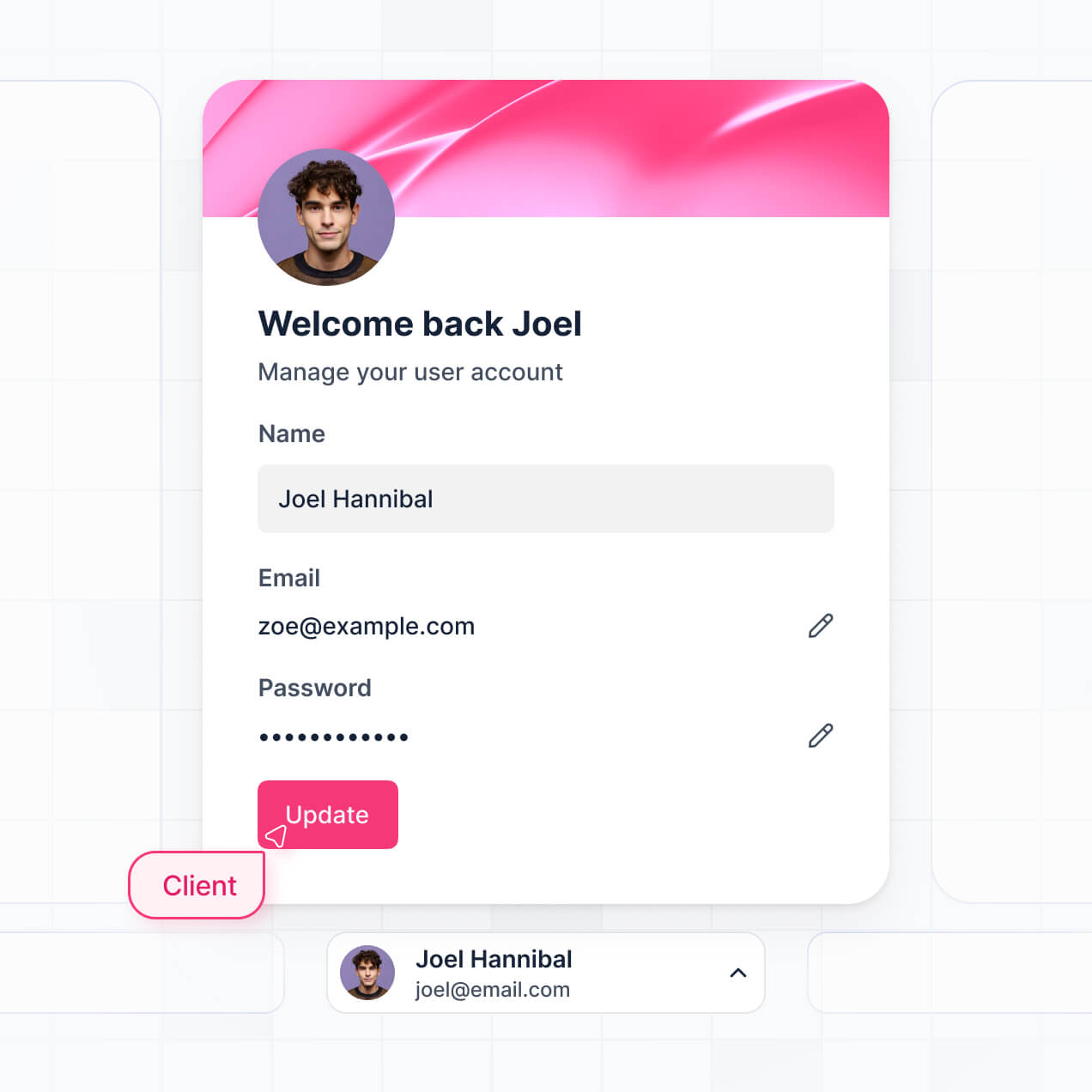
- User Portals & Logins – Securely manage memberships so VIP ticket holders see exclusive breakout rooms while general attendees see the main stage.
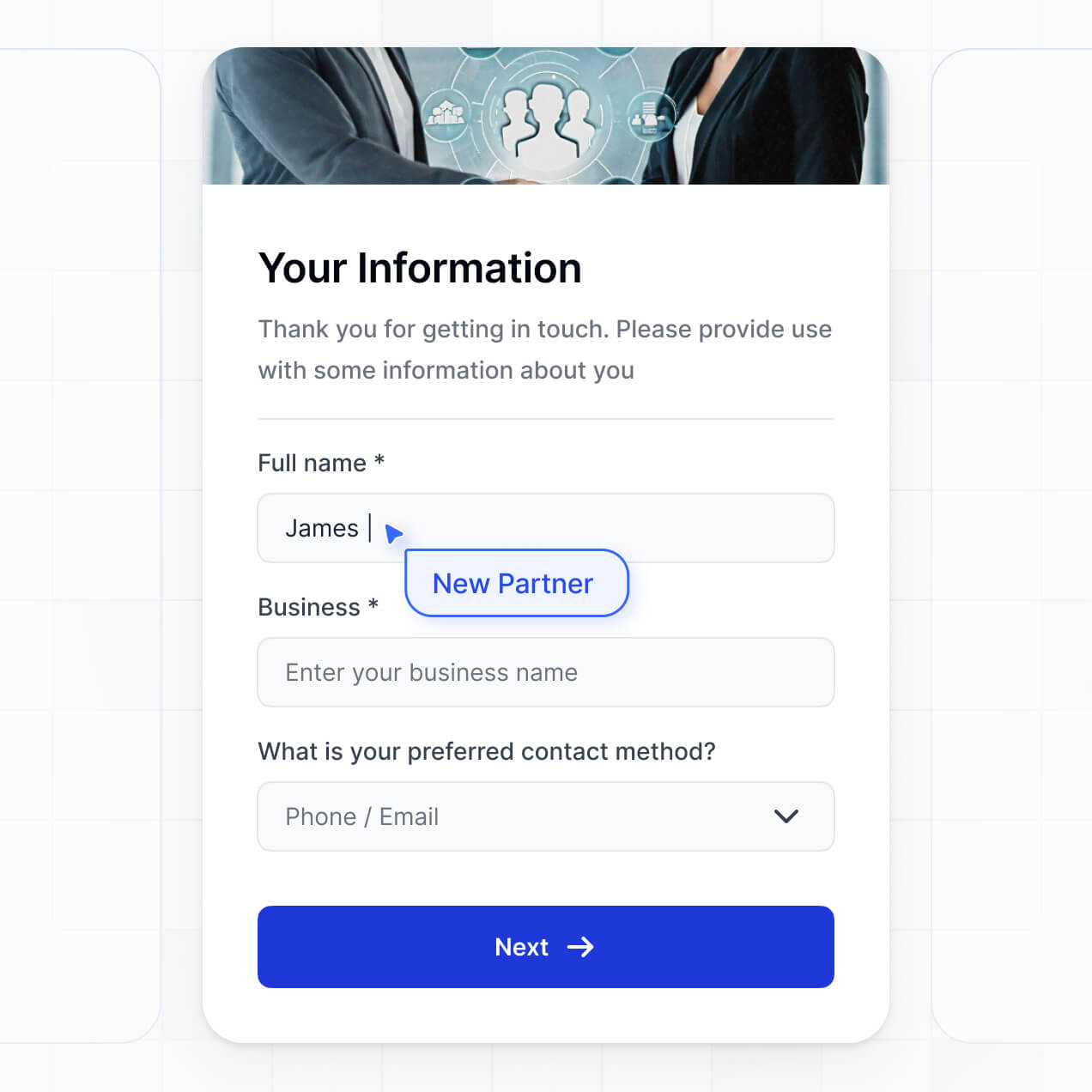
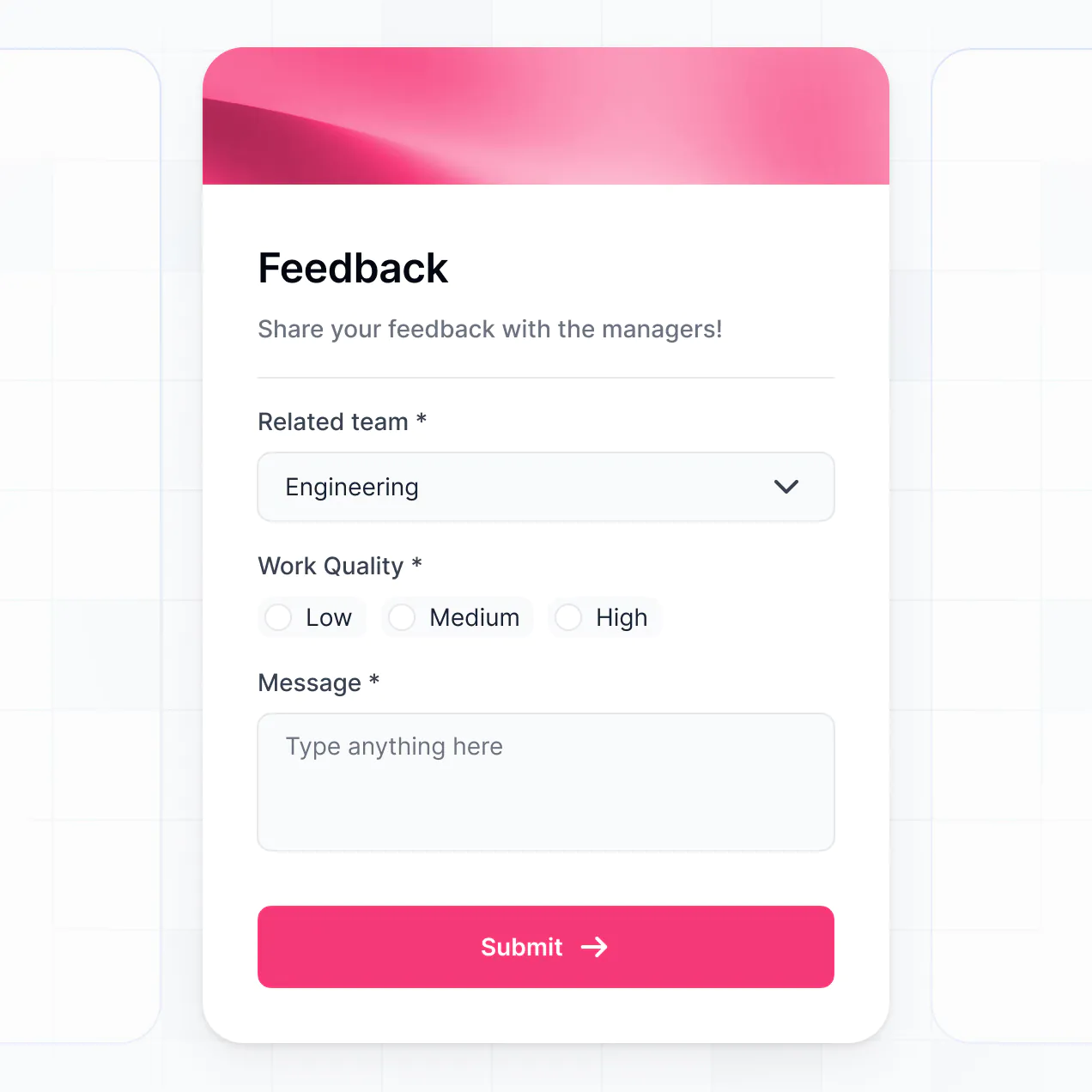
- Forms & Data Collection – Gather session feedback, speaker applications, or sponsor leads with custom forms and file uploads.
- Dashboards & Charts – Visualize real-time engagement metrics and registration numbers with integrated charts.
- Lists & Advanced Filtering – Display searchable speaker directories, kanban-style workshop schedules, and filterable attendee profiles.
Everything is built with drag-and-drop ease, and you can use Vibe Coding to add bespoke functionality for your specific community needs.
Vibe coding allows you to move at the speed of your event planning by using AI to build the exact features your community needs. You can "vibe code" your virtual event platform organizer by describing your requirements—like a live chat sidebar or a personalized attendee itinerary—to the AI Co-Builder. Softr then produces a production-ready application on a secure foundation.
While other tools leave you with messy code to debug, Softr handles the heavy lifting of secure attendee authentication and database organization natively. You get the agility of AI generation without the risk of system crashes during a live event. You describe the experience, Softr builds the platform, and your community can start registering immediately.
Yes. You can manage multiple attendee personas—such as speakers, sponsors, and general guests—within a single platform. Each person only sees the tracks and networking features assigned to them based on their specific role or ticket level. This is perfect for complex conferences with multi-track agendas and exclusive VIP networking lounges.
Absolutely. You don't need an existing spreadsheet to start building your organizer. If you're launching a brand-new virtual event, you can use Softr Databases, which is built into the platform and handles all your registrations and session data perfectly from day one.
If you do have data in tools like Airtable, Google Sheets, or HubSpot, you can easily connect those as well. You can even use the REST API to pull in data from ticketing platforms. You retain full control over how your community profiles and event schedules are structured and displayed.
Softr Databases is the recommended native data source for your virtual event platform organizer. It is optimized for high-performance community apps, providing instant triggers for session updates and a fast experience for attendees since the data lives on the platform.
If your attendee lists are elsewhere, Softr connects to 17+ external sources including Airtable, Google Sheets, SmartSuite, and SQL. You can even combine sources—for example, pulling speaker bios from Airtable while managing live registration sign-ups in Softr Databases. Most connections support real-time, two-way sync, ensuring your agenda stays current for every user.
Yes, Softr provides granular control over the attendee journey. You can customize the dashboard layout, navigation, and session views to align with your event brand. Every list or content block can be restricted based on login status, ensuring that only registered members can access sensitive workshop links.
You can define specific user roles—like 'Speaker', 'Organizer', or 'Participant'—and set exact permissions for what they can view or edit. For instance, speakers can update their own bios, while participants can only view them. This ensures the community experience is secure, clutter-free, and tailored to the individual's ticket type.
Yes, you can fully white-label your virtual event platform organizer. You can apply your custom event logo, brand color palette, professional fonts, and a custom domain to ensure the platform feels like a premium, integrated part of your community's brand. You can remove all Softr branding so your attendees have a cohesive experience under your own identity.
Yes, you can. Softr offers deep flexibility to design a platform that fits your community's aesthetic. You can adjust the visual spacing, page structure, and typography to match your event’s creative theme. You decide exactly how information flows, from the landing page to the detailed session modules.
To build your interface, you can select from various functional blocks:
- Table blocks – to display structured session tracks and time slots.
- List or Card blocks – to showcase speaker profiles and sponsor logos.
- Detail View – to provide a dedicated page for a single workshop or live stream.
- Forms – to capture attendee feedback and survey responses.
- Charts – to show community growth or session popularities.
- Calendar blocks – to offer a visual map of the multi-day event schedule.
All designs are easily updated through the visual builder if your schedule shifts last minute.
Softr is built with enterprise-grade security to protect your community's information. Data is encrypted in transit and at rest, hosted on reliable infrastructure. You have complete control over data visibility; for example, you can ensure one attendee cannot see another's private profile details unless they are connected.
For organizers using Softr Databases, your data is stored in a secure European-hosted environment (Germany) with SOC 2 Type II compliance. If you use external data sources, Softr simply renders that data in real-time according to your permission settings without storing it. We follow industry best practices for authentication and access control to keep your guest list and event data safe.
It is a fully production-ready application. While some AI tools produce 'vibe code' that is difficult to secure or scale, Softr builds your virtual event platform on top of a robust, business-ready architecture.
We provide the essential 'boring' infrastructure natively—like secure login, role management, and encrypted hosting—so you can focus on your community. This eliminates the technical debt typically associated with AI code; your platform is secure, high-performing, and ready for your attendees to log in and start networking immediately.
Softr is the first AI-native platform specifically optimized for business-grade applications. Unlike simple 'vibe coding' tools that lack structure or legacy no-code platforms that require weeks of learning, Softr’s AI Co-Builder generates your database and logic in minutes on top of a secure foundation.
You benefit from a hybrid workflow: use AI to rapidly generate your event directory and schedule, then use visual tools for pixel-perfect brand adjustments. It provides the reliability of built-in authentication and permission levels that standalone website builders lack, making it perfect for organizers who need to go from an idea to a live event on day one.
Yes. Softr supports sophisticated native workflows and a vast library of integrations to connect your platform with your existing stack. You can automate attendee tasks using Softr Workflows, or connect with tools like Stripe for ticket sales and Intercom for live support during the event. Softr also supports webhooks and a REST API for advanced event automation.
Whether you need to sync registrations to a mailing list, trigger automated reminders, or pull in real-time social media feeds, you can build these connections directly into your platform without any coding knowledge.
Describe your event needs. Softr's AI builds your custom community platform in minutes.