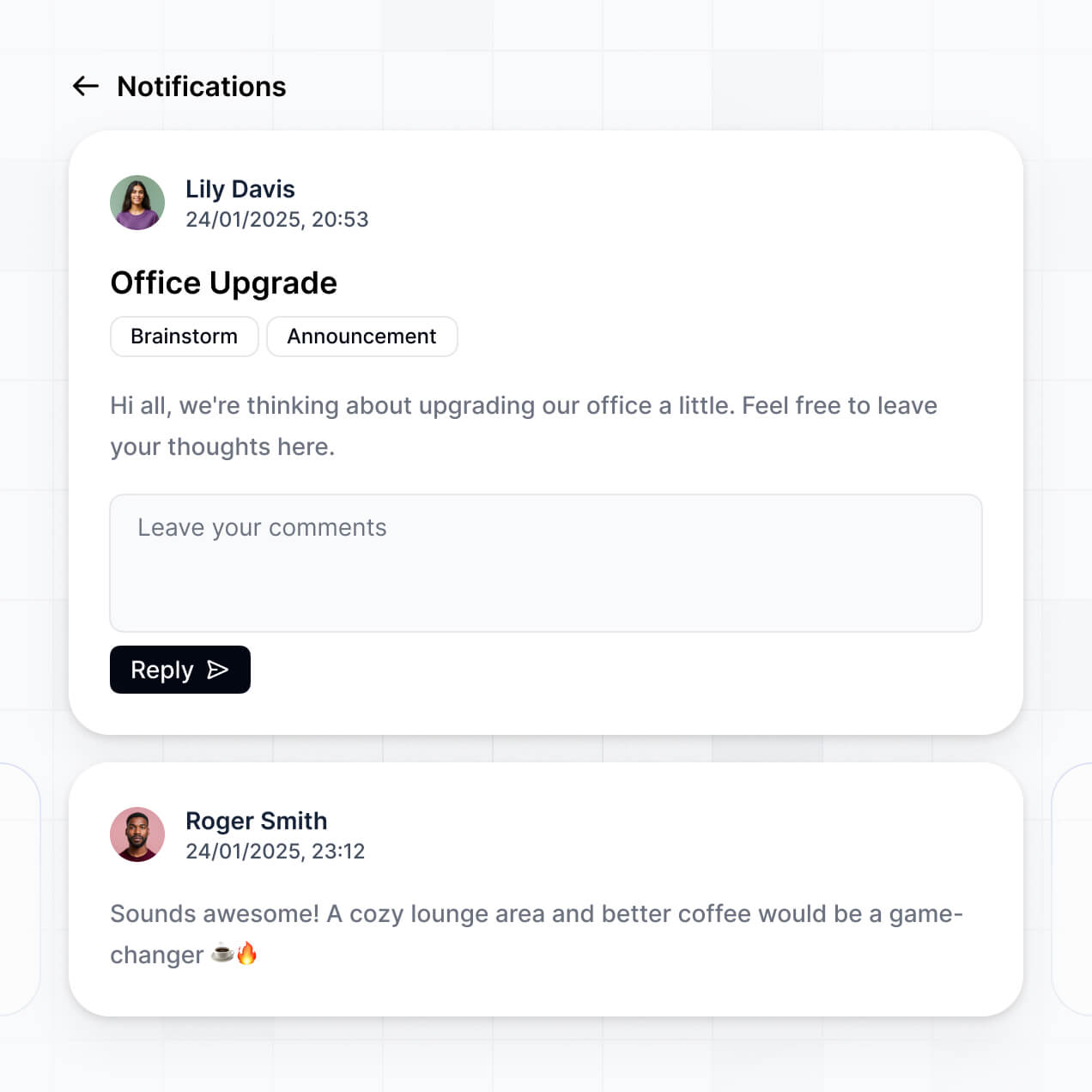
Track service calls, manage techs, and log equipment in an AI-powered CRM built with AI you customize to fit your HVAC team's workflow.
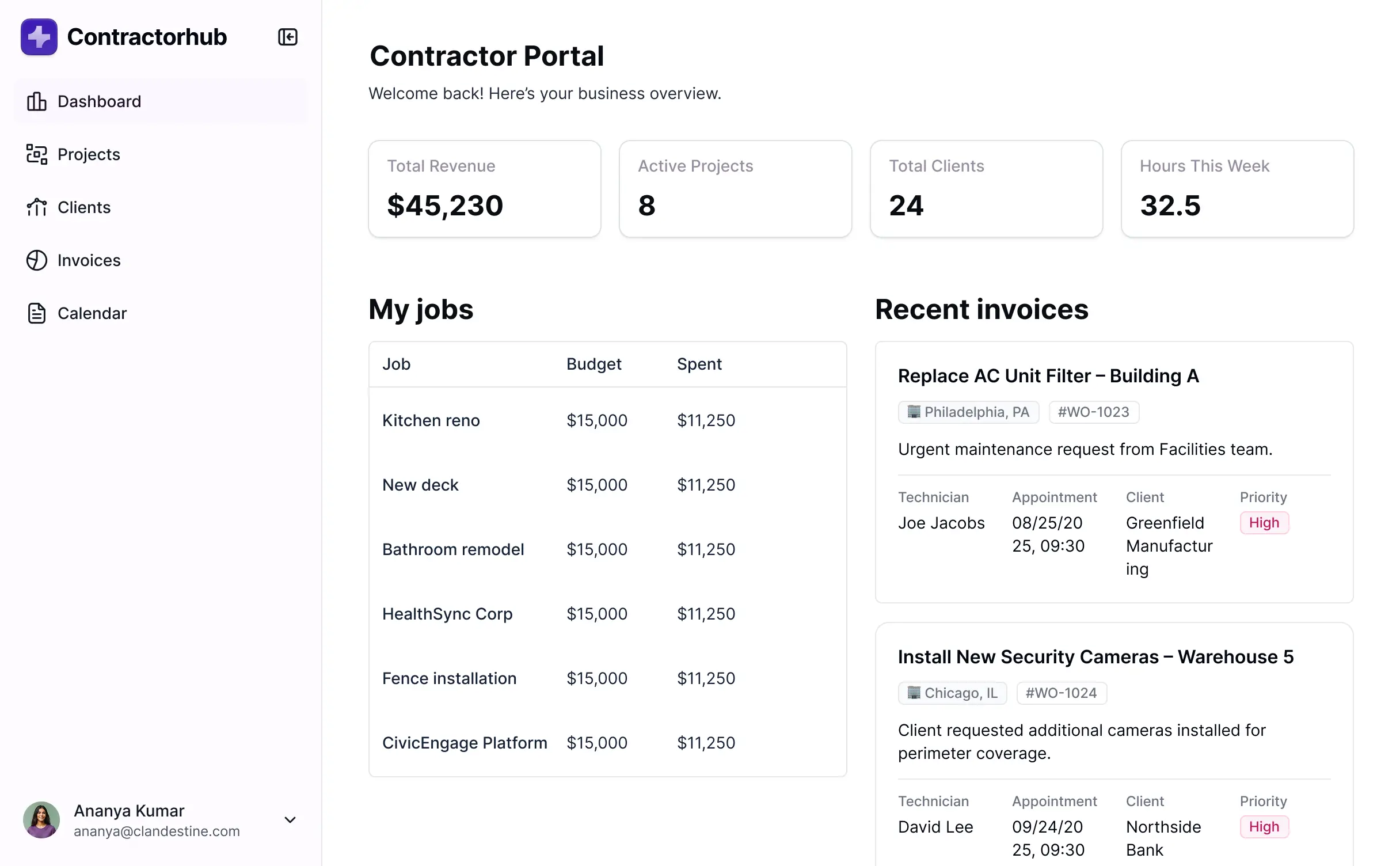
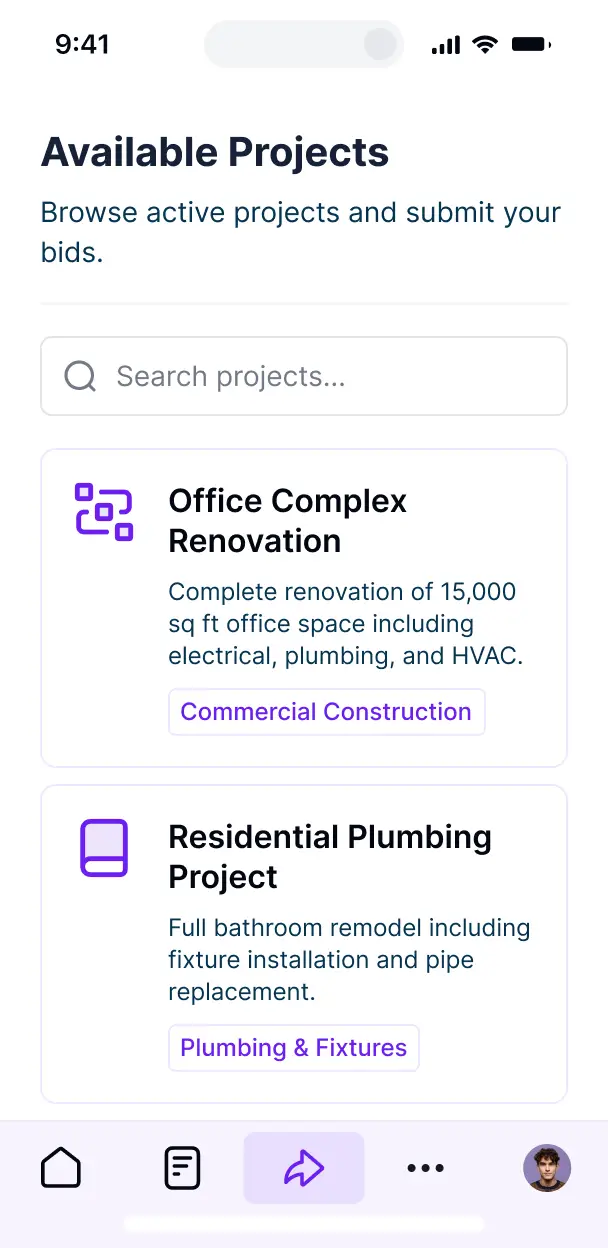



Customize your CRM for HVAC companies with the exact steps and views your team needs. Add features as processes evolve—no code needed.


Connect service histories, customer records, and inventory data from multiple tools—or manage everything in Softr Databases. Create one integrated system for updates.
Let techs, managers, and clients log in to a fully branded portal. Set up permissions and personalized access in minutes—no code needed.
Automate your field operations with Softr Workflows for dispatching, status updates, and customer notifications that trigger instantly when a job is finished.
Assign roles for field techs, office managers, or clients—each gets access to only the specific job details or invoices they need.
Control who can view, complete, or assign service orders—down to the field level to ensure sensitive customer data stays private.
Keep customer and HVAC job data safe. Softr is fully compliant with SOC2 and GDPR regulations to protect your business and your clients.
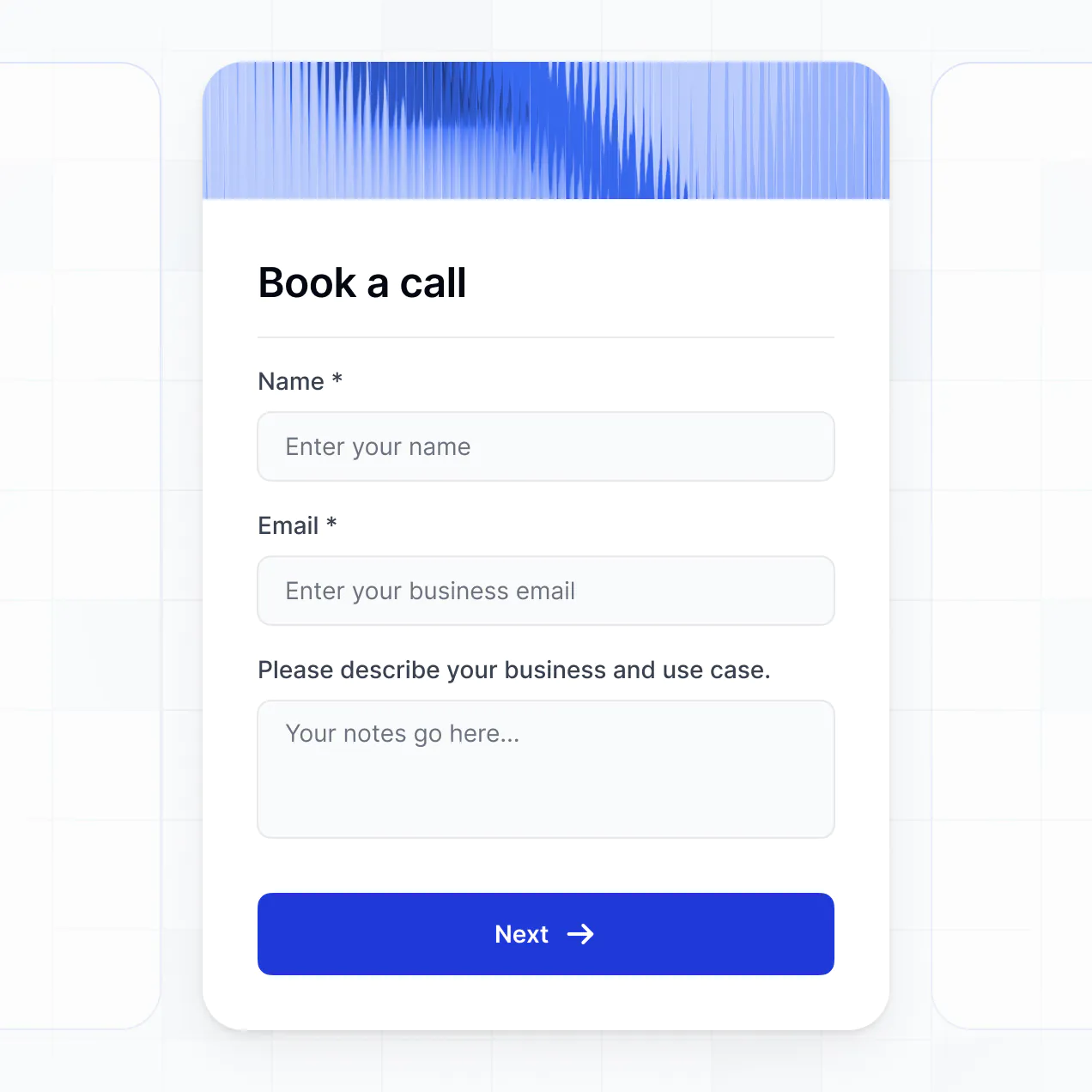
Capture job details, equipment inspections, or digital signatures using flexible form blocks tailored to each specific maintenance task.
No more one-size-fits-all tools or costly custom builds. Softr is easy to use and fully customizable, so you can launch faster, adapt as you grow, and skip the complexity of traditional software.

Build your CRM for HVAC companies in minutes with AI—no manual setup or complex configuration needed.

Add features like equipment tracking, job scheduling, or digital signatures as your workflows evolve.

Start with a CRM, then add tech portals, dashboards, or inventory forms—all in one place, with no extra tools.
Co-build with AI
Simply describe what you need. Let Softr handle everything - Interface, database, workflows.
Iterate with AI or visually
Control most critical parts of your app yourself - roles, permissions, security.
Ship the same day
Invite team members or external clients and partners right away. No developer handover.
Use drag-and-drop blocks to build a portal that looks sleek and modern out of the box. Add only the features you need, and iterate as your workflows evolve.




A CRM for HVAC companies is a secure digital workspace where your office staff and field technicians can log in to manage service requests, customer equipment history, and job estimates. It centralizes all homeowner communication and maintenance logs in one place, eliminating the need for scattered spreadsheets or misplaced paper work orders. This organization allows your team to provide a more professional experience and stay on top of scheduled tune-ups.
Softr is the first AI-native platform for building business software, making it the ideal choice to build a CRM for HVAC companies that fits your specific service workflow. You can describe your operational needs—like tracking unit brands or managing service zones—to the AI Co-Builder to instantly generate your database, service pages, and dispatch logic, all while keeping technician and customer data secure.
You don't need to code to get started; you can use the AI generator, a specialized template, or build from scratch. Everything runs on Softr Databases, or you can link existing data from Airtable, Google Sheets, or HubSpot. The visual editor gives you full control to customize the layout for field tablets, set up specific technician permissions, and brand the app with your company logo. It is fast to launch, easy to update between seasons, and flexible enough to grow with your fleet.
You can include a wide range of industry-specific features in your CRM for HVAC companies, tailored to both office and field roles. A high-performing HVAC app combines professional data management with AI-powered efficiency:
- AI-Powered Intelligence – Use Ask AI to let dispatchers query service history via chat, or set up Database AI Agents to generate automated maintenance reminders based on past installation dates.
- Vibe Coding Blocks – Use the AI Code block to "vibe code" custom visual elements, such as a furnace diagnostic calculator or an interactive map of scheduled service calls.
- Softr Workflows – Build native automations, like an automatic SMS notification to a homeowner when a technician updates their status to "En Route."
- User Portals & Logins – Securely manage access so field techs see their daily route while office admins view profit margins and billing status.
- Forms & Data Collection – Capture onsite inspection data with custom forms, including photo uploads of model numbers and digital signatures for completed work.
- Dashboards & Charts – Visualize your sales performance, tracking closed estimates and recurring maintenance contract growth with real-time charts.
- Lists & Advanced Filtering – Manage your client base with searchable tables, map views of job sites, and Kanban boards for tracking installation stages.
Everything is built using Softr's drag-and-drop blocks, so no coding is required. If your business adopts a new service line, simply use the Vibe Coding block to add tailored logic without calling a developer.
Vibe coding is about moving fast and using AI to build exactly what your plumbing or cooling business needs. You can "vibe code" a CRM for HVAC companies in Softr by describing your specific requirements—like tracking refrigerant types or scheduling seasonal inspections—to the AI Co-Builder. Softr then generates a production-ready app on a secure foundation.
Unlike other tools that generate raw code that breaks easily, Softr handles the core logic natively, including technician authentication and secure data storage. This means you get the speed of vibe coding without the technical debt of managing raw code. You describe your service process, Softr builds it, and your technicians can start logging jobs instantly.
Yes. You can manage multiple service teams, subcontractors, or corporate client accounts within a single CRM for HVAC companies. Using role-based permissions, job supervisors can see all active projects, while individual technicians only see their assigned daily tickets. This ensures your operational data stays organized and private across different departments or locations.
Yes, you can. You don't need an existing database to start building your CRM for HVAC companies. If you are starting fresh, you can use Softr Databases, which is built directly into the platform to handle your customer records, equipment lists, and service logs perfectly.
However, if you already have customer lists in Airtable, Google Sheets, HubSpot, or even a SQL database, you can connect those seamlessly. You can also use the REST API to pull in data from other HVAC industry tools. You maintain full control over how your customer history is structured and displayed.
Softr Databases is the recommended native, relational data source for your CRM for HVAC companies. It is optimized for business apps, ensuring that field technicians have a fast experience even when updating records on the go, with instant triggers for automations.
If you use other tools, Softr connects to over 17 external sources including Airtable, Google Sheets, HubSpot, SmartSuite, and BigQuery. You can even mix data sources—pulling customer billing from HubSpot while managing technician schedules in Softr Databases. Most sources support two-way sync, so a status change on a job site reflects in your central database immediately.
Yes, Softr gives you full control over the user experience within your CRM for HVAC companies. You can customize the navigation and interface to match your specific dispatch and service flow. Each section of the app can be shown or hidden based on the user's role—ensuring a technician doesn't see sensitive financial reports meant for the business owner.
You can set up specific roles, such as Technician, Office Admin, Sales Rep, or Manager. For instance, you can configure your CRM so that technicians can only edit service notes for their assigned jobs, while managers can oversee the entire company pipeline. You can also create personalized technician dashboards that filter jobs by today’s date and assigned worker.
This level of customization is essential for HVAC businesses that need to maintain security while giving different teams the specific tools they need to stay productive.
Yes, you can fully white-label your CRM for HVAC companies in Softr. You can use your company logo, brand colors, fonts, and a custom domain (like portal.yourhvacbiz.com) to make the tool feel like a professional, proprietary system. You can also remove all Softr branding so that your employees and clients only see your company's professional identity.
Yes, you can. Softr provides the flexibility to control the design and layout of your CRM for HVAC companies to fit your brand and team's workflow. You can adjust colors, page structure, and spacing to ensure the app is easy to read for technicians on mobile devices and office staff on desktops.
To display your HVAC data, you can use various block types:
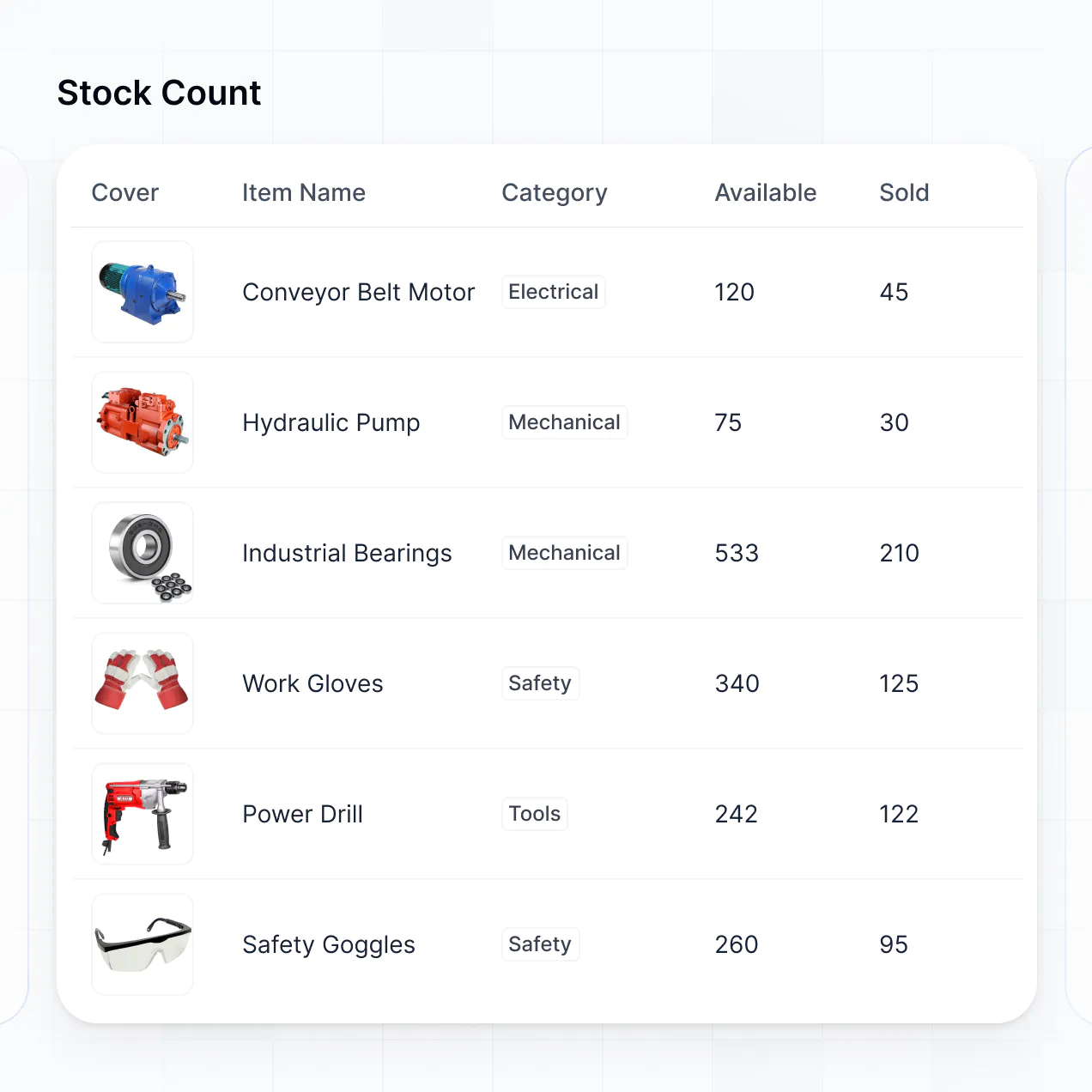
- Table blocks – to show a high-level view of all upcoming maintenance contracts or invoices.
- List or Card blocks – to display customer profiles or available HVAC replacement units.
- Detail View – to show comprehensive equipment history for a specific job site.
- Forms – for capturing diagnostic results or safety checklists.
- Charts – to track technicians' billable hours or sales performance.
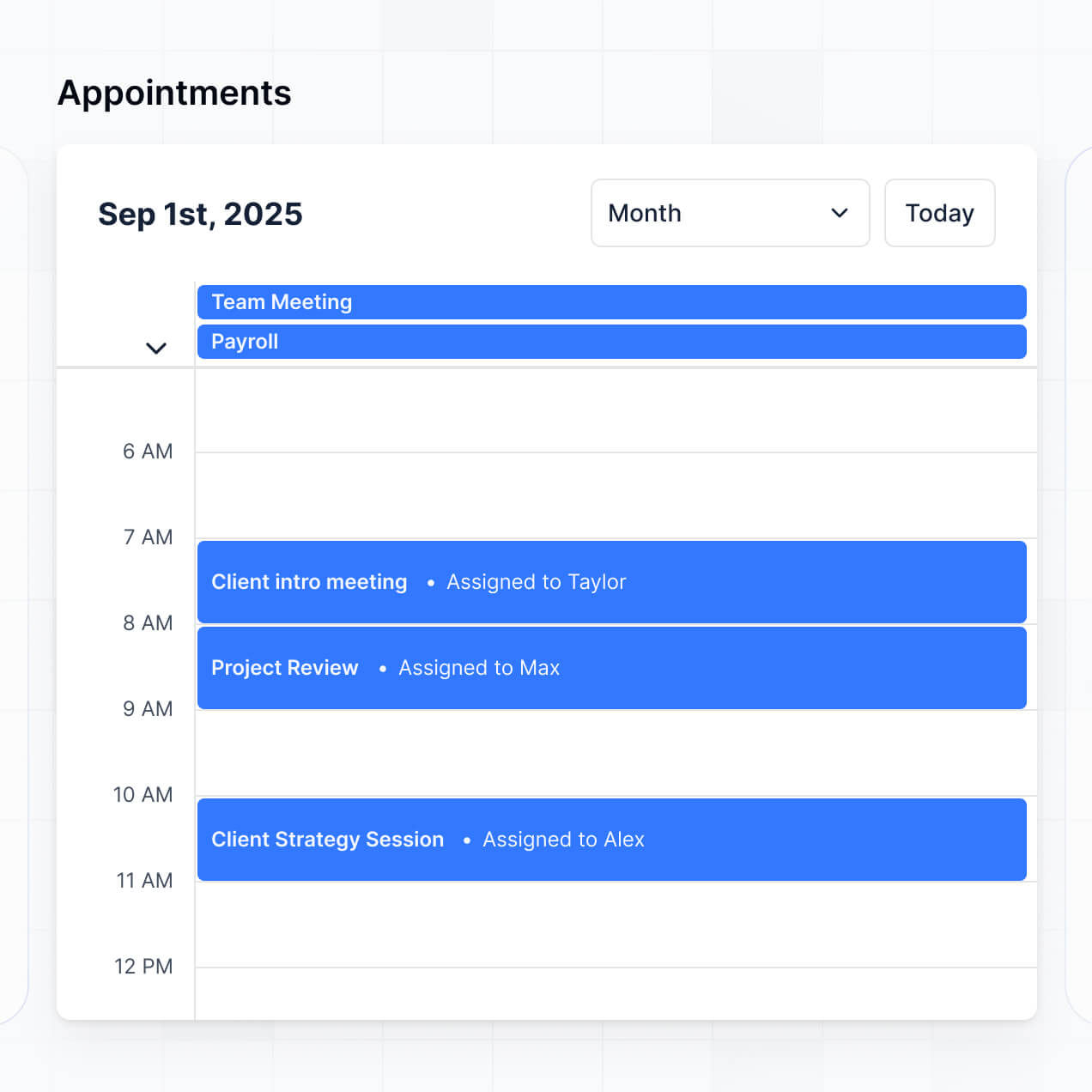
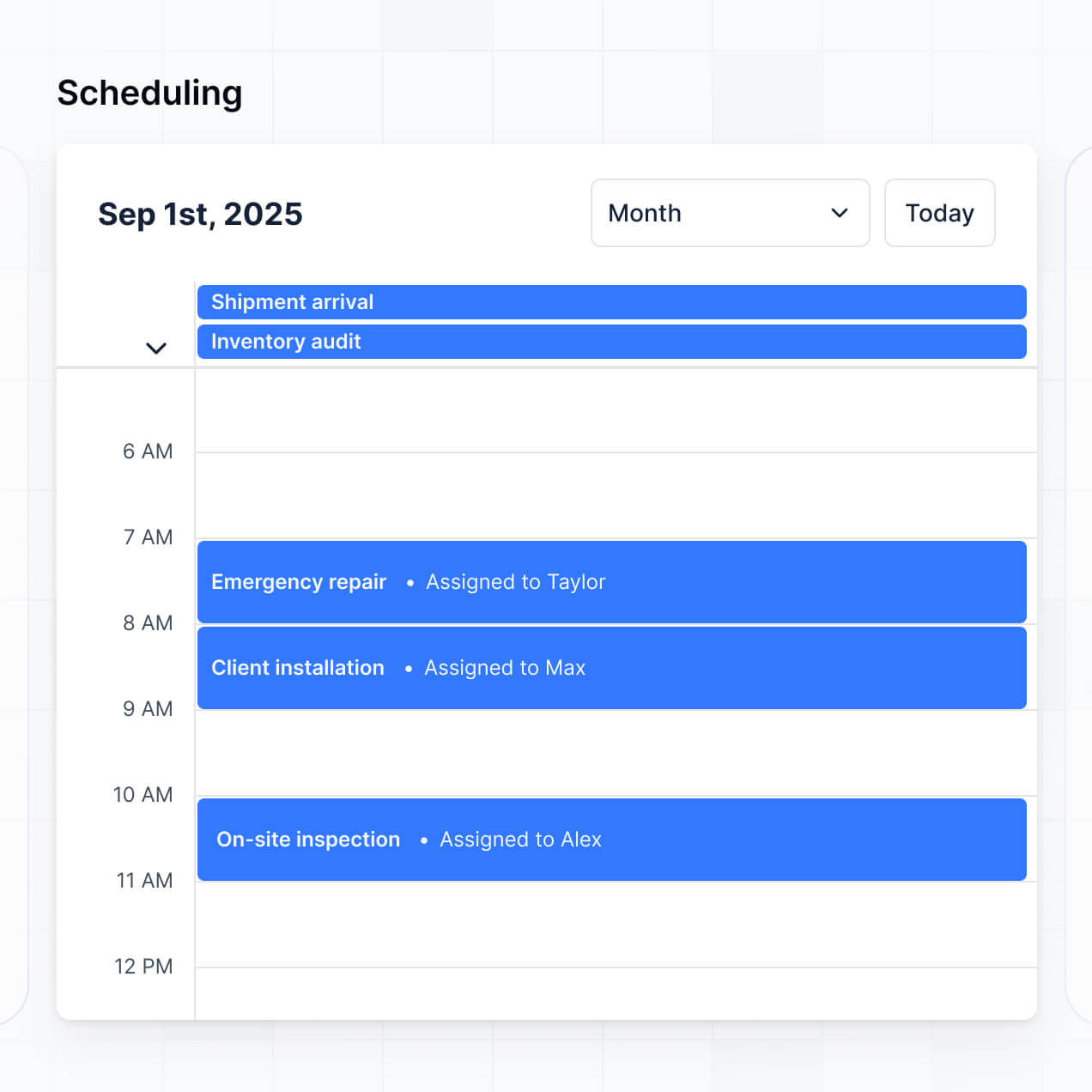
- Calendar blocks – to visualize the dispatch schedule and installation deadlines.
If you decide to change your service process or branding later, updates are easily made through the visual builder without needing a developer.
Softr is designed with enterprise-level security to protect your CRM for HVAC companies. All information is encrypted in transit using TLS and at rest, and apps are hosted on secure infrastructure. You have complete control over data visibility via role-based permissions, ensuring that sensitive customer contact information and pricing data are only accessible to authorized personnel.
For apps using the native Softr Databases, data is hosted in Europe (Germany) and is SOC 2 Type II compliant. If you connect to external sources like Airtable or SQL, Softr displays your data in real-time but doesn't store it on its own servers, leaving you in control of your primary data source. Softr also employs industry-standard platform monitoring and access controls to keep your business records safe.
It is fully production-ready. While many AI tools merely "vibe code" prototypes that are prone to errors, Softr builds your CRM for HVAC companies on the same secure, professional foundation used by thousands of businesses.
We handle the critical infrastructure—like secure login, hosting, and data permissions—natively. This means you bypass the common "Day Two" failures of AI-generated code because your CRM is built on a stable, scalable platform. It is ready for your technicians to use in the field and for your office to manage payroll and parts from day one.
Softr is the first AI-native platform for building business tools like a CRM for HVAC companies. Unlike standard no-code tools that require hours of manual setup, or "coding agents" that provide unmanaged code, Softr's AI Co-Builder creates your app on a reliable, business-grade infrastructure.
The advantage is the hybrid approach: use AI to generate your service database and technician interface in minutes, then use visual tools for fine-tuning. You get the speed of AI combined with built-in reliability for essential features like user roles, secure data handling, and professional hosting, making it ideal for HVAC owners who need a working solution immediately.
Yes. Softr supports powerful native workflows and integrations to connect your CRM for HVAC companies with the rest of your business tools. You can automate tasks like sending a follow-up email after a repair or syncing customer data with QuickBooks or Stripe. Softr also integrates with webhooks and the REST API for more technical requirements.
Whether you need to trigger an alert when a technician finishes a job or display parts inventory from a separate supplier portal, you can build these automated connections into your CRM without writing a single line of code.
Describe what you need. Softr's AI builds your custom CRM for HVAC companies in minutes with no code required.